 Levenhuk
Wezzer BASE L20
Thermohygrometer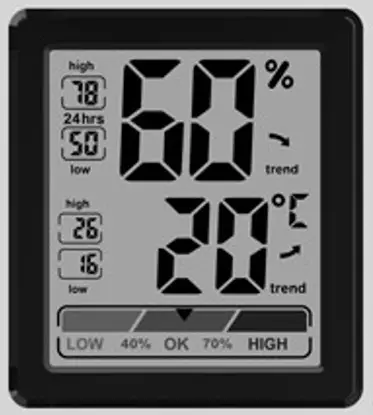
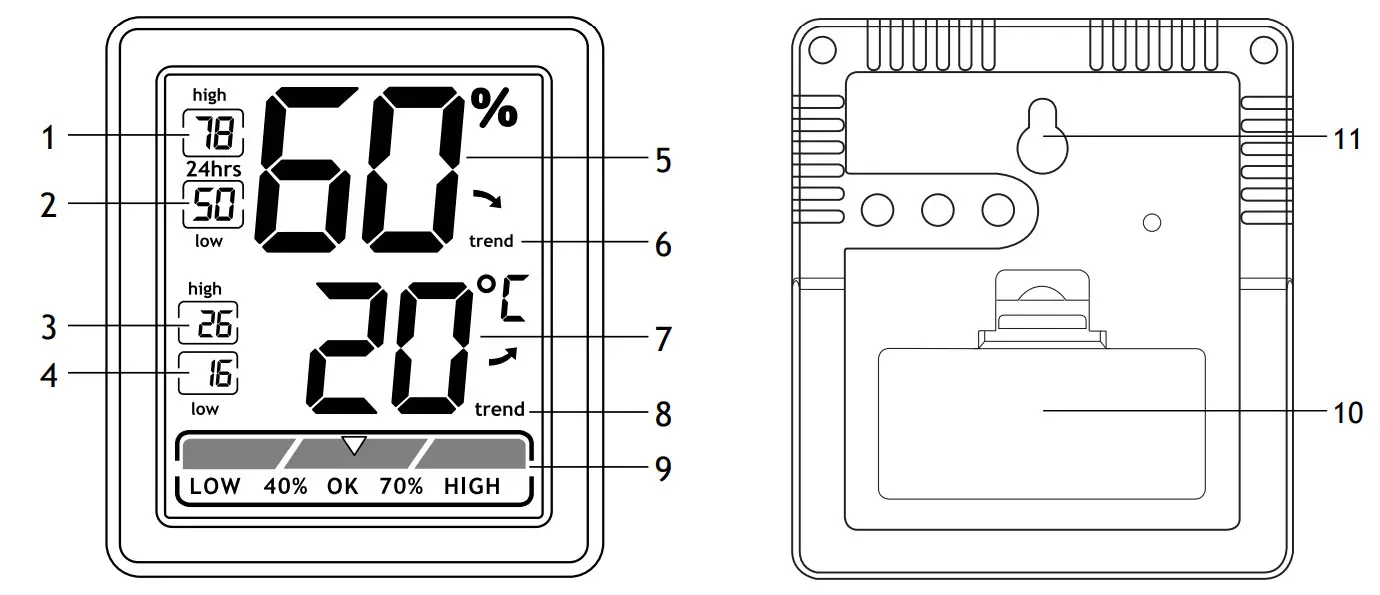
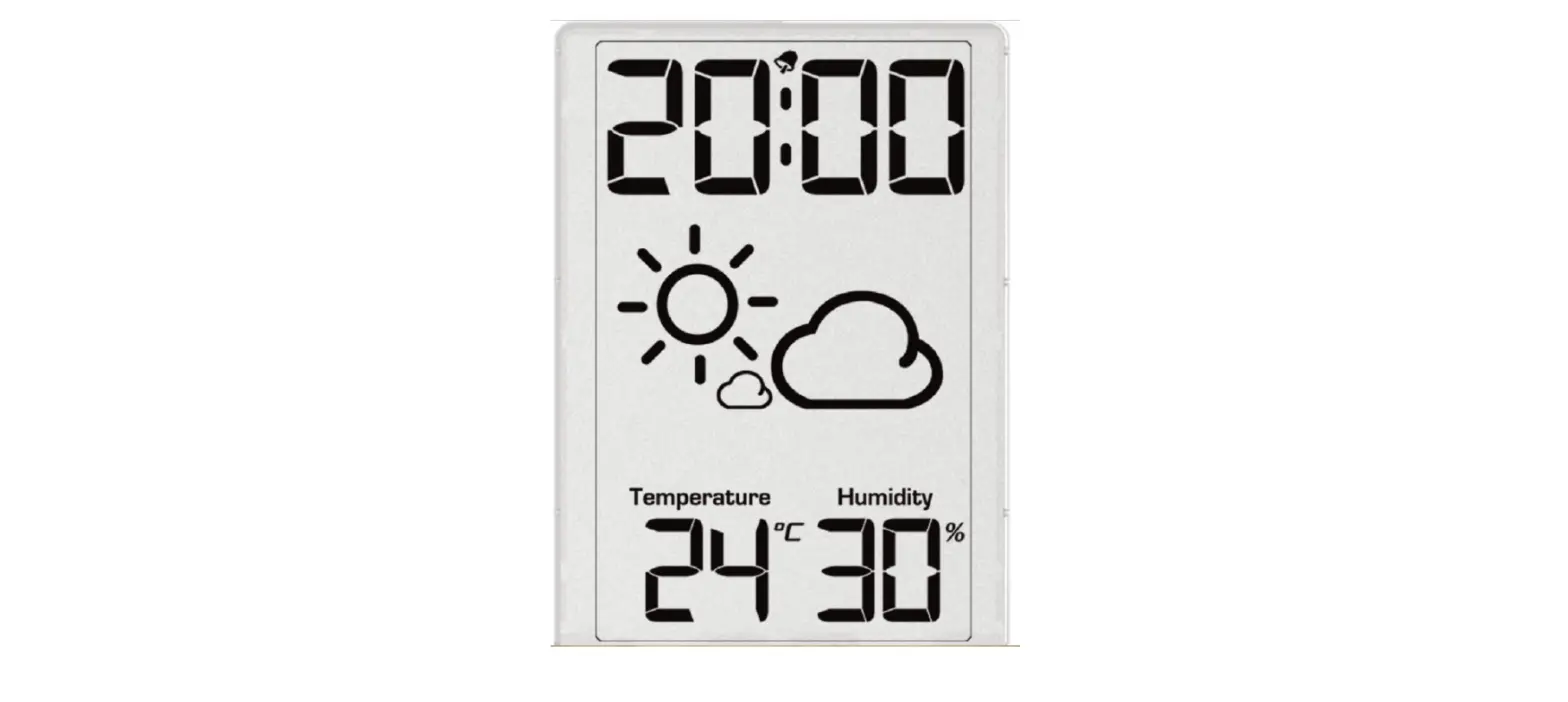
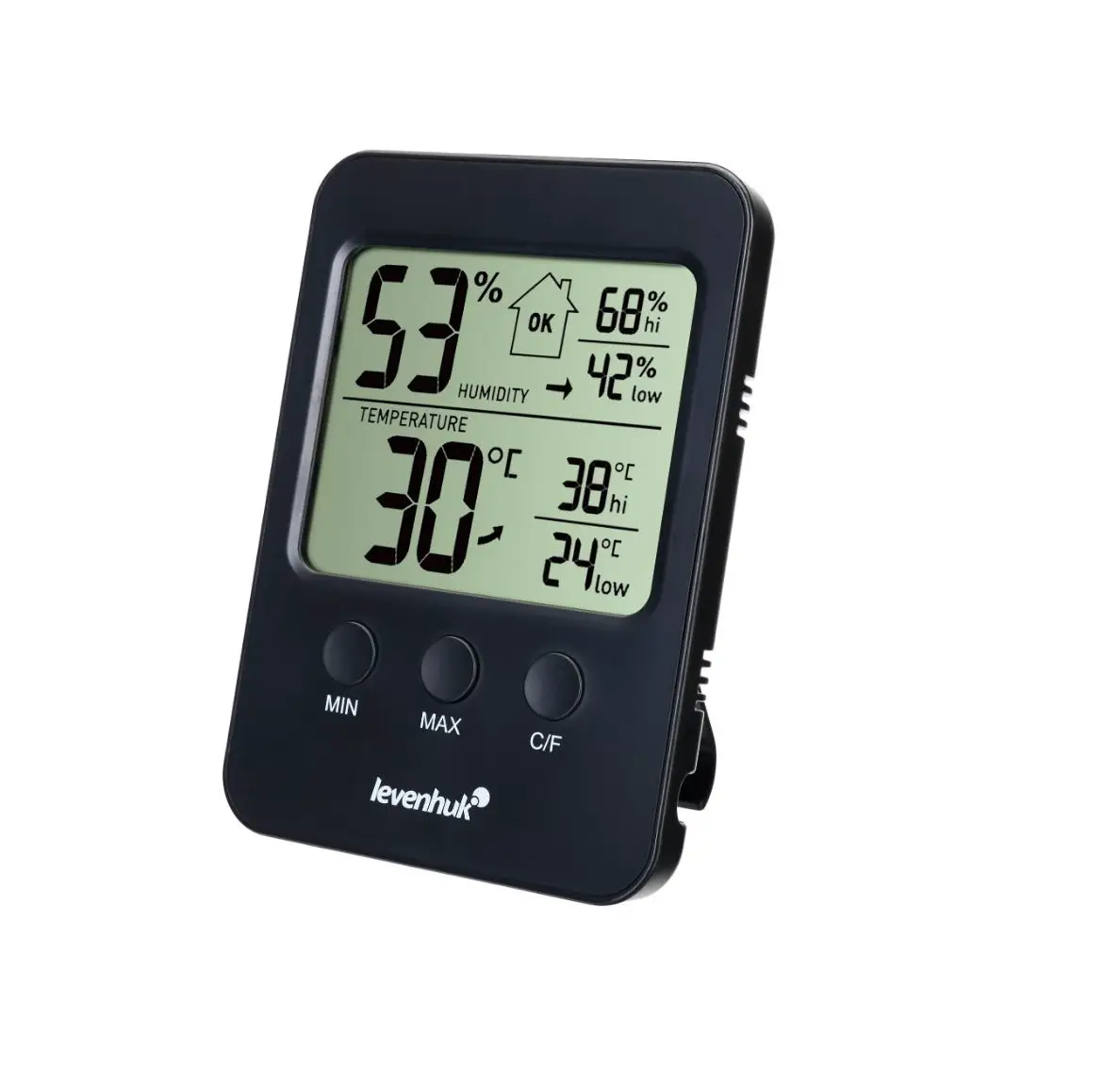
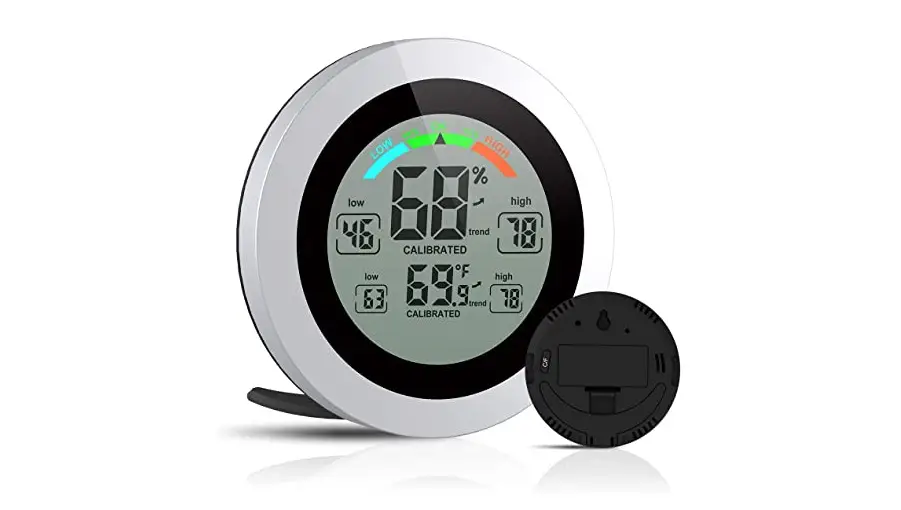
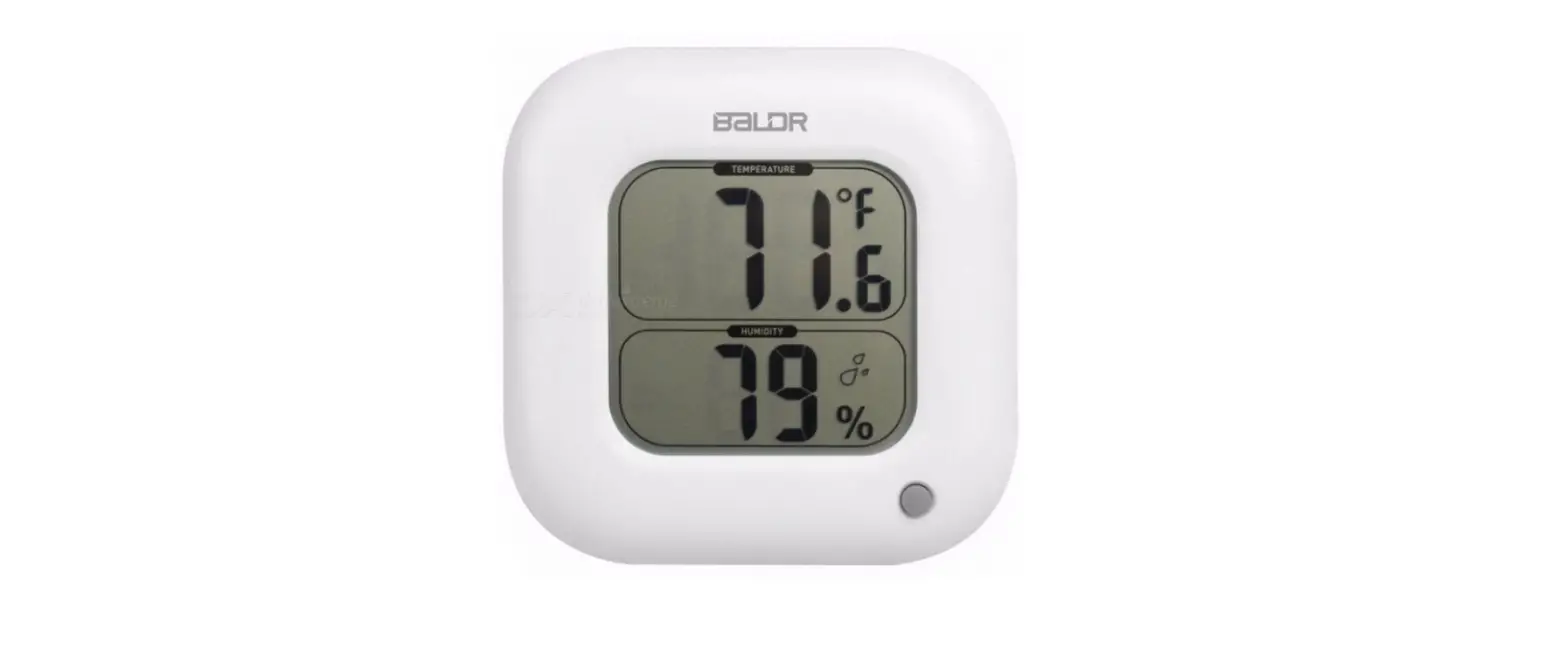
Parts overview and screen interface
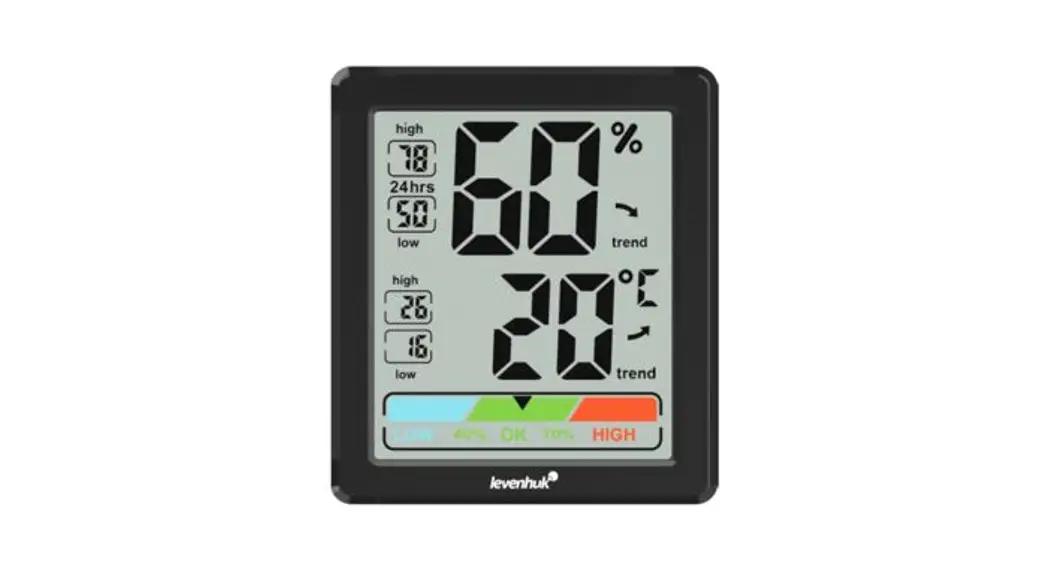
| 1 | MAX. humidity |
| 2 | MIN. humidity |
| 3 | MAX. temperature |
| 4 | MIN. temperature |
| 5 | Humidity |
| 6 | Humidity trend |
| 7 | Temperature |
| 8 | Temperature trend |
| 9 | Climate indication |
| 10 | Battery compartment |
| 11 | Wall mount hole |
The kit includes a thermohygrometer, user manual, and warranty.
Getting started
Open the battery compartment cover (10) and insert 2 batteries according to the correct polarity. Close the cover.
Climate indication
| LOW | ≦40% |
| OK | 40… 70% |
| HIGH | ≧70% |
History records
The recording of the MAX. and MIN. temperature and humidity starts when the device is turned on. After 24 hours, the previous data will be deleted and the new record will be displayed.
Trend arrow indicators
 | Rising |
 | Steady |
 | Falling |
The temperature and humidity trend indicator shows the trends for the forthcoming few minutes. The arrows indicate a rising, steady, or falling trend.
Specifications
| Type | Thermo hygrometer |
| Air humidity, units of measurement | % (RH) |
| Operating humidity range | 20… 95% |
| Temperature, units of measurement | °C |
| Operating temperature range | -10… +70°C |
| Screen | monochrome with a color comfort icon |
| Power supply | 2 AAA batteries (not included) |
Care and maintenance
Take the necessary precautions when using the device with children or others who have not read or who do not fully understand these instructions. Do not try to disassemble the device on your own for any reason. For repairs and cleaning of any kind, please contact your local specialized service center. Protect the device from sudden impact and excessive mechanical force. Store the device in a dry, cool place away from hazardous acids and other chemicals, away from heaters, open fires, and other sources of high temperatures. Operate the device only in a completely dry environment and do not touch the device with wet or damp body parts. Only use accessories and spare parts for this device that comply with the technical specifications. Check this device and its cables and connections for any possible damage before use. Never attempt to operate a damaged device or a device with damaged electrical parts! Damaged parts must be replaced immediately by an authorized service agent. If a part of the device or battery is swallowed, seek medical attention immediately. Children should use the device under adult supervision only.
Battery safety instructions
Always purchase the correct size and grade of battery most suitable for the intended use. Always replace the whole set of batteries at one time; taking care not to mix old and new ones or batteries of different types. Clean the battery contacts and also those of the device prior to battery installation. Make sure the batteries are installed correctly with regard to polarity (+ and –). Remove batteries from equipment that is not to be used for an extended period of time. Remove used batteries promptly. Never short-circuit batteries as this may lead to high temperatures, leakage, or explosion. Never heat batteries in order to revive them. Do not disassemble batteries. Remember to switch off devices after use. Keep batteries out of the reach of children, to avoid the risk of ingestion, suffocation, or poisoning. Utilize used batteries as prescribed by your
Warranty: lifetime. For further details, please visit our web site: www.levenhuk.com/warranty
The manufacturer reserves the right to make changes to the product range and specifications without prior notice.
The original Levenhuk cleaning accessories

Levenhuk Cleaning Pen LP10

- Removes dust with a brush
- The soft tip is treated with a special cleaning fluid that removes greasy stains
- Does not damage the optical coatings of the lenses
- Leaves no smudges or stains
Levenhuk Inc. (USA):
928 E 124th Ave. Ste D,
Tampa, FL 33612, USA,
+1-813-468-3001,
[email protected]
Levenhuk Optics s.r.o. (Europe):
V Chotejně 700/7, 102 00 Prague 102,
Czech Republic,
+420 737-004-919,
[email protected]
Levenhuk ® is a registered trademark of Levenhuk, Inc.
© 2006—2022 Levenhuk, Inc.
All rights reserved. www.levenhuk.com
08112021
References
 Доживотна гаранция на Levenhuk – Официален уебсайт на Levenhuk в България
 Levenhuk optical instruments store | Levenhuk - best optical equipment
-
Levenhuk lifetime warranty details | Levenhuk - best optical equipment
-
Doživotní záruka společnosti Levenhuk – Oficiální webové stránky Levenhuk pro Českou republiku
-
Levenhuk Lebenslange Garantie – Die offizielle Website von Levenhuk in Deutschland
-
| Levenhuk, los mejores equipos ópticos
-
Levenhuk Lifetime Warranty – Levenhuk’s official website in Europe
-
A Levenhuk élettartamra szóló szavatossága – A Levenhuk hivatalos magyarországi weboldala
-
Поддержка - Гарантийное обслуживание Левенгук - Levenhuk Russia
 Доживотна гаранция на Levenhuk – Официален уебсайт на Levenhuk в България
 Levenhuk optical instruments store | Levenhuk - best optical equipment
 Doživotní záruka společnosti Levenhuk – Oficiální webové stránky Levenhuk pro Českou republiku
 Levenhuk Lebenslange Garantie – Die offizielle Website von Levenhuk in Deutschland
 | Levenhuk, los mejores equipos ópticos
 Levenhuk Lifetime Warranty – Levenhuk’s official website in Europe
 A Levenhuk élettartamra szóló szavatossága – A Levenhuk hivatalos magyarországi weboldala
 Поддержка - Гарантийное обслуживание Левенгук - Levenhuk Russia