
MADGETECH TC101A Ferrite EMI Suppression Core

FERRITE EMI SUPPRESSION CORE
PRODUCT USER GUIDE
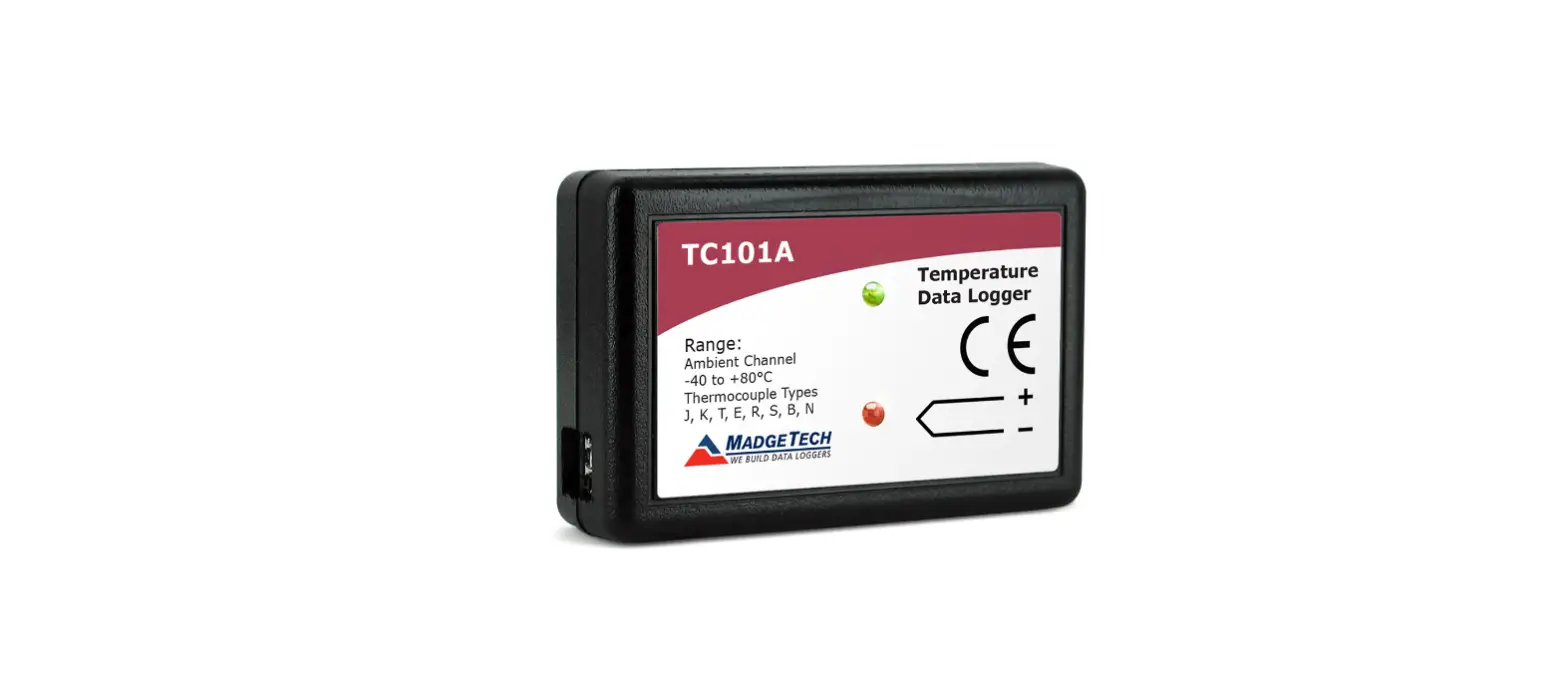
Ferrite cores assist in reducing EMI for data loggers, including MadgeTech’s TC101A. Use the following instructions to install a ferrite core onto a thermocouple. Using the TC101A with an external probe routed through the ferrite core twice, the TC101A tested against RTCA/DO-160G for the Emission of Radio Frequency Energy with satisfactory results.
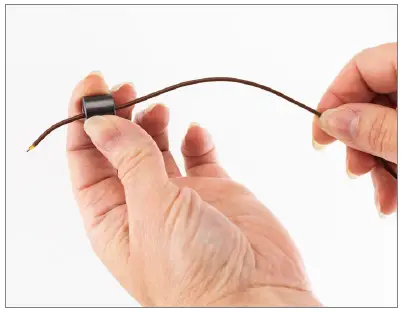
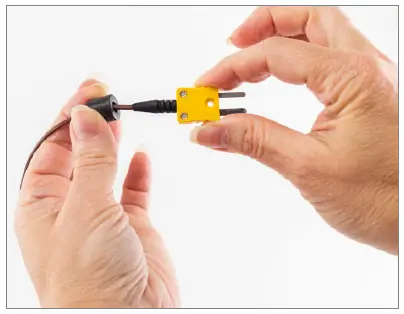
- Step 1: String the ferrite core onto the thermocouple

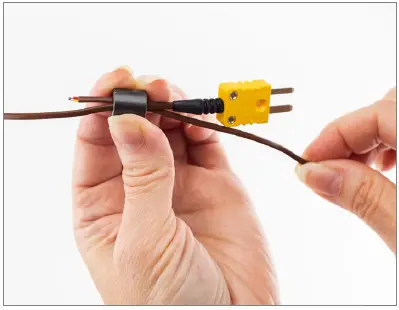
- Step 2: Move the ferrite core close to the connector

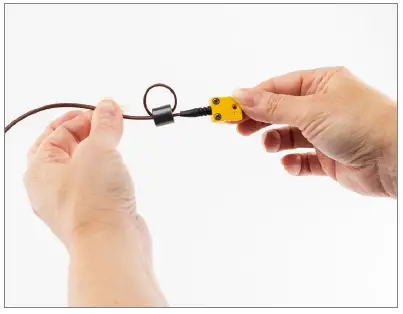
- Step 3: Restring the thermocouple through the ferrite core

- Step 4: Pull until the loop tightens around the ferrite core

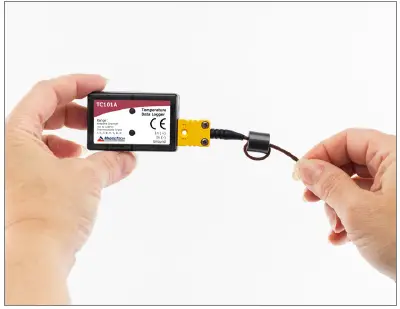
- Step 5: Connect the thermocouple to the TC101A and use as normal

- 6 Warner Road, Warner, NH 03278
- (603) 456-2011
- [email protected]
- madgetech.com
- DOC-0001036-00
- REV 1 2021.06.02
 MadgeTech Data Loggers | Solutions for Critical Applications