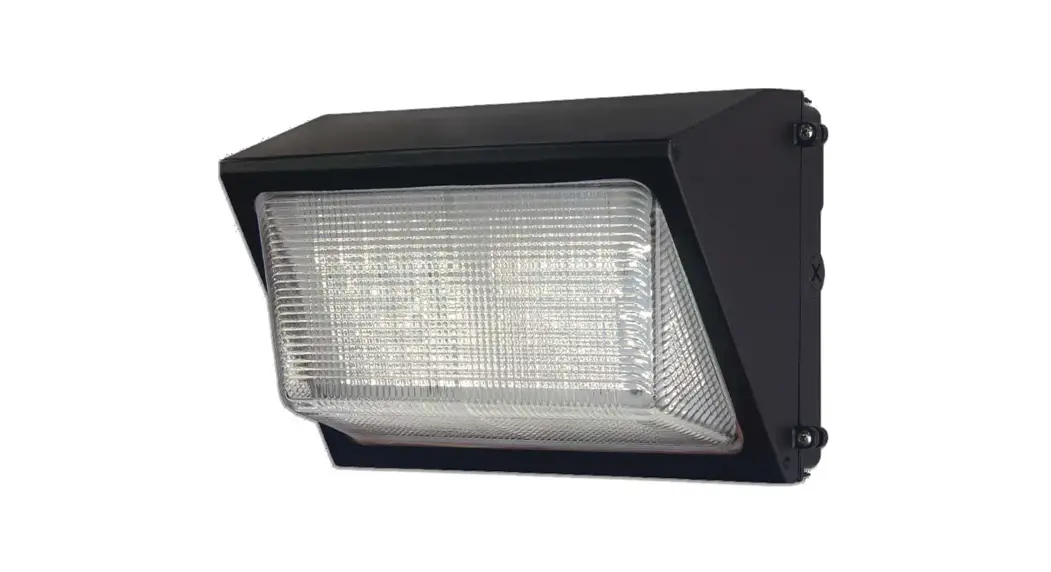
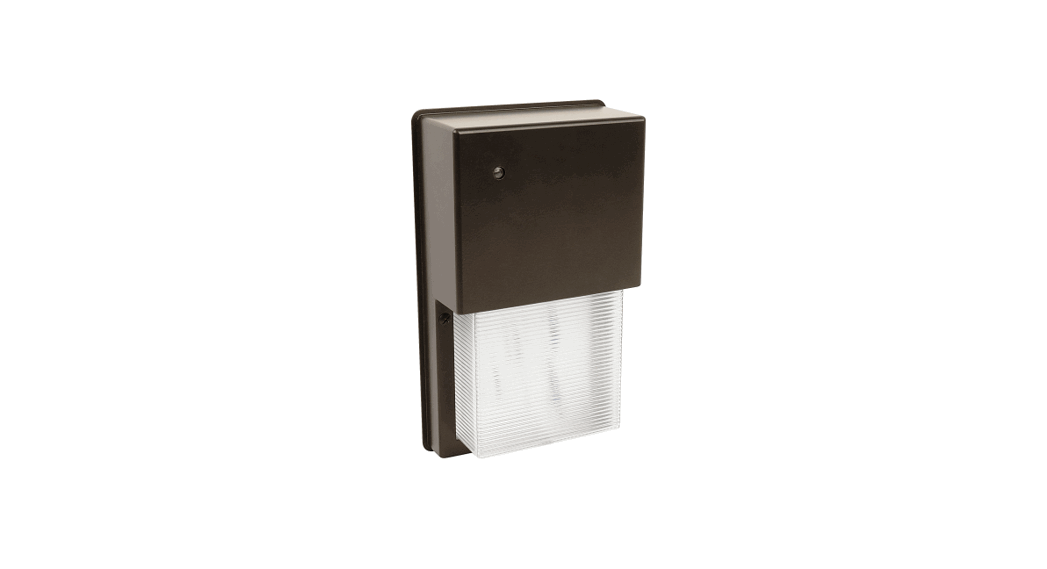
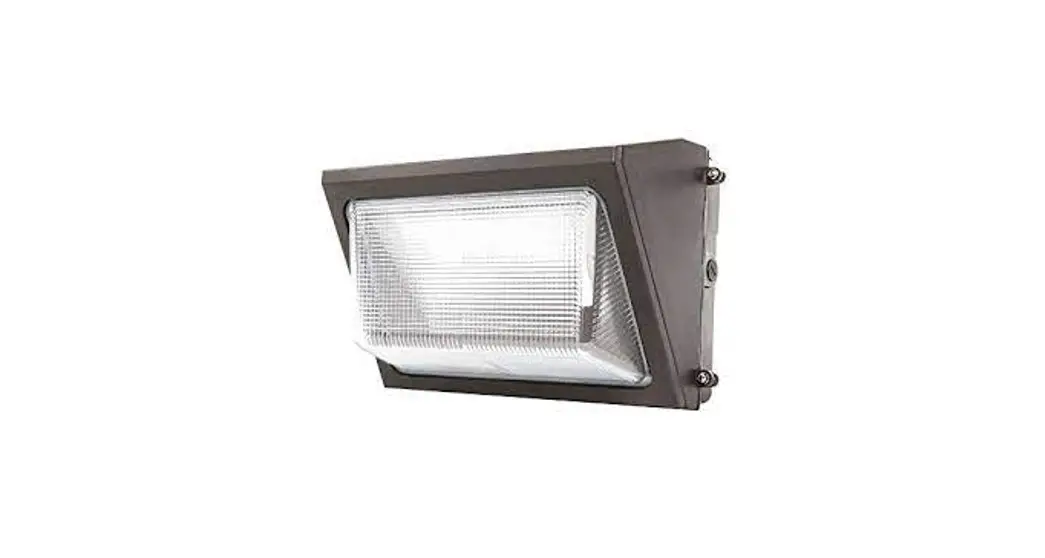
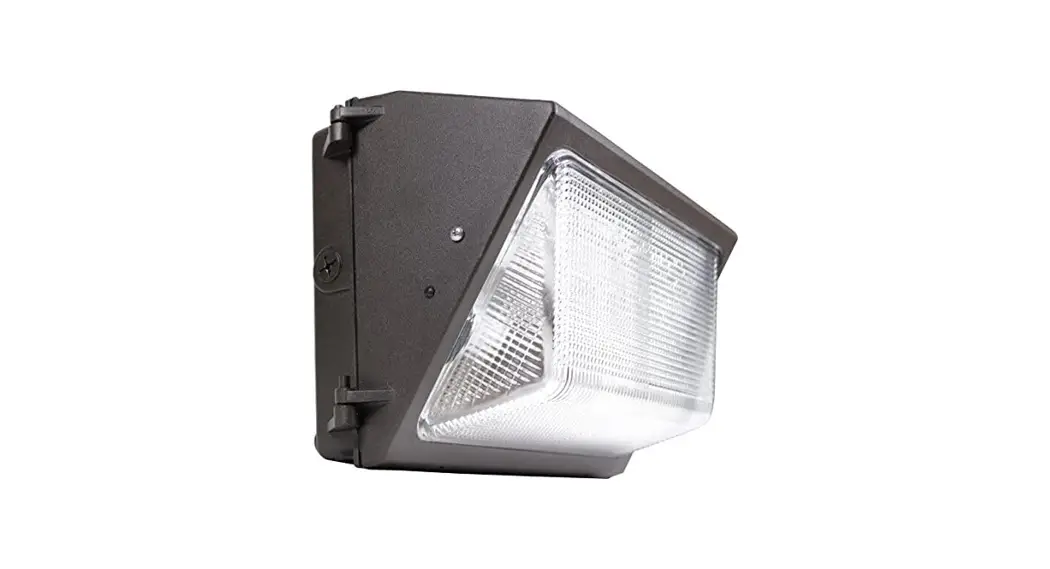
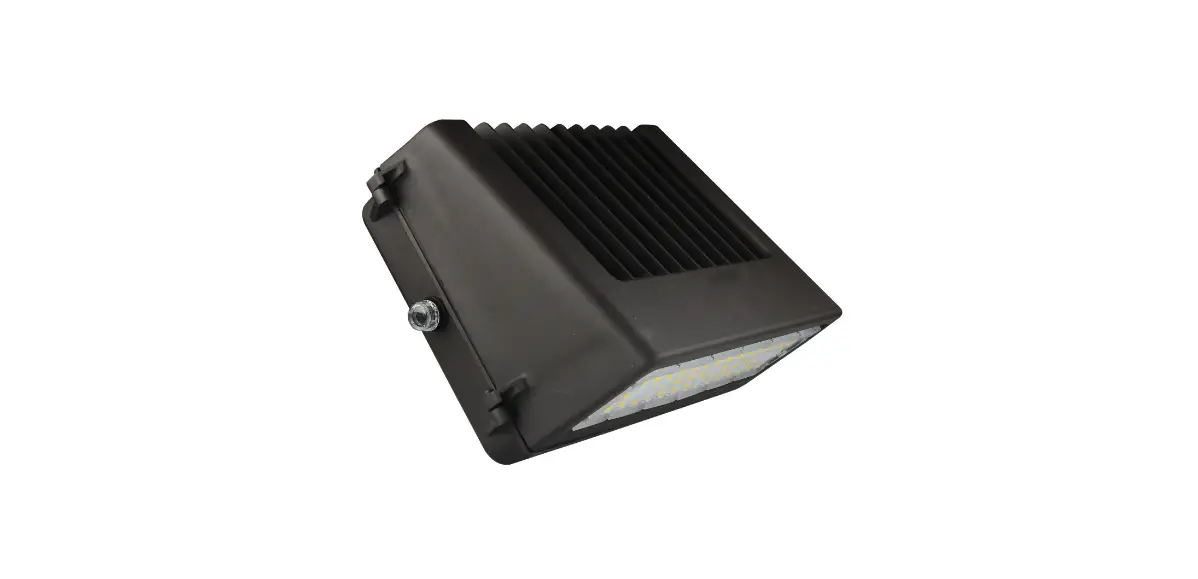
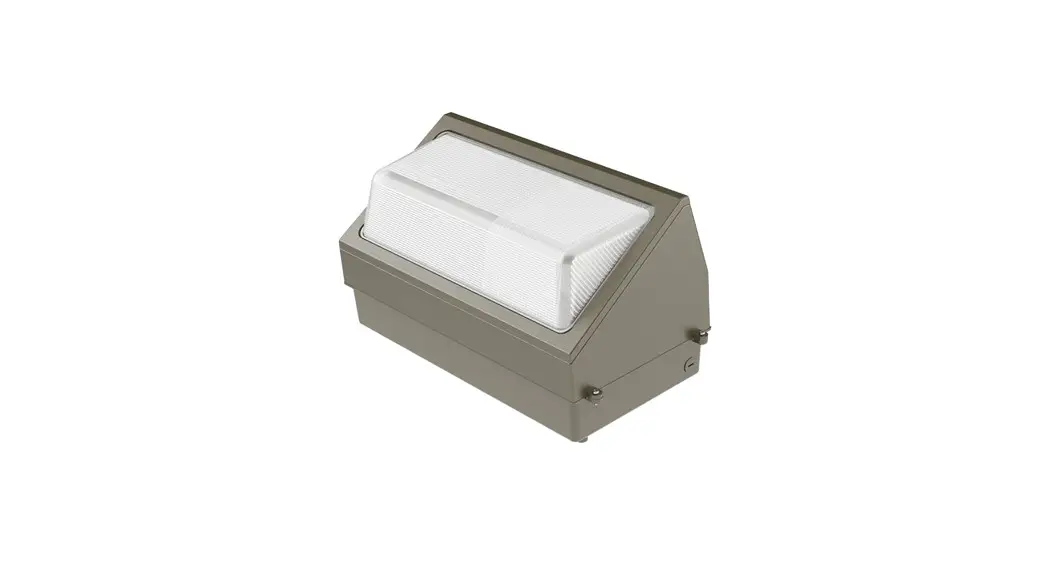
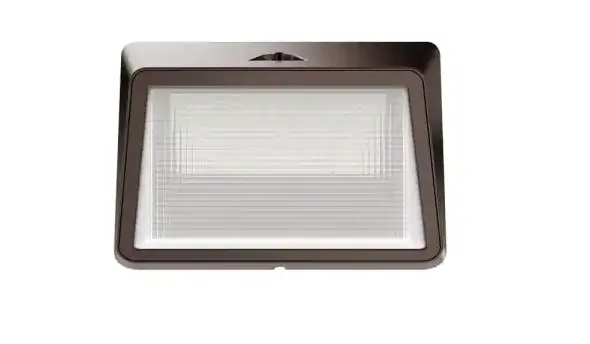
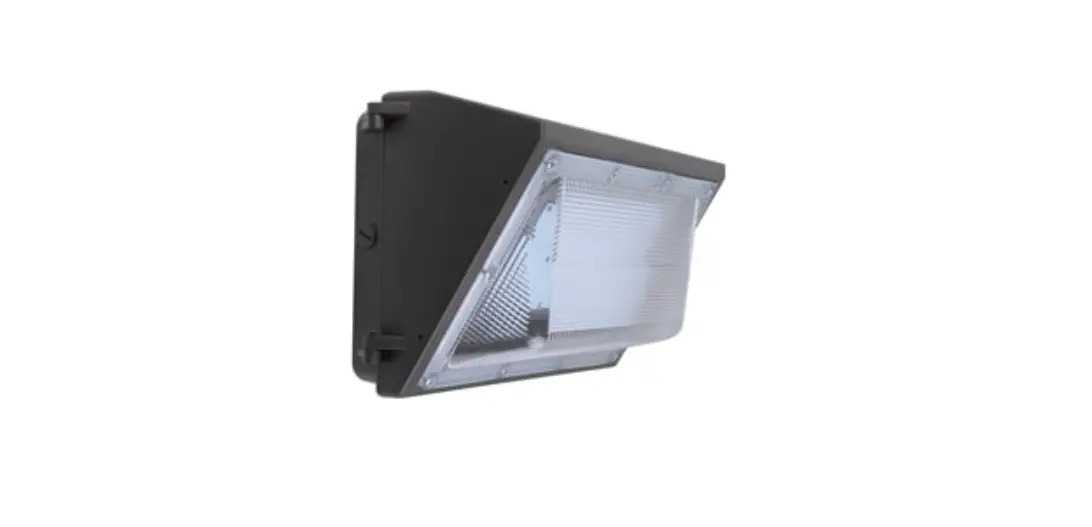
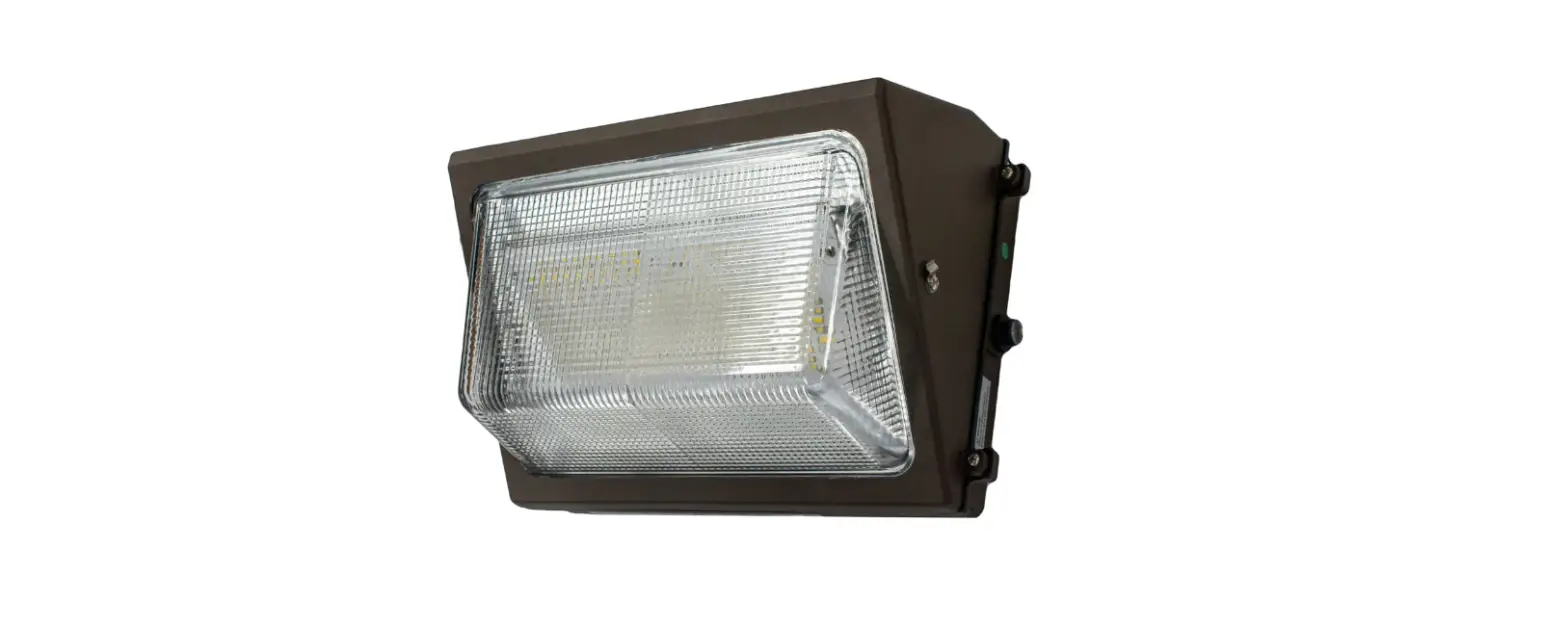
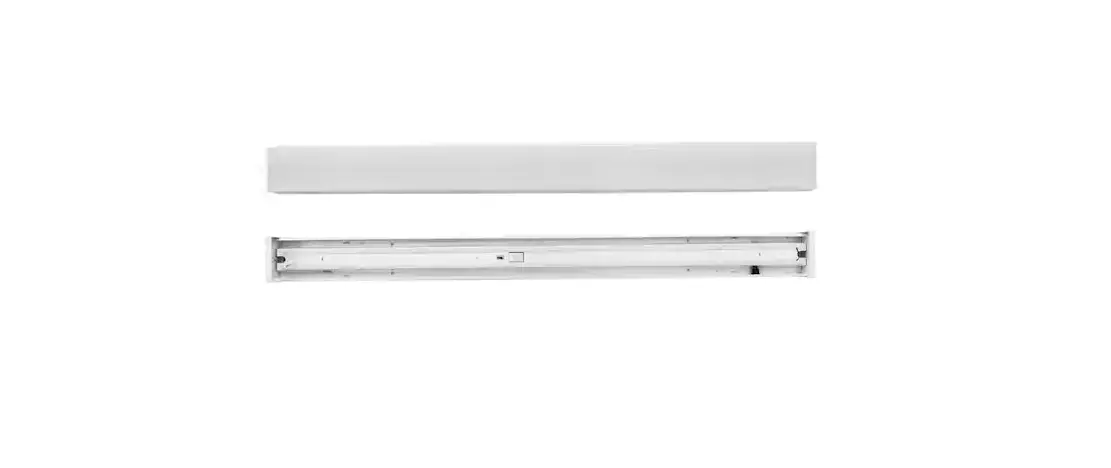
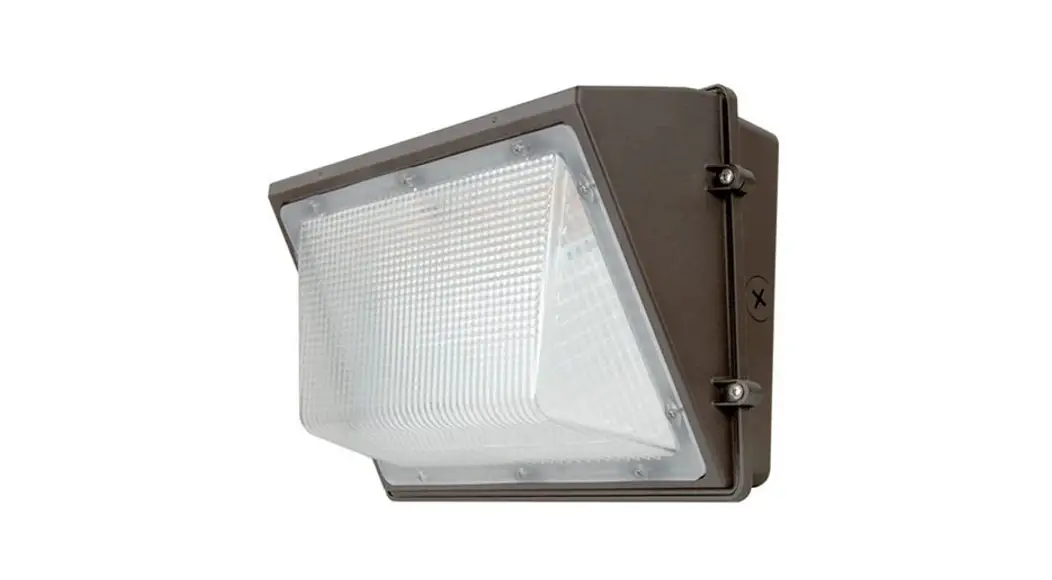
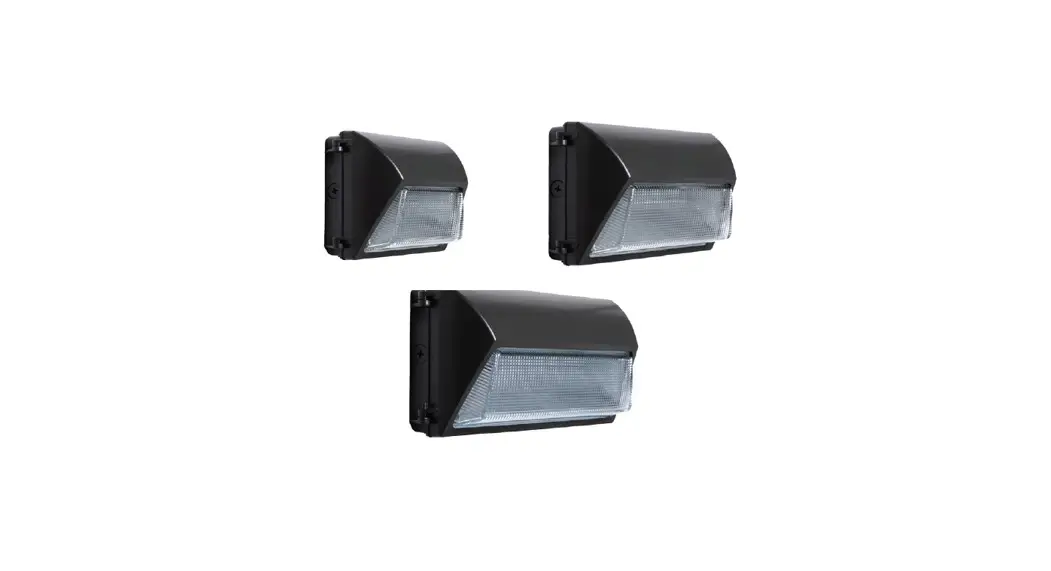
WP40CE-1 Integrated LED Bronze Dusk to Dawn Wall Pack Light
Product Information
- Product Name: LED Wallpack
- Model Numbers: 1008367367, 1008369606, 1008369616
- Power Source: 120-277 volt AC power source
- Mounting Options: Junction Box Mount or Surface Conduit
Mount - Additional Features: Photocell for dusk-to-dawn operation, UL
approved connecting devices
Product Usage Instructions
- Before installation or servicing, turn the power off at the
circuit breaker or fuse. Place tape over the circuit breaker switch
and verify power is off at the light fixture. - Choose the mounting option that best suits your needs: Junction
Box Mount or Surface Conduit Mount. - If using a junction box mount, use a junction box to mount the
LED Wallpack. If using a surface conduit mount, mount the LED
Wallpack directly on the wall surface using conduit entry. - To ensure proper dusk-to-dawn operation, ensure the photocell
is oriented at the top for a wall mount installation, in an area
that receives daylight. Do not place too close to combustible
materials. - Make sure connections are secure using wire nuts, crimp-on lugs
or other UL approved connecting devices. - If dimming, use with 0-10V dimming switch.
- After installation, turn the power back on and verify that the
LED Wallpack is functioning properly. - For care and cleaning instructions, refer to the Care and
Cleaning section of the user manual. - If you have any questions, problems, or missing parts, call
Commercial Electric Customer Service at 1-877-527-0313 or email
[email protected].
1008367367 1008369606 1008369616
USE AND CARE GUIDE
LED WALLPACK
Questions, problems, missing parts? Before returning to the store, call Commercial Electric Customer Service
8 a.m. – 7 p.m., EST, Monday – Friday, 9 a.m. – 6 p.m., EST, Saturday 1-877-527-0313 HOMEDEPOT.COM
THANK YOU LED Wallpack. We strive
to continually create quality products designed to enhance your home. Visit us online to see our full line of products available for your home improvement needs. Thank you for choosing Commercial Electric!
Table of Contents
Safety Information . . . . . . . . . . . . . . . . . . . . . . . . . . . . . . . . . . 2 Warranty . . . . . . . . . . . . . . . . . . . . . . . . . . . . . . . . . . . . . . . . . . 2 Pre-Installation. . . . . . . . . . . . . . . . . . . . . . . . . . . . . . . . . . . . . 3
Safety Information
IMPORTANT
This product must be installed in accordance with the applicable national electrical code and local building codes by a person familiar with the construction and operation of the product and the hazards involved.
PRECAUTIONS
Please read and understand this entire manual before
This light fixture requires a 120-277 volt AC power source. Make sure connections are secure using wire nuts, crimp-on
lugs or other UL approved connecting devices. This product may contain chemicals known to be hazardous.
Thoroughly wash hands after installing, handling, cleaning or otherwise touching the product. NOTICE: For dimming, connect to 010V dimming switch.
NOTICE: FCC Regulations state that any unauthorized changes
manufacturer could void the user’s authorization to operate this equipment.
Installation . . . . . . . . . . . . . . . . . . . . . . . . . . . . . . . . . . . . . . . . 5 Operation. . . . . . . . . . . . . . . . . . . . . . . . . . . . . . . . . . . . . . . . . . 9 Care and Cleaning . . . . . . . . . . . . . . . . . . . . . . . . . . . . . . . . . . 10 Troubleshooting . . . . . . . . . . . . . . . . . . . . . . . . . . . . . . . . . . . . 10
WARNING: Before installation or servicing, turn the power off at the circuit breaker or fuse. Place tape over the circuit breaker switch and verify power is off at the light fixture.
WARNING: (76 mm) from combustible materials.
CAUTION: before touching.
IMPORTANT: The device is tested and found to comply with Part 15 of the FCC Rules. Operation is subject to two conditions: (1) This device may not cause harmful interference and, (2) this device must accept any interference received, including any interference that may cause undesired operation. This equipment has been tested and found to comply with the limits for a Class A digital device, pursuant to part 15 of the FCC rules. These limits are designed to provide reasonable protection against harmful interference when the equipment is operated in a commercial environment. The equipment generates, uses, and can radiate radio frequency energy and, if not installed and used in accordance with the instruction manual, may cause harmful interference to radio communications. Operation of the equipment in a residential area is likely to cause harmful interference in which case the user will be required to correct the interference at his own expense.
Warranty
manufacturer warrants to customers that the products will be free from defects in material and workmanship. The obligation of the manufacturer under this warranty is limited to the provision of replacement of products and is extended to the original purchaser of the product on presenting valid purchase receipt or other proof of date of original purchase acceptable to the manufacturer. The receipt is required for rendering the warranty performance. Any warranty claims without original proof of purchase would not be accepted. It should be noted that the warranty does not apply to the manufacturer products that have been altered or repaired by unauthorized personnel, have been subjected to neglect, abuse, misuse or accident or damages caused during shipping. Any other products not manufactured by the manufacturer which have been supplied, installed and/or used in conjunction with the manufacturer products are not covered under this warranty. Any damages caused by replacements bulbs, LEDs or corrosion or discoloration of brass components are also not covered by this warranty.
2
Warranty (continued)
LIMITATION OF LIABILITY
is not liable for any claims or damage arising out of or connected with the manufacture, sale, delivery, use, maintenance and repair or
TO CLAIM
Please contact The Home Depot customer service at 1-877-527-0313 or email [email protected] and include your name, address and contact number, along with a copy of the purchase receipt and a brief description of the problem.
Pre-Installation
PLANNING INSTALLATION
Estimated installation time: 20 minutes
Junction Box Mount: Use a junction box to mount the
Surface Conduit Mount: mounted directly on the wall surface using conduit entry.
To ensure proper dusk-to-dawn operation, ensure the photocell is oriented at the top for a wall mount installation, in an area that receives daylight. Do not place too close to
switch is rated for at least a 1A inductive load.
If dimming, use with 0-10V dimming switch. NOTE: The mounting base (D) mounts to recessed mounted standard junction boxes or to the surface directly. Junction box must be at least 1-1/2 in. in depth for proper installation for a recessed mount application.
Wall Mount 1-1/2 in.
1-1/2 in.
Round
Octagonal/Square
3
HOMEDEPOT.COM
Please contact 1-877-527-0313 for further assistance.
Pre-Installation (continued)
SPECIFICATIONS
Model Lumens (Light Output) Watts (Power Consumption) Replaces Lumens/Watts (Efficacy) Power Requirements (Input Voltage) Light Color (CCT) Dimmable Operating Modes
1008367367
1008369606
1008369616
3600 Lumens
5300 | 6500 | 7500 Lumens 9800 | 10800 | 12000 Lumens
30 Watts LED
60-50-40 Watts LED
90-80-70 Watts LED
100 Watt Metal Halide 250 Watt Metal Halide
400 Watt Metal Halide
125 Lumens per watt
130 Lumens per watt
120277VAC
4000K
3000K-4000K-5000K
Dimming (0-10V dimming switch)
Dusk-to-Dawn:
Switch-Controlled:
TOOLS REQUIRED
Phillips screwdriver
Safety goggles
Silicone sealant
Wire strippers/ cutter
Circuit tester
Work gloves
HARDWARE INCLUDED
NOTE: Hardware not shown to actual size.
Ladder
Power drill
AA
BB
Part
Description
AA
#8-32 x 3/4 in. Phillips mounting bracket screw
BB
Wire nut
Quantity 4 3
4
Pre-Installation (continued)
PACKAGE CONTENTS
E
A
D
F B C
Part
Description
A
B
Conduit entry plug
C
Mounting base screw (pre-installed)
D
Mounting base
E
Photocell
F
CCT / FAO switch
Quantity 1 4 2 1 1 1
Installation
1 Turning off the electricity
Verify the wall switch is in the OFF position. Turn OFF power at the circuit breaker that supplies power
to the outlet box you are working on. For screw-in type fuses unscrew the fuse that supplies
power to the outlet box you are working on.
5
HOMEDEPOT.COM
Please contact 1-877-527-0313 for further assistance.
Installation (continued)
2 Removing the mounting base
D
NOTE: The mounting base screws (C) come pre-installed
Loosen the two mounting base screws (C) using a Phillips
and stays connected on the hinge. (Fig. 2)
CAUTION: DO NOT touch the LED and photocell lens (E)
Fig. 1
C
Fig. 2
3 Removing the knock outs on the mounting base For junction box mount: Measure the size of your junction to knock out. For 3-1/4 in. junction box: Knock out two holes in the inner ring. For 4 in. junction box: Knock out two holes on the outer ring. For surface mount: Measure the distance between two holes, pre-drill holes into the mounting surface, and drill holes on the desired ring accordingly. Use a power drill to drill out the two holes. NOTE: If necessary, you may drill out mounting holes through the back plate housing to correspond with the junction box or wall surface for level mounting.
6
Installation (continued)
4 Installing the mounting base
Junction Box Route the junction box wires through the large center hole
in the mounting base (D).
Align the holes on the mounting base (D) with the holes on your junction box. Use two (2) or four (4) #8 screws (AA), depending on the size of the holes in your junction box, to attach the mounting base (D) to your junction box. (Fig. 1)
Surface Conduit Mount Mark and drill two to four holes on the wall surface as per
the desired location for installing the mounting base (D).
Use two or more suitable screws (not included) applicable to the surface of mounting and attach the mounting base (D) on the surface. (Fig. 2)
Fig. 1
D AA
D
Fig. 2
7
HOMEDEPOT.COM
Please contact 1-877-527-0313 for further assistance.
Installation (continued)
5 Making the electrical connections
Junction Box Follow the wiring instructions given below to make the
electrical connections. (Fig. 1).
Surface Conduit Mount
sides from the where conduit will enter. (Fig. 2)
instructions given below. If necessary, strip 3/8 in. of insulation from junction box or
ON/OFF Wiring (Non Dimming) Method:
common) by twisting the exposed wires together and using the wire nuts (BB). Ensure there are no loose wires. wire by twisting the exposed wires together and using the wire nuts (BB).
0-10V Dimmable Wiring Method:
common) by twisting the exposed wires together and using the wire nuts (BB). Ensure there are no loose wires. wire by twisting the exposed wires together and using the wire nuts (BB). Connect the purple wire to the (V+) DIM wire and the pink wire with (V-) DIM wire by twisting the exposed wire together.
NOTE: Hold stripped ends near each other and align any frayed strands (do not twist wires).
twist the wire nut clockwise until tight. Check for tightness by pulling wires.
Fig. 1
Fig. 2 Non-Dimming Wiring Diagram
(+) Line (-) Common
Ground
Black White Green
0-10V Dimming Wiring Diagram (+) Line
(-) Common (+)DIM V+ (-)DIM V-
Black White Purple Pink
BB
D B BB
3/8 in.
Lighting Fixture
Lighting Fixture
Ground
Green
8
Installation (continued)
6 D screws (C), using a Phillips screwdriver. Caulk around the mounting base (D) and surface with silicone sealant (not included). NOTICE: Failure to properly caulk around the surface and mounting base (D) could lead to water damage and is not covered under warranty. NOTE: attaching to the mounting base (D).
C
Operation
SELECTING DUSK-TO-DAWN AND PHOTO-CELL ON/OFF SWITCH
Option 1: Dusk-to-dawn operation
turn ON when dark outside and turn OFF when the sun rises, thus saving you energy.
Ensure the switch powering the outlet connected to the
all times to enable dusk-to-dawn functionality to operate automatically.
IMPORTANT:
E A
NOTE: If photocell (E) is located in an area under heavy shade the photocell may not detect enough light and may turn
Option 2: Switch controlled
automatically, but is manually controlled. Remove the photo-cell cap by selecting the DIP switch on/off. The photo-cell function can be set as required.
9
1008367367 1008369606 1008369616
PHOTO-CELL SETTING
Note:
ON
OFF
ON is default setting
HOMEDEPOT.COM Please contact 1-877-527-0313 for further assistance.
Selecting CCT and FAO
Remove the CCT and DIM cap and select the desired combination of Wattage (brightness) output and CCT (light color temperature) as desired.
CCT Setting FAO Setting
1008369606 1008369616 1008369606
1008369616
3000K
4000K
5000K
Note: 4000K is default setting
Note:
40W
50W
60W
60W is default setting
Note:
70W
80W
90W
90W is default setting
Care and Cleaning
and a soft, damp cloth only.
Troubleshooting
Problem
Possible Cause
There is no power to the The light does not turn ON.
Solution Check if circuit breaker is tripped.
The light cycles ON The photocell light sensor is and OFF continuously.
OR place the optional photocell cover over the photocell light sensor and use the wall switch to turn the light ON and OFF.
The light stays ON.
through a dimmer switch.
The light sensor is in a shaded area.
The light sensor is faulty.
standard ON/OFF switch.
daylight hours for the light sensor to work. OR place the optional black cover over the photocell light sensor and use the
wall switch to turn the light ON and OFF.
few minutes, then the sensor may be faulty. Please contact customer service.
NOTE: Photocell (E) has a short delay in order to reduce its sensitivity to sudden light changes. When testing, shine a light and cover
10
Questions, problems, missing parts? Before returning to the store, call Commercial Electric Customer Service
8 a.m. – 7 p.m., EST, Monday-Friday, 9 a.m. – 6 p.m., EST, Saturday
1-877-527-0313
HOMEDEPOT.COM
Retain this manual for future use.
 The Home Depot