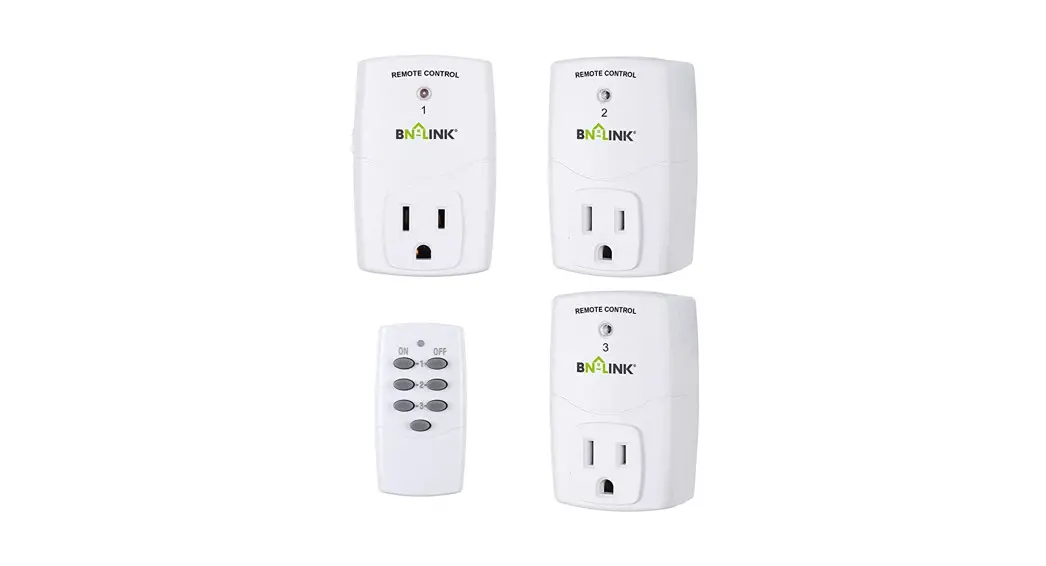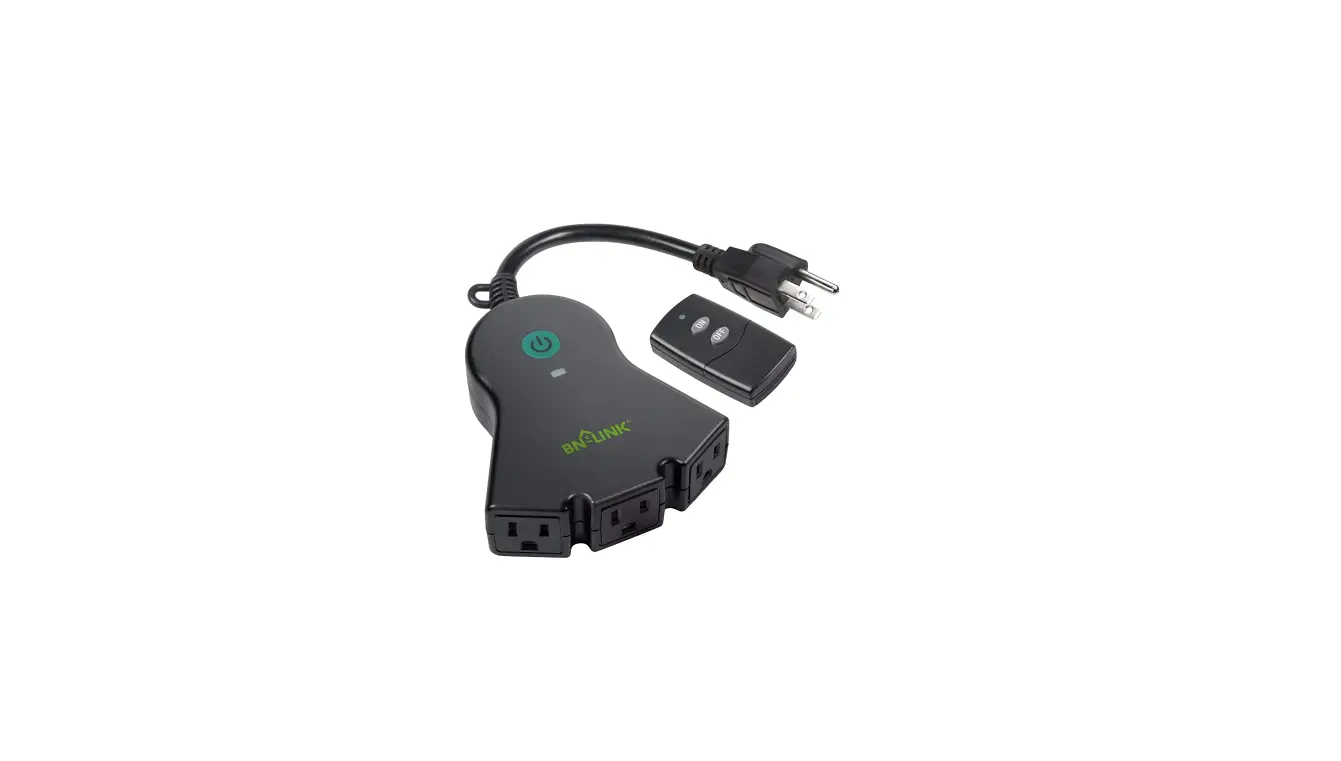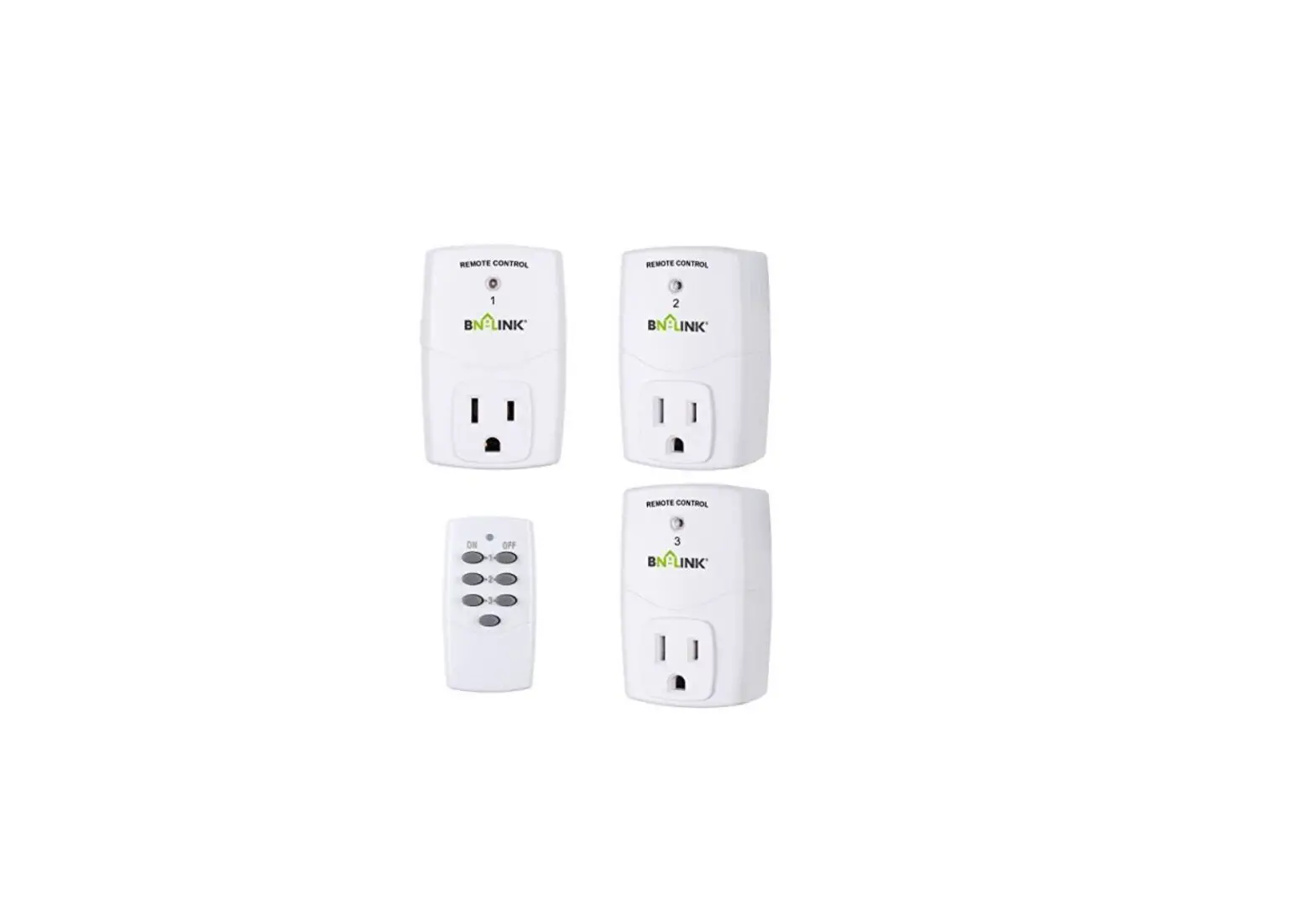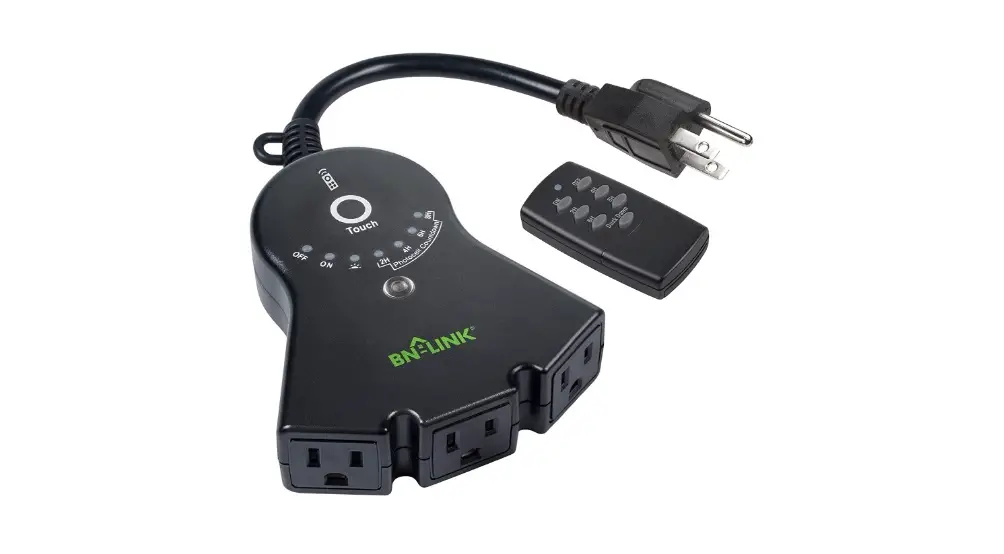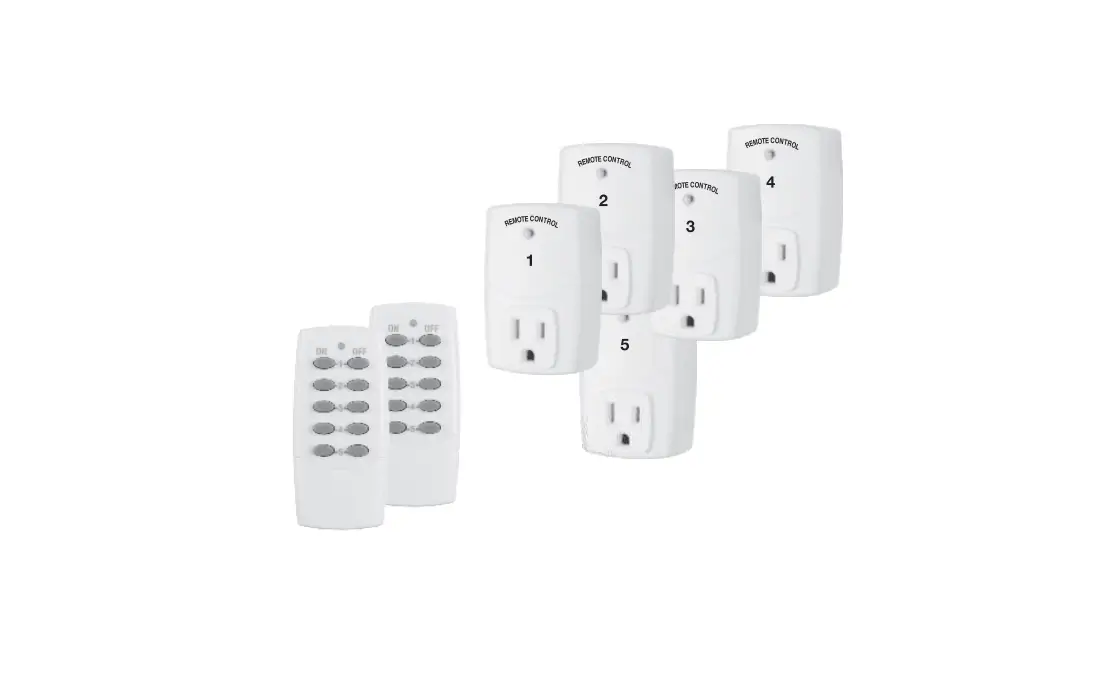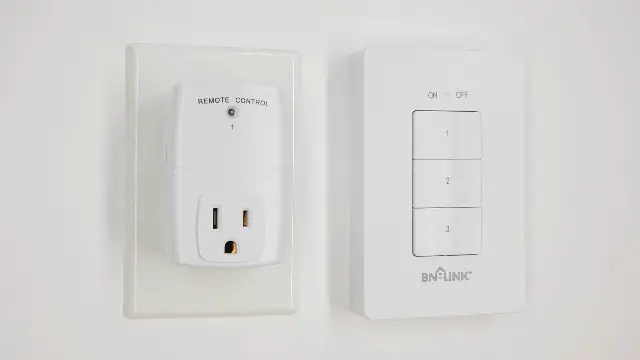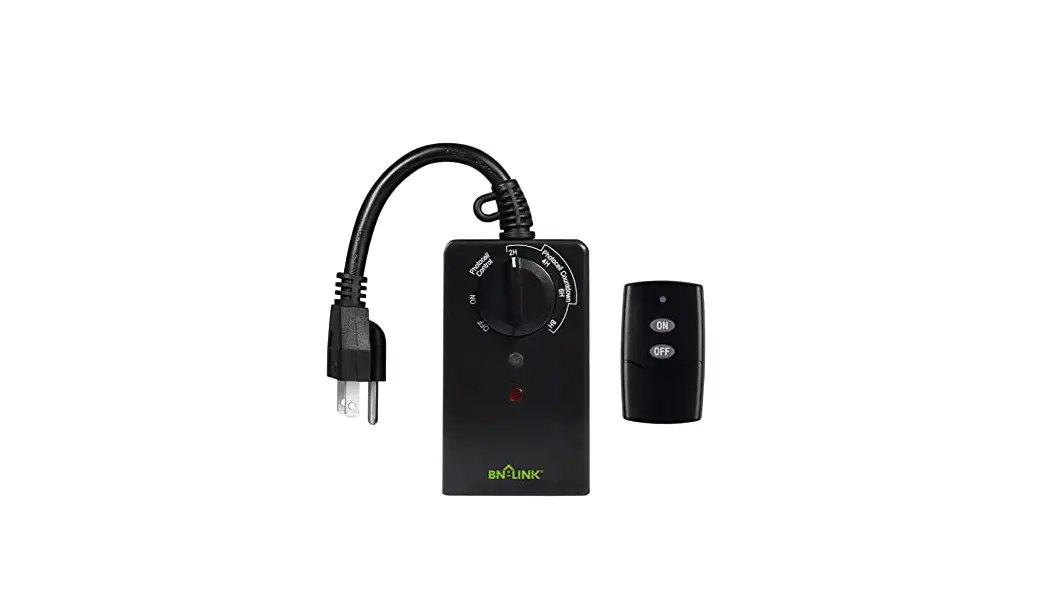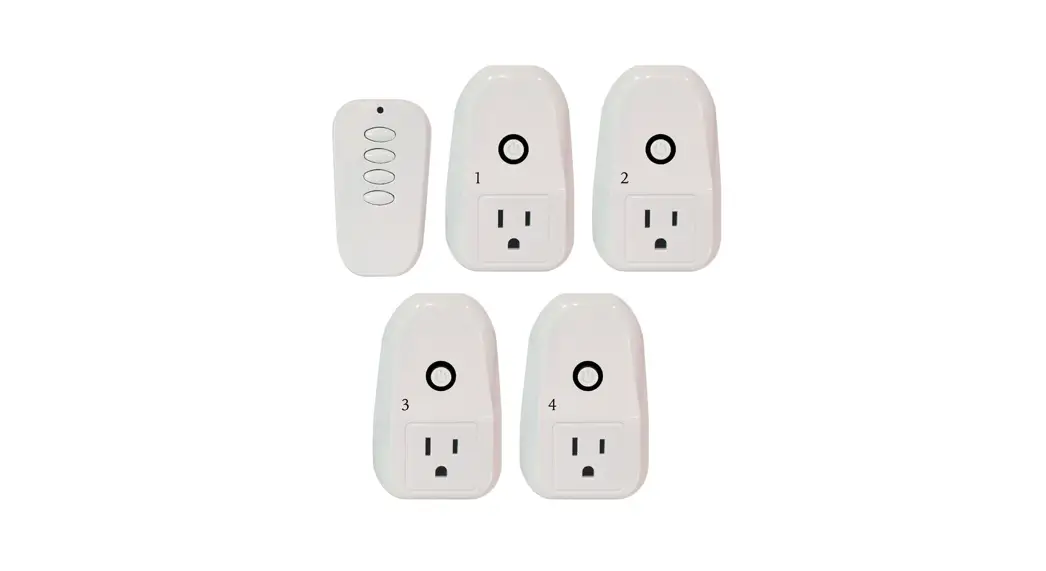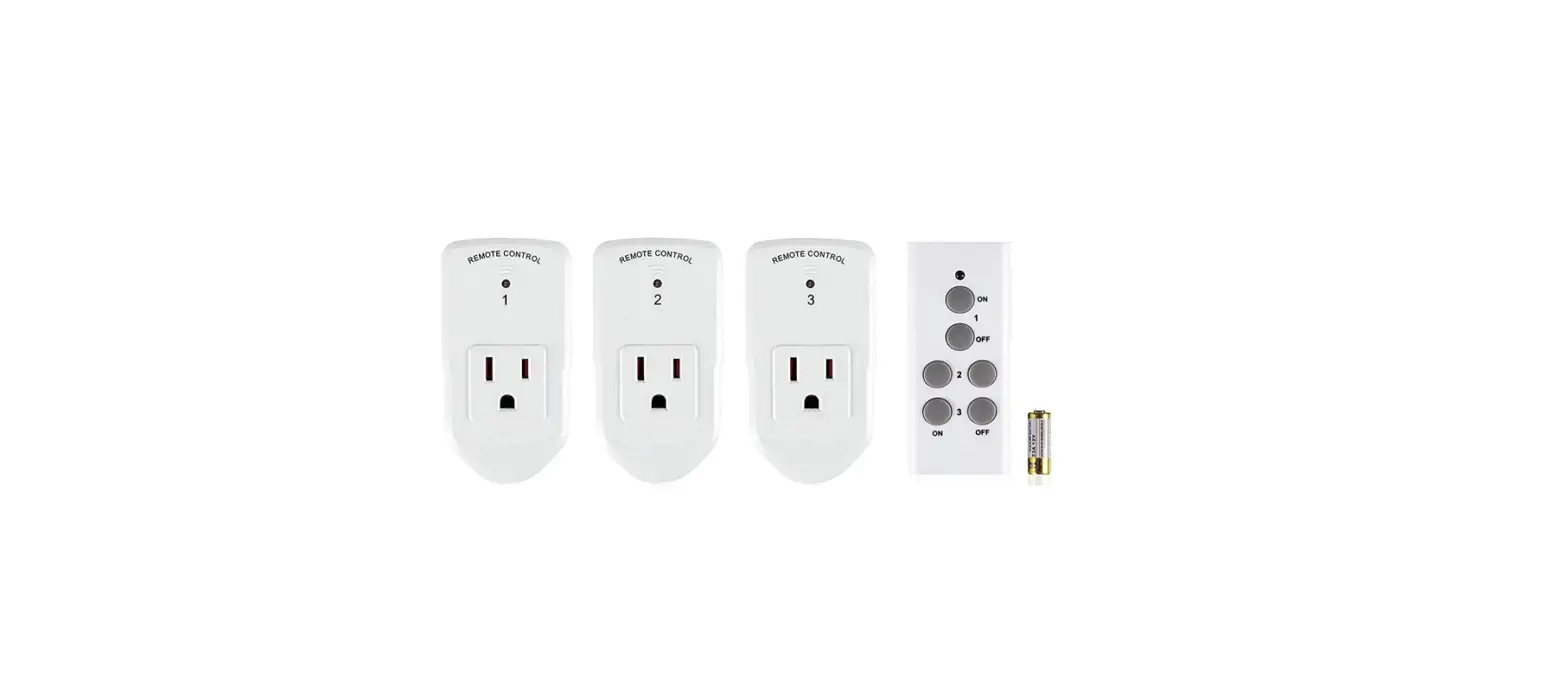

BN-LINK ES1513U-3-1 Wireless Remote Control
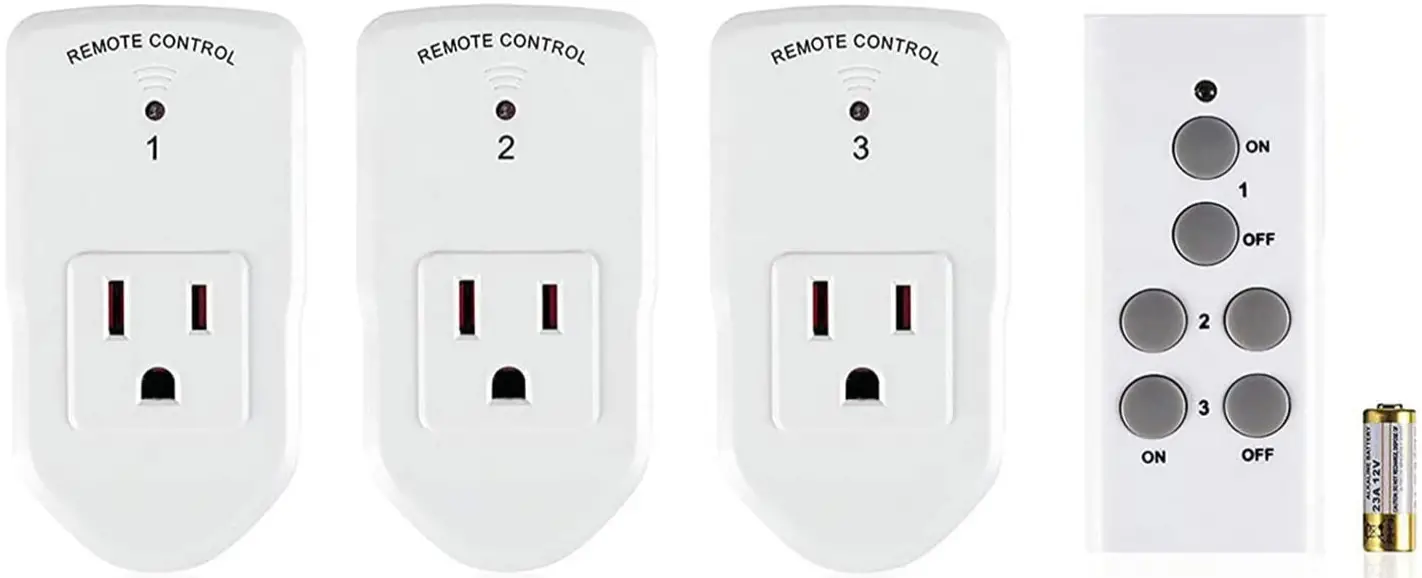
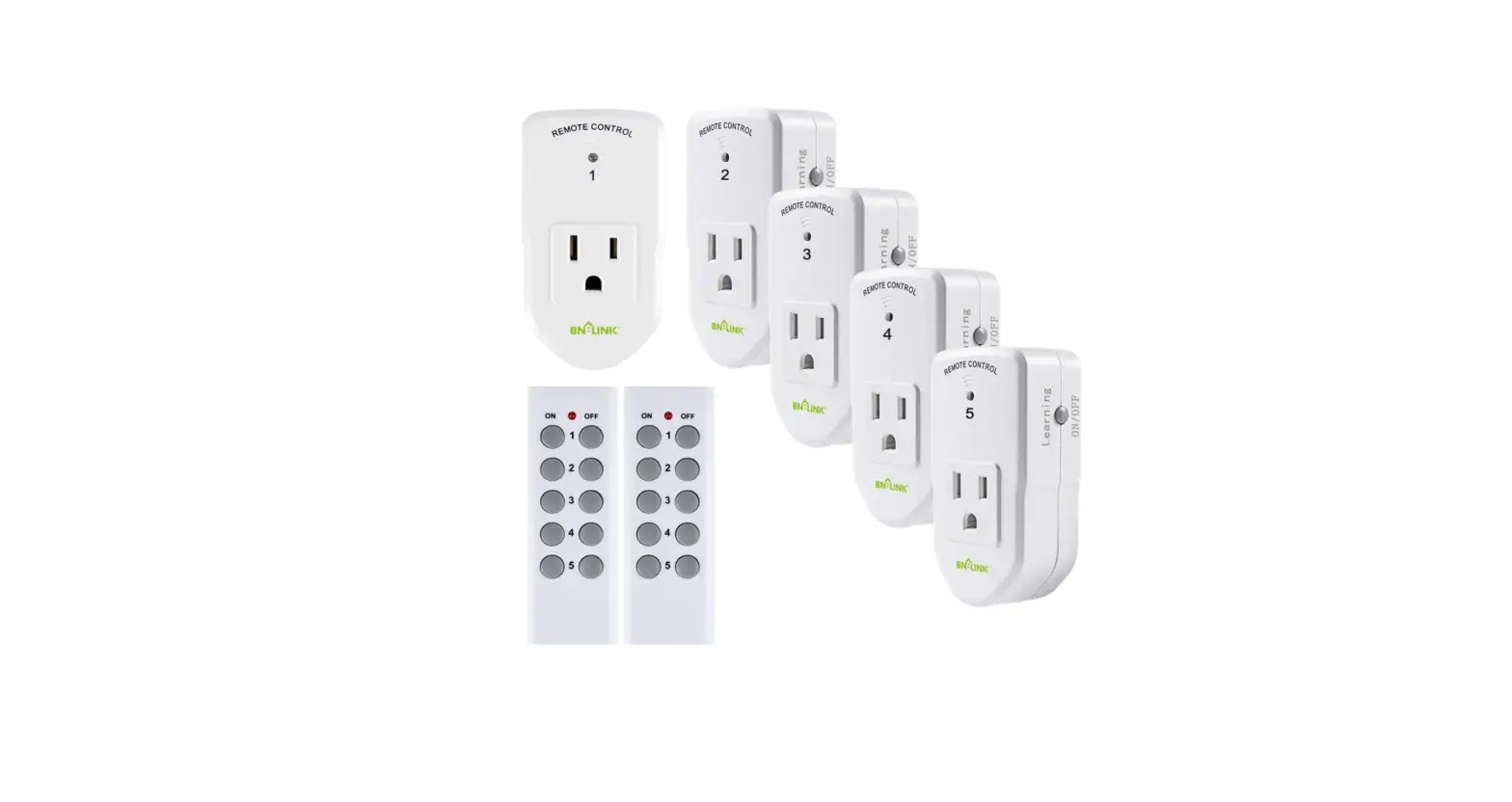
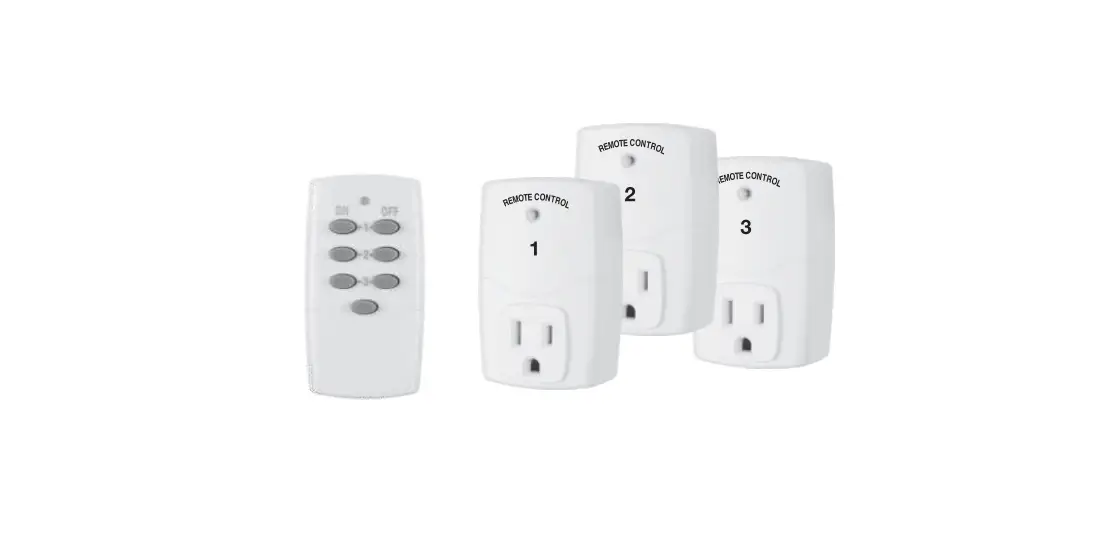
PRODUCTS VIEW
FEATURES
- Easily controlled by the remote control from up to 100 feet in line-of-sight.
- Separate on and off buttons on the remote control.
- Outlets will remain powered off after a power outage to save energy.
- Power output up to 1200W at 120V(60Hz).
- Low power consumption, reduces energy use and extends product life by up to 15%.
- Manual pairing and unpairing.
- SETUP
- Install one 12V/23A battery in the remote control’s battery compartment, making sure the polarity of the battery is correct.
- Plug each outlet switch into a socket and plug a device or appliance into each outlet.
- Press the on/off buttons for the respective channel on the remote control to operate the outlet switch.
NOTES
- Regularly change the battery in the remote control for the best performance. If you find the outlet switches are not responding or the LED indicator on the remote control becomes dim, the battery should be replaced. Always dispose of old batteries properly with consideration for the environment.
- Make sure the battery and outlets are installed firmly and correctly for safe operation.
- These outlet switches are for indoor use only. Avoid exposure to high-temperature sources, strong sunlight, and moisture. The outlets are best used in the air as with good air circulation.
- Do not exceed the maximum load current of 1 0A(Approximately 1200W).
PROGRAMMING THE OUTLETS
Notes: The outlets are pre-programmed for immediate use, but the configuration can be customized to meet your needs. To program a remote control transmitter and outlets switch receiver:
- Remove the outlet receiver from the power socket, then plug the outlet receiver back into the power socket.
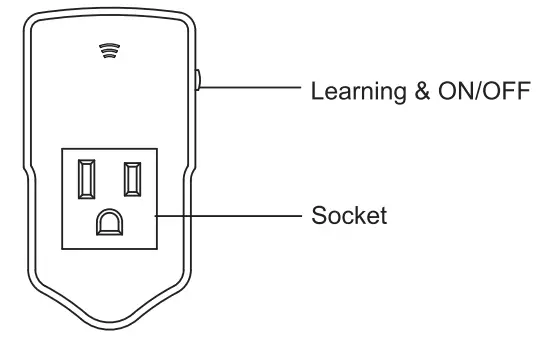
- Press and hold the “Learning & ON/OFF” button till the indicator start to flash.
- Release the “Learning & ON/OFF” button, press and hold the corresponding “ON” button on the remote until you hear a “click”.
- The indicator will stop flashing indicating that pairing is successful.
RESETTING AN OUTLET
Should you wish to unpair an outlet receiver from the remote, or if your outlets are unresponsive to the remote, the outlets can be reset following below steps.
- Remove the outlet receiver from the power socket.
Press and hold “Learning & ON/OFF” button on the outlet receiver. - While still holding the button, plug the outlet receiver to a power socket and wait to see the indicator to flash.
- When the indicator stops flashing, you may release the button, and the reset process is now complete.
- You may program the outlet after resetting.
TROUBLESHOOTING
In the case that one or more of the outlet receivers do not respond to the remote control, please follow the steps given below to resolve the issue:
- Check to see if the battery of the remote is low and needs replacement.
- Make sure that the outlet receiver is correctly placed in the power socket.
- Make sure that the outlet receiver is used in an area with proper air circulation to avoid overheating.
- Reset and program the outlet(s).
TECHNICAL DATA
- Voltage 120V~60Hz
- Max. power 10A 1200W
- Transmission frequency 433.92MHz
- Remote battery 12V (23A)
Support
CENTURY PRODUCTS INC. 3545 Granada Ave El Monte Ca 91731 Custom Service Assistance: 1.909.592.1881 E-mail: [email protected] Http://www.bn-link.com Hours: 9AM – 5PM PST, Mon – Fri Designed in California Made in China
FAQs
Press the on/off button for 3 seconds. The LED indicator will go off and the remote control will be turned off.
Press the on/off button for 2 seconds. The LED indicator will light up and the remote control will be turned on.
Turn on the device or appliance you want to use with this outlet switch. Turn off the remote control and then press and hold the pairing button on the outlet switch for 5 seconds until you see a blue LED flashing. Turn on the remote control and then press any button on it within 5 seconds, you will see a blue LED flashing, which means that it has been paired successfully. If you don’t see a blue LED flashing, repeat steps 1-4 again. If it still does not work, please try to reset it by pressing and holding both pairing buttons for 10 seconds until you see a red LED flashing, which means that it has been reset successfully. Now try again from step 1.
Turn off both devices or appliances connected to this outlet switch and then turn off both outlet switches. Press and hold both pairing buttons for 10 seconds until you see a red LED flashing, which means that it has been unpaired successfully. Now try again from step 1.
Turn off both devices or appliances connected to this outlet switch and then turn off both outlet switches. Press and hold both pairing buttons for 10 seconds until you see a red LED flashing, which means that it has been reset successfully. Now try again from step 1.
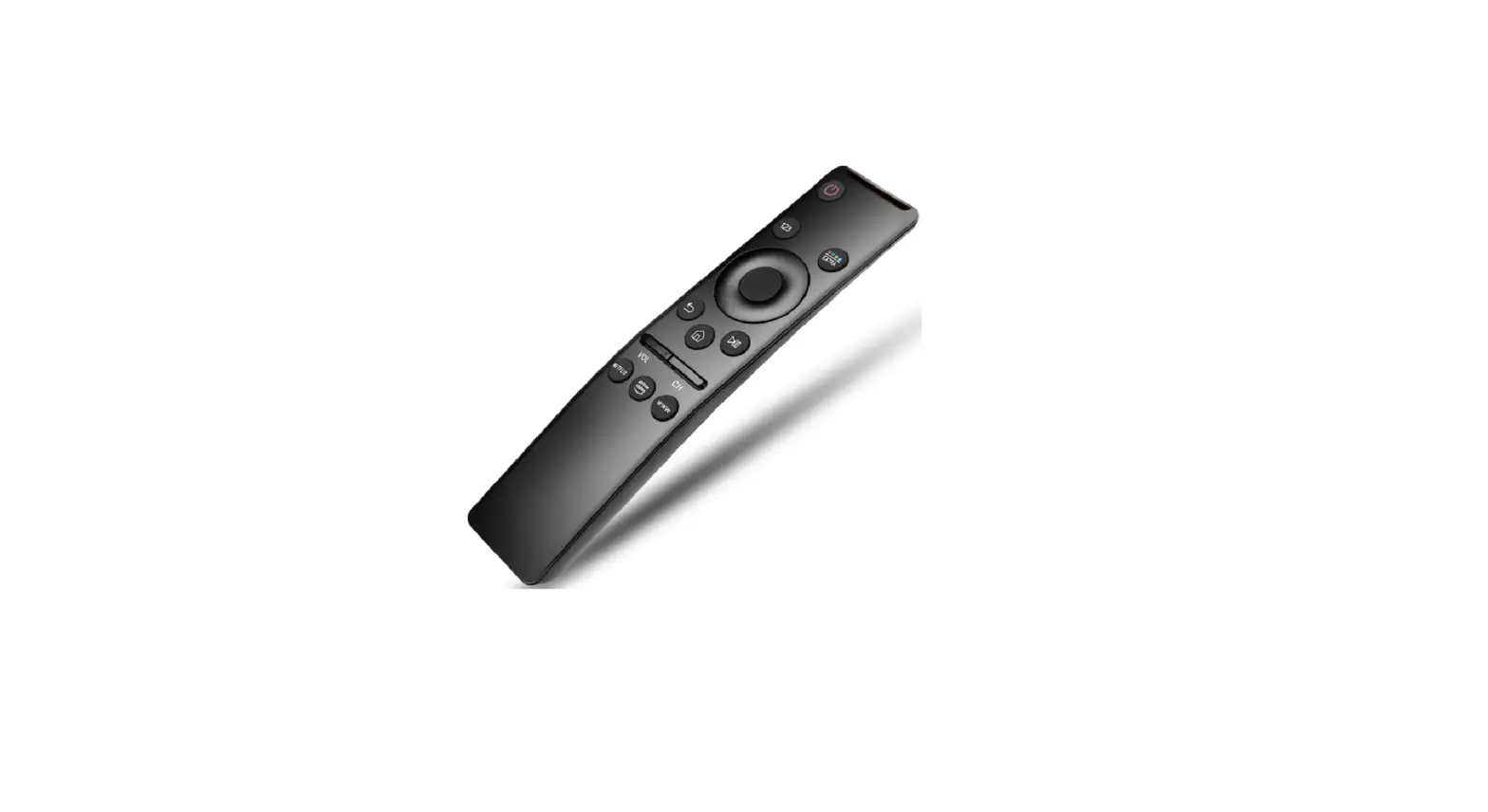
Infrared (IR) light is the primary technology utilised in home remote controls. Infrared light pulses, which are invisible to the human eye but visible through a digital camera, video camera, or phone camera, are used to communicate between a remote control handset and the device it manages.
The transmitter that is built within the handset is what makes remote controls function. When a button is pressed, this transmitter emits a continuous stream of infrared light pulses. The receiving antenna can determine what command to execute thanks to the infrared light’s distinctive pattern, which is specific to that button.
IR remotes need line-of-sight since light is utilized to convey the signal, so there must be a clear path between the transmitter and receiver. Therefore, IR remotes won’t function through or around obstacles like walls or corners. They also only have a 30-foot maximum range.
Put some glue on the remote’s end and tie the other end to your couch or chair for a foolproof solution to ensure that you never lose a remote again.
When the battery is completely discharged, charging the controller takes about two hours. When the outside temperature is between 10 °C and 30 °C (50 °F and 86 °F), charge the controller
When a remote control becomes trapped down the side of a cushion, there have been reports of them overheating and catching fire from the buttons being pressed down all the time.
An average remote control for a television emits infrared energy with a wavelength of about 940 nanometers. Some digital and cell phone cameras are sensitive to that wavelength of radiation, despite the fact that you cannot “see” the light emanating from a remote.