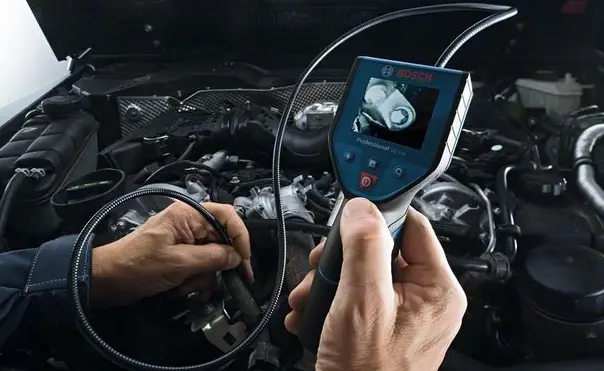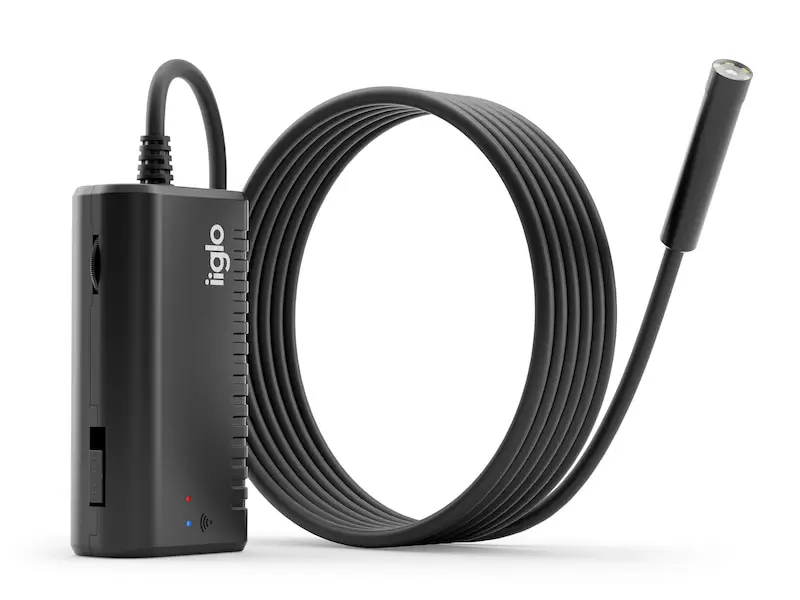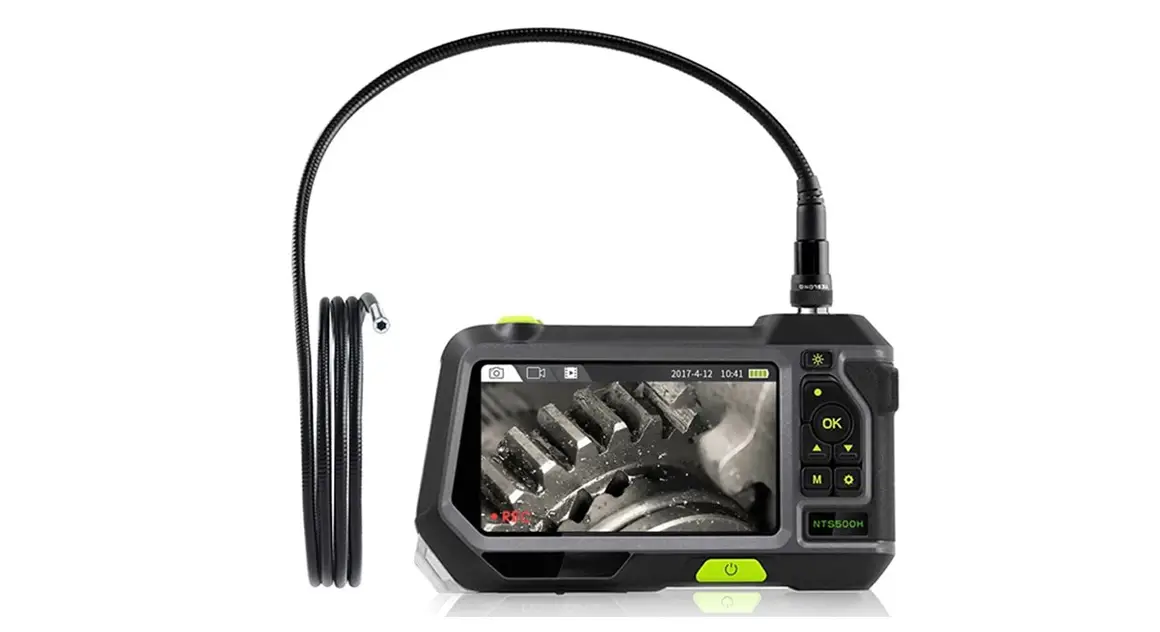
Auto Focus Inspection Camera
Model No: I109
Operating Instructions
This user manual allows you to work safely with the WIFI Endoscope camera. Please keep this manual for your reference.
Liability is void for any damage caused by not following this manual.
APP downloading
For Android:
- Search”DR-SEE” on Google Play Store
- Download at http://www.inskam/download/dr-see.apk

For IOS
Search”DR-SEE” on Apple APP Store to install the APP  Operation Guide
- Turn the switch to the position:”ON” to turn on the endoscope
- Click on the setting icon for the main interface of the smartphone, and click on the”WLAN/WiFi” of your smartphone.
- Search for and connect to the wireless network named “inskam109”,the initial password is “12345678”.
 A. Please check the battery level.
B. Reboot the power of the endoscope.
- After the connection is successful, click on the “DR-SEE” icon to view the real-time video.

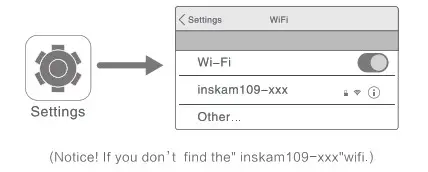 A. Please check the battery level.
Notice:A.lf you find the notice,please select”Decline”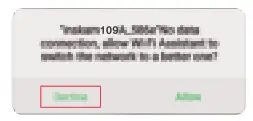
B. If you can’t review pictures or videos on your phone albums, please enter mobile”settings” to allow the “DR-SEE” app to access the phone albums.
C.No image!
- Make sure your phone has connected the”inseam 1 09-xxx” wifi
- Close the app”DR-SEE” and open it again.
- Check the battery level
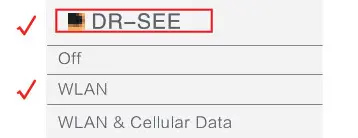
- Enter mobile” settings” allow the “DR-SEE” app to access the phone “WLAN” or”WLAN& Cellular data”

- Turn off the mobile phone data, reconnect to use.
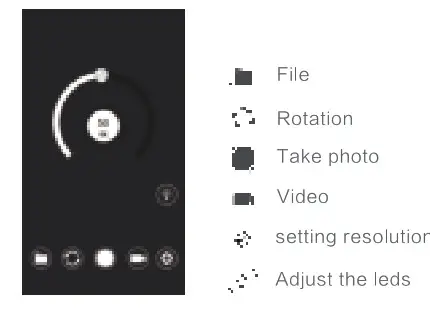
APP Operation
Charging the Endoscope camera
Only use charges marked: input 5v 500 mAh(or 1A), If you do not know the voltage and current of your charger,use the USB cable to charge the device via your computer.lt takes about 4 hours to fully charge the endoscope camera under (5V 500mAh),and the display screen is on when charging.
Technical Data
| Detaillierte Parameter | |
| Network standard | IEEE 802.11 b/g/n |
| Antenna | Built-in IPEX antenna |
| Operating Frequency | 2.4 GHz |
| Data rate | up to 300 Mbps |
| Image sensor | CMOS |
| [Camera light source | 4 Adjustable LEDS |
| Operating temperature | 32 to 113 F (0 to 45 C) |
| Battery type | 2600 mAh lithium Battery |
| Battery life | 3-4 hours |
| Power input | DC 5V 500 mAh/1A |
| Diameter of flexible tube | 14.2mm |
| Focal distance | 3cm—Auto Focus |
| Waterproof grade | I p68 (For lens/ tube only) |
| Camera resolution | 25941944/1920’11080P |
| Sensor pixels | 5 Million pixels |
| Viewing angle | 70 degree |
Troubleshooting
No image or defects, noise in the image
- Check the WiFi setting on your smartphone, make sure it has connected to the device.
- Disconnect and reconnect the smartphone and the endoscope camera
- Close the app and open it again.
- Check the battery level, recharge the battery.
Correct Disposal of this product
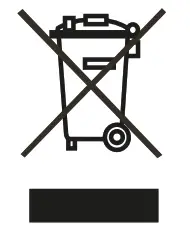 (Waste Electrical & Electronic Equipment)
This marking is shown on the product or its literature indicates that it should not be disposed with other household wastes at the end of its working life To prevent possible harm to the environment or human health from uncontrolled waste disposal, please separate from other types of wastes and recycle it responsibly to promote the sustainable reuse of material resources.
Household users should contact either the retailer where they purchased this product or their local government office for details of where and how they can take this item for environmentally safe recycling. Business user should contact their supplier and check the terms and conditions of the purchase contact, this product should not be mixed with other commercial wastes for disposal.