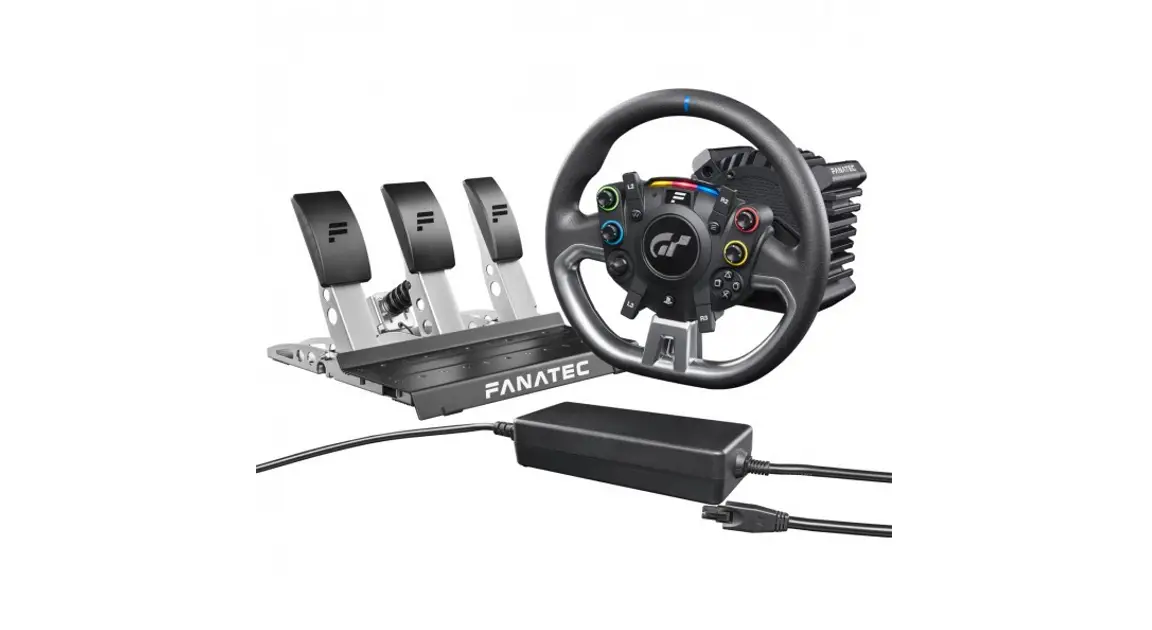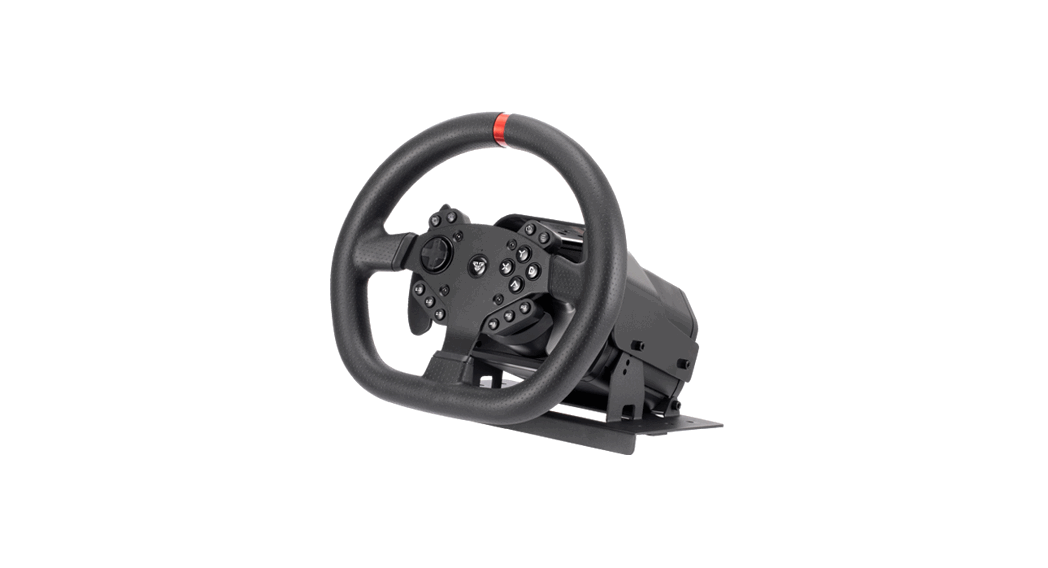
 CSL Elite Wheel Base+
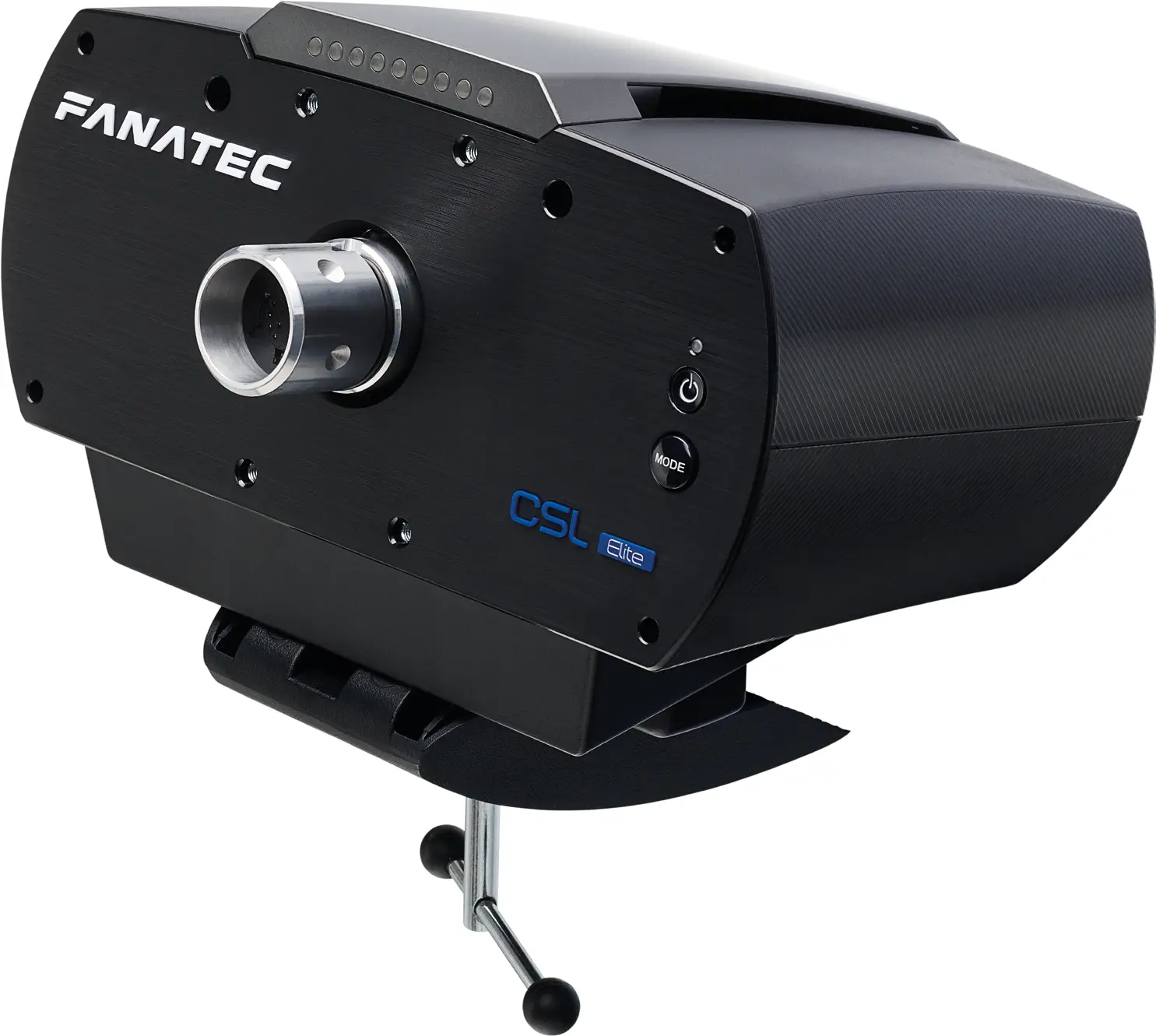
QuickGuide

 PlayStation ”, “ PS4” and
  are registered trademarks of Sony Interactive Entertainment Inc. All rights reserved.
All other trademarks are the property of their respective owners.

 CONTENTS
 CONTENTS
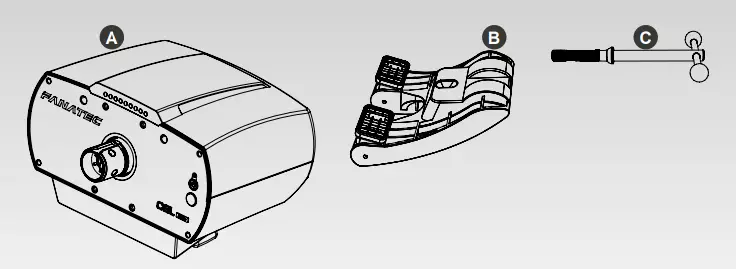 | 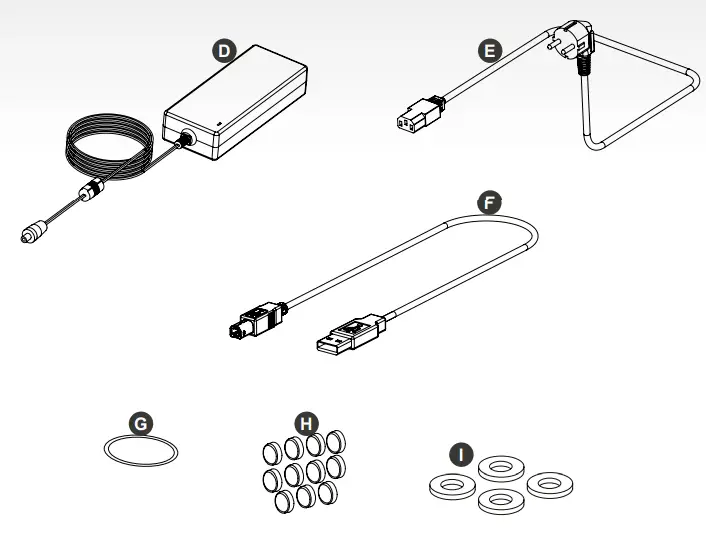 |
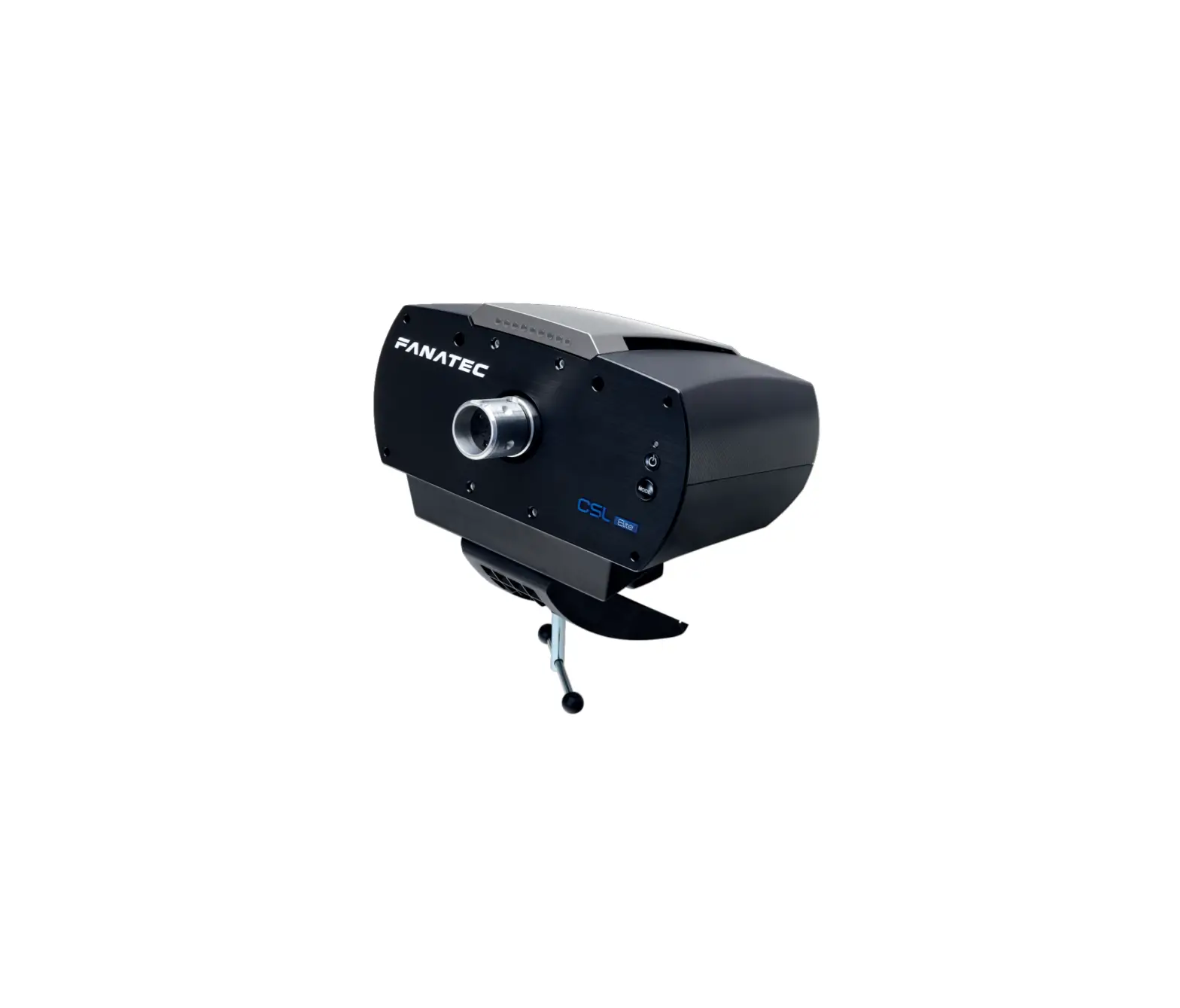
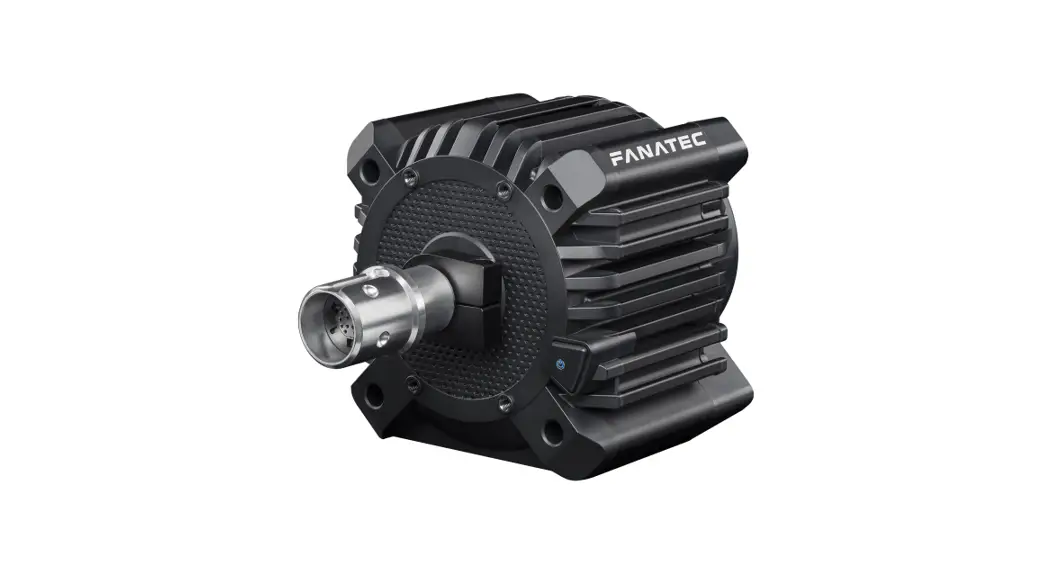
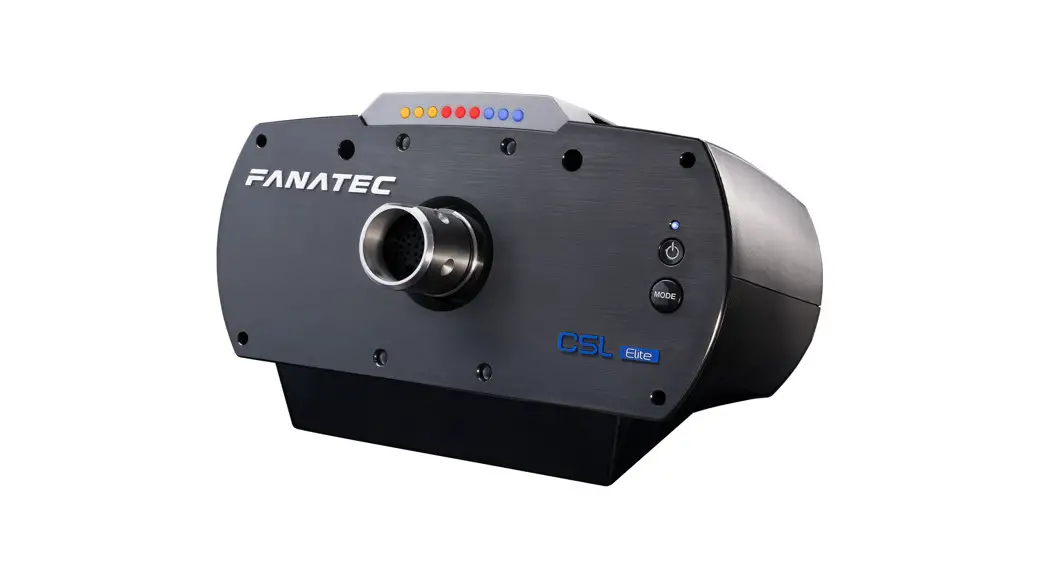
- CSL Elite Wheel Base + (PS4™ version) (A)
- Table clamp (B)
- Table clamp screw with handle (C)
- Power supply unit (D)
- Power cord (regional) (E)
- USB connection cable (F)
- O-Ring (G)
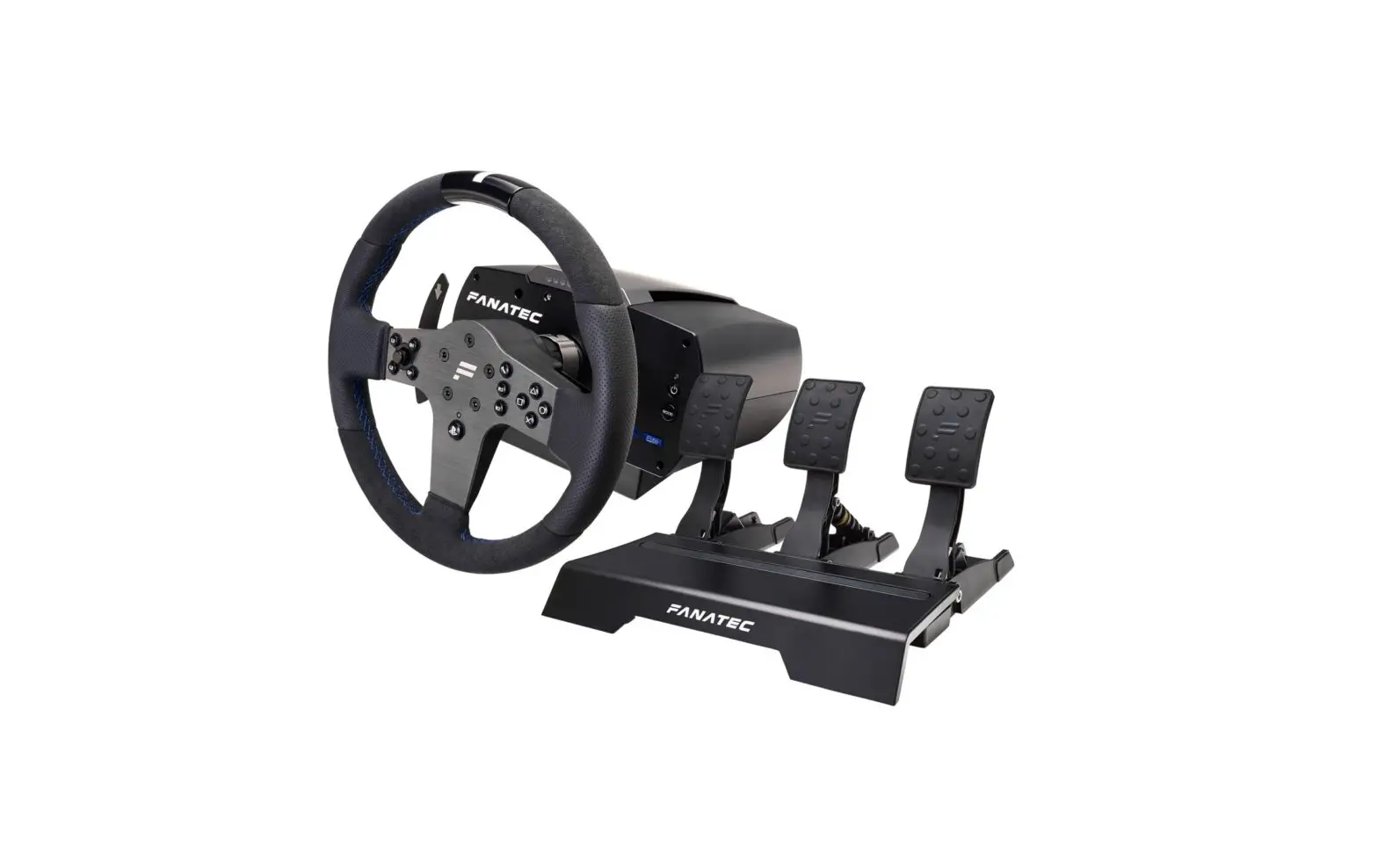
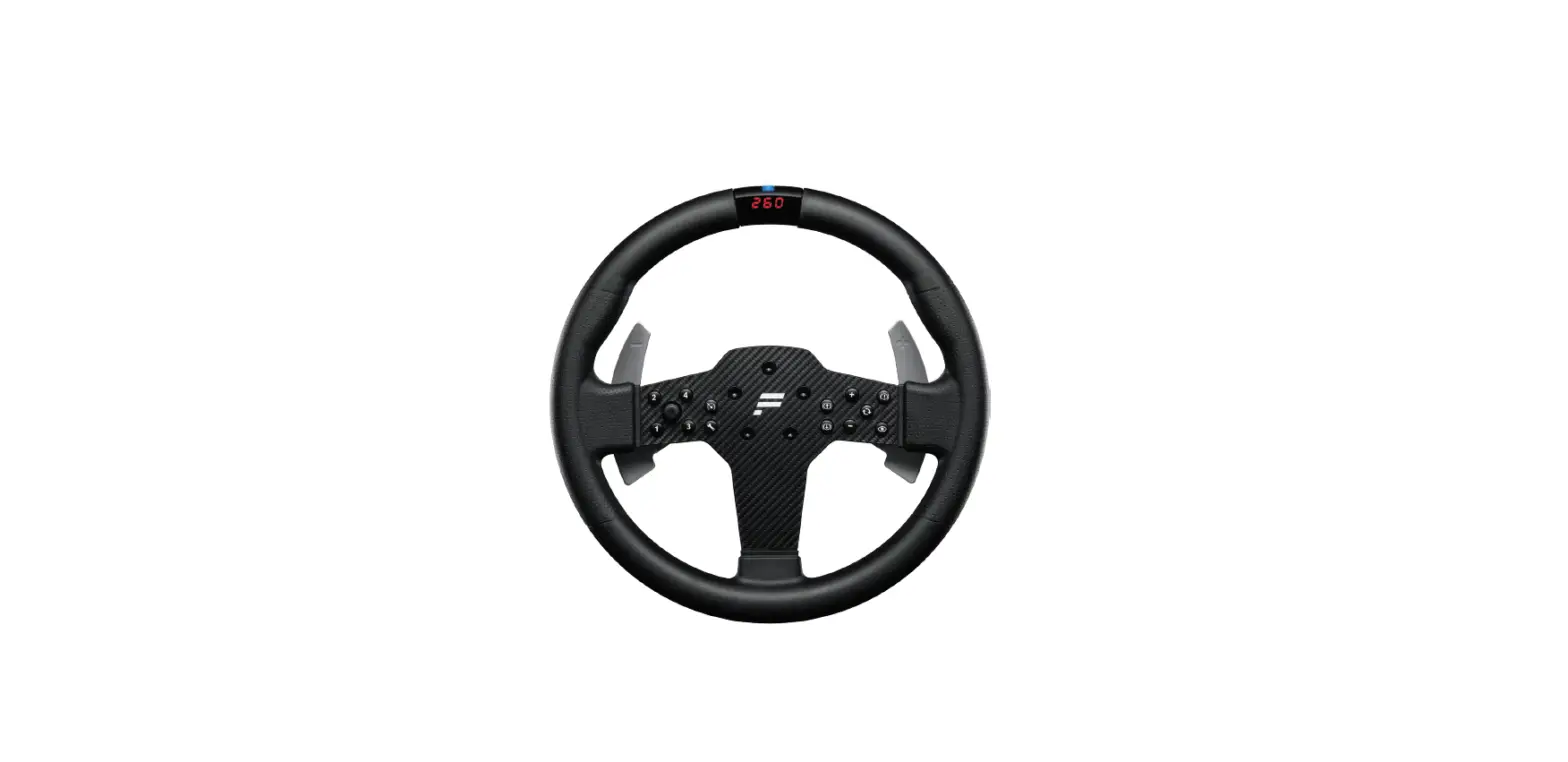
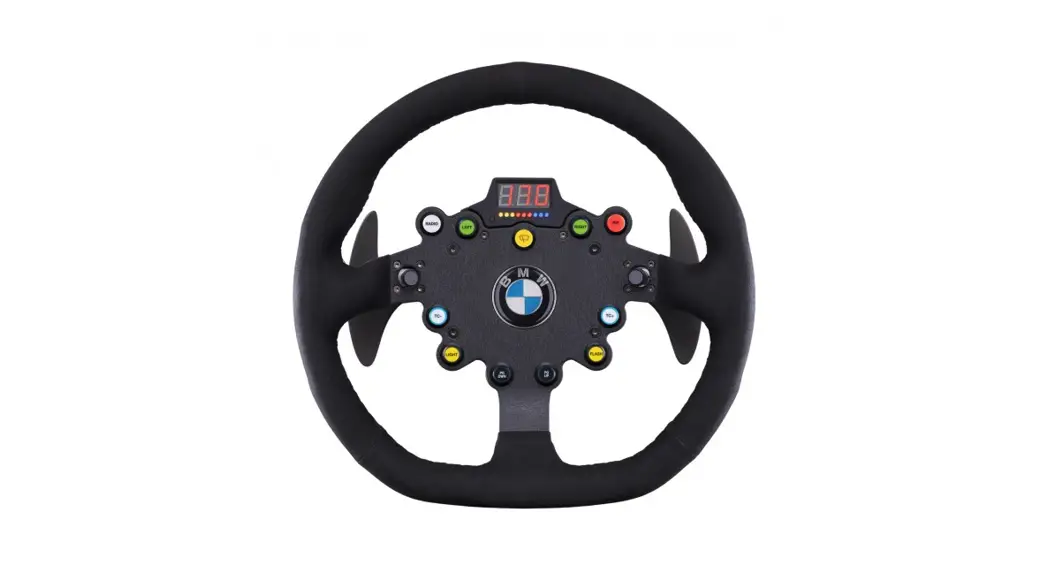
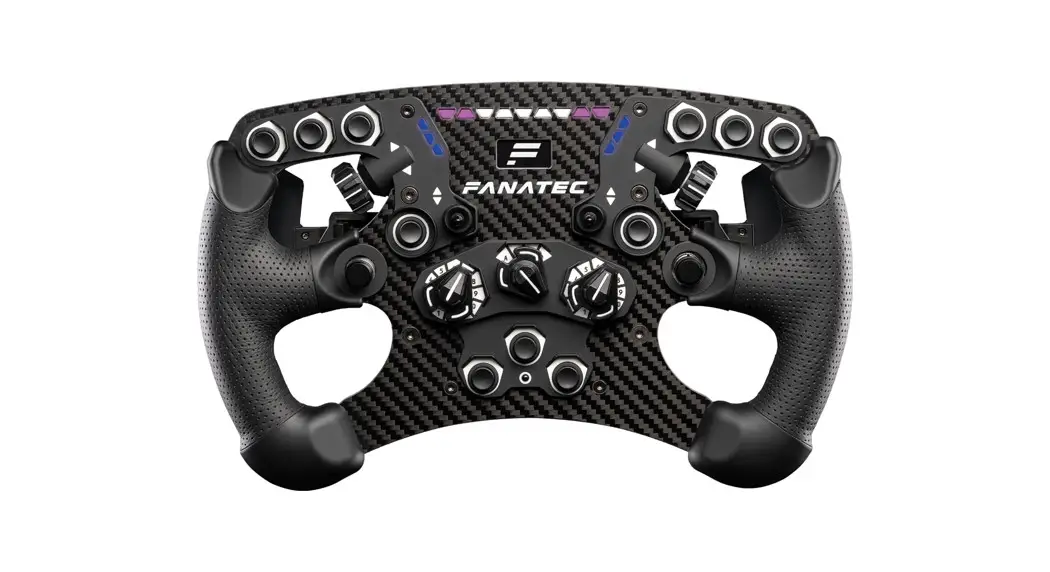
- PS4™ button caps for ClubSport steering wheels (H) (ClubSport steering wheels sold separately)
- Black washers (I) (for mounting ClubSport Static Shifter Paddles)
 TABLE CLAMP
 TABLE CLAMP
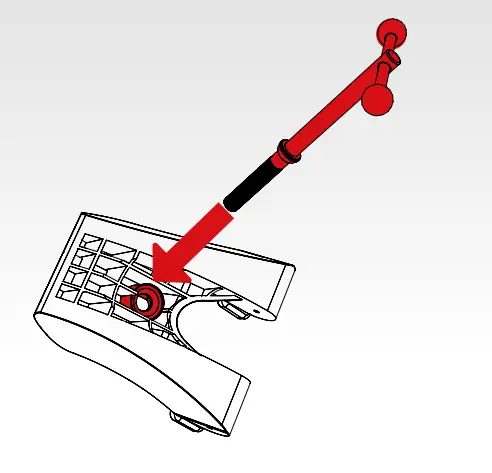
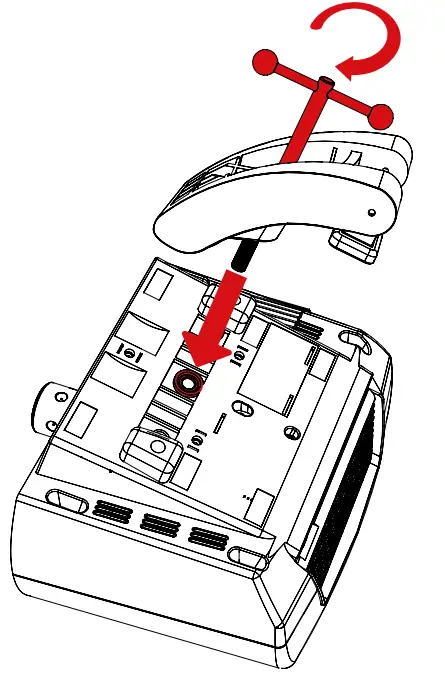
- Insert the table clamp screw with handles (C) into the table clamp (B).

- Turn the table clamp screw (C) into the bottom center of the CSL Elite Wheel Base + (A).

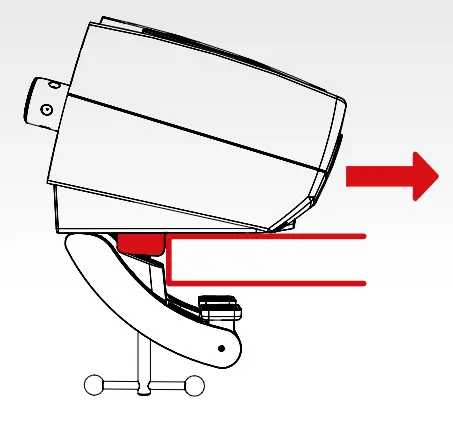
- Slide the CSL Elite Wheel Base + (A) onto the tabletop until the limiter blocks stop sliding at the edge of the table.
NOTE: Table clamp (B) has to be below the tabletop.
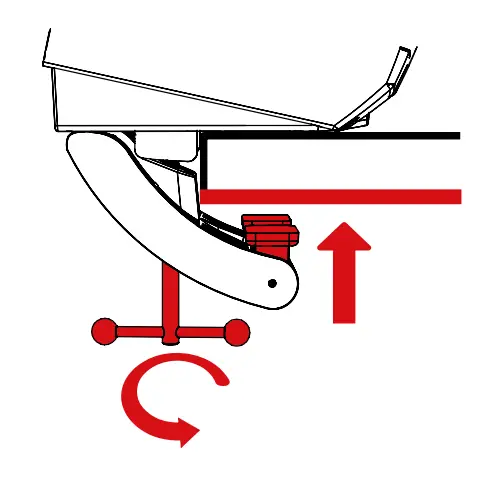
- Tighten the table clamp (B) by turning the table clamp screw (C). Ensure that the table clamp’s feet remain well aligned with the bottom of the table plate.

HARD-MOUNTING
To hard-mount, the wheelbase first disassembles the two blocks from the underside (lower left picture) using a 3 mm Allen key (not included). The CSL Elite Wheel Base + offers a three-point hard-mount location on the underside (lower right picture):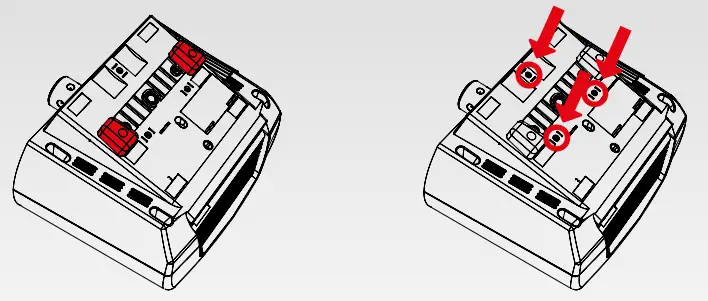
 IMPORTANT: Use only good quality M6 bolts. Choose the correct bolt length to prevent the thread from reaching more than 16 mm into the wheelbase.
Example:
If your table is 20 mm thick, the bolts must not exceed a total thread length of 36 mm! Always use all three hard-mount points as this allows for a proper and stable installation and avoids damage!
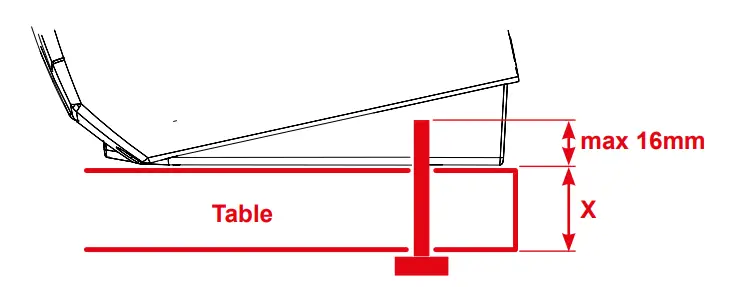
NOTE: To hard-mount the CSL Elite Wheel Base + to a table or rig with bolts please, find the printable drilling template in the download area of our website: www.fanatec.com
MODES
The CSL Elite Wheel Base + (A) will start in “PlayStation®4 Mode” by default. To switch to other modes press the “Mode” button once. The LED above the “ button will indicate the current operation mode: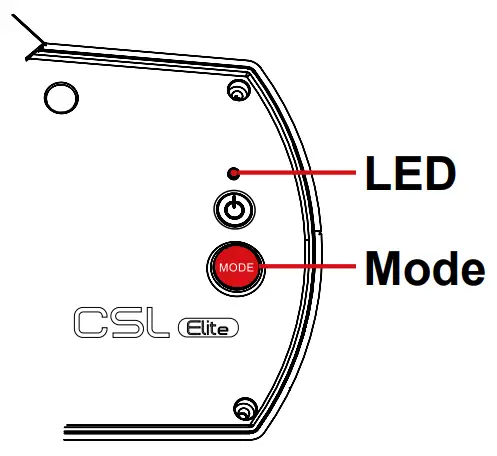
- Blue indicates “PlayStation®4 mode”
- Red indicates “PC mode”
- Purple indicates “ClubSport Wheel Base V2 Compatibility Mode”
 ON AND OFF
To turn on the CSL Elite Wheel Base + (A), connect it to power and press the “button on the right side of the CSL Elite Wheel Base + (A) for about one second.
To turn off the CSL Elite Wheel Base + (A), press and hold the “button for 5 seconds.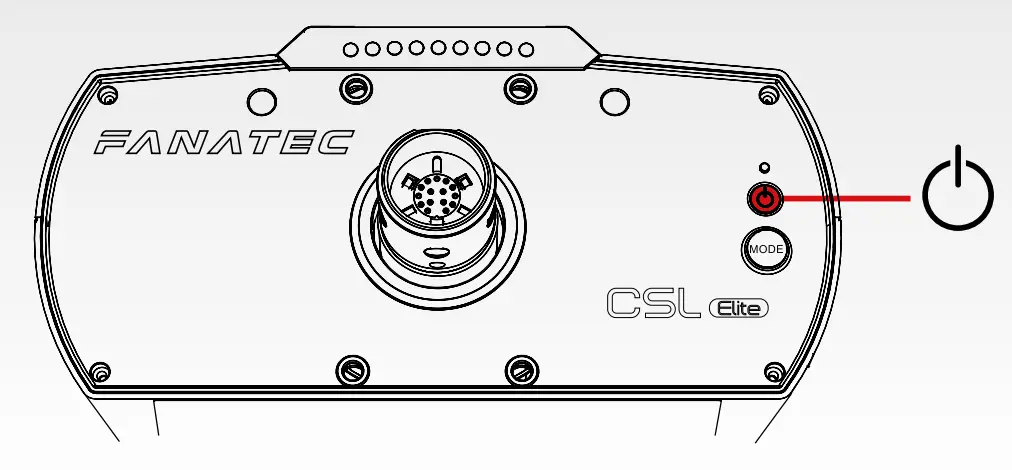 NOTE: Only use the power supply (D) and power cord (E) included with this product.
 ATTENTION
When starting up the CSL Elite Wheel Base + (A) for the first time please update the firmware, which can be obtained from www.fanatec.com/downloads. Follow the instructions provided in the user manual.
Compatibility with PlayStation®4 games on a case-by-case basis. For a full list of compatible games, please visit www.fanatec.com.
 CONNECTIONS
 CONNECTIONS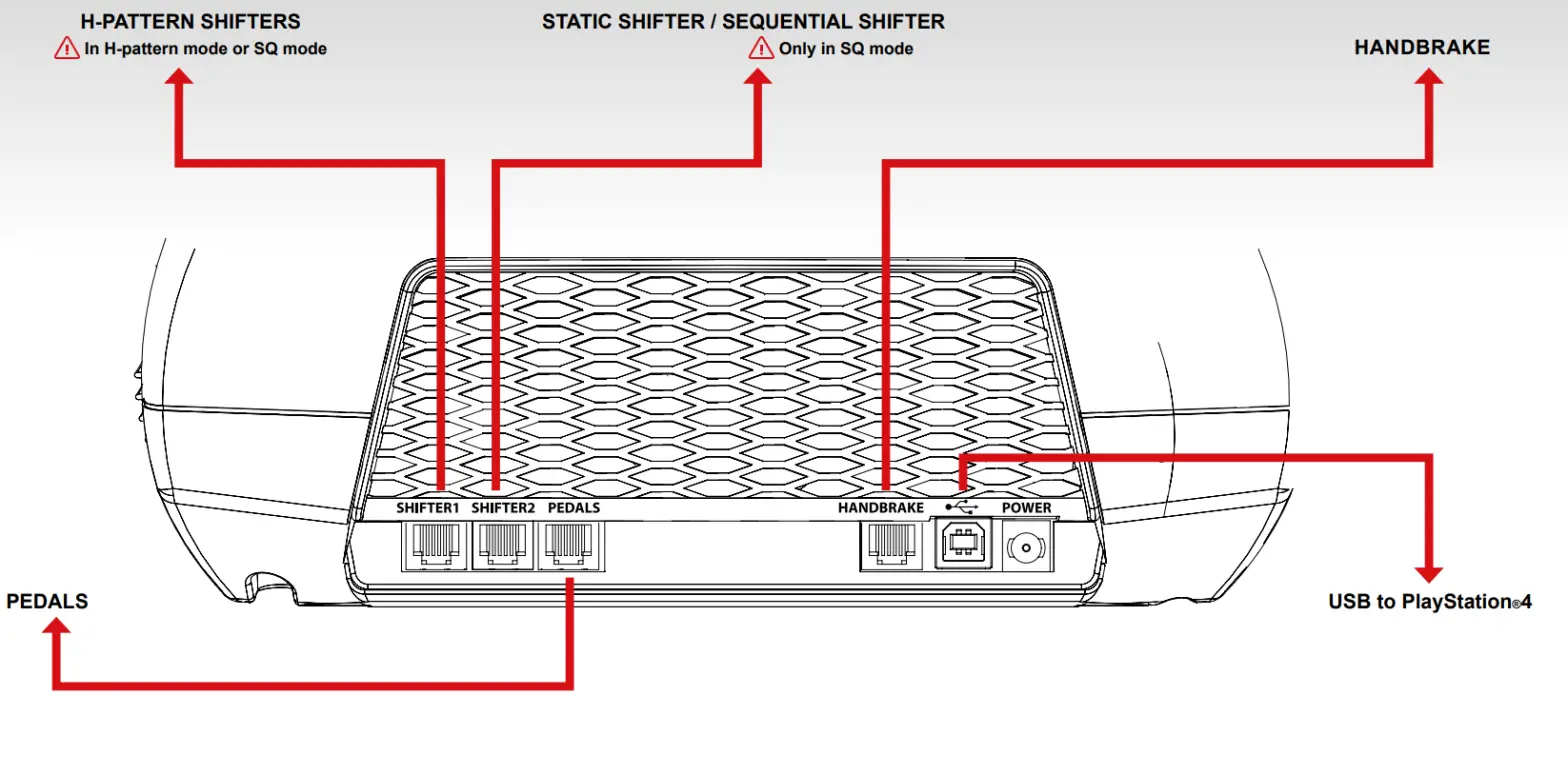
IMPORTANT!
Use only the USB cable (F) with a straight plug packaged with the CSL Elite Wheel Base for PlayStation®4 to avoid damage to the USB port.
 MANUAL
 MANUAL
For detailed information please download the user manual from www.fanatec.com/support. This is just a QuickGuide and you will miss a lot of features if you don’t read the user manual.
This product is under the warranty of Endor AG, E.ON-Allee 3, 84036 Landshut, Germany,
Telephone: +49 (871) 9221-122, Fax: +49 (871) 9221-221,
Email: [email protected].
Refer to the chapter ‘warranty’ of the user manual as well as the terms & conditions of Endor AG on www.fanatec.com/terms-and-conditions.html.
ECOLOGY ADVICE
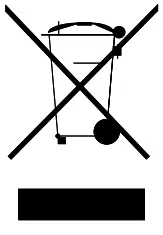 In the European Union: At the end of its working life, this product should not be disposed of with standard household waste, but rather dropped off at a collection point for the disposal of Waste Electrical and Electronic Equipment (WEEE) for recycling.
Waste Electrical and Electronic Equipment, you can make a significant contribution towards helping to protect the environment.
Please contact your local authorities for information on the collection point nearest you.
 In the European Union: The packaging materials can be depolluted for recycling according to the legal regulations depending on the country responsible for the corresponding law.
For all other countries: Please adhere to local recycling laws for packaging materials.
Manufactured by

Fanatec® is a registered trademark of Endor AG Designed and developed by Endor AG in Germany
E.ON-Allee 3 – 84036 Landshut – Germany
Telephone: +49 (871) 9221-122 Fax: +49 (871) 9221-221
Email: [email protected]
Website: www.fanatec.com – www.endor.ag
Licensed for sale in Europe and Australia and for use exclusively with PlayStation®4.
 Endor AG – Endor AG – The brainfactory
 Fanatec USA | Fanatec