
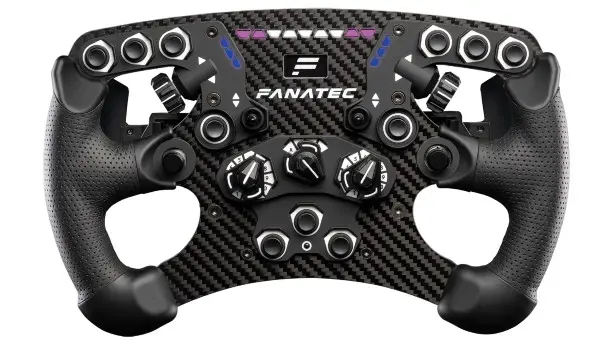
Quick Guide
NOTE: Download the latest PC driver. Follow instructions provided by the Driver & Firmware Instruction Manual found on the product page. A Windows PC is required to perform firmware updates. Ensure that PC mode is active on your wheelbase.

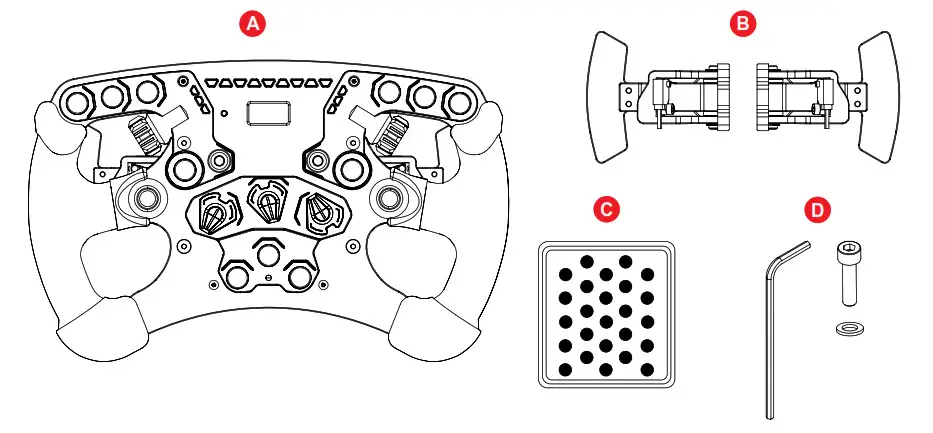
PACKAGE CONTENTS
QUICK-RELEASE ADAPTER ATTACHMENT
NOTE: Separately sold wheel-side quick release adapter required.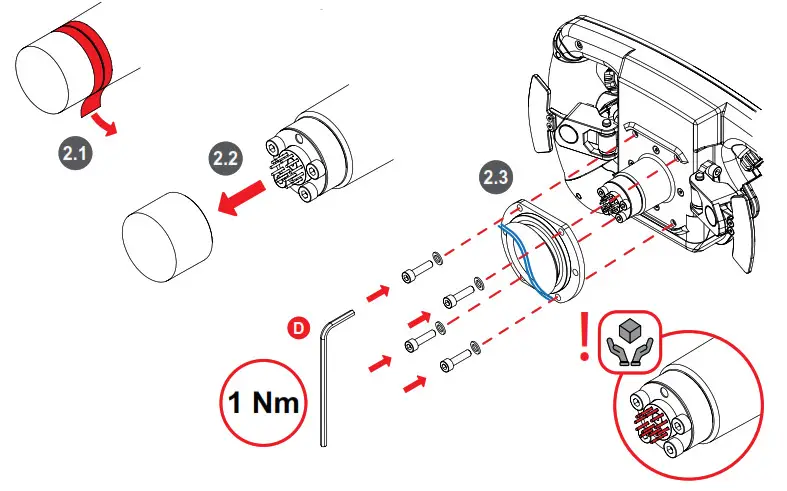
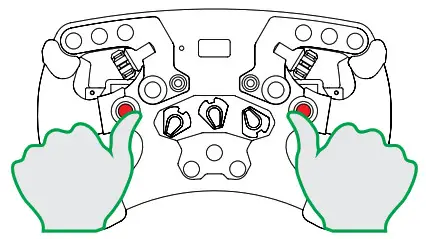
CENTRE CALIBRATION
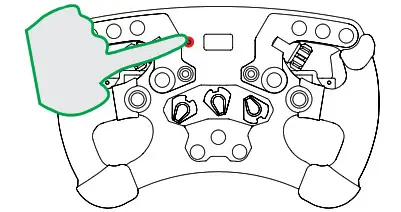
- Turn to the center position


- Press at the same time to calibrate the steering wheel center.

SHIFTER CALIBRATION
NOTE: Optional. External H-pattern shifter required.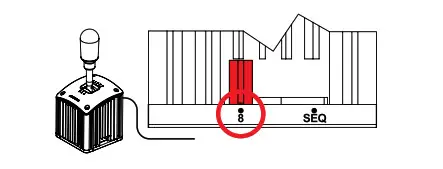 Press the Tuning button and the highlighted button at the same time. Follow the instructions on the OLED display.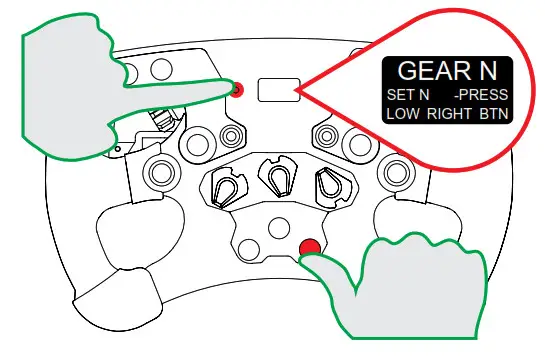
NOTE: Repeat process after firmware update.
TUNING OPTIONS
Press Tuning button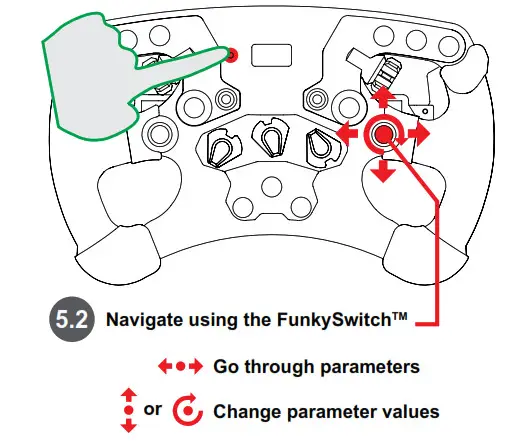
Press the Tuning button to close the Tuning Menu.
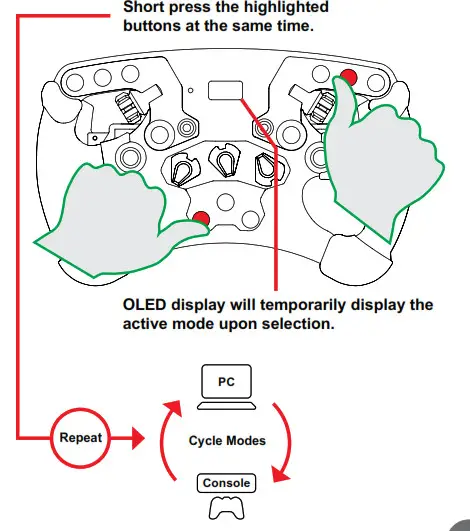
MODES
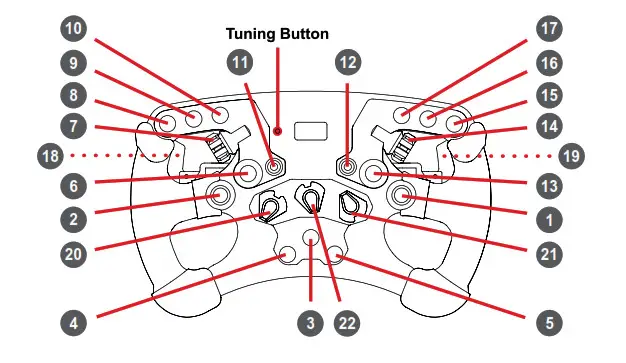
| • | PC | PlayStation° |
| 1 FunkySwitch”‘ | Up, Down, Left, Right, Press – 25 Rotate Left – 23 / Right – 24 | Up, Down, Left, Right, Press – *GSB 1 Rotate Left – AGSB 2 / Right – °GSB 3 |
| 2 | Joystick | Joystick |
| 26 (Press) | `GSB 4 | |
| 3 | 22 | PS |
| 4 | 9 | SHARE/CREATE |
| 5 | 10 | OPTIONS |
| 6 | 11 | R3 |
| 7 | 27 (Rotate – CIN) | ‘GSB 5 |
| 21 (Rotate – CCW) | IGS8 6 | |
| 8 | 8 | 12 |
| 9 | 12 | L3 |
| 10 | 7 | R2 |
| 11 | 34 (Up) / 32 (Damn) | •GSB 7 / “GM 8 |
| 12 | 33 (Up) / 31 (Down) | •GSB 9 / •GM 10 |
| 13 | 2 | Cross |
| 14 | 36 (Rotate – CW) | *GSB 11 |
| 35 (Rotate – CCW) | 4GSB 12 | |
| 15 | 3 | Circle |
| 16 | 4 | Triangle |
| 17 | 1 | Squat |
| 18 | 6 | L1 |
| 19 | 5 | R1 |
| 20 | ENG: 37 / 38, MPS Pulse / Constant: 37 – 48 | ‘658 13 / 14 “GM 13 – 24 |
| 21 | ENG: 49 / 50, MPS Pulse / Constant: 4 9 – 60 | *WEI 25 / 26 •658 25 – 36 |
| 22 | No output to the game | No output to the game |
Quick Guide
PACKAGE CONTENTS
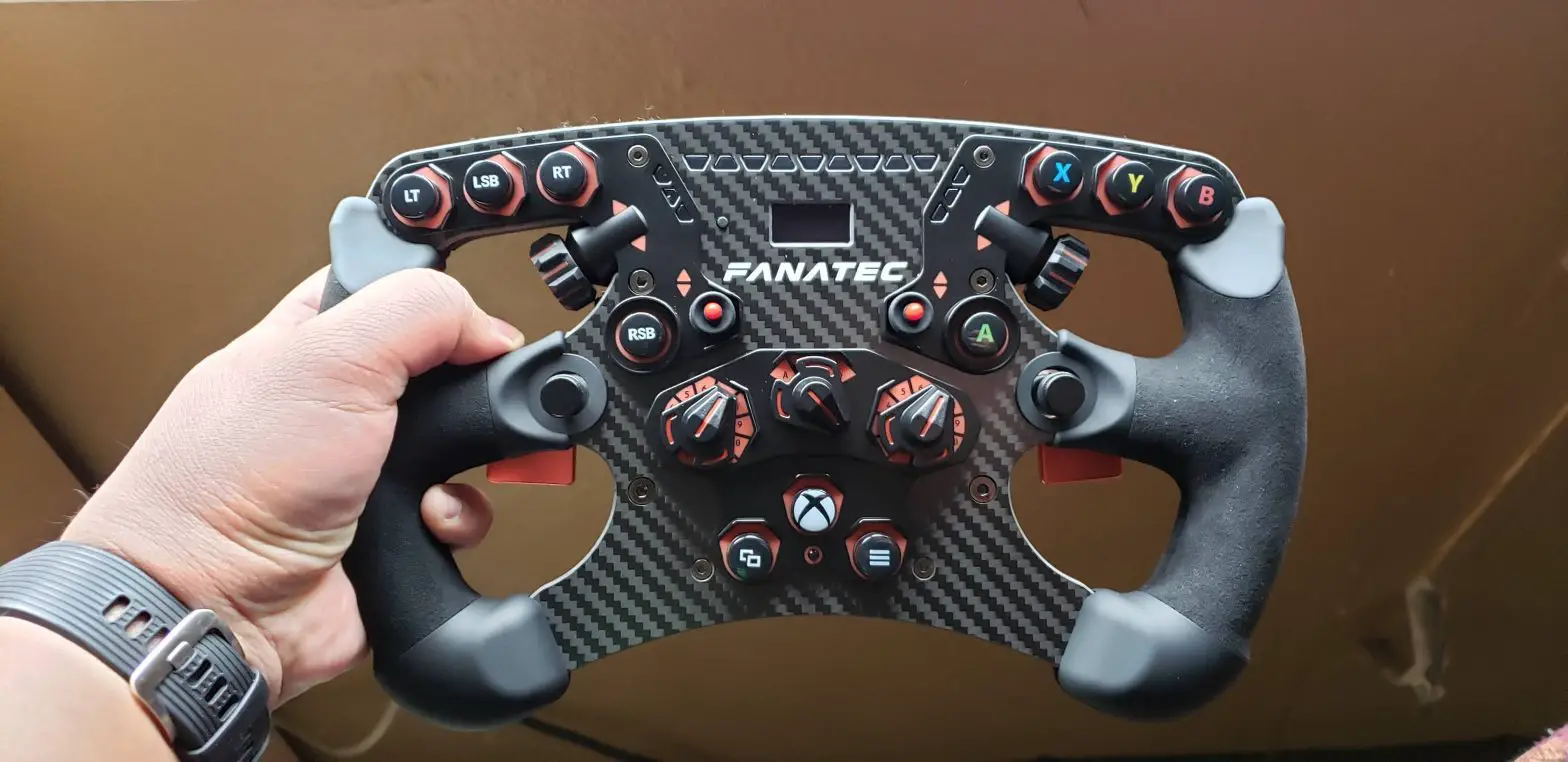
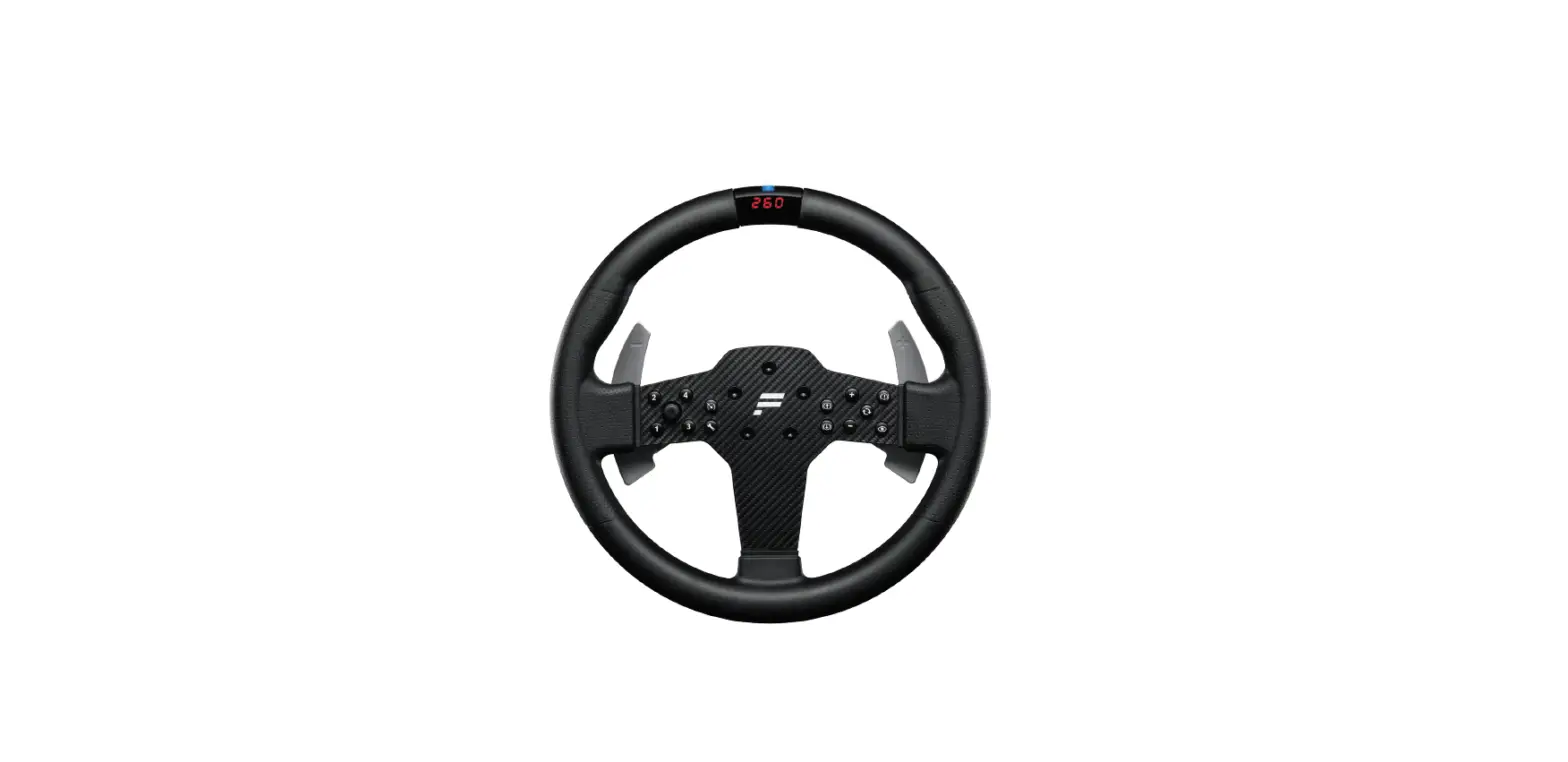
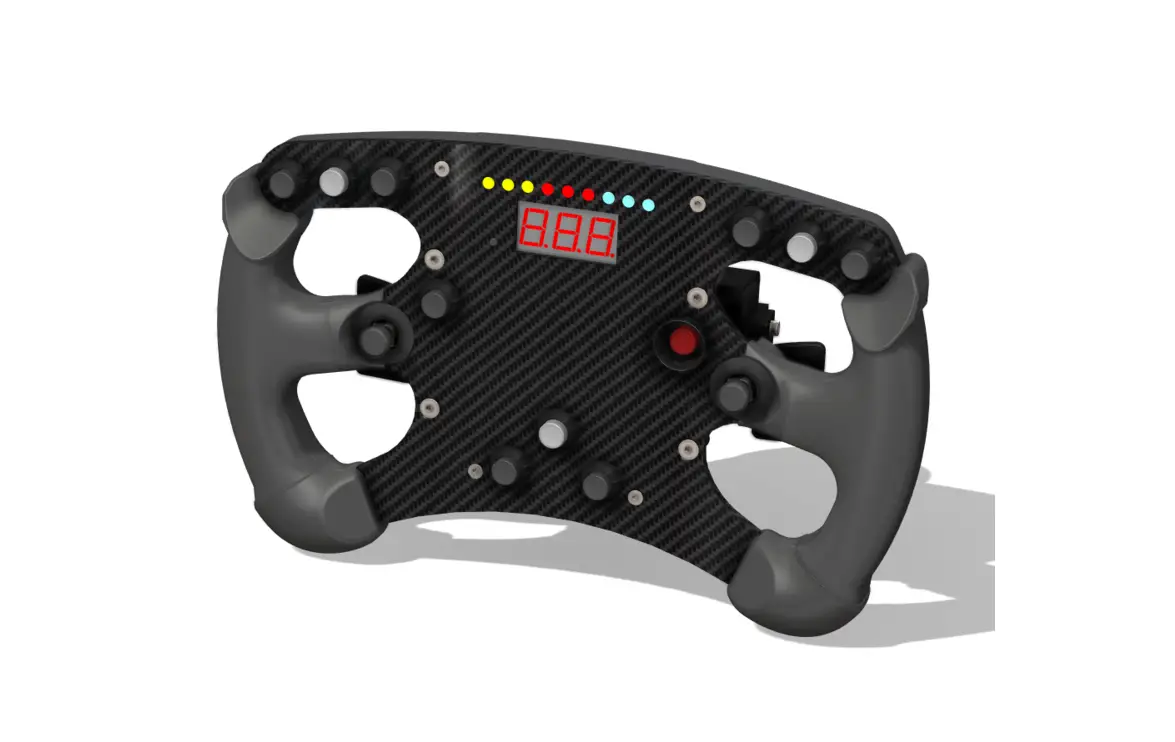
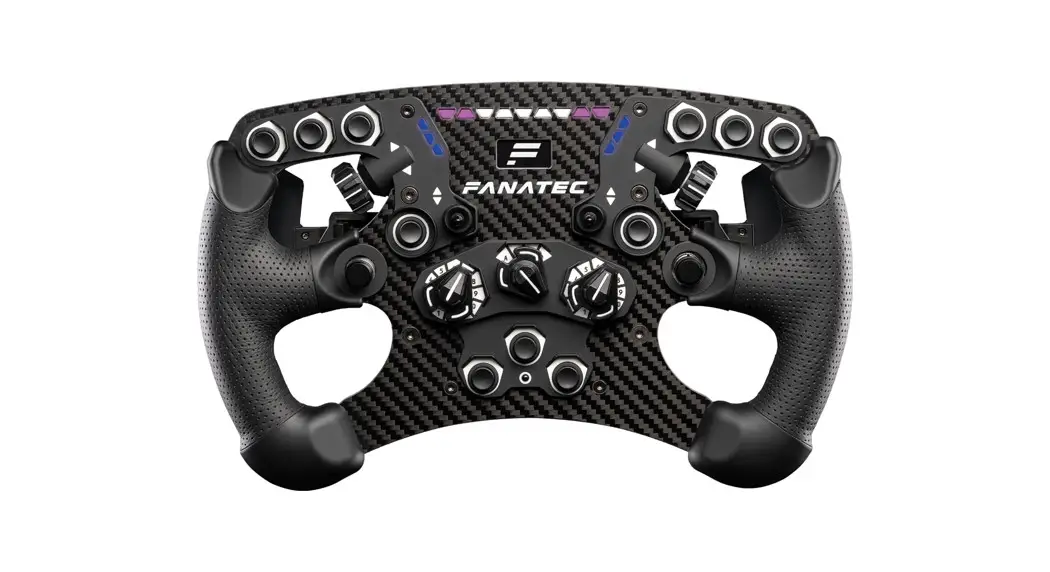
- 1x ClubSport Steering Wheel Formula V2.5
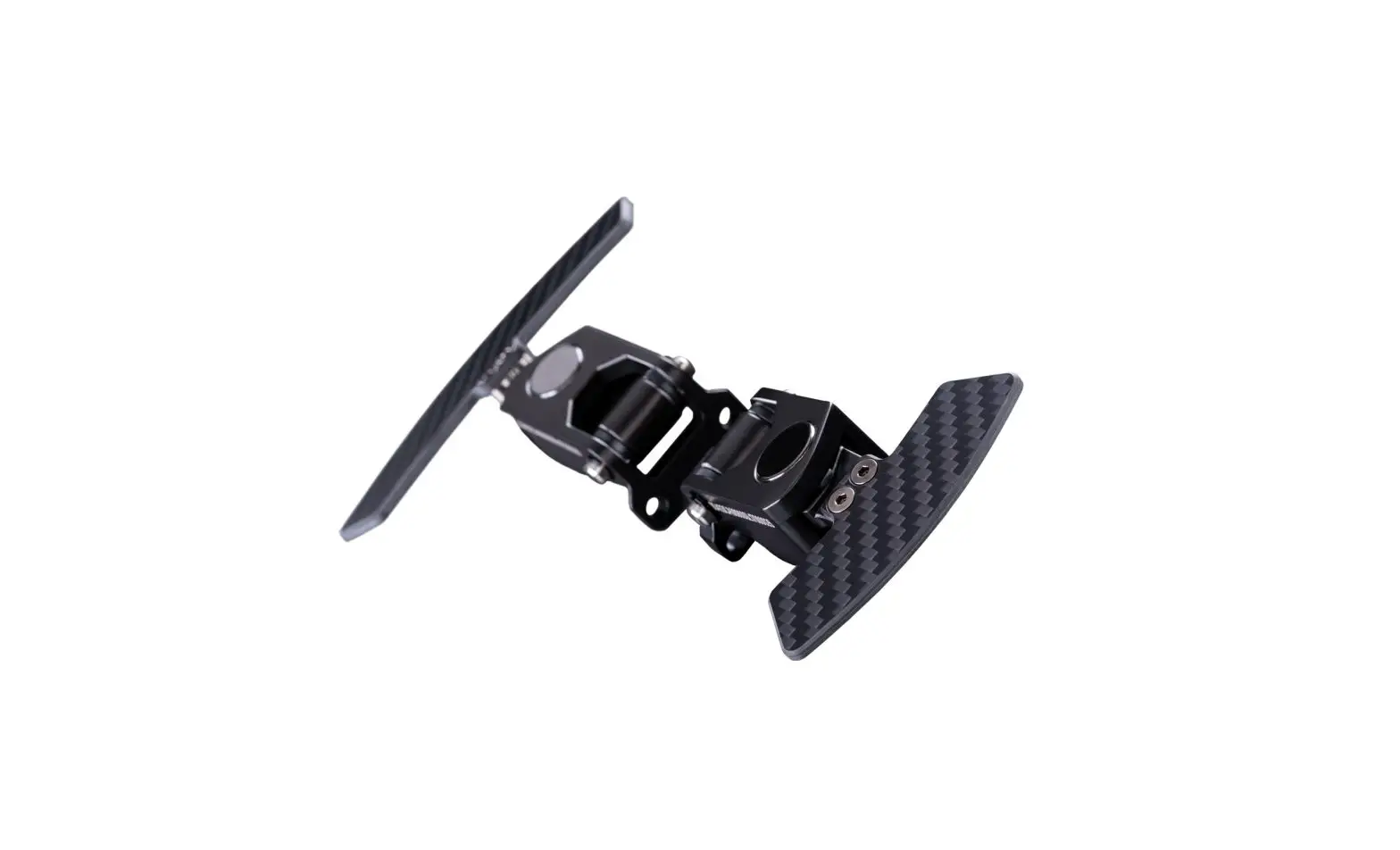
- 1x ClubSport Magnetic Paddle Module (pre-installed)
- 1x Racing Style Button Caps
- 1x Allen Key 4mm, 4x Bolts, 4x Washers (for attaching a wheel-side quick release adapter) A B C D
NOTE: A separately sold wheel-side quick release adapter must be installed on this steering wheel to enable a mechanical connection with a FANATIC ® wheelbase. Read your wheel-side quick release adapter quick guide for detailed instructions.
CENTRE CALIBRATION
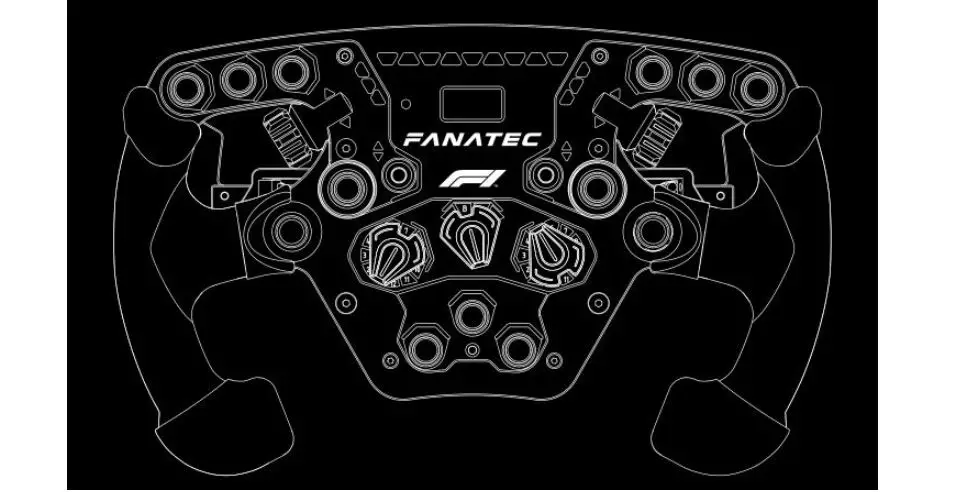
Press the Tuning button in order to enter the Tuning Menu. Press the highlighted buttons simultaneously in order to calibrate the steering wheel center.
SHIFTER CALIBRATION
Simultaneously press the Tuning button and the highlighted button. Follow the instructions on the OLED display.
TUNING OPTIONS
press the Tuning button. Navigate using the FunkySwitch TM Go through parameters
 Change parameter values
NOTE: Read the manual or quick guide of your Fanatec wheelbase for more information.
BUTTON MAPPING
SUPPORT
Our Support Team is ready to help you! Visit fanatec.com/support/faq for assistance.
Download our app:
fanatec.com/support/faq
VIDEO
Watch our video guide:
Fanatec.com/QR/CS-F-V2.5
The product warranty is provided by Endor AG. Refer to the included warranty sheet as well as the terms & conditions of Endor AG on fanatec.com
 Fanatec USA | Fanatec
 Endor AG – Endor AG – The brainfactory
 Fanatec USA | Fanatec