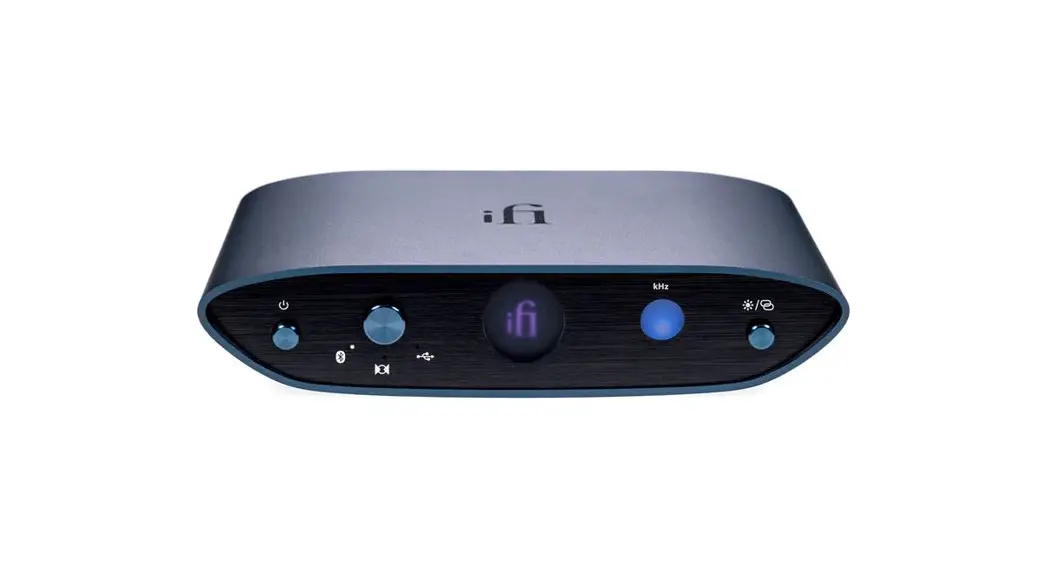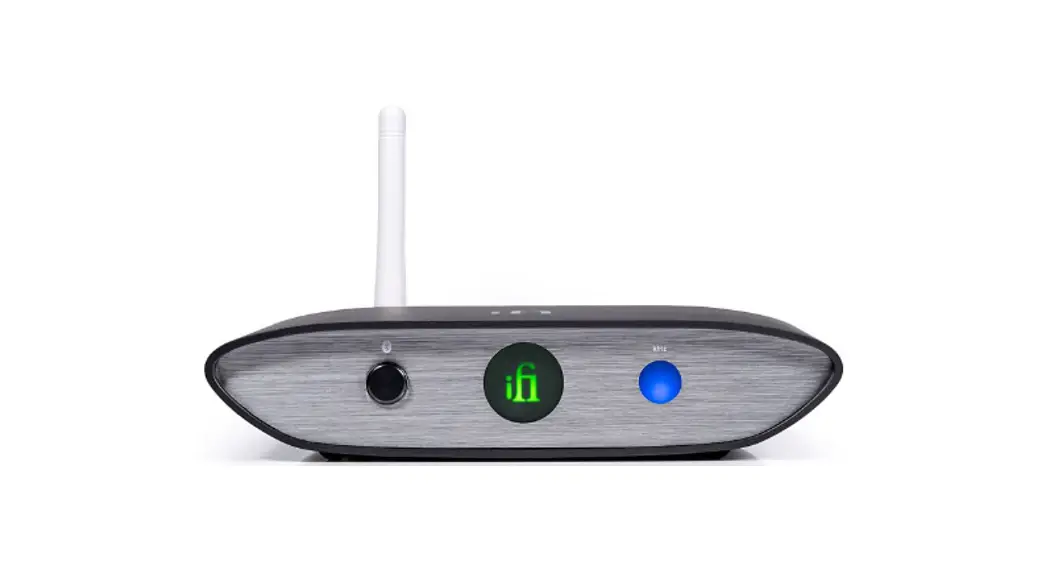
 ifi audio Zen DAC V2 Desktop Digital Analog Converter
 ifi audio Zen DAC V2 Desktop Digital Analog Converter
INTRODUCTION
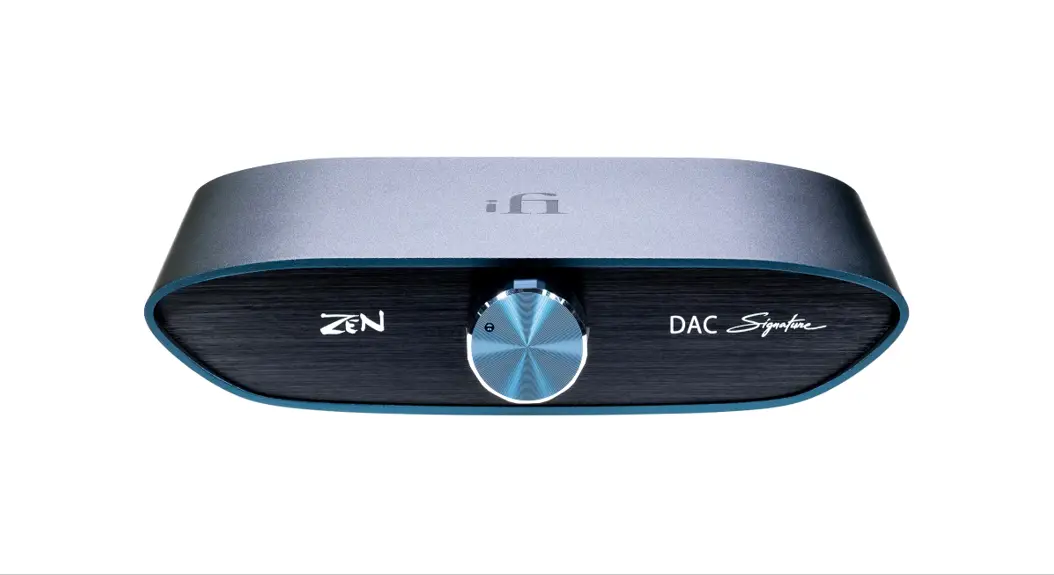
Thank you for purchasing the DAC from ZEN series. The DAC is a balanced USB-audio DAC amplifier.
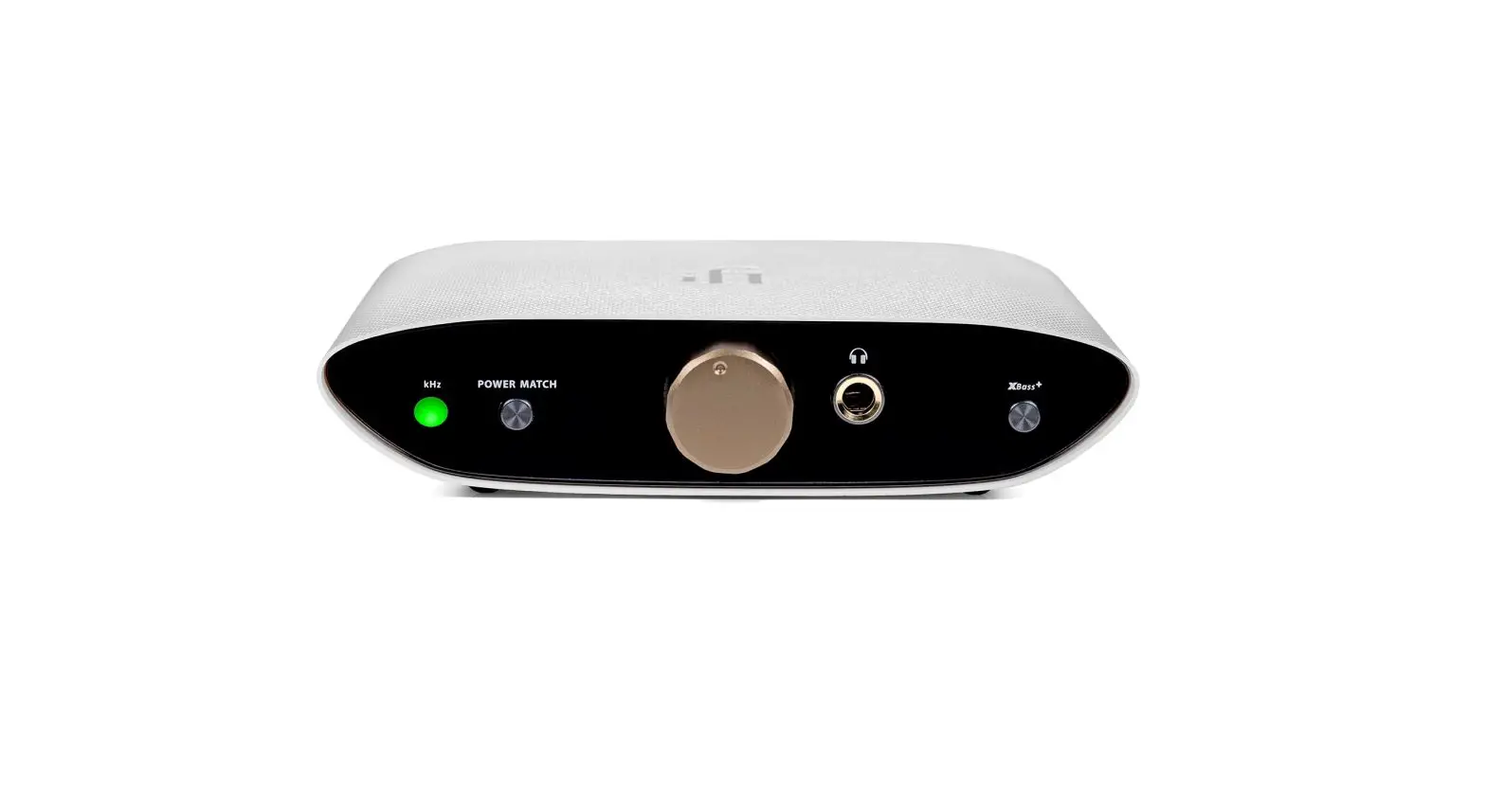
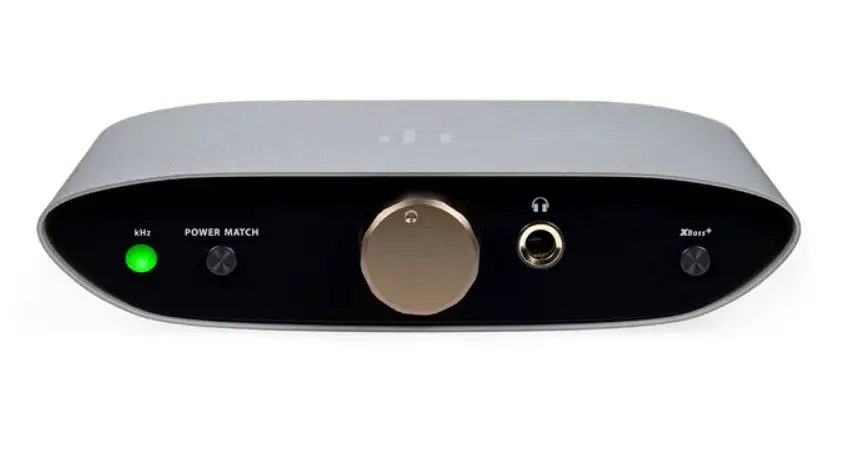
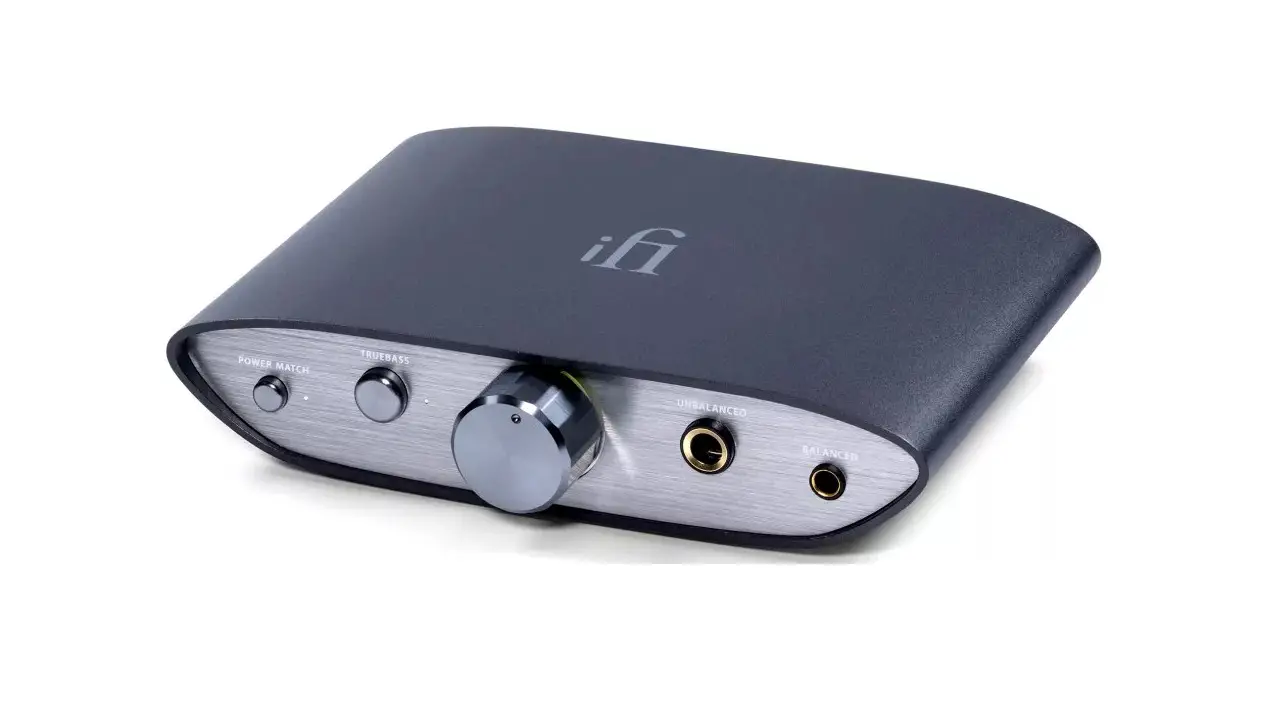
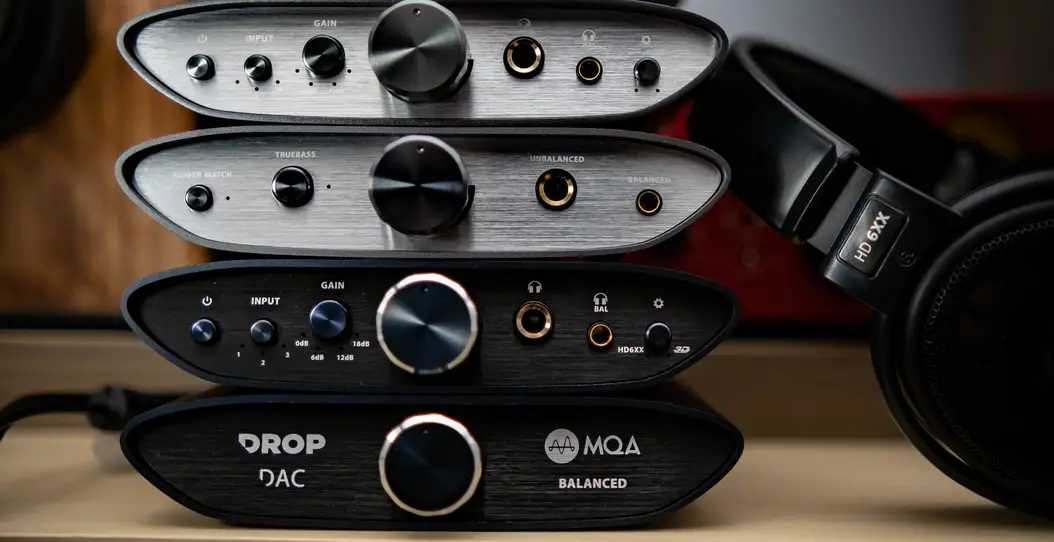
- PowerMatch (high/low)
PowerMatch setting should be on low for IEMs and on high for on/over headphones.
Warning: Due to the high power of ZEN DAC, before changing the PowerMatch setting, always start off at a low volume level so that there is no risk of damage to your headphones, speakers or your hearing. iFi audio is not responsible for any hearing or equipment damage from misuse. - TrueBass (high/low)
Many headphones lack the correct bass response. TrueBass is an analogue circuit designed to ‘add back’ the lost bass response for the most accurate playback.
Tip: Open-back headphones and some IEMs usually sound better with TrueBass set high. Adjust to suit. - Analogue volume control
The analogue volume control in ZEN DAC is superior to any digital volume control. It can be used to control the headphone volume or the pre-amplifier volume (when set to ‘Variable’). If the output at the rear is set to ‘Fixed’ the volume control is bypassed. - Audio Format LED (kHz)
The LED colour scheme indicates the audio format and sampling frequency received by ZEN DAC from the music source.
LED ModeYellow PCM 44.1/48kHz
White PCM 88.2/96/176.4/192/352.8/384kHz
Cyan DSD 64/128
Red DSD 256
Green MQA
Blue MQA Studio
Magenta Original Sample Rate*
*MQB
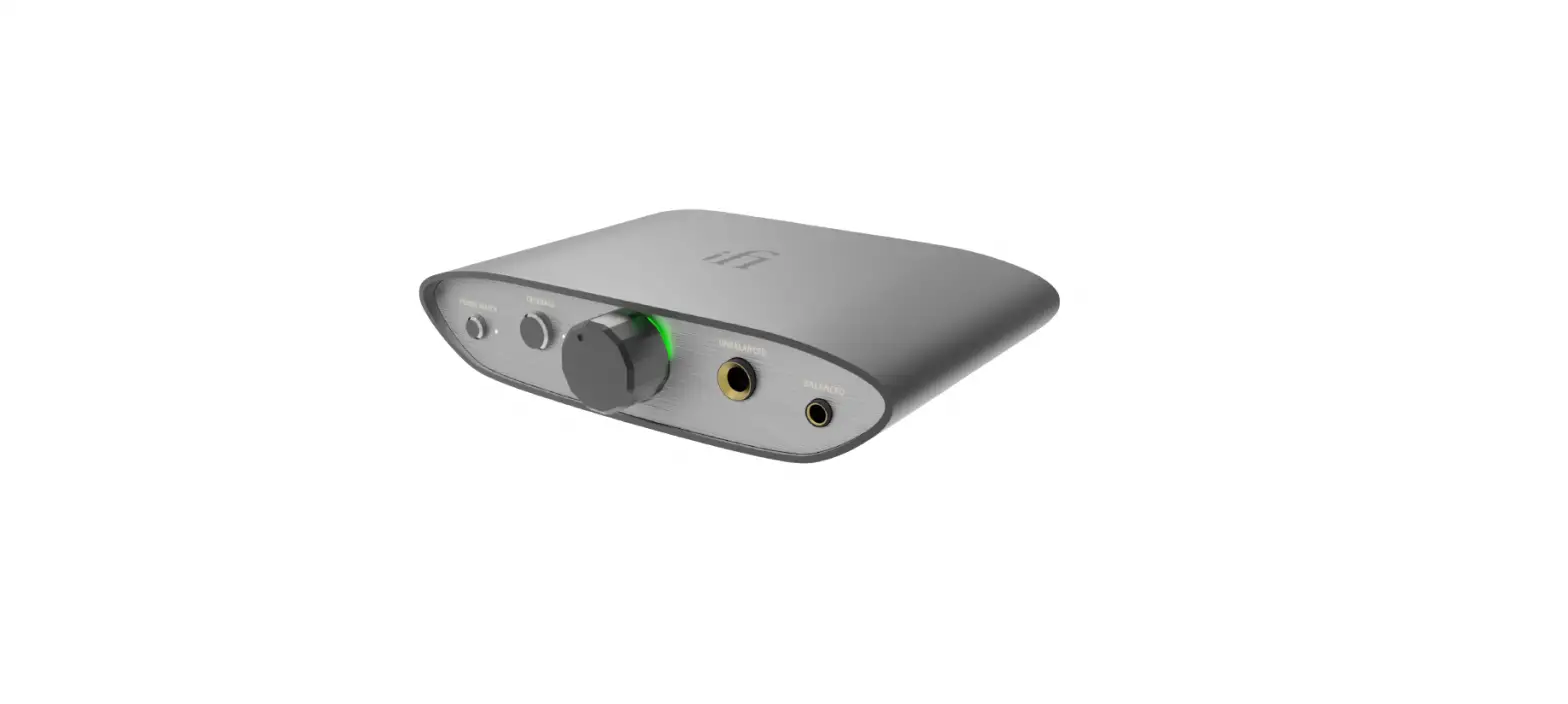
- Single-ended 6.3mm output
Connect single-ended 6.3mm headphones. With single-ended 3.5mm headphones, connect with a 3.5mm to 6.3mm adapter. - Balanced 4.4mm analogue output Connect balanced 4.4mm headphones.
Tip: As ZEN DAC is balanced, we recommend the 4.4mm output. - Balanced 4.4mm analogue output
This is an analogue output via 4.4mm > XLR or other balanced interconnects. You could use this for an active speaker or an amplifier.
Tip: As ZEN DAC is balanced, this is the recommended output. - Variable/Fixed switch
When the rear UnBAL/BAL analogue outputs are used, this switch will determine whether or not ZEN DAC analogue volume control is used. - RCA analogue output
- USB-audio and power input
This is a USB input. It connects ZEN DAC to the computer audio source and provides the power supply. - DC 5V power
ZEN DAC is powered by 5 volts, either via the enclosed USB cable (for connection to laptop or PC) or DC power supply (not included).
Tip: For best performance upgrade the USB power supply to a super-low noise power adapter such as iFi iPower2 or iPower X.
Note: For use with PC it is necessary to download drivers.
Tip: For the required driver and all the latest firmware updates please visit our website: www.i-audio.com/download-hub/
Specification
Power supply requirement: USB or DC 5V, 0.5A (centre +ve)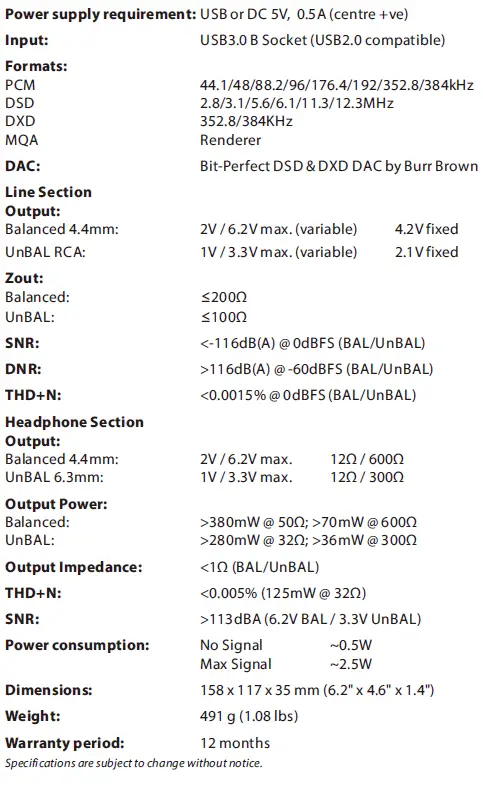
 iFi audio | the Award-Winning Audio Technology Company
 i-audio.com - This website is for sale! - i audio Resources and Information.