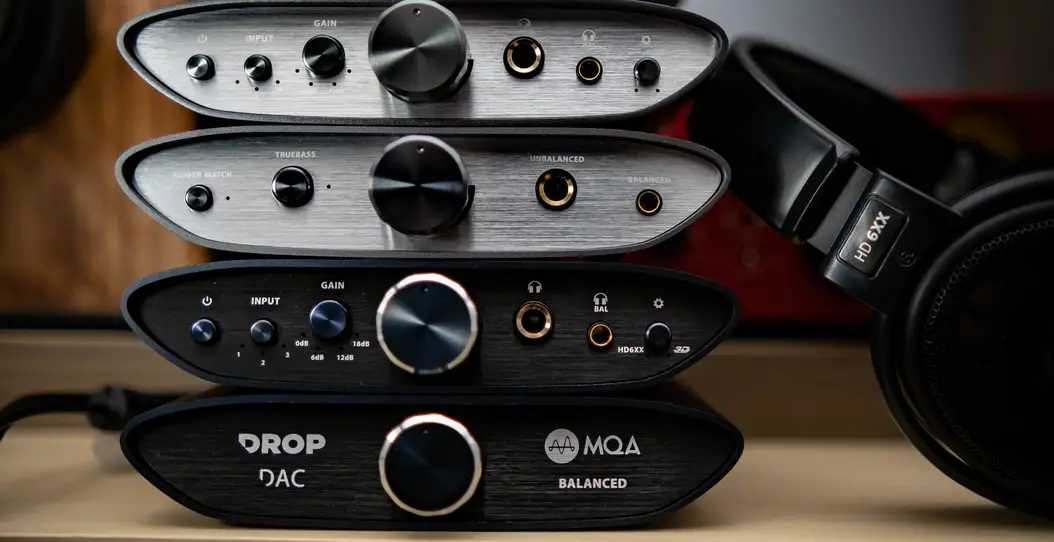
iFi Audio ZEN Stream
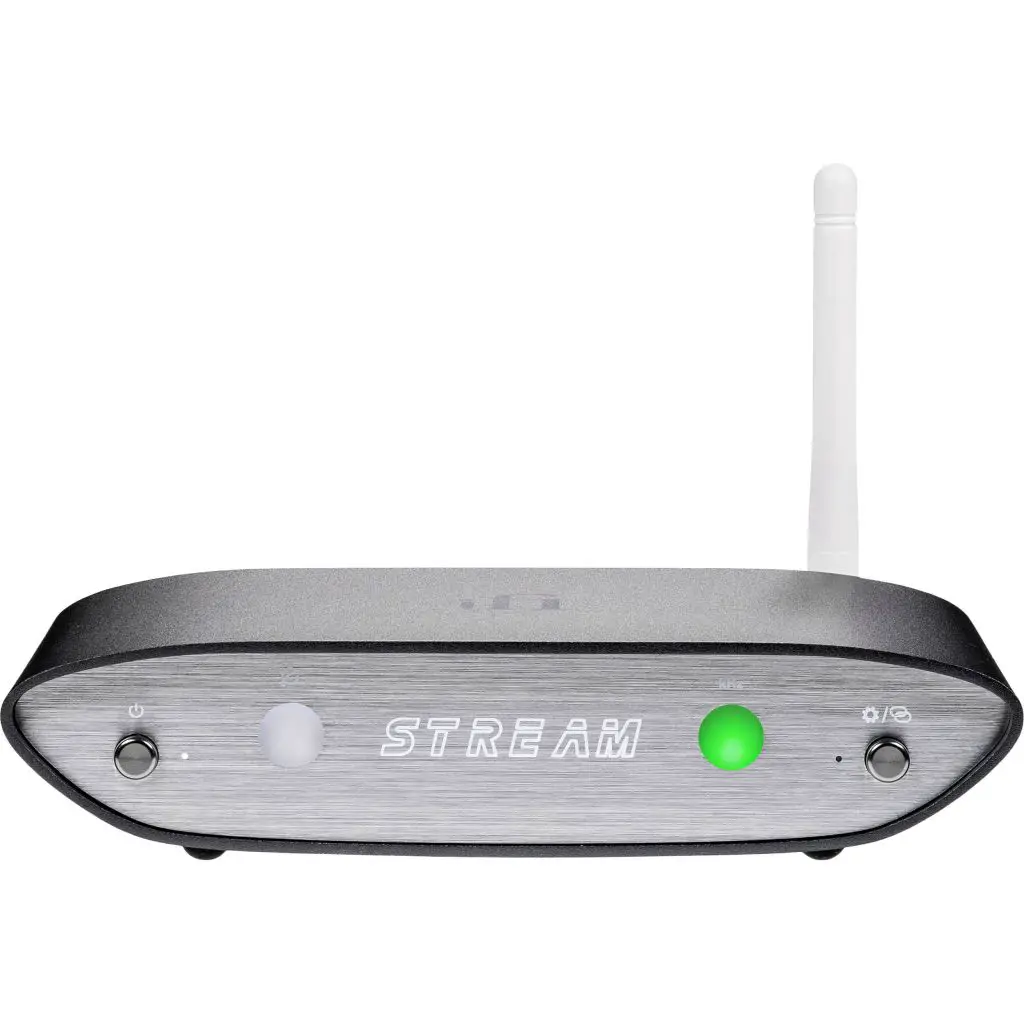
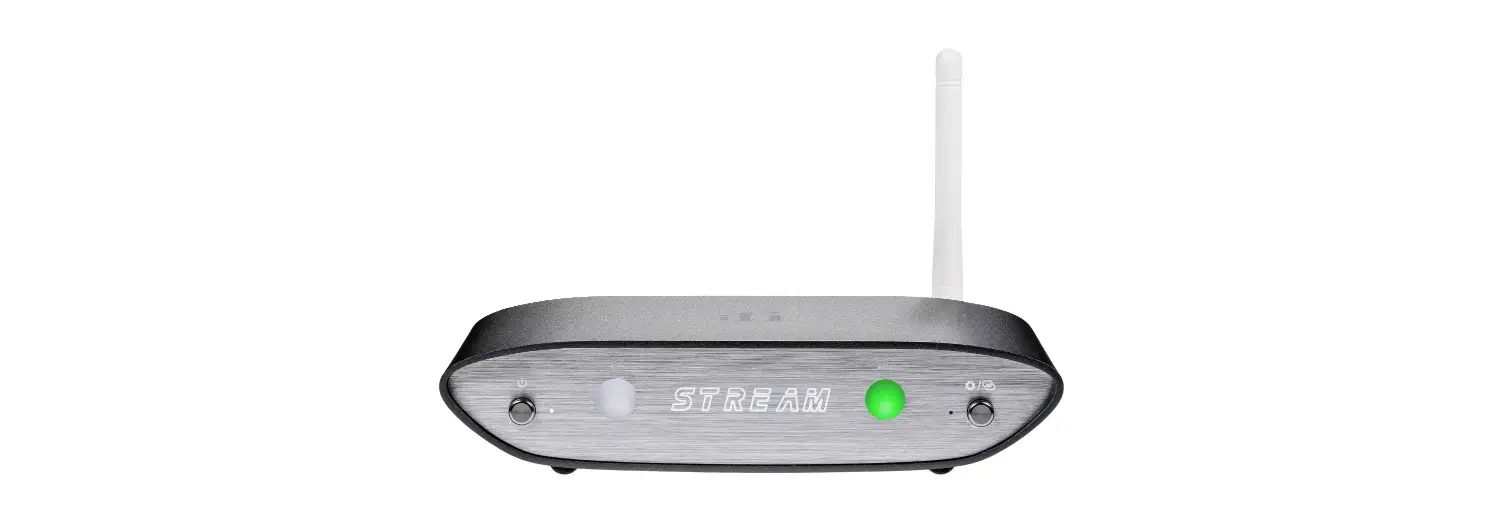
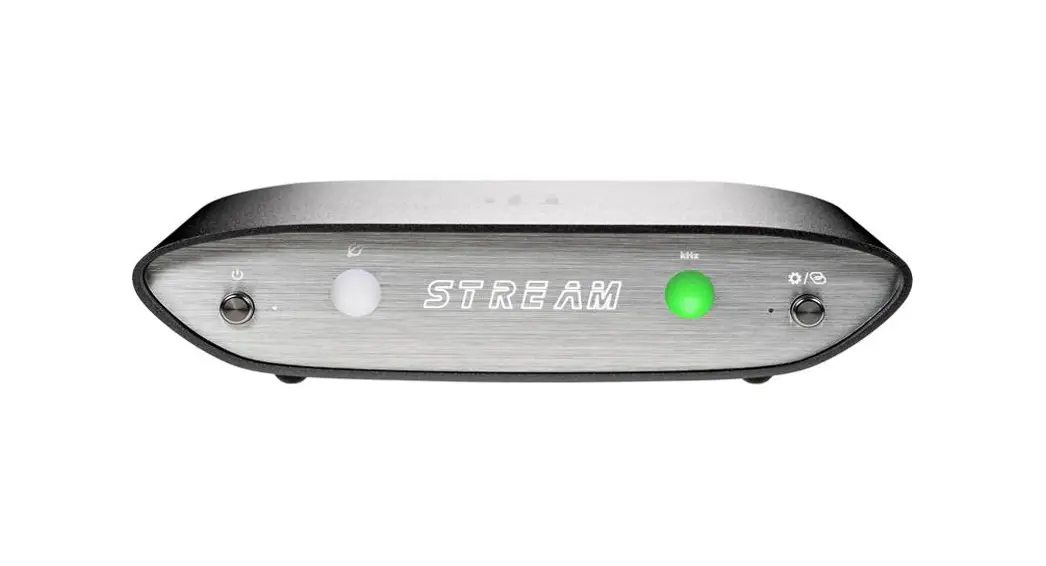
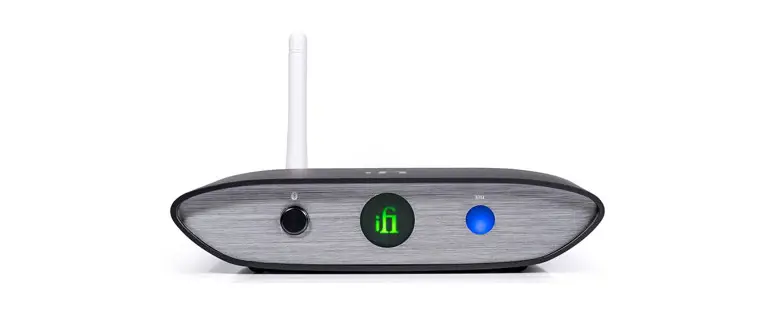
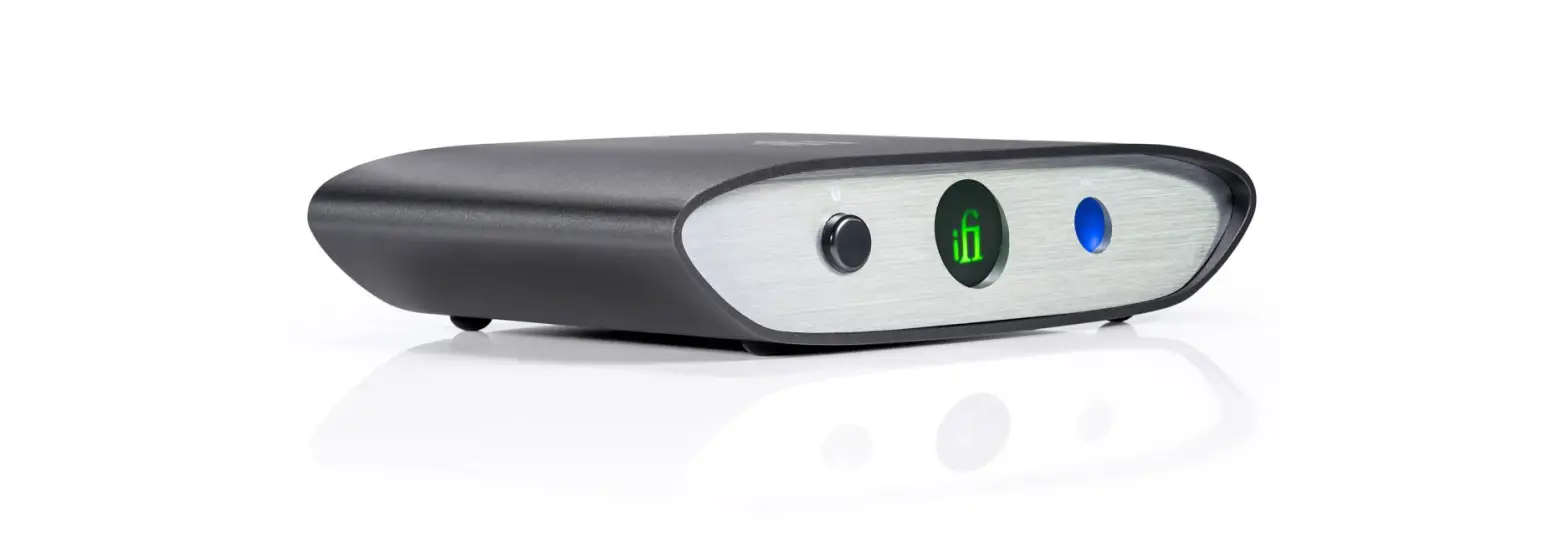
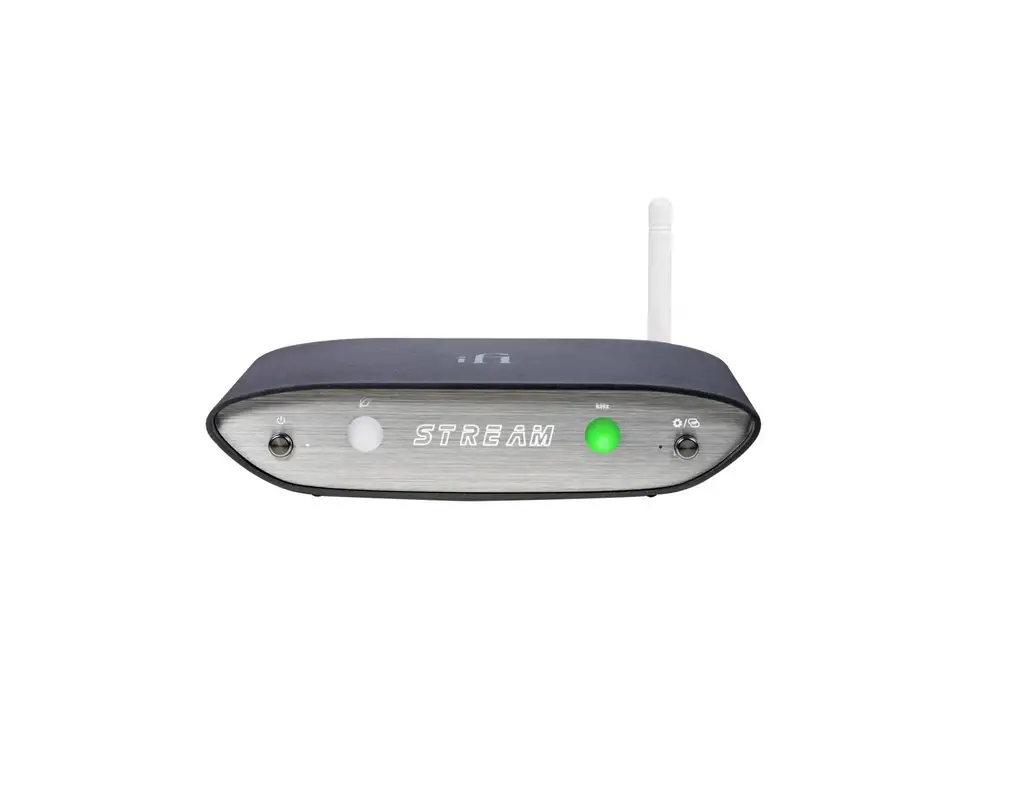
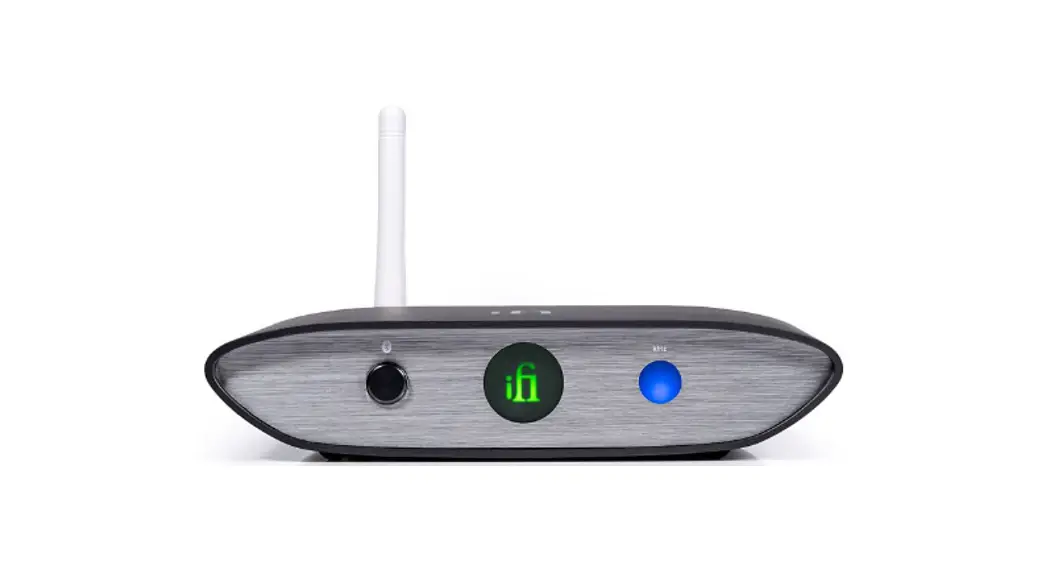
- Power switch and indicator

- Network Status LED
The LED color scheme indicates the signal strength and network status received by ZEN Stream from the router.LED
Speed
Internet White
CyanFast
SlowLocal Network Green
Fast
(No Internet) Yellow
Slow
No connection Red
–
- Power switch and indicator
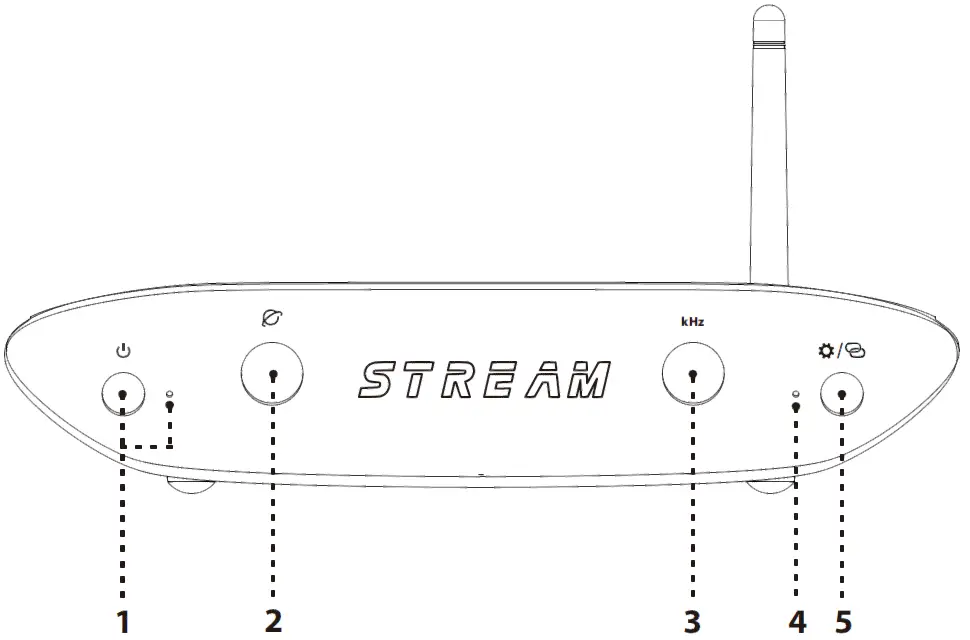
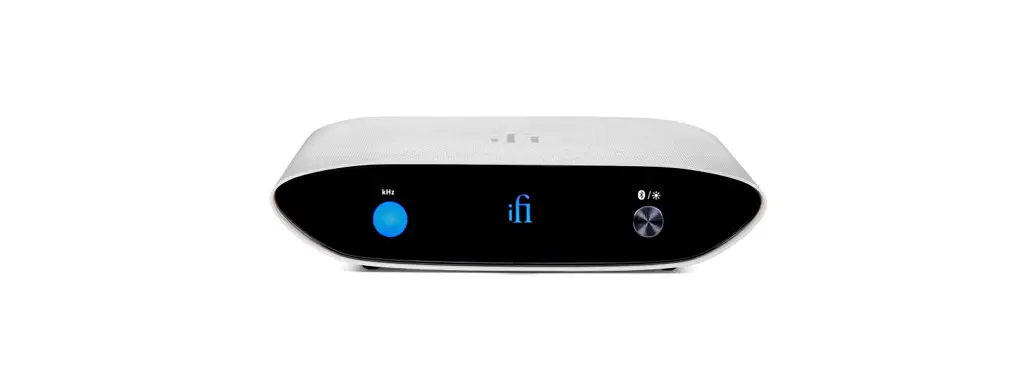
- Audio Format LED (kHz)
The LED colour scheme indicates the audio format and sampling frequency received by ZEN Stream from the music source.LED
Mode
Green
PCM 44.1/48/88.2/96kHz
Yellow
PCM 176.4/192/352.8/384kHz
Cyan
DSD 64/128
Blue
DSD 256
OFF
No Streaming
- LED for Hotspot Status
LED
Status
Flashing
On and awaiting connection
ON
Hotspot Connected
OFF
Hotspot off
- LED/HOTSPOT switch
- LED ON/OFF (short press)
- Hotspot ON/OFF (long press)

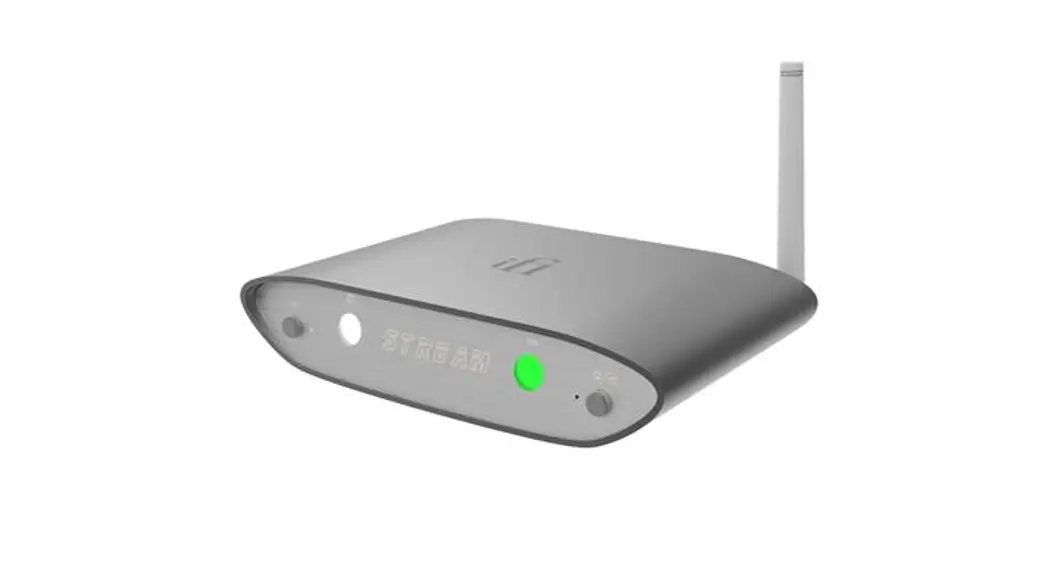
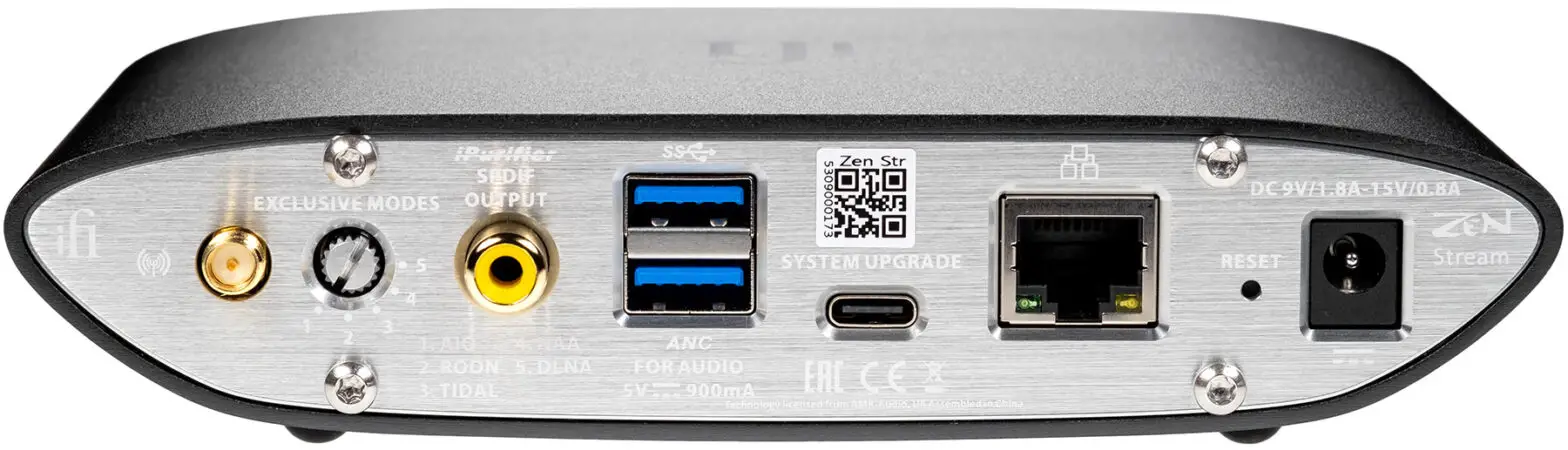
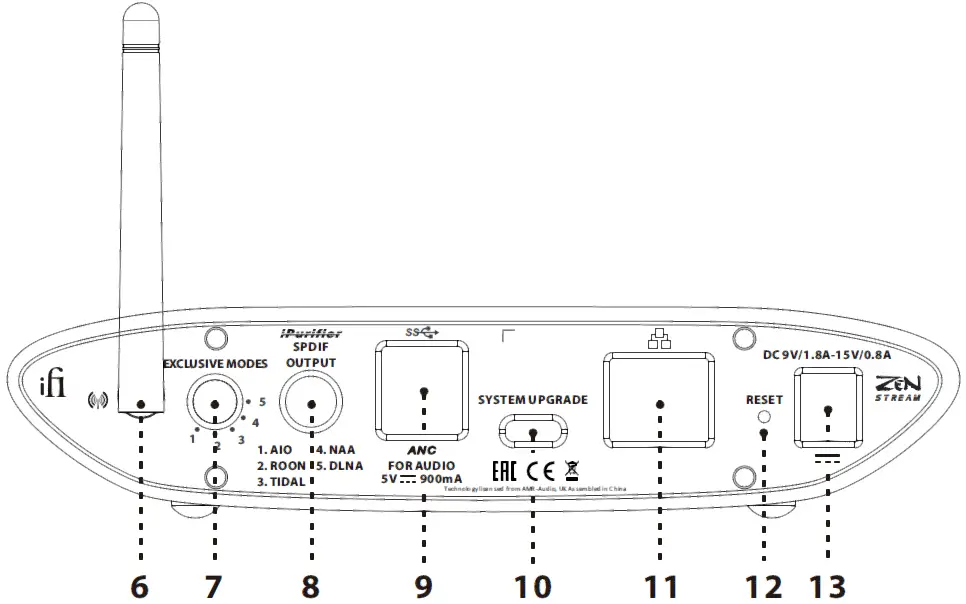
- Antenna
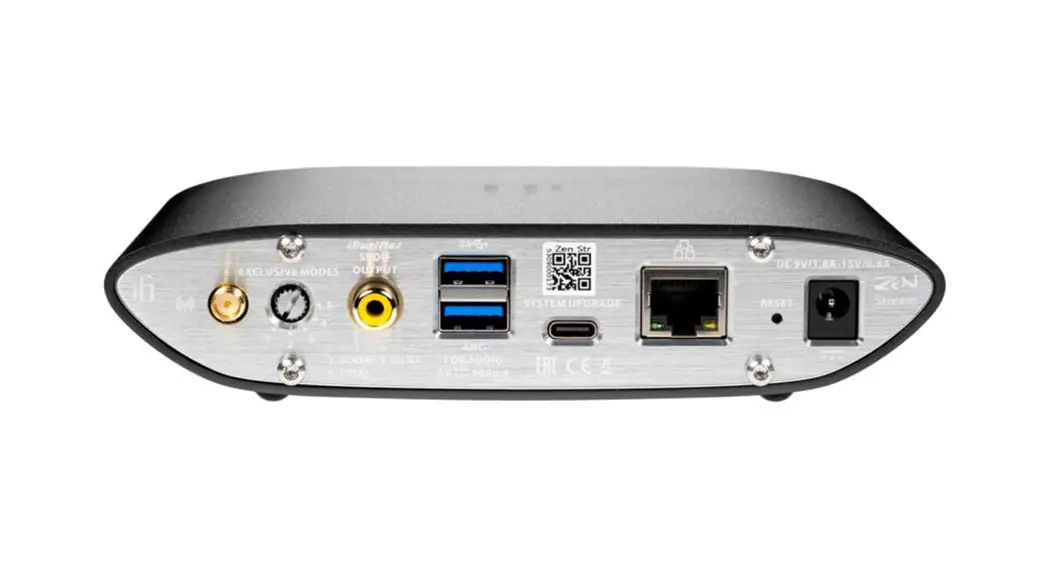
Please attach the enclosed antenna for maximum reception quality. - System (Mode) selector
The following 5 play modes can be selected:- All In One. Use for set up
- Roon only
- TIDAL only
- NAA (Network Audio Adapter) only
- DLNA only
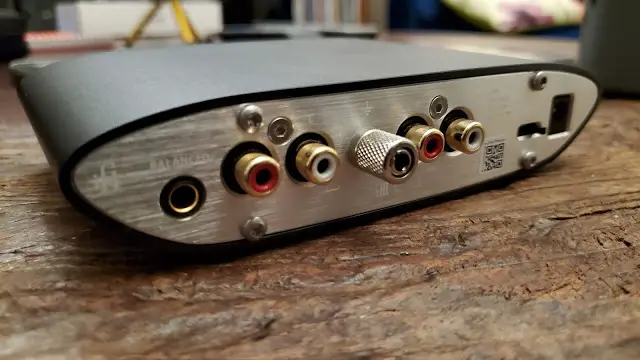
- SPDIF (Coaxial) output
This is a coaxial output with iPurifier technology built-in. - USB Type A x 2
Compatible with USB 2.0 and USB 3.0- Output – Connect to Dac
- Input – Connect to HDD, USB DISK etc
These two USB ports have ANC technology built- in
- System upgrade port
Used for system firmware upgrade. - Ethernet
For a Ethernet connection directly from a router. - Factory Reset
Long press >3s and WAIT for ~5mins
DO NOT POWER OFF!
**Loss of power during this period may damage your device and leave it unusable. - DC power supply connection
DC 9V/1.8A-15V/0.8A DC power input. Please connect ZEN Stream to the enclosed power supply.
Tip: For all the various network connection methods, please visit our website.
- Audio Format LED (kHz)
Specifications
| Input voltage | DC 9V/1.8A-15V/0.8A, AC 100 -240V, 50/60Hz |
| Input | WiFi/Ethernet/USB DISK, HDD etc. |
| Formats | PCM384/DSD256 |
| Output | USB3.0/ Type-A Socket x2 and SPDIF (Coaxial) |
| Power Consumption | No Signal ~6W Max Signal ~10W |
| Dimensions | 158 x 100 x 35 mm 6.2″ x 3.9″ x 1.4″ |
| Net Weight | 578 g (1.27 Ibs) |
| Warranty Period | 12 months |
Specifications are subject to change without notice.

 iFi audio | the Award-Winning Audio Technology Company