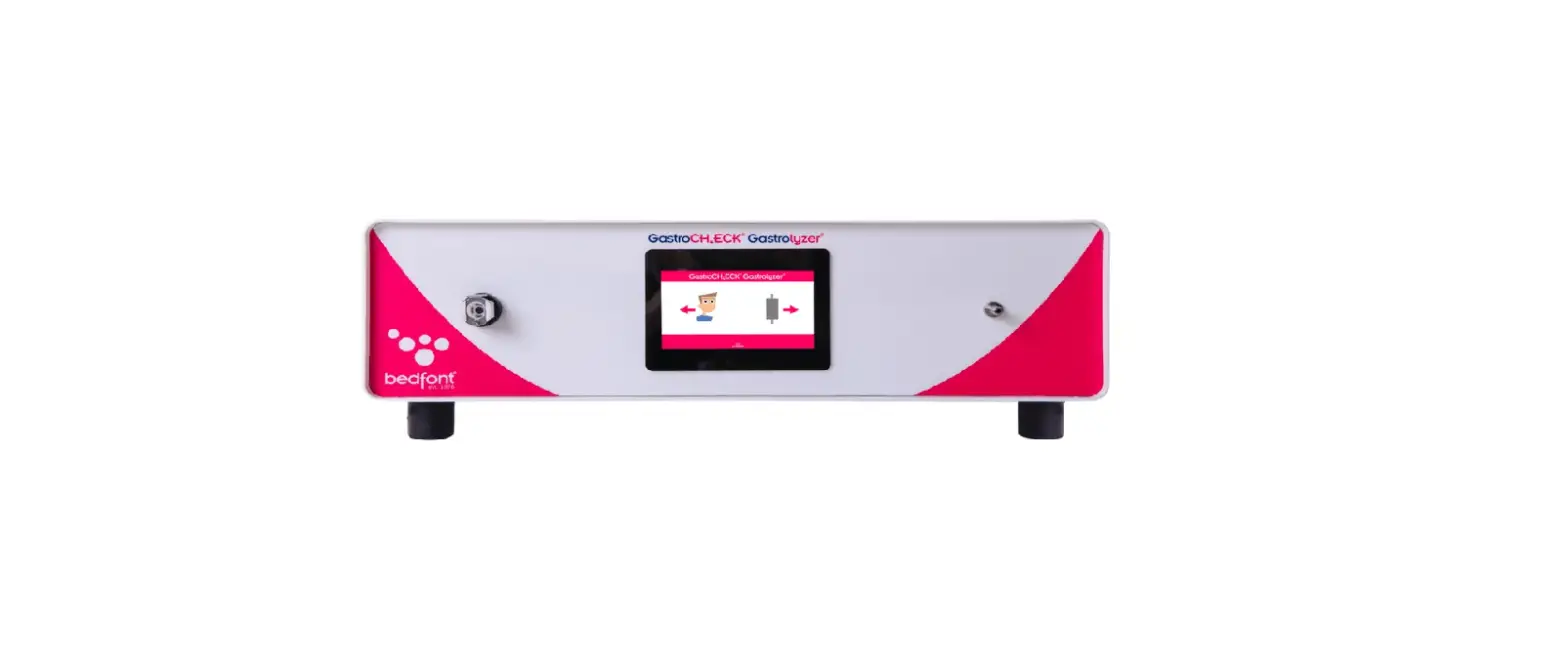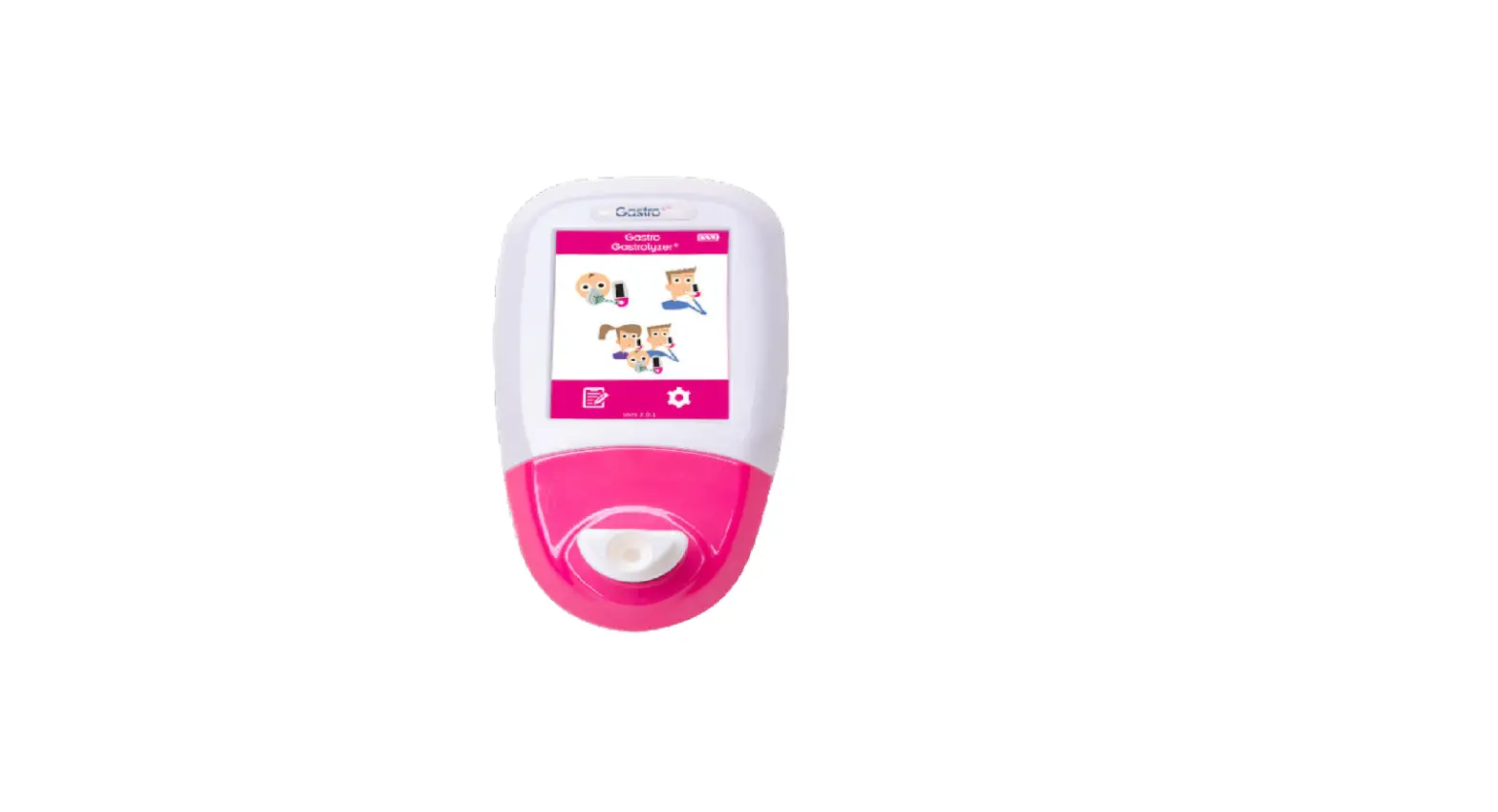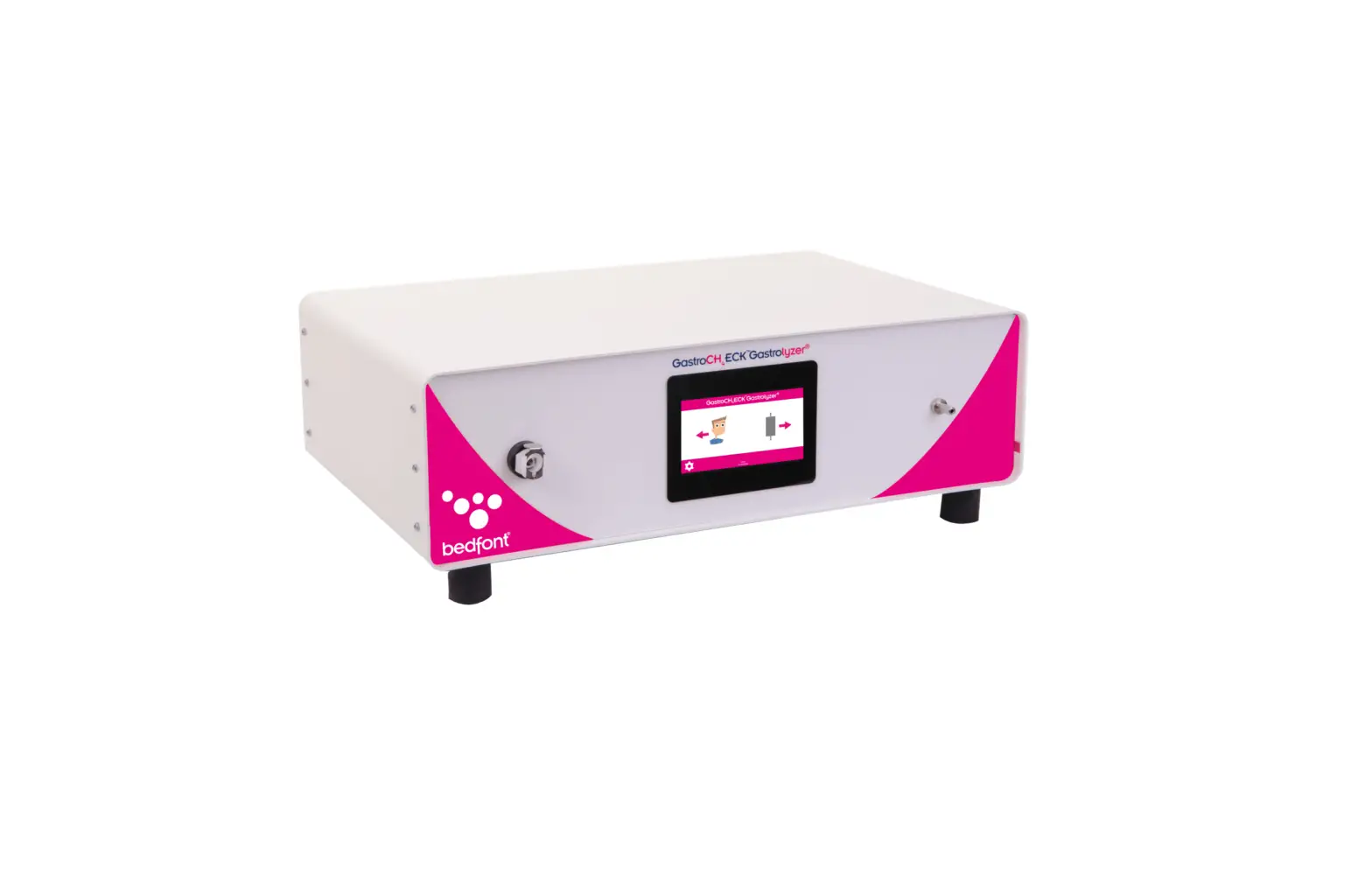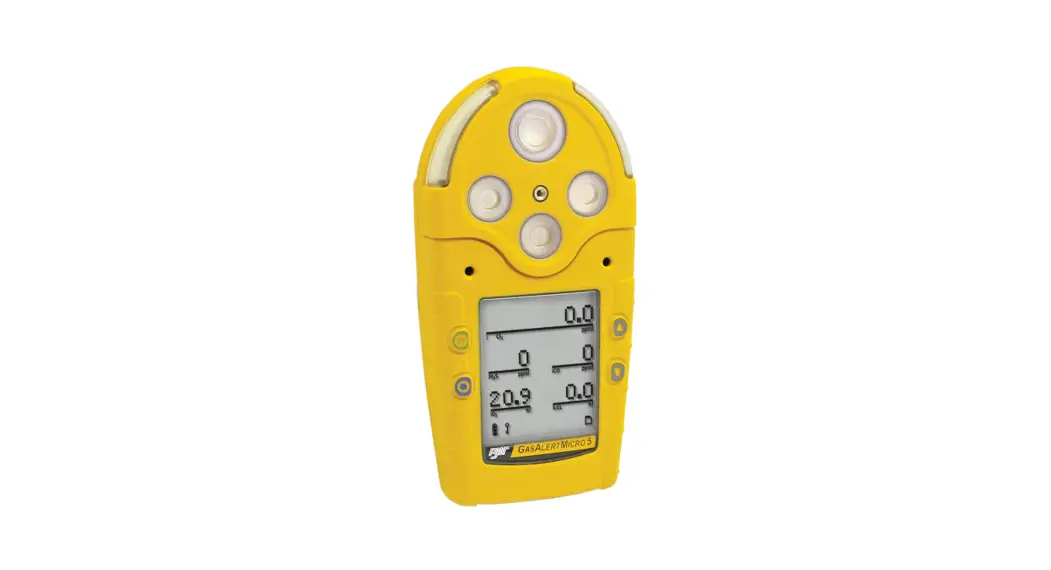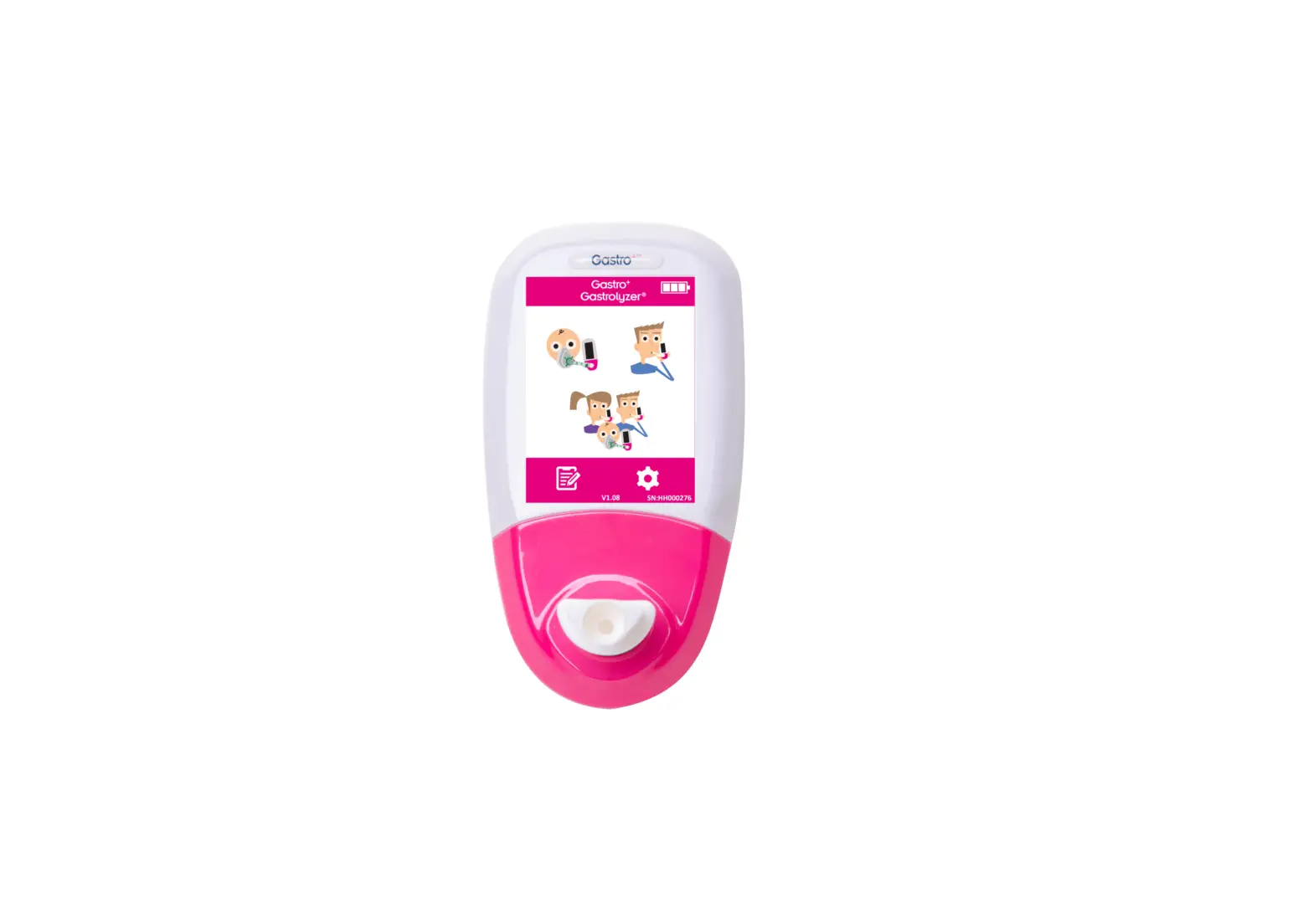

Gastrolyzer Gastro
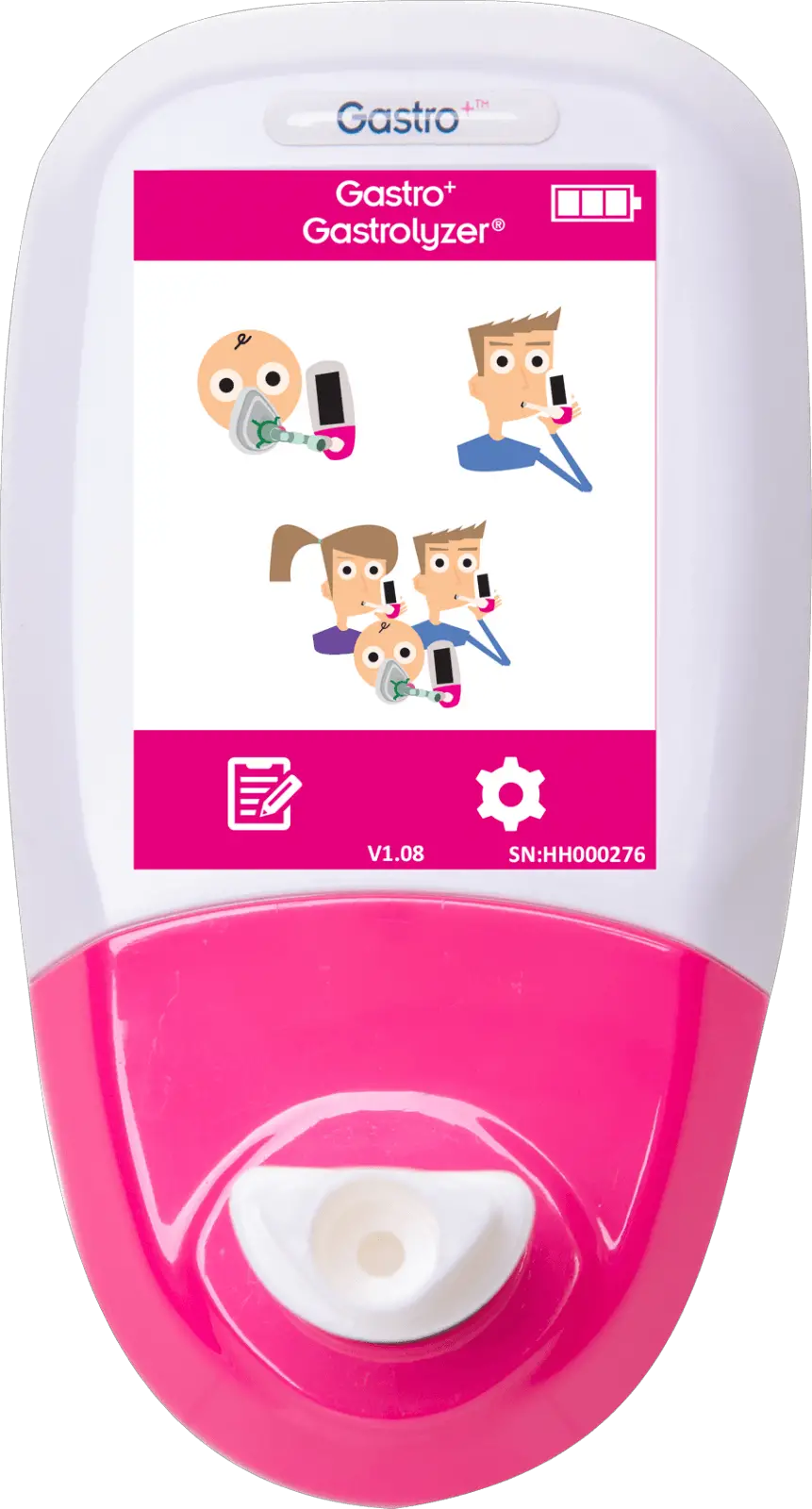
Taking a Breath Test
- Attach a breath sampling D-piece and optionally a new SteribreathTM mouthpiece.
- Turn on the monitor by pressing the power button once.
- Press the‘ Breath Test’ symbol on the screen
 .
. - To cancel the breath test, press
 .
. - Inhale and hold your breath for the pre-set 15-second countdown.
- A beep will sound during the last 3 seconds of the countdown.
- Blow slowly into the mouthpiece, aiming to empty the lungs completely.
- The ppm levels will rise and hold on-screen.
- When the test is finished
 will appear at the bottom of the screen.
 - To repeat the breath test, press and repeat step 4-8.
- To return to the home screen, press.
- To save the reading, press
 and select the relevant patient profile.
 - Remove the D-piece between tests to purge the sensor with fresh air.
- To switch off, press and hold the power button for 3 seconds, the unit will also power off after 45 minutes of inactivity to save power.
 .
. .
. will appear at the bottom of the screen.
 and select the relevant patient profile.
Taking a Facemask Test
- Attach a new facemask and facemask sampling system.
- Turn on the monitor by pressing the power button once.
- Press
 .
. - To cancel the test, press.
- Inhale and exhale into the facemask, the device will take the reading in real-time.
- The ppm levels will rise and hold at the peak level, when this has stopped rising for a period of 5 consecutive seconds the test result can be recorded and the test stopped.
- When the test is finished will appear at the bottom of the screen.
- To repeat the test, press once to return to the home screen and repeat steps 3-6.
- Remove the facemask sampling system between tests to purge the sensor with fresh air.
- To switch off, press and hold the power button for 3 seconds, the unit will also power off after 45 minutes of inactivity to save power.
 .
.To download the full Gastro+ manual and GASTROCHART please go to www.bedfont.com.
Bedfont® Scientific Ltd.
- Station Road, Harrietsham, Maidstone, Kent, ME17 1JA, England
- Tel: +44 (0)1622 851122
- Fax: +44 (0)1622 854860
- Email: [email protected]
- Website: www.bedfont.com.
Stephen Rowe
Cristimar E4-1
Ave Juan Carlos I
Los Cristianos, Arona, 38650
Santa Cruz de Tenerife, Spain.
© Bedfont® Scientific Limited 2021
Issue 4 – September 2021, Part No: LAB674
Bedfont® Scientific Limited reserves the right to change or update this literature without prior notice.
- Registered in: England and Wales.
- Registered No: 1289798
Official Bedfont Distributor
USA Representative for Sales, Service & Support:
coVita
212 Cottage Grove Ave Suite C
Santa Barbara, CA 93101
Tel: 800.707.5751 Fax: 800.721.2377
Email: [email protected] Website: www.covita.net.
 Bedfont Scientific Ltd - Supplying breath and gas analysis equipment.
 Leaders in breath analysis since 1976 - coVita