
ClearOne Medium Conference Room
Room Application
- Video Conferencing, Teleconferencing
Included Interfaces
- BYOD PC audio and video, Bluetooth, VoIP, Analog Phone
Primary Equipment
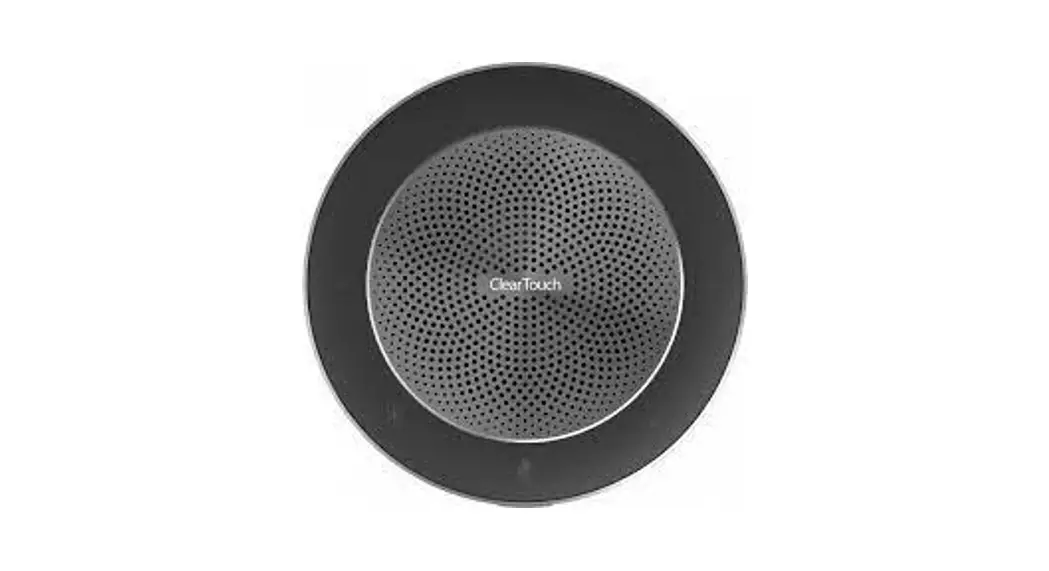
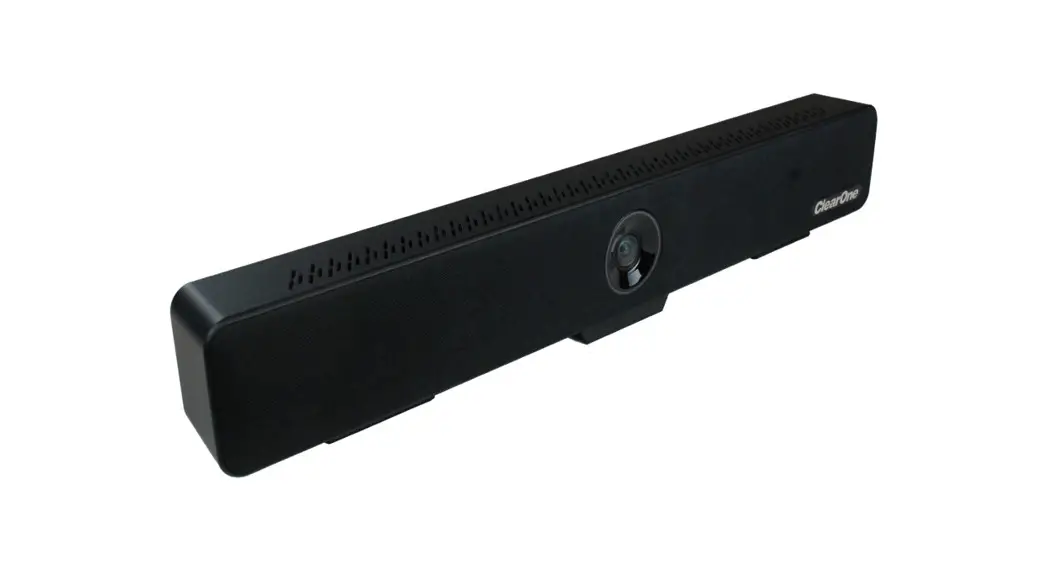
- BMA 360
- CP2 48 VT DSP
- BT Expander
- Versa Hub
Software/Firmware revisions utilized
- CONSOLE® AI Version: 7.5.4.1
- DSP Version: 8.5.15.0
- BMA 360 Version: 1.0.61O
Room illustrations
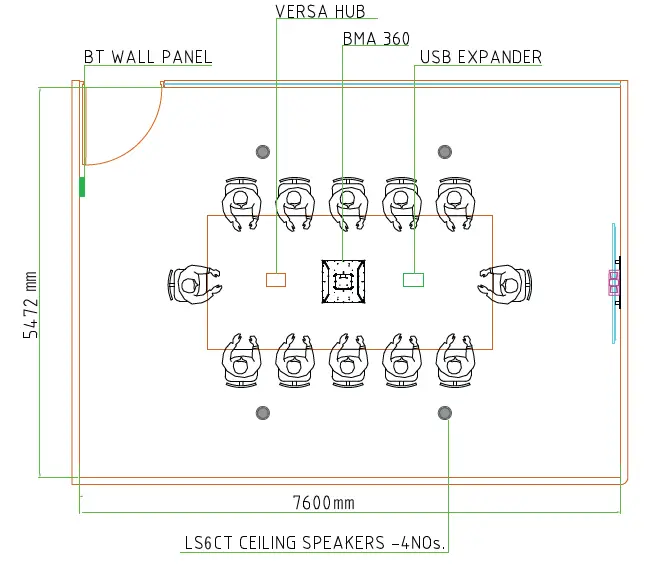
Room Description
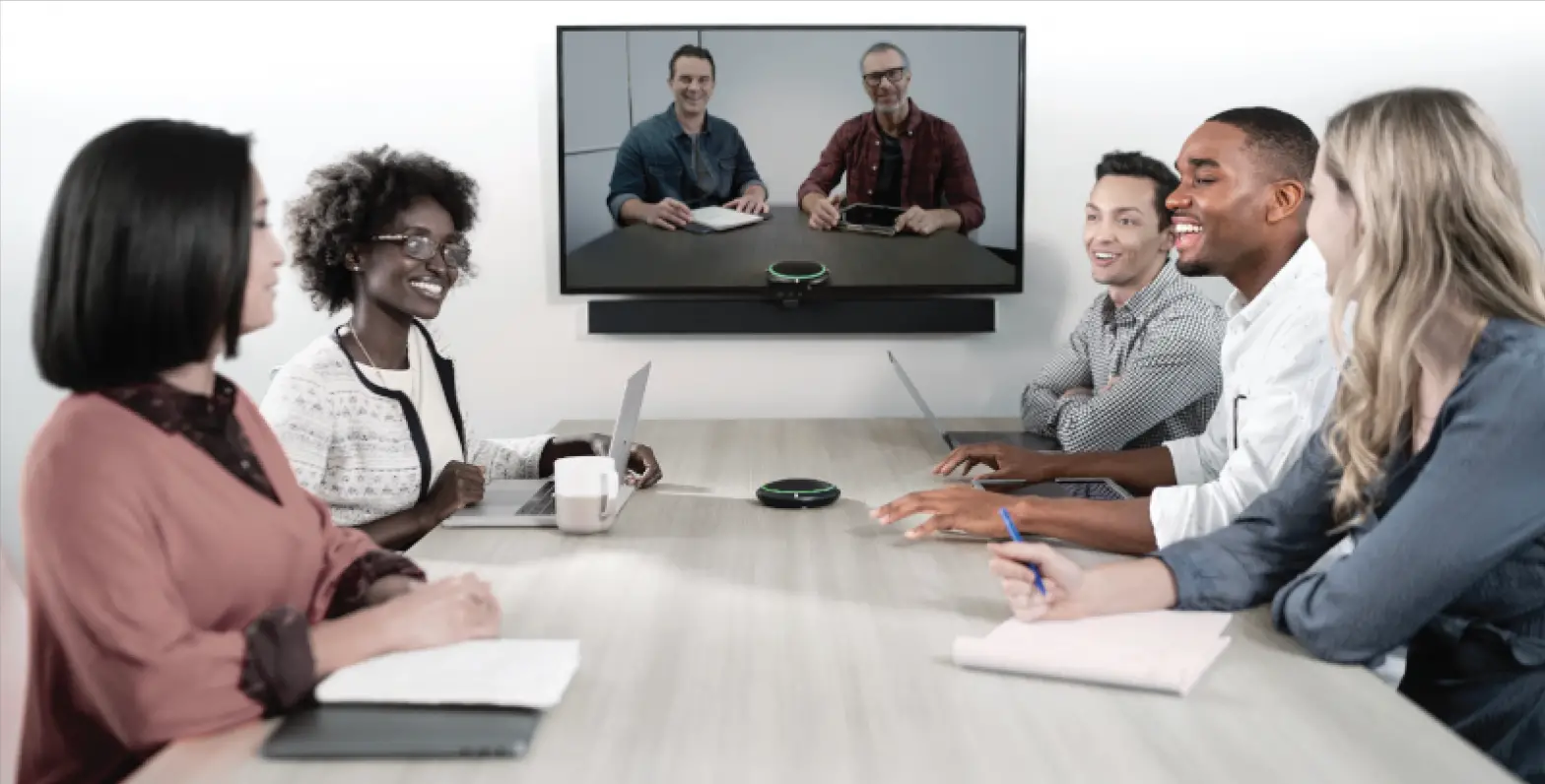
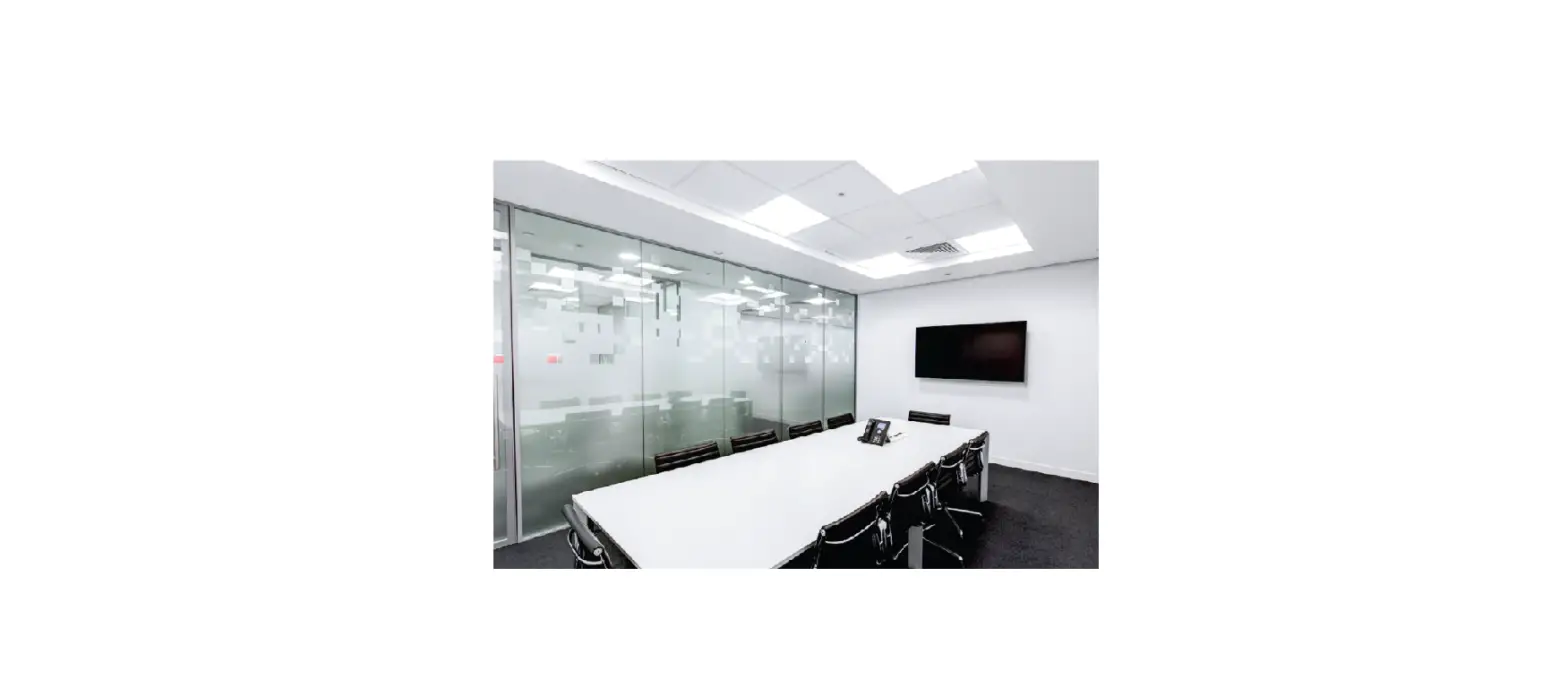
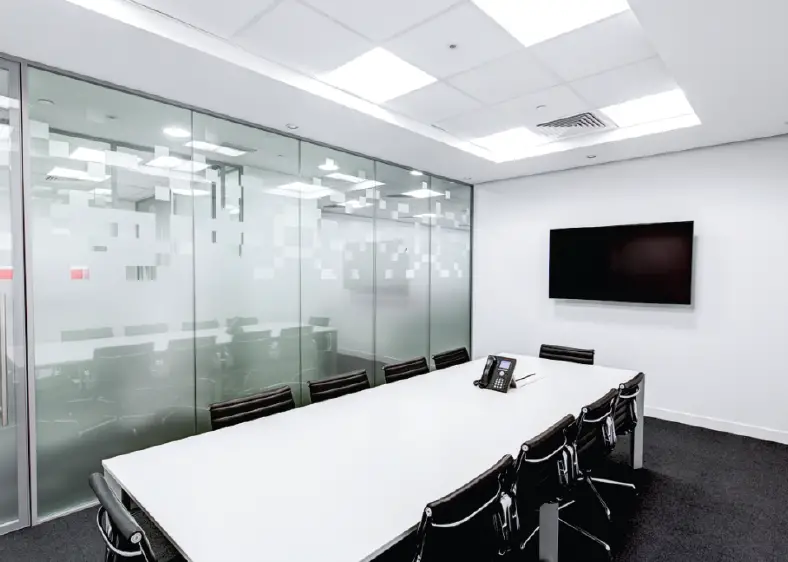
A Medium Conference room for groups of 12 or less. This system provides the best audio even in a reverberant space and all of the connectivity needed for BYOD devices from your laptop to your cell phone. Standard Telephony and VoIP complete the systems long list of connectivity options.
Wiring Diagram
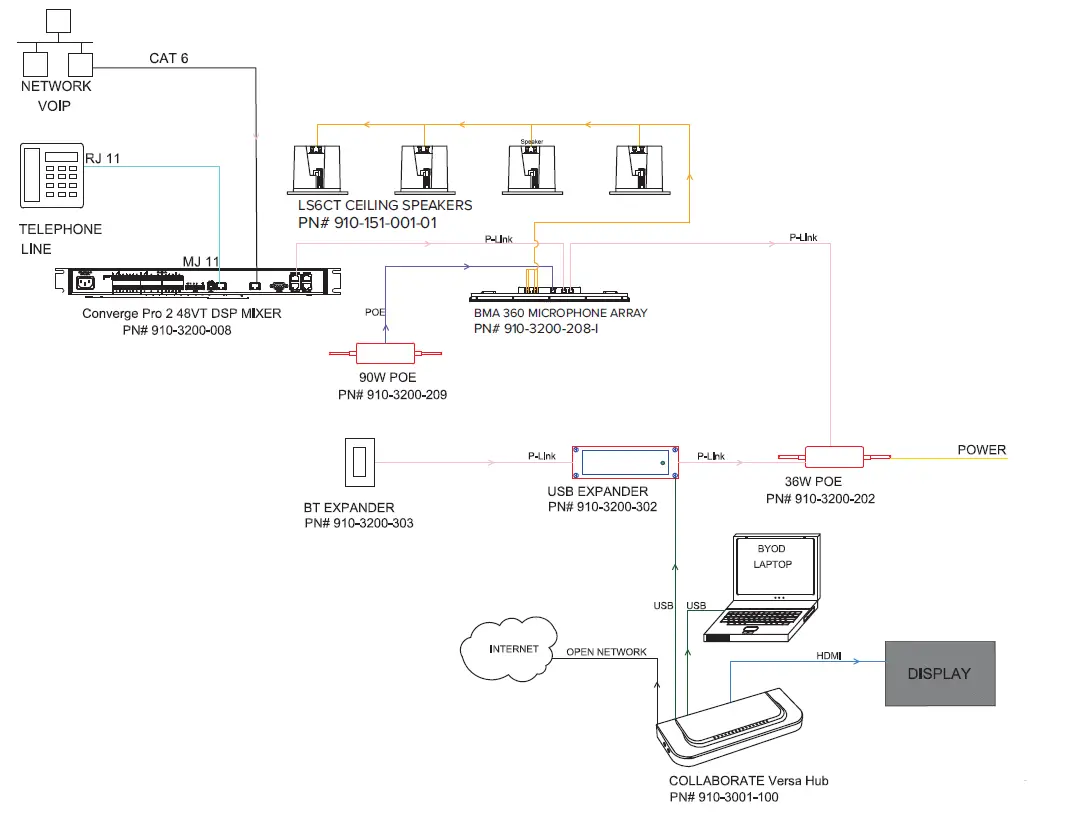
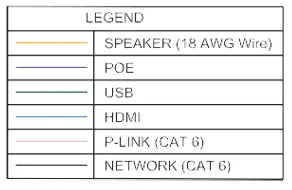
NOTE: ANY INDIVIDUAL P-LINK MUST NOT EXCEED 61 METRES IN LENGTH.
Equipment list
| Qty | Part Number | Product Name | Description |
| 1 | 910-3200-008 | CONVERGE® Pro 2 48VT | DSP Mixer with 4 Mic/Line AEC Inputs, 8 Mic/ Line Outputs, USB Audio, VoIP, Telephone Interface, 2 x 10 Watt Power Amplifier |
| 1 | 910-3200-209 | 90W PoE++ power supply kit for BMA | Includes 1 x 90 Watt PoE++ Injector, 2 x 7.6m CAT6 cables |
| 1 | 910-3200-202 | 36W PoE+ power supply kit for BMA | Includes 1 x 36 Watt PoE+ Injector, 2 x 7.6m CAT6 cables |
| 1 | 910-3200-208-I | BMA 360 600mm | BMA with 4 x 15 Watt Power Amplifiers. PoE Injector and CAT6 cables not included. . |
| 1 | 910-3200-302 | USB Expander for CONVERGE® Pro 2 | |
| CONVERGE® Blue Tooth Expander | Includes Bluetooth Expander Wall Panel, Trim Plate, Low Voltage 1-Gang Wall Bracket, NFC Button | ||
| 2 | 910-151-001-01 | Ceiling Speakers | Includes 2 x LS6CT ceiling speakers with 8 ohm and 70V/100V transformer taps and ceiling tile bridges. |
| 1 | 910-3001-100 | COLLABORATE® Versa Hub | Hub that connects USB camera, USB audio, room displays and laptop |
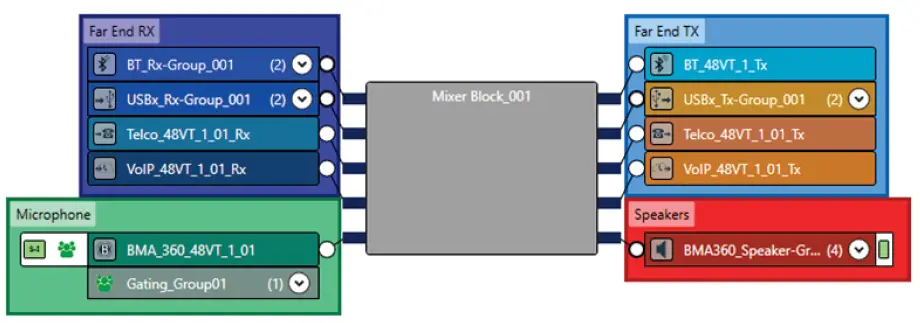
FlowView™ Diagram
Included Macros
- Microphone_Mute: Mutes both room BMA 360 Microphones.
- Microphone_Unmute: Unmutes both room BMA 360 Microphones.
- Room_SPKR_Mute: Mutes all room speaker channels.
- Room_SPKR_Unmute: Unmutes all room speaker channels.
- Room_VOL_DN: Decreases the room speaker volume by 3 dB per execution.
- Room_VOL_UP: Increases the room speaker volume by 3 dB per execution.
Macros can be executed via Telnet or serial communications. Refer to the Converge Pro 2 Serial Command Reference Manual for details.
SALES AND INQUIRIES
Headquarters
- Unit 3, 58 Waterway Drive Coomera, QLD, 4209, Australia
Phone
- Main: +61 7 5561 7530
Sales
Tech Support
Other product names may be registered trademarks of their respective owners who do not necessarily endorse ClearOne or ClearOne’s products. All rights reserved. Information in this document subject to change without notice. © 2022 ClearOne.