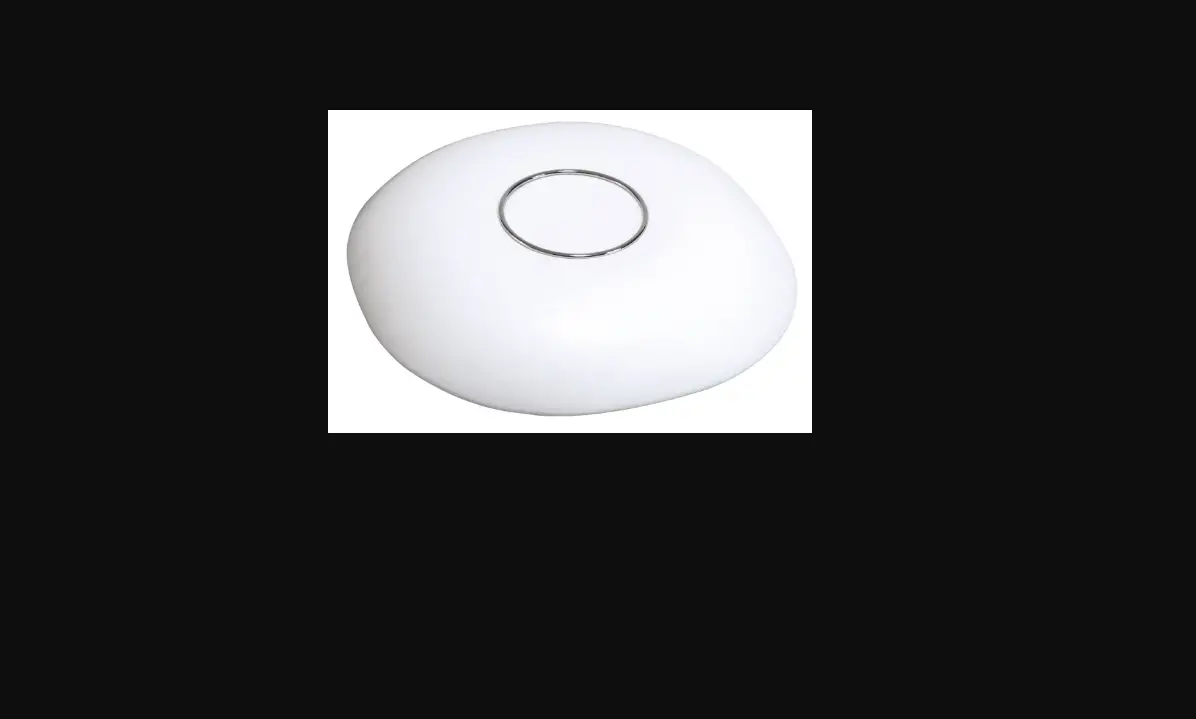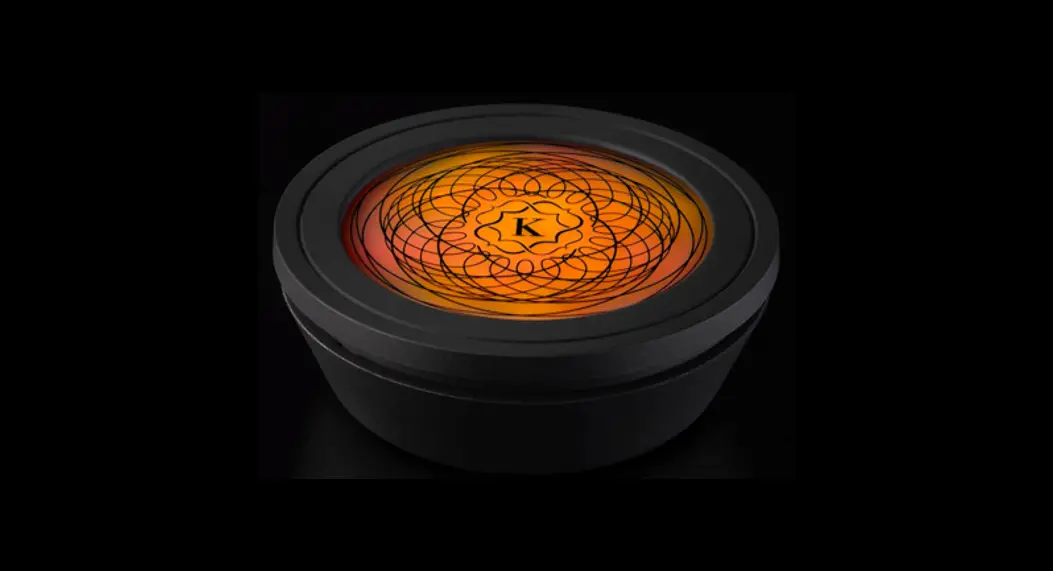
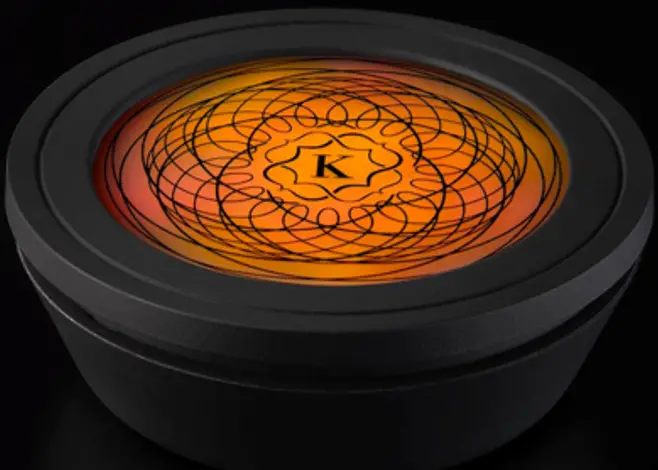
SELESTIA Breathing Light
SPECIFICATION

Input: 5V/1.5A (USB type-C)
Battery Capacity: 1500mAh
Bluetooth Distance: 10m (33 ft.)
IP Rating: IP20
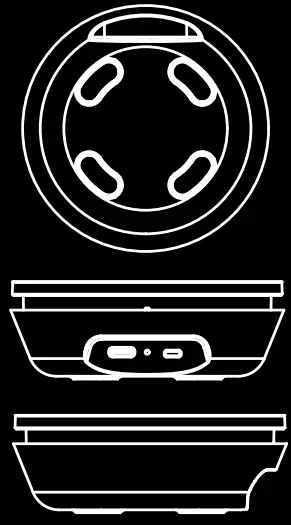
Dimension: 0 95 x 35mm
Firmware Updates: Connect Kaloud 0 Selestia® via USB to update the firmware.
The update software is only available for Windows.
KEY PARTS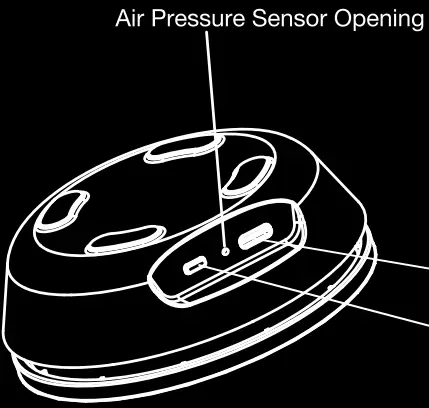
POWER ON/OFF
Press the power button for 2 seconds to start up Kaloud ® Selestia®. Press the power button for 2 seconds to turn off.
AIR PRESSURE SENSOR
The air pressure sensor is located inside the Opening. Do not cover the Opening.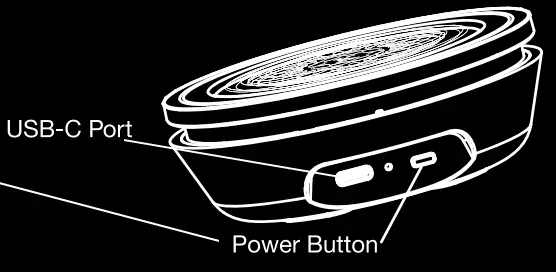 MAINTENANCE
Charge Kaloud ® Selestia® at least once per month or whenever needed.
Do not use alcohol wipes on the surface of the light.
Do not soak in water or allow water to enter any opening.
CHARGING INSTRUCTIONS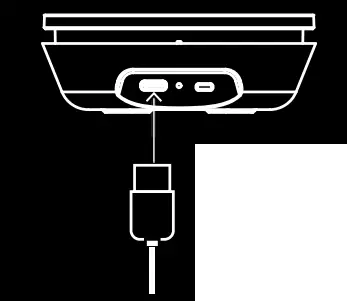
Connect Kaloud ® Selestia® with the USB cord to a power source.
The LED at the center will pulse as the Kaloud 0 Selestia® charges.
 Battery below 30%
 Battery below 50%
 Battery below 85%
 Battery charged
POWER
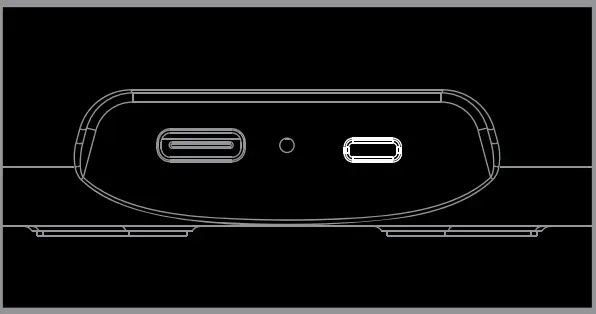 Press Power Button for 2 seconds to turn on, press for 2 seconds to turn off.
PAIRING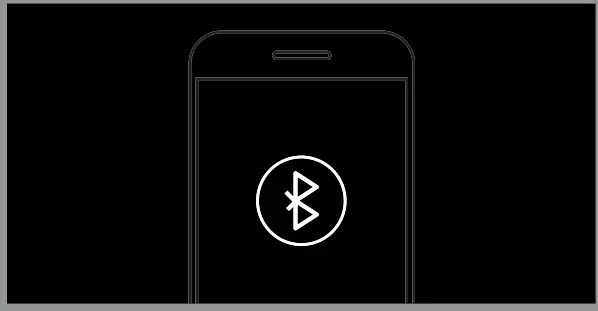 Turn on Bluetooth on your device and inside the Kaloud ® App search for your Selestia®.
READY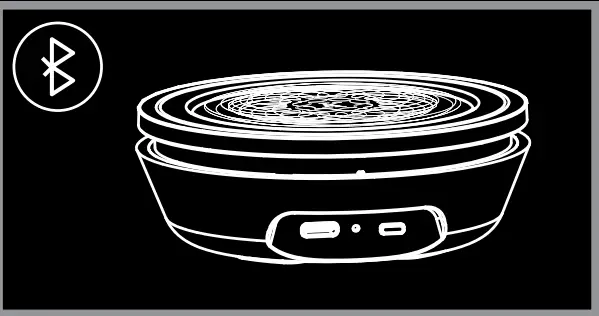 Once paired, you will be able to select from the Moods available in our App.
You can also change Moods by pressing the power button.
Steep 1
Download the Kaloud 0 App from the Apple or Google App store.
STEP 2 Open the Kaloud ® App and create an account, log in, or continue as a guest.
STEP 3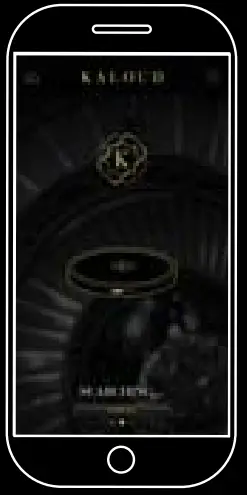 Pair your Kaloud ® Selestia® with your devices.
Steep 4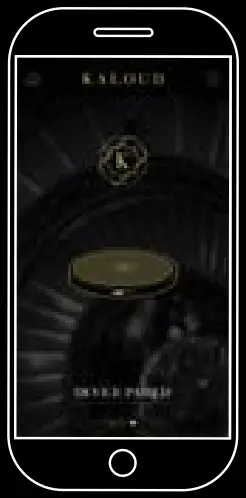
Select from one of the available color moods and adjust the brightness to suit your environment.
STEP 5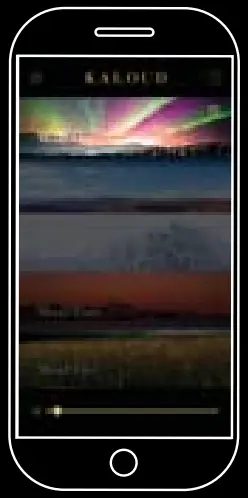 To use the timer, click on the clock icon and set a timer. The Selestia® will turn red when the timer is finished.
You may also turn on/off the pressure sensor, power off the Selestia®, or adjust the brightness of the Selestia® from this screen. 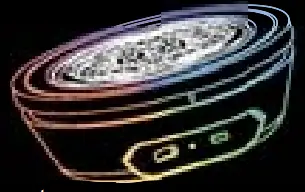
FCC Statement
This equipment has been tested and found to comply with the limits for a Class B digital device, pursuant to part 15 of the FCC Rules. These limits are designed to provide reasonable protection against harmful interference in a residential installation. This equipment generates, uses and can radiate radio frequency energy and, if not installed and used in accordance with the instructions, may cause harmful interference to radio communications. However, there is no guarantee that interference will not occur in a particular installation. If this equipment does cause harmful interference to radio or television reception, which can be determined by turning the equipment off and on, the user is encouraged to try to correct the interference by one or more of the following measures:
- Reorient or relocate the receiving antenna.
- Increase the separation between the equipment and receiver.
- Connect the equipment into an outlet on a circuit different from that to which the receiver is connected.
- Consult the dealer or an experienced radio/TV technician for help.
Caution: Any changes or modifications to this device not explicitly approved by the manufacturer could void your authority to operate this equipment.
This device complies with part 15 of the FCC Rules. Operation is subject to the following two conditions: (1) This device may not cause harmful interference, and (2) this device must accept any interference received, including interference that may cause undesired operation.
RF Exposure Information
The device has been evaluated to meet general RF exposure requirements. The device can be used in portable exposure conditions without restriction.
The Kaloud ® Selestia® is more than just a light, it’s the World’s First Breathing Light. Use it in Good Health and Joy.
Please don’t forget to register your warranty at kaloud.com.
For more information or instructions, please visit us at Kaloud.com.
With Gratitude The Kaloud° Family. @Kaloud Inc
 Kaloud Inc
 Kaloud
 Kaloud
For any questions or concerns
Please call us at: +1.310.853.2108 or
Email us at [email protected]
Copyright © 2021 Kaloud INC.
All rights reserved.