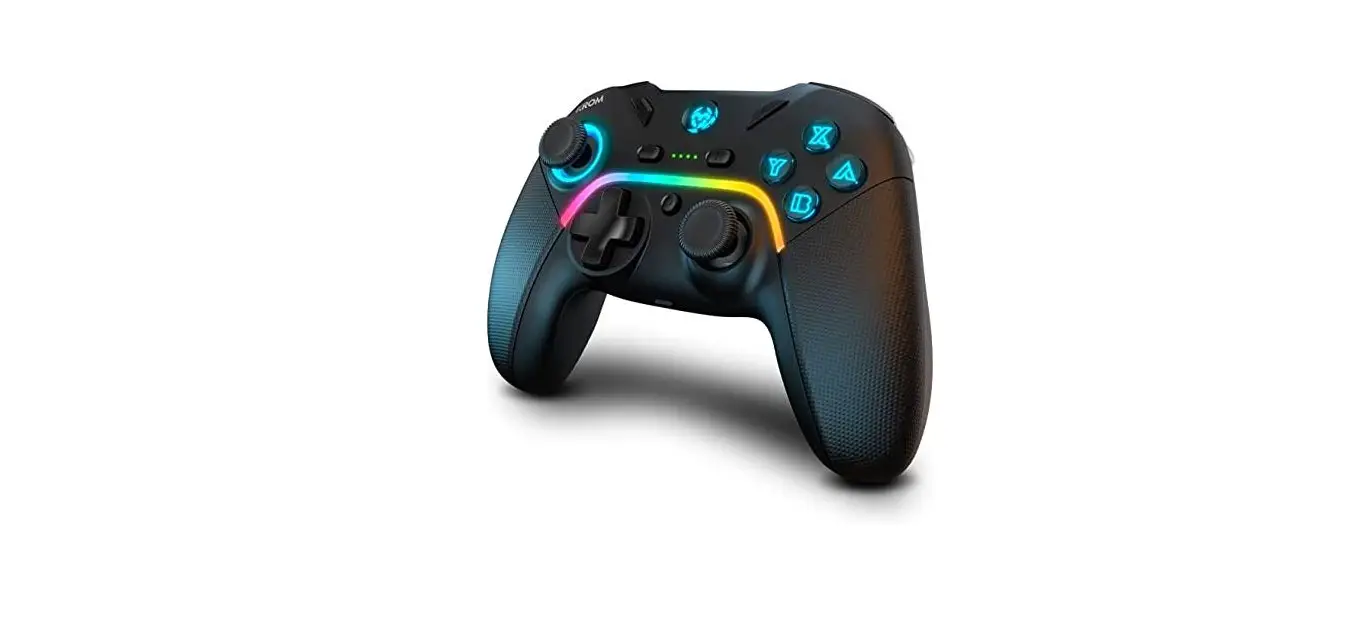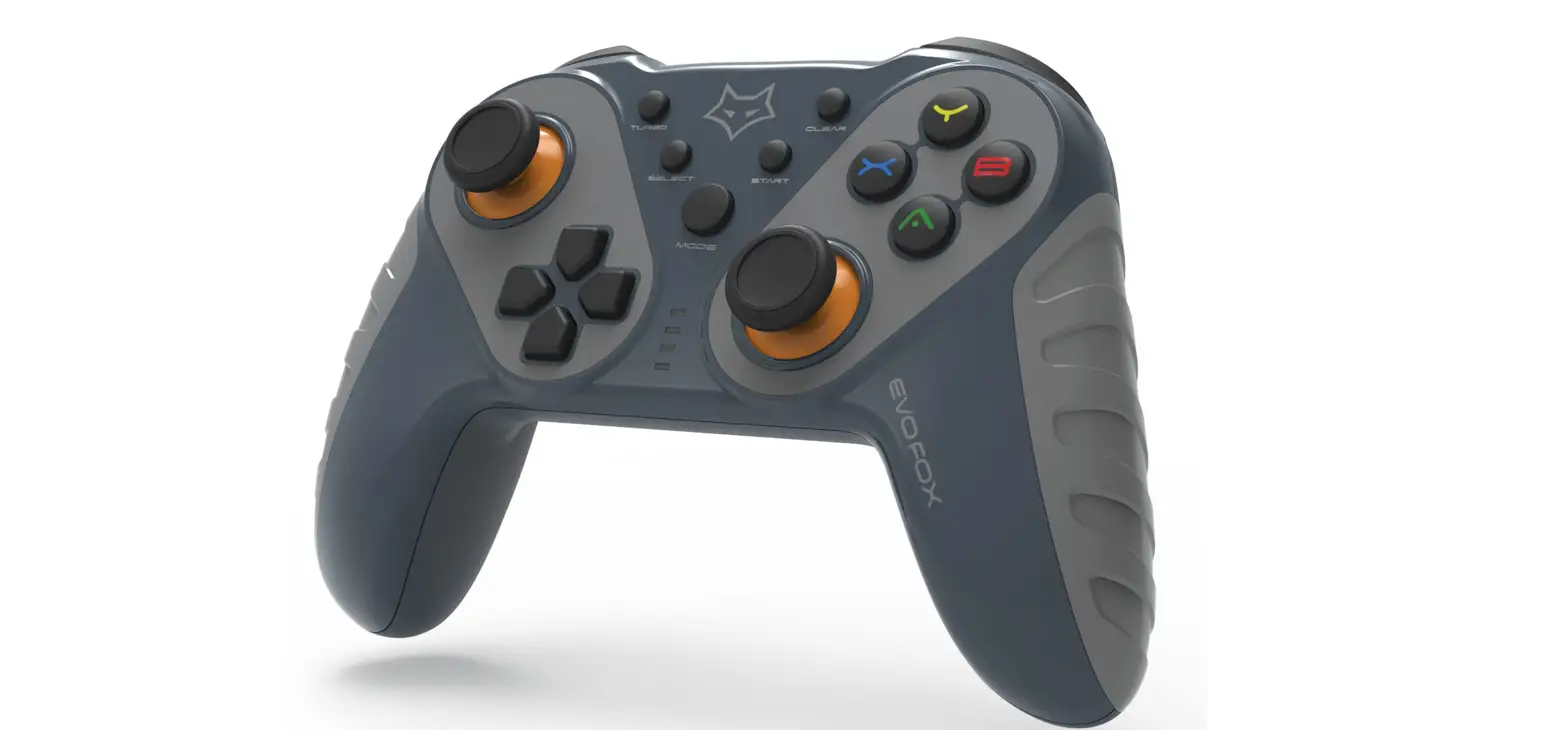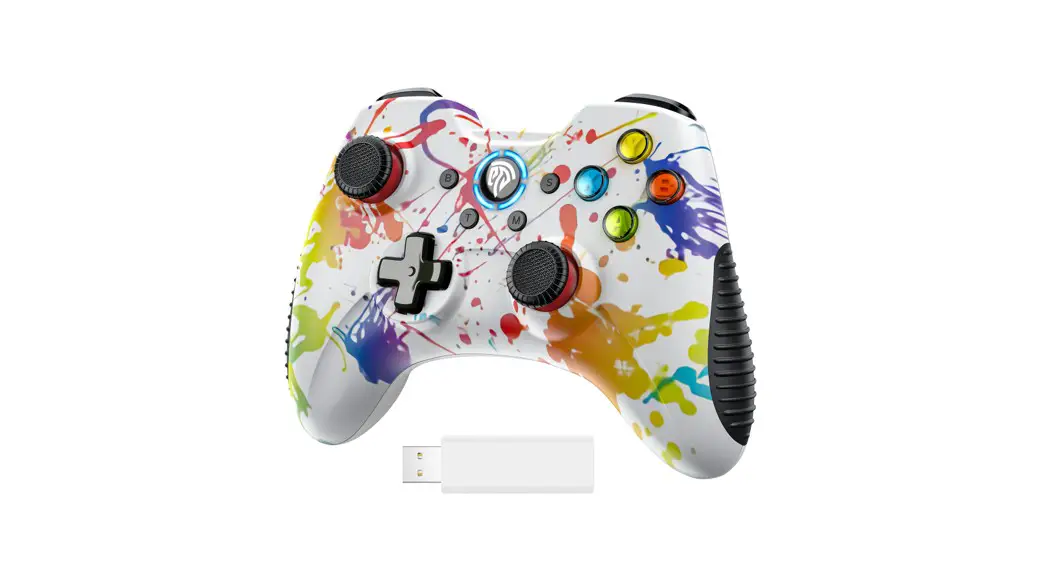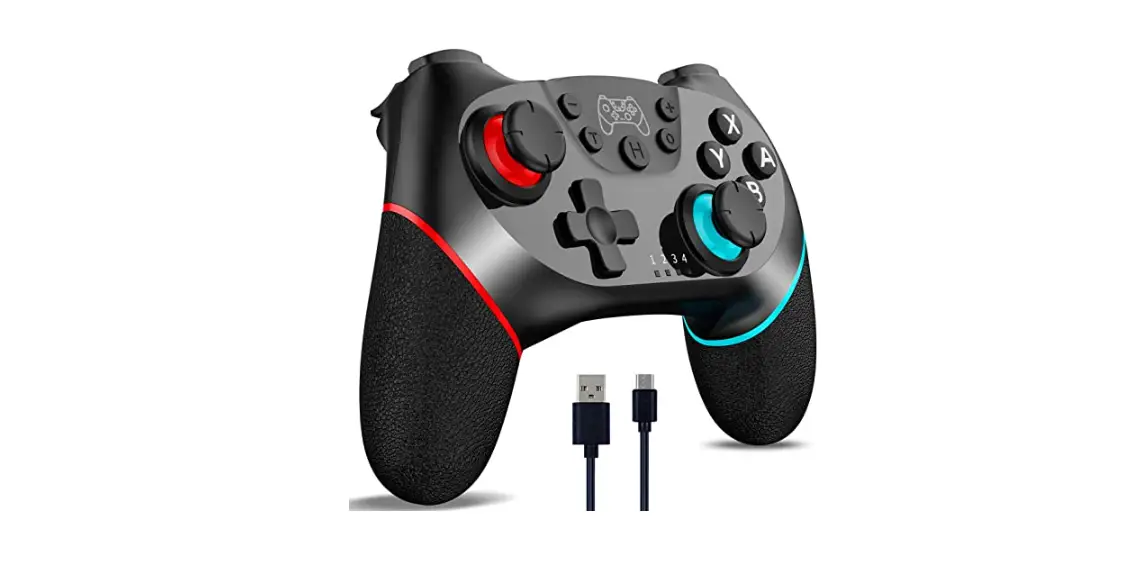

KROM KENZO Advanced Wireless Gamepad
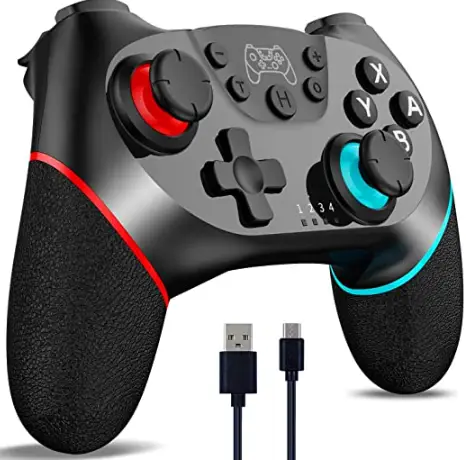
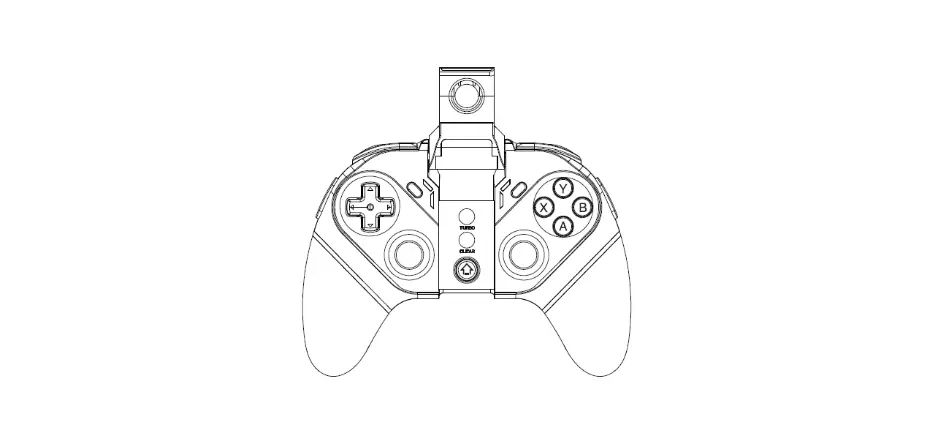
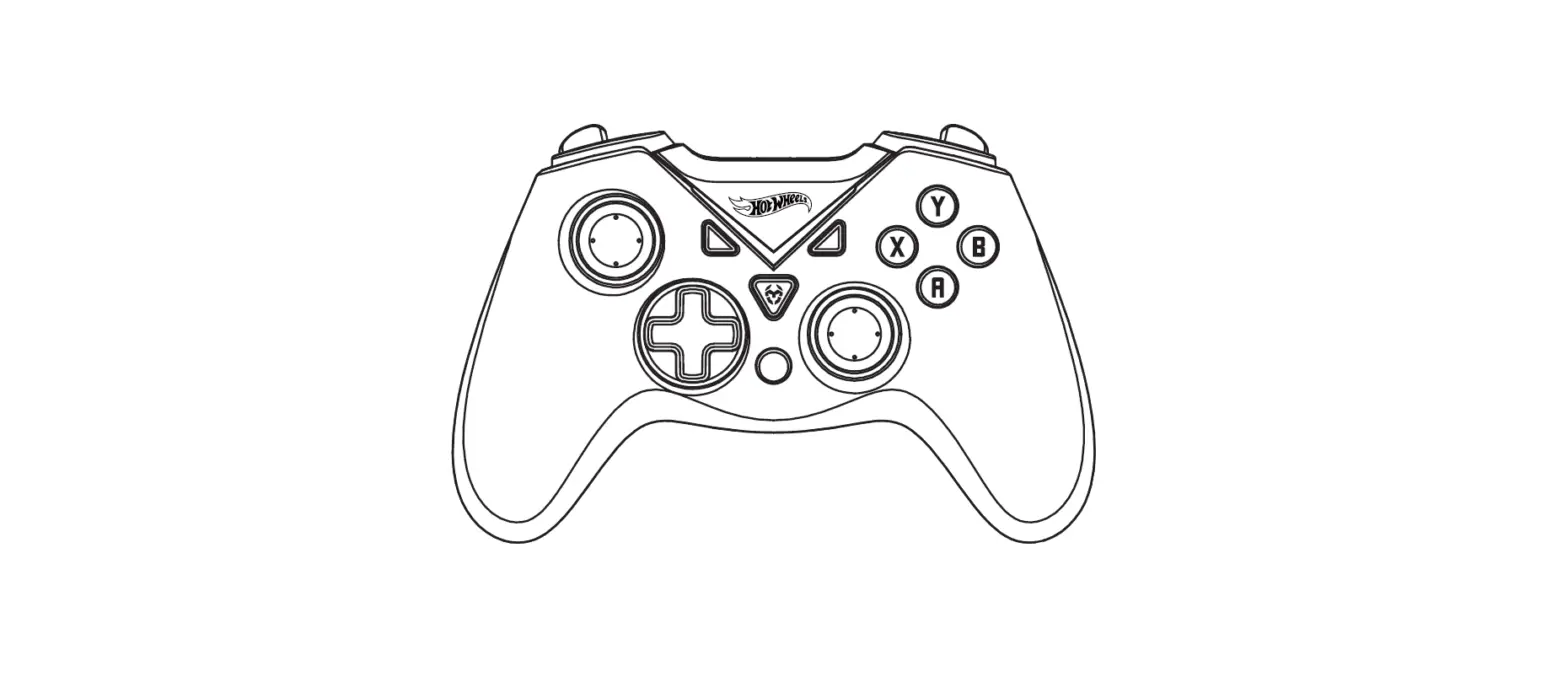
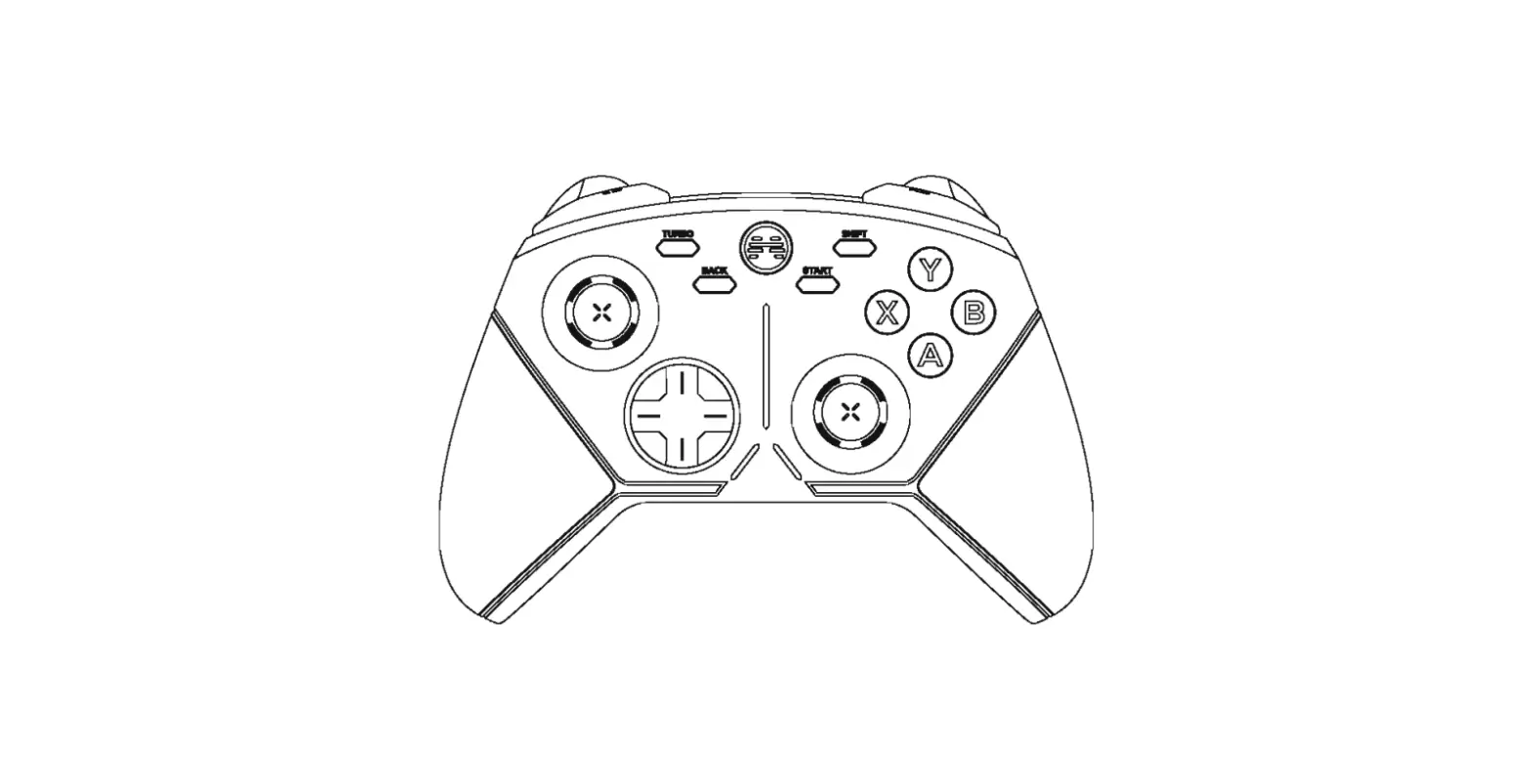
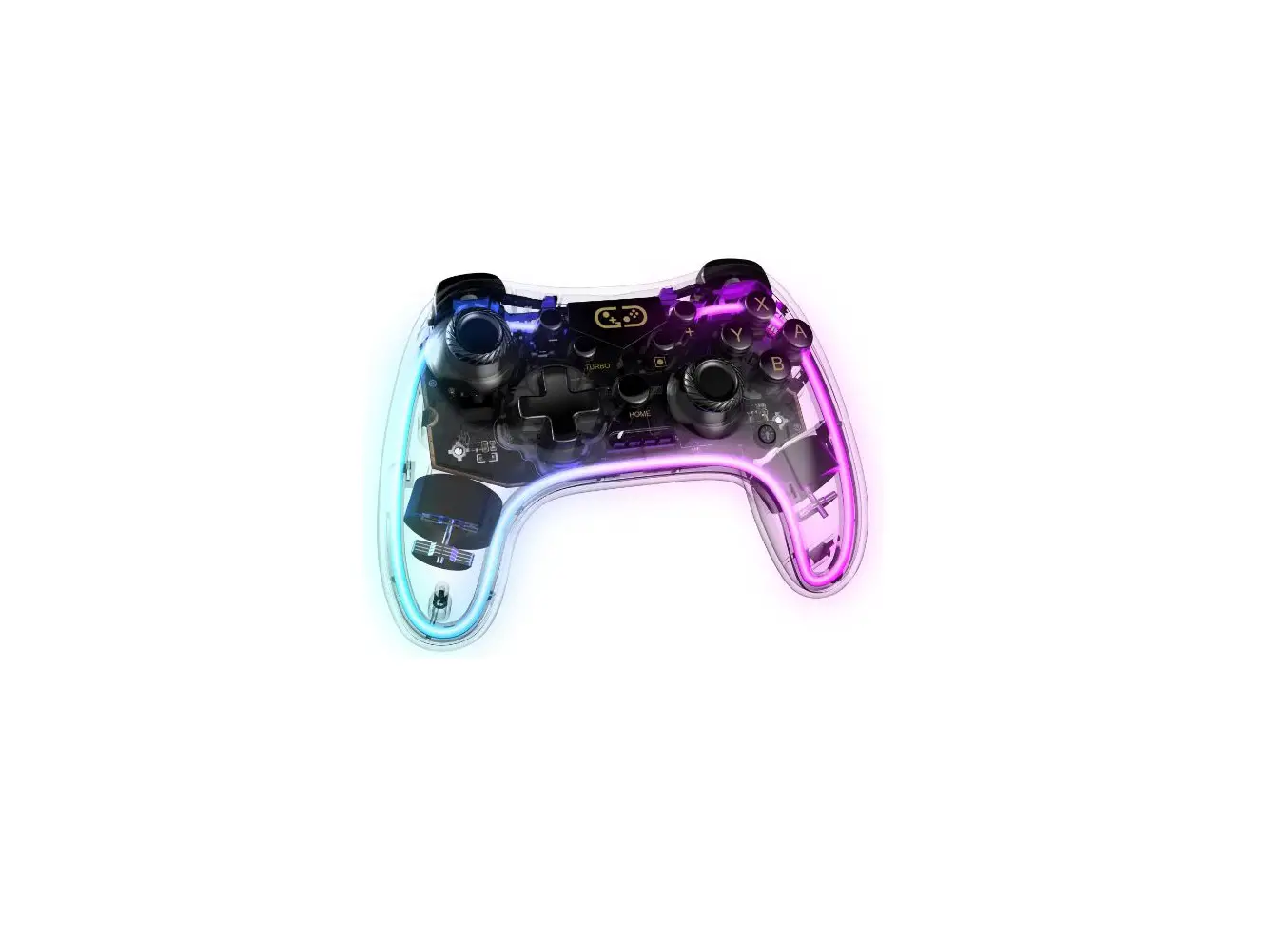
Default Function And Element
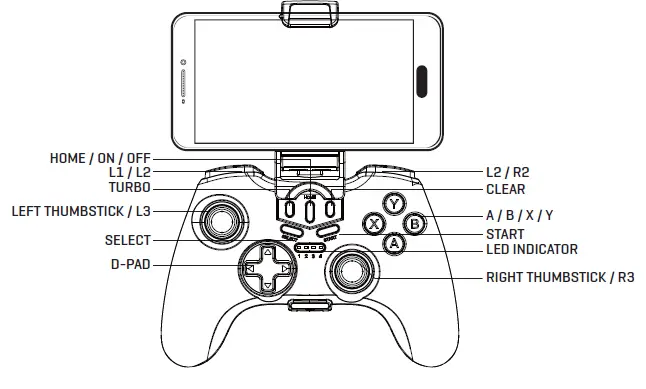
SPECIFICATIONS
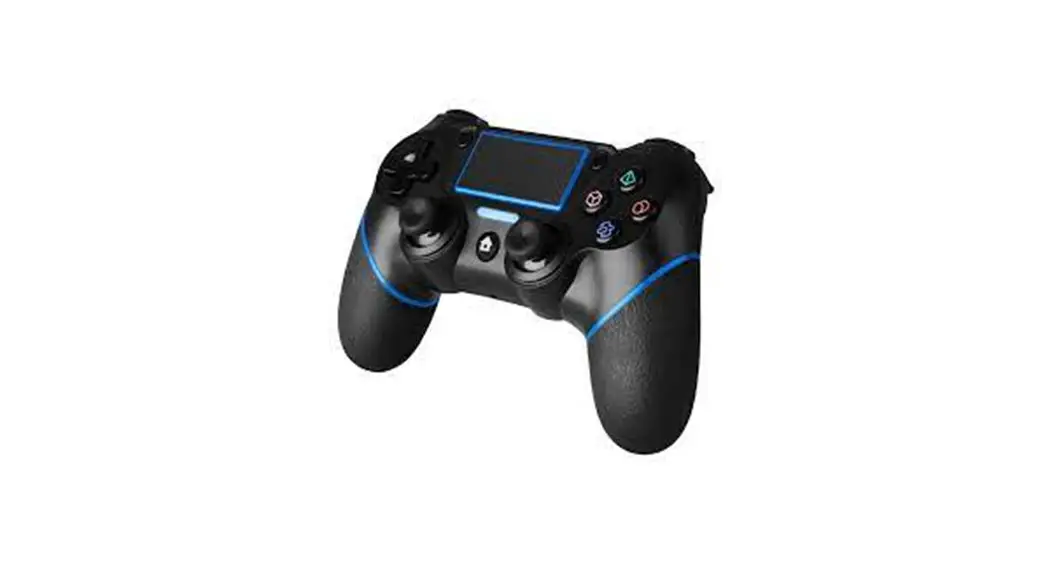
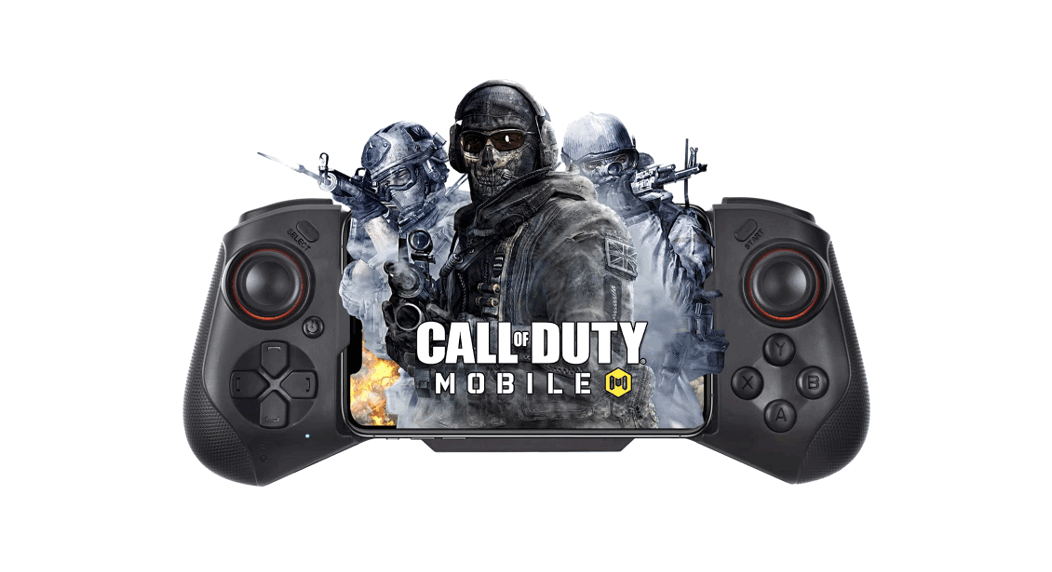
- Krom Kenzo supports Android / IOS, tablets, smart TVs, SwitchTM, PS4TM, PS3TM in wireless connection; WindowsTM 7/8/10 in PC, SwitchTM and PS3TM in wired connection.
- The phone telescopic stand allow phones up to 75 mm wide.
- The battery has a working life of 15 hours and 30 days in Stand By when fully charged.
- The battery capacity is 400 mAh.
- Bluetooth 5.0; max transmission distance 8m.
* Due to the official game platform system or software upgrades, source code changes and others third part changes, some games compatibility with the gamepad can be lost or present issues when playing.
** Not all mobile phone games allows to be played with gamepad due to code limitation or consider it as cheating, please keep in mind and inform about the games you want to play before.
PAIRING AND OTHER FUNCTIONS
Wireless Pairing instructions
| PAIRING MODE (PRESS FOR 2 SECONDS) | ANDROID | IOS | SWITCHTM | PS3TM PS4TM | |
| ANDROID V3 | ANDROID | IOS MFI | SWITCHTM | PS3TM PS4TM | |
| A + HOME | X + HOME | B + HOME | R2 + HOME | SEE NOTES | |
| INDICATOR | LED 1 | LED 3 | LED 2 | AUTO | LED 2 |
| NOTES | DONT SUPPORT GAMEPAD & SCREEN TOUCH AT THE SAME TIME | PLUG WITH USB THEN PRESS HOME AND UNPLUG USB | |||
Wired instructions
- Plug the Gamepad via USB into the device.
- The device will automatically detect and configure the gamepad.
- The LED indicator wil remains on.
Turbo function
- Turbo functions is available for A, B, X, Y, L1, R1, L2, R2 buttons.
- Press and hold the desired button & then light press TURBO button to turn on TURBO mode.
- Press and hold the desired button & then light press CLEAR button to turn off TURBO mode.
- Turbo buttons has no memory and will be cleared everytime the gamepad turn off or sleep.