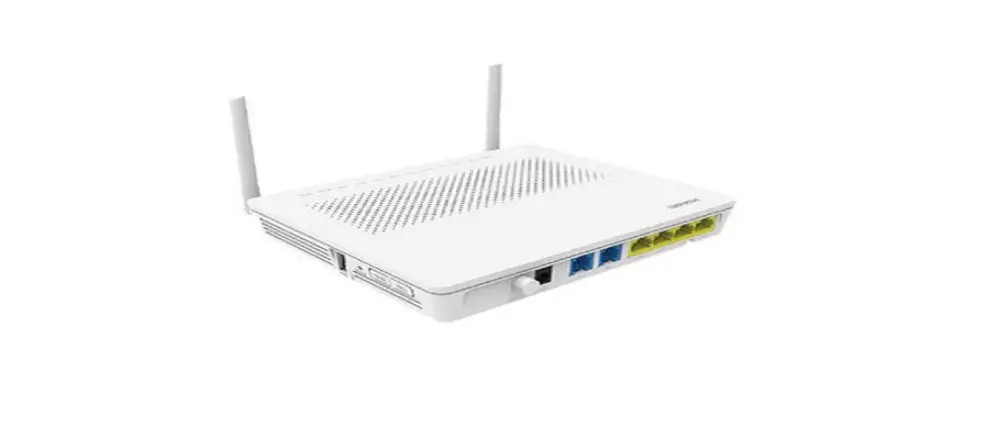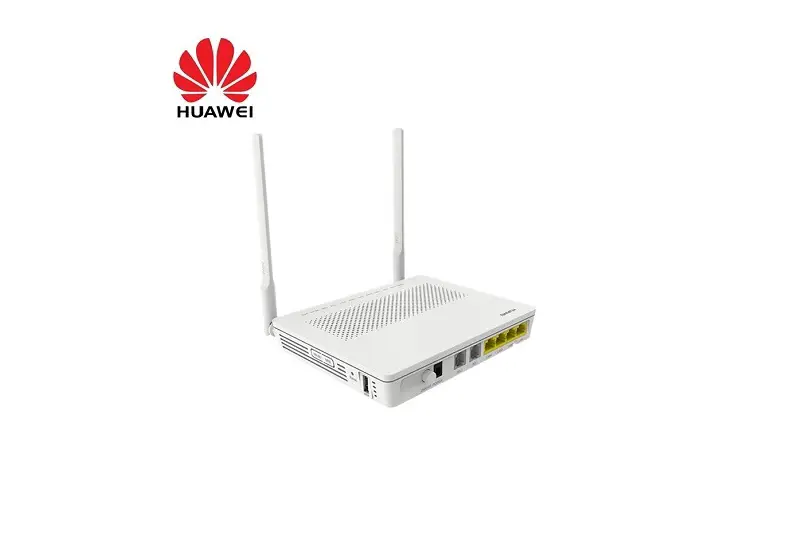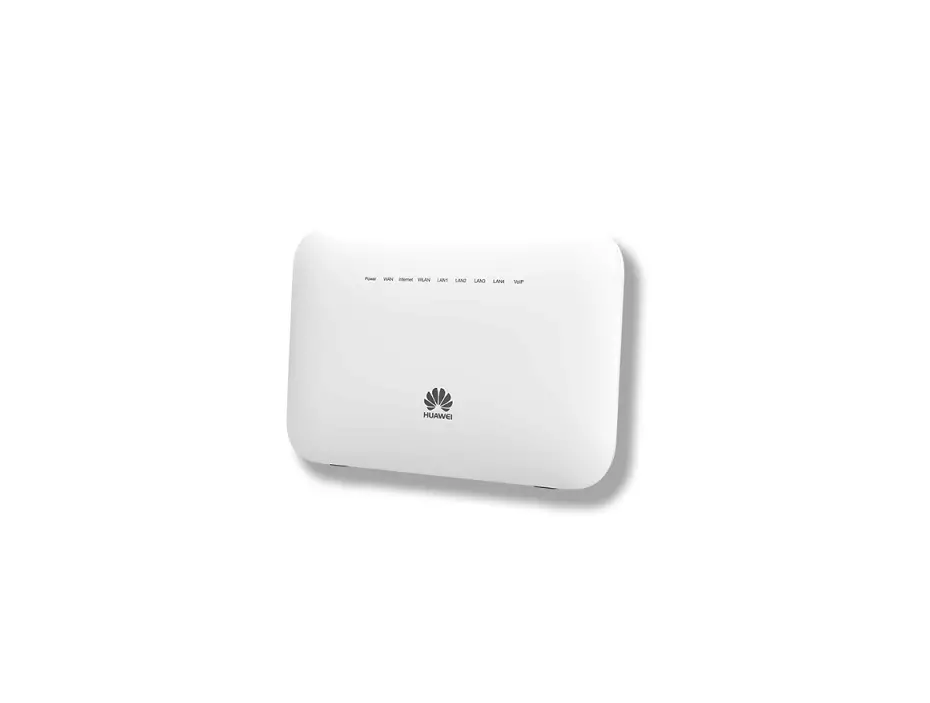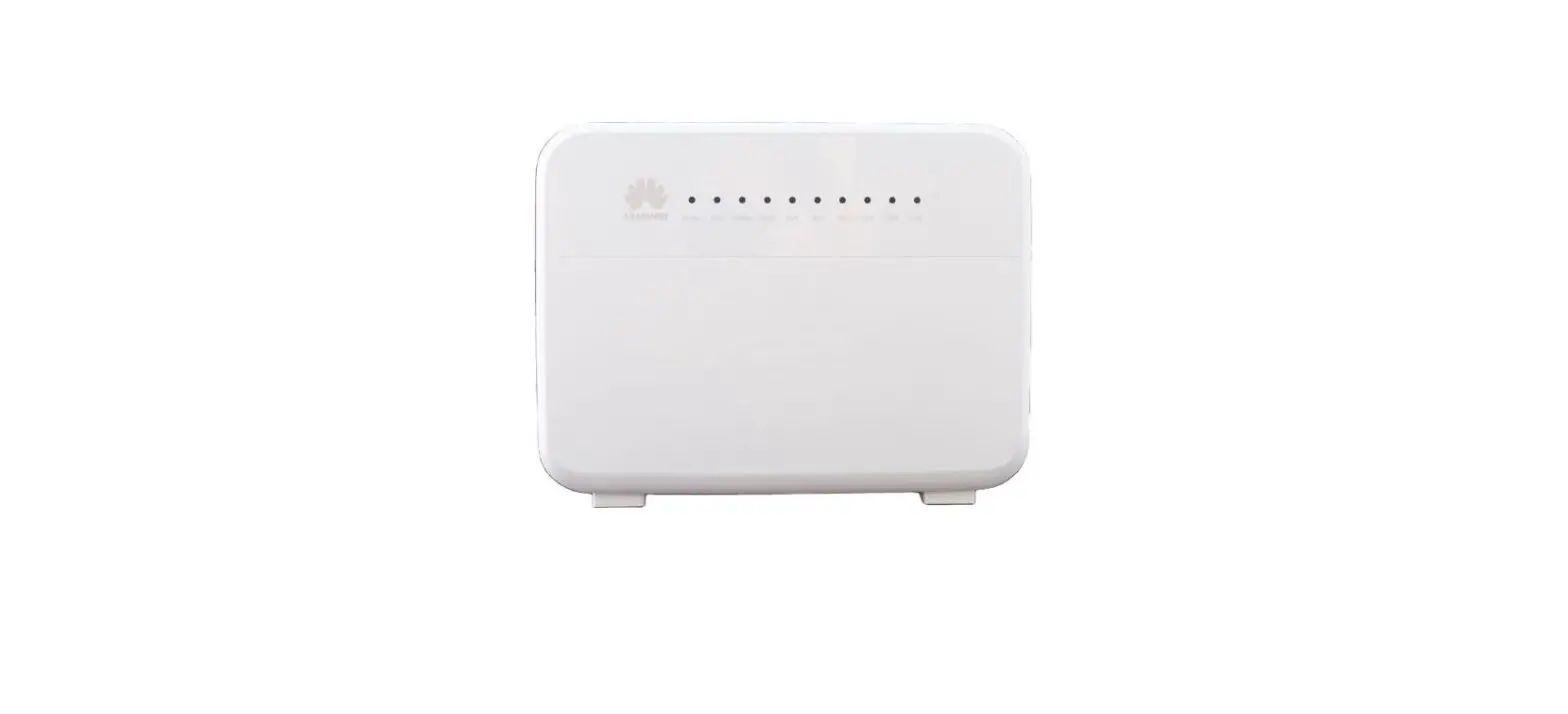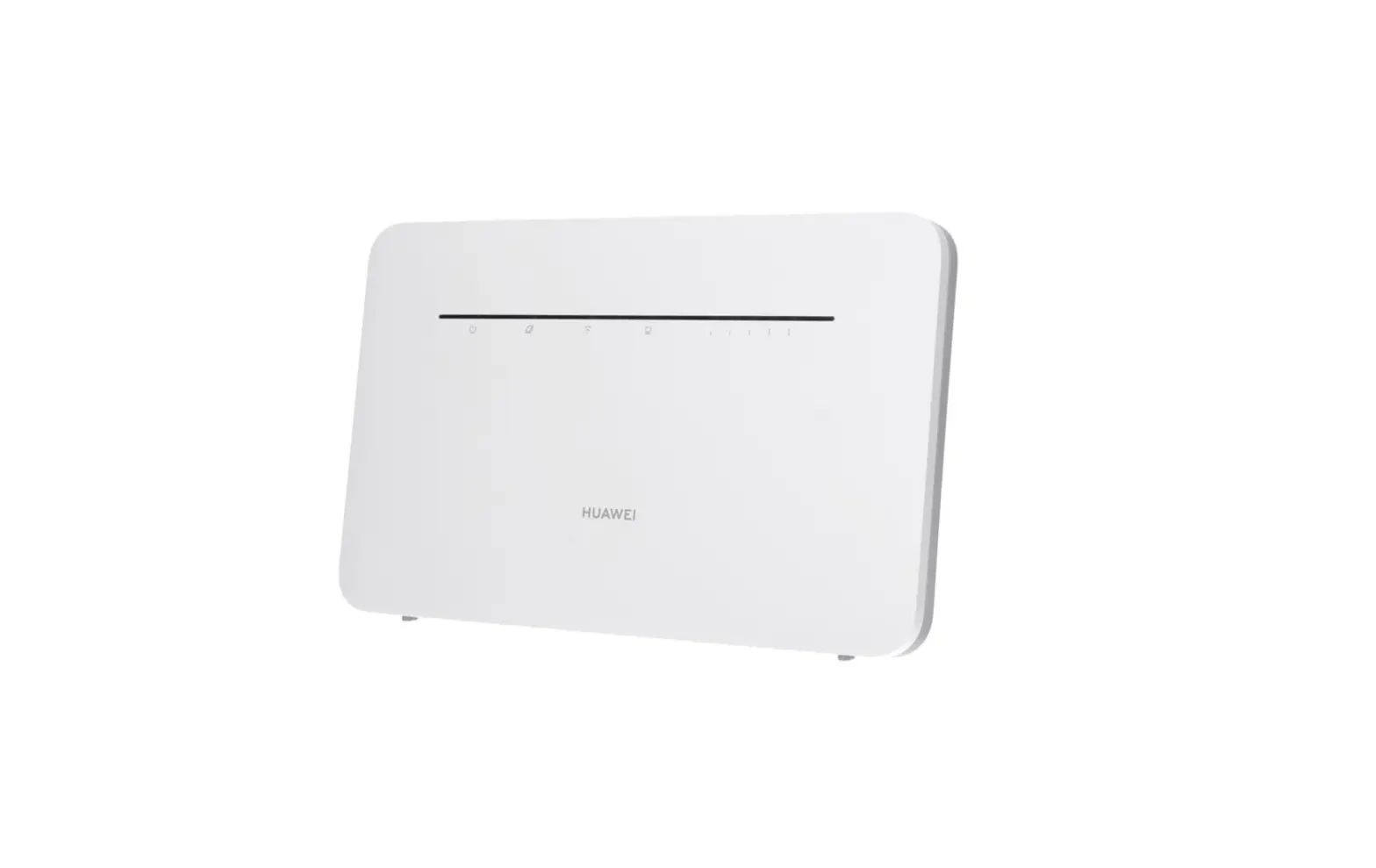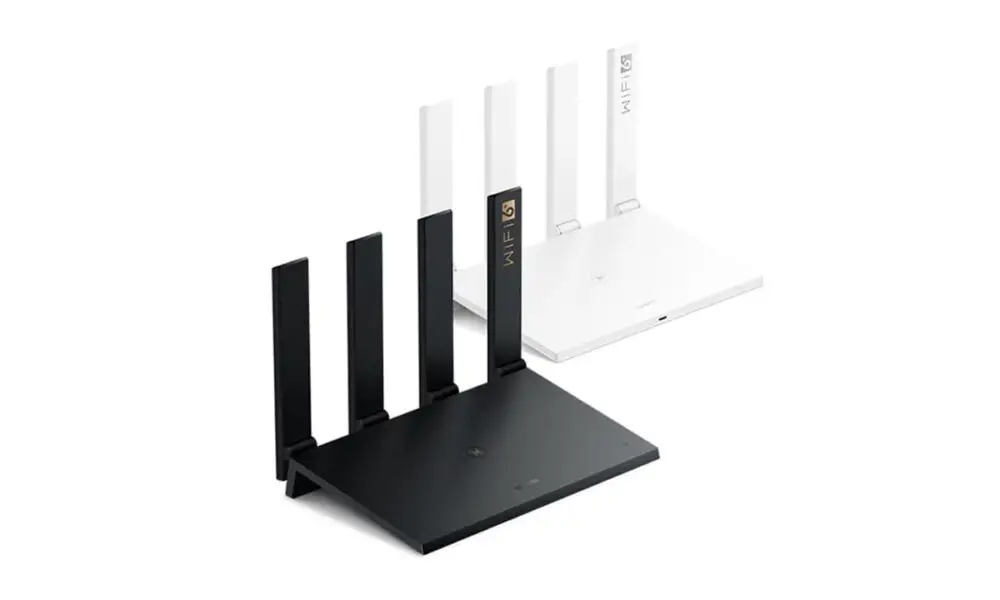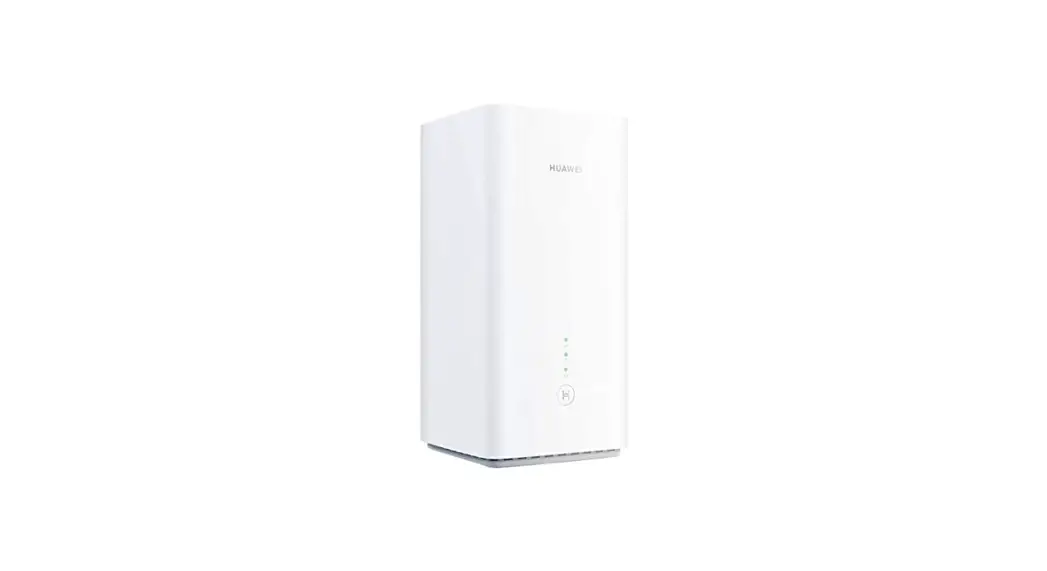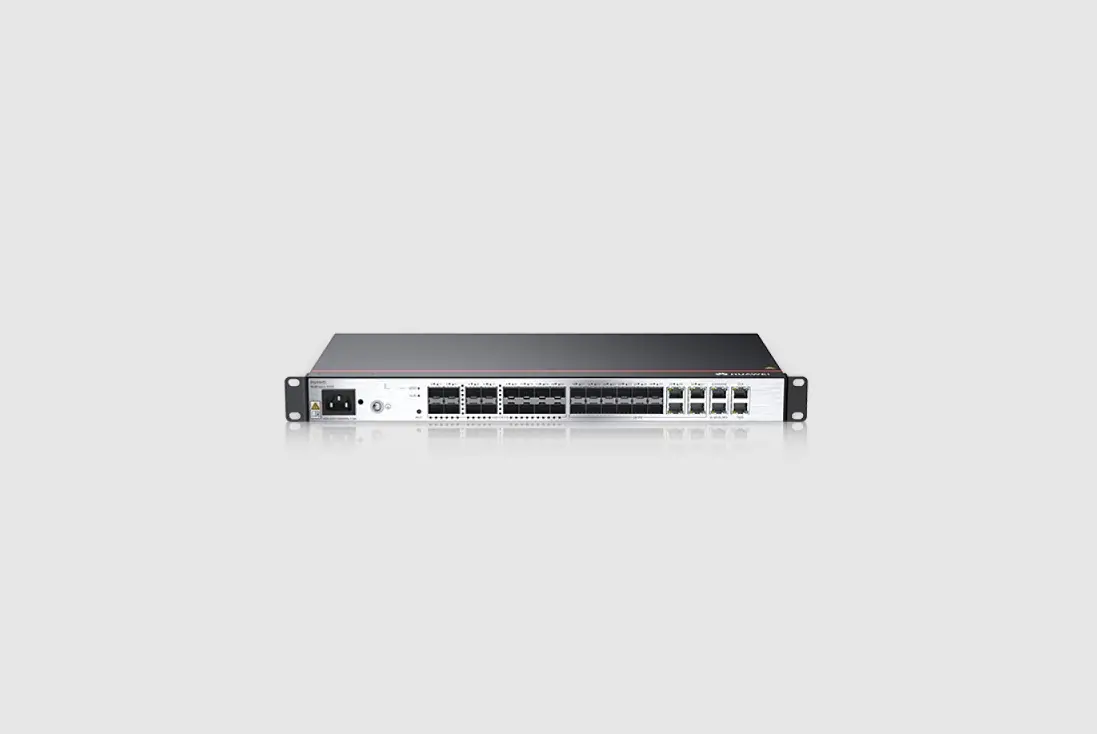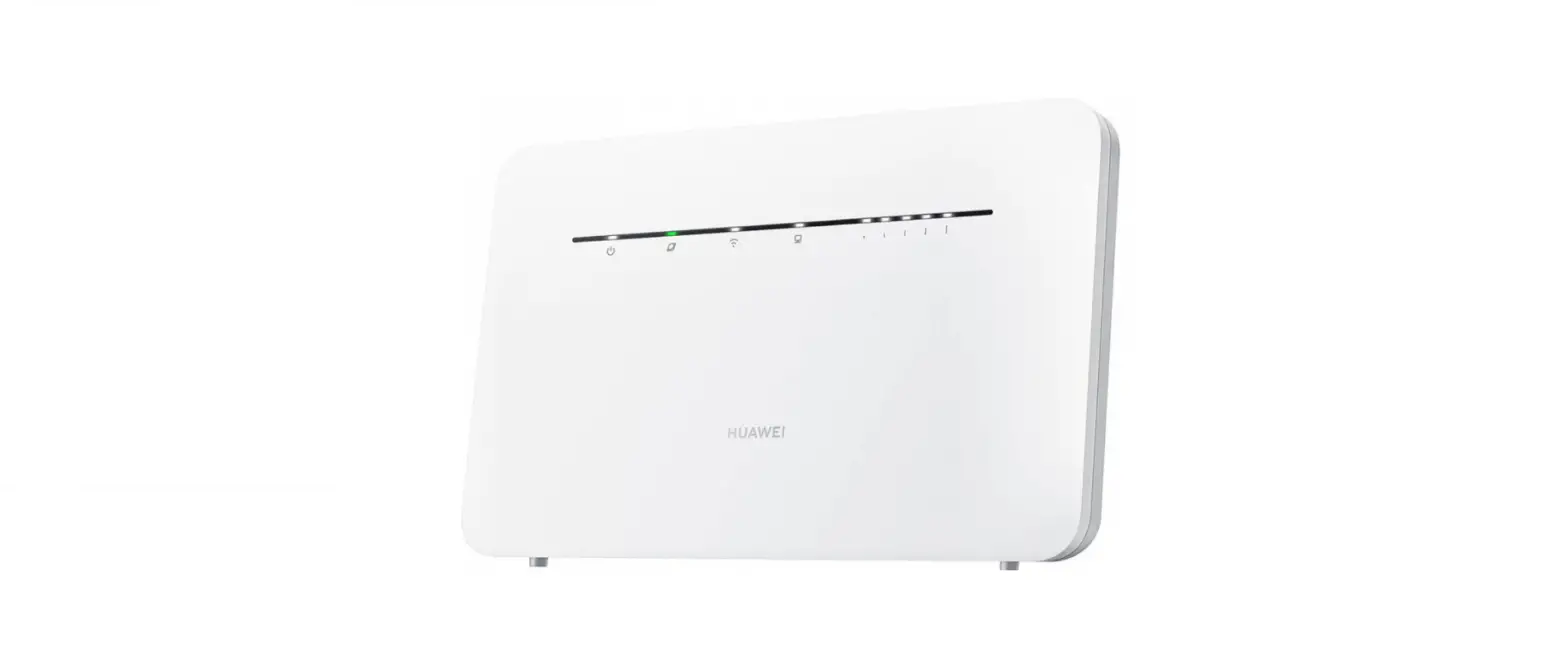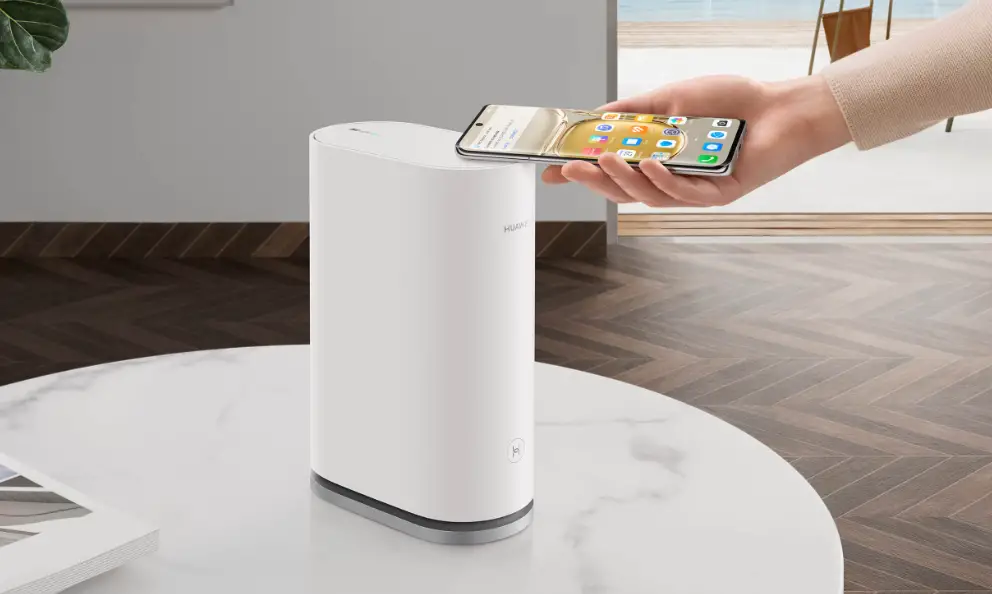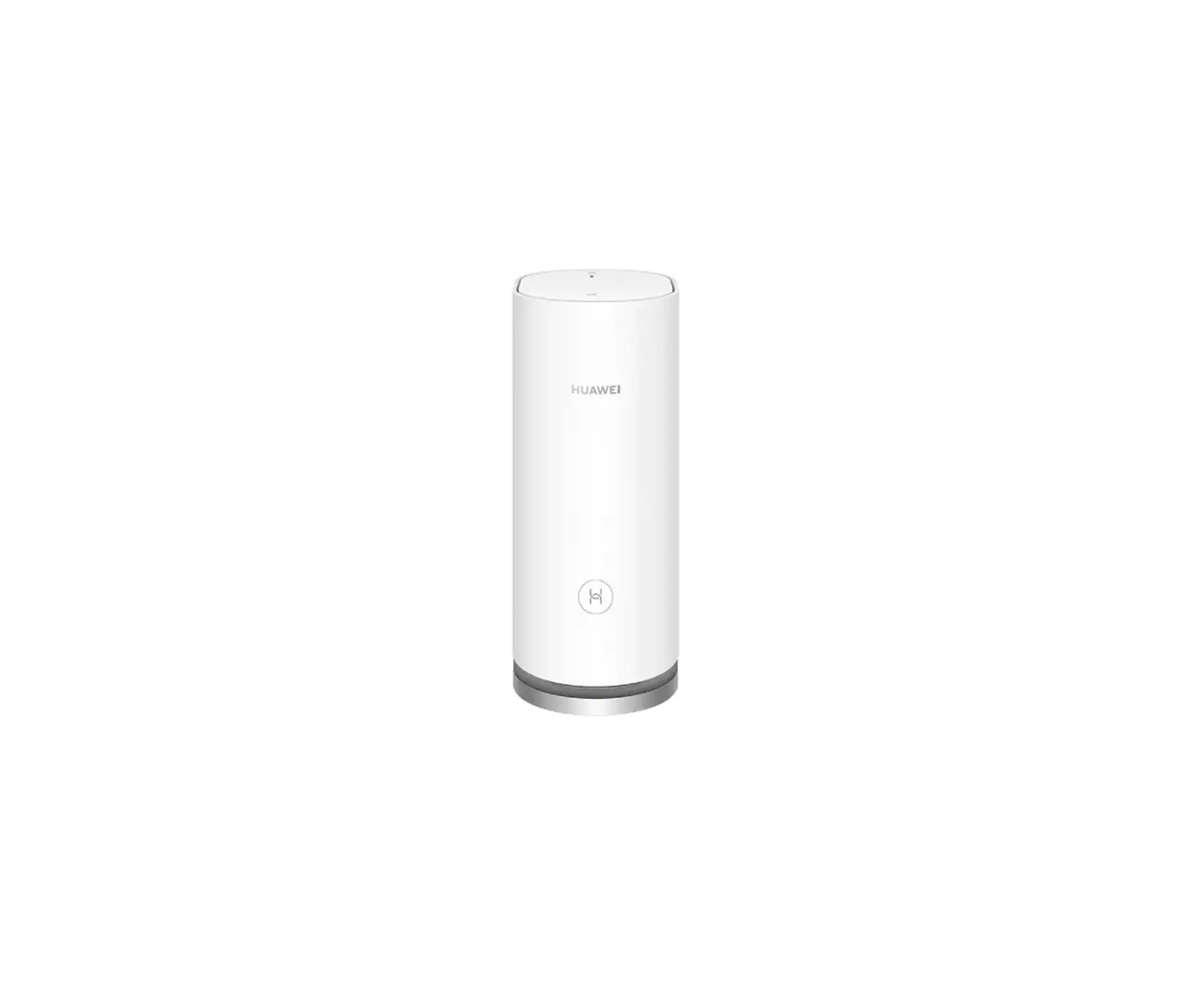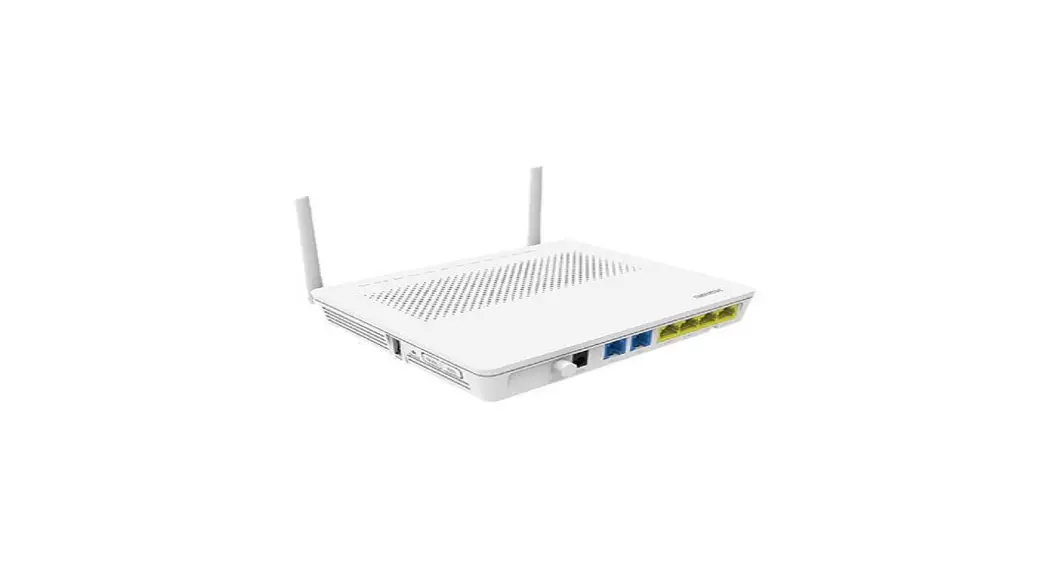
 HUAWEI HG8145V5 Intelligent Routing-type Optical Network Terminal Router User Guide
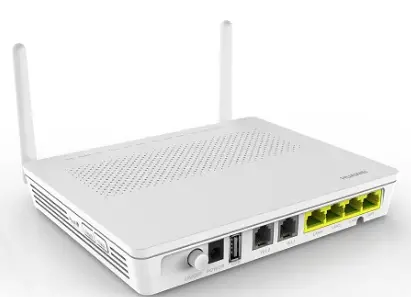
HUAWEI HG8145V5 Intelligent Routing-type Optical Network Terminal Router User Guide
HOW TO NAVIGATE THE WIFI SETTINGS ON YOUR HUAWEI DEVICES
Turn On/Off Your WiFi
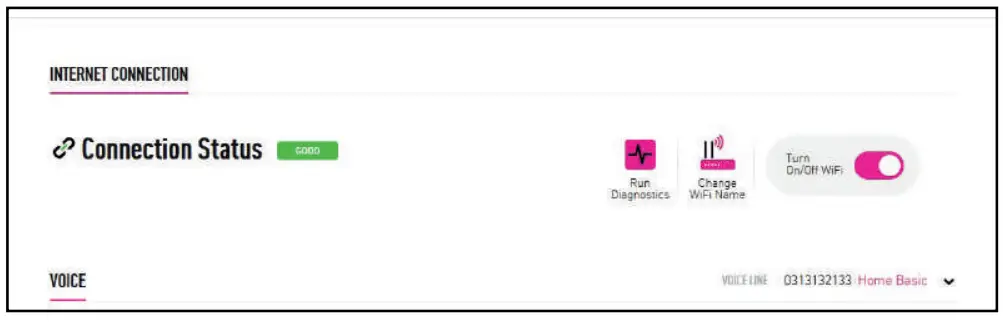
A. Via the Self Care portal
- On your Self Care dashboard, scroll down until you see the Internet Connection section. Look for the Turn On/Off WiFi button and toggle on to enable your WiFi. Your network is discoverable to all and devices can connect to it.

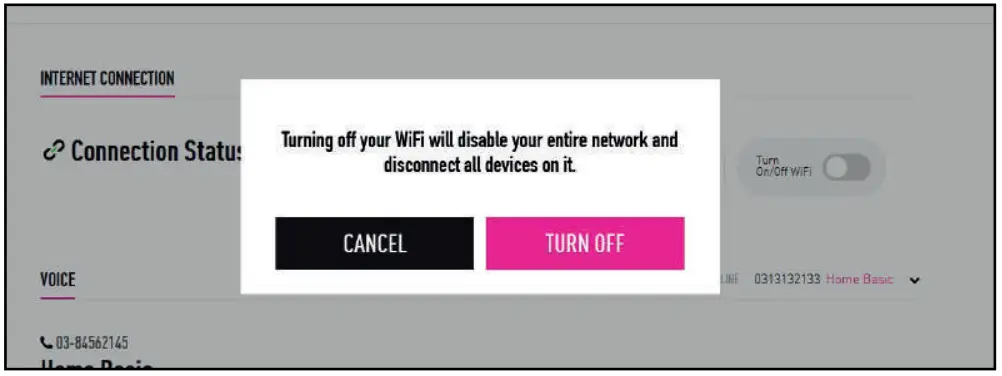
- Toggle off the button to disable your entire WiFi network. All devices will be disconnected and your network cannot be accessed. This action is not recommended.

B. Via the TIME Internet app
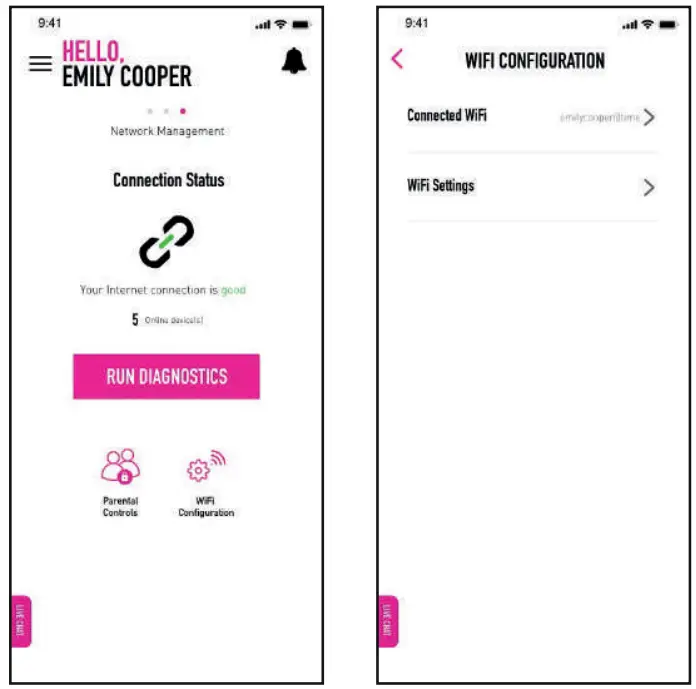
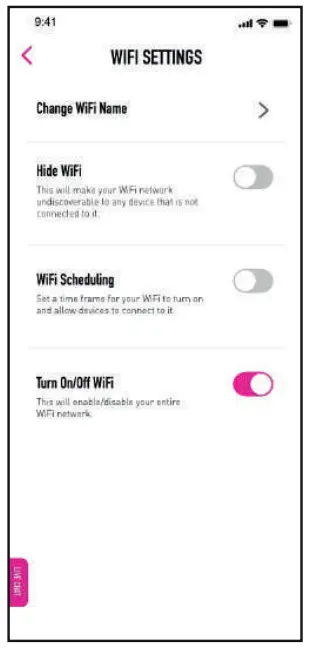
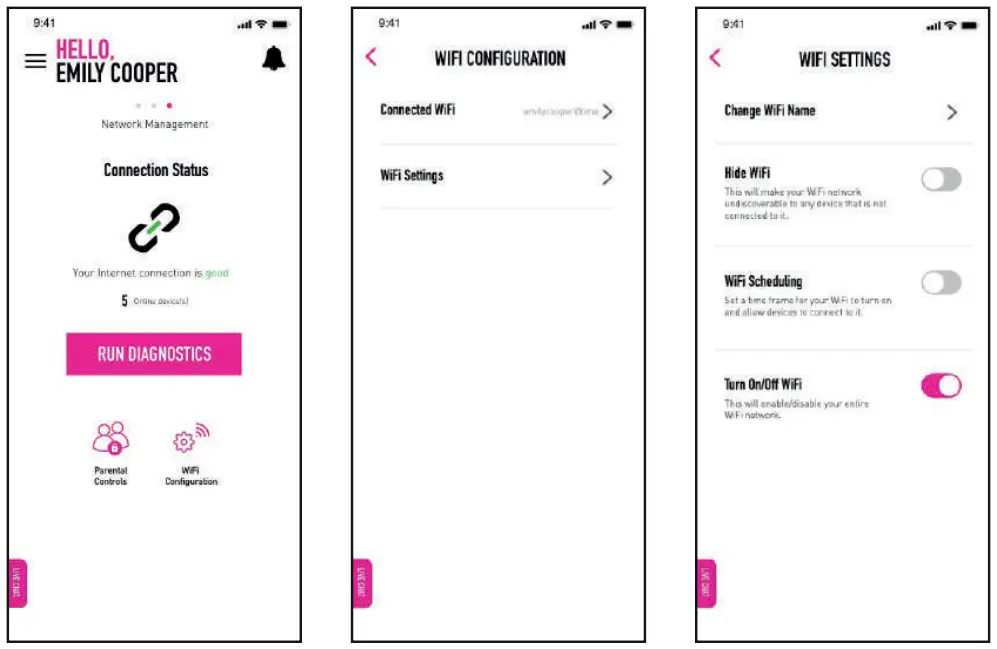
- From the Network Management screen, tap on WiFi Configuration > WiFi Settings.

- Toggle on the Turn On/Off WiFi button to enable your WiFi. Your network is discoverable to all and devices can connect to it.

- Toggle off the button to disable your entire WiFi network. All devices will be disconnected and your network cannot be accessed. This action is not recommended.

Change WiFi Name and Password
A. Via the TIME Internet app
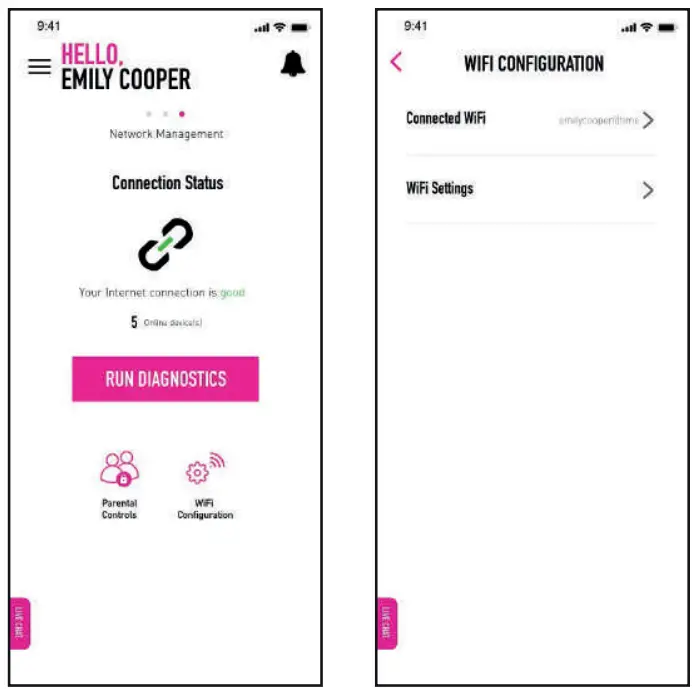
- From the Network Management screen, tap on WiFi Configuration > Connected WiFi.

- Key in your new WiFi network name (SSID) and password. Tap Save to update. *Please note that once you have saved your changes, the devices connected to your old SSID and password will be disconnected and you will have to connect again with the new credentials.

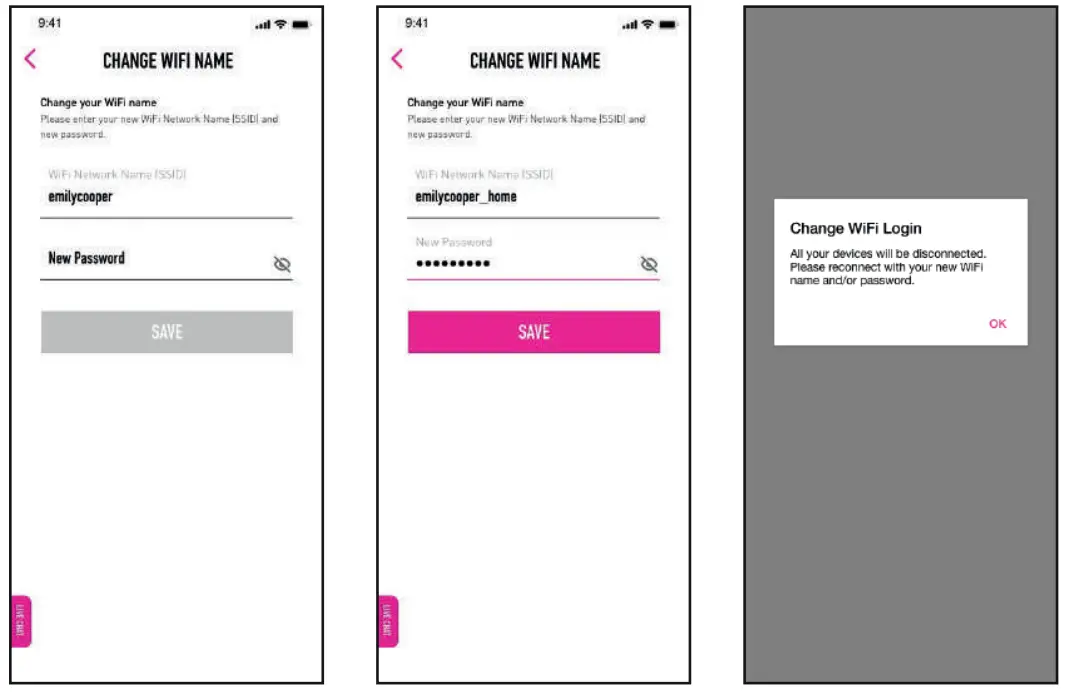
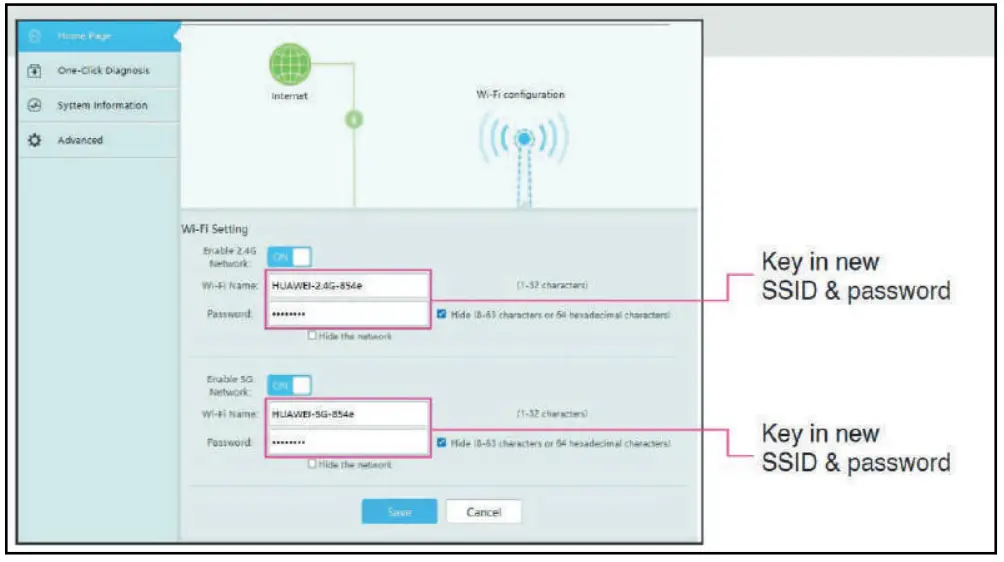
B. Via web browser (HG8145V5)
- Enter the default IP address (192.168.100.1) in your web browser.
- Log in to your router’s configuration page by using your default username and TIME followed by the last 4 digits of your wireless key (e.g. TIME1234) as your password.
- Go to Home Page. Make your changes under WiFi Setting.
- Configure the SSID and password for 2.4Ghz and 5Ghz WLAN respectively. By default, the SSID and password for both bands are the same. If they use the same SSID and password, then band steering is enabled. This means that your device can automatically roam between 2.4Ghz and 5Ghz seamlessly.

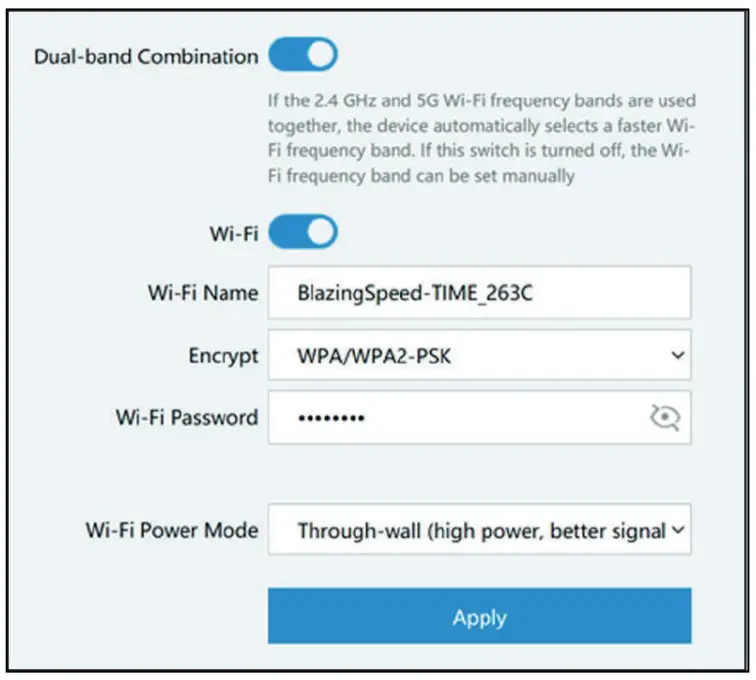
C. Via web browser (WA8021V5)
- Enter the default IP address (192.168.100.1) in your web browser.
- Log in to your router’s configuration page by using your default username and TIME followed by the last 4 digits of your wireless key (e.g. TIME1234) as your password.
- Go to My WiFi.
- Configure the SSID and password for WLAN respectively and click Apply.
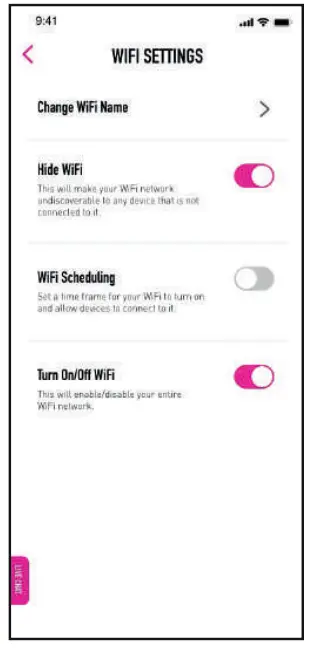
Hide WiFi Network (via TIME Internet app)
- On the Network Management Screen, tap on WiFi Configuration > WiFi Settings > Hide WiFi.

- Toggle on the Hide WiFi button to make your network undiscoverable to any device(s) not connected to your WiFi.

- To make your network discoverable again, just toggle off the Hide WiFi button.

WiFi Scheduling (via TIME Internet app)
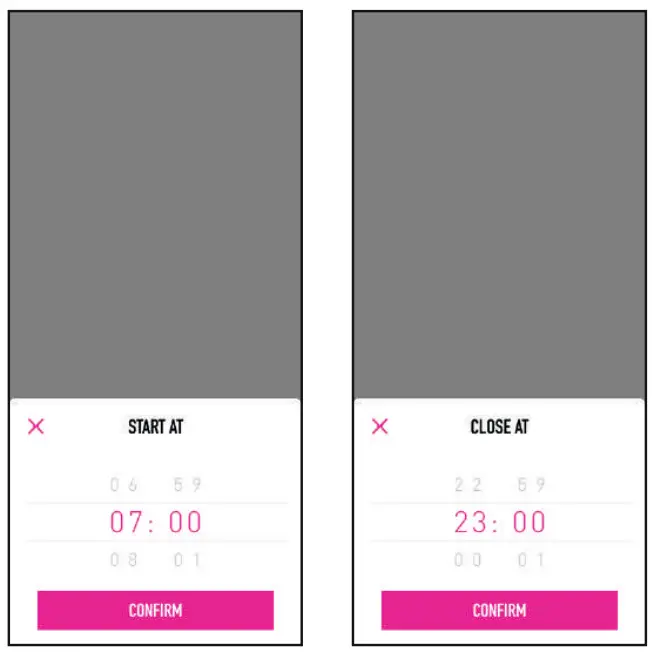
- On the Network Management Screen, tap on WiFi Configuration > WiFi Settings > WiFi Scheduling.

- Toggle on the WiFi Scheduling button to set a start and end time (24-hour format) for your WiFi to be turned on and accessible. For example, if you set your start time at 07:00 and end time at 23:00, that means that during the hours in between, your WiFi is turned on and devices can connect to it. After the scheduled time ends at 23:00, your WiFi will turn off and all devices will be disconnected from the network.

- Toggle off the WiFi Scheduling button to keep your WiFi turned on at all times.
FAQS
Yes will work
Yes it will support
Not mentioned in Amazon website. Actually Huawei providing 1 year
No
Huawei link / Huawei Ai life
No.
No. Third party antenna cable available in Amazon.
No Battery backup
Yes.. but it needs to be plugged in to power source
It support Only 4G SIM of all Network Provider . If BSNL is providing 4G services at your Location it will definitely support .
Airtel
Compatible with 3AN Telecom 2.4GHz 5dBi Omni Wi-Fi Booster SMA Male Antenna for Wireless Router (8-Inch 20 cm).
No..it is routers without battery
Yes
Yes it supports..
From device side no error but there are many disconnect from ISP.. hope all isp in India same shutdown and restarts for any maintenance or unnecessary
No. All you need is a data SIM.
VIDEO