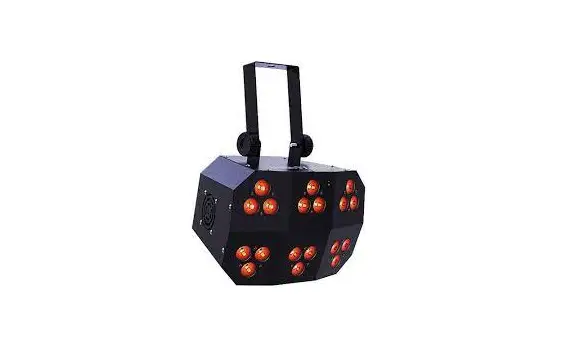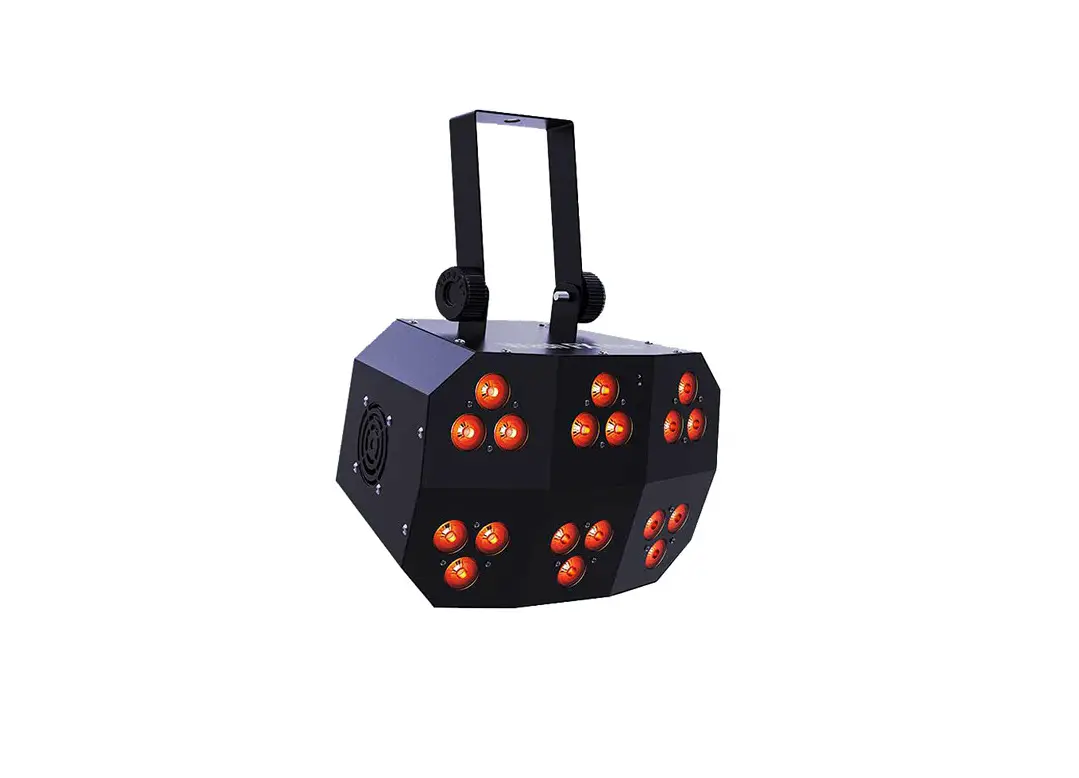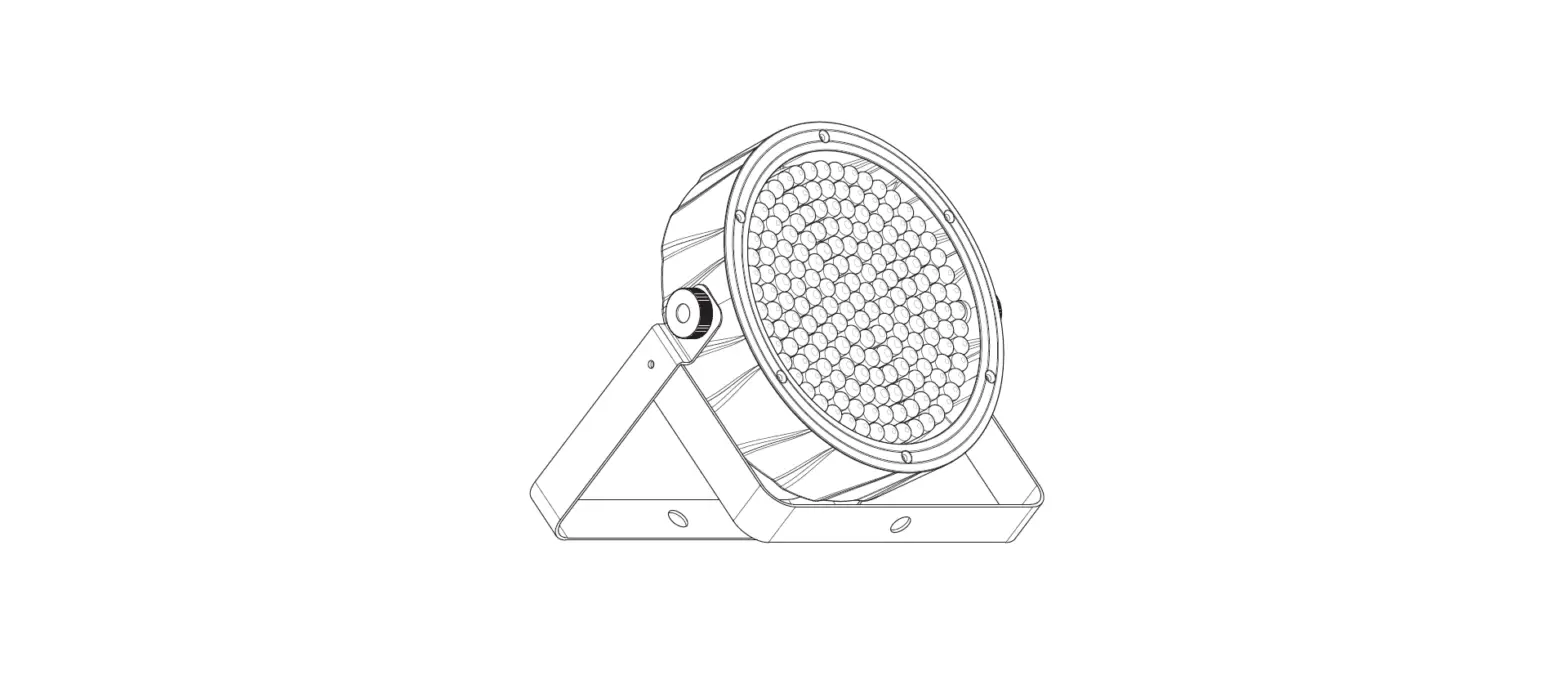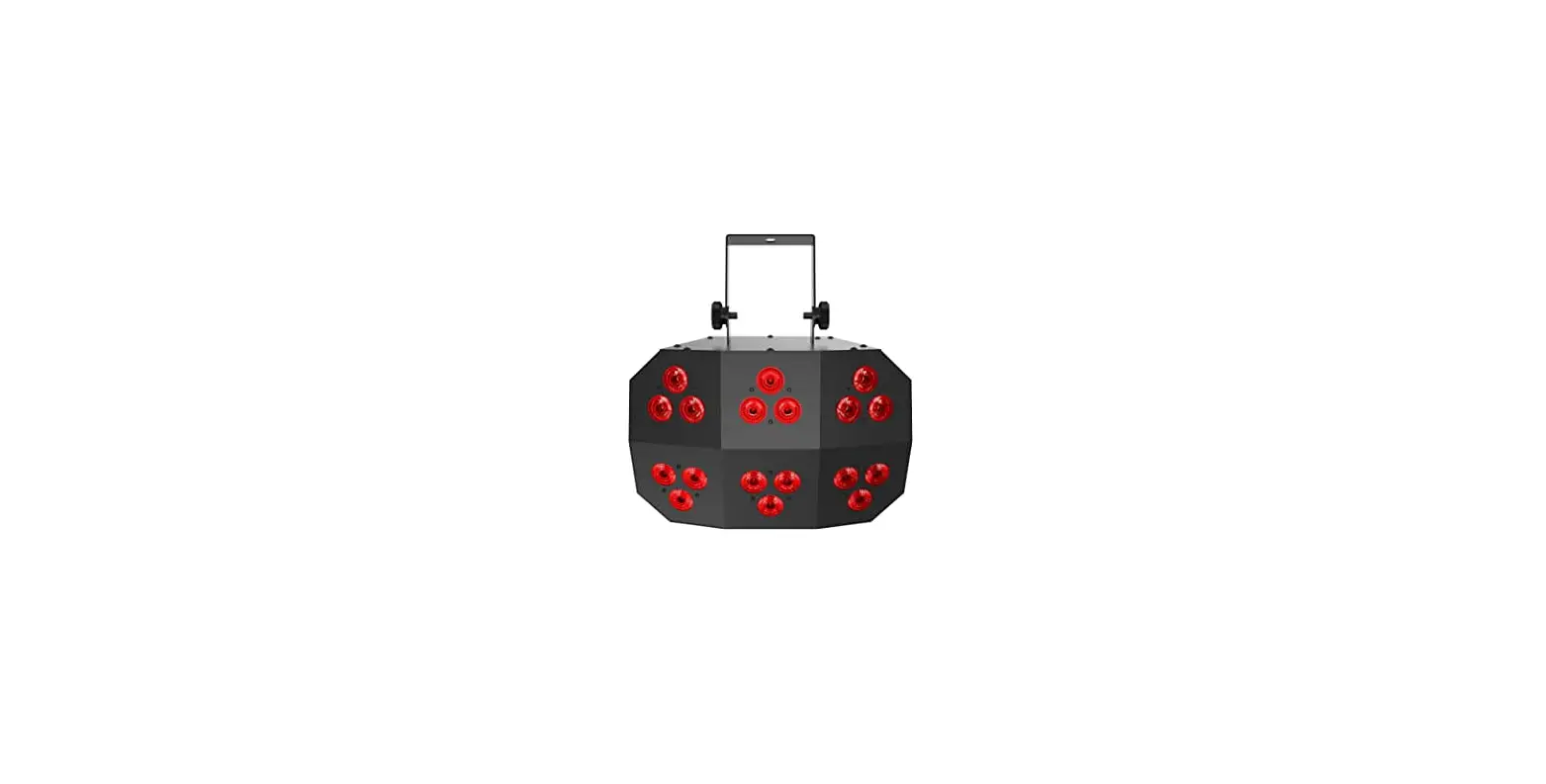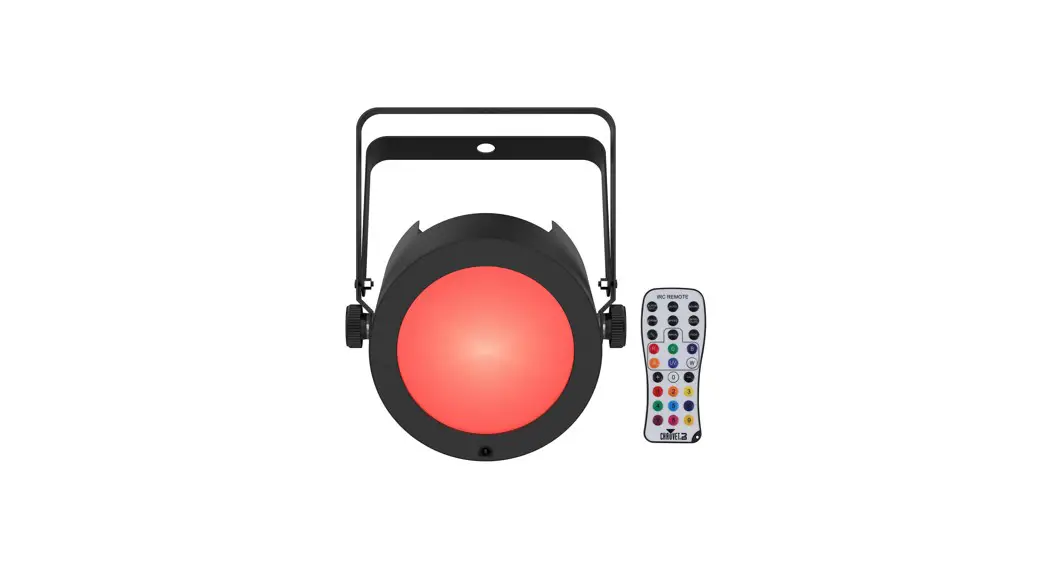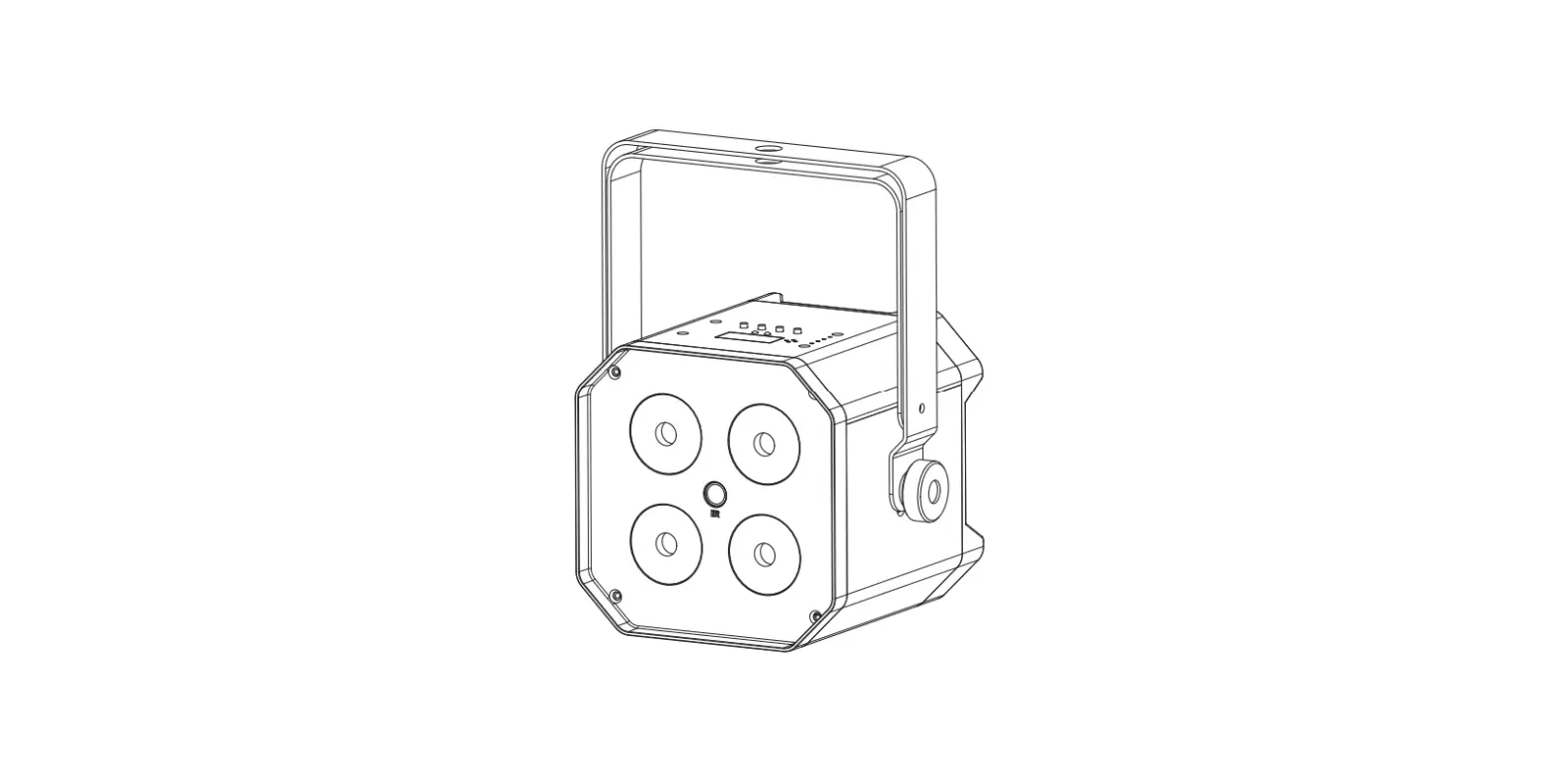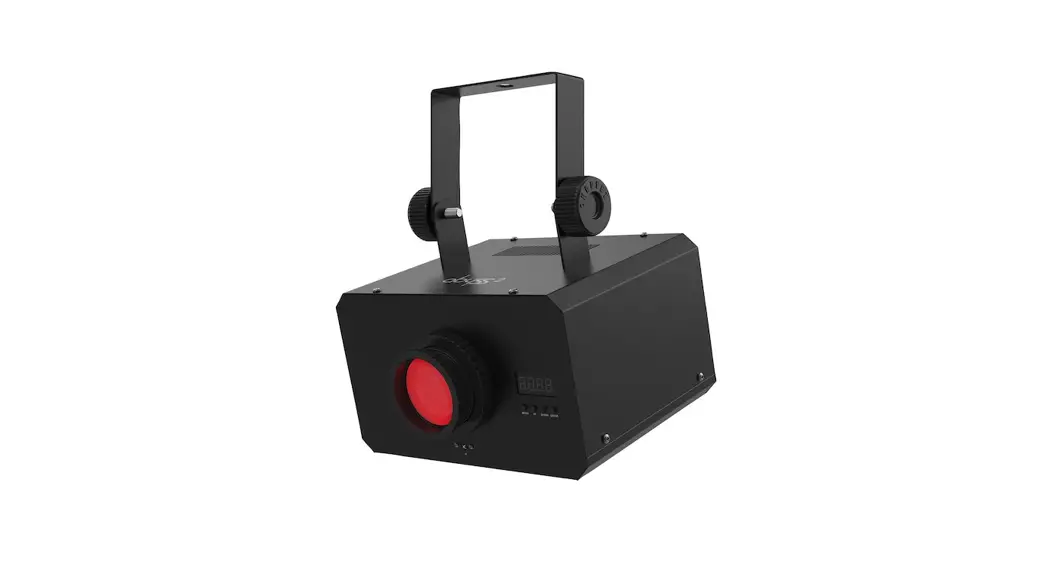

CHAUVET DJ WASHFXHEX Wash FX Hex Multipurpose LED Light
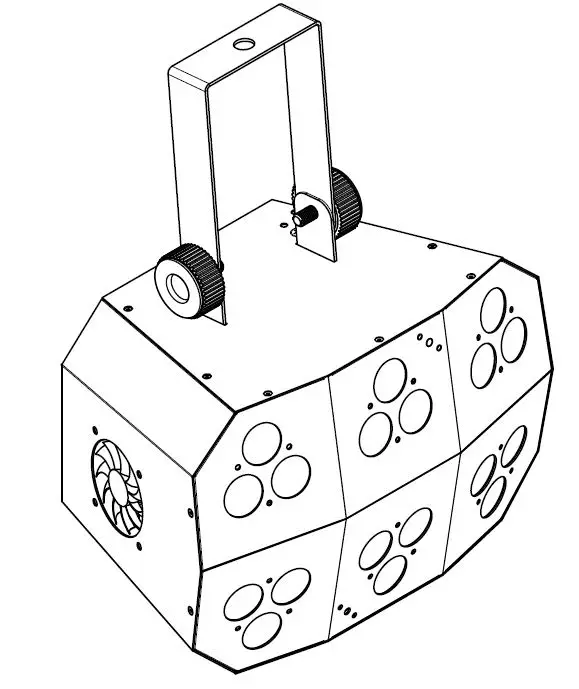
About This Guide
The Wash FX Hex Quick Reference Guide (QRG) has basic product information such as mounting, menu options, and DMX values. Download the User Manual from www.chauvetdj.com for more details.
Disclaimer
The information and specifications contained in this QRG are subject to change without notice.
LIMITED WARRANTY
FOR WARRANTY REGISTRATION AND COMPLETE TERMS AND CONDITIONS PLEASE VISIT OUR WEBSITE.
For Customers in the United States and Mexico: www.chauvetlighting.com/warranty-registration.
For Customers in the United Kingdom, Republic of Ireland, Belgium, the Netherlands, Luxembourg, France, and Germany: www.chauvetlighting.eu/warranty-registration.
Chauvet warrants that this product shall be free from defects in material and workmanship under normal use, for the period specified in, and subject to the exclusions and limitations set forth in the full limited warranty on our website. This warranty extends only to the original purchaser of the product and is not transferable. To exercise rights under this warranty, you must provide proof of purchase in the form of an original sales receipt from an authorized dealer that shows the product name and date of purchase. THERE ARE NO OTHER EXPRESS OR IMPLIED WARRANTIES. This warranty gives you specific legal rights. You may also have other rights that vary from state to state and country to country. This warranty is valid only in the United States, United Kingdom, Republic of Ireland, Belgium, the Netherlands, Luxembourg, France, Germany and Mexico. For warranty terms in other countries, please consult your local distributor.
Safety Notes
These Safety Notes include important information about installation, use, and maintenance.
- Always connect the product to a grounded circuit.
- Make sure the power cord is not crimped or damaged.
- Always disconnect the product from the power source before cleaning it or replacing the fuse.
- Never disconnect the product from the power source by pulling or tugging on the cord.
- If mounting the product overhead, make sure there is adequate support for the product’s weight and always secure the product using a safety cable.
- Make sure there are no flammable materials close to the product when it is operating.
- Avoid direct eye exposure to the light source while the product is on.
- Do not touch the product’s housing when the product is operating because the housing can be very hot.
- The product is not intended for permanent installation.
- The product is for indoor use only. It is rated at IP20. Do not expose the product to rain or moisture.
- Always connect the product to a power source that is within the voltage range stated on the label or rear panel of the product.
- Never connect the product to a dimmer or rheostat.
- Make sure to replace the fuse with another of the same type and rating.
- Always install the product in a location with adequate ventilation.
- Always leave at least 20 in (50 cm) between the product and adjacent surfaces.
- Be sure that no ventilation slots on the product’s housing are blocked.
- Do not operate the product at an ambient temperature higher than 104 °F (40 °C).
- Never carry the product by the power cord or any moving part.
- Always use the mounting/hanging bracket to lift the product.
- If there is a serious operating problem, stop using the product immediately.
- Never try to repair the product. Repairs carried out by untrained people can lead to damage or malfunction.
- To eliminate wear and improve its lifespan, during periods of non-use completely disconnect from power via breaker or by unplugging it.
Contact
Outside the U.S., U.K., Ireland, Benelux, France, Germany, or Mexico, contact your distributor to request support or return a product. Refer to Contact Us at the end of this QRG for contact information.
To Begin
Unpack your Wash FX Hex and make sure you have received all parts in good condition. If the box or contents appear damaged, notify the carrier immediately, not Chauvet.
AC Power
This product has an auto-ranging power supply that works with an input voltage range of 100 to 240 VAC, 50/60 Hz.
To eliminate wear and improve its lifespan, during periods of non-use completely disconnect the product from power via breaker or by unplugging it.
Power Linking
For the maximum number of Wash FX Hex products that you can power link at each voltage, see the User Manual or the specification sticker on the product.
Fuse Replacement
- Disconnect the product from power.
- Wedge the tip of a flat-head screwdriver into the slot of the fuse holder.
- Pry the safety cap out of the housing.
- Remove the blown fuse from the clip on the front of the safety cap and replace with a fuse of the exact same type and rating.
- Re-insert the fuse holder and reconnect power.
Mounting
Before mounting this product, read the Safety Notes.
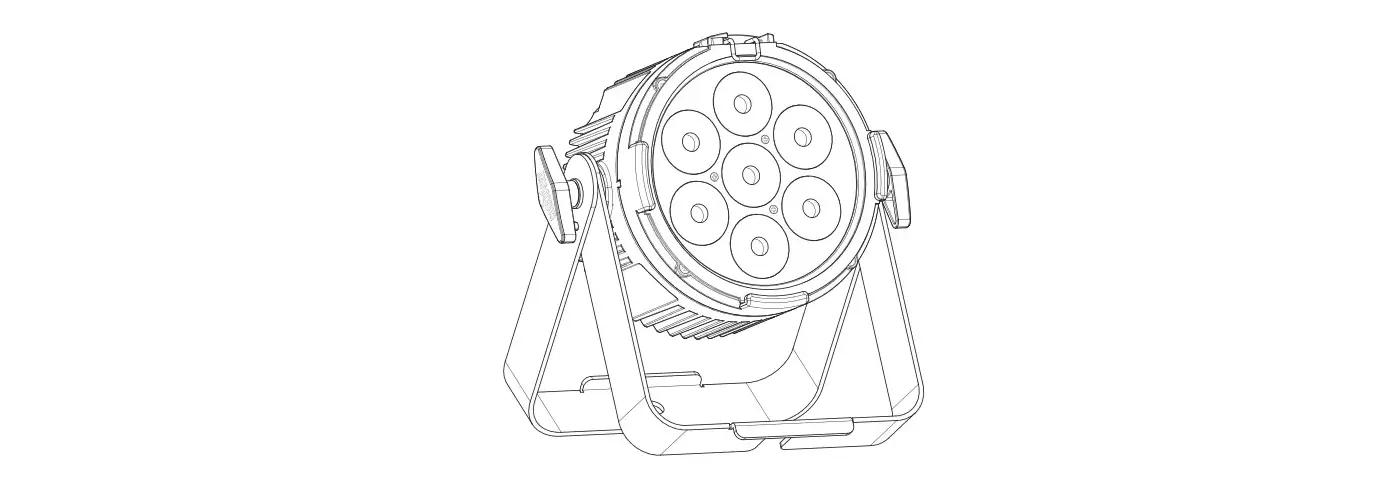
Mounting Diagram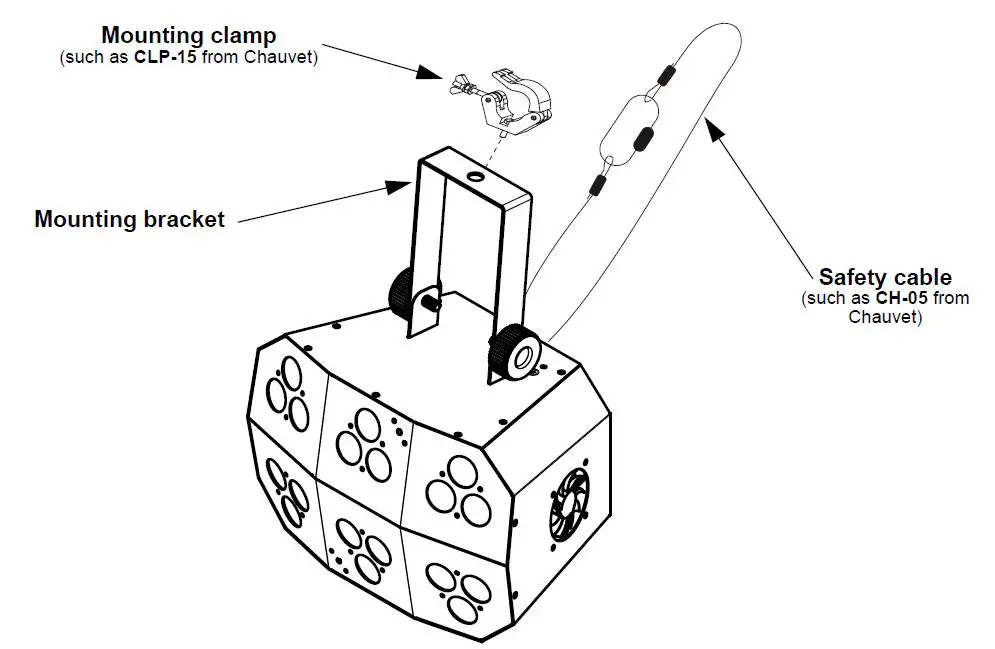
Control Panel Description
| BUTTON | FUNCTION |
| <MENU> | Exits from the current menu or function |
| <UP> | Navigates upwards through the menu list and increases the numeric value when in a function |
| <DOWN> | Navigates downwards through the menu list and decreases the numeric value when in a function |
| <ENTER> | Enables the currently displayed menu or sets the currently selected value into the selected function |
Refer to the Wash FX Hex product page on www.chauvetdj.com for the latest menu map.
| Mode | Programming Levels | Description | |
| Address | 3CH | d001–512 | Sets the DMX personality and address |
| 6CH | |||
| 11CH | |||
| 40CH | |||
| Static Colors | C– | C001–063 | Static colors |
| Auto Programs | P– | P 1–25 | Auto programs |
| Auto Speed | S– | S001–100 | Program speed for P 1–25 |
| Dimmer | dIM | L001–255 | Adjusts the dimmer on auto and sound programs |
| Sound Mode | SND | 1–9 | Sound mode |
| Master/slave | SLV | SLV1 | Copies the master unit |
| SLV2 | Mirrors the master unit | ||
|
Custom Color Mixing |
u– | r000–255 g000–255 b000–255 a000–255 w000–255 u000–255 |
Custom static colors Combines red, green, blue, amber, white, and UV |
| Infrared Mode | SET | on | Turns infrared on or off |
| off | |||
DMX Linking
The Wash FX Hex can work with a DMX controller. Instructions for connecting and configuring this product for DMX operation are in the User Manual. If you are not familiar with DMX, download the DMX Primer from www.chauvetdj.com.
Starting Address
To ensure full access to all channels available in each DMX mode, the highest recommended DMX address is 473.
Master/Slave Connection
The Wash FX Hex uses the DMX data connection for its Master/Slave mode. Information about configuring the Wash FX Hex for Master/Slave operation is in the User Manual, which is available from the Chauvet website. IRC-6 (Infrared Remote Control)
The Wash FX Hex can be operated with the CHAUVET IRC-6. For more information about the IRC-6, download instructions for the IRC-6 or the Wash FX Hex User Manual from www.chauvetdj.com.
DMX Values
40Ch
| Channel | Function | Value | Percent/Setting |
|
1 |
Auto programs | 000 ó 005 006 ó 020 021 ó 035 036 ó 050 051 ó 065 066 ó 080 081 ó 095 096 ó 110 111 ó 125 126 ó 140 141 ó 155 156 ó 170 171 ó 185 186 ó 200 201 ó 215 216 ó 230 231 ó 255 | No function Auto program 1 Auto program 2 Auto program 3 Auto program 4 Auto program 5 Auto program 6 Auto program 7 Auto program 8 Auto program 9 Auto program 10 Auto program 11 Auto program 12 Auto program 13 Auto program 14 Auto program 15 Auto program 16 |
| 2 | Auto program speed | 000 ó 250 251 ó 255 | Speed, slow to fast Sound-active Mode |
| 3 | Dimmer | 000 ó 255 | Master dimmer |
| 4 | Strobe | 000 ó 255 | 0-20 Hz, slow to fast |
| 5 | Red zone 1 | 000 ó 255 | 0–100% |
| 6 | Green zone 1 | 000 ó 255 | 0–100% |
| 7 | Blue zone 1 | 000 ó 255 | 0–100% |
| 8 | Amber zone 1 | 000 ó 255 | 0–100% |
| 9 | White zone 1 | 000 ó 255 | 0–100% |
| 10 | UV zone 1 | 000 ó 255 | 0–100% |
| 11 | Red zone 2 | 000 ó 255 | 0–100% |
| 12 | Green zone 2 | 000 ó 255 | 0–100% |
| 13 | Blue zone 2 | 000 ó 255 | 0–100% |
| 14 | Amber zone 2 | 000 ó 255 | 0–100% |
| 15 | White zone 2 | 000 ó 255 | 0–100% |
| 16 | UV zone 2 | 000 ó 255 | 0–100% |
| 17 | Red zone 3 | 000 ó 255 | 0–100% |
| 18 | Green zone 3 | 000 ó 255 | 0–100% |
| 19 | Blue zone 3 | 000 ó 255 | 0–100% |
| 20 | Amber zone 3 | 000 ó 255 | 0–100% |
| 21 | White zone 3 | 000 ó 255 | 0–100% |
| 22 | UV zone 3 | 000 ó 255 | 0–100% |
| 23 | Red zone 4 | 000 ó 255 | 0–100% |
| 24 | Green zone 4 | 000 ó 255 | 0–100% |
| 25 | Blue zone 4 | 000 ó 255 | 0–100% |
| 26 | Amber zone 4 | 000 ó 255 | 0–100% |
| 27 | White zone 4 | 000 ó 255 | 0–100% |
| 28 | UV zone 4 | 000 ó 255 | 0–100% |
| Channel | Function | Value | Percent/Setting |
| 29 | Red zone 5 | 000 ó 255 | 0–100% |
| 30 | Green zone 5 | 000 ó 255 | 0–100% |
| 31 | Blue zone 5 | 000 ó 255 | 0–100% |
| 32 | Amber zone 5 | 000 ó 255 | 0–100% |
| 33 | White zone 5 | 000 ó 255 | 0–100% |
| 34 | UV zone 5 | 000 ó 255 | 0–100% |
| 35 | Red zone 6 | 000 ó 255 | 0–100% |
| 36 | Green zone 6 | 000 ó 255 | 0–100% |
| 37 | Blue zone 6 | 000 ó 255 | 0–100% |
| 38 | Amber zone 6 | 000 ó 255 | 0–100% |
| 39 | White zone 6 | 000 ó 255 | 0–100% |
| 40 | UV zone 6 | 000 ó 255 | 0–100% |
11Ch
| Channel | Function | Value | Percent/Setting |
| 1 | Red | 000 ó 255 | 0–100% |
| 2 | Green | 000 ó 255 | 0–100% |
| 3 | Blue | 000 ó 255 | 0–100% |
| 4 | Amber | 000 ó 255 | 0–100% |
| 5 | White | 000 ó 255 | 0–100% |
| 6 | UV | 000 ó 255 | 0–100% |
| 7 | Strobe | 000 ó 255 | 0-20 Hz, slow to fast |
| 000 ó 005 | No function | ||
| 006 ó 020 | Auto program 1 | ||
| 021 ó 035 | Auto program 2 | ||
| 036 ó 050 | Auto program 3 | ||
| 051 ó 065 | Auto program 4 | ||
| 066 ó 080 | Auto program 5 | ||
| 081 ó 095 | Auto program 6 | ||
| Auto programs | 096 ó 110 | Auto program 7 | |
| 8 | (Macro mode when CH9 is between values 006–255) | 111 ó 125 126 ó 140 | Auto program 8 Auto program 9 |
| 141 ó 155 | Auto program 10 | ||
| 156 ó 170 | Auto program 11 | ||
| 171 ó 185 | Auto program 12 | ||
| 186 ó 200 | Auto program 13 | ||
| 201 ó 215 | Auto program 14 | ||
| 216 ó 230 | Auto program 15 | ||
| 231 ó 255 | Auto program 16 | ||
| Zone macro | 000 ó 005 | No function | |
| 9 | (Use channels 1–6 to select colors for macros) | 006 ó 255 | Zone macro |
| 10 | Auto program speed | 000 ó 250 251 ó 255 | Speed, slow to fast Sound-active mode |
| 11 | Dimmer | 000 ó 255 | Master dimmer |
6Ch
| Channel | Function | Value | Percent/Setting |
| 1 | Red | 000 ó 255 | 0–100% |
| 2 | Green | 000 ó 255 | 0–100% |
| 3 | Blue | 000 ó 255 | 0–100% |
| 4 | Amber | 000 ó 255 | 0–100% |
| 5 | White | 000 ó 255 | 0–100% |
| 6 | UV | 000 ó 255 | 0–100% |
3Ch
| Channel | Function | Value | Percent/Setting |
|
1 |
Auto programs | 000 ó 005 006 ó 020 021 ó 035 036 ó 050 051 ó 065 066 ó 080 081 ó 095 096 ó 110 111 ó 125 126 ó 140 141 ó 155 156 ó 170 171 ó 185 186 ó 200 201 ó 215 216 ó 230 231 ó 255 | No function Auto program 1 Auto program 2 Auto program 3 Auto program 4 Auto program 5 Auto program 6 Auto program 7 Auto program 8 Auto program 9 Auto program 10 Auto program 11 Auto program 12 Auto program 13 Auto program 14 Auto program 15 Auto program 16 |
| 2 | Auto program speed | 000 ó 250 251 ó 255 | Speed, slow to fast Sound-active Mode |
| 3 | Dimmer | 000 ó 255 | Master dimmer |