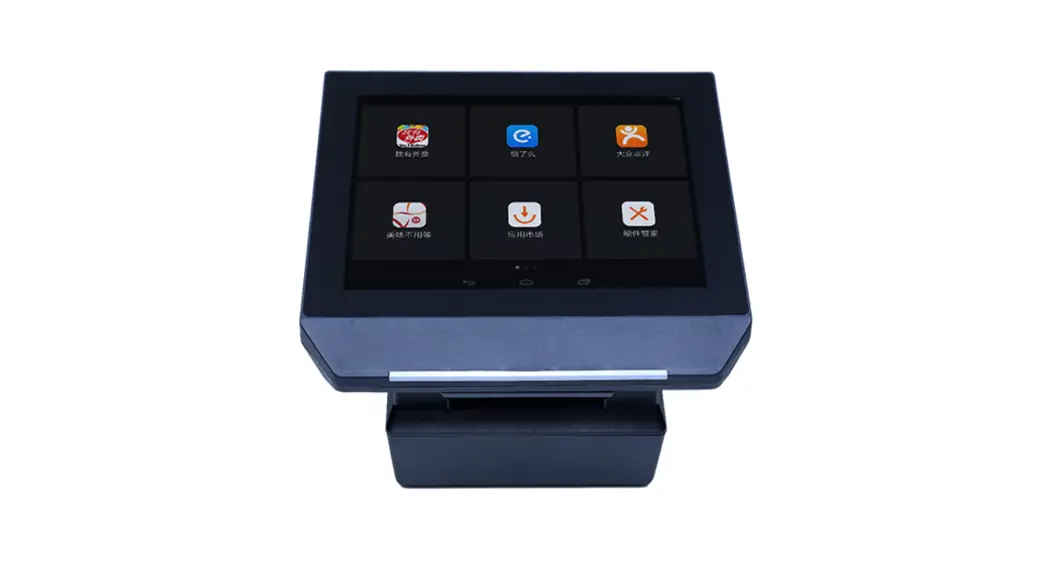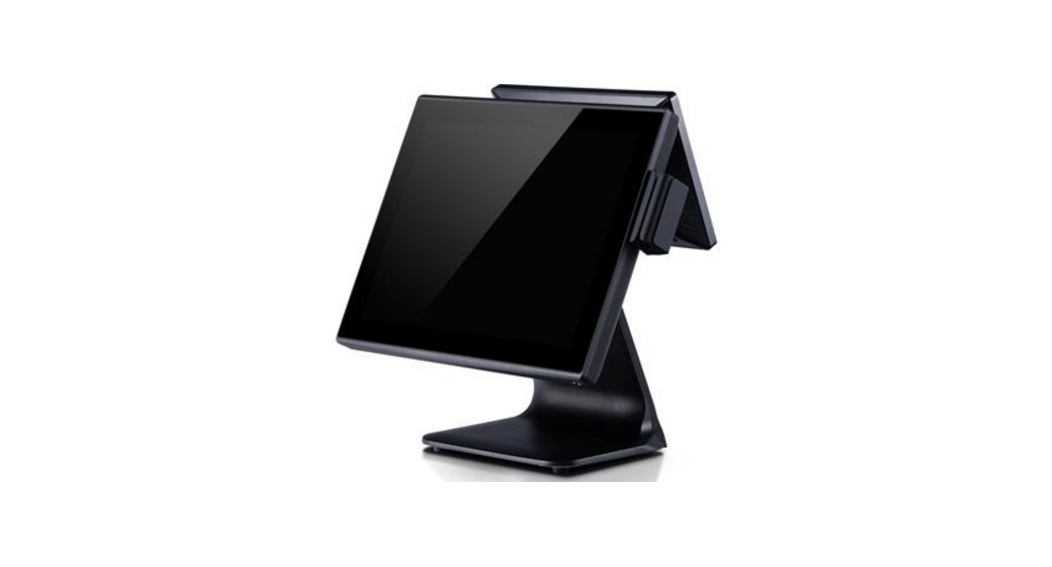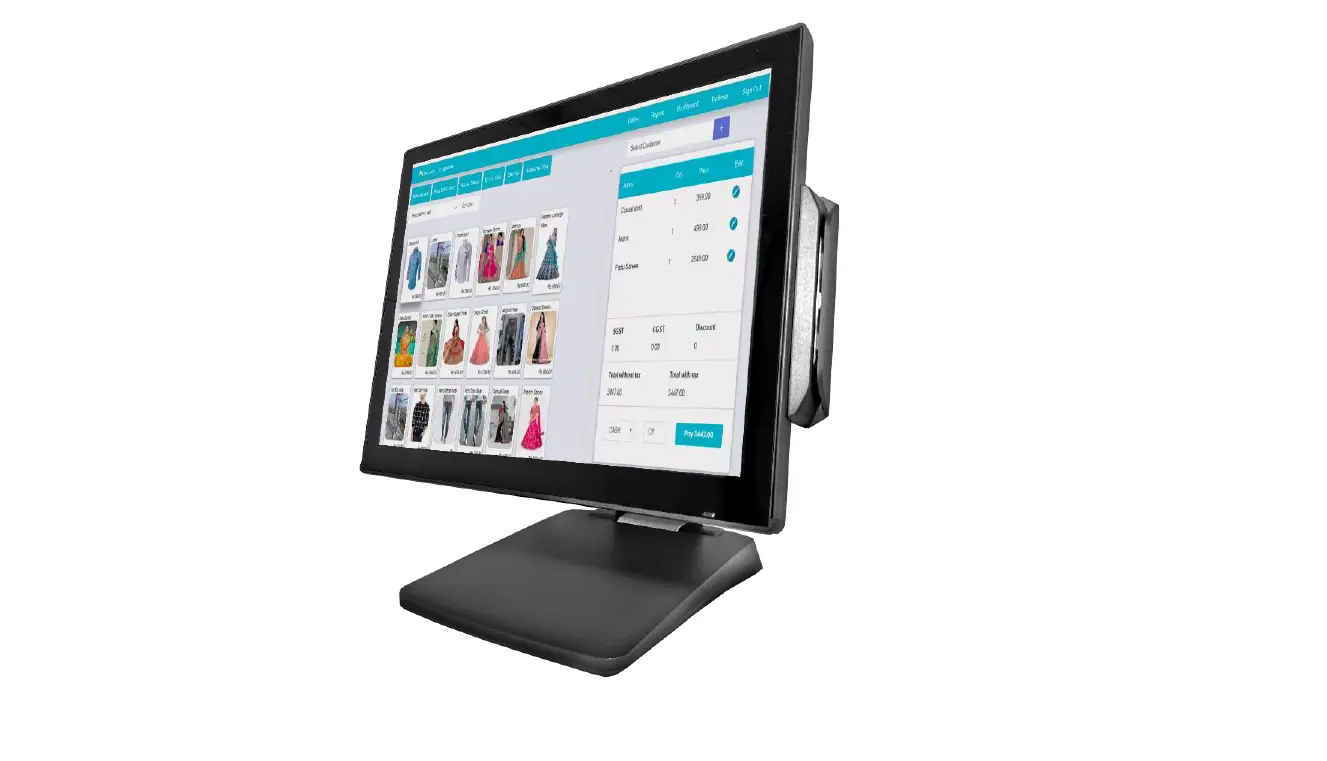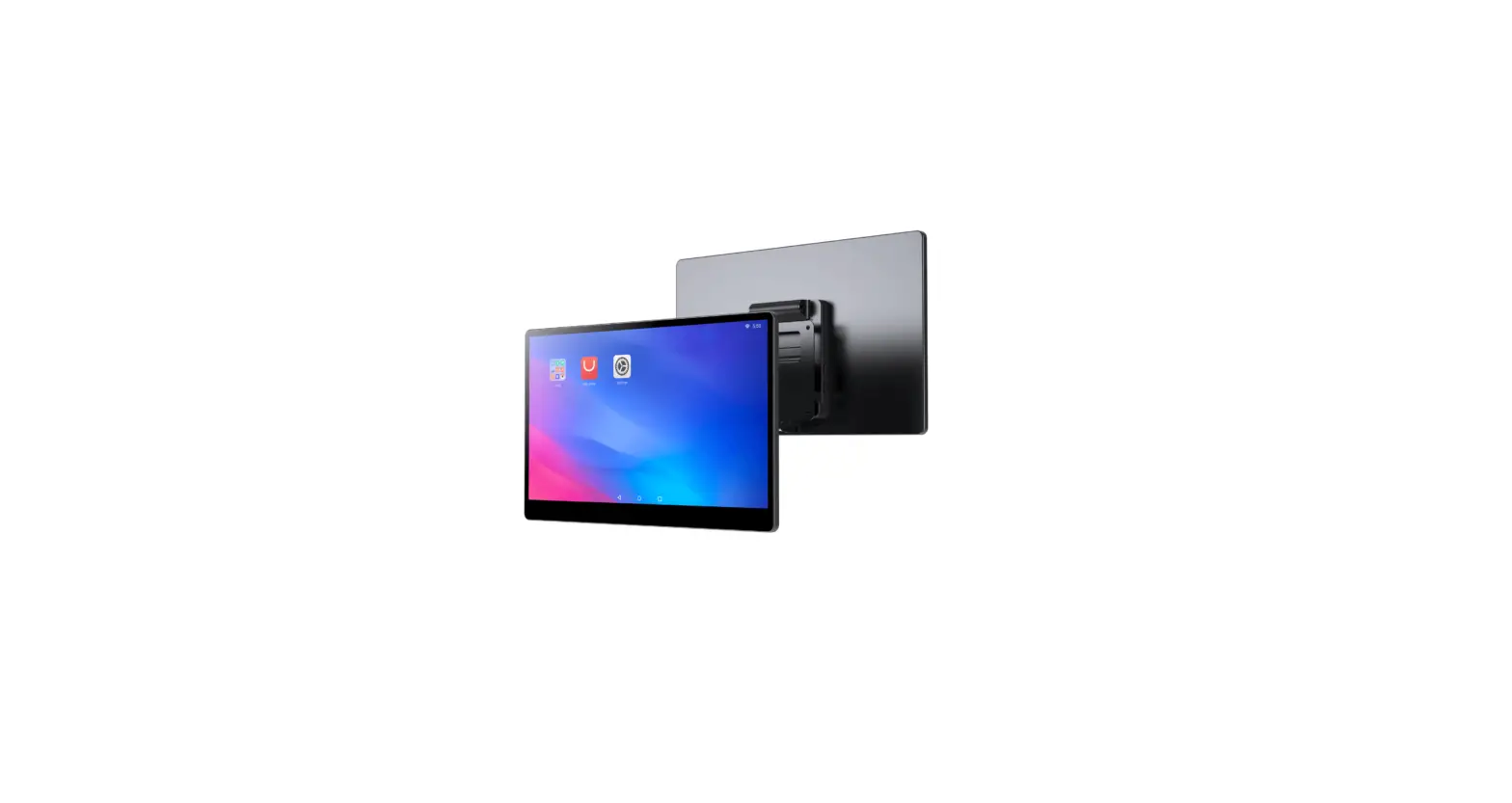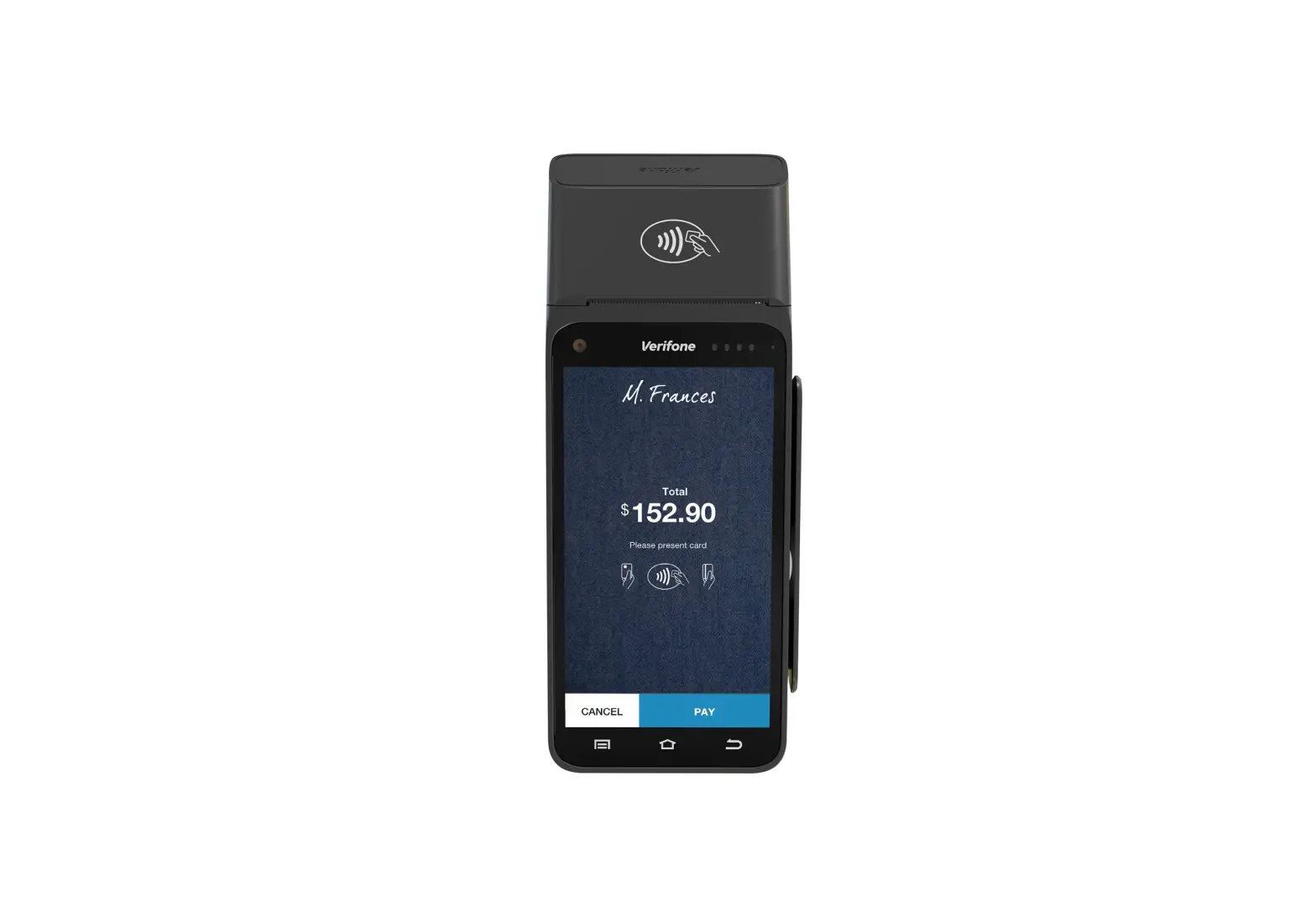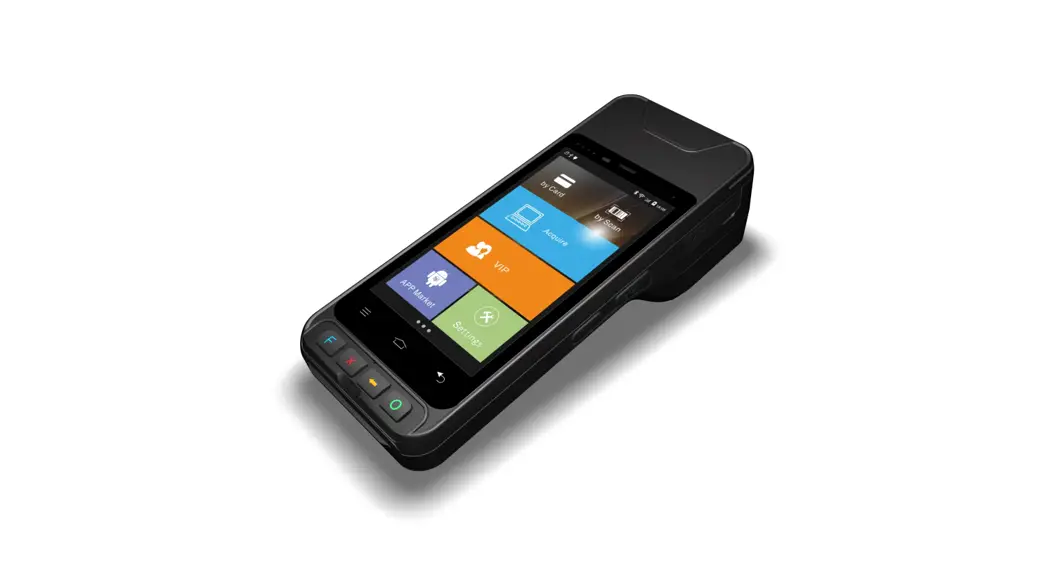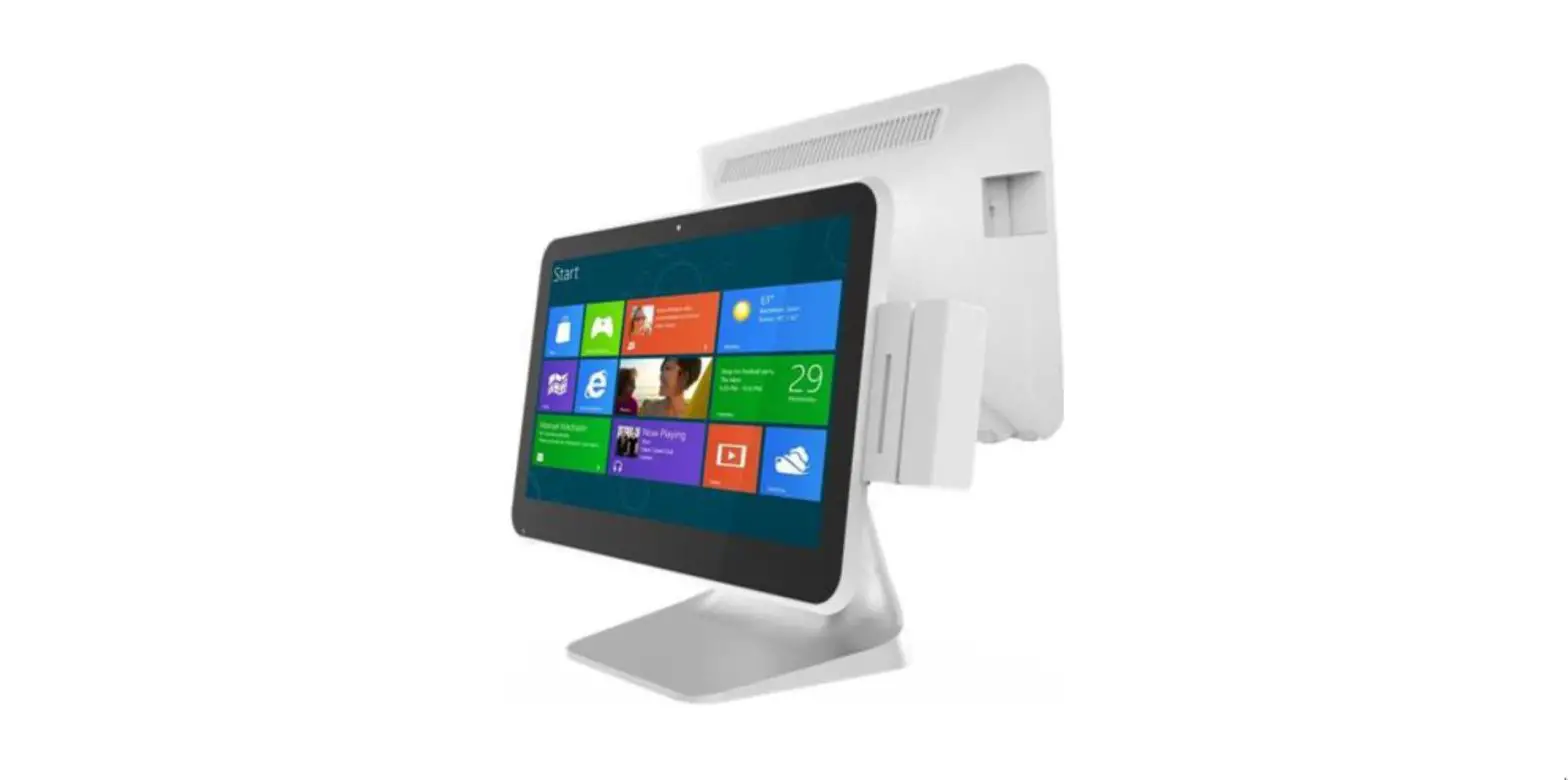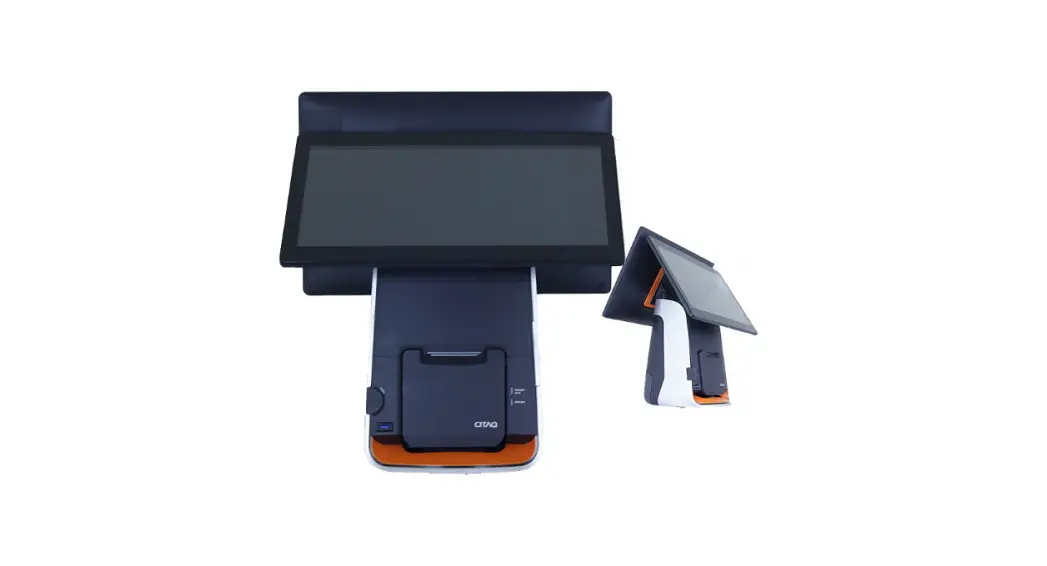
 T80 PLUS POS SYSTEM
User Manual
Notice:
- The main unit and switch should only be disassembled by qualified maintenance personnel.
- Battery replacement
1. Be sure to use the battery “CR2032”. There is a risk of explosion if you replace the battery with the wrong model!
2. After the replacement, please leave the battery to the maintenance personnel. DO NOT throw it into the fire
Installation Guide
- Characteristic and Application
With years of professional POS equipment manufacturing experience, we’ve learned perfectly the needs of customers. Following the design concept of Yibao series, a hot sale series in the last ten years, we bring you a whole new POS series: the Inpos series. It’s a series with higher stability, more comprehensive performance, more stylish appearance for your better experience of quality. Also, it’s highly cost-effective just like the Yibao series. We are always by your side on the way to success.
The Infos series POS system is designed for commercial use, such in shopping centers, department stores, supermarkets, and convenience stores. - Component of the machine
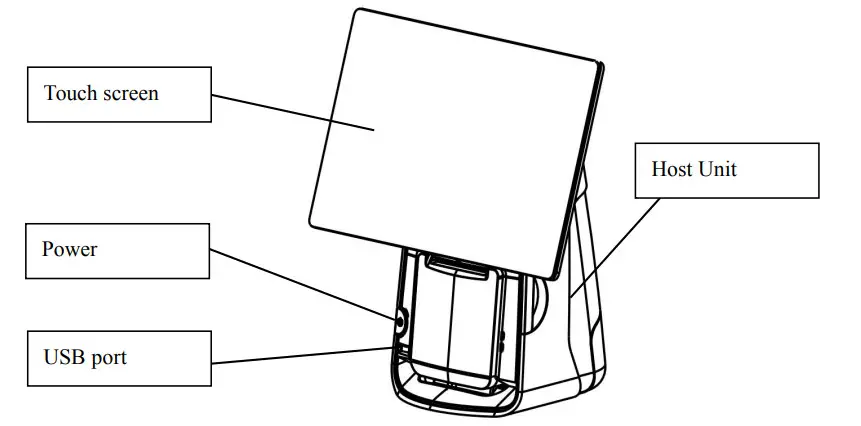
Its main components and functions are shown in the figure:
- Parameters
| CPU | Code name | Bay Trail |
| Model | Intel Celeron J 1900 | |
| Core number | Quad-Core | |
| Process | 22nm | |
| Cache | 2MB | |
| GPU | Graphics Model | Intel HD Graphics |
| Frequency | 688MHz | |
| RAM | Model | DDR3L |
| Memory | 8GB | |
| Interface | SODIMM | |
| HDD | Model | SSD |
| Memory | 128G | |
| Interface | MSATA | |
| Touch Screen | Dimension | 15.6″ |
| Type | Capacitive Touch screen | |
| Touch | Single Point Touch | |
| Technology | GFF | |
| Interface | IIC | |
| Display | Dimension | 15.6″ |
| Type | TN | |
| Resolution | 1366*768 | |
| Brightness | More than TYP220cd/m2, LED backlight | |
| Interface | eDP | |
| Rotation Angle | >80°-45 ” | |
| Brightness | More than 22cd/m2 | |
| Color | Orange | |
| Rotation Angle | ?80°-45 ° | |
| Data Command | ESC/POS order set | |
| Interface | USB, Enumeration System Serial port | |
| Speaker | Power | 1W*2 |
| Volume | ..?- 90dB | |
| Interface | Audio L/R | |
| Sound Track | Left and right soundtrack | |
| External interface | USB 2.0 | Rare x 5 |
| USB3.0 | Front x 1 | |
| LAN | RJ45 x 1,100/1000M Self-adjusting | |
| Serial Port | DB9 x 2, available for OV\5V\12V | |
| Audio Jack | 3.5mm xl | |
| Cash drawer port | RJ12,6P6C x 1 | |
| Power interface | DIN 4PIN x 1 | |
| Switch | Light touch switch |
| Electrical parameters | |
| Operating Voltage | AC100-240V |
| Operating Current | 1.5A |
| Operating Frequency | 50Hz |
| Standby power | 0.5W |
| Maximum operating power | 90W |
| Operating temperature | 0°C -50°C |
| Operating humidity | 10%-90% |
| Packing | |
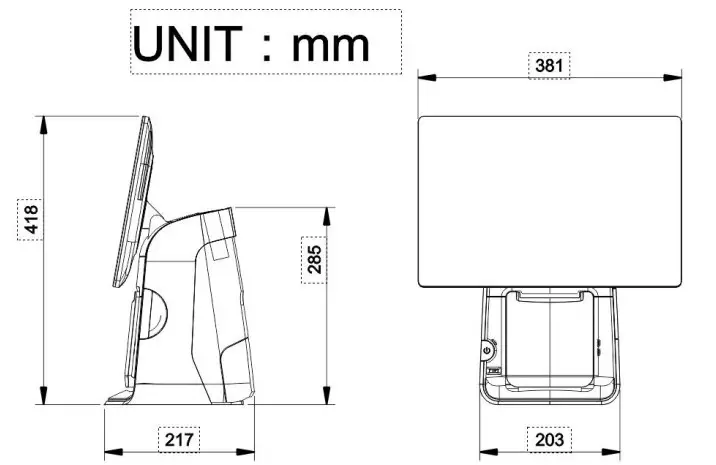
| Product Dimension | W*L*H mm |
| Net Weight | 6.16Kg |
| Packing Dimension | L455*W308*H530rnm |
| Gross Weight | 7.16Kg |
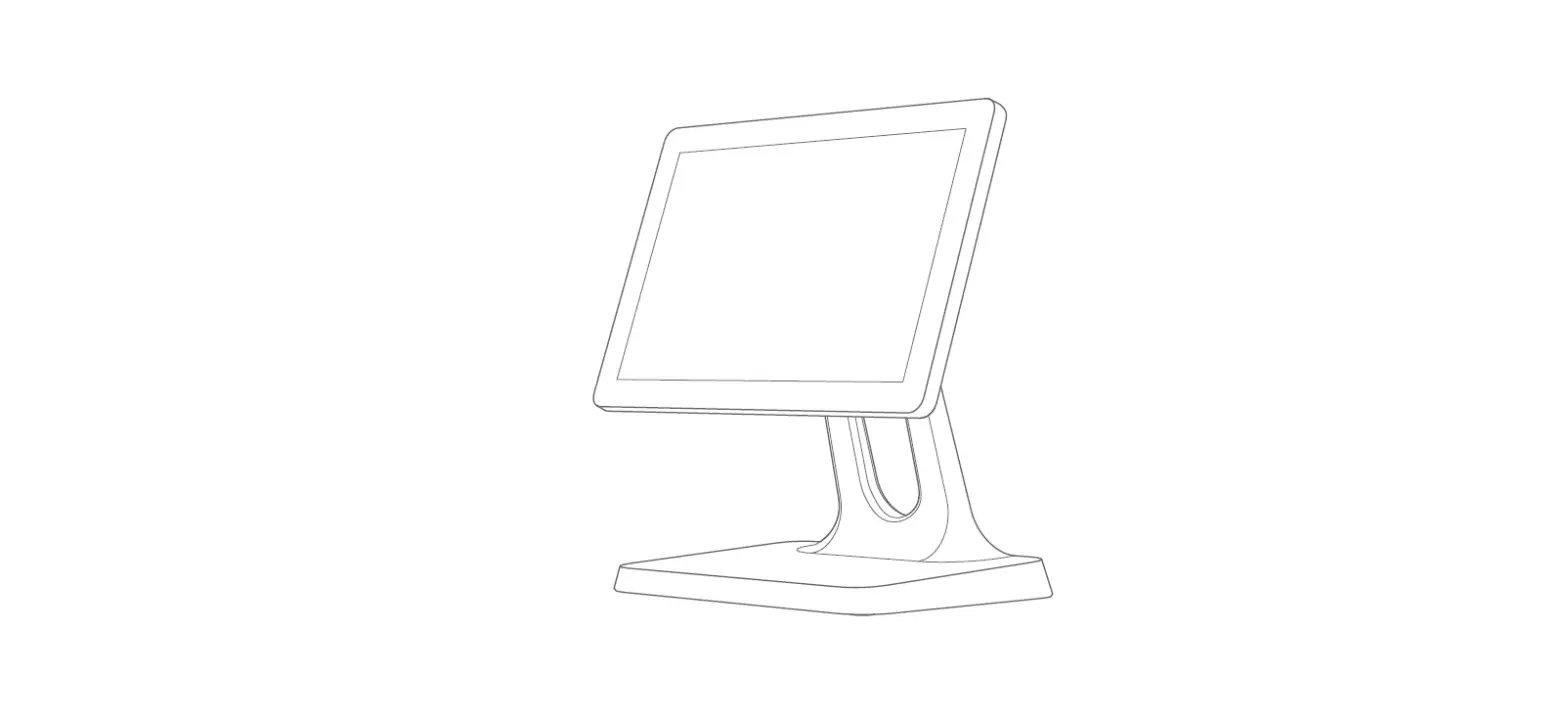
| Appearance and dimension | As shown in the figure: |
Installation and operation guide of the machine
Installation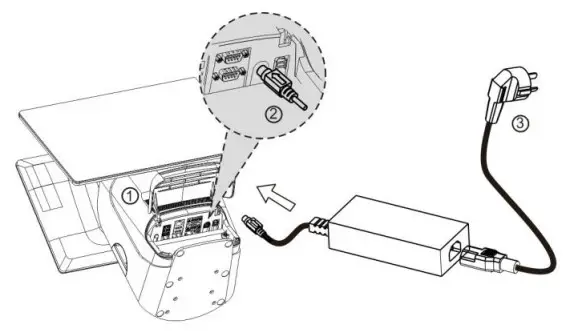
First, lift the cover of the main unit as shown in figure (1), insert the 4pin plug into the host jack as shown in figure(2), then plug the mains plug into the triple socket as shown in figure(3).
Interfaces of the machine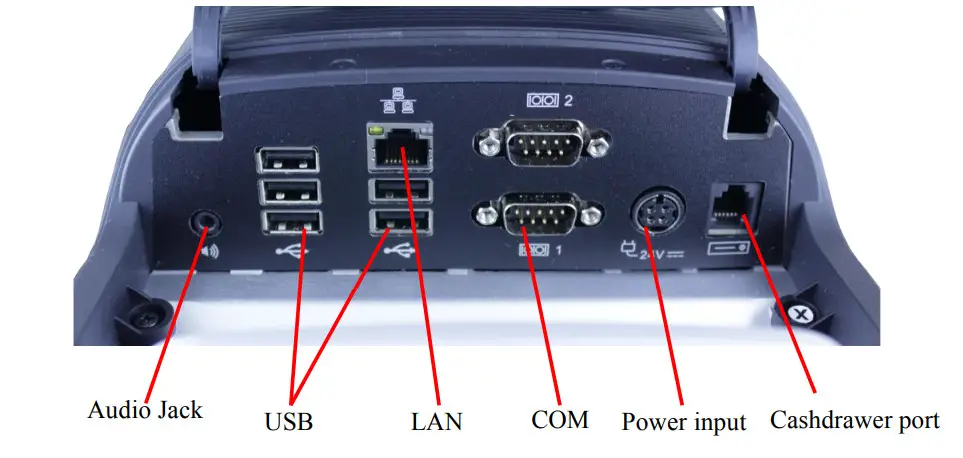
Interface in the mainboard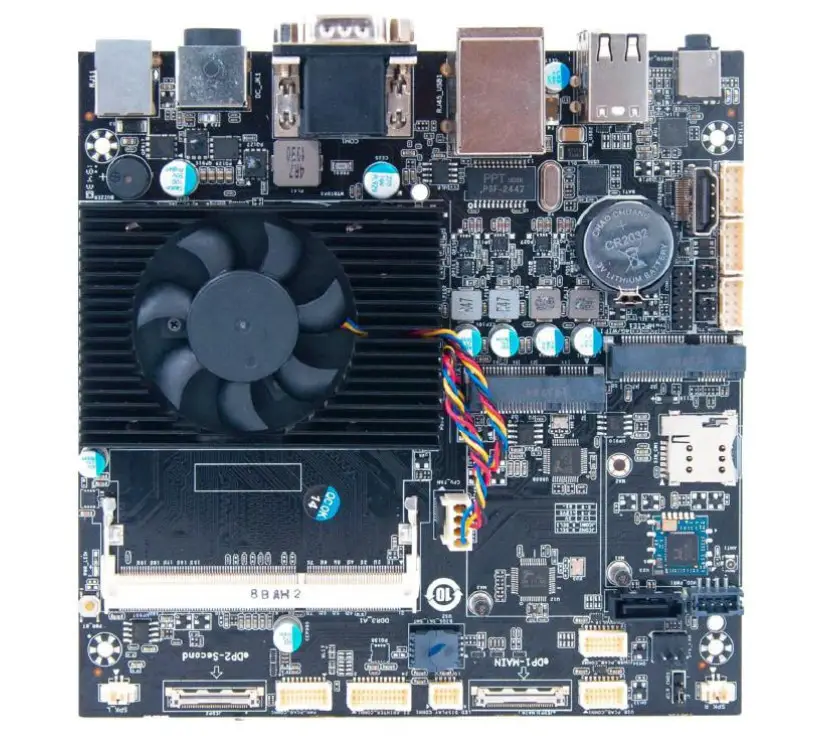
FCC Caution
This device complies with part 15 of the FCC Rules. Operation is subject to the following two conditions: (1) This device may not cause harmful interference, and (2) this device must accept any interference received, including interference that may cause undesired operation.
Any changes or modifications not expressly approved by the party responsible for compliance could void the user’s authority to operate the equipment.
Note: This equipment has been tested and found to comply with the limits for a Class B digital device, pursuant to part 15 of the FCC Rules. These limits are designed to provide reasonable protection against harmful interference in a residential installation. This equipment generates uses and can radiate radio frequency energy and, if not installed and used in accordance with the instructions, may cause harmful interference to radio communications. However, there is no guarantee that interference will not occur in a particular installation. If this equipment does cause harmful interference to radio or television reception, which can be determined by turning the equipment off and on, the user is encouraged to try to correct the interference by one or more of the following measures:
- Reorient or relocate the receiving antenna.
- Increase the separation between the equipment and receiver.
- Connect the equipment into an outlet on a circuit different from that to which the receiver is connected.
- Consult the dealer or an experienced radio/TV technician for help.
RF warning for Portable devices:
The device has been evaluated to meet general RF exposure requirements. The device can be used in portable exposure conditions without restriction.
RF warning for Mobile devices:
This equipment complies with FCC radiation exposure limits set forth for an uncontrolled environment. This equipment should be installed and operated with a minimum distance of 20cm between the radiator & your body.