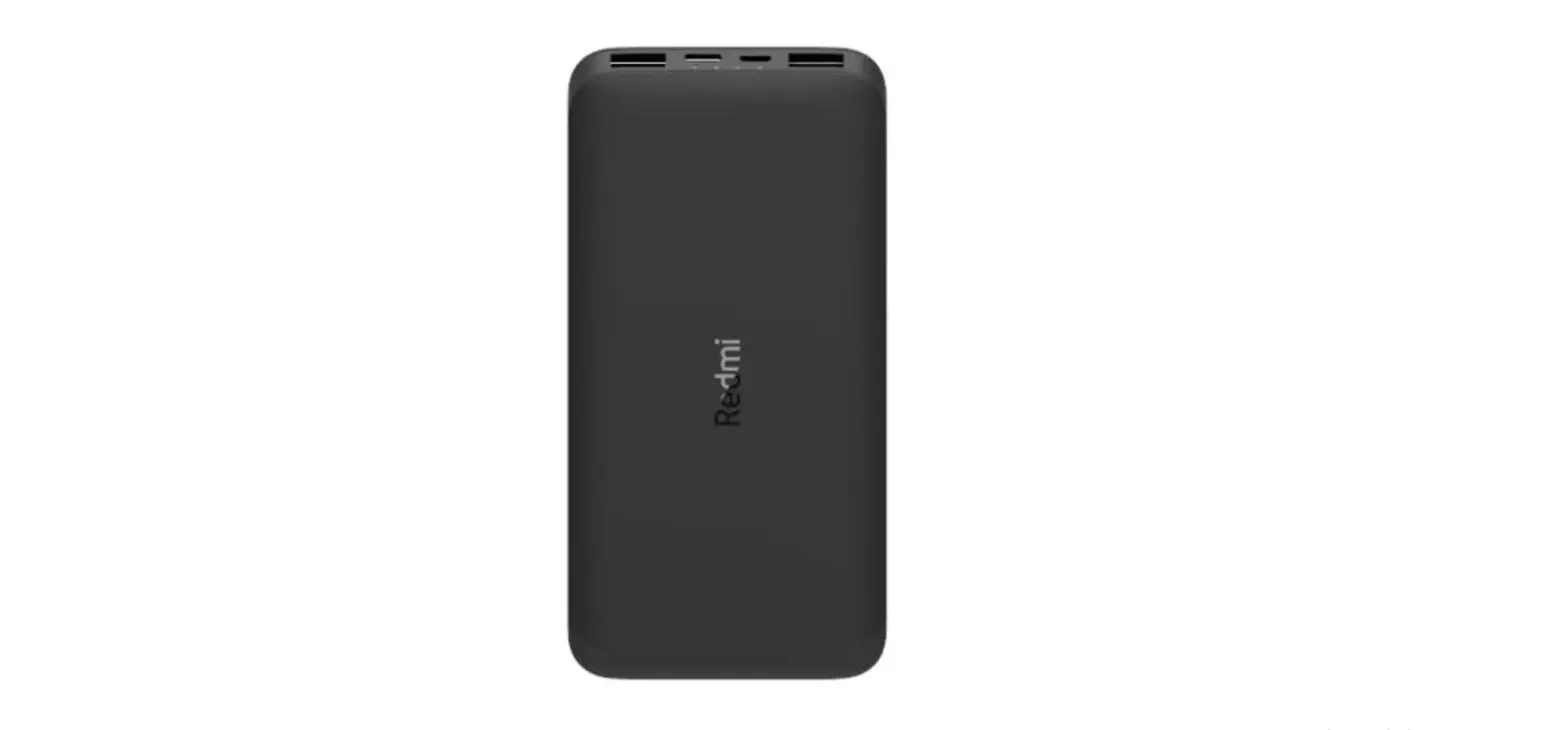
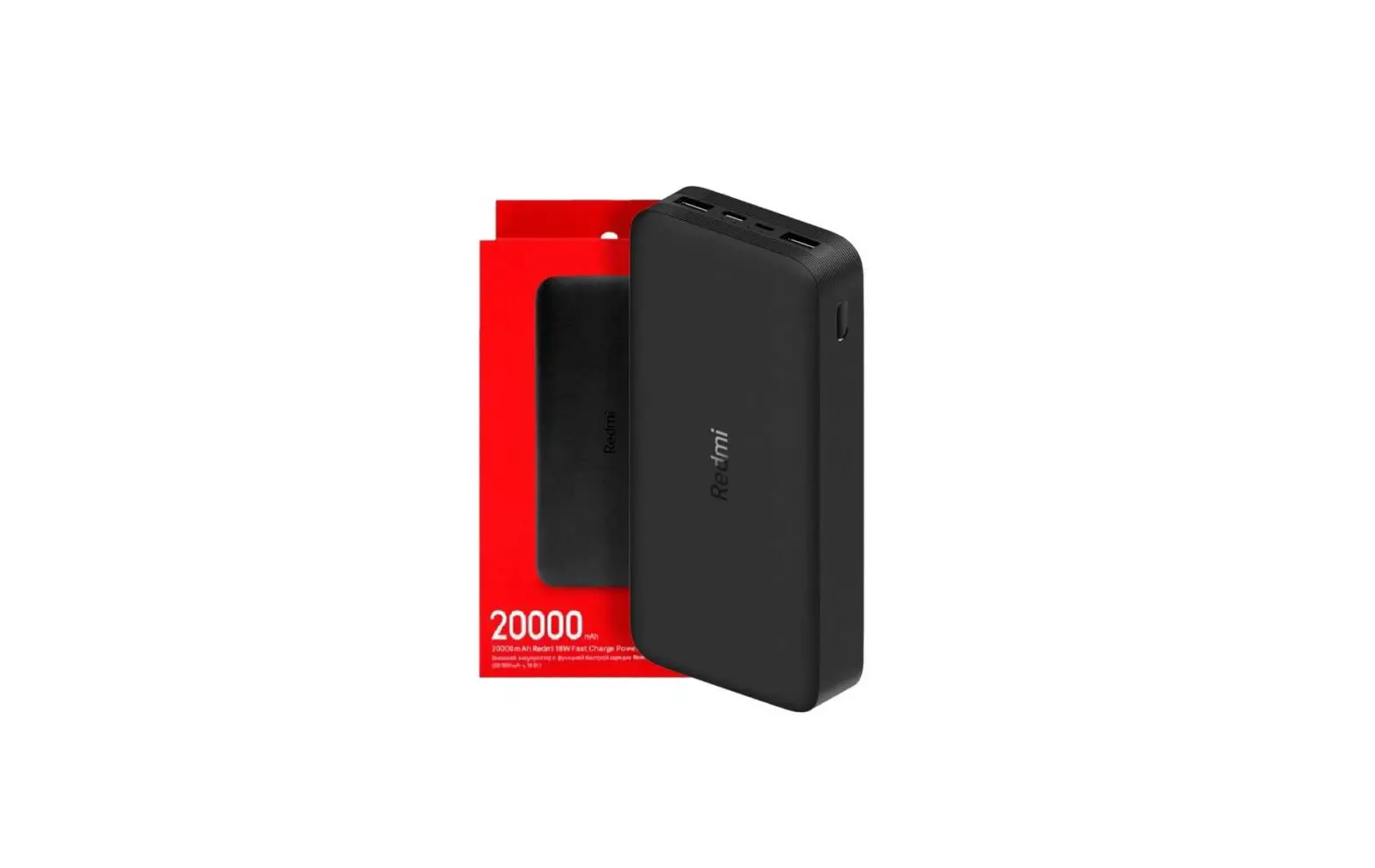
10000 22.5W Power Bank
Product Information
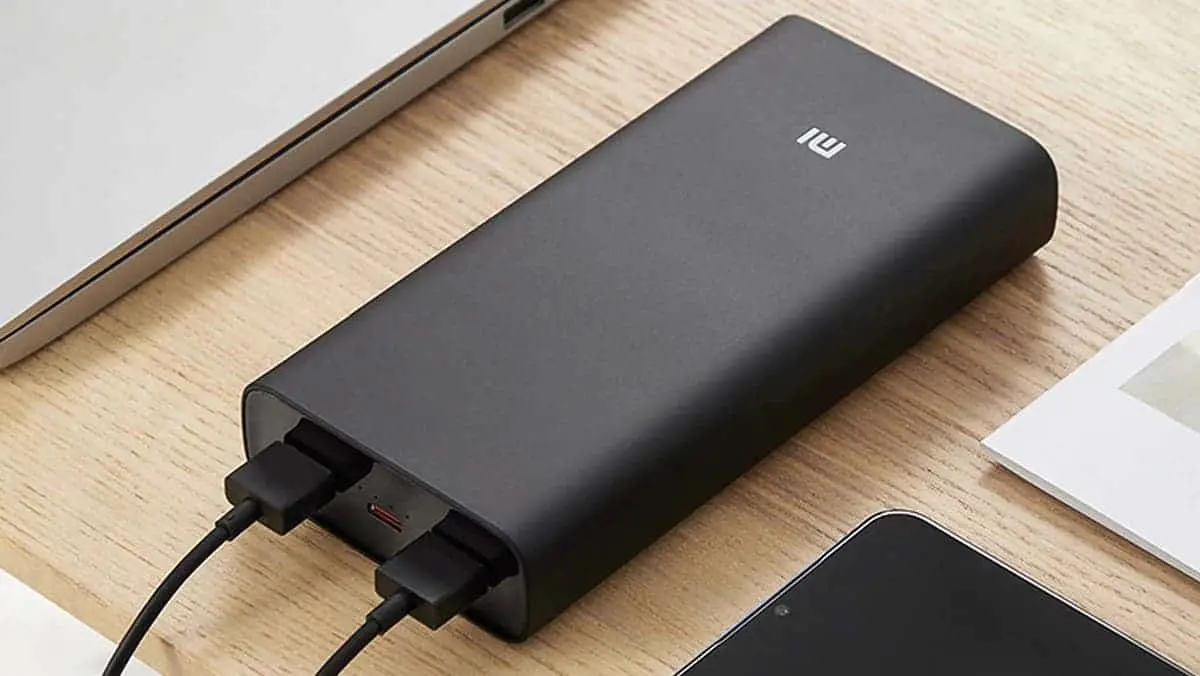
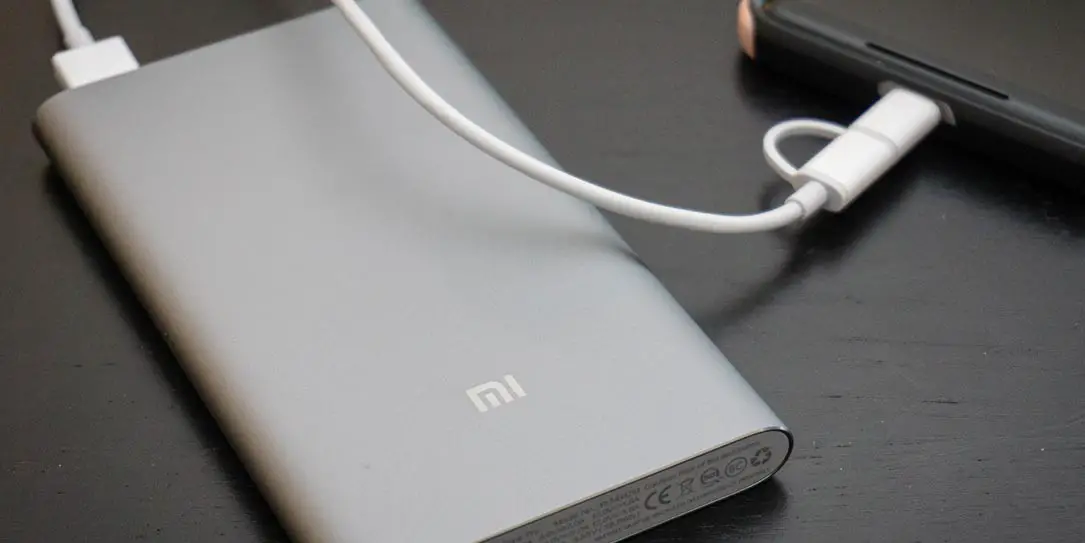
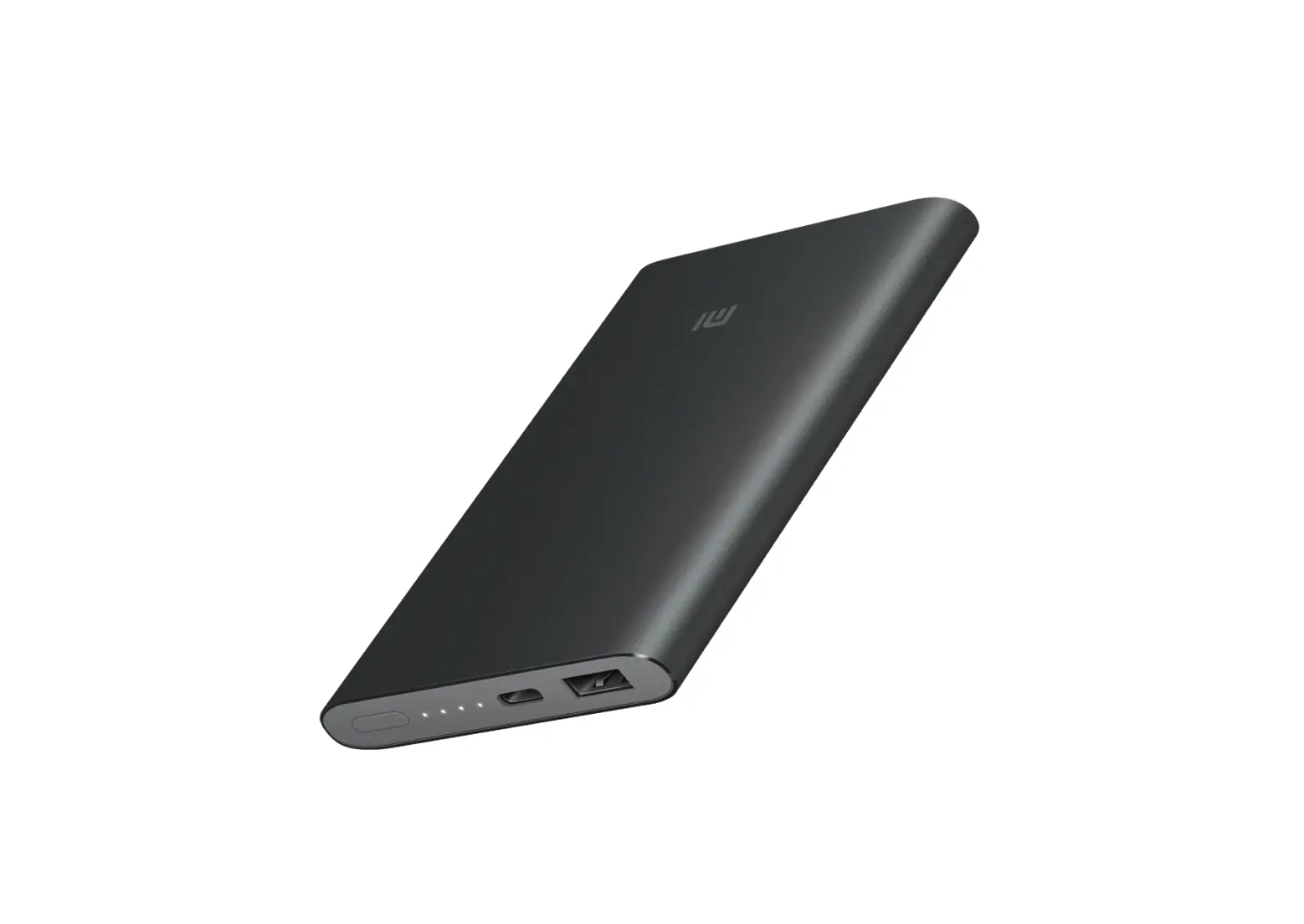
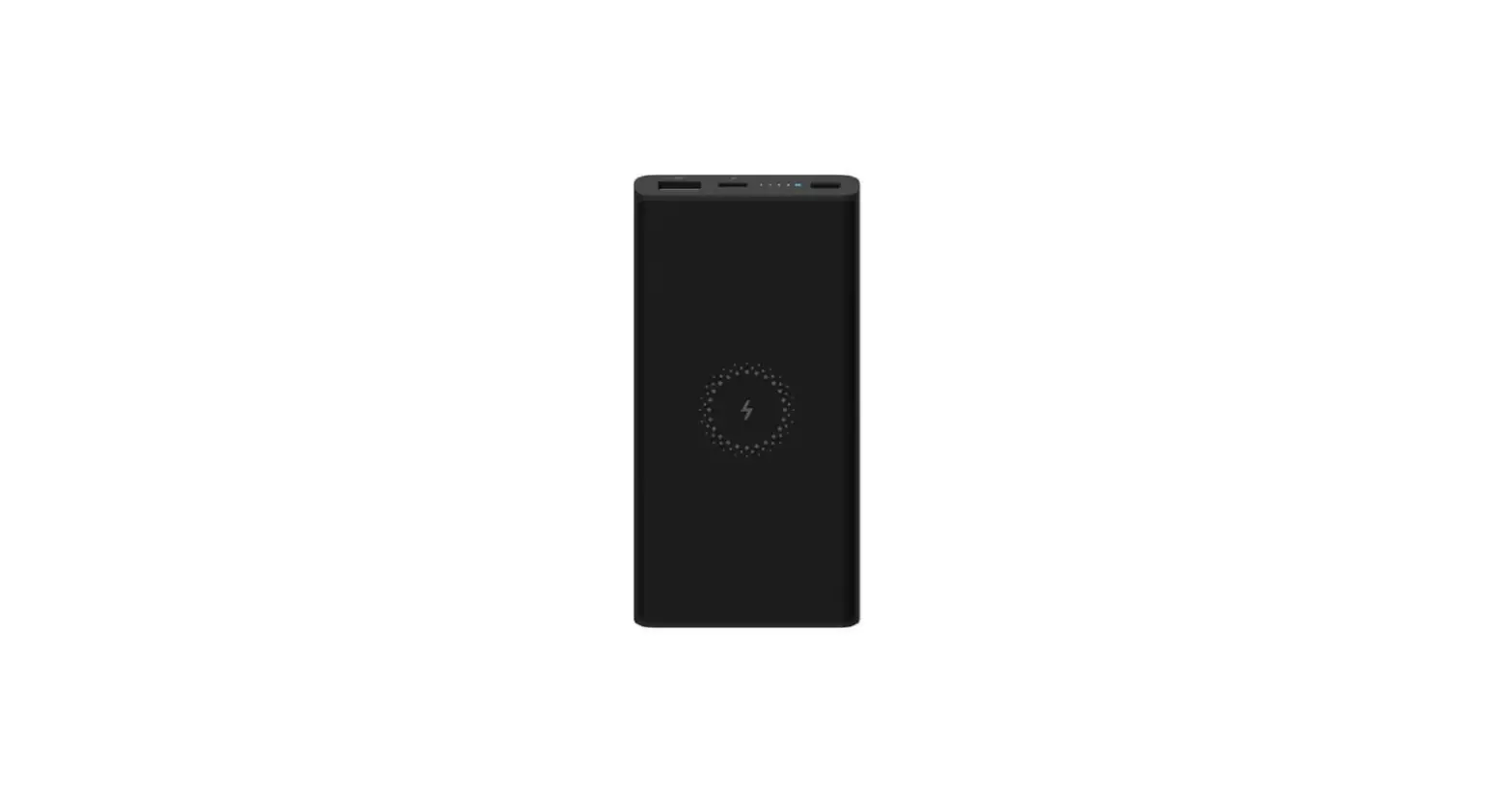
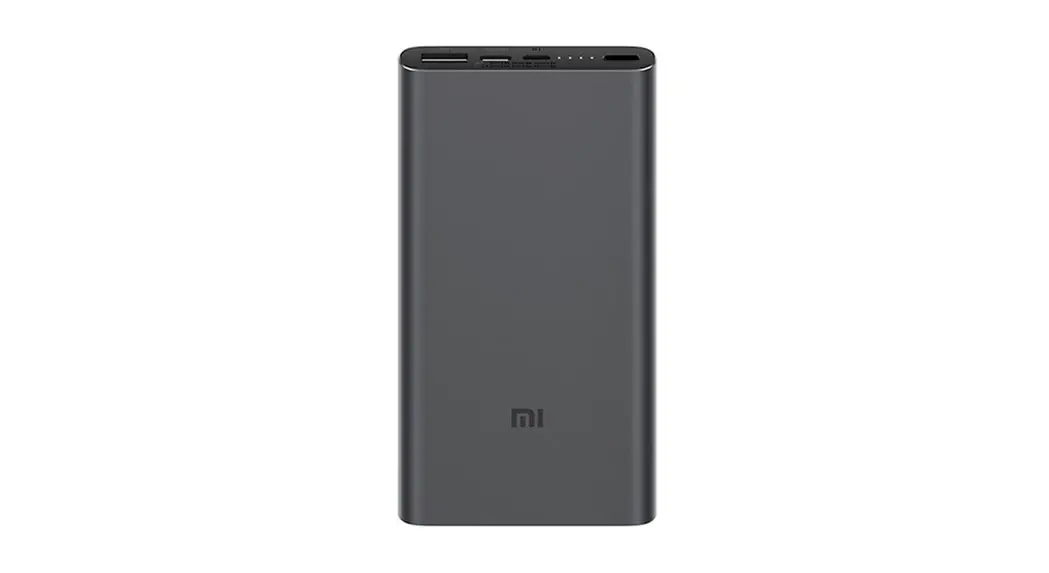
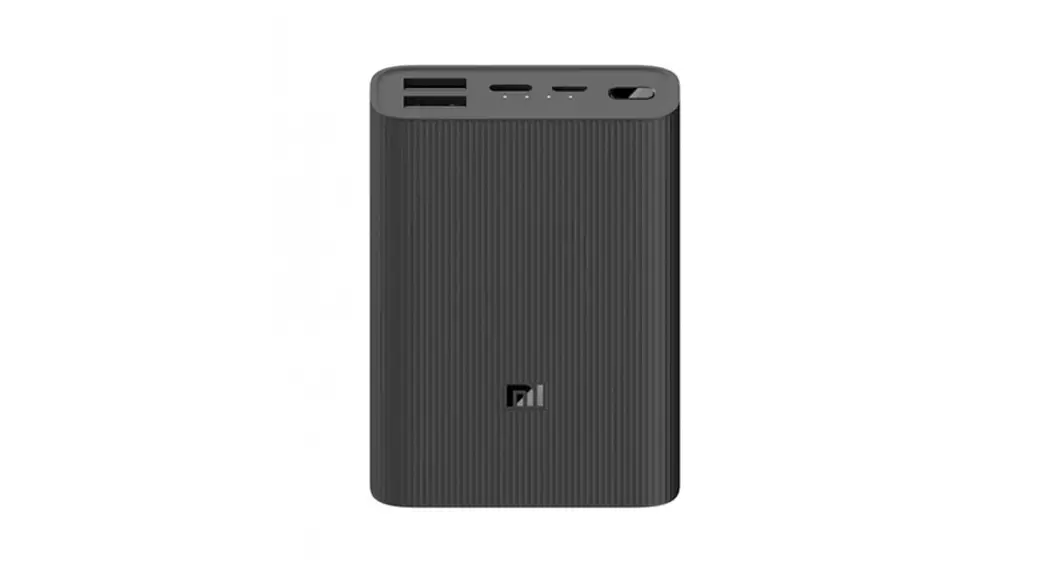
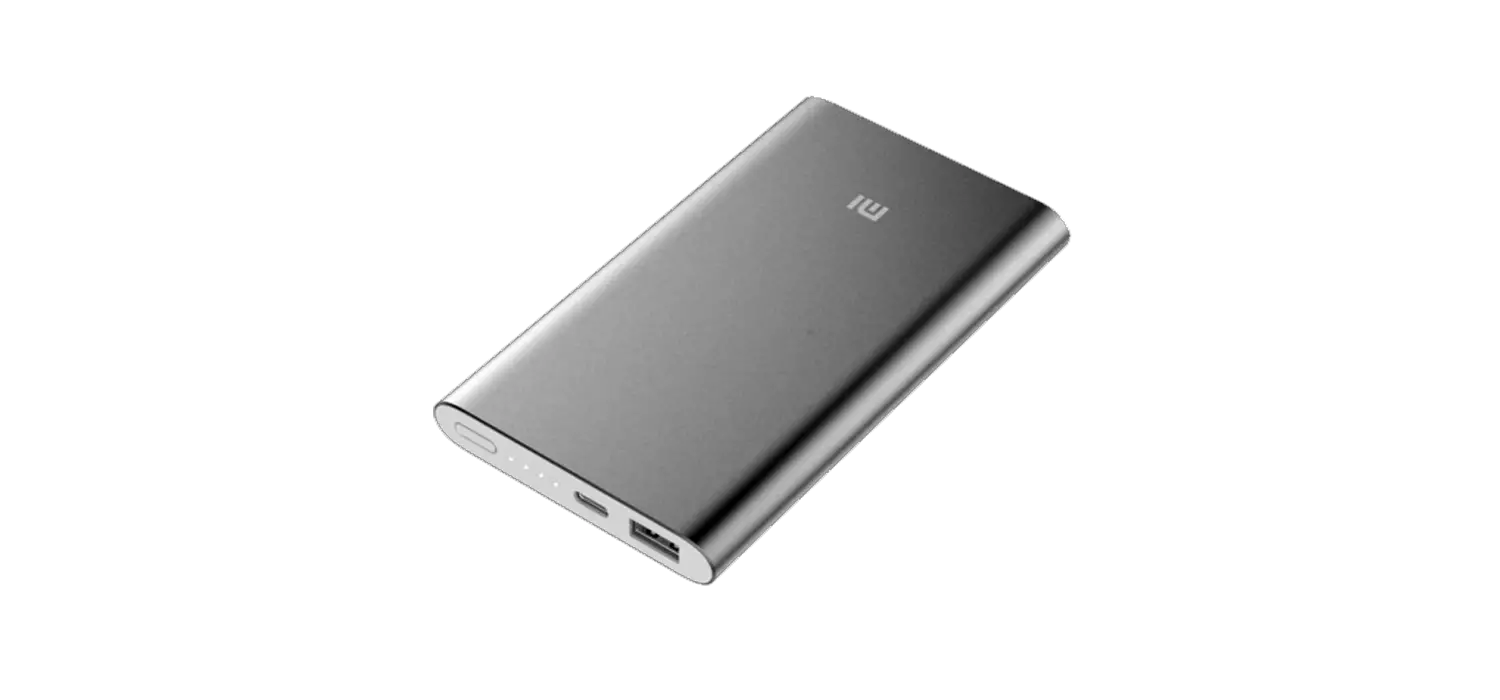
The 22.5W Power Bank 10000 is a portable charging device
manufactured by Xiaomi Communications Co., Ltd. It is designed to
provide convenient charging for various devices on the go. The
power bank features a USB-A port for output, a Type-C port for both
input and output, a battery level check button, and a battery level
indicator.
Specifications
- Model Number: PB100DPDZM
- Brand/Trade: Xiaomi
- Input/Output: Type-C Port
- Output Power: 22.5W
Precautions
Improper use of the power bank may lead to battery failure,
overheating, and potential fire or explosion hazards. To ensure
safety and minimize the risk of personal injury and property
damage, please observe the following precautions:
- Read and follow the user manual carefully.
- Use only the provided Xiaomi Power Adapter and cable to charge
the power bank. - Avoid exposing the power bank to extreme temperatures or
moisture. - Do not disassemble or modify the power bank.
- Keep the power bank away from children and pets.
EU Declaration of Conformity
The manufacturer, Zimi Corporation, declares that this equipment
complies with the applicable Directives and European Norms. The
full text of the EU declaration of conformity can be found here.
Federal Communications Commission Supplier’s Declaration of
Conformity
This supplier’s declaration of conformity confirms that the
Xiaomi 22.5W Power Bank 10000 complies with CFR 47 Part 15
Regulation and Part 15 of the FCC Rules. The operation is subject
to specific conditions mentioned in the manual.
UK Declaration of Conformity
Zimi Corporation declares that the power bank is in compliance
with the applicable Legislation. The full text of the UK
declaration of conformity can be accessed here.
Manufacturer and Importer Information
The power bank is manufactured for Xiaomi Communications Co.,
Ltd. by Zimi Corporation, located at A913, No. 159 Chengjiang Road,
Jiangyin, Jiangsu, China. For further information, visit www.mi.com. The importer of the product is Beryko
s.r.o., located at Pod Vinicemi 931/2, 301 00 Plze, Czech Republic
(www.beryko.cz).
Product Usage Instructions
Charging
To charge the power bank:
- Connect the Xiaomi Power Adapter and cable to the power bank’s
Type-C port. - The battery level indicator will display the charging
conditions as follows:- 25%: LED1 and LED2 will be on.
- 50%: LED3 will be on.
- 75%: LED4 will be on.
- 100%: All LEDs will be on.
- ERR FLASH: Indicates an error during charging.
- ON: Indicates the power bank is charging.
- OFF: Indicates the power bank is not charging.
Discharging
To charge your device using the power bank:
- Connect your device to the power bank.
- The battery level indicator will display the discharging
conditions as follows:- 0%: All LEDs will be off.
- 25%: LED1 will be on.
- 50%: LED2 will be on.
- 75%: LED3 will be on.
- 100%: LED4 will be on.
- FLASH OFF: Indicates the power bank is discharging.
Low-current Discharge
The power bank can enter a low-current discharge mode for
charging low-current devices such as Bluetooth earphones and smart
bands. To activate this mode:
- Ensure the power bank is not charging.
- Double press the battery level check button.
- The indicator lights will turn on one by one to indicate the
power bank is in low-current discharge mode.
To exit the low-current discharge mode, simply press the battery
level check button again. The power bank will automatically exit
this mode after two hours.
22.5W Power Bank 10000 User manual
Read this manual carefully before use, and retain it for future reference.
Product Overview
1 USB-A Port (Output)
2 Type-C Port (Input/Output)
3 Battery Level Check Button 4 Battery Level Indicator
1
Charging
Connect the Xiaomi Power Adapter and cable to the power bank’s Type-C port to charge it. The indicator shows the following charging conditions:
25%
LED1 LED2
50%
LED3
LED4 75%
100%
100%
ERR
FLASH
ON
OFF
2
Discharging
Connect your device to the power bank to charge it. The indicator shows the following discharging conditions:
0%
25%
50%
75%
100%
FLASH
OFF
Low-current discharge When the power bank is not charging, double press the battery level check button to enter the low-current discharge mode. This mode can be used to charge low-current devices such as Bluetooth earphones and smart bands. The indicator lights will turn on one by one to indicate the power bank is in low-current discharge mode. Simply press the button again to exit this mode. The power bank will automatically exit this mode after two hours.
Improper use may result in battery failure, overheating, and even fire or explosion. To ensure your safety and minimize the risk of personal injury and property damage, please observe the following precautions:
Make sure you use a charger that complies with local safety standards when charging the product. Do not place the product in a place that affects its heat dissipation (such as covered by clothing, pillows, bedding, or other debris) to charge it or use it to charge other devices. Do not dismantle, crush, squeeze, puncture, or short-circuit the product. Do not expose it to liquids, fire, and other heat sources such as stoves and heaters. Do not place it in an environment with an ambient temperature higher than 60°C (140°F). In case of a serious drop, strong vibration, liquid entry, swell, deformation, liquid leakage, or significant capacity decrease, please stop using the product immediately and dispose of it properly. Please dispose of the product, battery and other accessories in accordance with local laws and regulations and do not dispose of them as household waste. It is strictly forbidden to disassemble the product without permission. Do not replace the battery on your own. Please keep the product out of reach of children.
3
Precautions
Please fully charge the product on its first use. When charging the product or using it to charge other devices, please select the appropriate charger and charging cable. When charging the product or using it to charge other devices, please ensure that someone is present, and unplug the charger and charging cable after the charging is completed. If the battery level indicator does not light up after pressing the button, it may be because the product is in the protective mode. Charge the product to restore it. When the product is not in use for an extended period of time, keep its battery level at around 50%, and store it in a cool and dry place. Avoid long-term storage of the product at full or empty battery level to extend its battery life. Note: Illustrations of product, accessories, and user interface in the user manual are for reference purposes only. Actual product and functions may vary due to product enhancements.
6
Specifications
Model: PB100DPDZM Battery Type: Lithium-ion polymer battery Battery Capacity: 37 Wh, 3.7 V, 10000 mAh Rated Capacity: 5500 mAh (5 V/3 A) Input Port: Type-C Output Port: USB-A/Type-C Input: 5 V=3 A, 9 V=2.5 A Output: (USB-A) 5 V=3 A, 9 V=2.23 A, 12 V=1.67 A, 10 V=2.25 A Max. (Type-C) 5 V=3 A, 9 V=2.23 A, 12 V=1.67 A, 10 V=2.25 A Max. (Triple-port) 5 V=3 A Operating Temperature: 5°C to 35°C Item Dimensions: 147.8 × 73.9 × 15.3 mm Charging Time: Approx. 4.5 hours (with charging cable included, and a 9 V/2 A charger) Approx. 6 hours (with charging cable included, and a 5 V/2 A charger)
EU Declaration of Conformity
The manufacturer hereby, declares that this equipment is in compliance with the applicable Directives and European Norms, and amendments. The full text of the EU declaration of conformity is available at the following internet address: http://www.mi.com/global/service/support/declaration.html
WEEE Information
All products bearing this symbol are waste electrical and electronic equipment (WEEE as in directive 2012/19/EU) which should not be mixed with unsorted household waste. Instead, you should protect human health and the environment by handing over your waste equipment to a designated collection point for the recycling of waste electrical and electronic equipment, appointed by the government or local authorities. Correct disposal and recycling will help prevent potential negative consequences to the environment and human health. Please contact the installer or local authorities for more information about the location as well as terms and conditions of such collection points.
Federal Communications Commission Supplier’s Declaration of Conformity
This supplier’s declaration of conformity is hereby for Product: Xiaomi 22.5W Power Bank 10000 Model Number(s): PB100DPDZM Brand/Trade: Xiaomi We declare that the above mentioned device has been tested and found in compliance with CFR 47 Part 15 Regulation. This device complies with Part 15 of the FCC Rules. Operation is subject to the following two conditions:
7
(1) This device may not cause harmful interference, (2) This device must accept any interference received, including interference that may cause undesired operation. NOTE: This equipment has been tested and found to comply with the limits for a Class B digital device, pursuant to part 15 of the FCC Rules. These limits are designed to provide reasonable protection against harmful interference in a residential installation. This equipment generates, uses and can radiate radio frequency energy and, if not installed and used in accordance with the instructions, may cause harmful interference to radio communications. However, there is no guarantee that interference will not occur in a particular installation. If this equipment does cause harmful interference to radio or television reception, which can be determined by turning the equipment off and on, the user is encouraged to try to correct the interference by one or more of the following measures: –Reorient or relocate the receiving antenna. –Increase the separation between the equipment and receiver. –Connect the equipment into an outlet on a circuit different from that to which
the receiver is connected. –Consult the dealer or an experienced radio/TV technician for help.
Responsible Party U.S. Contact Information Company: Tekmovil LLC Address: 601 Brickell Key Dr #723 Miami, Florida 33131, USA Country: U.S.A. Telephone No.: +1 (312) 282-5246 Internet contact information: [email protected]
Representative of Responsible Party for SDoC Company: Zimi Corporation Address: A913, No. 159 Chengjiang Road, Jiangyin, Jiangsu, China Country: P.R.C Telephone No.: +86 (0)25 8715 6360
UK declaration of conformity
We Zimi Corporation hereby, declares that this equipment is in compliance with the applicable Legislation. The full text of the UK declaration of conformity is available at the following internet address: https://www.mi.com/uk/service/support/declaration.html
Manufactured for: Xiaomi Communications Co., Ltd. Manufactured by: Zimi Corporation Address: A913, No. 159 Chengjiang Road, Jiangyin, Jiangsu, China For further information, please go to www.mi.com User Manual Version: V1.0
8
Importer: Beryko s.r.o. Pod Vinicemi 931/2, 301 00 Plze www.beryko.cz
 Beryko.cz
 Xiaomi United States