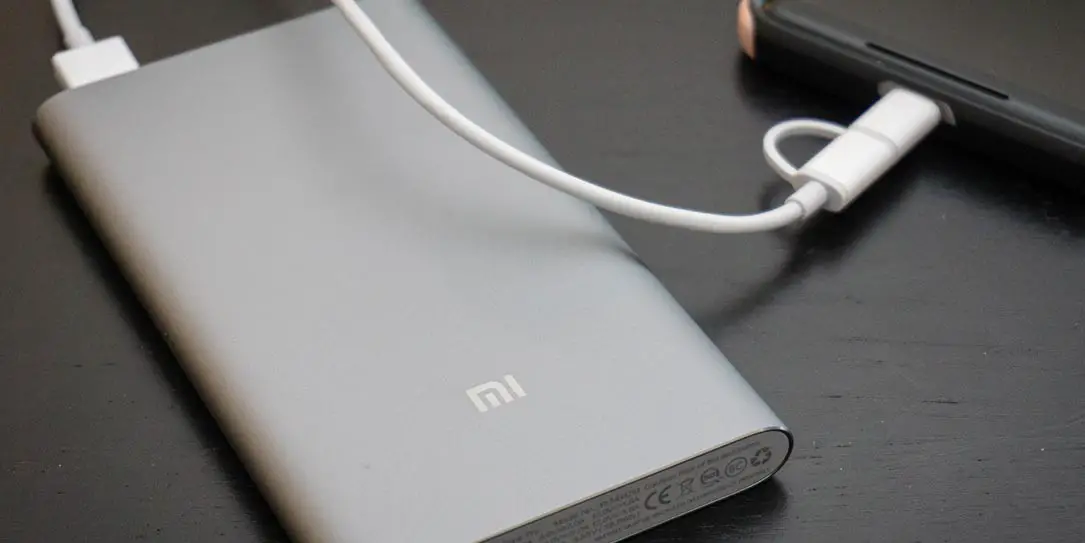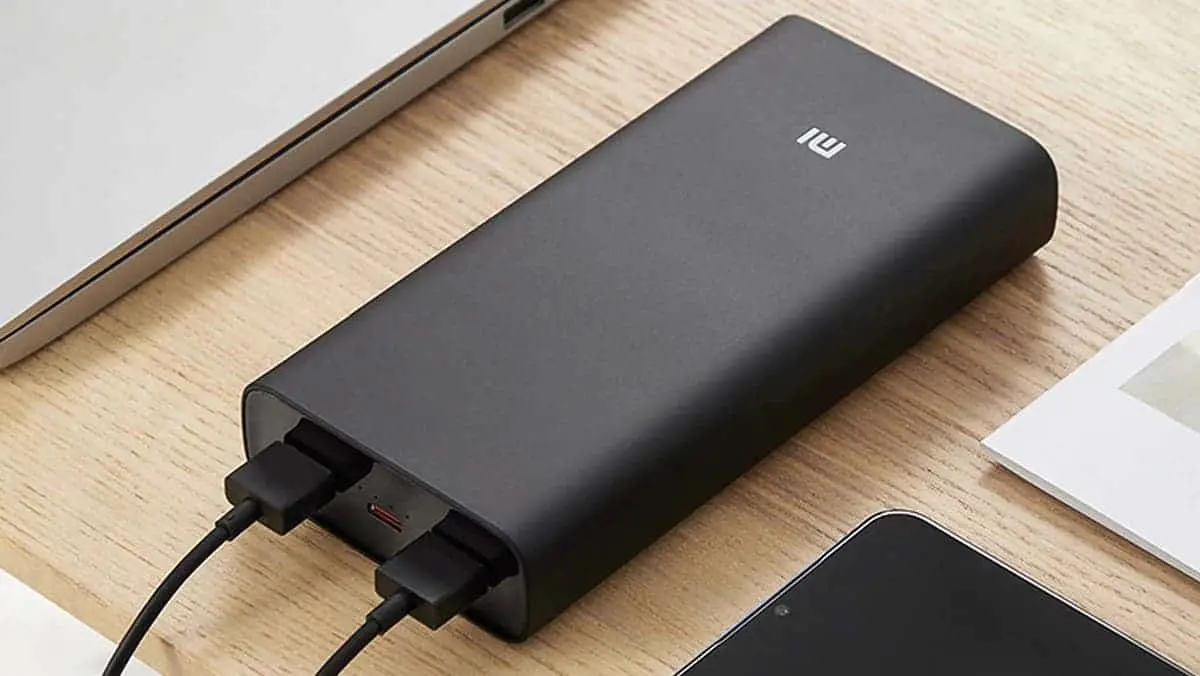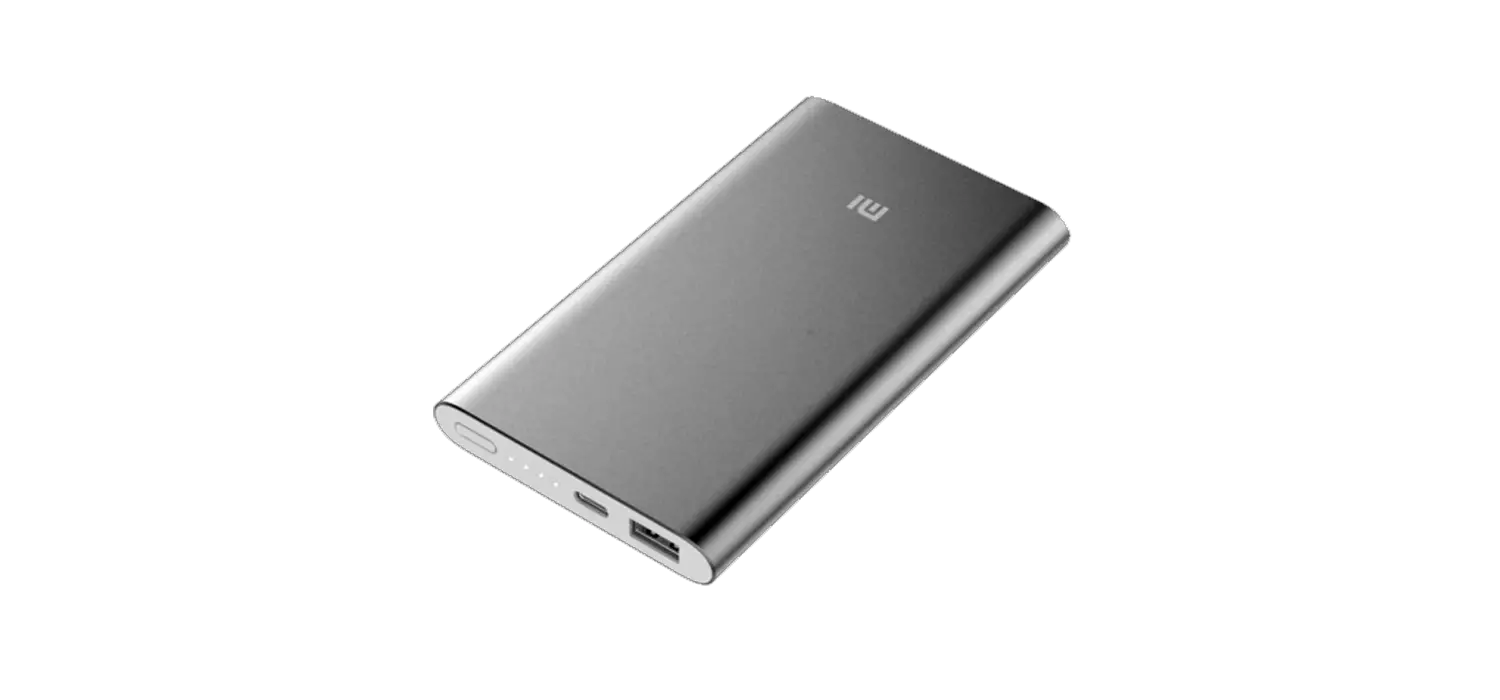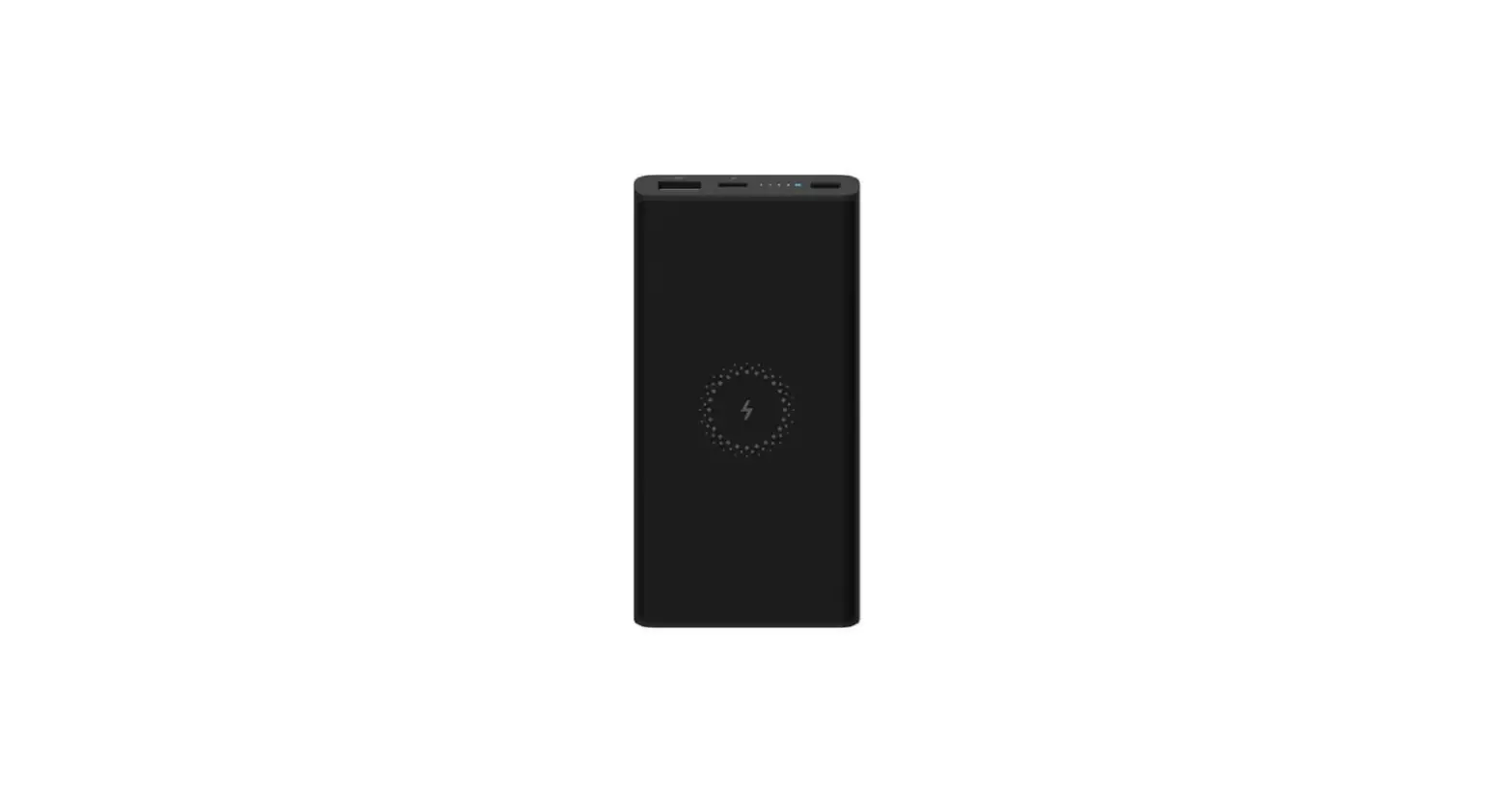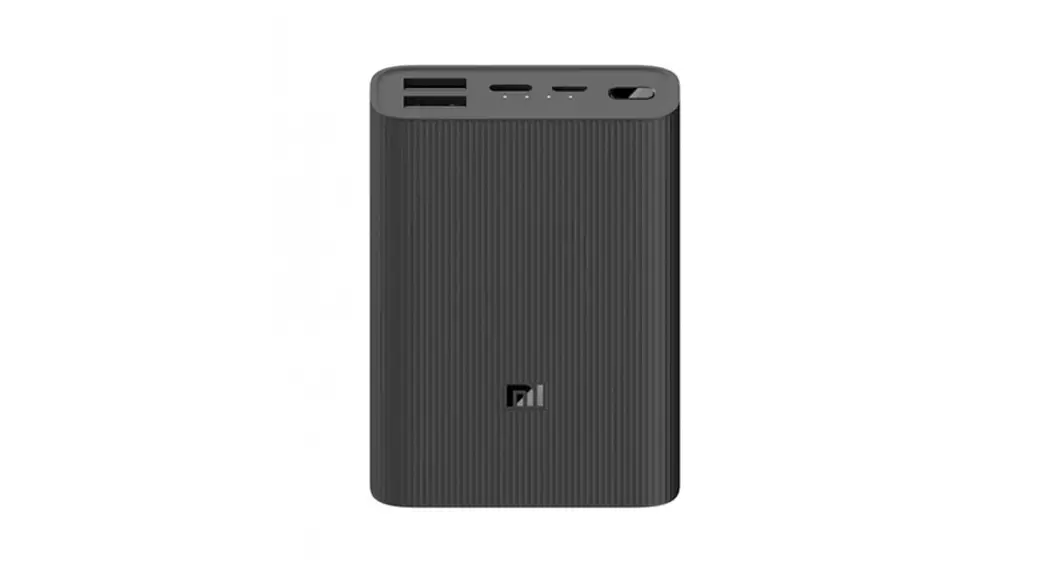
Xiaomi PLM03ZM Power Bank Pro User Manual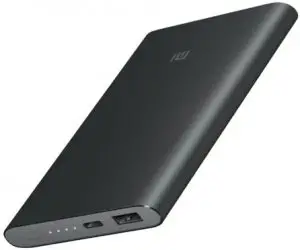
Please read the user manual before using the product
Specifications
- Model: PLM03ZM
- Battery type: Li-polymer
- Cell capacity: 10000mAh 3.85V (38.5Wh)
- Operating temperature: 0°C~45°C
- Dimensions: 128.5×75×12.6mm
- Input: 5.0V
 2.0A 9.0V 2.0A 12V 1.5A
 - Output: 5.0V 2.4A 9.0V 2.0A 12V 1.5A
- Charging time: approx. 3.5 hours (9V/2A or 12V/1.5A adapter, standard cable), approx. 5.5 hours (5V/2A adapter, standard cable)
 2.0A 9.0V
 Product Introduction
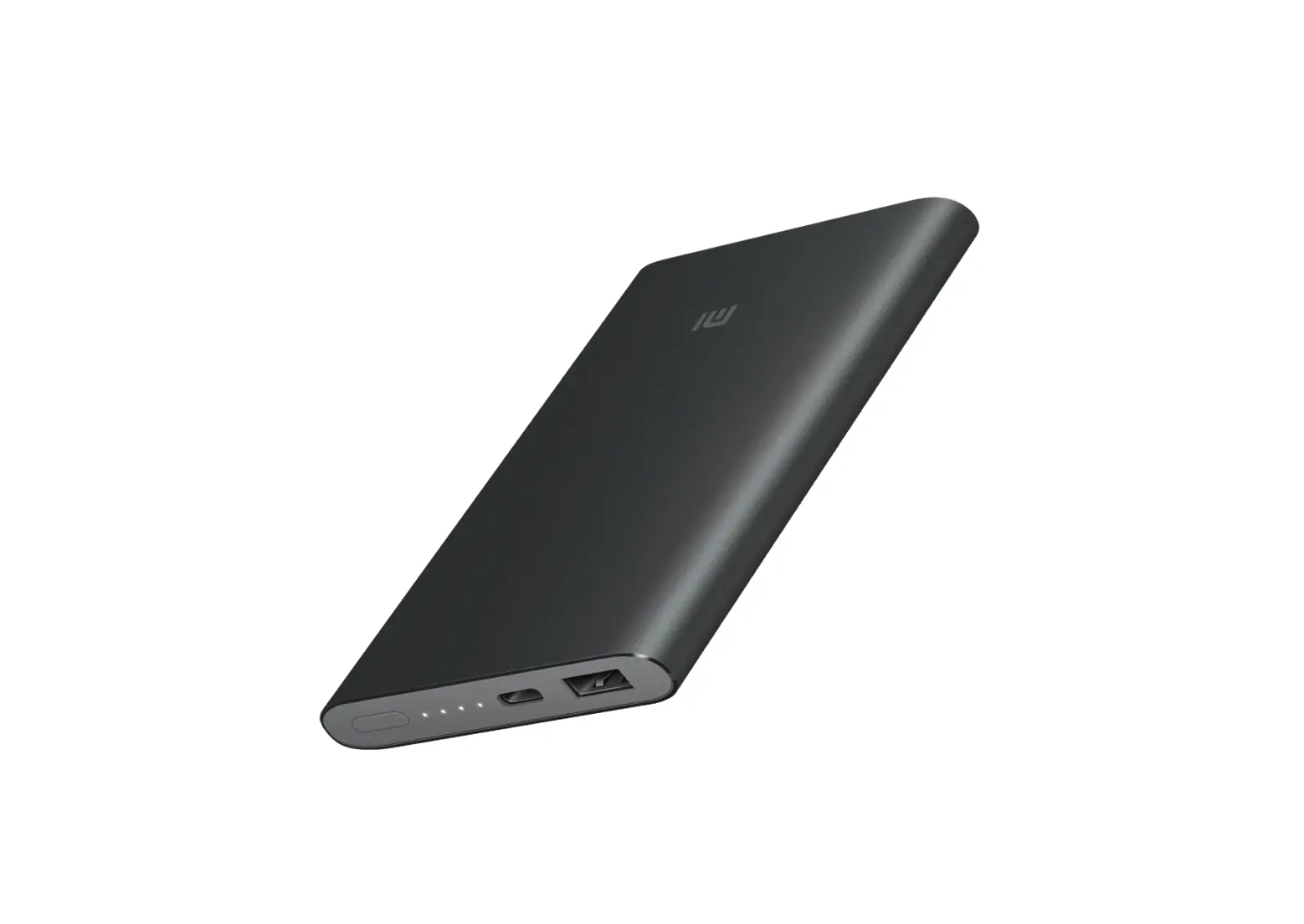
Thank you for choosing Mi Power Bank Pro. The product is a high-capacity portable charger that uses Li-polymer batteries and TI chips for a safe, efficient, and compatible user experience.
Product Features
- Safety: Mi Power Bank Pro has multiple safeguard technologies to provide over-charge, over-discharge, high temperature, and short circuit protection in all working conditions.
- Efficiency: Supports fast charging and discharging at 5.0V 2.4A 9.0V 2.0A 12V 1.5A output.
- Compatibility: The product has a built-in USB charging controller, compatible with most smartphones, tablets, and devices. It supports mainstream fast charging devices, and can boost to 9V/12V.
- Quality: Li-polymer batteries and TI chips.

Note:
The Power check button is not a Power button. Mi Power Bank Pro detects charging and discharging automatically. The Power indicator turns off 2 minutes after discharging is completed.

Charging
Connect with Mi AC Adapter to charge Mi Power Bank Pro.
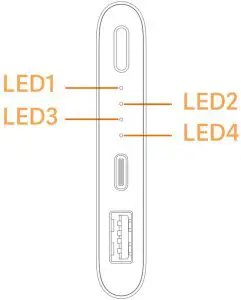
The indicator shows charging conditions as follows:
Power Level | LED1 | LED2 | LED3 | LED3 |
| 0-25% | Blinking | Off | Off | Off |
25-50% | On | Blinking | Off | Off |
| 50-75% | On | On | Blinking | Off |
75-96% | On | On | On | Blinking |
| Fully Charged | On | On | On | On |
Charging Error | Blinking | Blinking | Blinking | Blinking |
Notes
- Please make sure to fully charge Mi Power Bank Pro on its first use.
- When charging a device with Mi Power Bank Pro, please check whether your device displays the battery charging icon to confirm that Mi Power Bank Pro is working properly.
- When charging Mi Power Bank Pro or charging a device with Mi Power Bank Pro, please be sure to use the right charging cable.
- When all indicator LEDs lights go out, Mi Power Bank Pro is in low power mode. Please recharge as soon as possible.
- When charging a device with Mi Power Bank Pro, the device will use Mi Power Bank Pro’s battery first.
- Once your device is fully charged, please disconnect it from Mi Power Bank Pro to avoid further discharge.
- When the product enters protection mode (LEDs don’t light up aer pressing the Power check button) due to output short circuit or other reasons, please charge Mi Power Bank Pro with an external charger to resume
Warnings
- Mi Power Bank Pro contains Li-ion batteries. Do not open the casing to avoid battery damage or other dangers.
- Please do not dismantle, press, puncture and short circuit Mi Power Bank Pro, or expose the product to liquids, fire, or environments where temperature is higher than 60°C (140°F).
Discharging
Connect with Mi Power Bank Pro to charge your device.
The indicator shows discharging conditions as follows:
Power Level | LED1 | LED2 | LED3 | LED4 |
Undervoltage | Off | Off | Off | Off |
0-25% | Blinking | Off | Off | Off |
| 25-50% | Blinking | Blinking | Off | Off |
50-75% | Blinking | Blinking | Blinking | Off |
| 75-96% | Blinking | Blinking | Blinking | Blinking |
- Small current discharge: when Mi Power Bank Pro is not charging, double press the
Power check button to enter Small current discharge mode to charge small devices, such as Bluetooth headphones and smart bands.
The indicator LEDs will turn on one by one in succession, indicating that Mi Power Bank
Pro has entered Small current discharge mode.
To exit Small current discharge mode, press the Power check button once.
FCC Statement
This device complies with Part 15 of the FCC Rules. Operation is subject to the following two conditions:
- This device may not cause harmful interference.
- This device must accept any interference received, including interference that may cause undesired operation.
About anti-counterfeit labels
Anti-counterfeit labels are placed on the outer packaging of every certified 10000mAh Mi Power Bank Pro. Please scratch the coating to see the verification code, and check if the product is genuine on this website: http://www.mi.com/verify

Anti-counterfeit label

Scratched off labe
Principal: Xiaomi Communications Co., Ltd.
Manufacturer: Zimi Corporation (a Mi Ecosystem company)
Address: 159 Chengjiang Road Unit A913, Jiangyin City, Jiangsu, China
 To promote environmental protection, Xiaomi avoids excessive packaging.

 Product Authentication