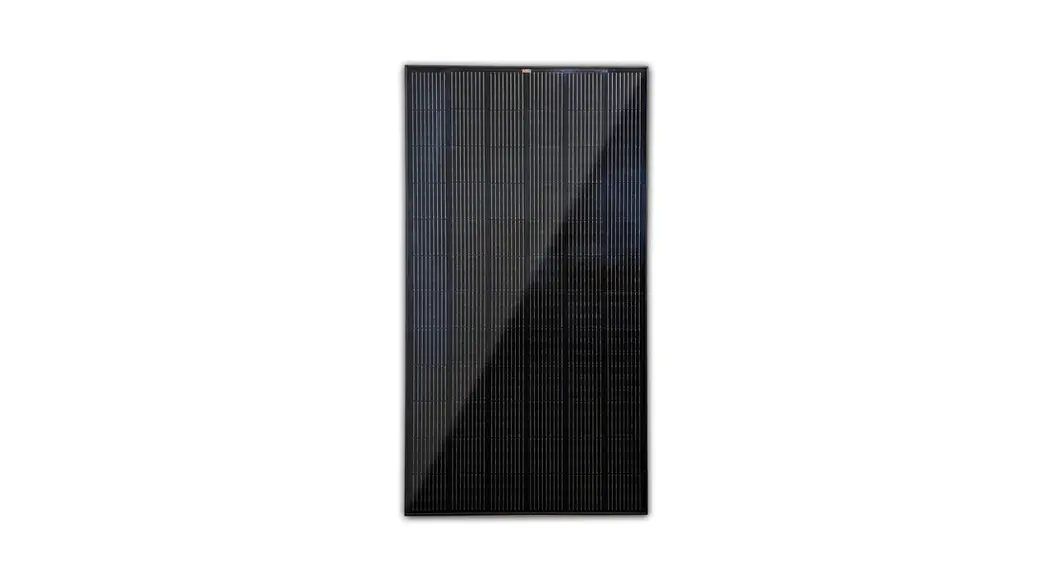
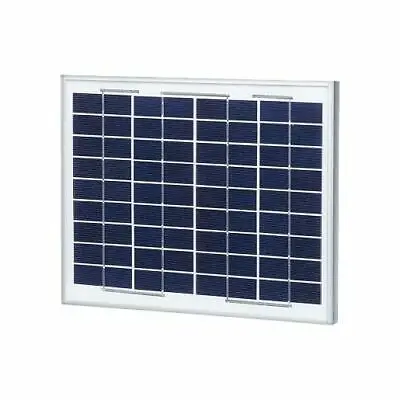
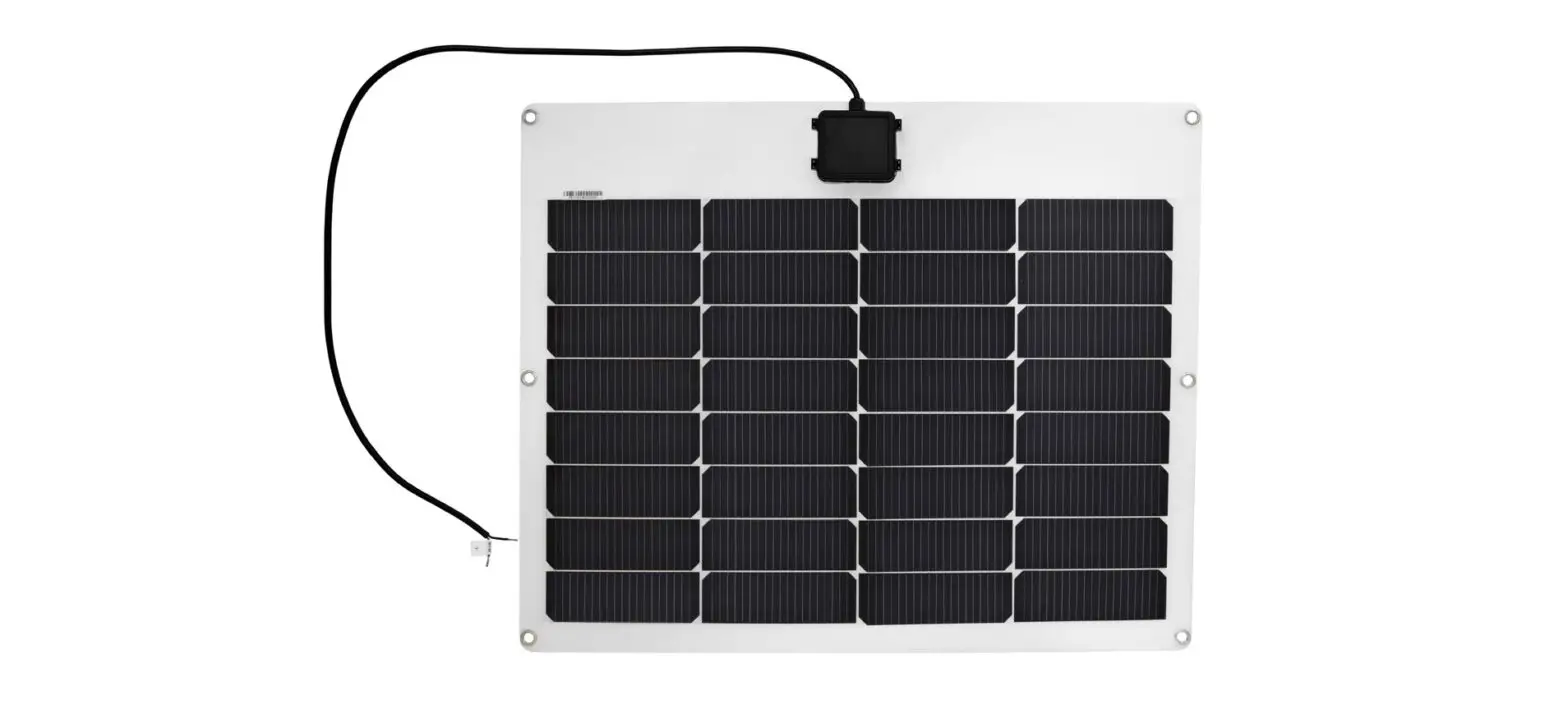
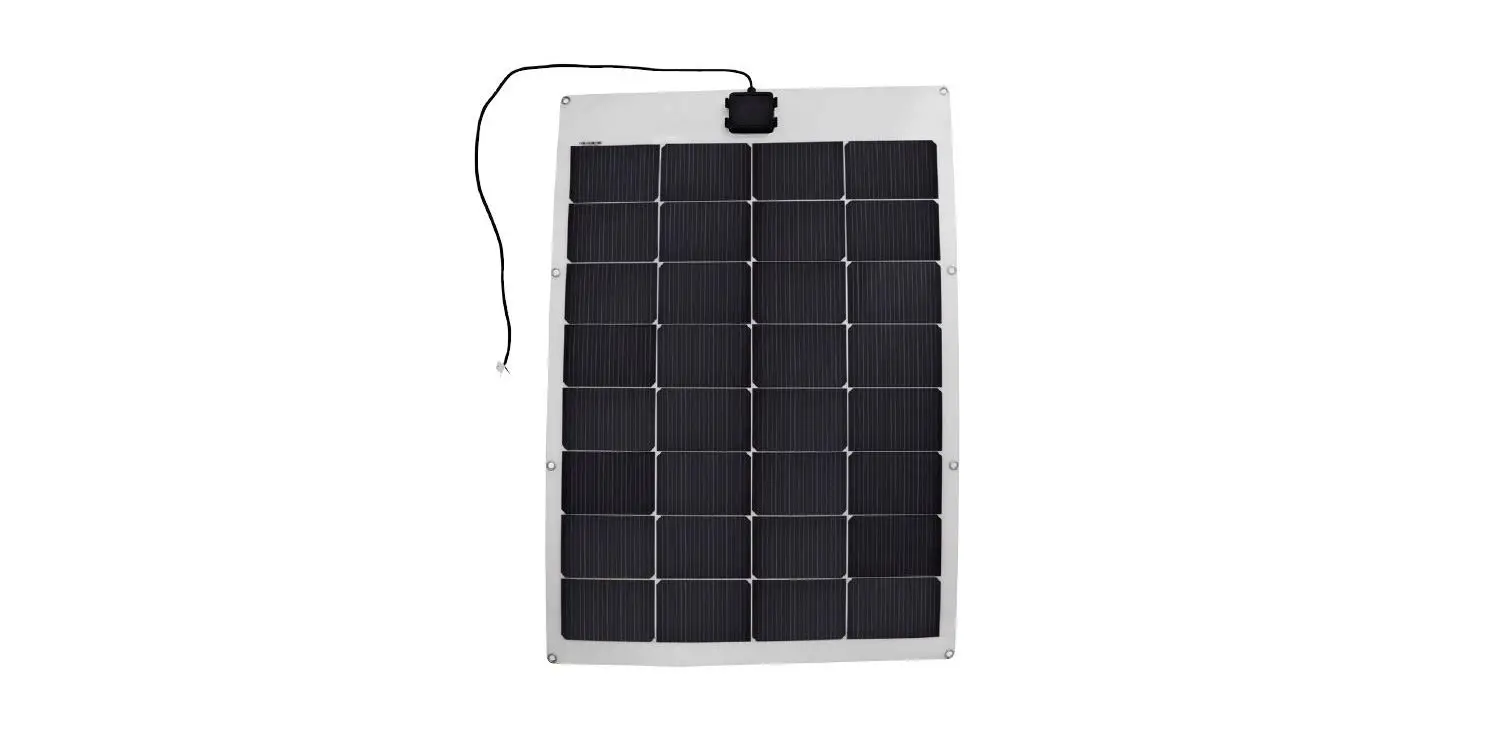
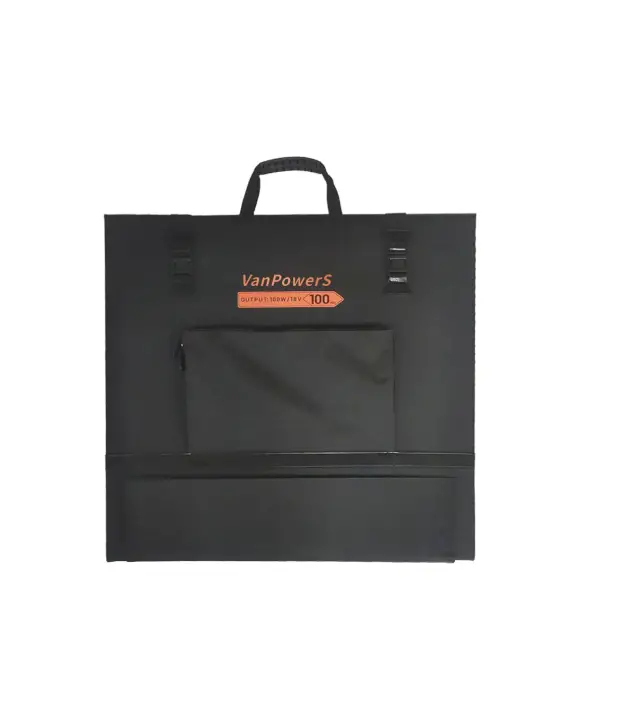
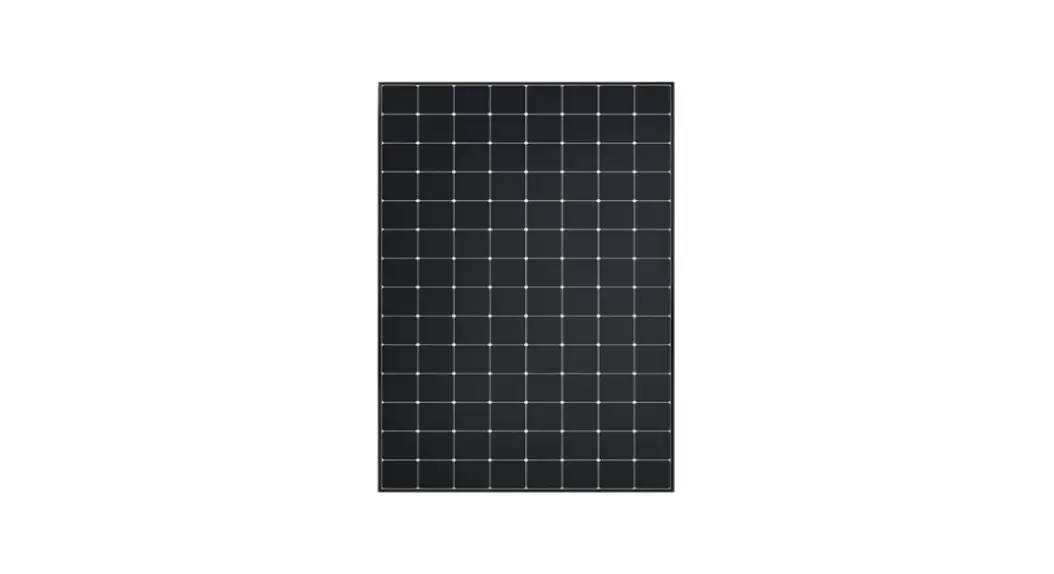
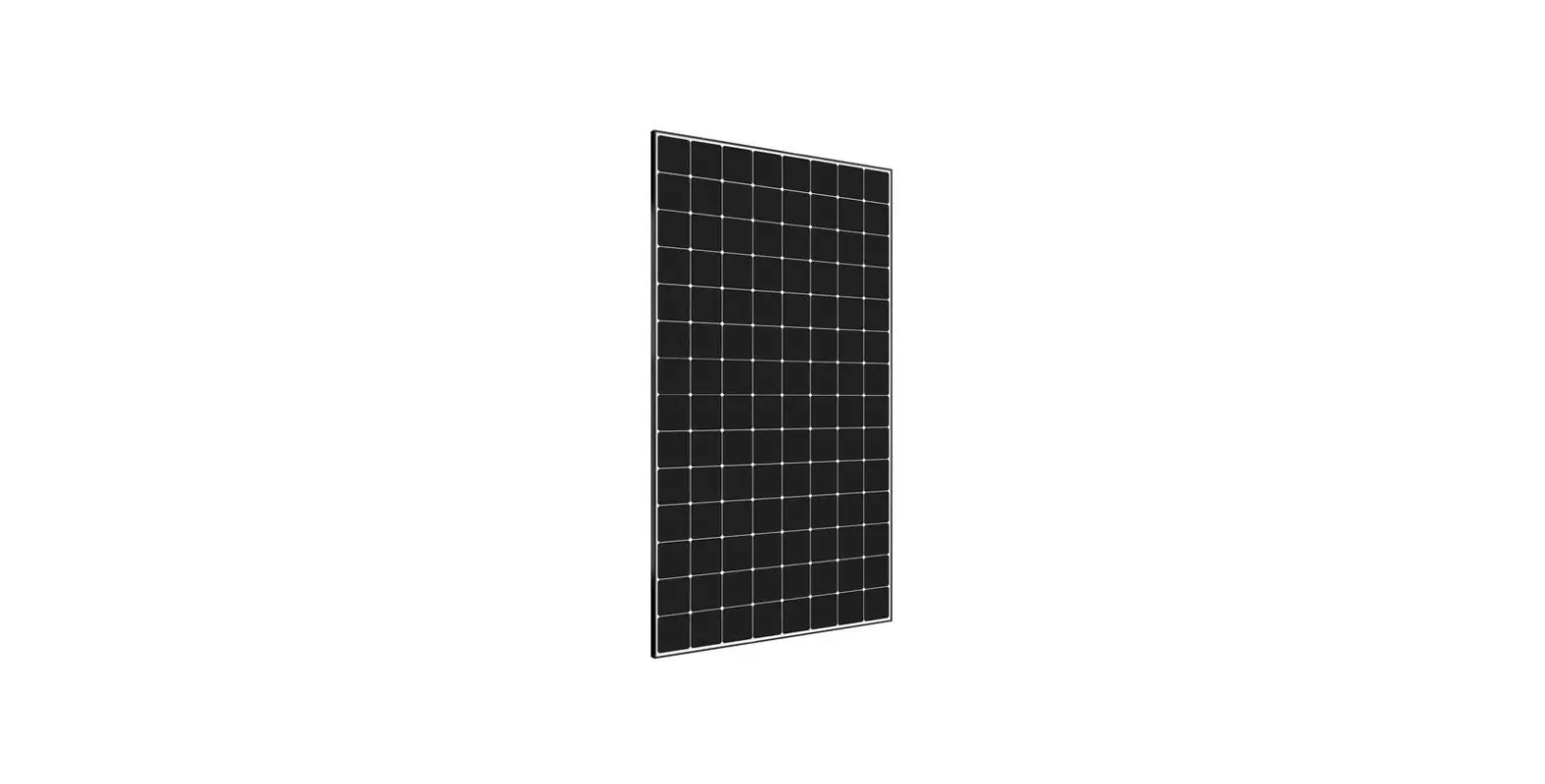
Seri 100W Solar Panel
Product Information
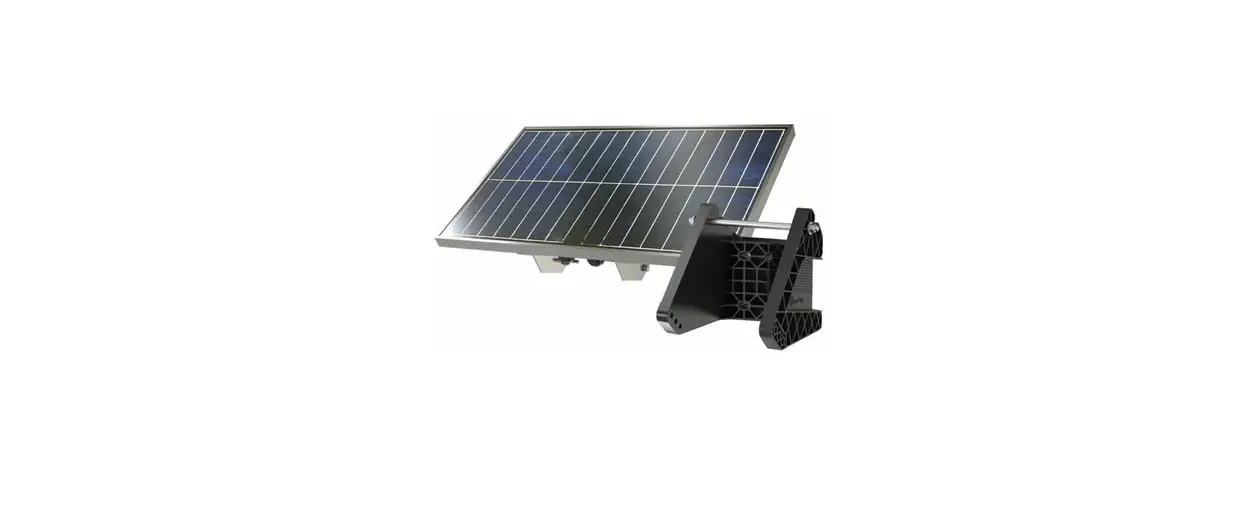
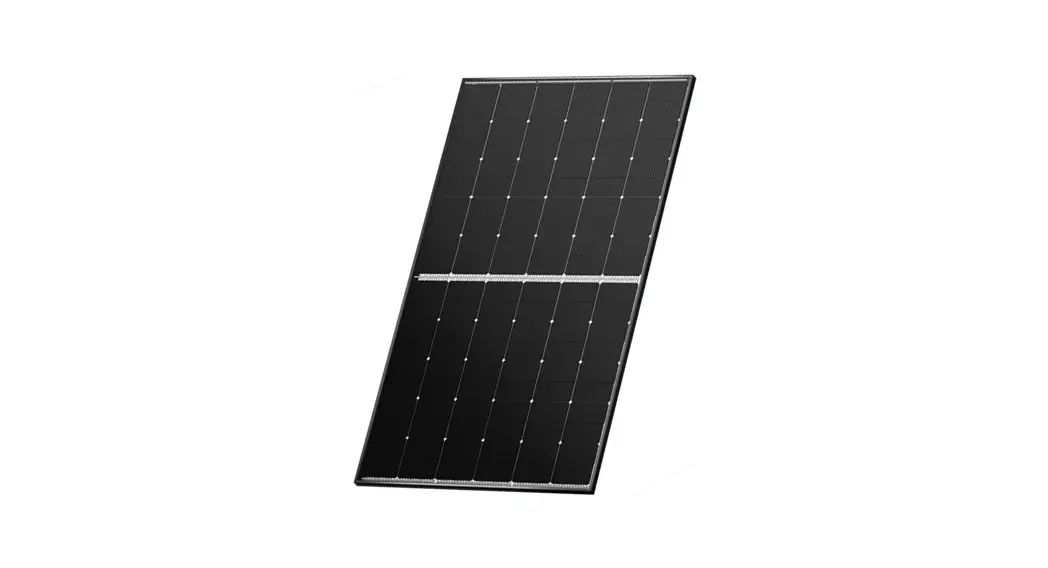
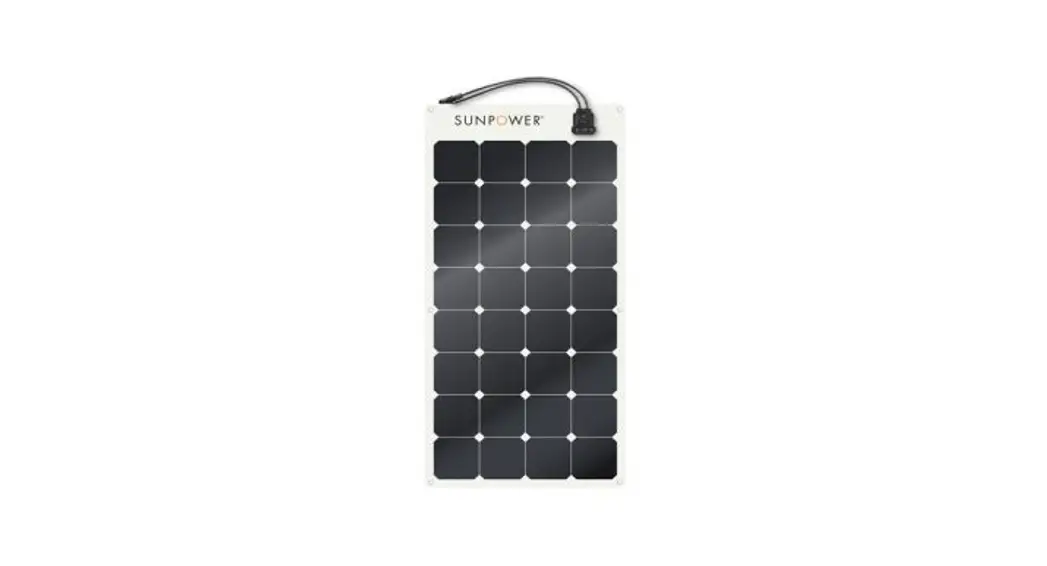
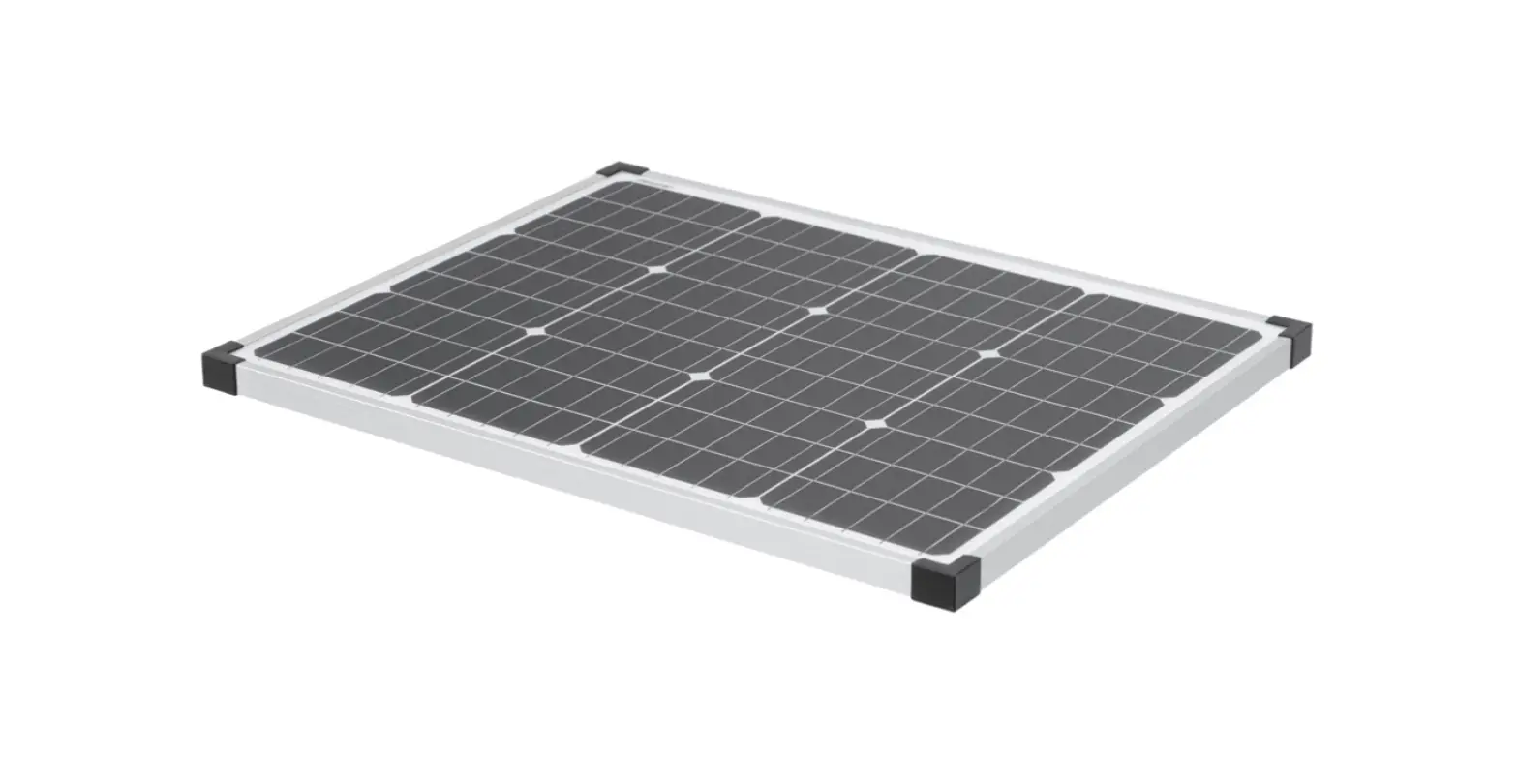
The Seri 100W is a solar panel manufactured by Runhood Power
Inc. It is designed to provide a maximum power output of 100W with
a power voltage of 18V and a working current of 5.5A. The open
circuit voltage is 21.6V, and the short circuit current is 6.16A.
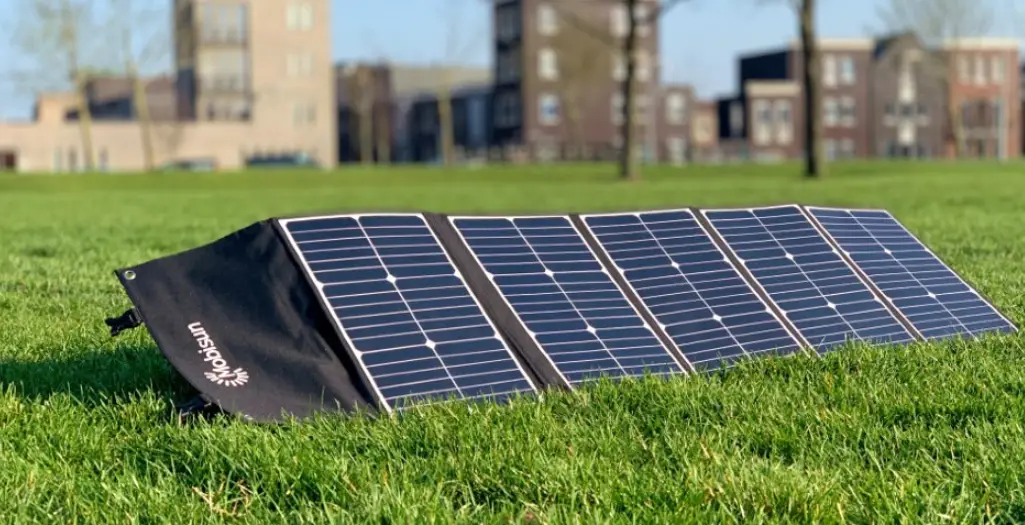
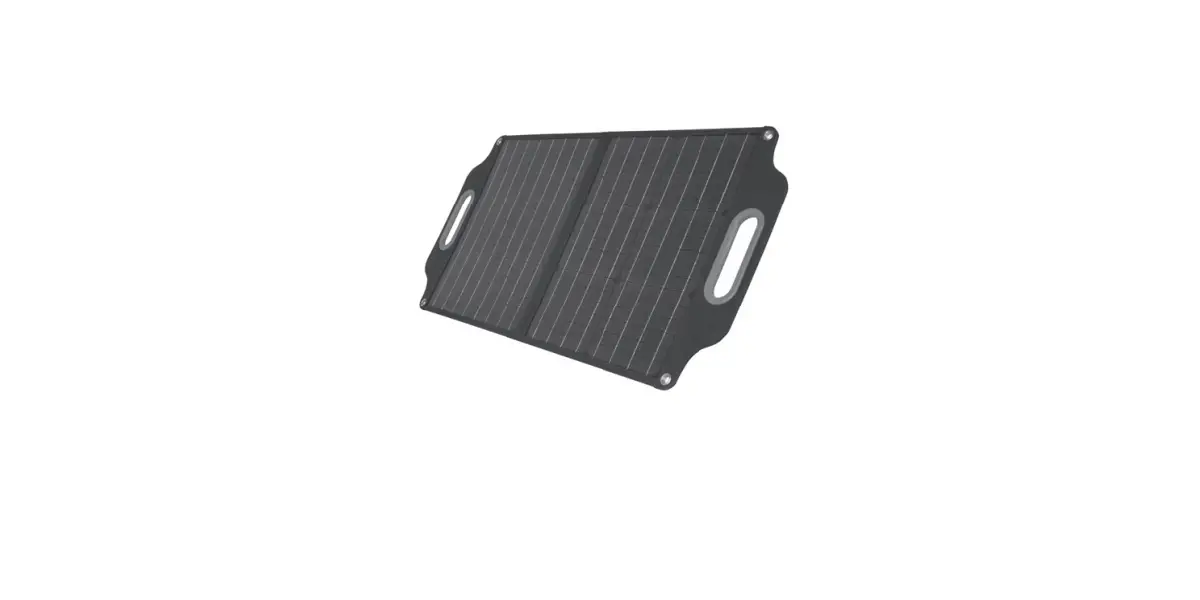
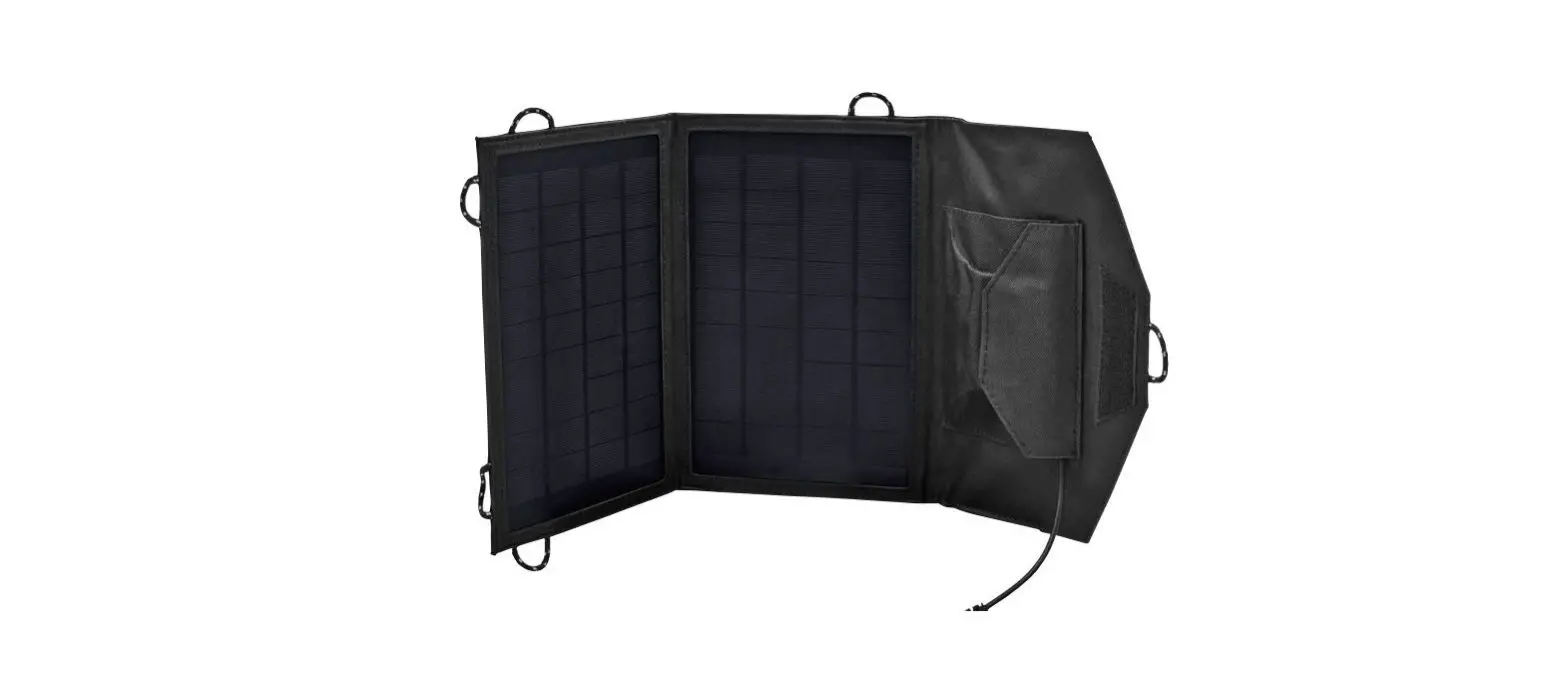
The solar panel has a foldable design, with dimensions of (folded)
and (unfolded).
Warranty Service
The warranty period for the Seri 100W is 1 year from the date of
purchase. Damages caused by improper operation or natural disasters
are not covered by the warranty. To avail warranty service,
customers need to provide proof of purchase to Runhood’s team.
Contact Information
If you have any further questions or require assistance, you can
contact Runhood Power Inc. at the following address:
RUNHOOD POWER INC.
3980-D Valley Blvd, Walnut, CA 91789
Email: [email protected]
Website: www.runhoodpower.com
Connection Methods
Single Solar Seri 100:
- Pull out the rear DC port of the Solar Seri 100.
- Connect the DC connector of the charging cable to the input
port of Runhood’s Portable Power Station.
Two Solar Seri 100s:
- Connect two Solar Seri 100s in parallel with a DC Y cable.
- Connect the DC connector of the two Solar Seri 100s in parallel
connection to the input port of Runhood’s Portable Power
Station.
Reminders
- Adjust the position of the Solar Seri 100 to maximize sunlight
exposure for efficient energy storage in the portable power
station. - The DC Y cable is not included in the package and needs to be
purchased separately from the Runhood store.
Cautions
- Do not soak the product in water or any other liquid. When
cleaning the solar panel, do not put it directly into water.
Instead, wipe it with a damp cloth. - Avoid using or storing the Solar Seri 100 near open fires or
inflammable objects. - Avoid scratching the product with sharp objects and do not put
corrosive materials on it.
Q&A
Q1. What kind of device can be charged with Solar Seri
100?
A1. The Solar Seri 100 is compatible with the HE600 device from
Runhood.
Q2. How to clean its surface?
A2. Clean the surface of the Solar Seri 100 with a soft brush or a
damp cloth. If there are bird dropping stains or sticky objects,
wipe them off immediately.
Q3. Is it waterproof?
A3. Yes, the Solar Seri 100 has a waterproofing level of IPX6.
However, it is recommended to keep it dry daily for longer
life.
FAQ
Seri 100W
Warranty Service
Warranty time: 1 year dated from the purchasing day (Damages caused by improper operation or other natural disasters are not included in the warranty). How: provide Runhood’ s team with purchasing proof to get warranty service for items within warranty scope.
Contact us
RUNHOOD POWER INC. 3980-D Valley Blvd, Walnut, CA 91789 [email protected] www.runhoodpower.com
Specification
Model No. Max power Power voltage Working current Open circuit voltage Short circuit current Working temperature Dimension (folded) Dimension (unfolded)
Solar Seri 100 100W 18V 5.5A 21.6V 6.16A
-1060°C 360*360*60mm 2300*360*5mm
Connection Methods
Single Solar Seri 100
Step 1: Pull out the rear DC port of the Solar Seri 100. Step 2: Connect the DC connector of the charging cable to the input port of Runhood’s Portable Power Station.
FAQ
110V 60Hz
230V 50Hz
50Hz 60Hz
230V 50Hz 100V 50Hz/60Hz 220V 50Hz
Two Solar Seri 100s
Step 1: Connect two Solar Seri 100s in parallel with DC Y cable.
Step 2Connect the DC connector of two solar Seri 100s in parallel connection to the input port of Runhood’s Portable Power Station.
110V 60Hz
230V 50Hz
50Hz 60Hz
230V 50Hz 100V 50Hz/60Hz 220V 50Hz
Reminders:
Adjust the position of the Solar Seri 100 properly to provide the best sunlight for the solar panel
during the day so that the portable power station would store more energy more efficiently.
The DC Y cable is not included in the package. It is subject to purchase seperately in our store.
Cautions
Do not soak the product in water or any other liquid. When clean the solar panel, do not put it directly into water. Instead, wipe it with a damp cloth. Do not use or store Solar Seri 100 with open fires or inflammable objects nearby. Do not scratch it with sharp objects. Do not put corrosive material on the product.
Do not step on the solar panel or place heavy objects on it. Do not disassemble the solar panel. The output circuit of solar panel should be correctly connected to the electric device, and positive and negative poles can’t be short-connected. If the two poles/nodes are too close to each other, sparks or electrical shocks my easily occur. Due to its material characteristics, the solar panel is strictly prohibited to be fallen off, otherwise its battery cell will be damaged and working performance will be affected.
Q&A
Q1. What kind of device can be charged with Solar Seri 100? A1. HE600 of Runhood. Q2. How to clean its surface? A2. Clean it with a soft brush or a damp cloth carefully. If there are bird dropping stains or other sticky objects on its surface, wipe them off immediately. Q3. Is it waterproof? A3. Yes, its waterproofing level is IPX6. However, please keep it dry daily to achieve longer life.
 Runhood module portable power station – Runhood Power Inc.