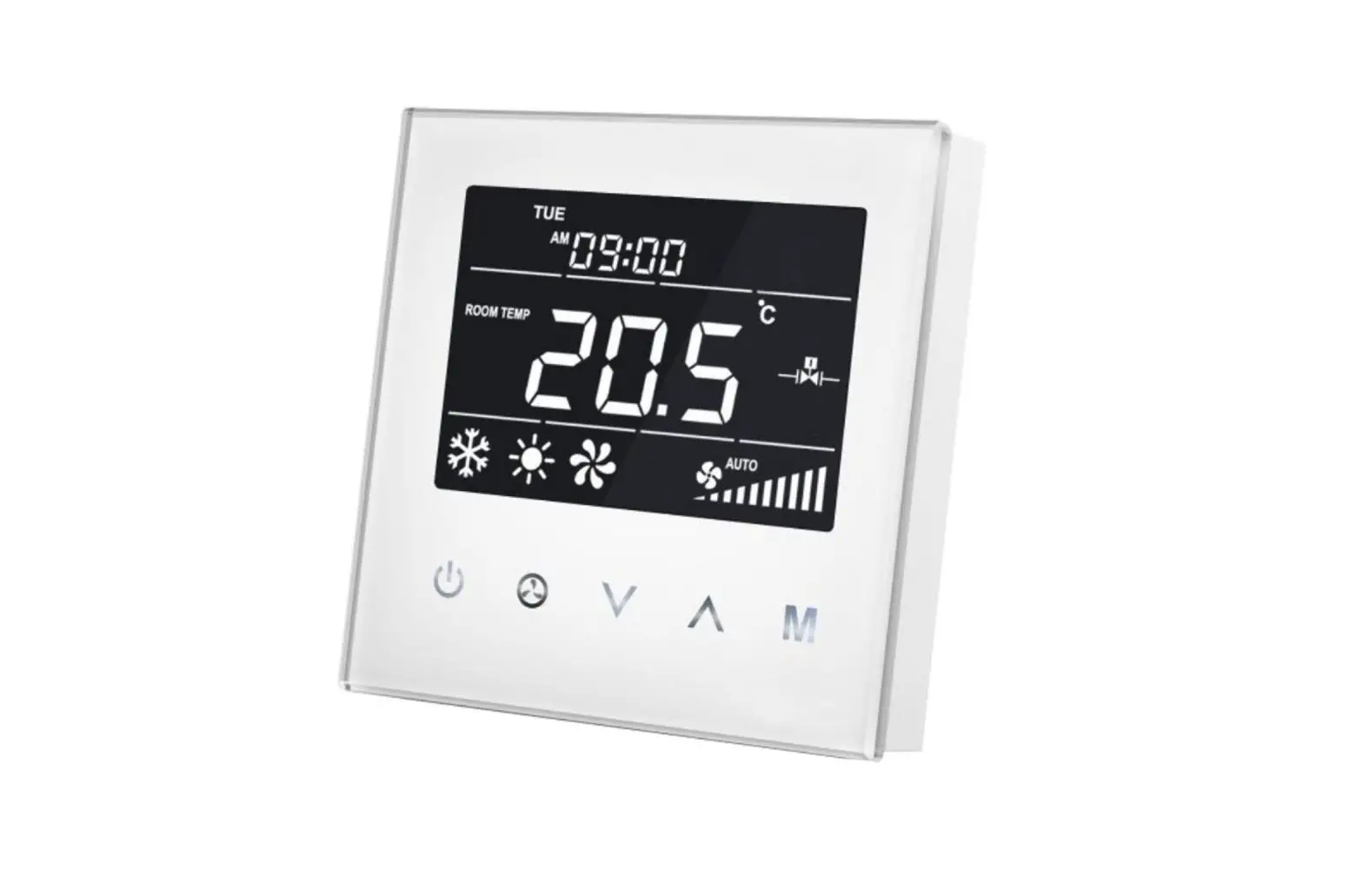
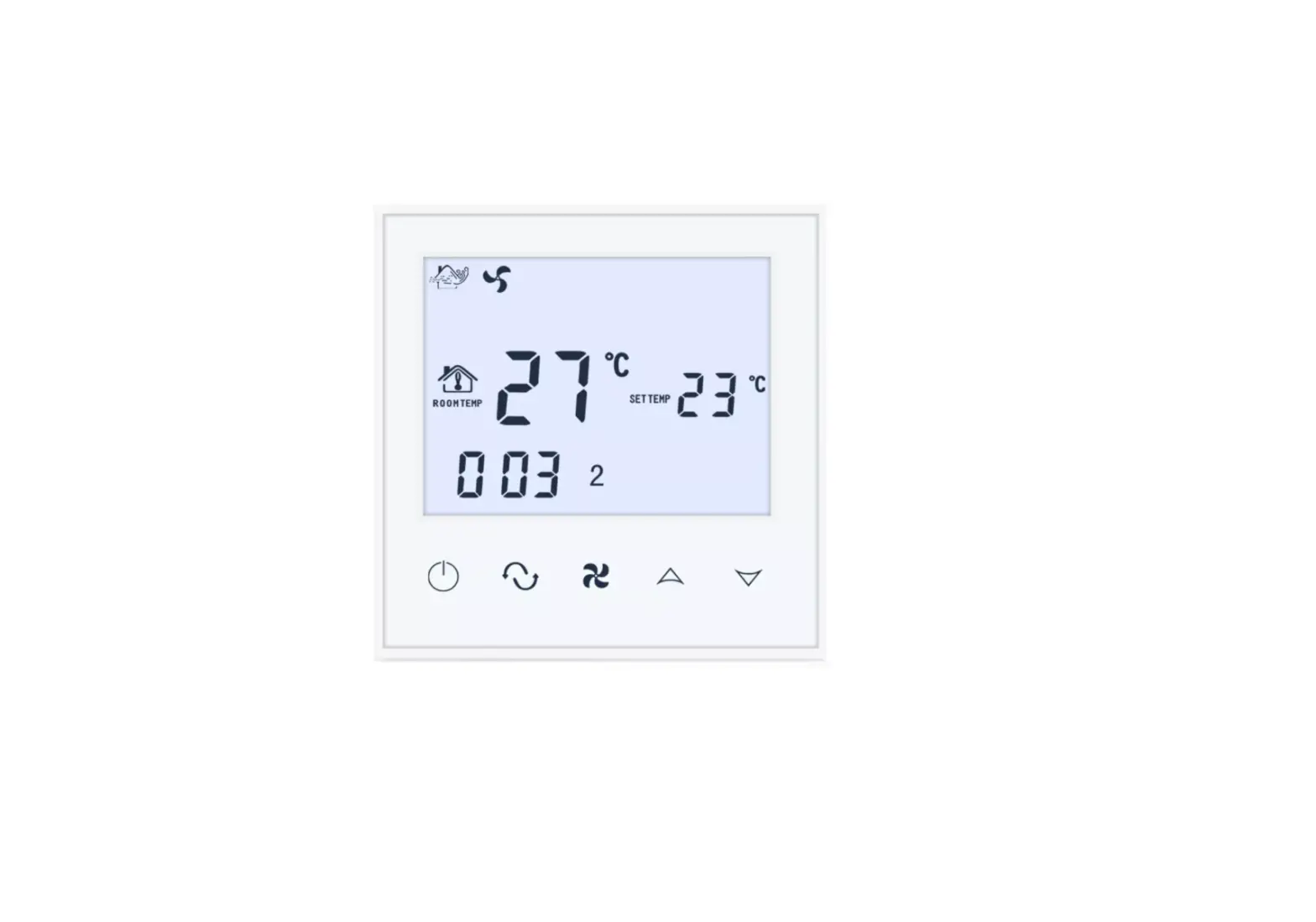
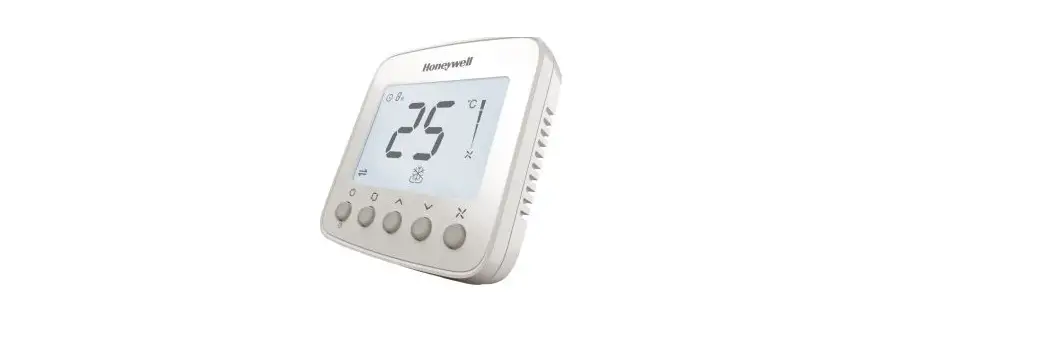
01335-1864-00 Zone Thermostat for 2-Pipe Fan Coil with 0-10 VDC Fan Regulator and Valve Management
Product Information
The zone thermostat for 2-pipe fancoil with 0-10 Vdc fan
regulation and valve management is a Z-Wave certified device
designed for controlling the internal temperature of a 2-pipe fan
coil system. It is compatible with the gateways of the MyVirtuoso
Home home automation system.
Key Features:
- Controls internal temperature of fan coil system
- Detects ambient temperature and local time
- Automatically adjusts fan speed based on temperature
difference - Z-Wave certified for compatibility with other Z-Wave
devices
Product Usage Instructions
- Ensure that your zone thermostat is compatible with your 2-pipe
fan coil system and the MyVirtuoso Home home automation
system. - Mount the zone thermostat in a suitable location according to
the installation instructions provided. - Connect the zone thermostat to the 2-pipe fan coil system
following the wiring diagram in the user manual. - Power on the zone thermostat and wait for it to
initialize. - Configure the zone thermostat by accessing the settings menu on
your MyVirtuoso Home home automation system. - Set the desired temperature range for your zone
thermostat. - Enable the automatic fan speed control feature if desired.
- Test the functionality of the zone thermostat by adjusting the
temperature and observing the changes in fan speed. - If necessary, refer to the user manual for additional
troubleshooting or advanced settings.
Please note that these are general usage instructions. For
specific details and instructions, refer to the user manual
provided with your zone thermostat.
Zone thermostat for 2-pipe fancoil with 0-10 Vdc fan regulation and valve management
User manual Thank you for choosing the zone thermostat for 2-pipe fan coils with 0-10 Vdc fan regulation and valve management. Z-Wave certified, the device is compatible with the gateways of the MyVirtuoso Home home automation system.
www.myvirtuosohome.com www.smartdhome.com
1
Zone thermostat for 2-pipe fancoil with 0-10 Vdc fan regulation and valve management
User manual
Description and Technical features
The zone thermostat for fan coils is a Z-Wave device for controlling the internal temperature. This device is designed to be applied to a 2-pipe fan coil system. It can detect the ambient temperature, the local time and automatically controls the fan speed based on the temperature difference. This product can be included and used in any Z-Wave network with other Z-Wave certified devices.
Features
· Power supply: 230V, 50 / 60HZ · Resistive load: 3A · Self-consumption: <1W · Fan regulation: 0-10 Vdc · Temperature sensor: NTC 10K · Display accuracy: 0.1 ° C · Work environment: 0 55 °C; <95% RH (not condensed) · Temperature setting: 5 35 °C (adjustable) · Dimension: 86 * 86 * 42mm · Electrical box compatibility: 86 * 86 · Z-Wave frequency: 868.42 MHz (EU)
Package content
· Zone thermostat for fan coils · Use manual
Installation
To install the device correctly, follow the instructions below:
2
Zone thermostat for 2-pipe fancoil with 0-10 Vdc fan regulation and valve management
User manual
1. Remove the steel frame from the device and fix it to the junction box with two screws. 2. Insert all wires into the appropriate terminals and tighten the screws. The wiring
diagram is shown below. 3. Attach the wired device to points “A” of the steel frame as shown in the image, then
push it into the junction box. 4. Check if the device is secure and switch on.
Wiring Diagram
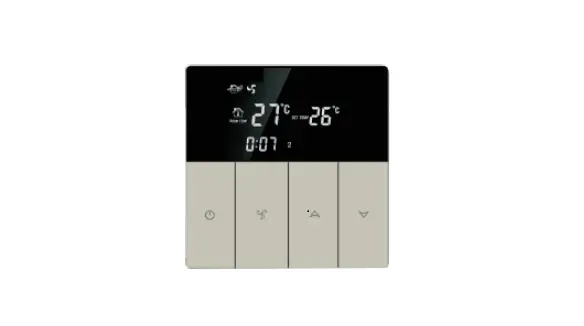
Buttons and Display
1 2
3
1. Temperature settings 2. Room temperature 3. Heating 4. Valve
3
4
Auto Lento Medio Veloce
Zone thermostat for 2-pipe fancoil with 0-10 Vdc fan regulation and valve management
User manual
Operations
ON/OFF
To turn the device on and off, simply press the ON / OFF button .
Local time setting
Press and hold the M button to access the settings menu. Select the local time and press M
to move from Week to Hour to Minute, then press or
to set the parameters of the
flashing item. Press M or wait 15 seconds to save the settings.
Temperature setting
Touch or to set the local temperature value. Press and hold the buttons can be set
continuously. Press M or wait 15 seconds to save and return to room temperature.
Mode settings
Tap M to enter working mode setting, the current mode flashes. Press or to switch between Cooling , Heating and Ventilation modes , then press M or wait 15 seconds to confirm your choice.
Ventilation mode settings
In normal view, press to switch between fan speeds: “Low, Medium, High, Auto”. Then press M, or wait 15s to confirm the choice.
· Manual fan control If you decide to manually set the fan speed, the device:
· Heating mode 1. It will close the valve and stop the ventilation if the room temperature is the set one. 2. It will open the valve and turn on the ventilation if the ambient temperature is the set one – 1 ° C.
· Automatic fan control
Heating Mode
1. Room temperature set temperature, the fan stops 2. Room temperature set temperature -1 ° C, the fan turns on in
slow speed. 3. Room temperature set temperature -2 ° C, the fan turns on in
medium speed.
4
Zone thermostat for 2-pipe fancoil with 0-10 Vdc fan regulation and valve management
User manual
4. Room temperature set temperature -3 ° C, the fan turns on in fast speed.
Note: the thermostat will operate on, off and speed of the fans only if they are open.
Inclusion
Before starting the procedure for including the device in a Z-Wave network, check that it is turned on, then make sure that the MyVirtuoso Home gateway is in inclusion mode (refer to the relevant manual available on the website www.myvirtuosohome.com/downloads).
1. After turning off the device, press and hold to access the inclusion interface. The
display will show “- – – “.
2. Press once
and the device will enter into ID search mode. The inclusion will be
successful if the ID is displayed on the screen.
Note: after inclusion, the device must be turned off and on again.
Exclusion
Before starting the procedure for excluding the device in a Z-Wave network, check that it is turned on, then make sure that the MyVirtuoso Home gateway is in exclusion mode (refer to the relevant manual available on the website www.myvirtuosohome.com/downloads).
1. After turning off the device, press and hold to access the inclusion interface. The display will show “- – – “.
2. Press once and the device will enter into ID search mode. The exclusion will be successful if the ID is displayed on the screen.
5
Zone thermostat for 2-pipe fancoil with 0-10 Vdc fan regulation and valve management
User manual
Disposal
Do not dispose of electrical appliances in mixed urban waste, use separate collection services. Contact the local council for information about available collection systems. If electrical appliances are disposed of in landfills or in inappropriate places, hazardous substances can escape into groundwater and enter the food chain, damaging health and well-being. When replacing old appliances with new ones, the retailer is legally obliged to accept the old appliance for free disposal.
Warranty and customer support
Visit our website: http://www.ecodhome.com/acquista/garanzia-eriparazioni.html If you encounter technical problems or malfunctions, visit the site: http://helpdesk.smartdhome.com/users/register.aspx After a short registration you can open a ticket online, also attaching images. One of our technicians will answer you as soon as possible.
SmartDHOME Srl V.le Longarone 35, 20058 Zibido San Giacomo (MI)
[email protected] Product Code: 01335-1864-00
Rev. 01/2022
6
 Home - MyVirtuoso Home
 Home - SmartDHOME