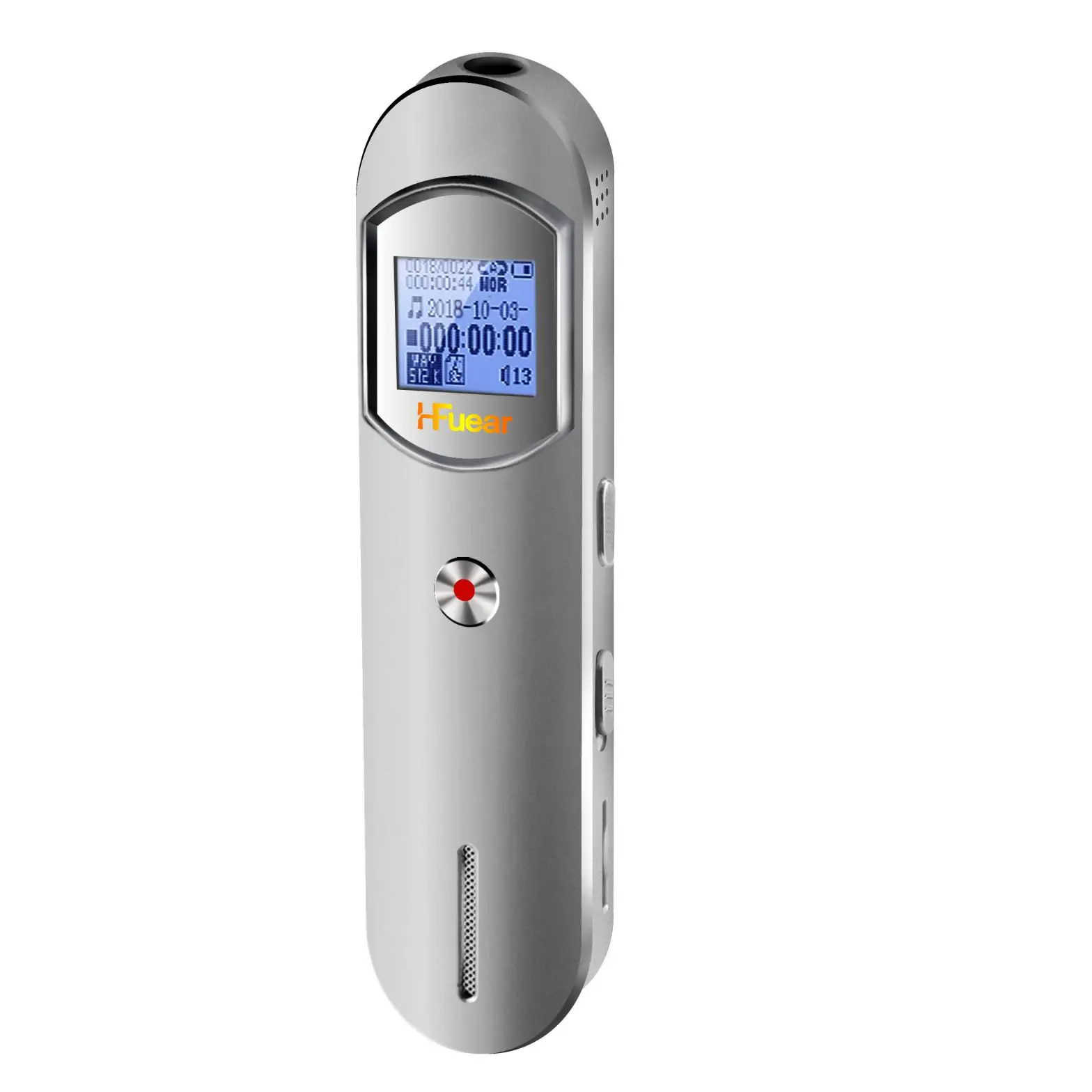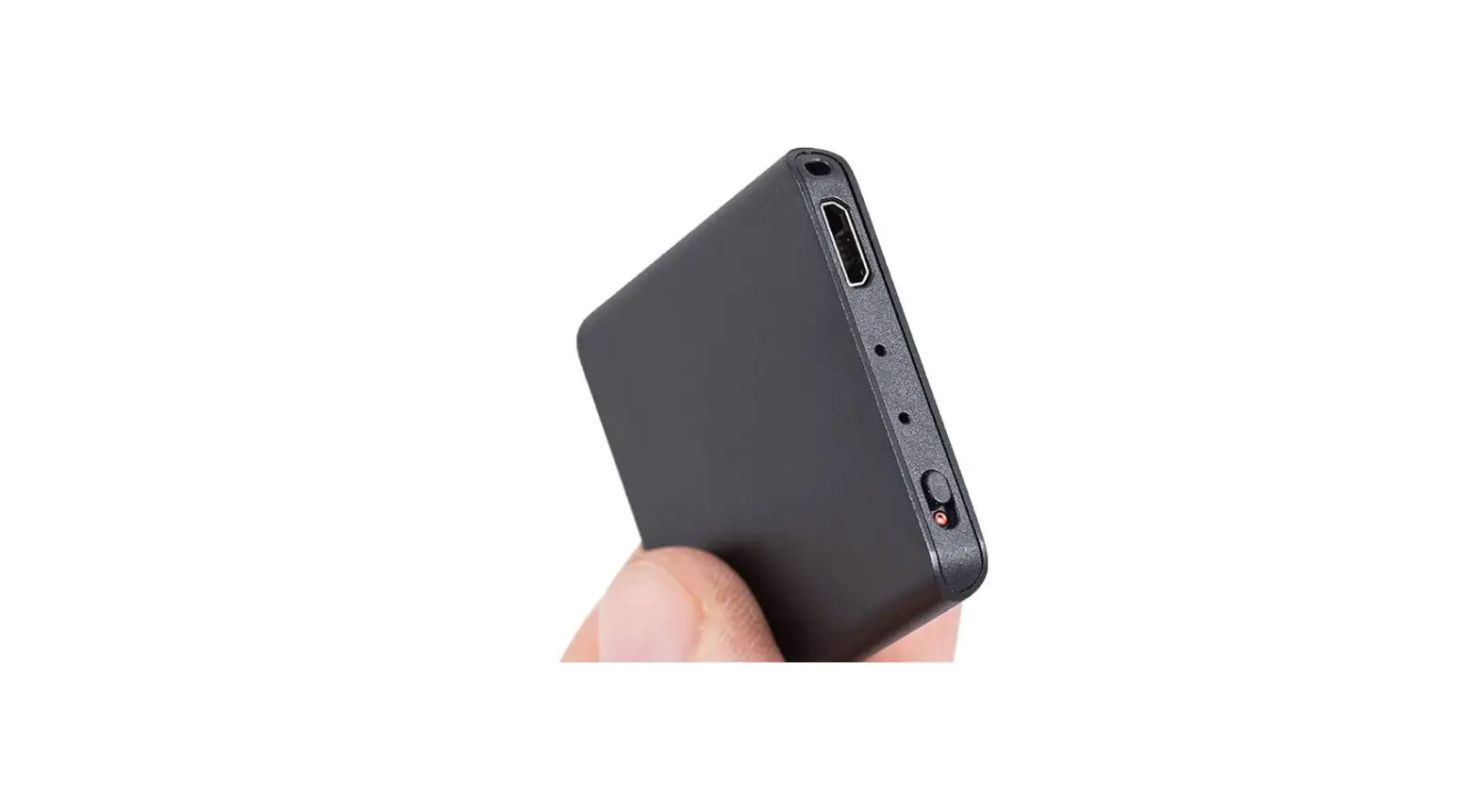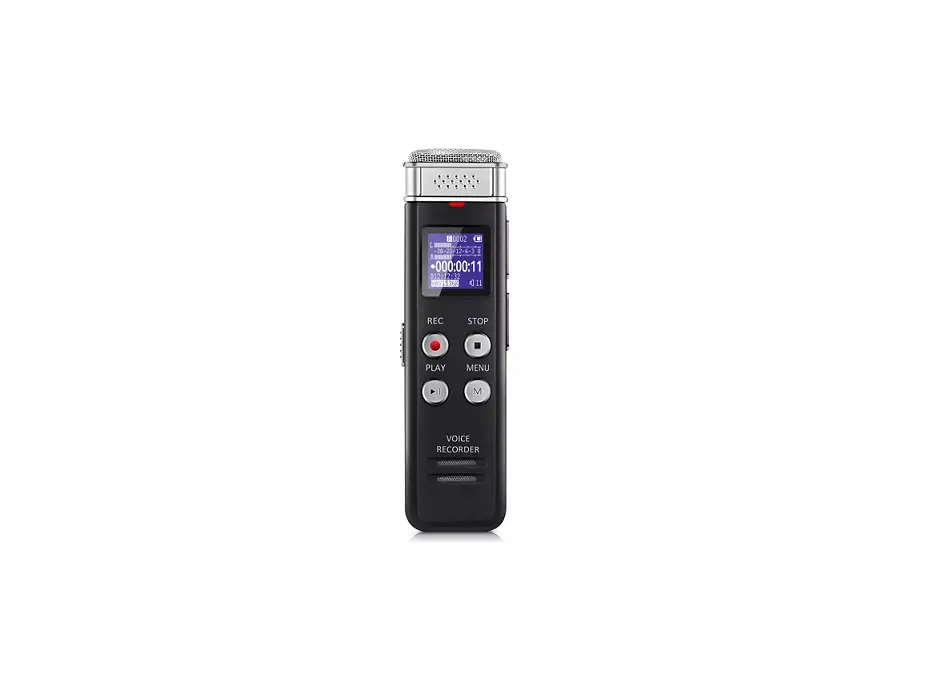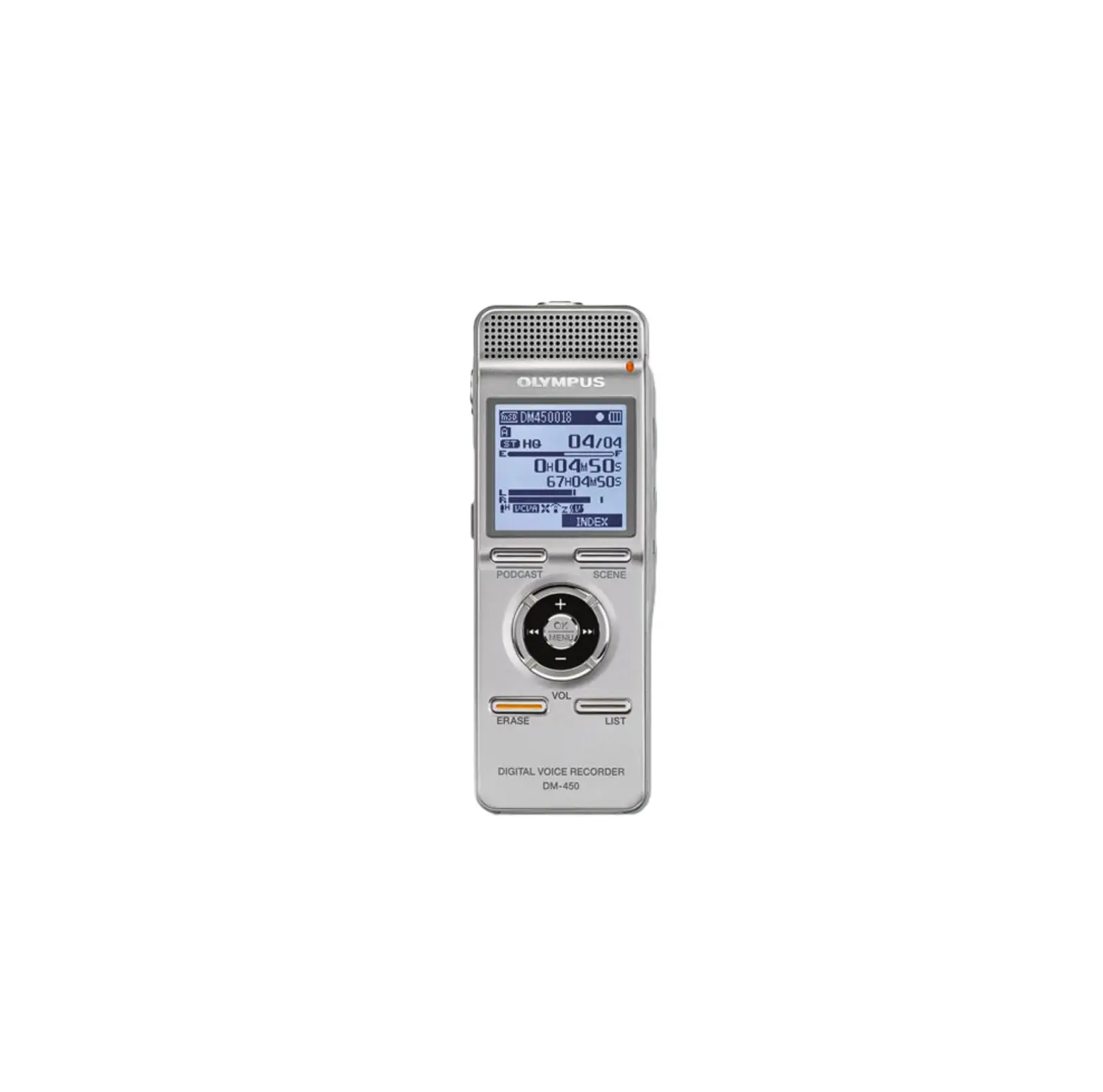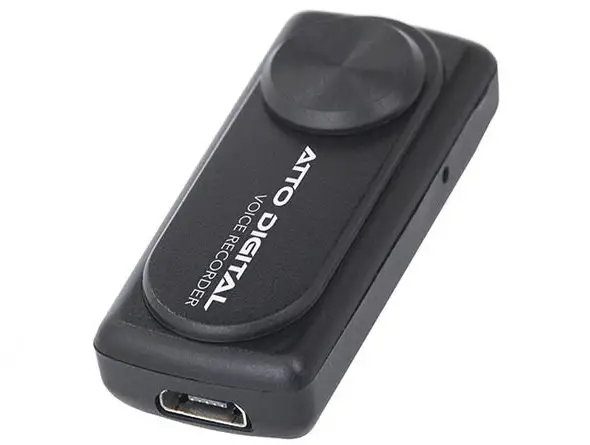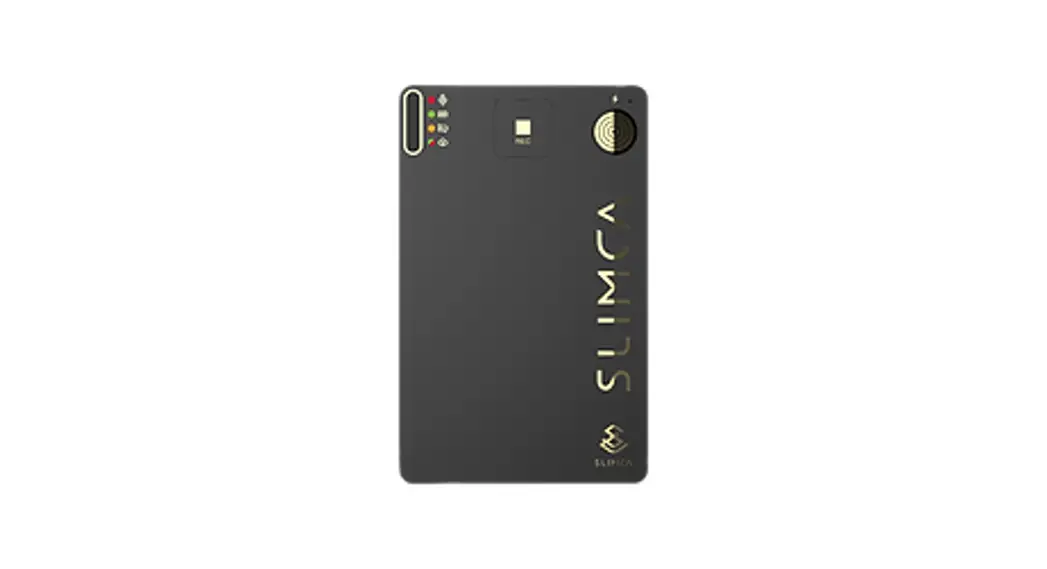
 Slimca Super Thin Voice Recorder
model: Slimca V1
User Manual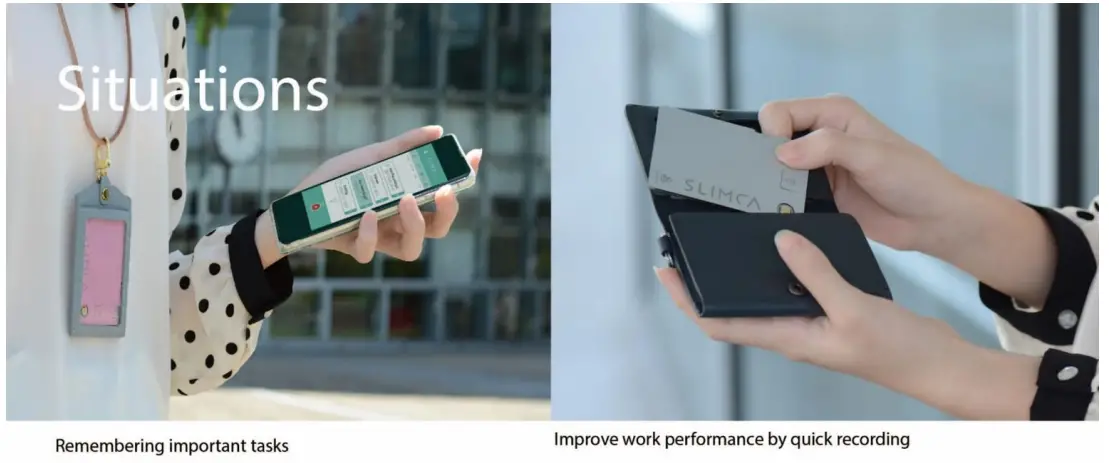
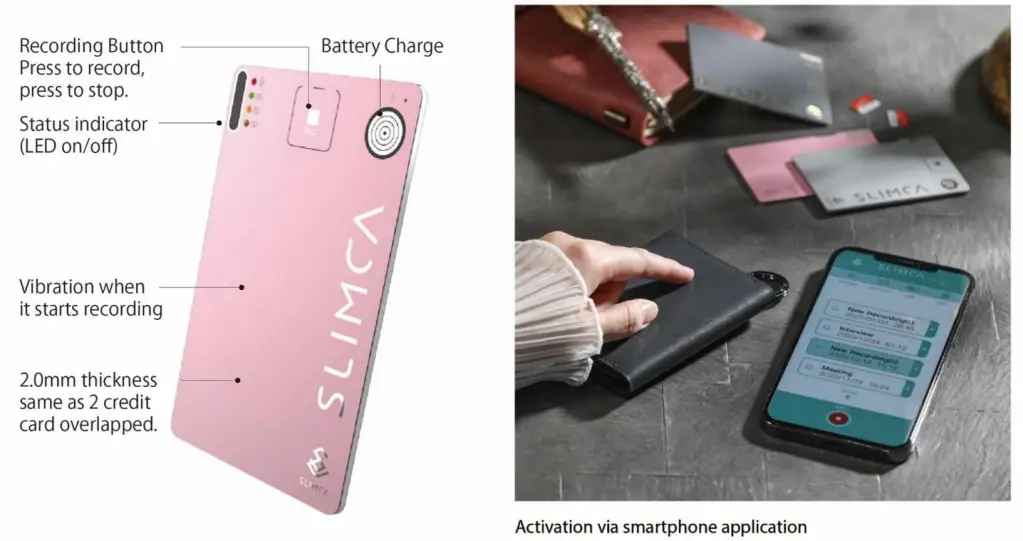
Functions
Spec
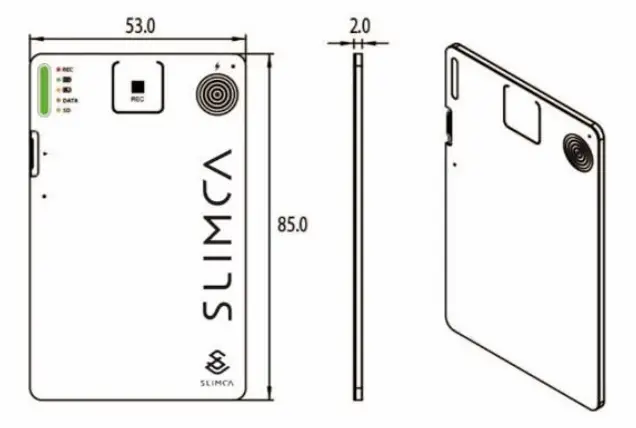
| Recording time | Max 180 minutes |
| Charge | Magnet USB / 3 hours to be full |
| Memory Size | Supports consistant recording for 1 week |
| Connection | WiFi / Bluetooth/ BLE sync to smartphones |
| SIZE | Dimension: 53 x 85 x 2 mm (thick as 2 credit card overllaped) |
| Record Range | exceeds 5 meters |
| Certification | 1P65 waterproof |
| Standby | 1 year |
Charge:
5V USB Power Supply === Slimca Magnetic Charging Cable === Slimca Recording Card
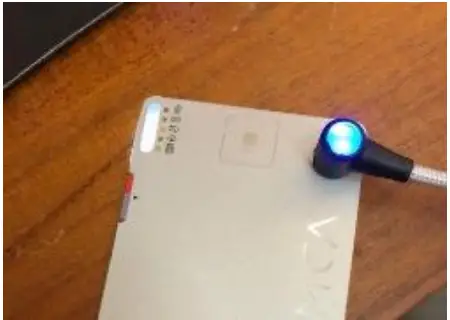
Turn on + Record at the same time:
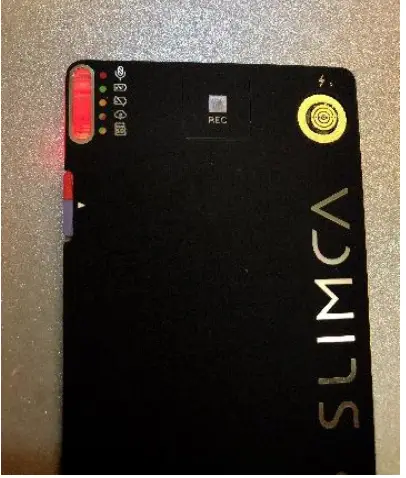
Press for 2 seconds
Red light → Recording
Test by saying some words (world peace!)
Transfer data to smart phone
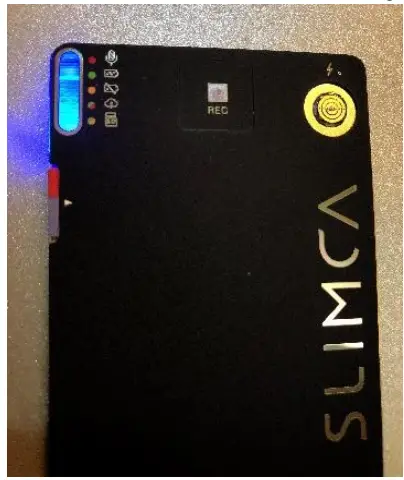
Click 1 touch
Blue light → Stop recording
Slimca is ready to transfer data between it and smart phone (caution: Slimca can not transfer files while RED light)
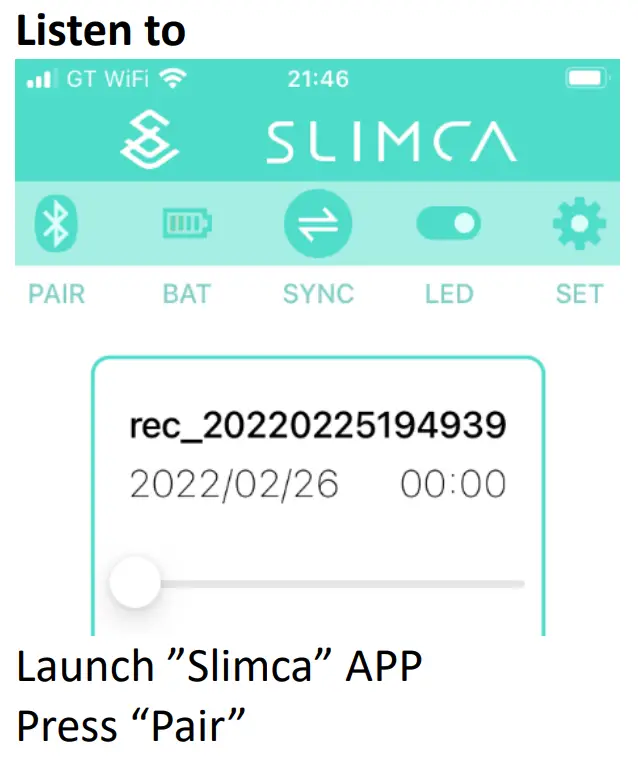
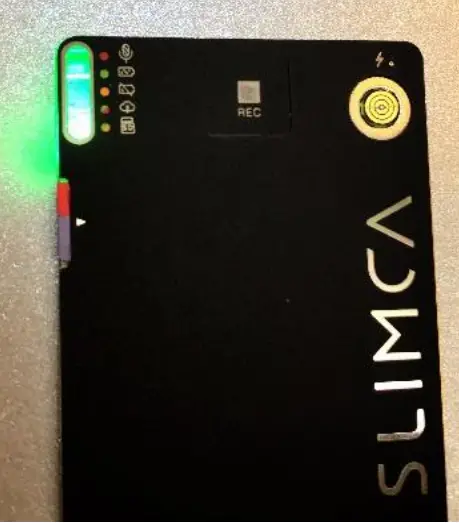
Connect WiFi
Green light → Connected
Try to get closer to the WiFi AP
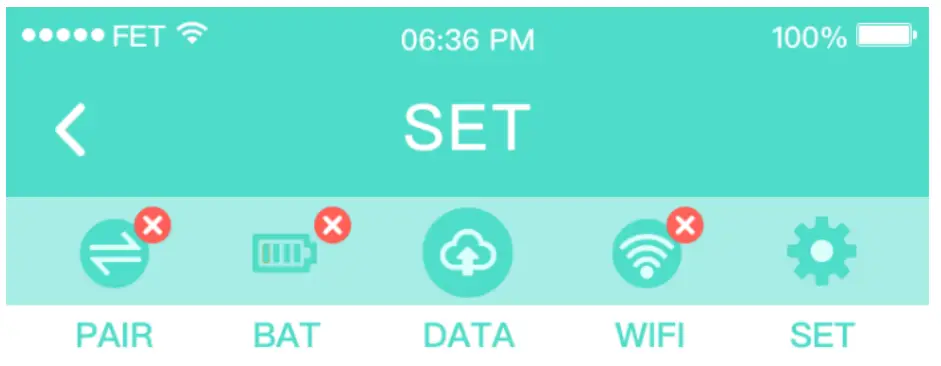
Press DATA,
Green light flash → Data transferring
Foreword files to others
Federal Communication Commission Interference Statement
This equipment has been tested and found to comply with the limits for a Class B digital device, pursuant to Part 15 of the FCC Rules. These limits are designed to provide reasonable protection against harmful interference in a residential installation.
This equipment generates, uses and can radiate radio frequency energy and, if not installed and used in accordance with the instructions, may cause harmful interference to radio communications. However, there is no guarantee that interference will not occur in a particular installation. If this equipment does cause harmful interference to radio or television reception, which can be determined by turning the equipment off and on, the user is encouraged to try to correct the interference by one of the following measures:
- Reorient or relocate the receiving antenna.
- Increase the separation between the equipment and receiver.
- Connect the equipment into an outlet on a circuit different from that to which the receiver is connected.
- Consult the dealer or an experienced radio/TV technician for help.
FCC Caution: To assure continued compliance, any changes or modifications not expressly approved by the party responsible for compliance could void the user’s authority to operate this equipment. (Example – use only shielded interface cables when connecting to computer or peripheral devices).
FCC Radiation Exposure Statement:
The device has been evaluated to meet general RF exposure requirement. The device can be used in portable exposure condition without restriction.
This device complies with Part 15 of the FCC Rules. Operation is subject to the following two conditions:
(1) This device may not cause harmful interference, and (2) This device must accept any interference received, including interference that may cause undesired operation.
About Slimca:
Website: www.Labeatalot.com
StandBy: 1 year
Battery life: 4 hours
Inside memory support to record total 168 hours
Charging power: 5V 0.5A magnet type
Manufacturer:ARTIFICIAL INTELLIGENCE CO., LTD.
Address: No.70, Ln. 600, Wuxing St., Xinyi Dist., Taipei City 110024, Taiwan
Designer List:
ID: Hironari Minami
Graphic: Emily Liao
RD: James, Kyle, Terry
APP/ UI: Awei,
PM: Jerry Lin
Made in Taiwan
 超薄0.2公分隱形錄音卡片(隱藏spy) Digital Voice Recorder | LabEatalotSlimca 手機專屬APP,是你工作效率提升、緊急錄音不露餡的智慧好夥伴!