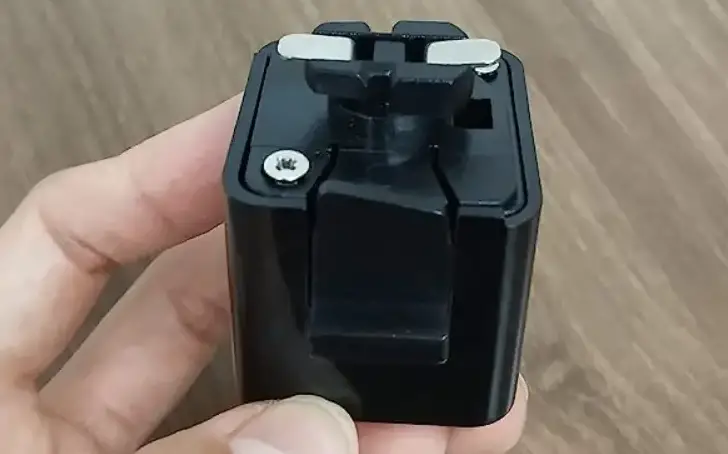
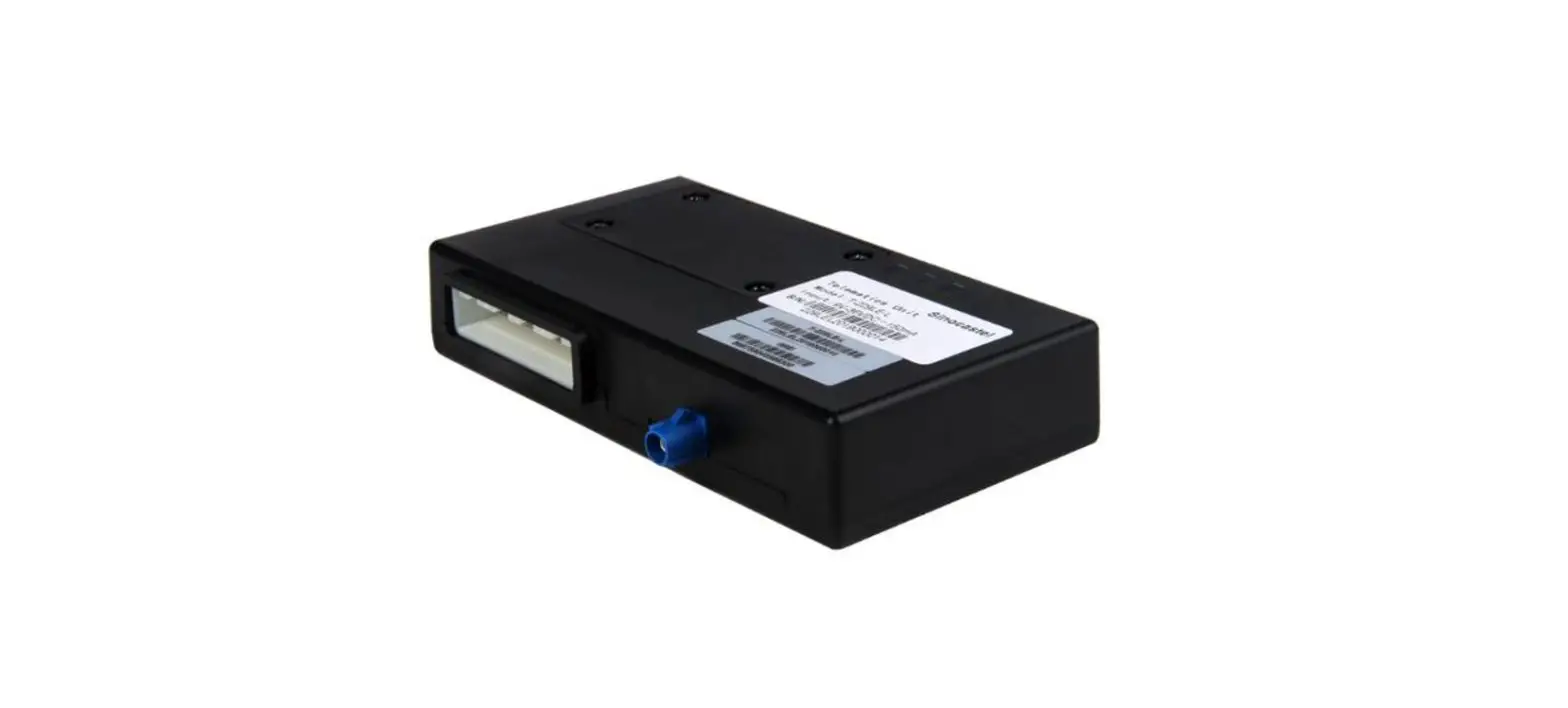
S.HW-SM817DUL Telemetry Adapter
Product Information
S.BUS2 Telemetry Adapter for Futaba
The S.BUS2 Telemetry Adapter is a device designed to connect
Electronic Speed Controllers (ESC) from Hobbywing’s Platinum
V4/4.1/5, XERUN, EZRUN series to Futaba S.BUS2 receivers. This
adapter enables Futaba radios to receive and display real-time
telemetry data from the ESC.
The adapter has the following features:
- Allows connection between ESC and Futaba S.BUS2 receivers
- Real-time telemetry data display on Futaba radios
- Supports data backhaul function
- Input voltage range: 5-9V
- LED indicators for communication status
Product Usage Instructions
Wiring Diagram

- Connect the ESC port (usually identified as -+ P) to the -P
side of the adapter. - Connect the adapter -S.BUS2 to the S.BUS2 port of the Futaba
receiver. - Connect the ESC throttle signal line to the Futaba receiver
throttle channel. - Note: The input voltage of the adapter should be within the
range of 5-9V. - The -P port does not provide power to the adapter.
Parameter Setting Method

The adapter has programmable parameters that can be set using
the LCD Program BOX and the Futaba receiver. The following
parameters are available:
| Item | Parameter | Default Value |
|---|---|---|
| Number of motor pole pairs | 1-50c | * |
| Pinion | 1-100c | * |
| Main Gear | 1-255 | * |
| Start Slot | 8, 16, 24 | *24 |
Note: The Main Gear and Pinion settings refer to the gear ratio
of the aircraft. For aircraft with multiple gears, the same final
gear ratio can be set according to the aircraft manual.
LED Function Description
| LED Instructions | Status |
|---|---|
| Red LED light flashes | The ESC is communicating with the adapter. |
| Green LED light flashes | The adapter is communicating with the receiver. |
| Red LED light is not on | The ESC is not connected to the adapter properly, or the ESC is not communicating with the adapter. |
| Green LED light is not on | The adapter is not connected to the receiver properly or the adapter is not communicating with the receiver. |
| Red and Green LED lights not flashing | There is no communication between the ESC and the receiver, or the adapter is not powered on. |
USER MANUAL
S.BUS2 Telemetry Adapter
for Futaba
Thank you for purchasing Hobbywing product! Please read the
following statement carefully before use and, once used, it is
ATTENTION
considered to be an acceptance of all the contents. Please
strictly observe and adhere to the manual installation with this
product. Unauthorized modification may result in personal
CAUTIONS
injury and equipment damage. We reserve the right to update
the design, appearance, performance and use of the product
without notice. Different languages are available. Chinese will
be available to the mainland of China while English will be
available to the rest of the world.
20220824
01 Product Introduction
This adapter is suitable for Platinum V4/4.1/5, XERUN, EZRUN series with data backhaul function. The ESC can be connected to Futaba S.BUS2 receivers via this adapter, enabling Futaba radios to receive and display telemetry data from the ESC in real time.
02 Instruction M anual
1 The w iring diagram
Electronic Speed Controller
S.BUS2 Adapter
1) Connect the ESC port (usually identified as “-+ P”) to the “-P” side of the adapter; 2) Connect the adapter “-S.BUS2” to the “S.BUS2” port of the Futaba receiver; 3) Connect the ESC throttle signal line to the Futaba receiver throttle channel. Note: The input voltage of the adapter is 5-9V;
The “-P” port does not provide power to the adapter.
2 The parameter setting method
2.1.Wiring diagram: LCD Program BOX
Receiver
Battery
S.BUS2 Adapter
2.2. Parameter setting method: 1) According to the image above, connect the adapter and the LCD program box; (The “-+P” side of the adapter should be connected to the LCD programming box, the”S.BUS2″ side of the adapter should be connected to both the LCD programming box and a power supply (2s lipo recommended). 2) Press the “OK” key upon connecting the program box. After the connection is successful, the current firmware version number will be displayed; 3) After adjusting the parameters on interface, press the “ITEM” key to browse through parameter items, press the “VALUE” key to change the value of the parameter; 4) Once after the setting value has been changed, press the “OK” key to save the setting; 5) Repeat the third and fourth steps to modify the settings of other parameters; 6) After the parameter settings are completed, disconnect the adapter from the battery, power up again to see if the parameters are current.
3 Programmable parameter and instructions
Item
1
Number of motor pole pairs
2
Pinion
3
Main Gear
4
Start Slot
” * ” is the factory default setting.
Value 1-50cDefault: *1 1-100cDefault: *1
1-255 (Default: *1)
8
16
*24
1) Number of motor pole pairs: This item is used to set the number of motor pole pairs; 2) Pinion: This item is used to set the number of teeth mounted on the motor output shaft; 3) Main Gear: This item is used to set the number of teeth that coaxial with the main rotor; ( Main Gear/ Pinion refers to the Gear ratio of the aircraft. For aircraft
with multiplegears, the same final Gear ratio can be set according to the aircraft manual) 4) Start Slot: This project is used to manually set the starting data positioning on the Futaba remote control (under the sensor menu of the Futaba remote control)
for the adapter Telemetry data. 8, 16, 24 locations are optional, with a default of 24.
03 LED function description
LED instructions:
LED Red LED light flashes Green LED light flashes Red LED light is not on Green LED light is not on Red and Green LED lights not flashing
Info The ESC is communicating with the adapter. The adapter is communicating with the receiver. The ESC is not connected to the adapter properly, or the ESC is not communicating with the adapter. The adapter is not connected to the receiver properly or the adapter is not communicating with the receiver. There is no communication between the ESC and the receiver, or the adapter is not powered on.