SBS-01ML Telemetry Adapter for Pixhawk
Product Information:
The product is the SBS-01ML, a sensor designed for use with the
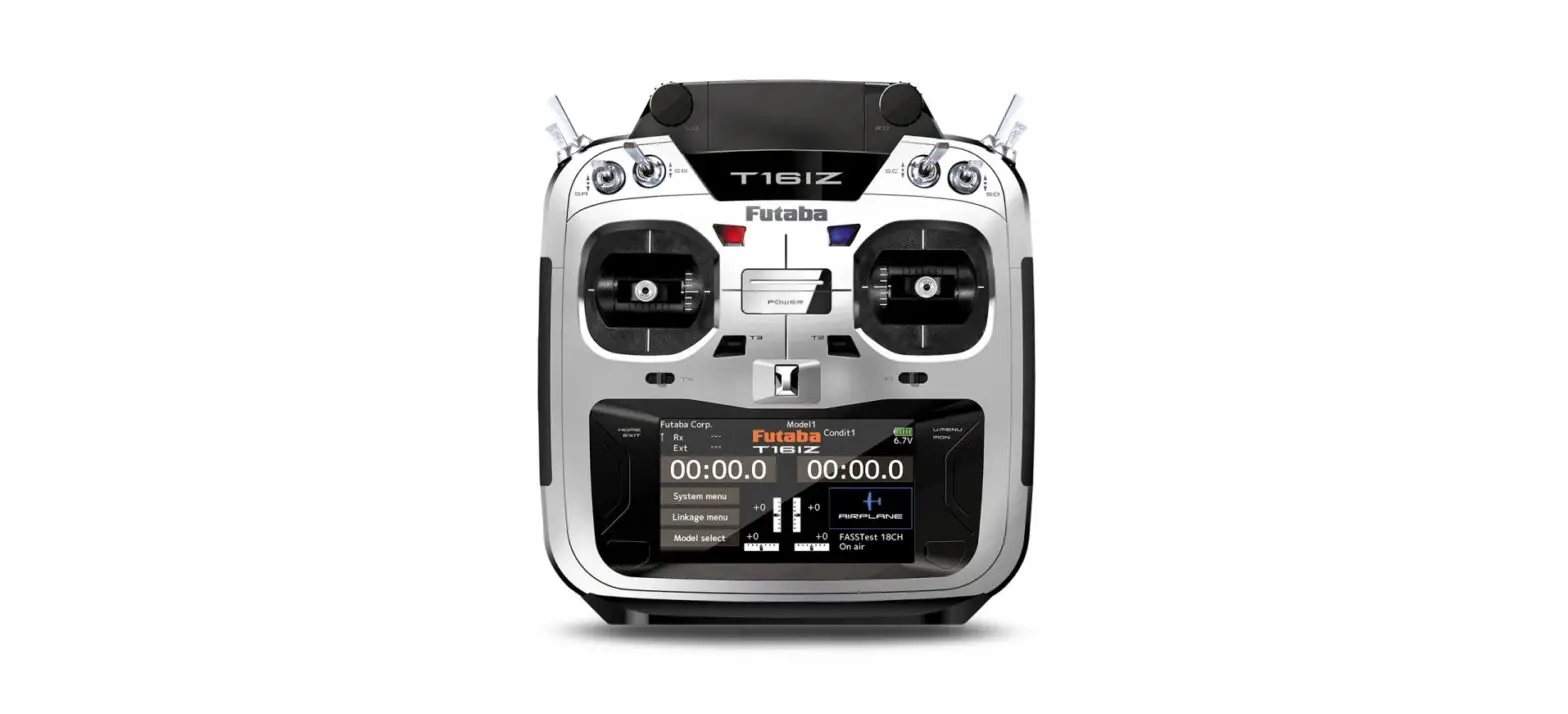
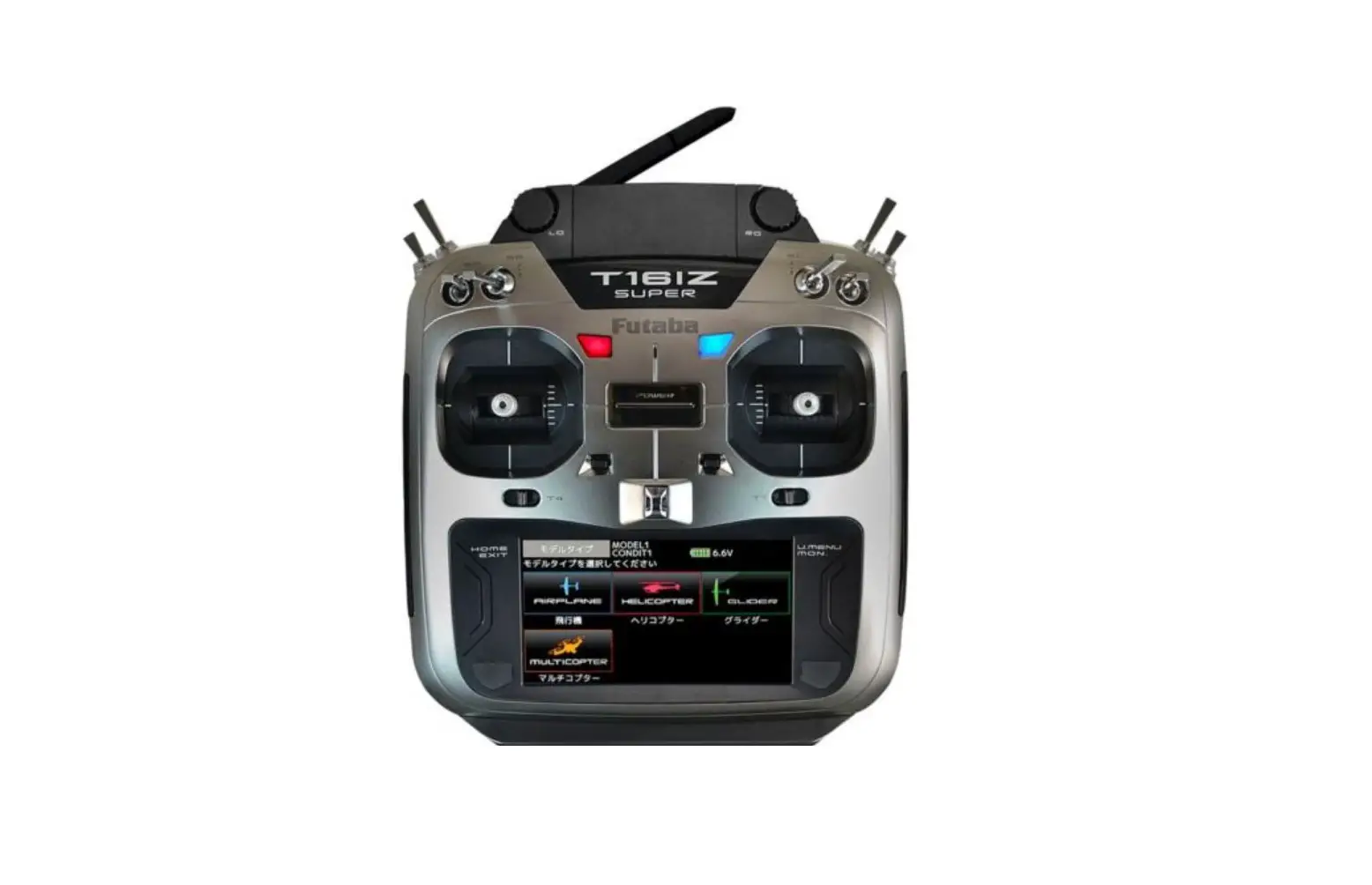
Futaba T16IZ SUPER transmitter. It allows the user to monitor
various measurements related to the aircraft, such as battery
voltage, air speed, battery current, altitude, ground speed, number
of GPS receiving satellites, and HDOP. The SBS-01ML has a length of
180 mm and weighs 3.6 g. It operates at a voltage of DC 3.7-7.4 V
and has a connection cable for easy installation.
Product Usage Instructions:
- Connect the SBS-01ML to the receiver’s S.BUS2 port.
- Connect the Connection cable to the SBS-01ML connector and
connect it to the flight controller’s telemetry port (TELEM1 or
TELEM2).
- Before connecting, ensure that the telemetry terminal
communication speed of the flight controller is set to 57600 bps
(default setting). - Note that the data displayed using the MAVLink protocol from
the flight controller is obtained from the table provided. - Devices that do not use these data are not supported.
Important Safety Precautions:
- To utilize the SBS-01ML, connect it only to the S.BUS2 port of
Futaba telemetry enabled receivers. Do not connect it to an S.BUS
port or other channel ports. - Ensure that the unit is properly connected to the receiver to
avoid any damage to the sensor. - Mount the unit in an area that eliminates exposure to fuel,
water, and vibration to ensure its longevity and performance.
For further information, software updates, and alarm settings,
please refer to the T16IZ SUPER WEB manual available for download
from the Futaba website.
1M23N39602
Telemetry adapter for Pixhawk®
SBS-01ML
Instruction Manual
For drone ight controller Pixhawk®
Battery voltage Battery current Altitude Ground speed
Can be monitored by transmitter
Air speed Number of GPS
receiving satellites HDOP
Corresponding product T16IZ SUPER
SBS-01ML
Connection cable for Pixhawk®1
BrownPixhawk® 1
Connection cable for Pixhawk®2
Thank you for purchasing Futaba’s SBS-01ML Telemetry adapter. This item combines with drone flight controller Pixhawk® and Futaba telemetry system to display each information of the flying drone to the transmitter. To maximize your enjoyment, and to ensure proper sensing, please read through this manual thoroughly. We also encourage you to retain the manual for future reference should the need arise.
Use : Telemetry Adapter for Drone Flight Controller Pixhawk®
Measurement item
Battery voltage
Air speed
Battery current Altitude Ground speed
Number of GPS receiving satellites
HDOP
Length180 mm Weight3.6 g Voltage : DC 3.7 7.4 V
Connection cable
For Pixhawk®1
Brown Pixhawk® side
SBS-01ML side
Connect the side with a step
here to the SBS-01ML. For Pixhawk®2
Percentage of Waste Paper pulp 80%
S.BUS Port
Pixhawk® side
SBS-01ML side
Connection
TELEM Port Telemetry line
S.BUS2 Port
Telemetry Log
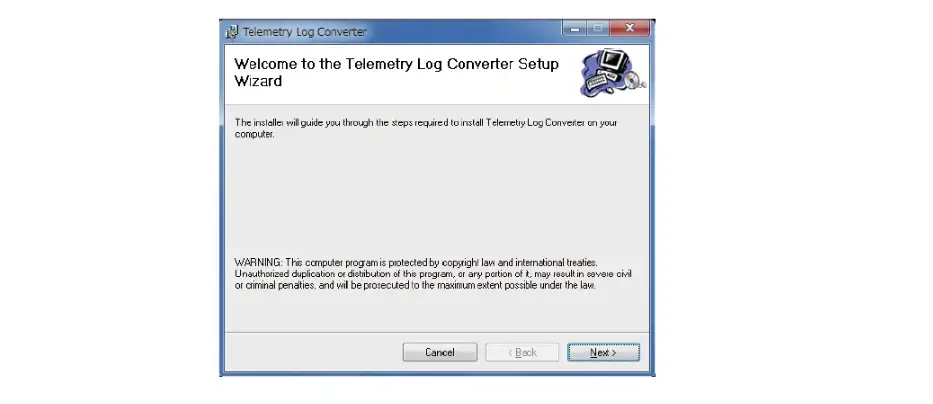
A log le for each sensor, as well as data acquired by the SBS-01ML, can be created when the transmitter has a telemetry function. The log le can be converted to a CSV file by using the “Telemetry log converter”. The “Telemetry log converter” must be downloaded from the web. Check the Futaba website.
Slot number setup
Please note that the proper default slot for this accessory is number 16. This sensor uses 16 slots. Being made to a start slot are 8 and 16. Information on how to change the slot assignment is included in the transmitter’s manual.
LED Indication
LED
Green blink
Green
Waiting for flight controller response Normal operation
Red
No signal reception
Green/Red
Green/Red Alternate
blink
When setting up the slot Unrecoverable error
Pixhawk
Control line
S.BUS Port
S.BUS2 Receiver
*Alarm setting for each display item is possible. Refer to the T16IZ SUPER WEB manual.
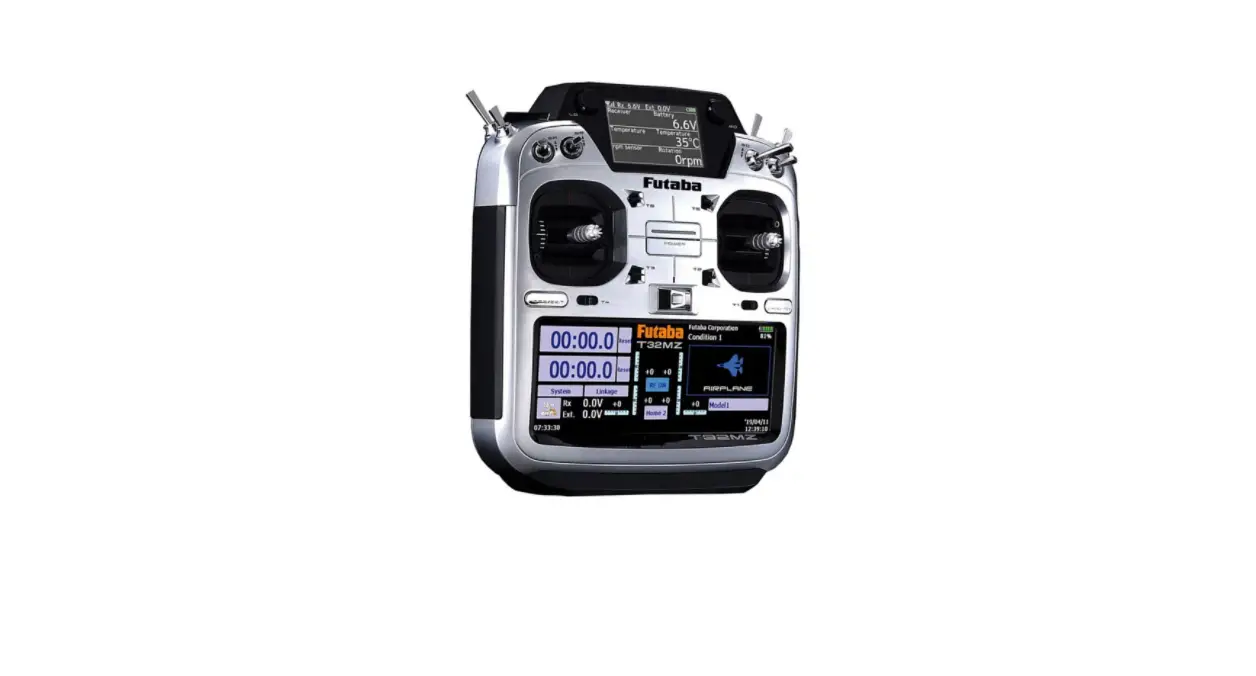
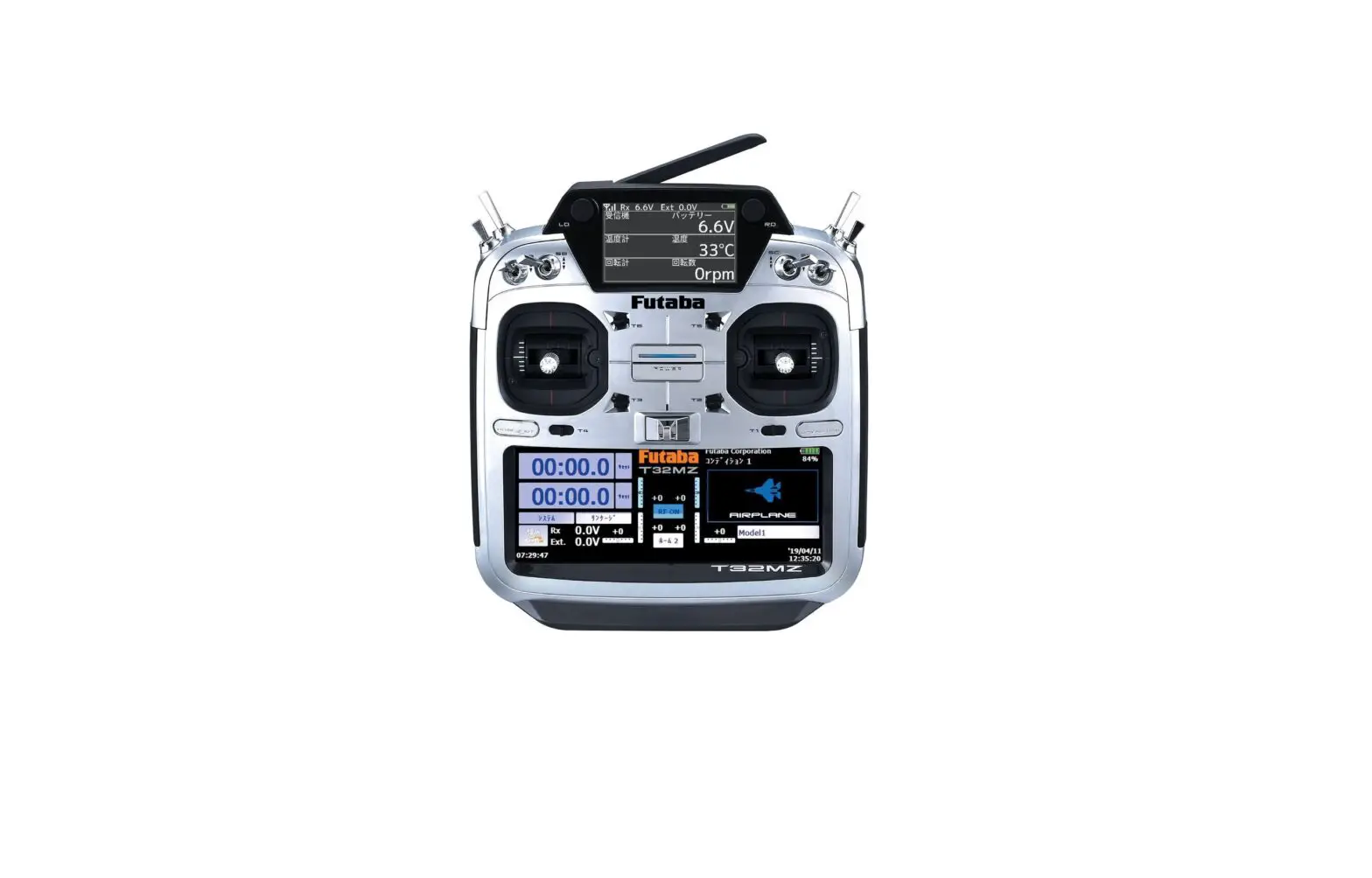
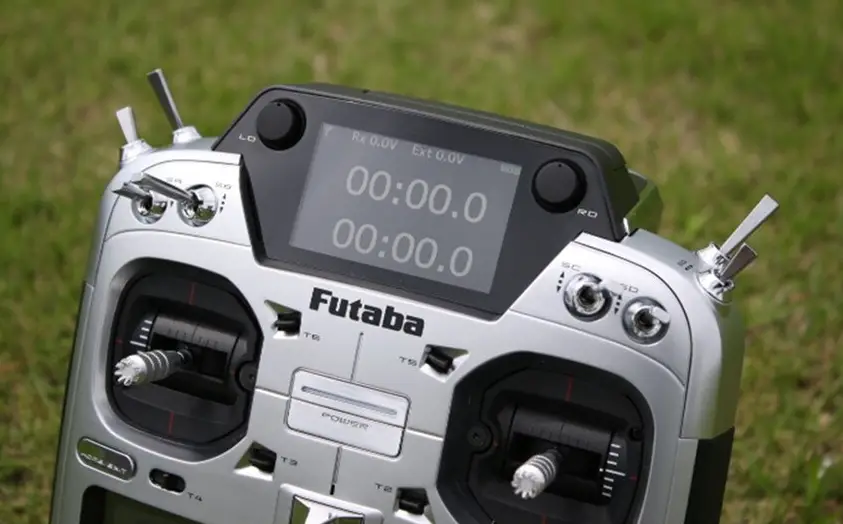
Futaba T16IZ SUPER
How to use
1. Connect the SBS-01ML to the receiver’s
S.BUS2 port.
2. Connect the Connection cable to the SBS-
01ML connector and connect it to the flight controller’s telemetry port (TELEM1 or TELEM2).
*Before connecting, make sure that the telemetry terminal communication speed of the ight controller is set to 57600 bps. (Default is 57600 bps.)
*Pixhawk® 1 and Pixhawk® 2 and later have dierent connectors, so select a connection cable that matches the connector.
*The data in the table on the right is obtained and displayed using the MAVLink protocol from the ight controller. Devices that do not use these data are not supported.
Item Number of GPS1
GPS1 HDOP Number of GPS2
GPS2 HDOP Altitude
Ground speed Air speed Voltage 1
Current 1
Voltage 2
Current 2
MAVLink
Message
Field
GPS_RAW_INT satellites_visible
GPS_RAW_INT
eph
GPS2_RAW
satellites_visible
GPS2_RAW
eph
GLOBAL_ POSITION_INT
relative_alt
VFR_HUD
groundspeed
VFR_HUD
airspeed
BATTERY_ STATUS
voltages[0] (id = 0)
BATTERY_ STATUS
current_battery (id = 0)
BATTERY_ STATUS
voltages[0] (id = 1)
BATTERY_ STATUS
current_battery (id = 1)
* Operation with all Pixhawk® flight controllers is not guaranteed.
* SBS-01ML supports software updates. Download the latest software manual from the Futaba website.
WARNING
Failure to follow these safety precautions may result in severe injury to yourself and others.
To utilize the SBS-01ML connect it to the S.BUS2 port of the Futaba telemetry enabled receivers. The SBS-01ML will not function properly if
connected to an S.BUS port or other channel ports.
Ensure that the unit is connected properly to the receiver. Failure to do so could result in damage to the sensor.
Ensure that the unit is mounted in an area that will eliminate exposure to fuel, water and vibration. As with any electronic components, proper
precautions are urged to prolong the life and increase the performance of the SBS-01ML.
To ensure that the SBS-01ML is functioning as desired, please test accordingly. Do not y until inspection is complete.
Allow a slight amount of slack in the SBS01ML cables and fasten them at a suitable location to prevent any damage from vibration during flight.
Do not use the SBS-01ML for purposes other than those described in this manual.
FUTABA CORPORATION
Hobby Radio Control Business Center Sales & Marketing Department 1080 Yabutsuka, Chosei-mura, Chosei-gun, Chiba-ken, 299-4395, Japan
TEL: +81-475-32-6051, FAX: +81-475-32-2915
©FUTABA CORPORATION 2022, 12 (1)