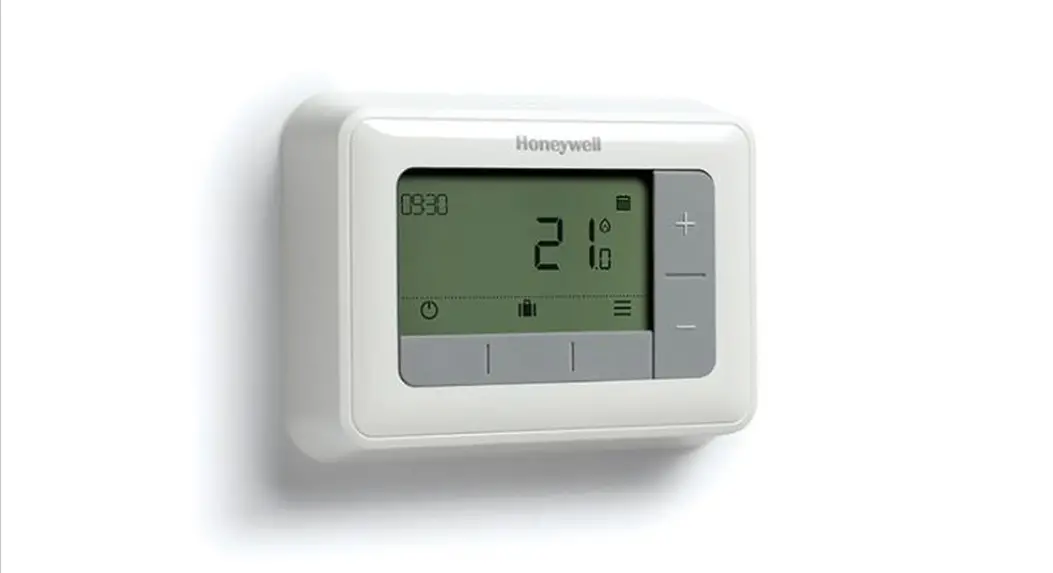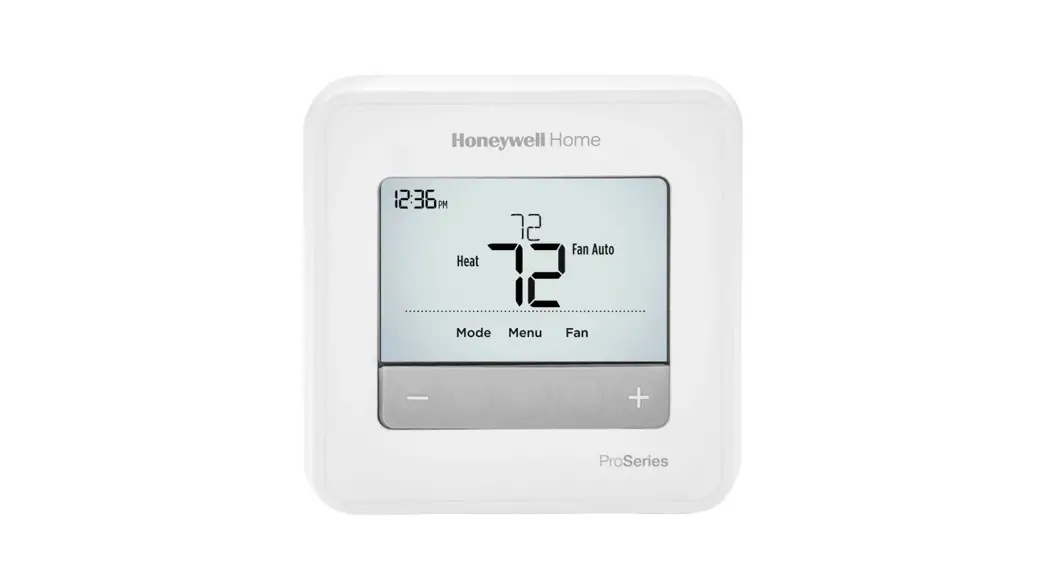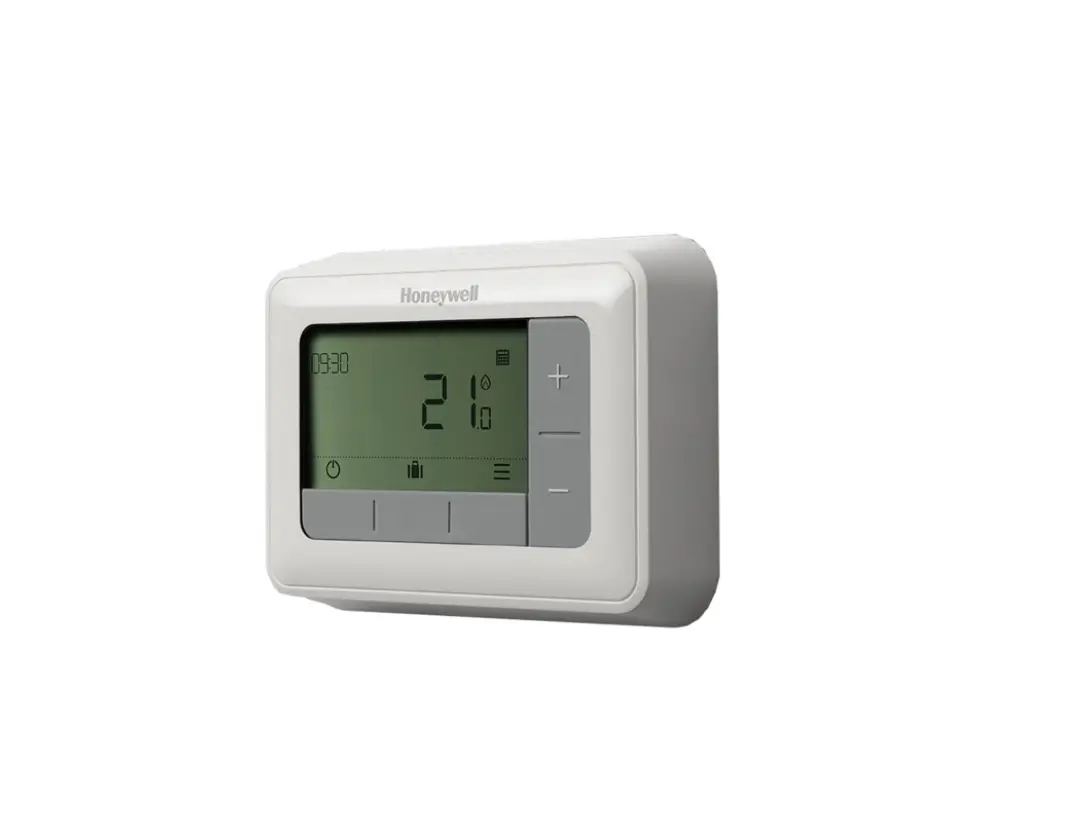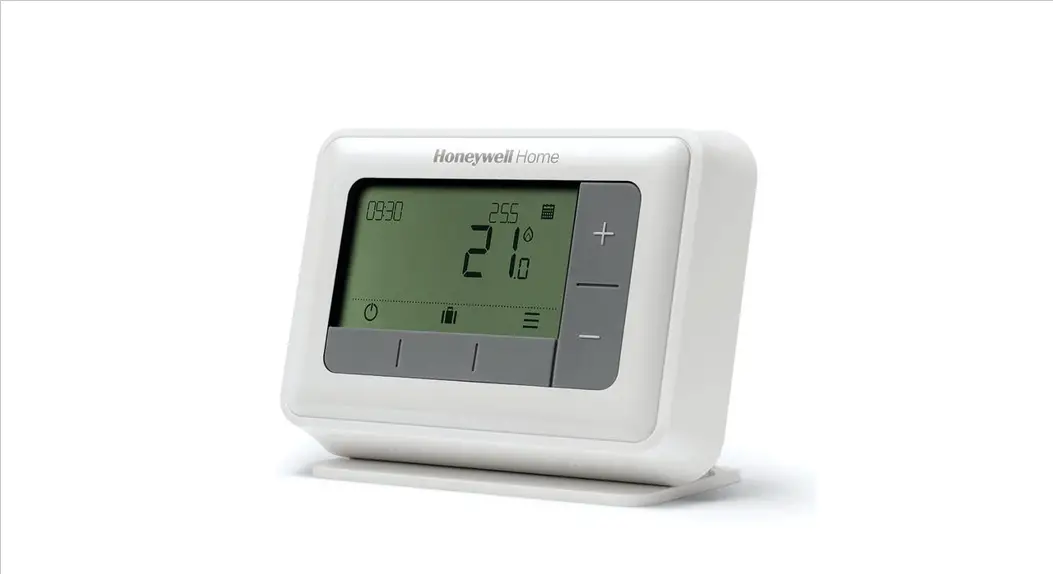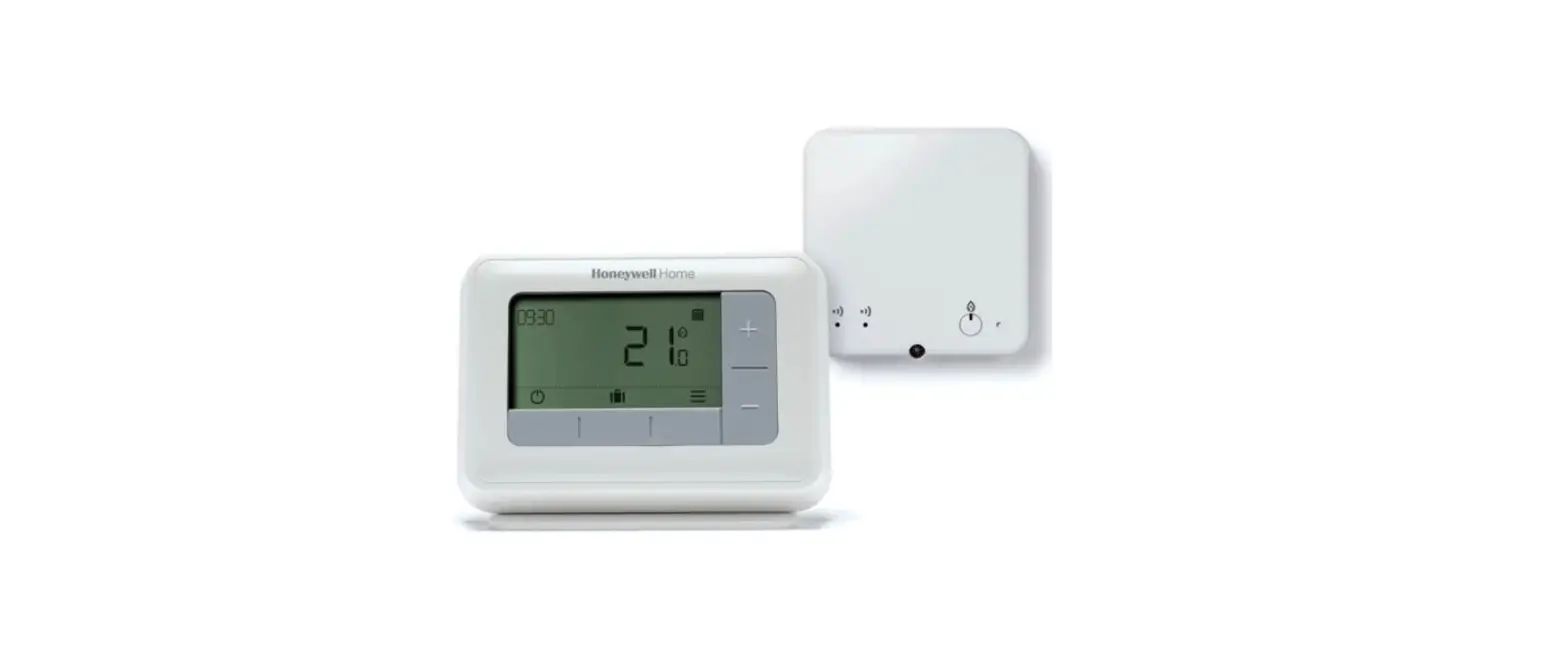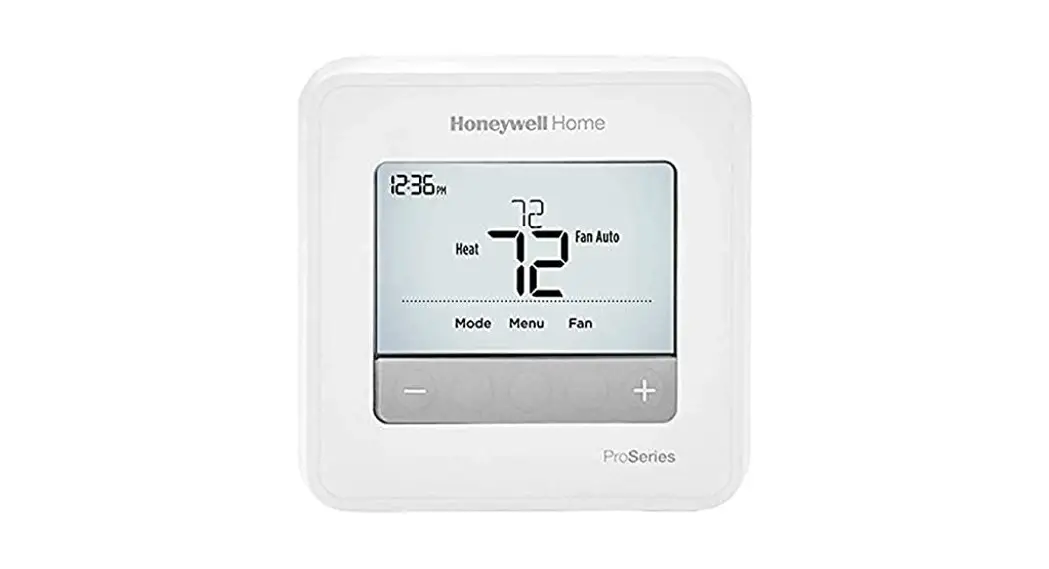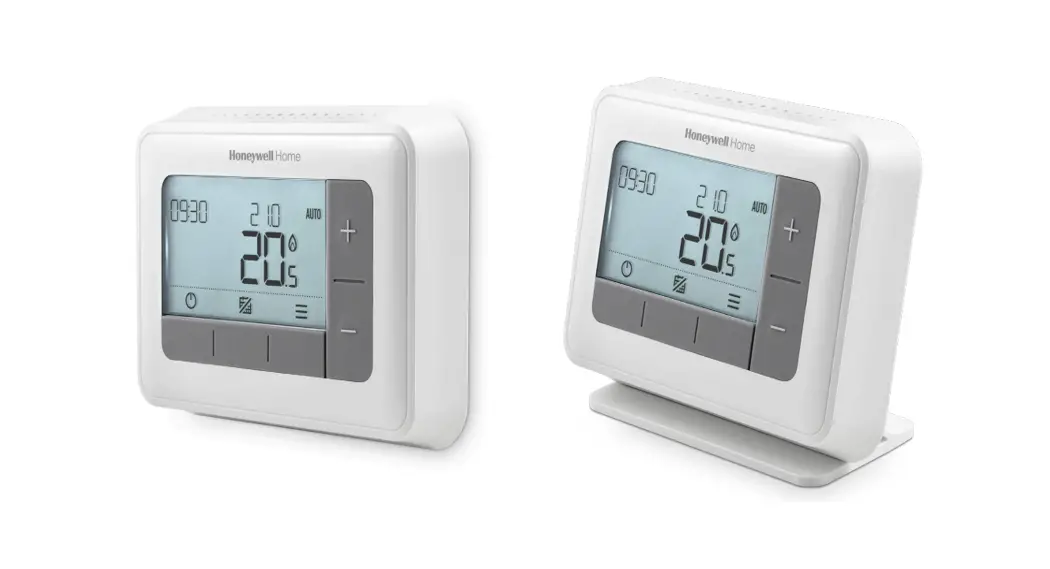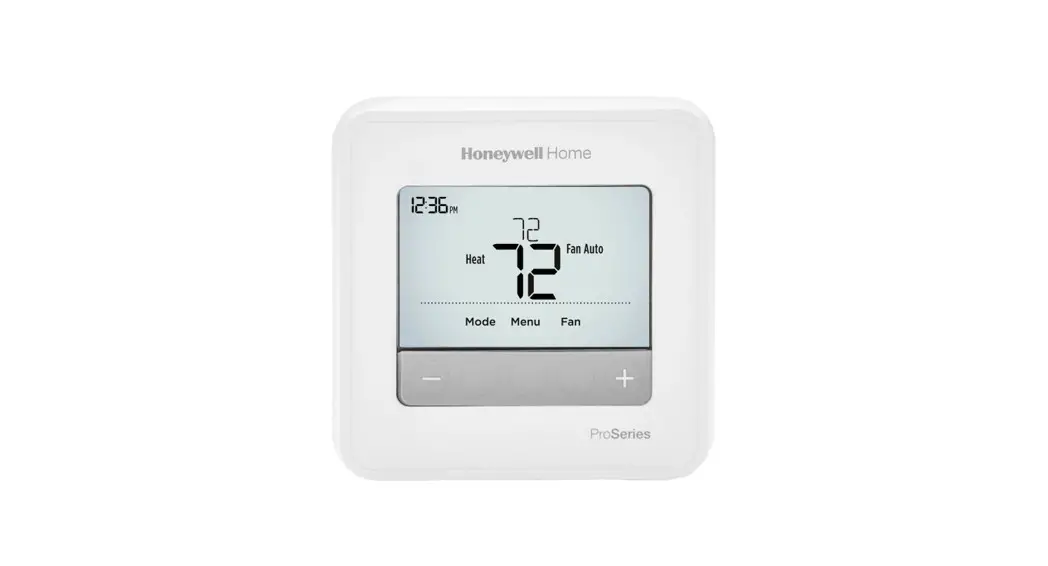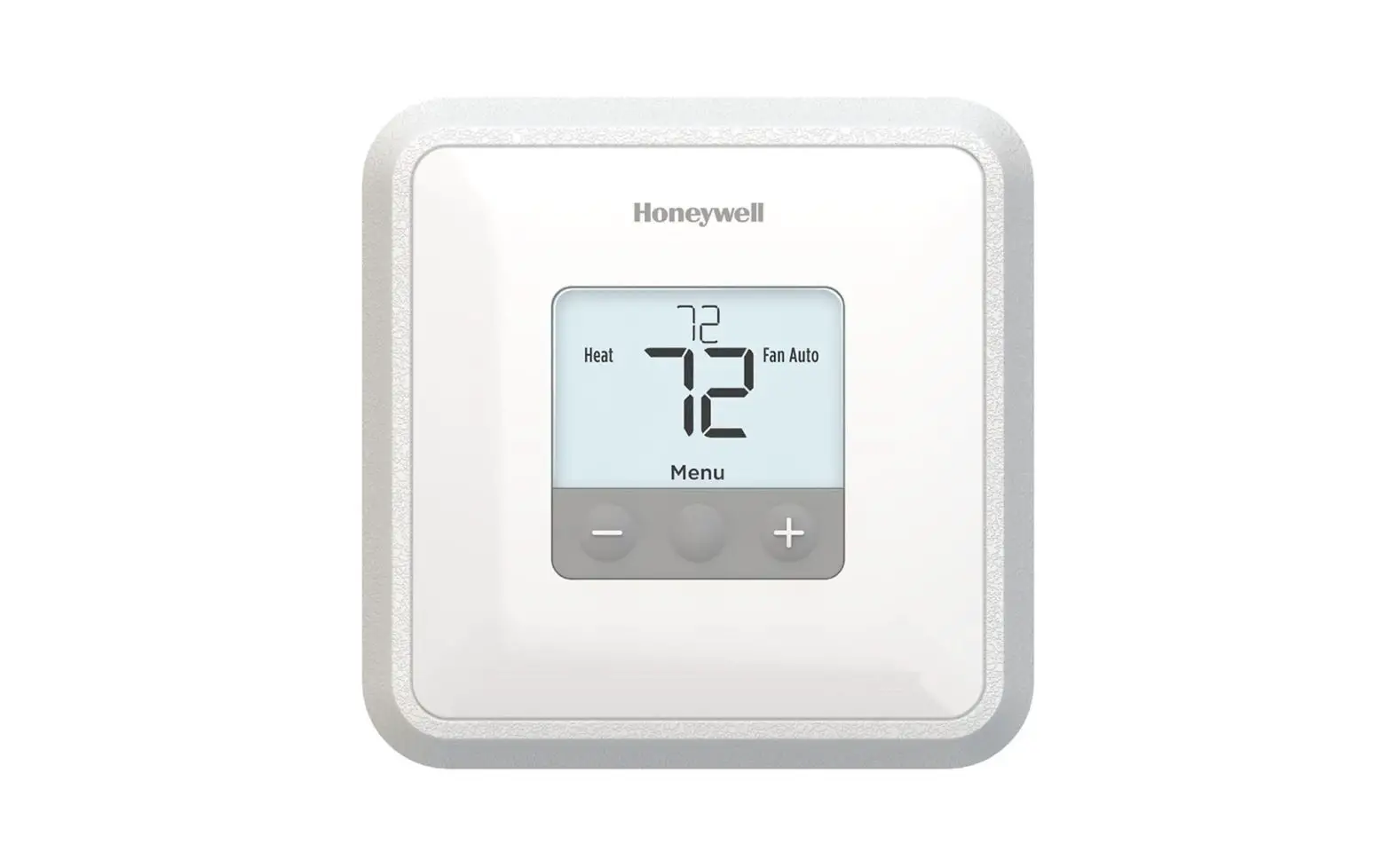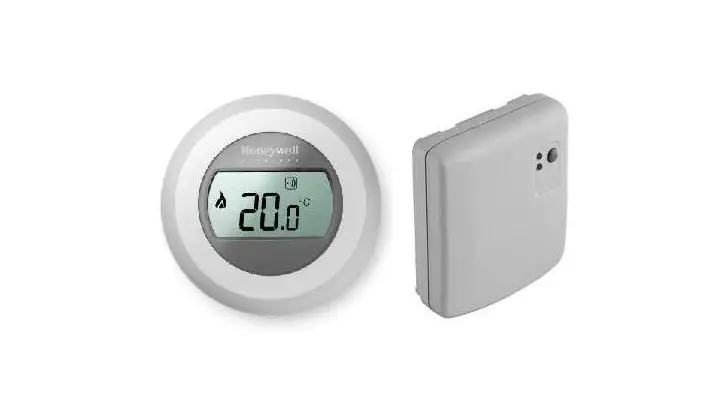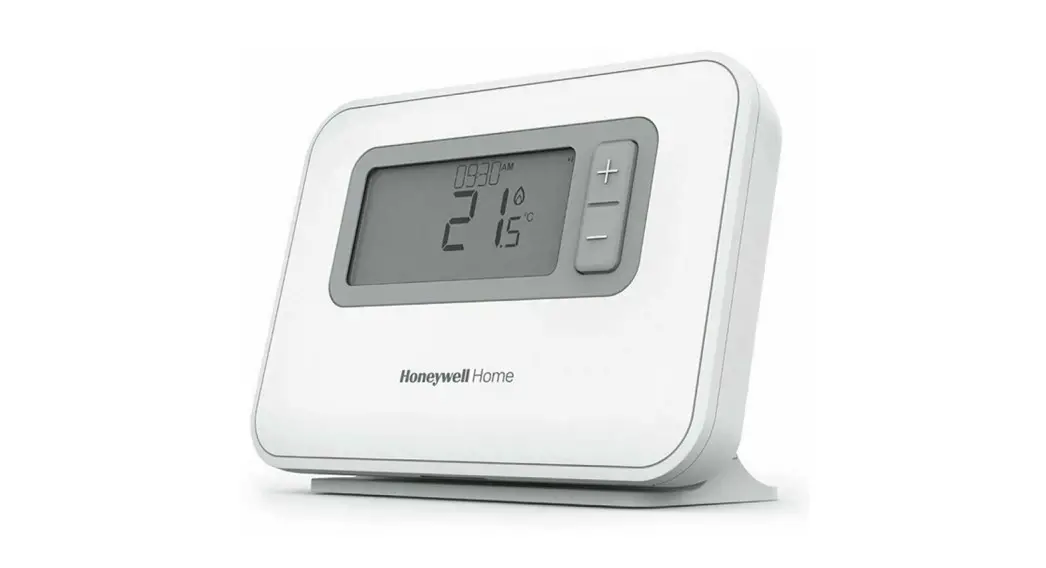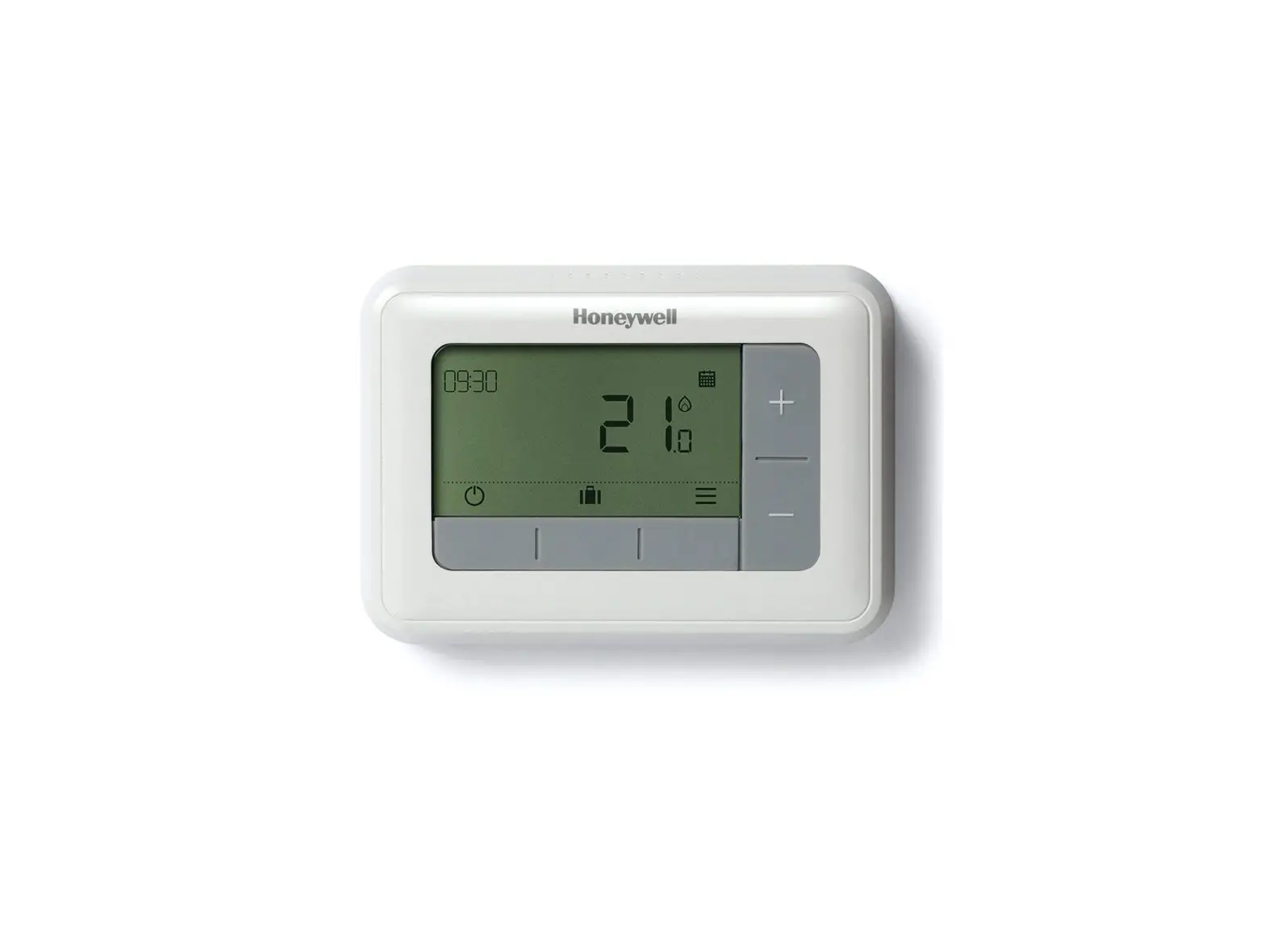
Honeywell Home T4M Programmable Modulating Thermostat
Quick Start Installation Guide
Compatible with OpenTherm appliances only. Not compatible with 230V boilers, zone valve applications or 230V electric heating.
Installation in 3 steps…
 | Must be installed by a competent person. |
32318058-001 B
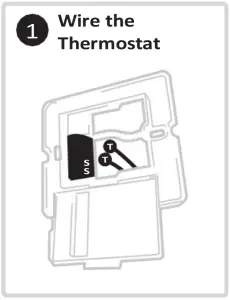
1 Wire the Thermostat
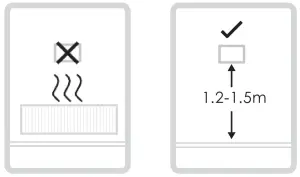
Find a suitable wall location away from draughts, direct sunlight or other heat sources, and where cables can be run from the boiler to the thermostat.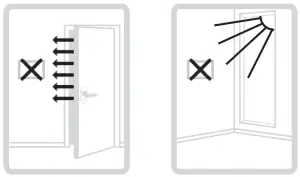
A) Separate the wallplate from the thermostat, and using a screwdriver open the wallplate terminal cover to connect wires.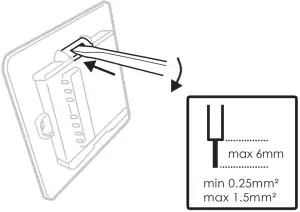
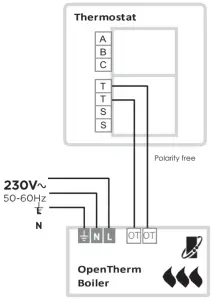
B) Connect wires according to wiring diagrams and clip the cover closed.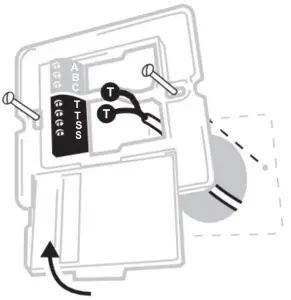
OpenTherm Boiler
| To prevent a short circuit from a loose wire –
|
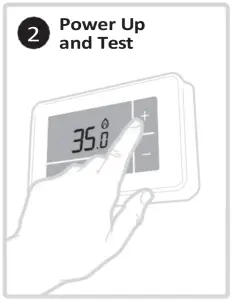
Power Up and Test
Power Up the Heating System and do a quick functional test on the thermostat to check that it switches the boiler.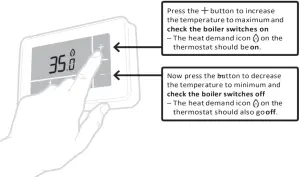
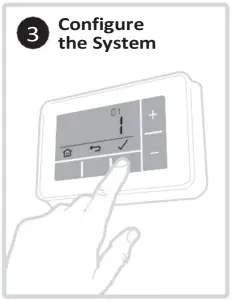
Configure the System
Specific settings for the thermostat and heating system can be configured in the advanced menu.
Press and hold  and then
  buttons together until the display changes (approx. 3 seconds).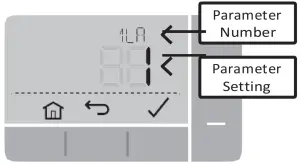




A) Press and buttons tonavigate through the parameter list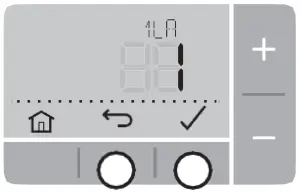
B) Press and buttons to change a parameter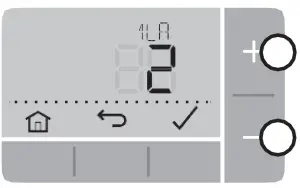
C) Press buttonto savethe change (or press to cancel the change)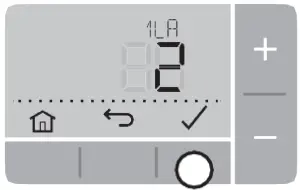
D) Press button to exitadvanced menu and save any changes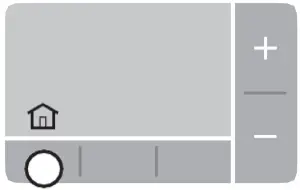
OpenTherm Data ID’s
| N° | Description | Settings (default in bold) |
| OT1 | Low load control | 0 = Off, 1 = On |
| OT2 | Control setpoint | 5 – 99°C |
| OT3 | Supply water temperature | 5 – 99°C |
| OT4 | Returnwatertemperature | 5 – 99°C |
| OT5 | Max. supply water temperature | 5 – 99°C |
| OT6 | Hot water temperature | 5 – 99°C |
| OT7 | Hot water set point | 5 – 99°C |
| OT8 | Actual power | 0 – 99% |
| OT9 | Water pressure | 0.0 – 9.9 |
| OT10 | OTC control | 0 = Off, 1 = On |
| OT11 | OTC curve | 4 – 40 (16) |
| OT12 | Room compensation | 0 = Off, 1 = On |
Parameters
| N° | Description | Settings (default in bold) |
| 1 LA | Language | 1 = EN, 2 = NL, 3 = DE, 4 = FR, 5 = ES |
| 4 LL | Lower Temperature Limit | 5 – 21 (°C) |
| 5 UL | Upper Temperature Limit | 21 – 35 (°C) |
| 6 SO | Schedule options | 1 = 7 day (different schedule each day of the week) 2 = 5 + 2 day (weekday + weekend schedule) 3 = 1 day (same schedule every day) |
| 7 NP | Number of periods per day | 4 or 6 |
| 8 SS | Wired Remote Sensor | 0 = No Remote Sensor, 1 = Wired Remote Sensor |
| 9 LC | Fail Safe mode | 0 = Boiler off, 1 = Boiler 20% on / 80% off |
| 10 BL | Backlight | 0 = Off, 1 = On (only on demand) |
| 11 CL | Clock Format | 0 = 24 hr, 1 = AM/PM |
| 12 DS | Daylight Saving time change | 0 = Off, 1 = Auto |
| 13 TO | Temperature Display Offset | +/-1.5°C |
| 15 SD | Restore Schedule Defaults | 0, 1 = reset |
| 16 FS | Restore Factory Settings | 0, 1 = reset |
Troubleshooting
| What’s happening? | What it could mean… | How to fix it… |
| Thermostat display is blank | No power to heating system | Check heating system is powered |
| Faulty wiring connection | Check wiring at thermostat and boiler terminals | |
Display =  | Faulty temperature sensor | Replace thermostat or check wiring to remote temperature sensor if fitted |
Thermostat shows heat demand  but boiler doesn’t respond but boiler doesn’t respond | Boiler (water) already at temperature | Normal behaviour – wait for water temperature to drop |
| Faulty wiring connection | Check wiring at thermostat and boiler terminals |
Conforms to protection requirements of the following directives:
EMC: 2014/30/EU and LVD: 2014/35/EU
ErP: Class VI (+4%), (EU) 811/2013
WEEE Directive 2012/19/EC – Waste Electrical and Electronic Equipment directive
At the end of the product life dispose of the packaging and product in a corresponding recycling centre. Do not dispose of the unit with the usual domestic refuse. Do not burn the product.
Ademco 1 GmbH Hardhofweg 40 74821 Mosbach
Phone: +49 1801 466 388
[email protected]
homecomfort.resideo.com
@2020 Resideo Technologies, Inc.
All rights reserved The Honeywell Home trademark is used under license from Honeywell International Inc. This product is manufactured by Resideo Technologies, Inc and its affiliates.