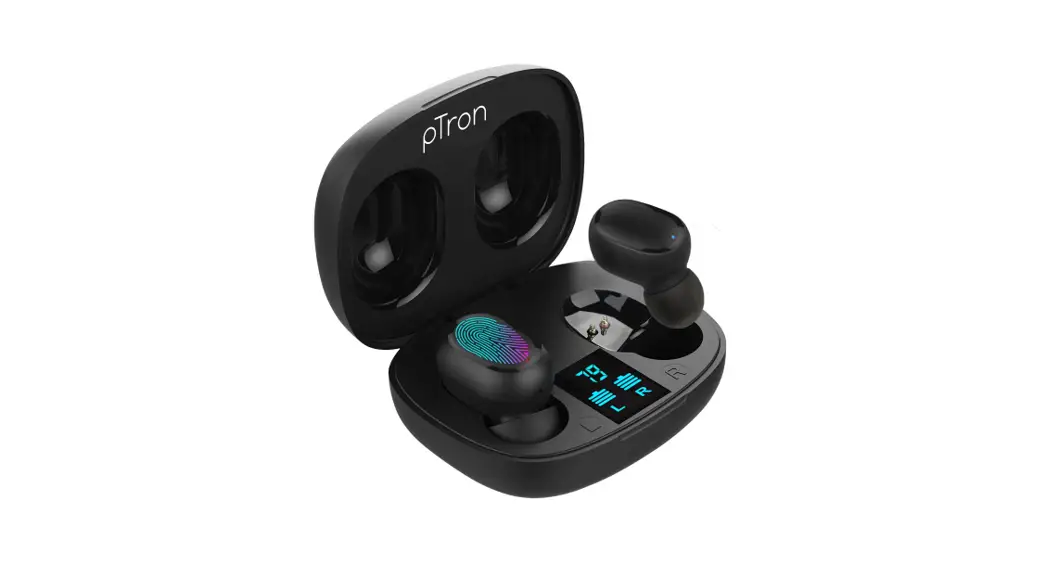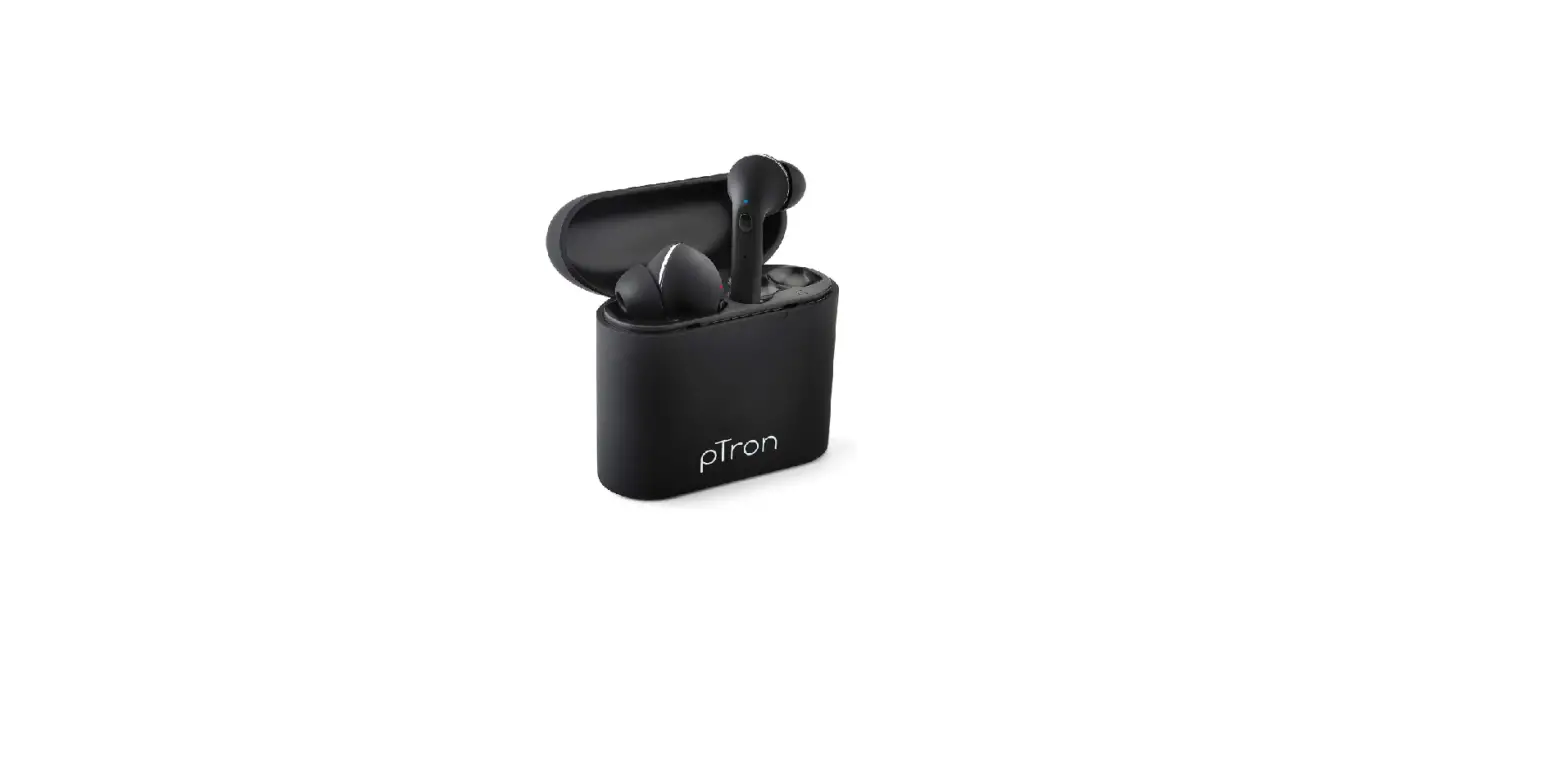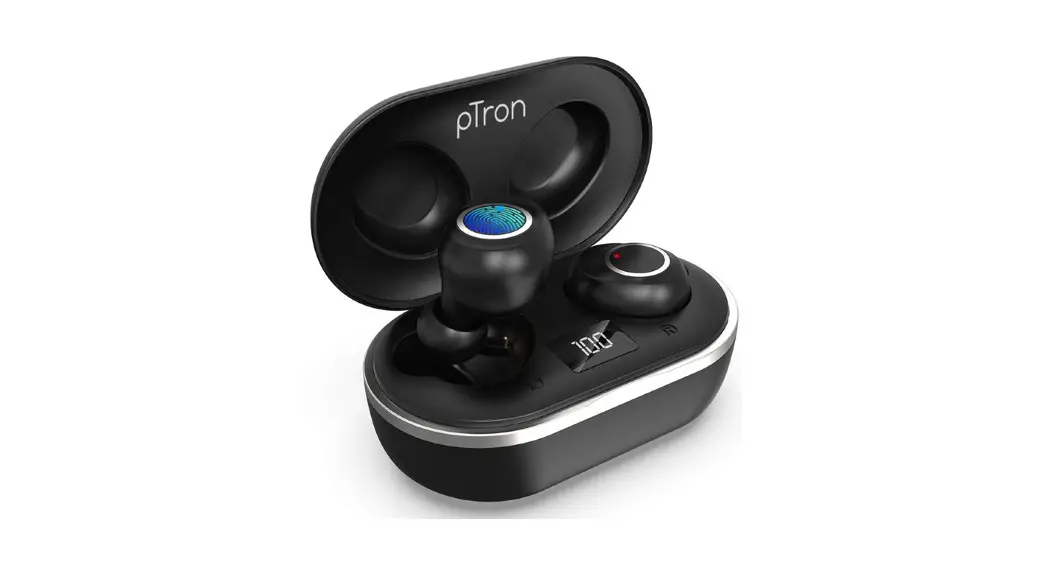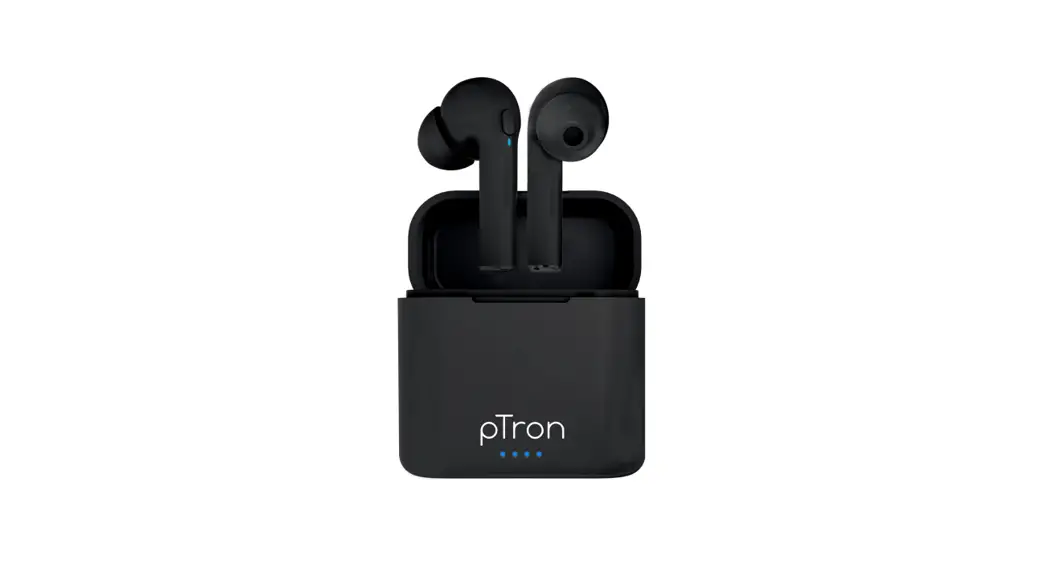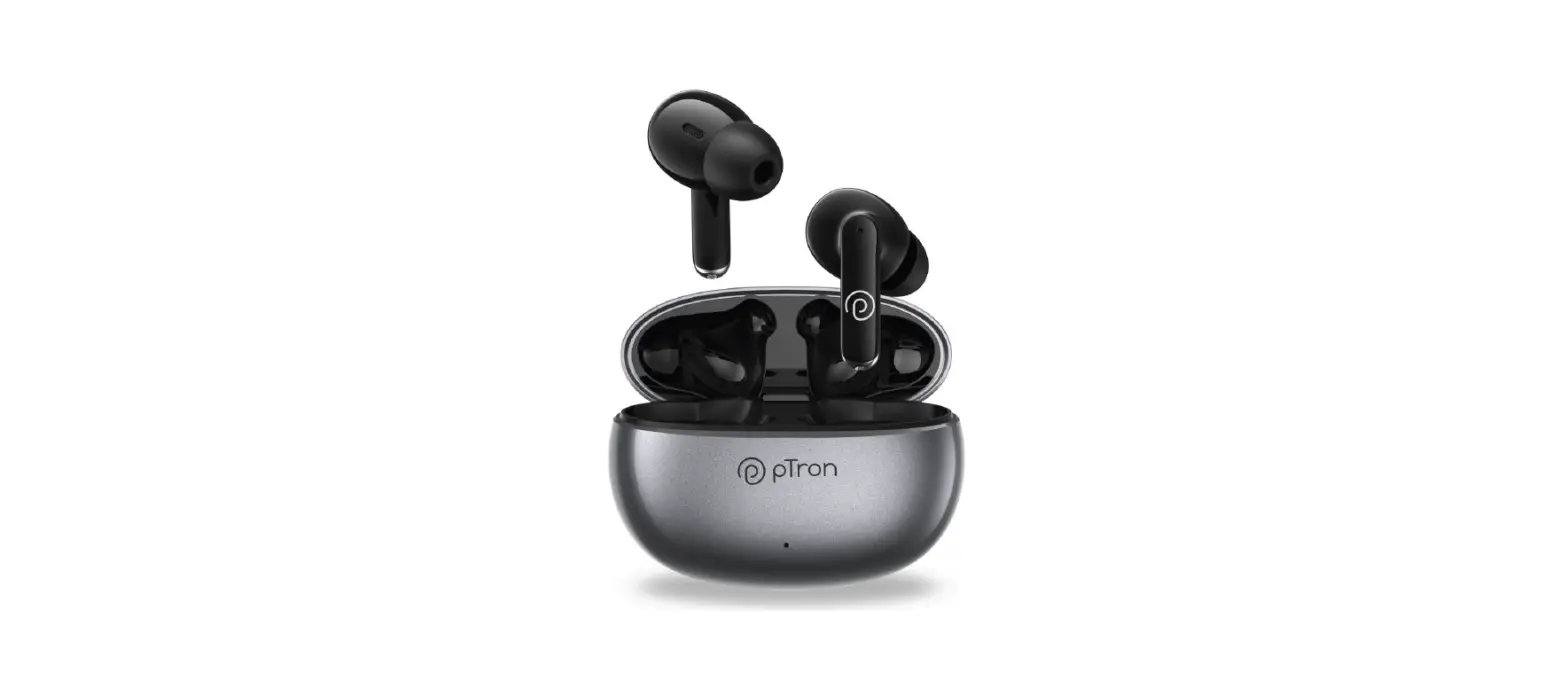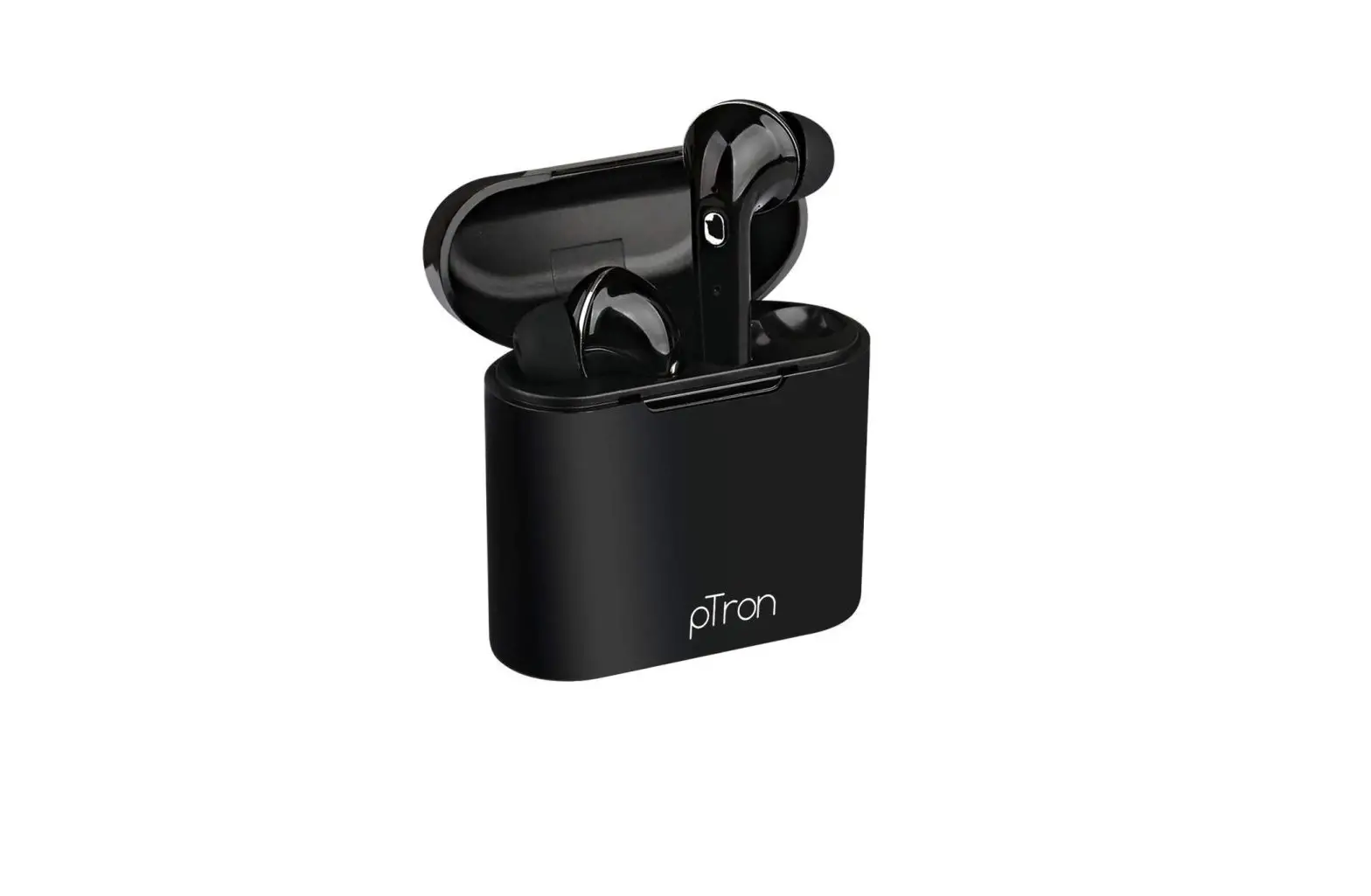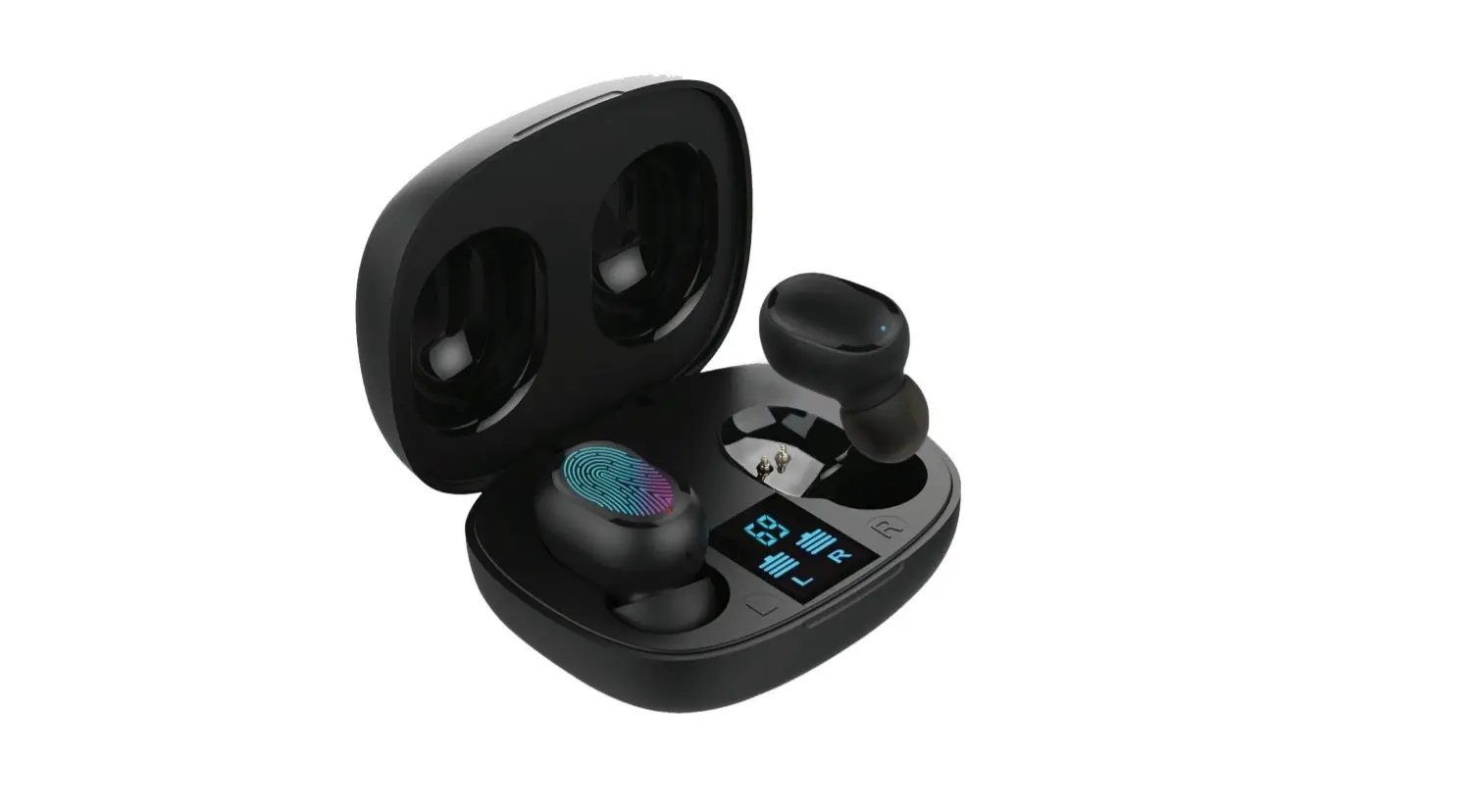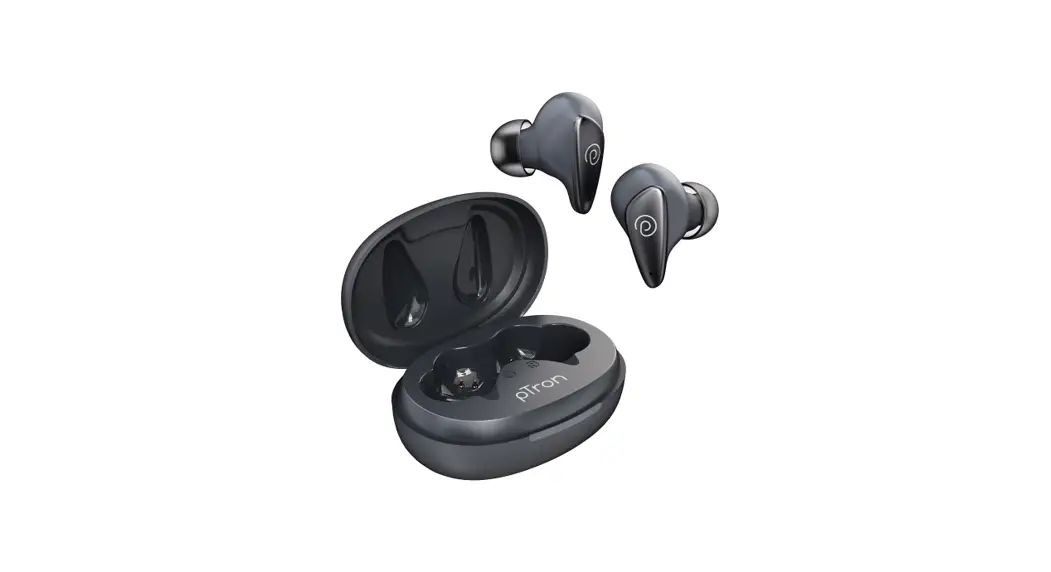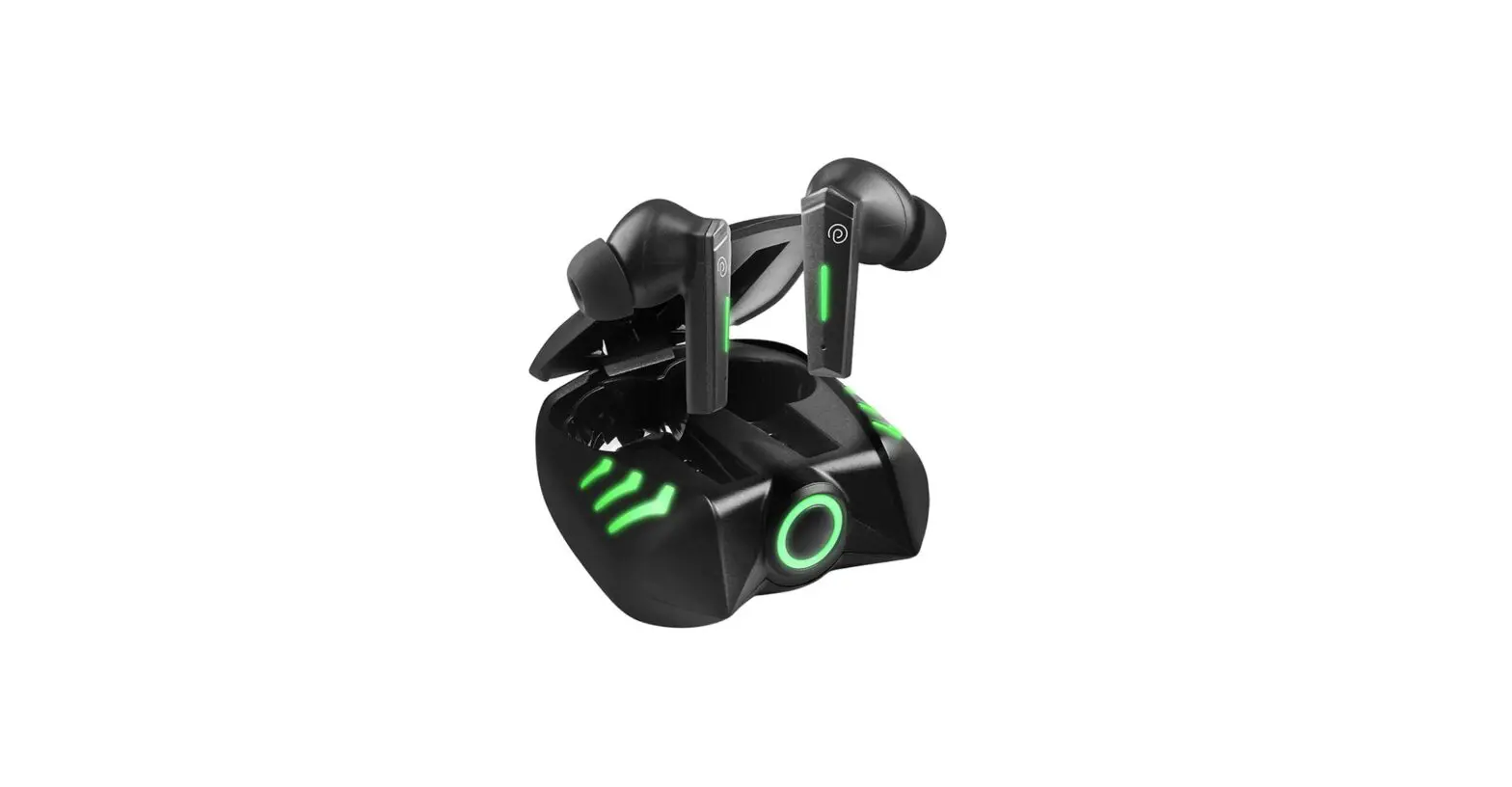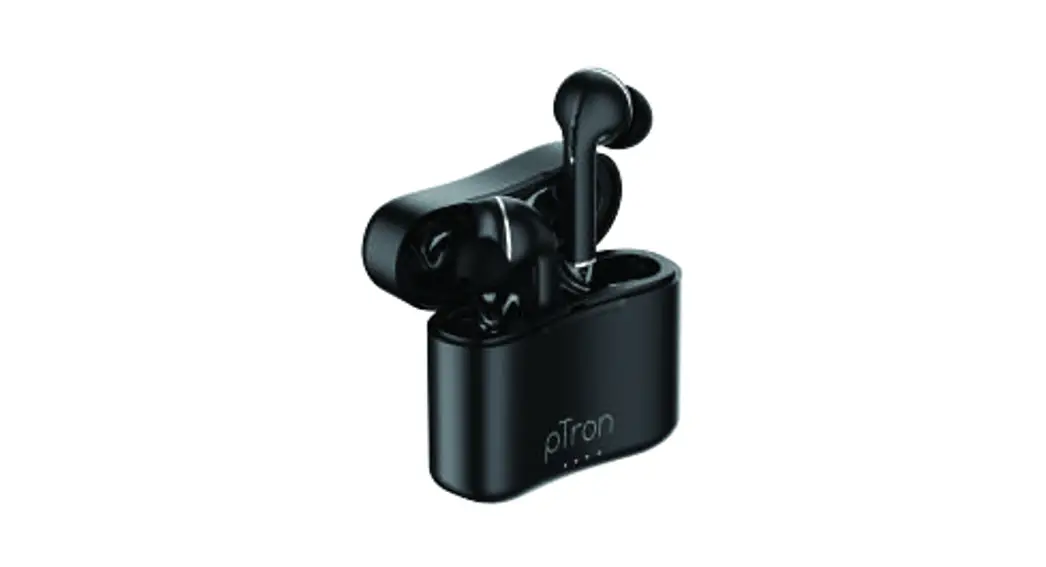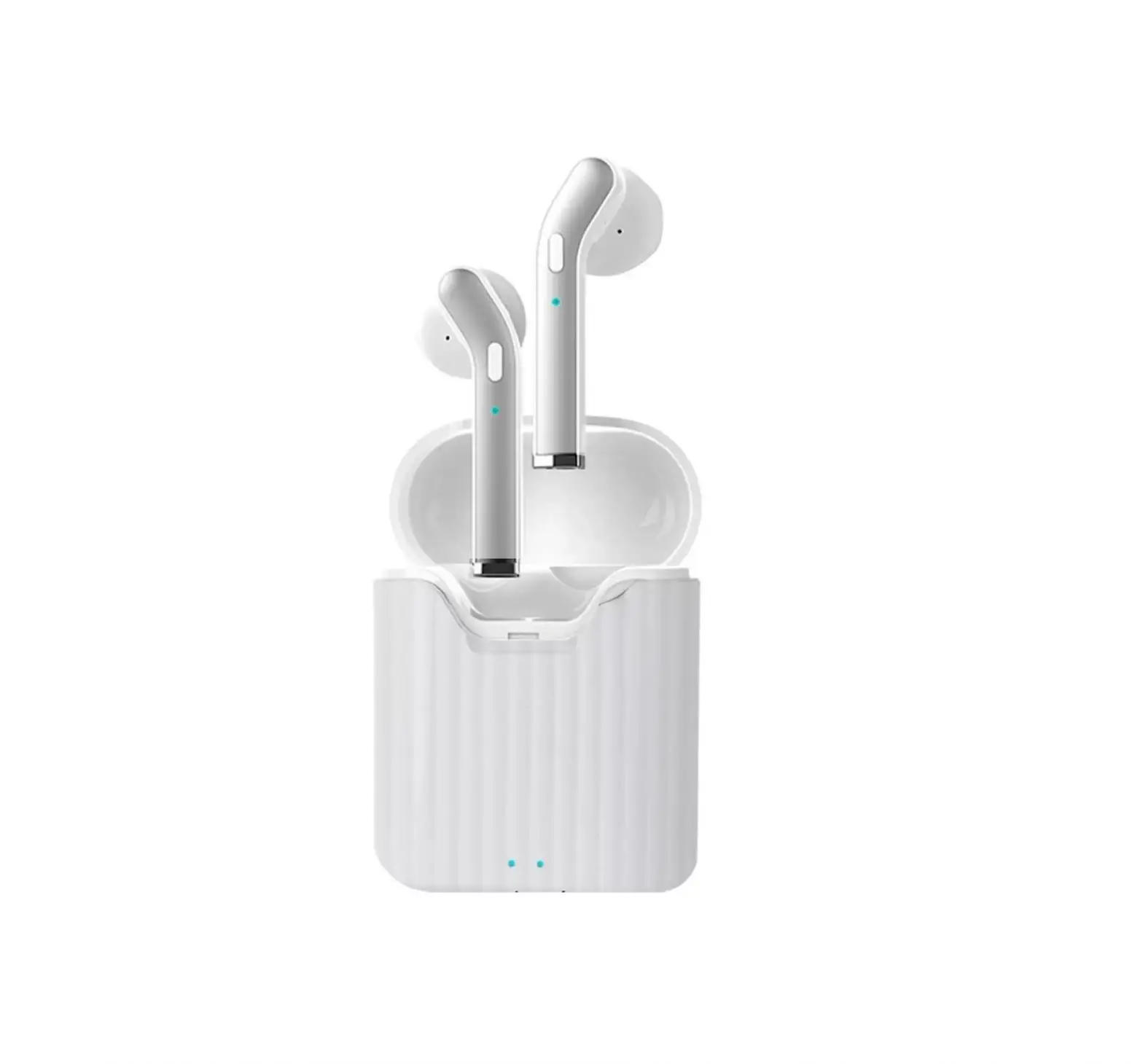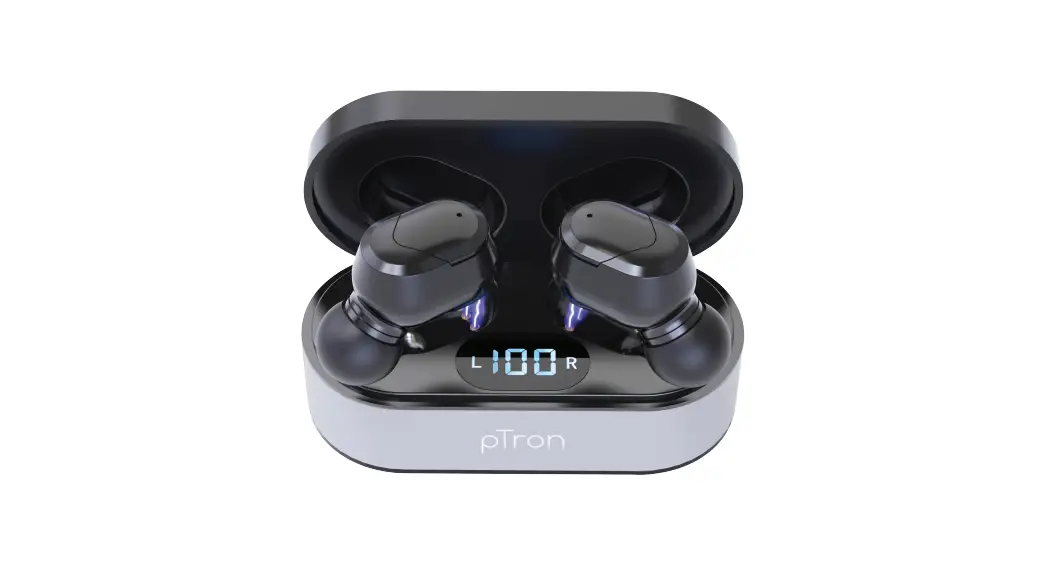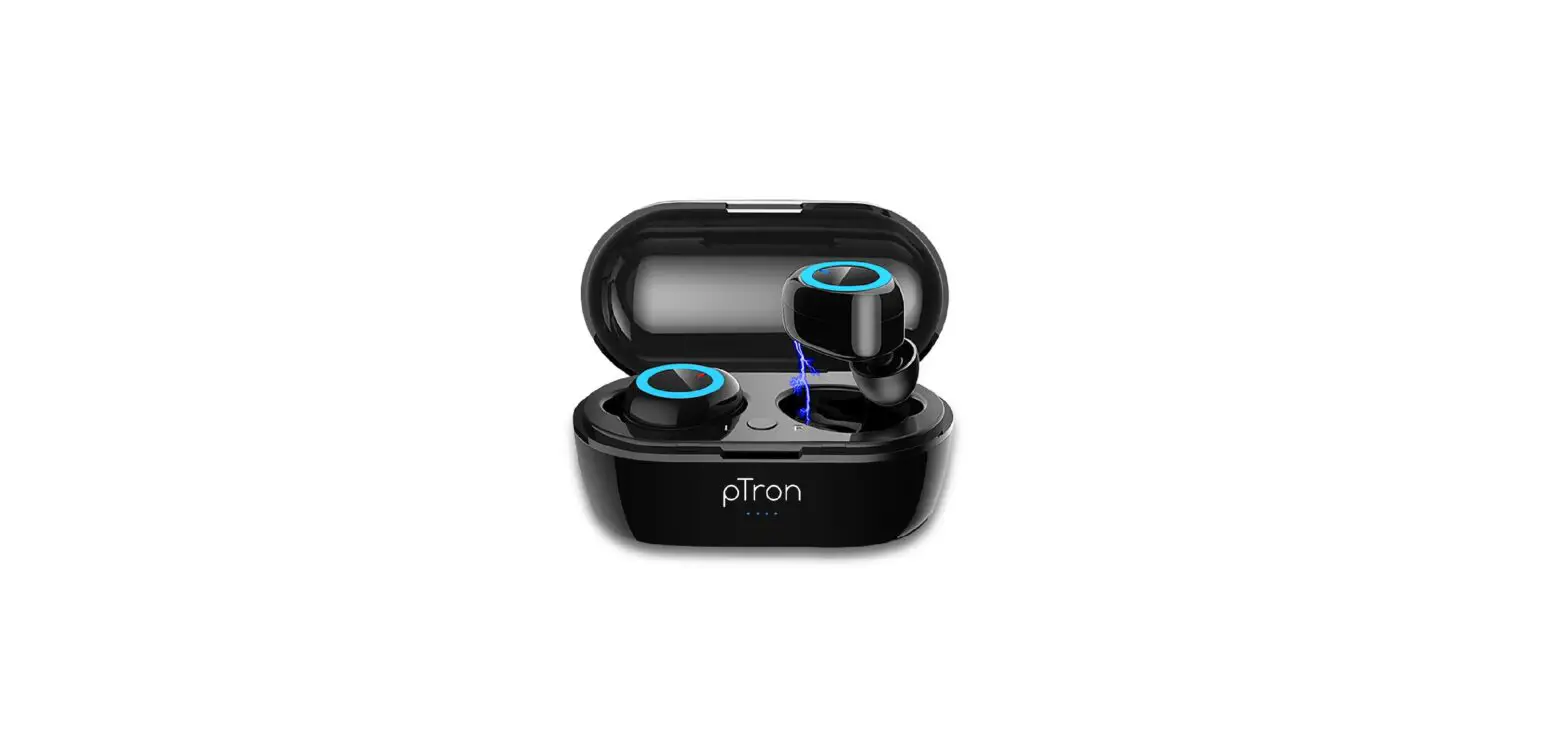


Bassbuds Elite
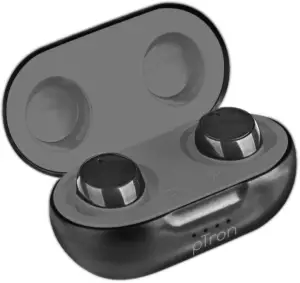
Truly Wireless Stereo Earbuds
Instruction Manual
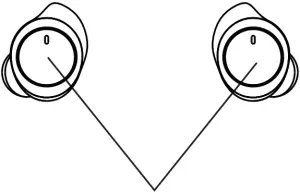
Multi-function Button (MFB)
Power ON:
Take out both the earbuds from charging case, it will get ON automatically. Otherwise, press MFB on both earbuds for 3 seconds and earbuds will get Power ON. You will hear a voice prompt “pTron Bassbuds Elite Power ON”.
Power OFF:
Press the MFB of either earbuds for 5 seconds or keep the earbuds inside charging box to Power OFF. You will hear a voice prompt “pTron BassBuds Elite Power OFF”.
Song Play/Pause: Click MFB of either earbuds once.
Next Song: Click MFB of Right earbud twice.
Previous Song: Click MFB of Left earbud twice.
Google Assistant Function: Click MFB of Left earbud thrice.
Re-dial: Click MFB of Right earbud thrice to call the last dialed number.
Call Receive/Hang-up: Click once on MFB of either earbuds.
Call Reject: Long press MFB of either earbuds for 2 seconds
Bluetooth Pairing & Connect:
- Take out both the earbuds from the charging box, it will get ON automatically. Otherwise, press the MFB on both earbuds for 3 seconds. Make sure that both the earbuds should be within 1 Meter range.
- When you Power ON both the earbuds for the first time, both earbuds will flash Blue & red light alternatively. Within 5 seconds both earbuds will match to each other & then only one earbud will flash Blue & red light alternatively.
- When you Power ON both the earbuds for second time. Both the earbuds will pair to each other within 2 seconds.
- After Pairing to each other, now turn ON the Bluetooth on your device & search for “pTron Bassbuds Elite” & get connected.
Product Features:
- “pTron Bassbuds Elite” is compatible with all Bluetooth devices & supports 2-channel Hi-Fi stereo music play back.
- “pTron Bassbuds Elite” available with binaural call function. Both the earbuds have high sensitive microphone.
- Single earbud can also be used for music & Call functions.
- Portable charging case with 300mAh battery capacity.
Note: Please charge both the earbuds to 100% before use.
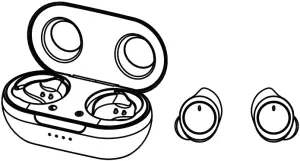
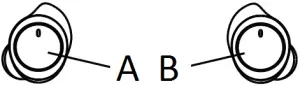
A Three-clicks on the left earbud button to open the voice assistant
B Three-clicks on the right earbud button to re-dial
Specifications:
Connectivity: Advanced Wireless
Transmission Range: 10 Meters Open Space
Bluetooth Profiles: HSP/HFP/A2DP/AVRCP
Frequency Response: 20Hz-20KHz
Speaker: 8mm Driver, 32
Speaker Sensitivity: 103dB±3dB
Mic Sensitivity: -42dB±3dB
Earbuds Battery: 45mAh(each), Li-Polymer
Charging Case Battery: 300mAh, Li-Polymer
Charging Case Input: DC 5V/1A with Micro-USB port
Charging Time: 1.5 Hours
Music Play Time: 3.5 – 4 Hours
Talk Time: 3 Hours
Standby Time: 100 Hours
Charge Cycles: 3 times with Charging Case
Frequently Asked Questions:
- Can we use only one earbuds?
Yes, either earbuds can be used alone for music & call function. - How to connect Single earbud?
Just Power ON either earbuds & search for new “pTron Bassbuds Elite” on your Bluetooth device and get it connected to use single earbud. - If only one earbud plays?
Power OFF both the earbud & Bluetooth on your device. Then Power ON both earbuds together & wait for 5 seconds to get paired with each other. Once they get paired with each only one earbud will flash Blue & Red light alternatively. Now, turn ON Bluetooth on your device & get it connected. - Is google Voice Function there?
Yes, just need to click the Left earbud for 3 times to activate the Google Assistant/Siri function. - Connectivity?
It supports all Bluetooth featured devices like Android/iOS/Windows/Smart LED TV’s etc. - Charging?
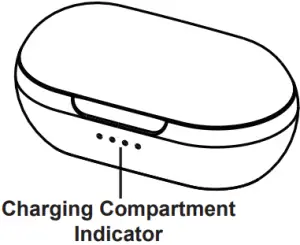
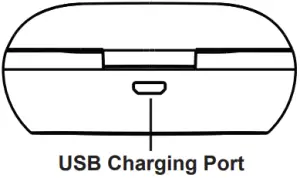
To charge the earbuds place them inside the charging case. To charge the charging case use Micro- USB cable provided with the product & connect with your mobile phone adapter or USB power source.
Disclaimer:
The colors and specifications shown/mentioned in the user manual may differ from the actual product. Images shown are for representation purpose only. Other product logos and company names mentioned herein may be trademarks or trade names of their respective owners.