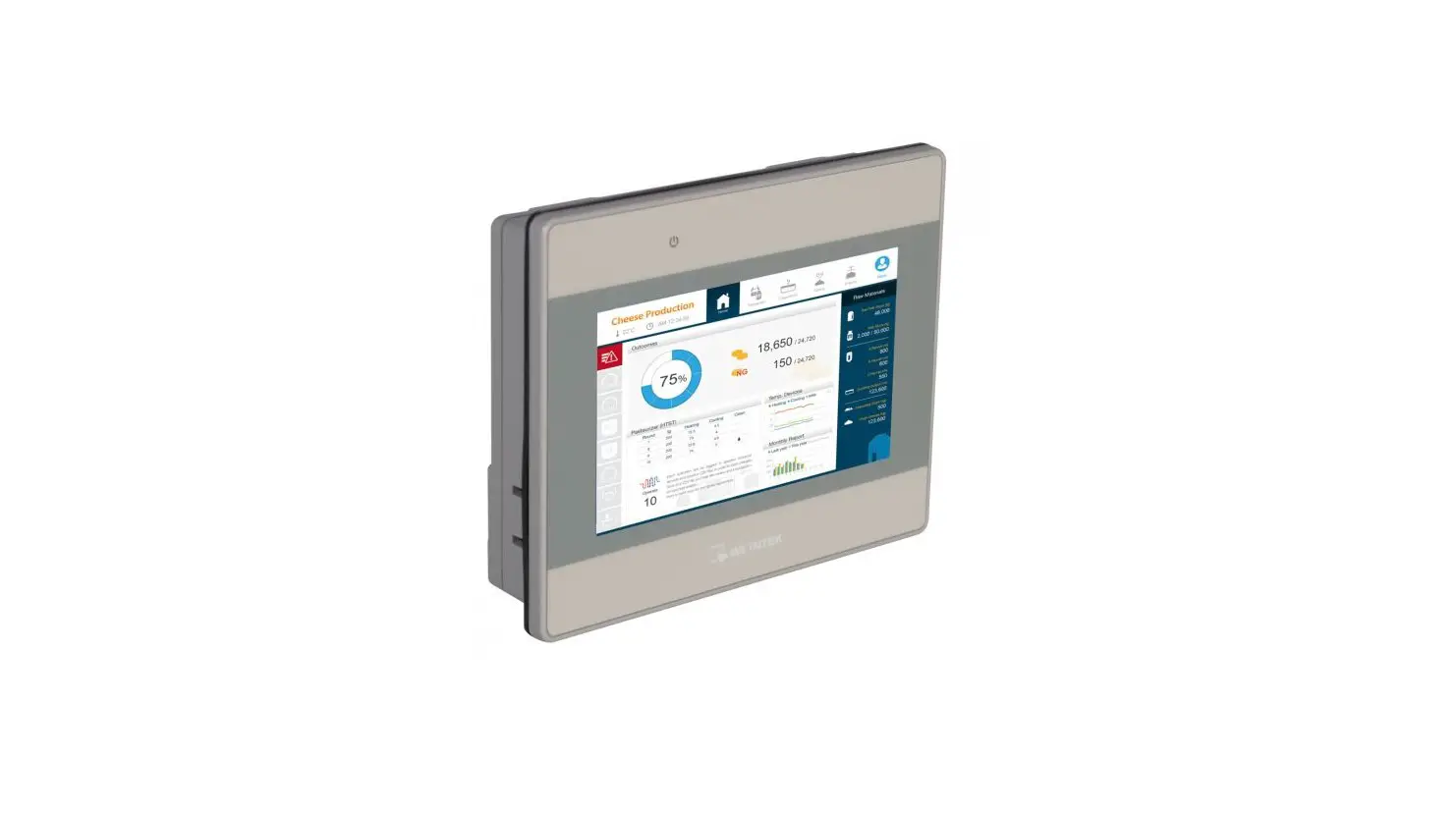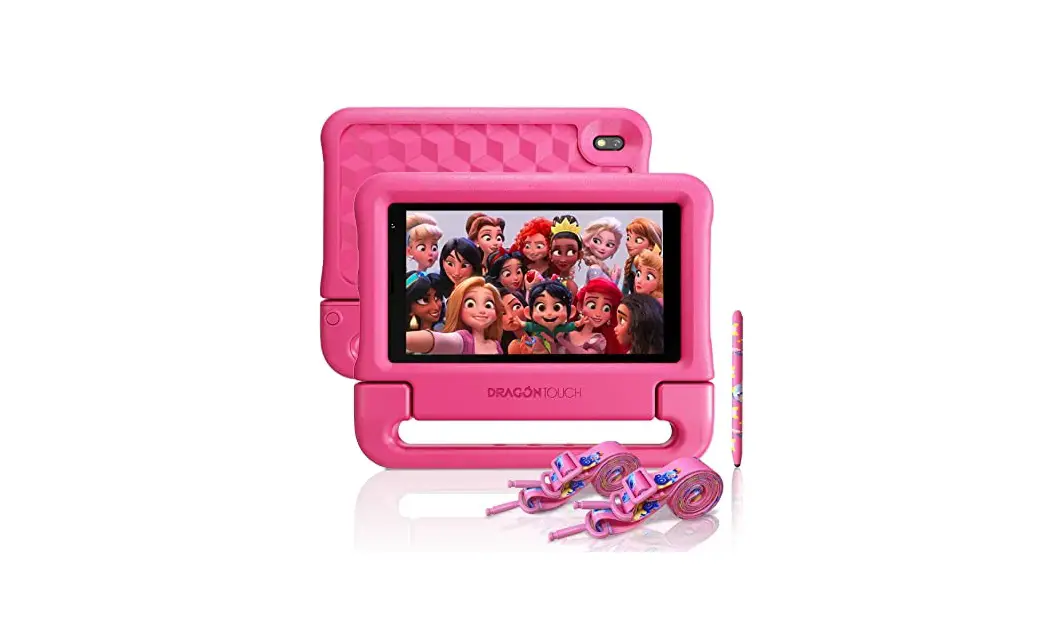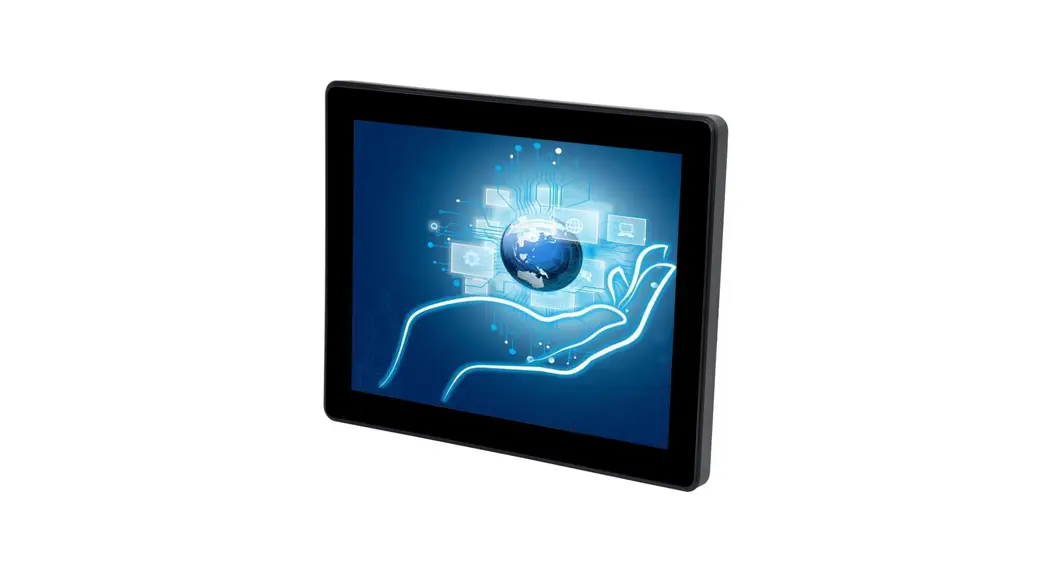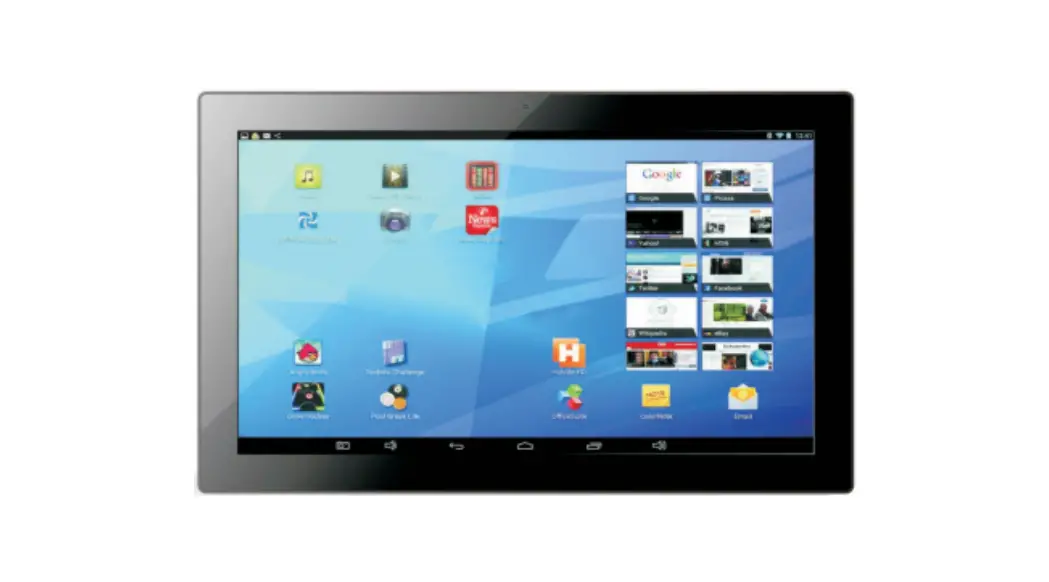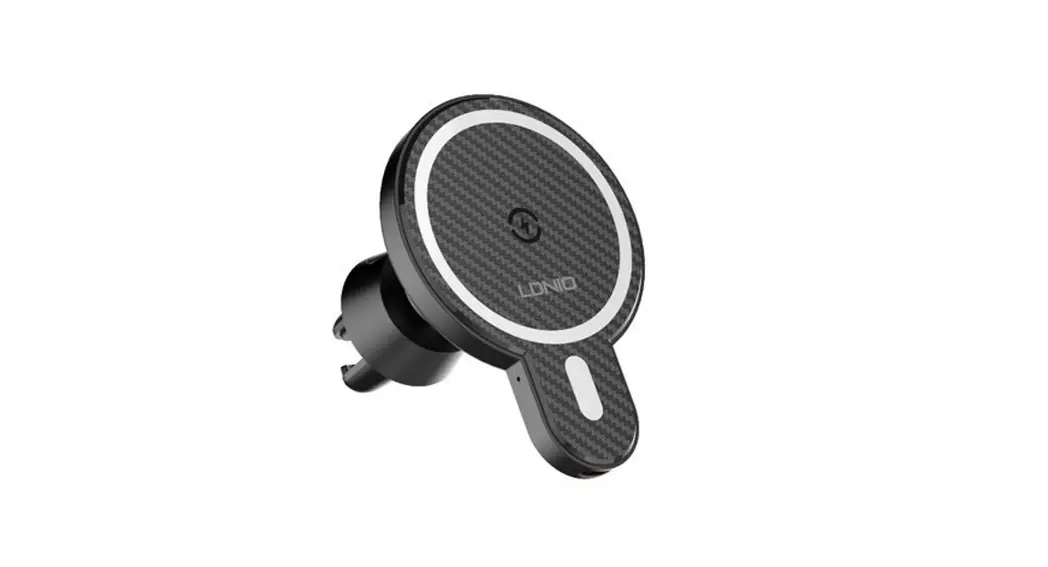
Instruction Manual for 8-inch Touch
Ordering Machine
Lehua Ruisheng (Shenzhen) Industrial Technology Co., Ltd.
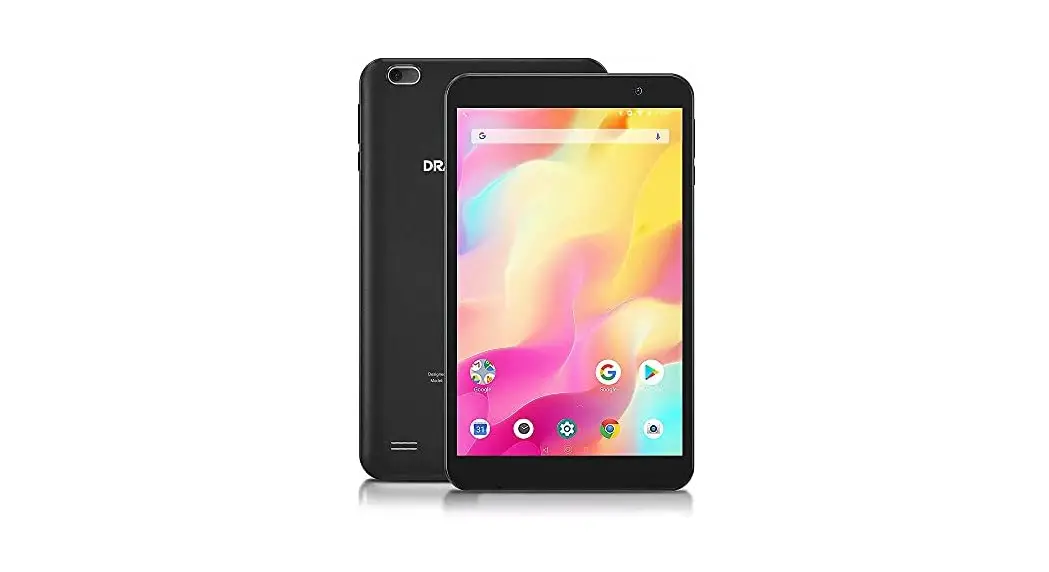
Dear user: Thank you for purchasing and using this brand 8-inch Touch Ordering Machine. Please check whether the accessories in the box are complete when unpacking. Please read this instruction manual carefully before connecting parts and installing. Please keep this instruction manual for future use.
The touch advertising machine of this product is used in many public places such as buildings, shopping malls, hotels, airports, stations, post offices, banks, hospitals, 4S shops, exhibitions, karaoke, train soft sleepers, airplanes seats, etc. Note: Before cleaning the screen of this machine, please turn it off, make sure that the advertising machine is powered off, wipe it gently with a clean, soft cloth without thread ends, and do not use spray directly on the screen. Do not expose the product to rain or sun, so as not to affect the normal use of the product. Please don’t block the ventilation holes and sound holes on the advertising machine shell. Never place the advertising machine near radiators, heat sources or any other equipment that may affect normal ventilation. Do not disassemble or repair the advertising machine by yourself to avoid high voltage electric shock or other dangers. Professional maintenance personnel should be invited to complete all maintenance work. Since mos Second, product specifications.
| LCD panel parameters | |
| Panel size | 8.0 inches |
| Panel type | LED |
| Luminance | 250cd/m2911000cd/m2 |
| Contrast ratio | 1000: 1 |
| Visible size | 107(H) >(172(V)mm |
| Visual Angle | 88° |
| Resolution | 800*1280 |
| Service life | 50000Hours |
| Android parameters | |
| Operating System | Android 10.0 |
| Memory | DDR3, 2GB |
| CPU | T509, quad-core, 1.5 Hz |
| Built-in memory | 8 GB (up to 128 GB) |
| BUILT-IN ROM | 2KB EEPROM |
| USB2.0 | 1 |
| TF | Maximum 128G support |
| Sound output power | 3W |
| Play mode | Support a variety of playback modes, such as loop, timing, playback, etc. |
| MIC | Electret, condenser microphone |
| HDMI | HDMI 2.0 |
| Play format | AVI (H.264, DIVX, DIVX, XVID) , rm, rmvb, MKV (H.264, DIVX, DIVX, XVID) , WMV, MOV, MP4 (.H.264, MPEG, DIVX, XVID) , DAT (VCD ) , VOB (DVD ) , PMP,MPEG, .MPG,, FLY (H.263, H.264) , ASF , TS, TP, 3GP, MPG |
| Network support | Wifi/bluetooth 4.0, wireless peripherals extension |
| Function | |
| Network setup | Wireless Network Connection |
| Bluetooth | Bluetooth 4.0 |
| WIFI | 2.4GHz (802.11b/g/n) |
| Structural State | Double Screen (same screen, different display) |
| Main color | Black side, black edge |
| Border | Narrow Edge |
| Appearance Craft | Plastic |
| Touch | G+PCapacitive touch |
| Wireless charging | Built-in wireless charging module 5v/2a |
| Voltage range | DC12V/2A |
| Batteries | Built-in lithium battery20000mah |
| Maximum power consumption | ≤ 30W |
| Standby power | ≤ 0.5W |
| Operating temperature | 0°C∼40°C |
| Storage temperature | -20°C∼60°C |
| Overall size | 130*119*235 (mm) |
| Machine weight | 1.1Kg±0.1Kg |
Third, common faults and troubleshooting.
| Brief fault description | debugging |
| No image, no sound. | Check whether the power plug is plugged in and whether the power is connected |
| No sound | Is the volume turned off to 0 |
| The stored program can not be played | Is the program format within the range of product support formats |
Note: This product has built-in intelligent chip control. If the above processing methods cannot be solved, please turn off the power supply, and then turn it on again to see if the machine is normal. If it doesn’t work properly, please contact the supplier.
Service and package warranty description Dear users: Hello! Thank you for purchasing our touch ordering machine. Before leaving the factory, this product has undergone a strict quality control process, which ensures that all products have good performance and complete parts. If you have any problems during use, please contact our company or our designated agent in time. When transportation is required for maintenance, please use the original packaging and shockproof protection packaging. Note: One of the following situations is not covered by the warranty: 1. Damage caused by accident, misuse, fire, lightning or other natural accidents, unauthorized modification of the product or failure to follow the instructions attached to the product; 2. Repairing or refitting without authorization by technicians of our company; 3. Damage to goods during transportation; 4 Damage caused during moving or installation; 5. Damage caused by reasons other than the product itself, such as the power supply
Attachments When you open the packing box, ask him to carefully check whether the following items in the box are complete. If in doubt, please contact the seller: 1 advertising machine, 1 battery, 1 charging cable, 2 notes: If the product design and specifications are changed, no further notice will be given. The company reserves the right
of final interpretation.
FCC Warning
This device complies with part 15 of the FCC rules. Operation is subject to the following two conditions: (1) this device may not cause harmful interference, and (2) this device must accept any interference received, including interference that may cause undesired operation.
Changes or modifications not expressly approved by the party responsible for compliance could void the user’s authority to operate the equipment.
NOTE: This equipment has been tested and found to comply with the limits for a Class B digital device, pursuant to part 15 of the FCC Rules. These limits are designed to provide reasonable protection against harmful interference in a residential installation. This equipment generates uses and can radiate radio frequency energy and, if not installed and used in accordance with the instructions, may cause harmful interference to radio communications. However, there is no guarantee that interference will not occur in a particular installation. If this equipment does cause harmful interference to radio or television reception, which can be determined by turning the equipment off and on, the user is encouraged to try to correct the interference by one or more of the following measures:
-Reorient or relocate the receiving antenna.
- Increase the separation between the equipment and receiver.
- Connect the equipment into an outlet on a circuit different from that to which the receiver is connected.
- Consult the dealer or an experienced radio/TV technician for help.
Radiation Exposure Statement
This equipment complies with FCC radiation exposure limits set forth for an uncontrolled environment. This equipment should be installed and operated with a minimum distance of 20cm between the radiator and your body.