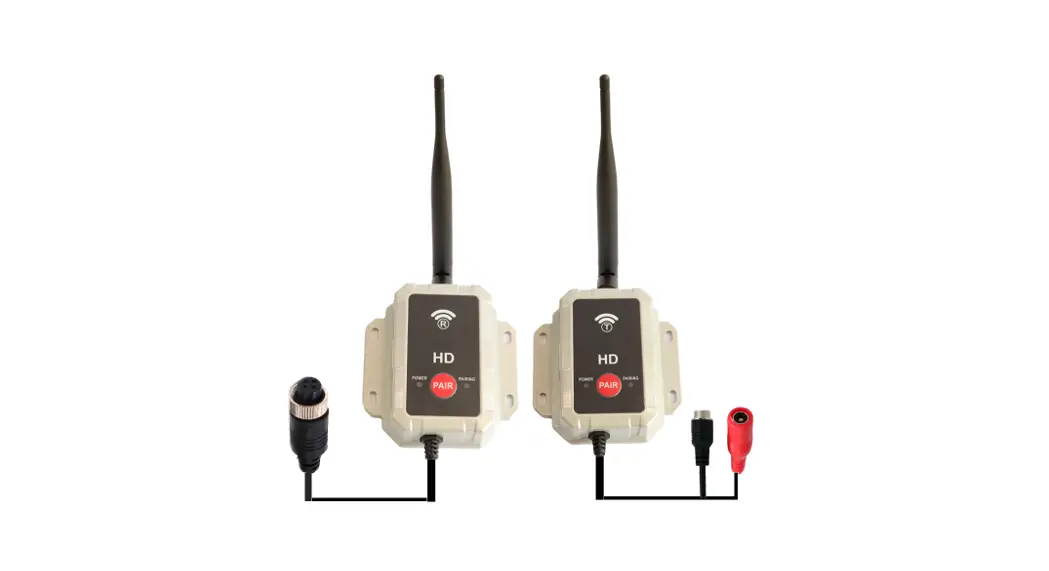
 TX/RX Wireless Transmitter Receiver
User Manual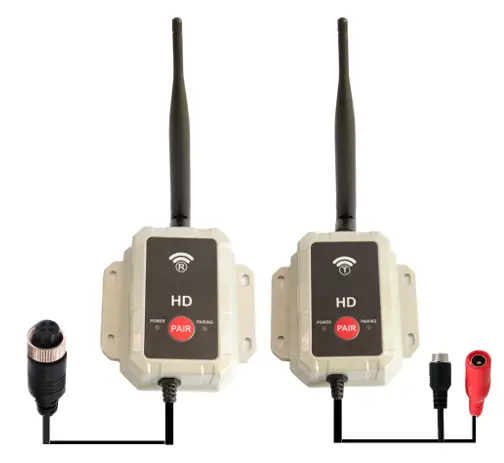 User Manual
Describtions:
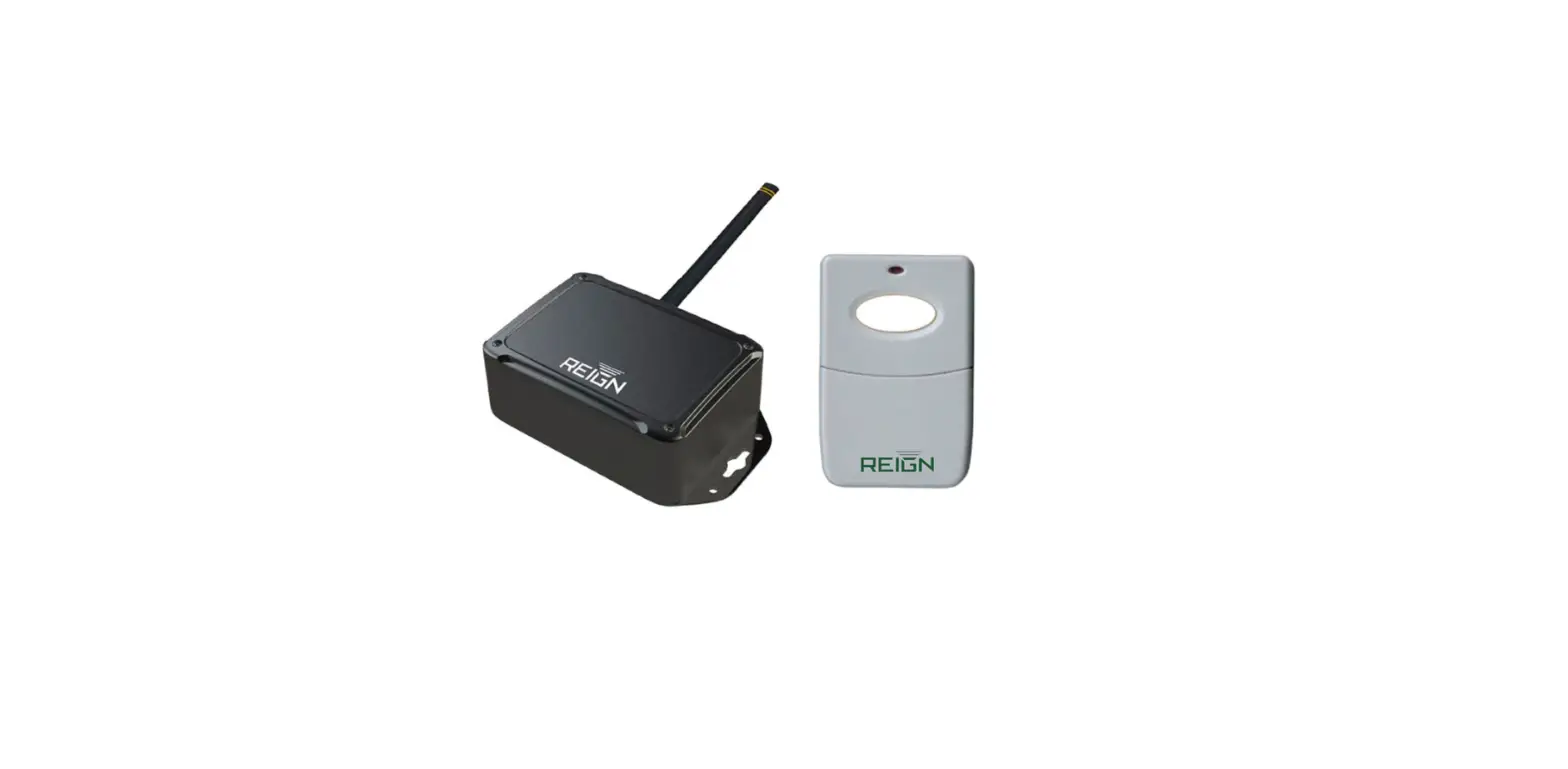
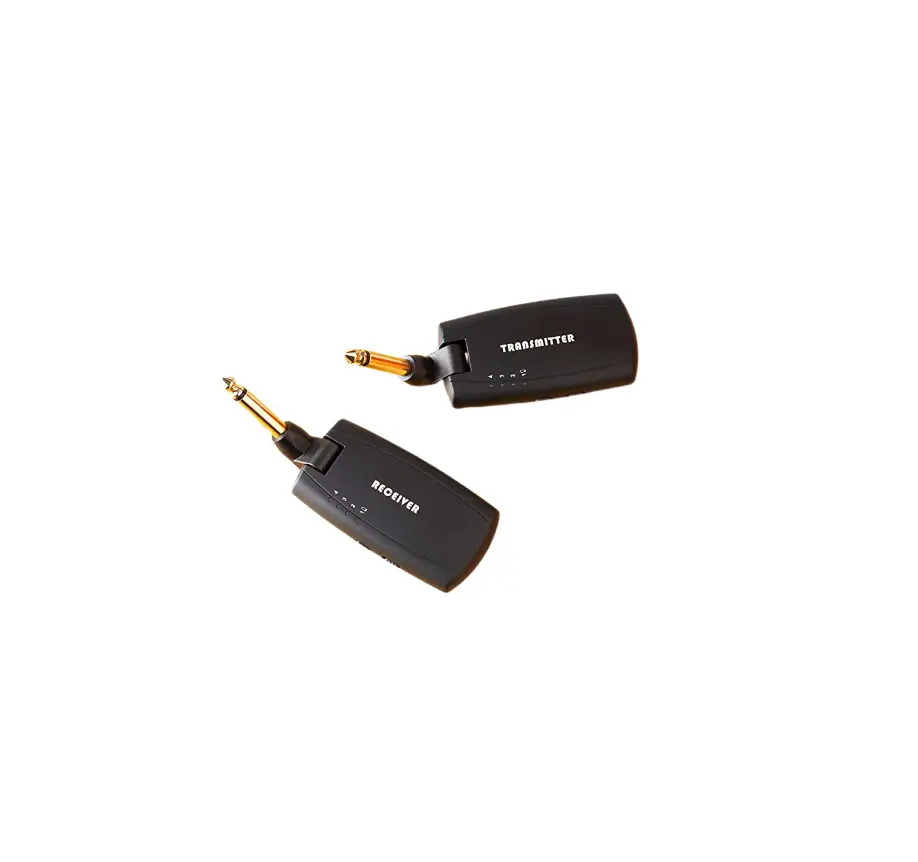
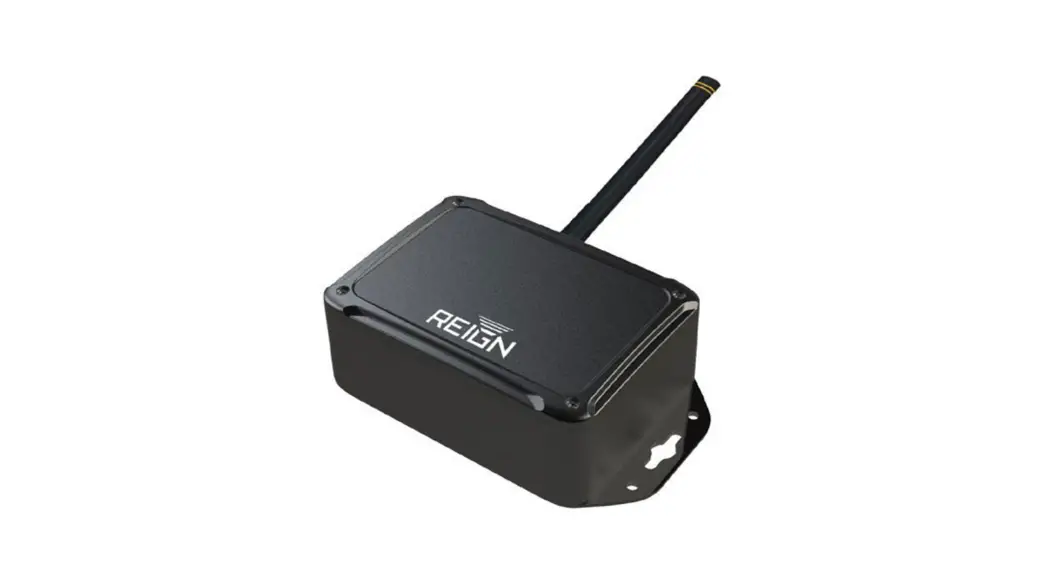
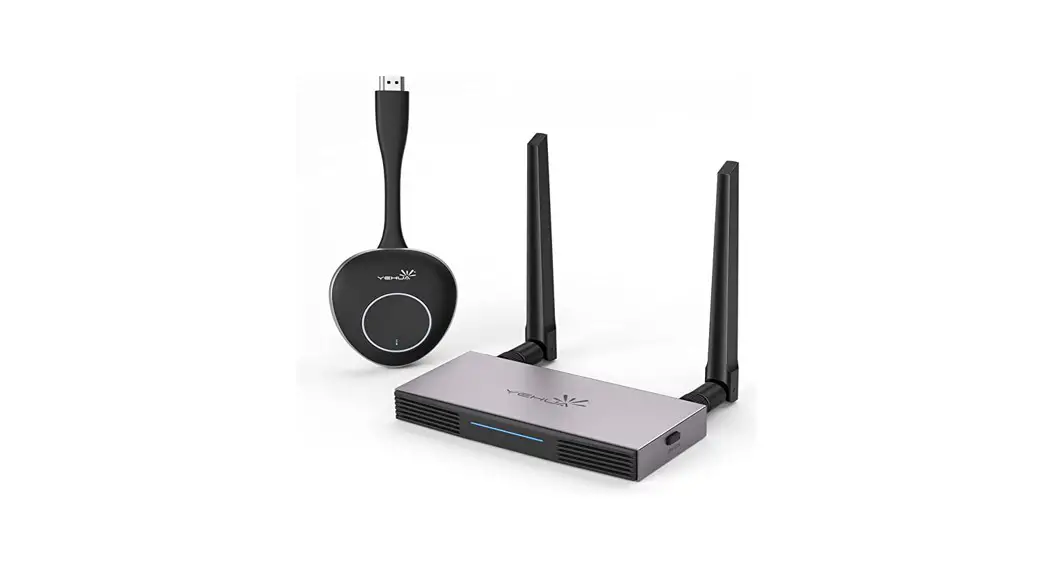
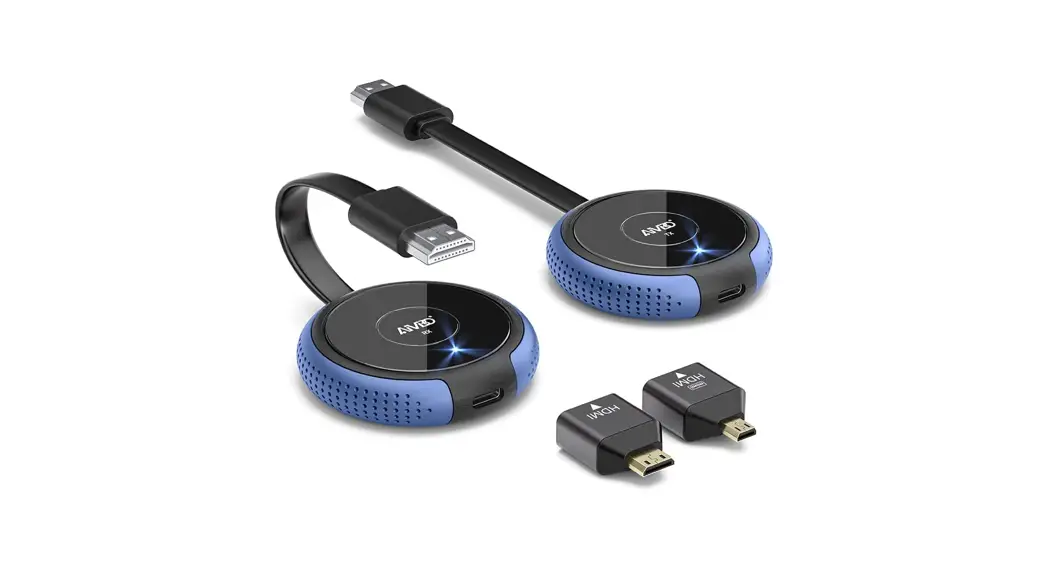
It is a new AHD/TVI/CVI Wireless Video TX & RX Kit, adopting the newest HD 2.4G digital wireless video transmission technology, can be widely used on vehicle backup cameras, cctv cameras and medical cameras industry etc. By using it, you can upgrade your existing wired AHD/TVI/CVI camera system to wireless version easily.
Wiring
a. RCA/BNC Version Wire Connection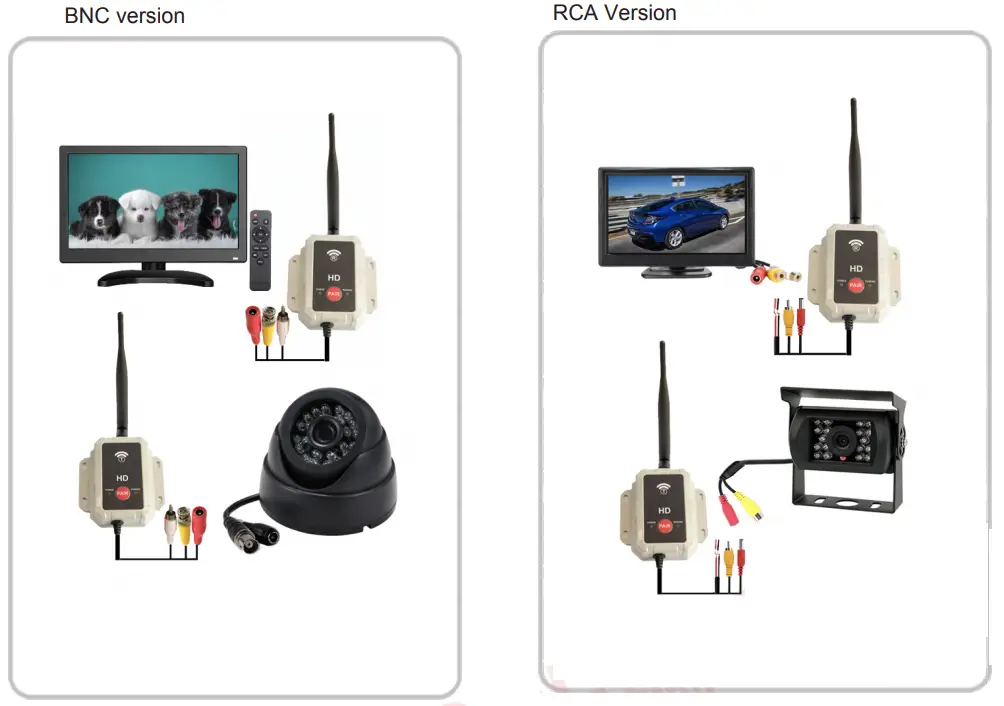 b.4 PIN Version Wire Connection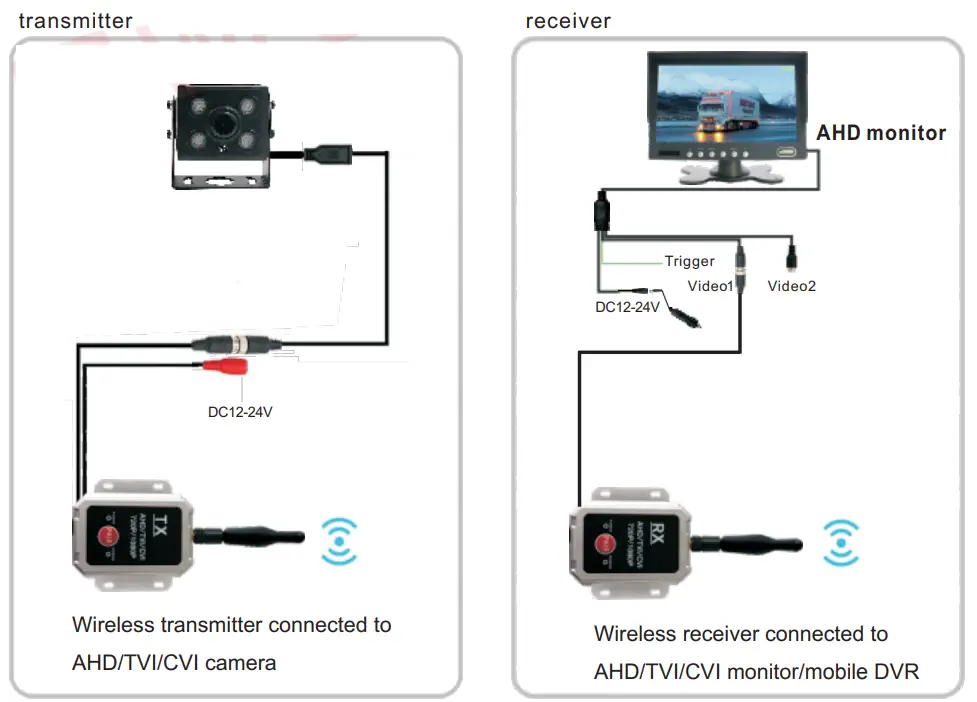
How to pair?
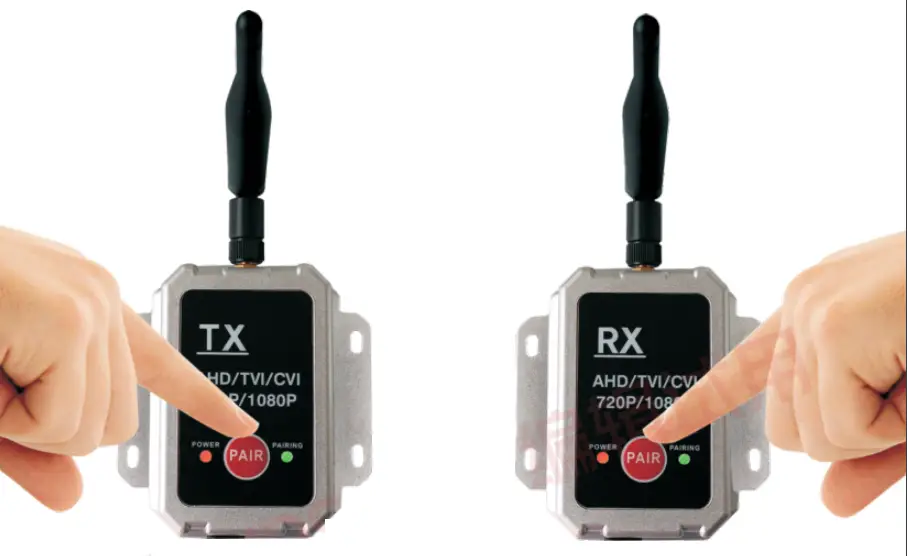
Remark: The KIT were paired already and ready for using.
Step 1: Connect the transmitter with AHD camera and connect the receiver with AHD monitor
Step 2: Power on both the transmitter and receiver by using DC12V-DC24V power supply
Step 3: Hold pressing both “PAIR” buttons at the same time until the image displayed on monitor, the green PAIRING indicator light will turn on constantly, then release it.
Specification
| Power Supply | DC12-24V |
| TX Currrent Consumption | Type:200Ma,Max:250Ma |
| RX Currrent Consumption | 200Ma |
| Operation Frequency | 2400~2483.5MHz |
| Output Power | 20dBm With Power Control |
| Receiving Sensitivity | -86dBm@ QPSK |
| Operating Temperature | -20~+80°C |
| Operating Humidity | 85%RH |
| Resolution | 720P@30f/s ; 1080P@30f/s |
| RF Band Width | 6 Mbps |
| Modulation | QPSK/16QAM |
| Line of sight range | 500M |
| Hopping Rate | 1200/S |
| Latency | 130ms Min |
| Video Codec | H.264 |
| TX Video in System | 720P/1080P AHD/TVI/CVI |
| RX Video out System | 720P or 1080P AHD/TVI |
FCC WARNING
This device complies with part 15 of the FCC Rules. Operation is subject to the following two conditions: (1) this device may not cause harmful interference, and (2) this device must accept any interference received, including interference that may cause undesired operation. Any changes or modifications not expressly approved by the party responsible for compliance could void the user’s authority to operate the equipment.
NOTE: This equipment has been tested and found to comply with the limits for a Class B digital device, pursuant to Part 15 of the FCC Rules. These limits are designed to provide reasonable protection against harmful interference in a residential installation. This equipment generates, uses and can radiate radio frequency energy and, if not installed and used in accordance with the instructions, may cause harmful interference to radio communications. However, there is no guarantee that interference will not occur in a particular installation. If this equipment does cause harmful interference to radio or television reception, which can be determined by turning the equipment off and on, the user is encouraged to try to correct the interference by one or more of the following measures:
- Reorient or relocate the receiving antenna.
- Increase the separation between the equipment and receiver.
- Connect the equipment into an outlet on a circuit different from that to which the receiver is connected.
- Consult the dealer or an experienced radio/TV technician for help.
To maintain compliance with FCC’ s RF Exposure guidelines, This equipment should be installed and operated with minimum 20cm distance between the radiator and your body: Use only the supplied antenna.