StarTech MSTDP123DP 3 Port Multi Monitor
Product Information
Product Name:
MSTDP123DP
actual product may vary from photos
Product Overview:
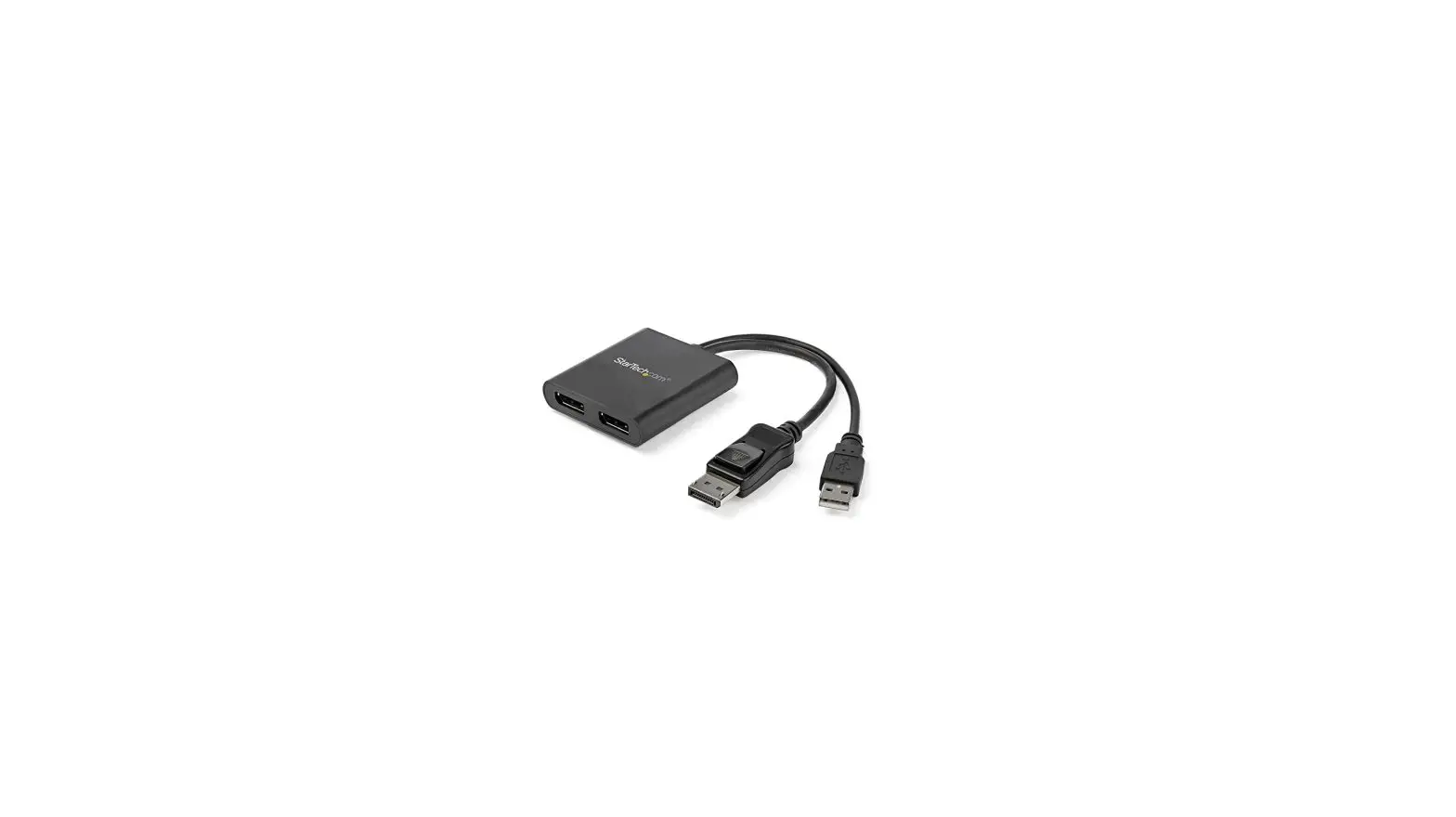
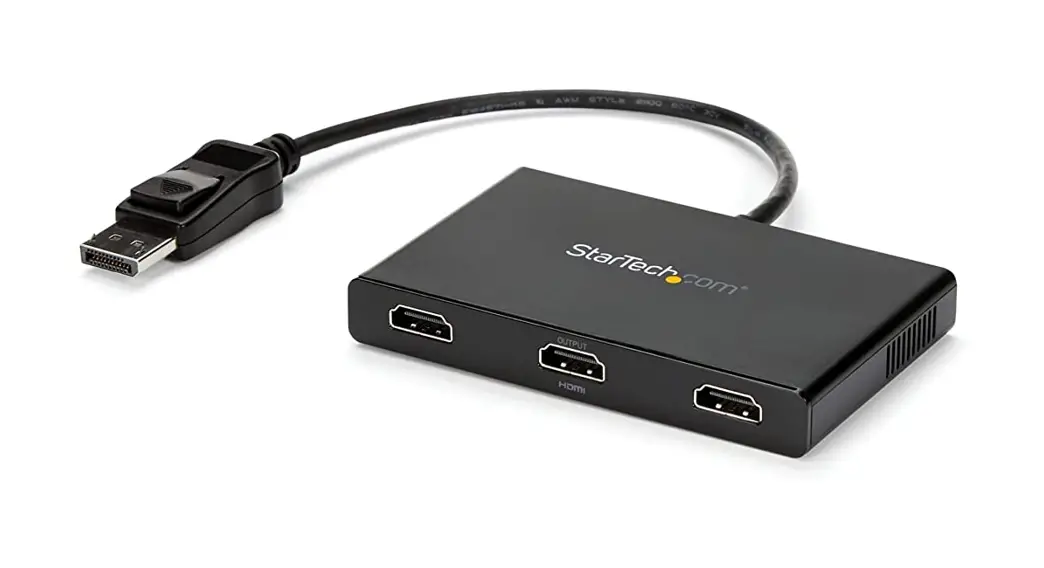
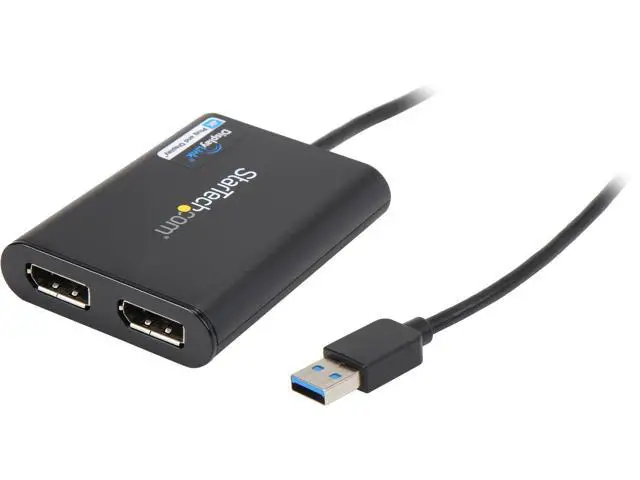
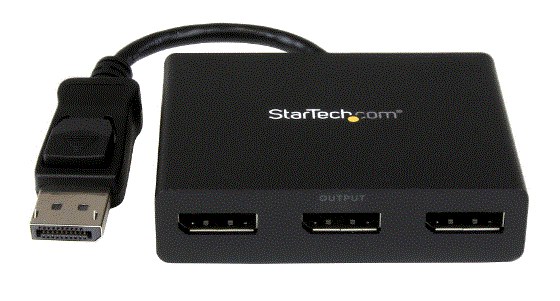
The MSTDP123DP is a DisplayPort Multi-Stream Transport (MST) Hub that allows you to connect up to three DisplayPort monitors or display devices to a single DisplayPort connector on your computer system or video card.
Front View:
- SCAN button
- Integrated DisplayPort Cable
- DP #1
- DP #2
- DP #3
Packaging Contents:
- MSTDP123DP MST Hub
System Requirements:
- Computer system with a DisplayPort connector
- DisplayPort monitors or display devices
Product Usage Instructions
Important Operation Notes:
Please ensure that your computer system and DisplayPort displays are powered off before proceeding with the installation.
Installation:
- Ensure your computer system and DisplayPort displays are powered off.
- Connect the integrated DisplayPort cable into the DisplayPort connector on the host computer system/video card.
- Connect the DisplayPort monitor/display device(s) into the DisplayPort #1/#2/#3 connectors on the MSTDP123DP MST Hub.
- Power on the monitor/display device(s).
- Turn on the computer system.
- The system will now detect the MST Hub and add the attached displays to the Display Settings of the System.
A window will appear displaying the attached displays.
Adjusting Display Settings:
- To determine the number corresponding to each connected display, click the Identify button under Change the appearance of your displays.
- To adjust the resolution, click on the number that corresponds to the monitor you wish to adjust and select the drop-down menu next to Resolution:.
- To choose whether the monitor will duplicate or extend your main monitor, select the number that corresponds to the monitor you wish to adjust and select the drop-down menu next to Multiple
Displays:. “Extend these displays” will extend your main monitor onto the selected monitor, while “Duplicate these Displays” will show the same image as your main monitor on the selected monitor.
Specifications
- Video Signal: DisplayPort
- Number of Ports: 3
- External Connectors: 1x DisplayPort Male, 3x DP Female
- Maximum Display Resolution: 4K at 30 Hz
Technical Support
StarTech.com provides lifetime technical support through their website. For help with your product, visit www.startech.com/support and access their comprehensive selection of online tools, documentation, and downloads. For the latest drivers and software, please visit www.startech.com/downloads.
Warranty Information
For warranty information, please refer to the instruction manual.
StarTech.com is an ISO 9001 Registered manufacturer of connectivity and technology parts. They have been in operation since 1985 and have operations in the United States, Canada, the United Kingdom, and Taiwan, serving a worldwide market.
References
 StarTech.com | IT Pro's Trusted Source for Connectivity Accessories | Europe
-
StarTech.com | IT Pro's Trusted Source for Connectivity Accessories
-
StarTech.com | IT Pro's Trusted Source for Connectivity Accessories
-
StarTech.com | IT Pro's Trusted Source for Connectivity Accessories
-
Drivers & Downloads | StarTech.com Support
-
DisplayPort to DVI Adapter - DP to DVI-D - DisplayPort & Mini DisplayPort Adapters | StarTech.com
-
DisplayPort to HDMI Adapter Converter - DisplayPort & Mini DisplayPort Adapters | StarTech.com
-
DisplayPort to VGA Adapter Converter DP - DisplayPort & Mini DisplayPort Adapters | StarTech.com
-
3 Port DP Multi Monitor Adapter MST Hub - DisplayPort & Mini DisplayPort Adapters | StarTech.com
-
StarTech.com Support
 StarTech.com | IT Pro's Trusted Source for Connectivity Accessories | Europe
 StarTech.com | IT Pro's Trusted Source for Connectivity Accessories
 StarTech.com | IT Pro's Trusted Source for Connectivity Accessories