
H-8795
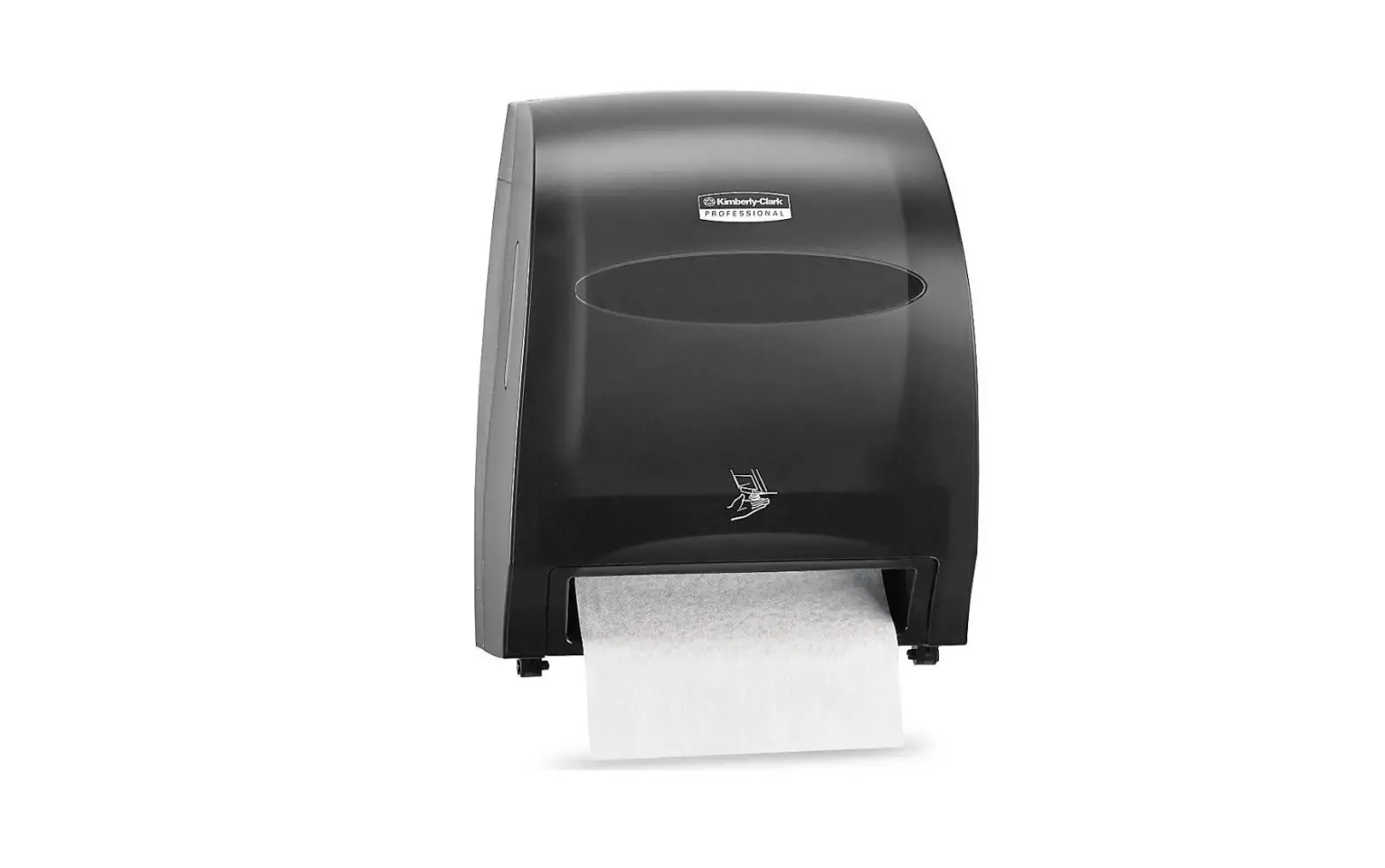
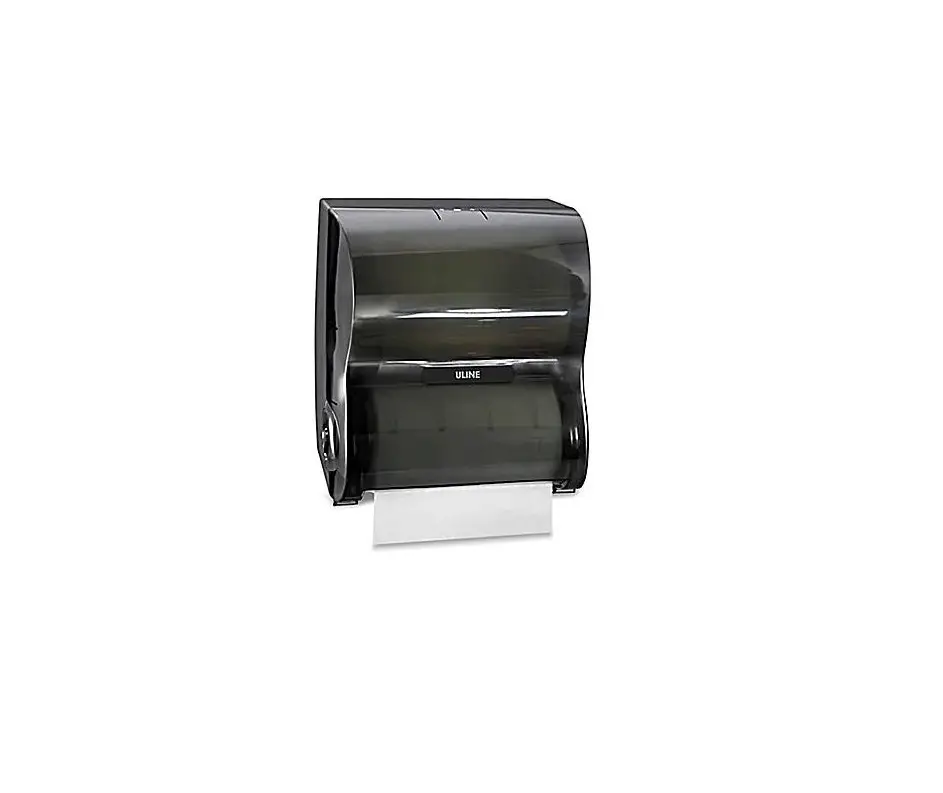
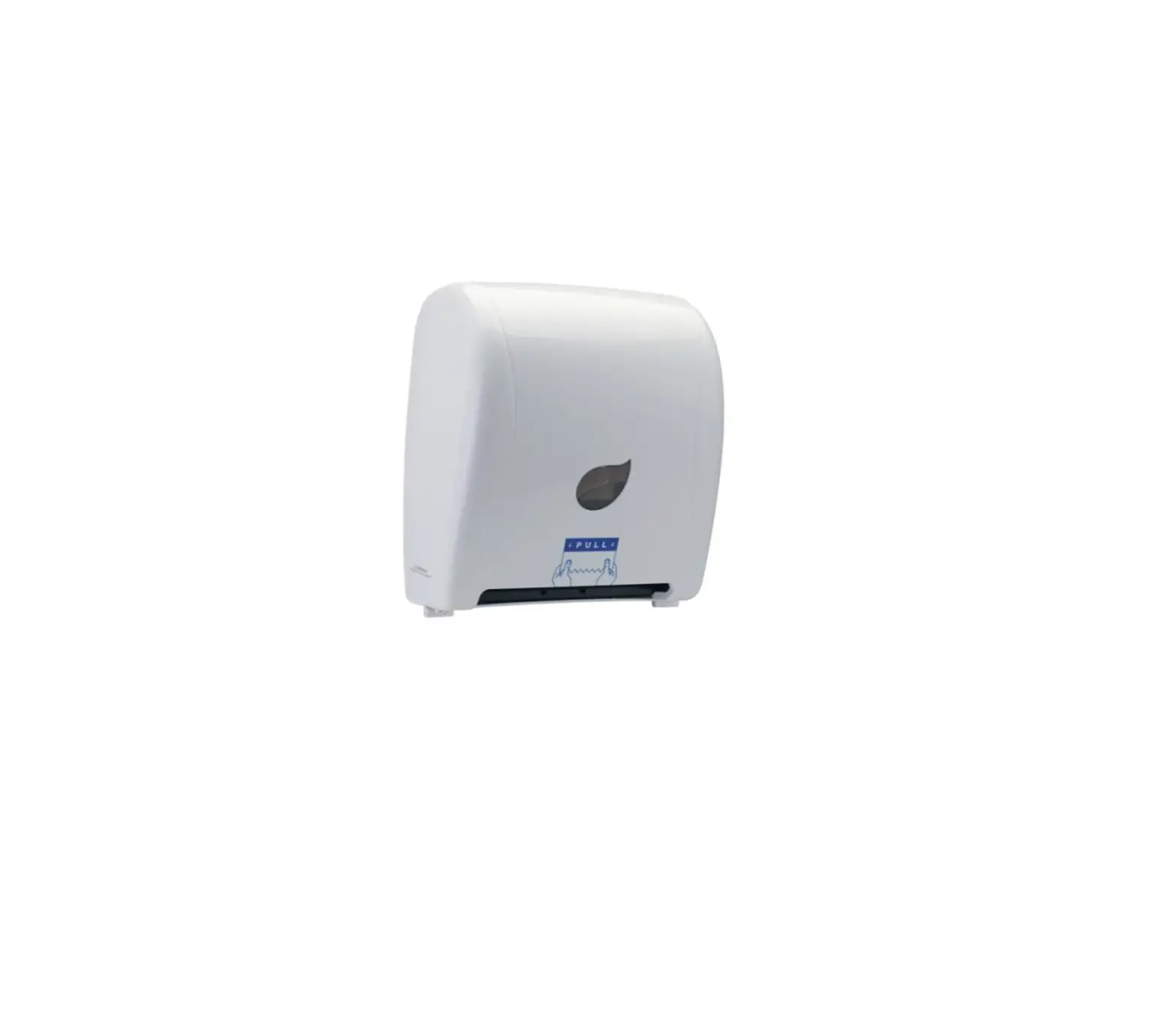
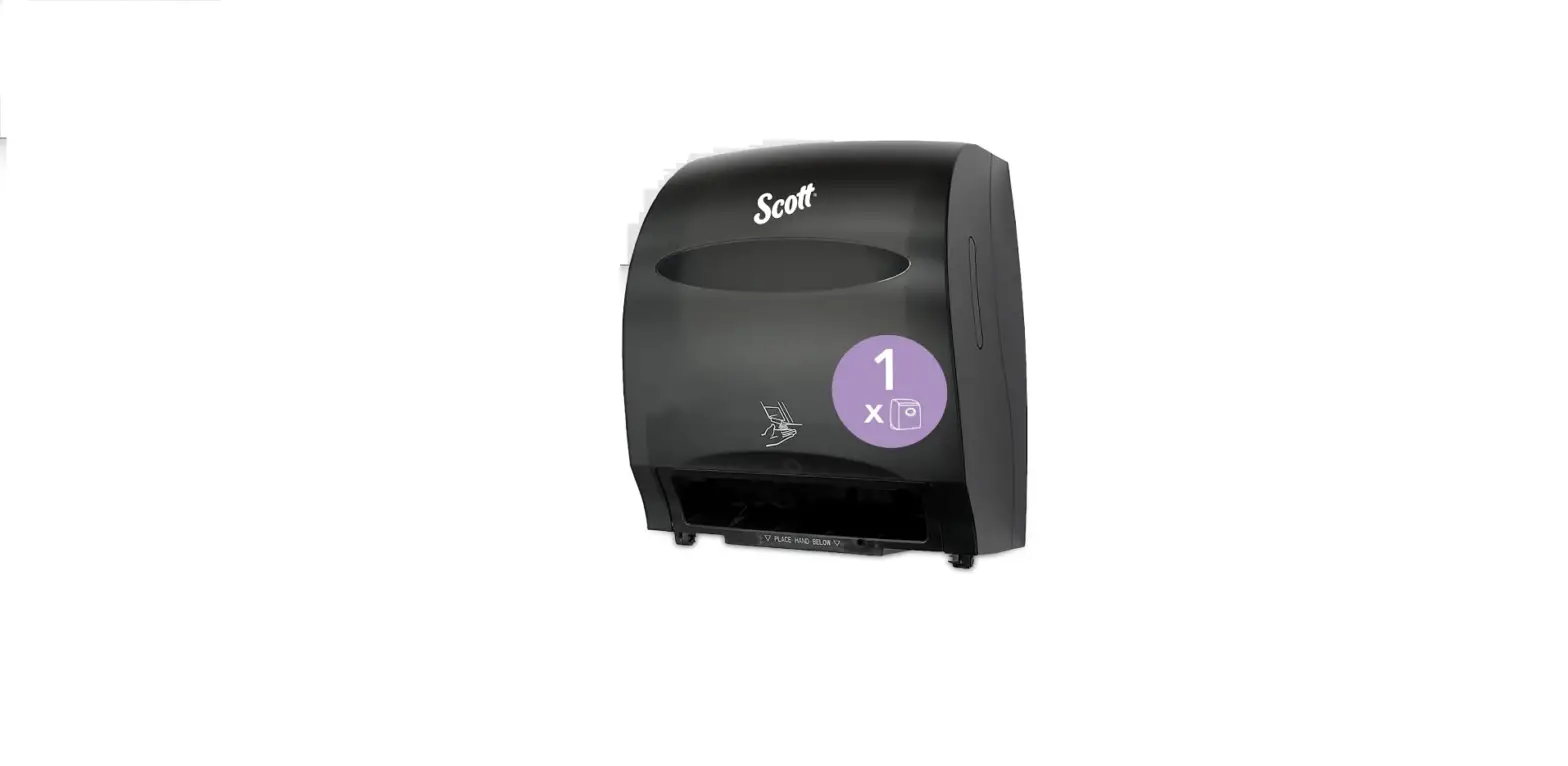
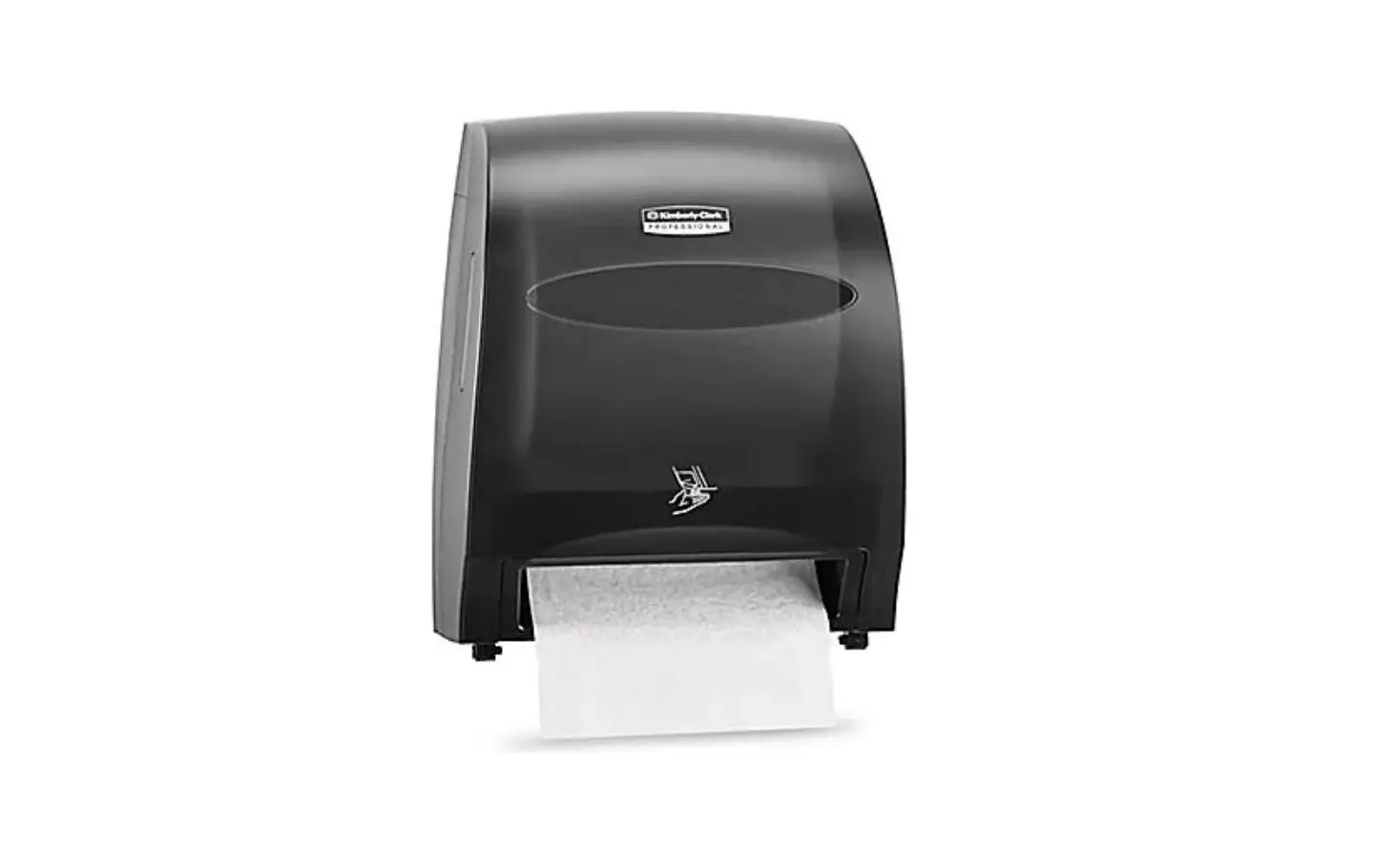
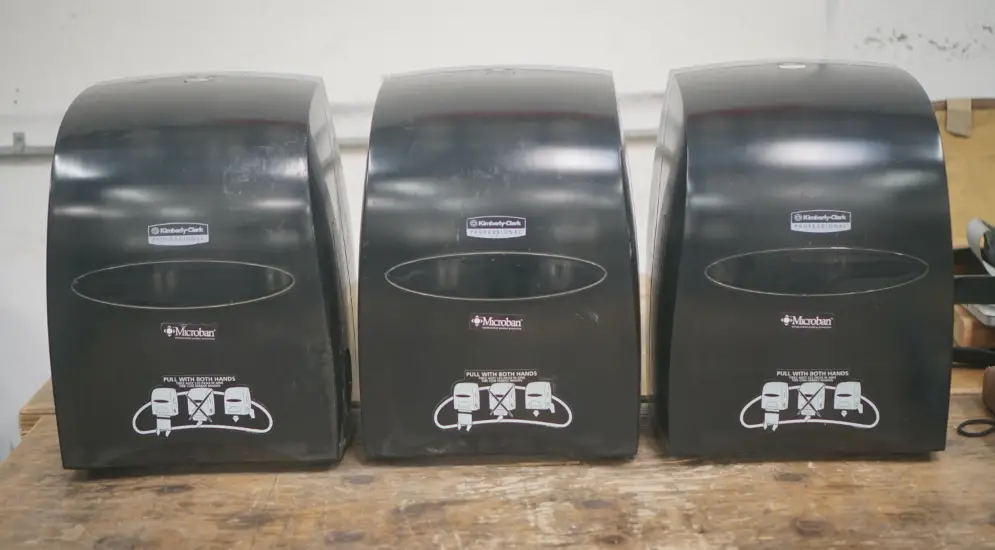
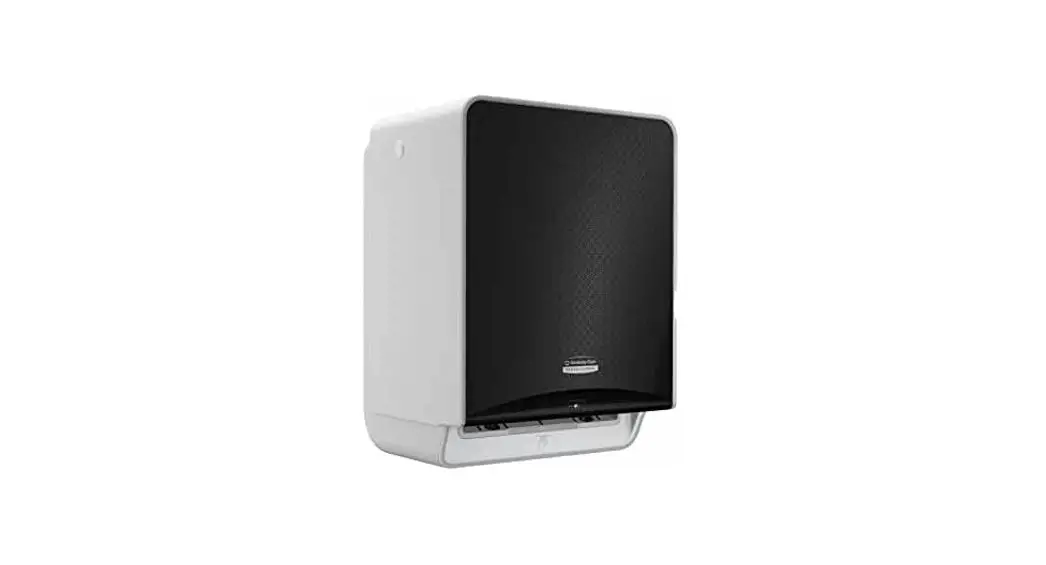
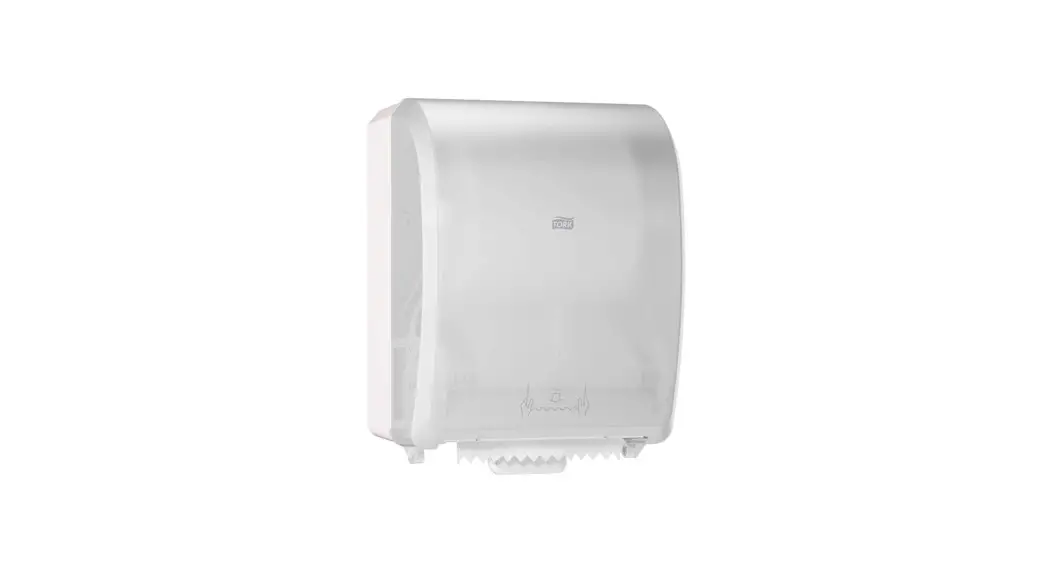
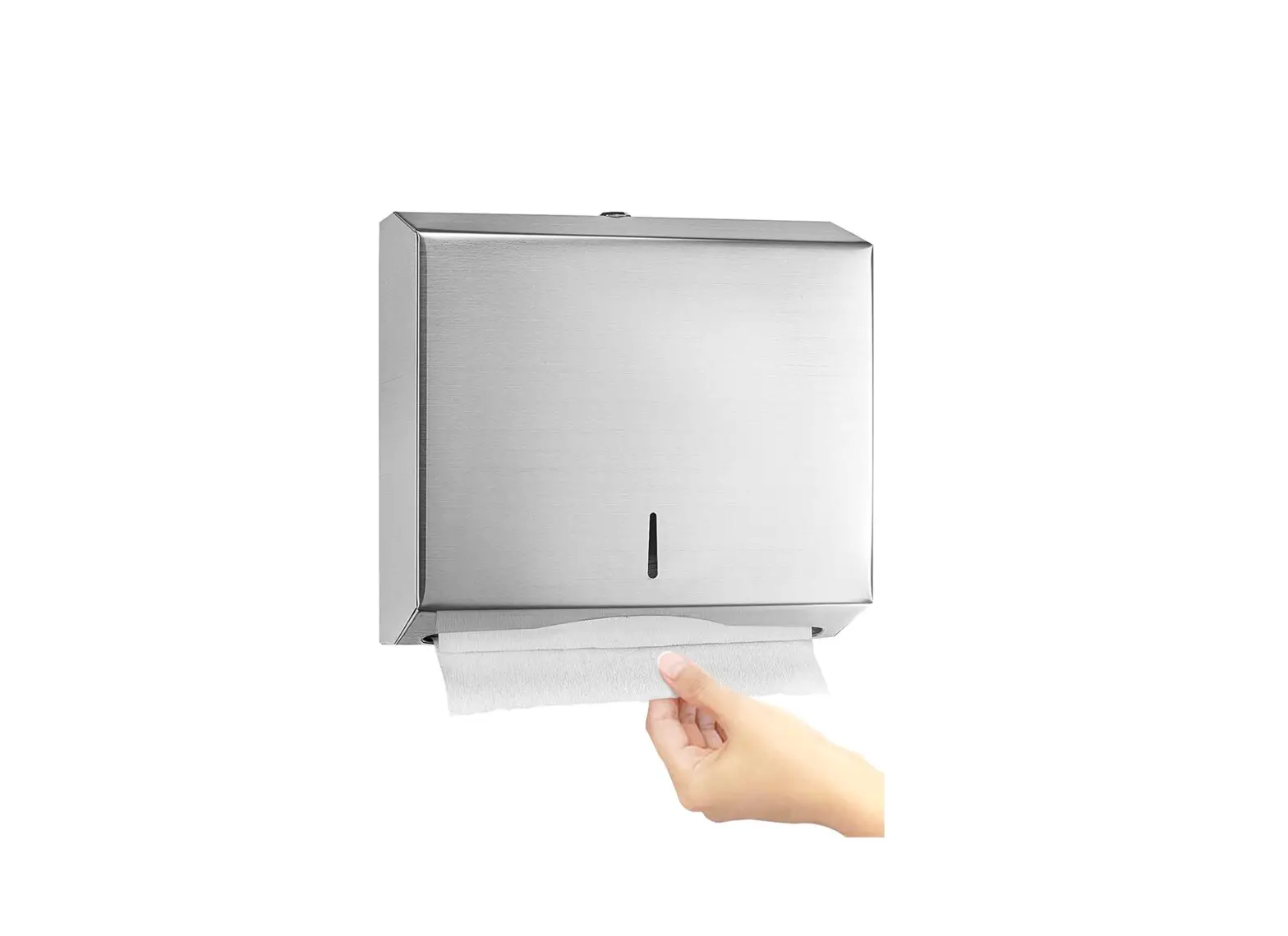
PACIFIC BLUE ULTRATM AUTOMATIC PAPER TOWEL DISPENSER
1-800-295-5510
uline.com
TOOLS NEEDED

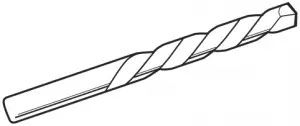
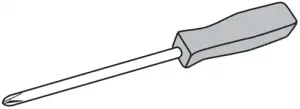
Drill Drill Bit Phillips Screwdriver

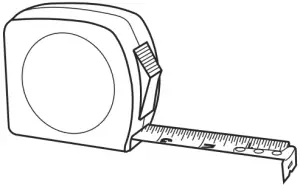
Level Tape Measure
PARTS
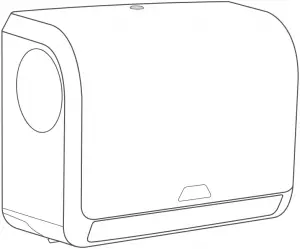
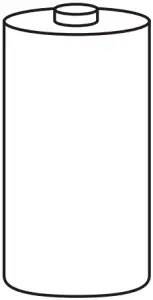
Dispenser x 1 D-Cell Alkaline Battery x 4


Wall Anchor x 4 Screw x 4
MOUNTING INSTRUCTIONS
 NOTE: Recommended mounting height is 44″ from the floor to bottom of dispenser.
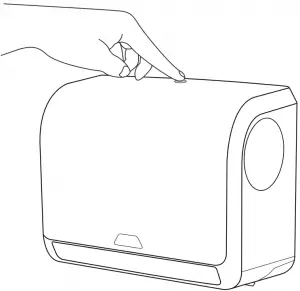
1. Press button on top of dispenser to open cover. (See Figure 1)
Figure 1
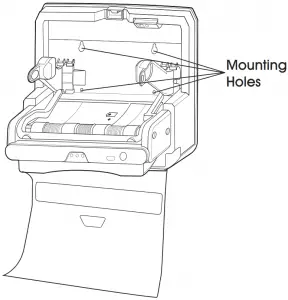
2. Open dispenser cover completely and hold dispenser to ideal mounting place on wall. (See Figure 2)
3. Mark four holes on the wall where screws will be inserted. (See Figure 2)
Figure 2
PAGE 1 0521 IH-8795
Figure 3
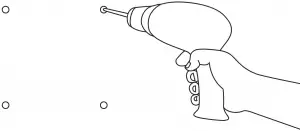
4. Set dispenser aside and drill into wall at four marked locations with an appropriate drill bit. (See Figure 3) Insert wall anchors if necessary.
5. Hold dispenser to wall so that the holes in the wall and the dispenser match up. Insert four screws into previously drilled holes.
LOADING INSTRUCTIONS
LOADING BATTERIES
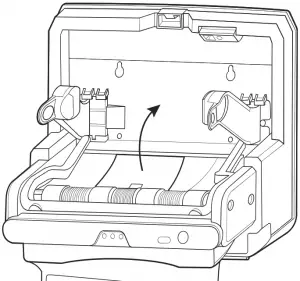
1. To load the batteries, locate the compartment inside and towards the bottom of dispenser. (See Figure 4)
2. Remove compartment cover by pushing latch and pulling up. (See Figure 4)
Figure 4
3. Place four batteries into compartment according to the battery diagrams on the inside. (See Figure 5)
Figure 5
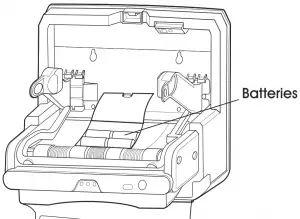
4. Close the battery compartment cover.
NOTE: Three lights will appear on the dispenser sensor when batteries are properly loaded.
LOADING PAPER TOWELS
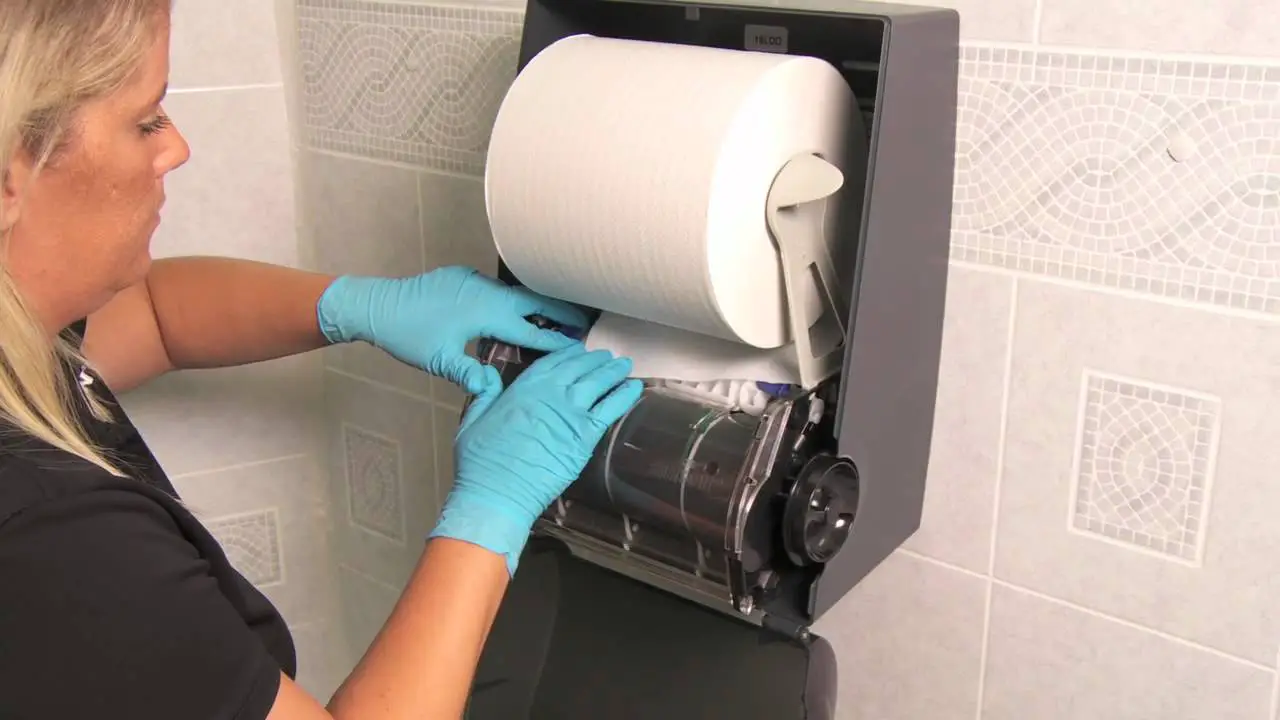
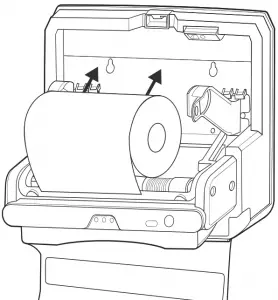
1. With dispenser cover open, place the roll of paper towels on the roll holder supports located inside the dispenser. The paper must feed over the top of the roll. (See Figure 6)
Figure 6
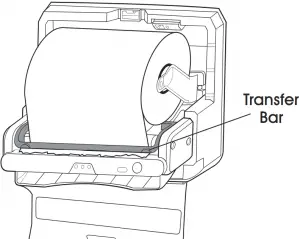
2. Position the end of the roll under the transfer bar, leaving about 1″ hanging out. (See Figure 7)
Figure 7
3. Press the blue manual feed button located on front of dispenser to feed paper through. (See Figure 8)
4. Close dispenser cover.
PAGE 2
OPERATION
NOTE: This Pacific BlueTM dispenser will only function properly if the correct Pacific Blue UltraTM towel (S-17238) is placed in the dispenser.
The dispenser runs on four D-cell alkaline batteries (included) and has a low battery indicator light. All three lights will blink indicating a paper jam.
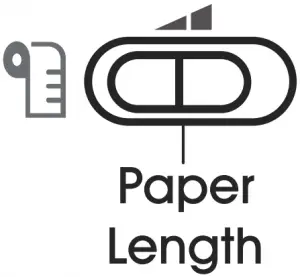
The dispenser also features an adjustable setting for paper length: short (8″) or long (11″). (See Figure 8)
Figure 8


PAGE 3 0521 IH-8795
1-800-295-5510
uline.com
 Uline.ca - Shipping Boxes, Shipping Supplies, Packaging Materials, Packing Supplies
 ULINE - Shipping Boxes, Shipping Supplies, Packaging Materials, Packing Supplies
 Uline.mx - Cajas para Envíos, Materiales de Empaque, Materiales de Empaque, Suministros para Empaque