HeathZenith SL-6144 Wireless Strobe Chime
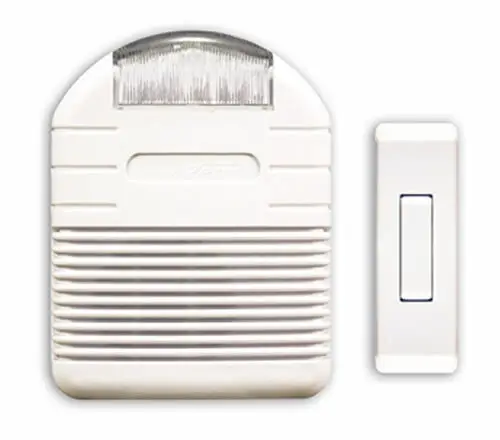
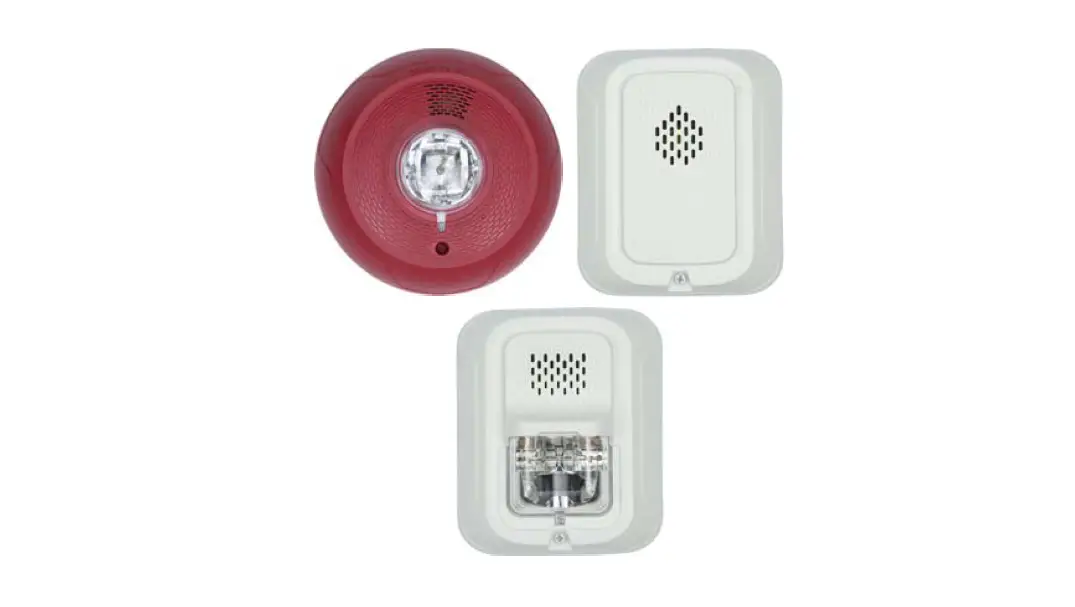
Wireless Strobe Chime
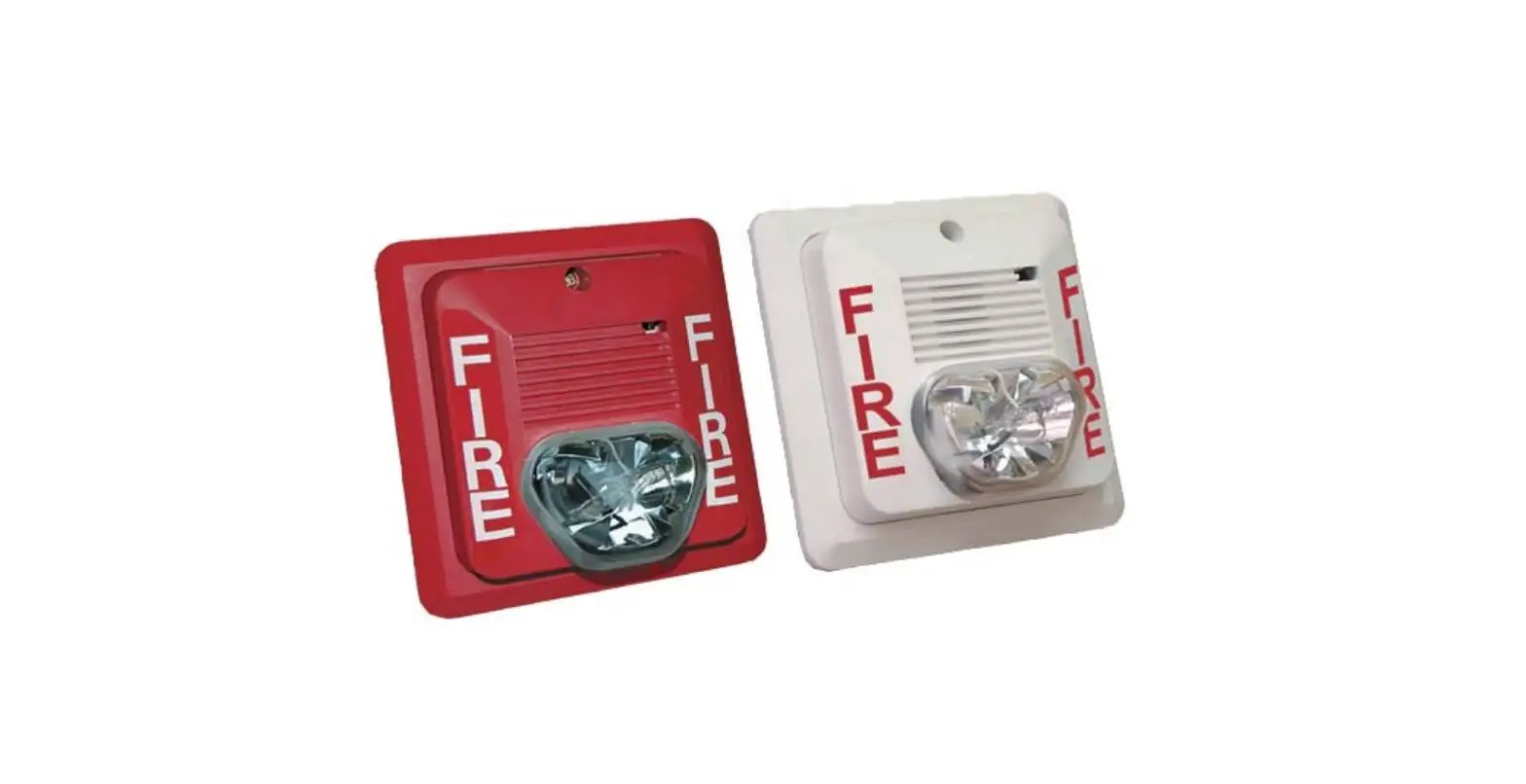
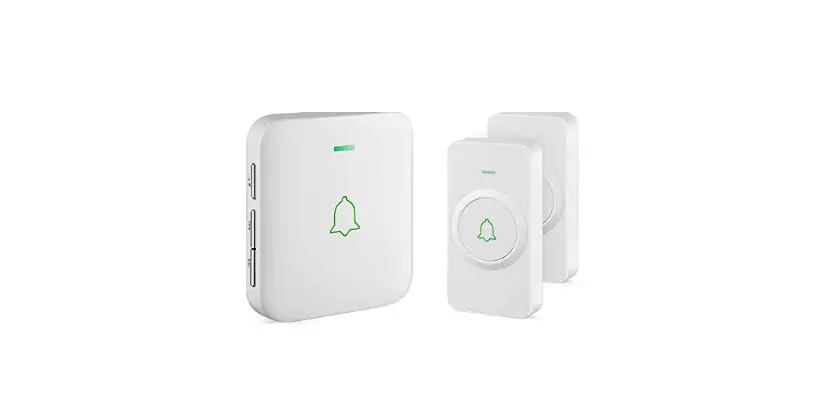
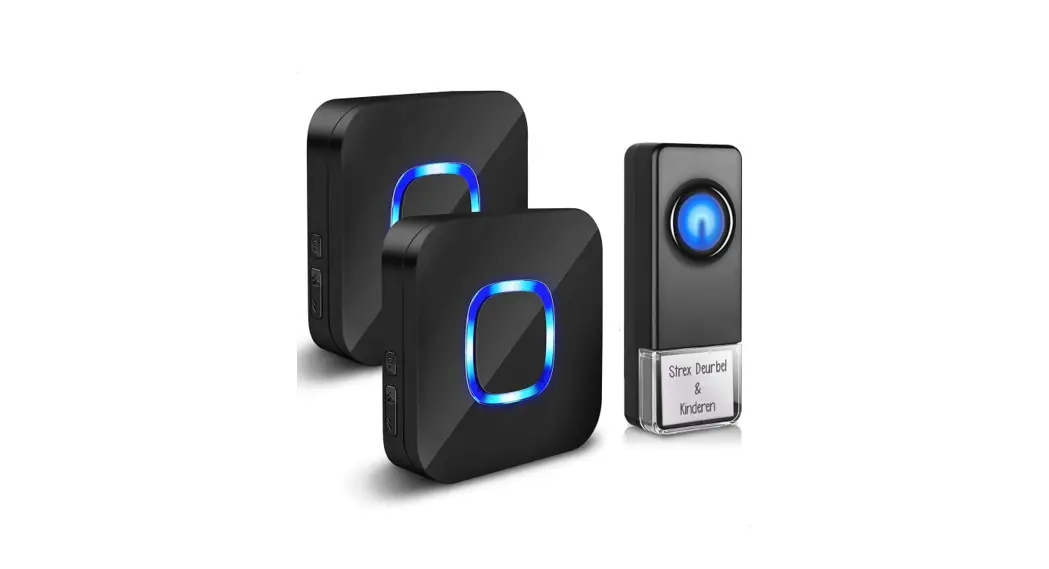
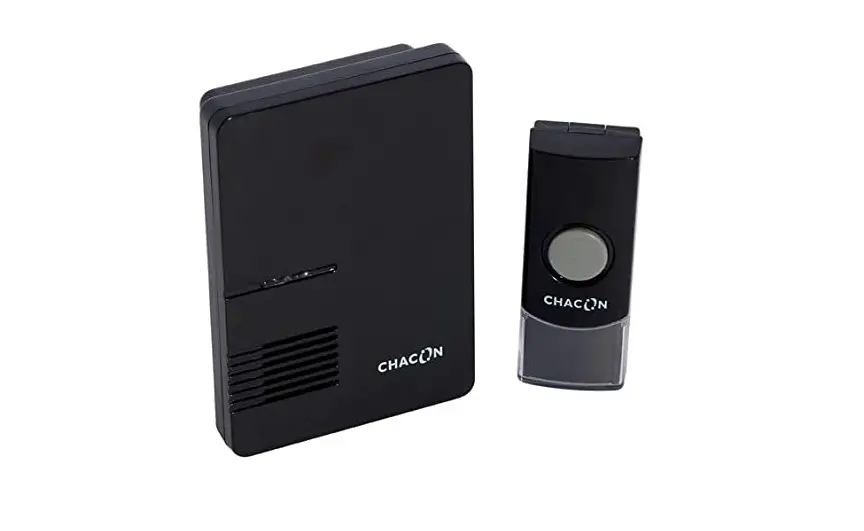
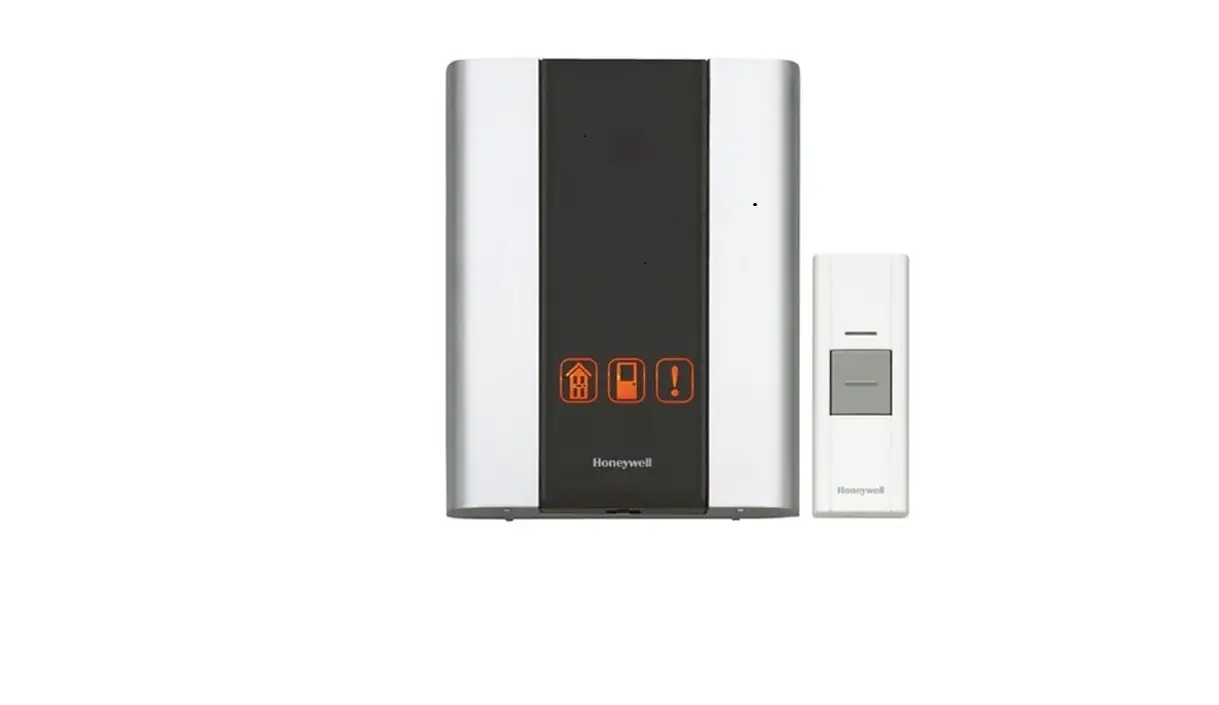
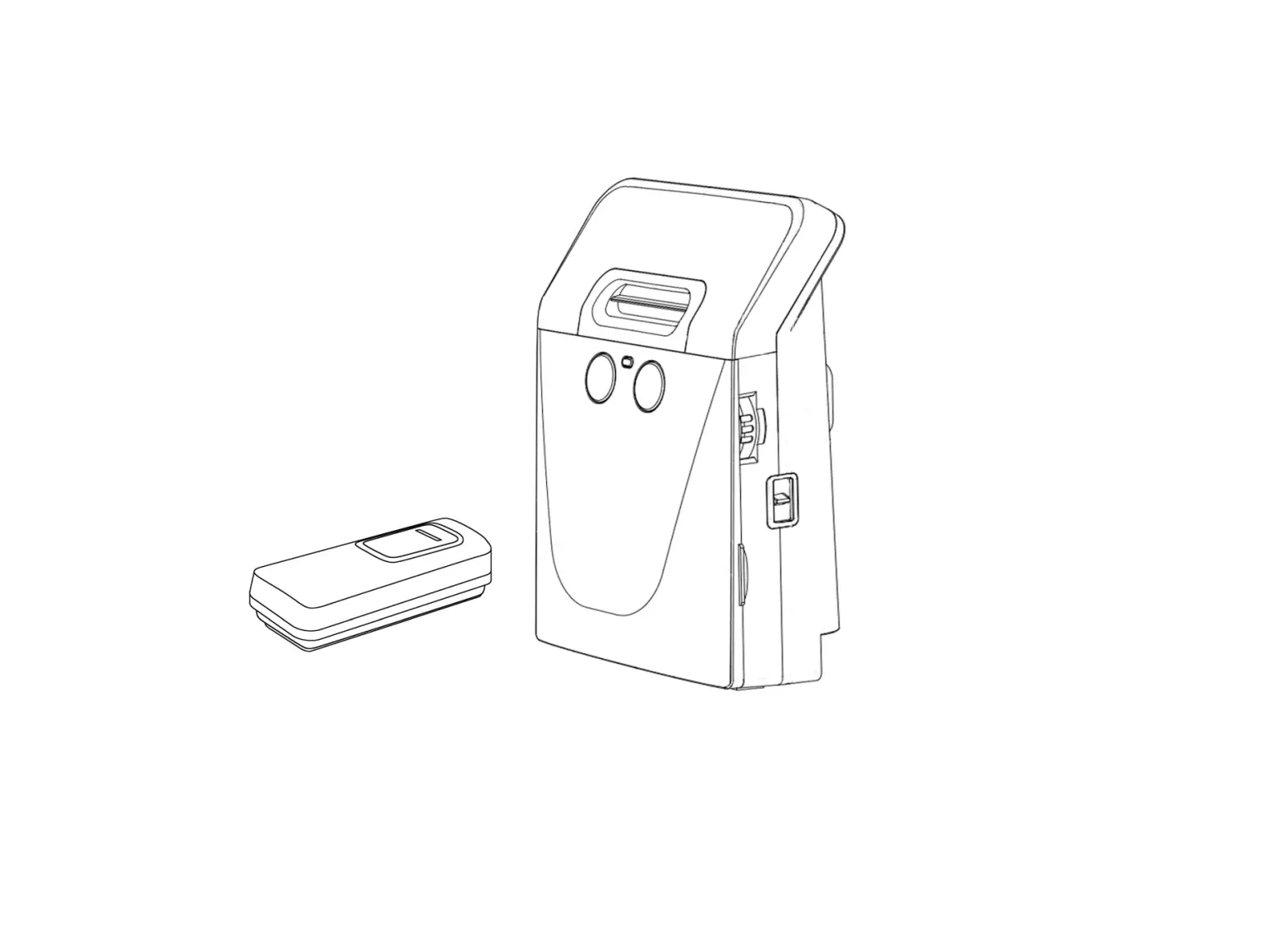
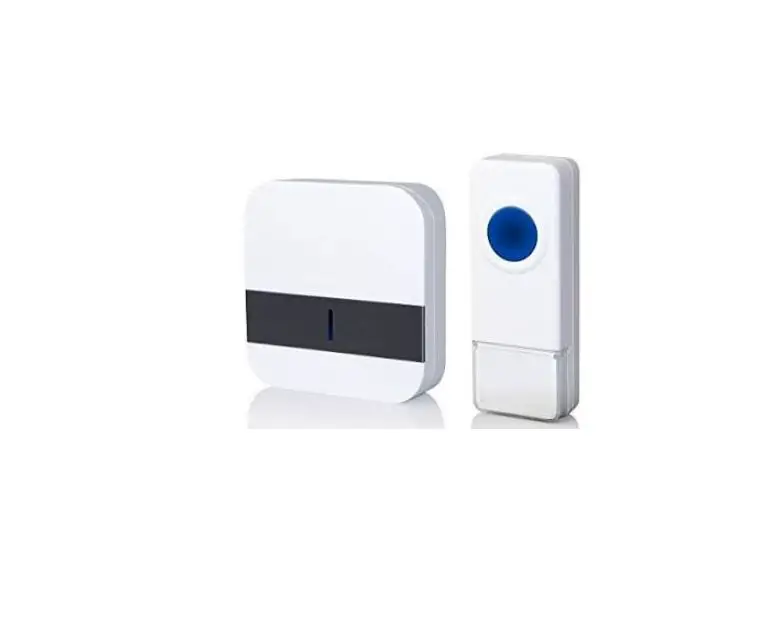
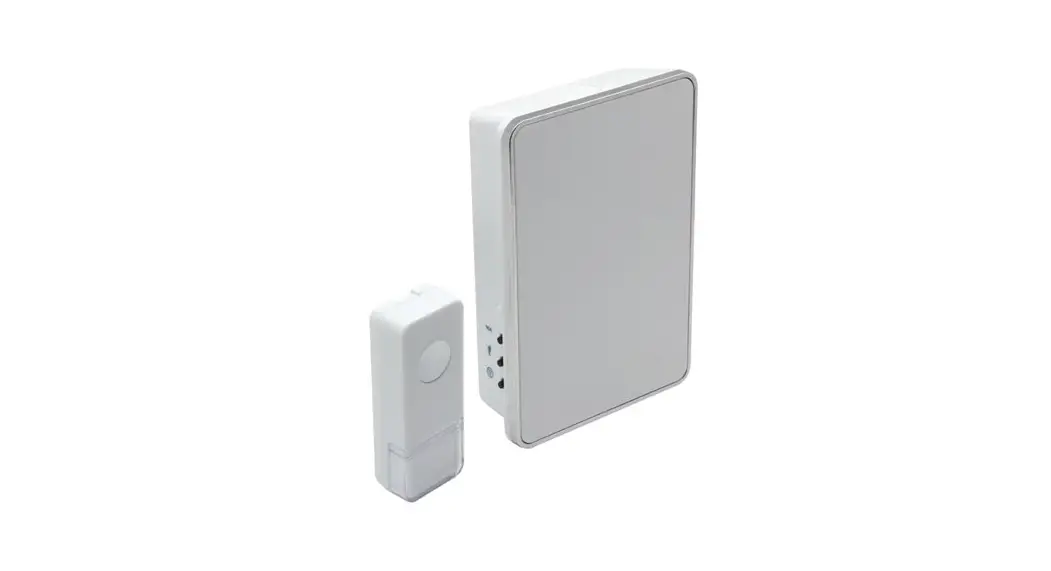
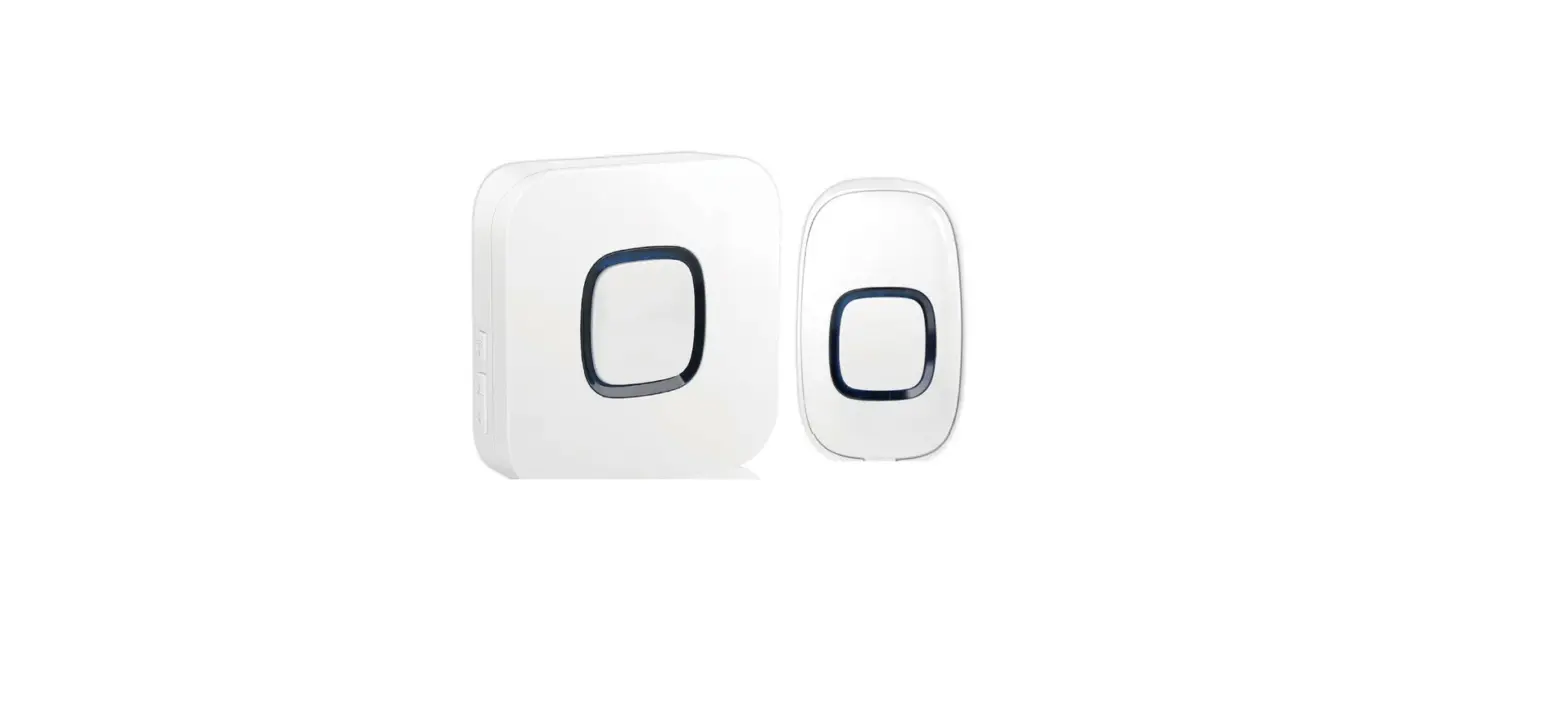
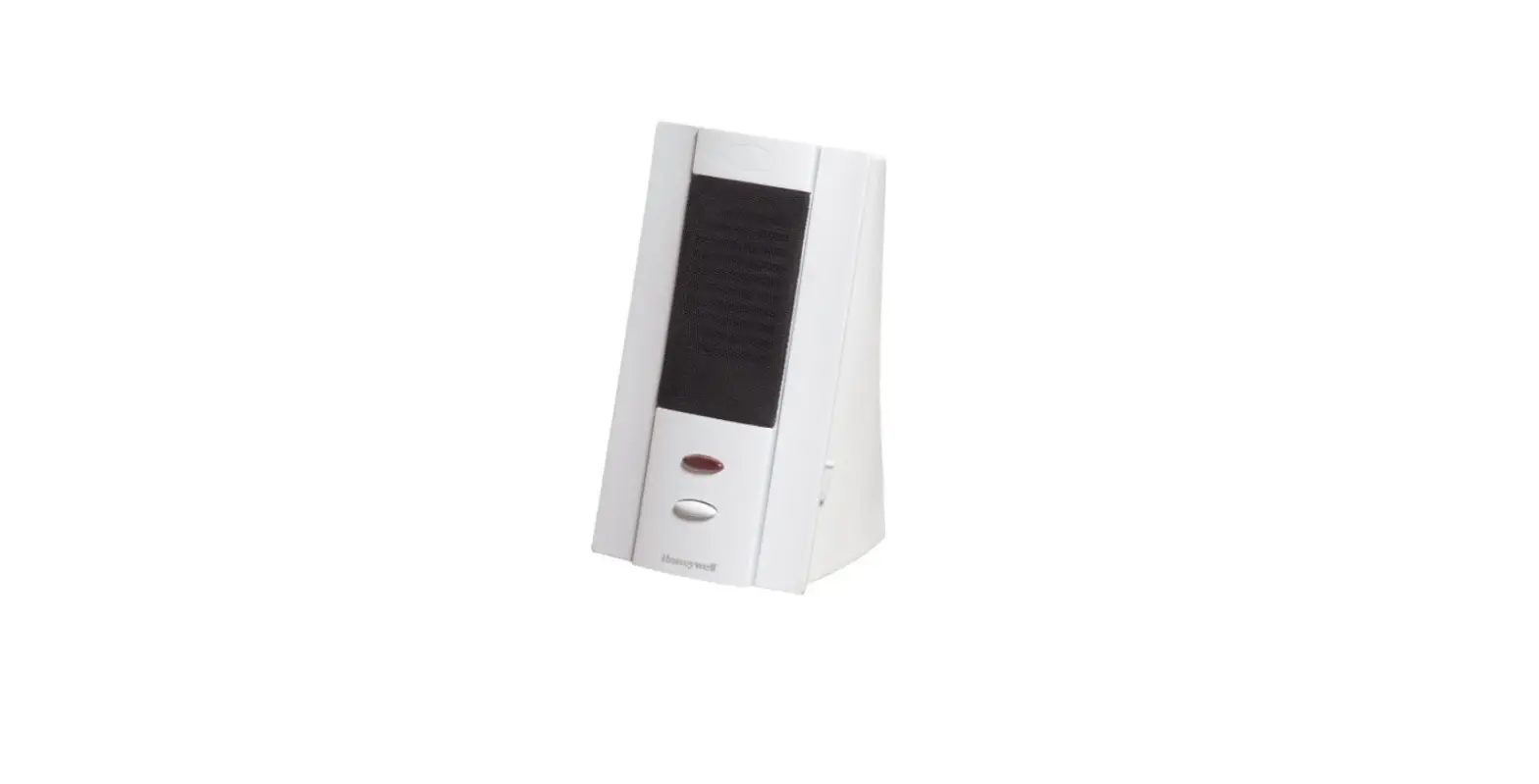
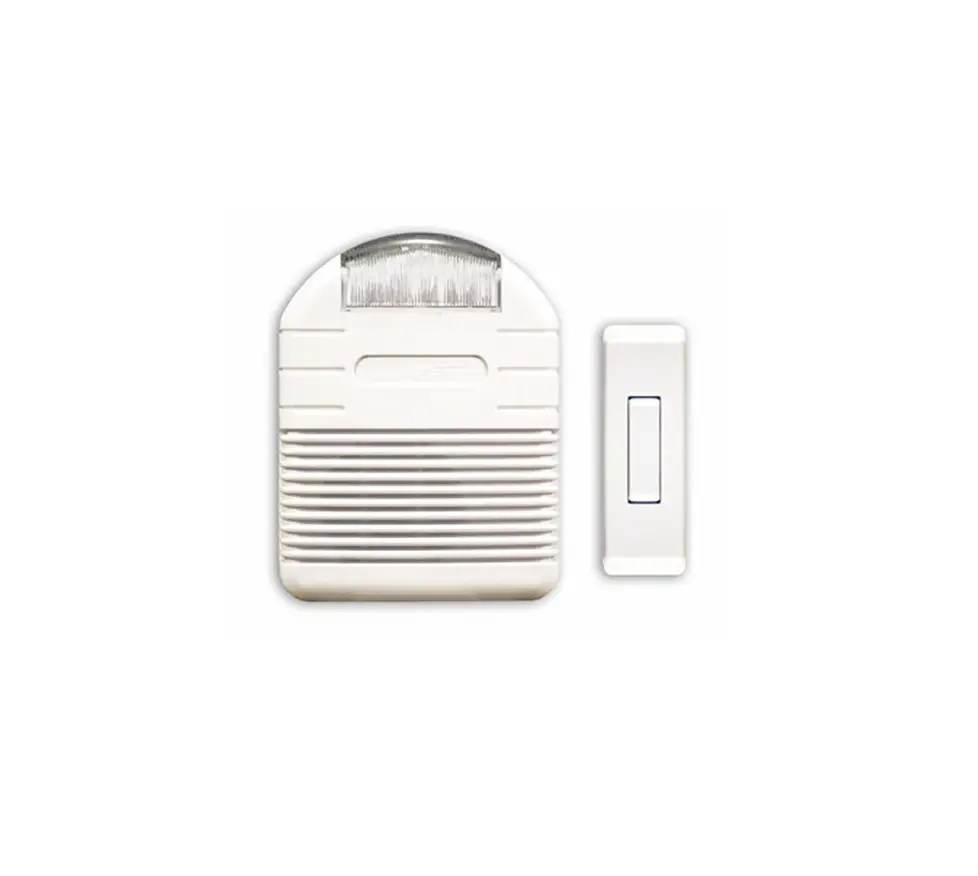
This package includes (Style of push button and chime may vary from illustration):
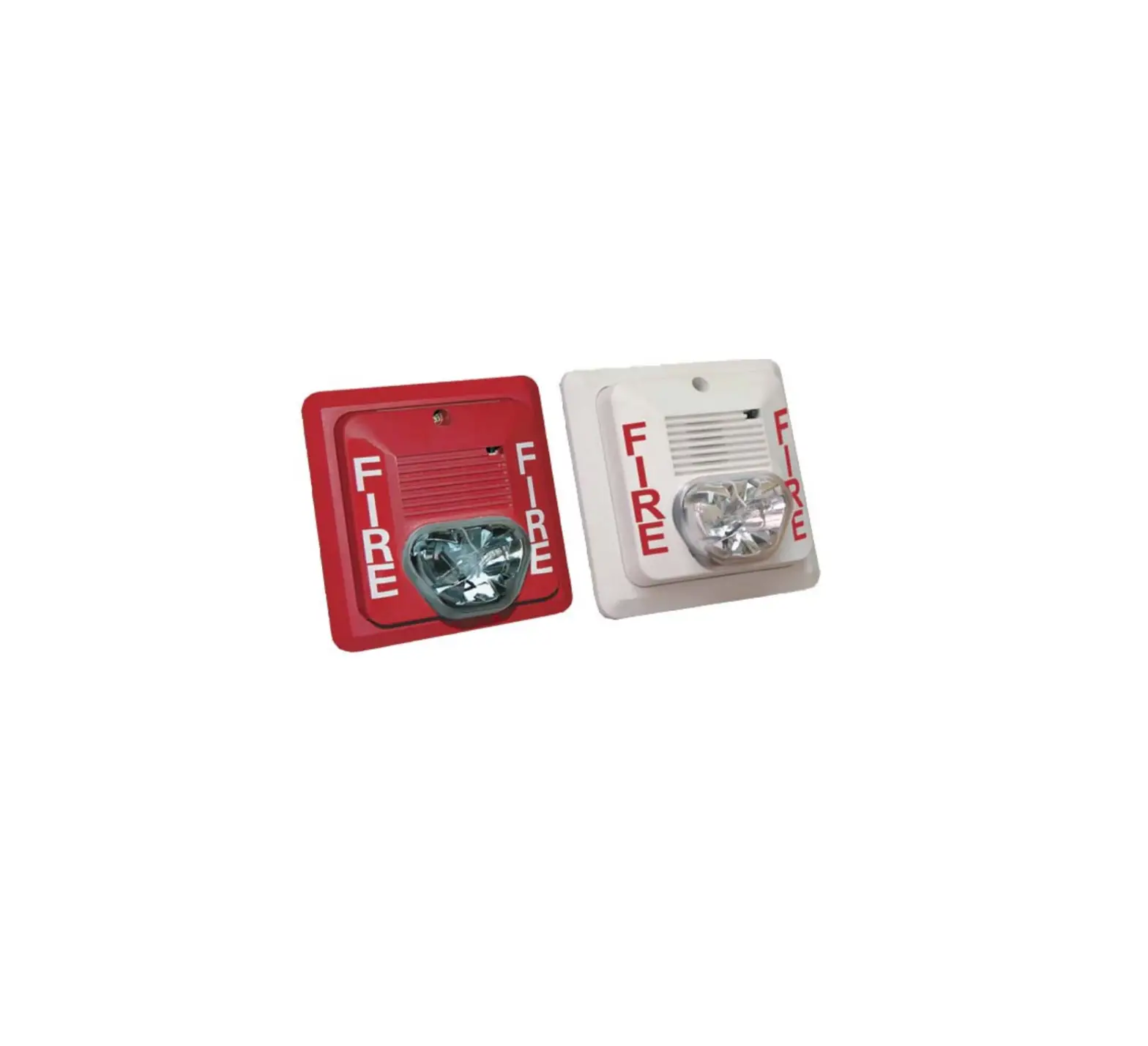
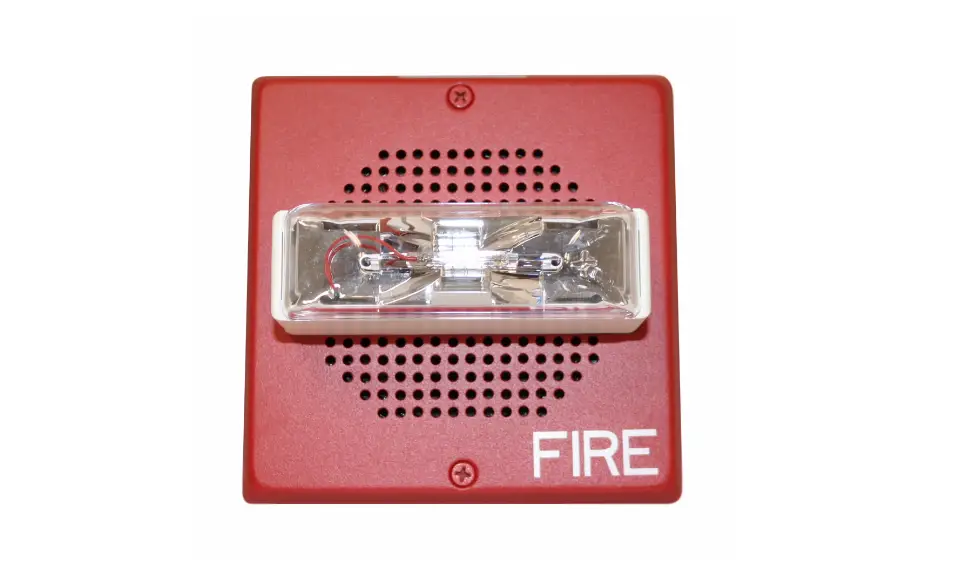
- Wireless strobe chime
- Wireless push button with battery
- Hardware pack
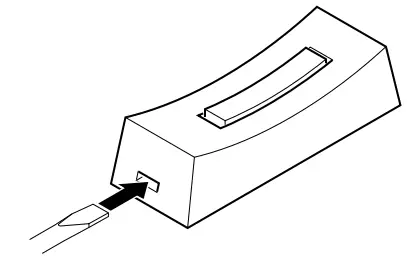
Remove back of case by pushing in tab on bottom with a small screwdriver. Make sure battery is oriented properly (Check down below).
Plug in wireless chime
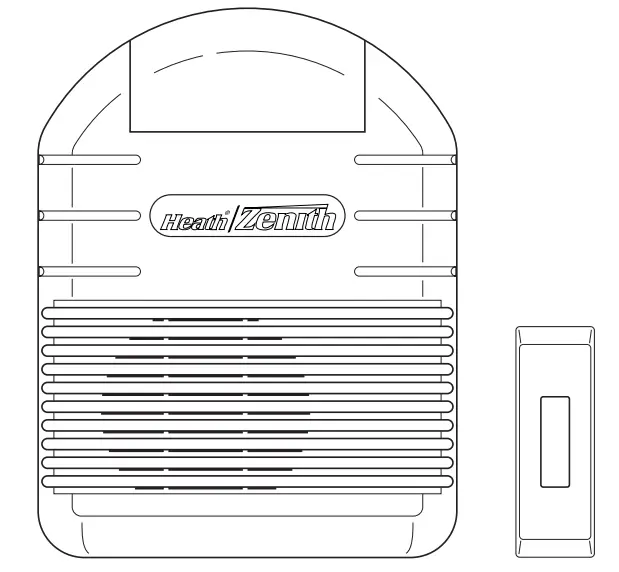
To reduce the risk of electrical shock, this equipment has a polarized plug (one blade is wider than the other). This plug will fit in a polarized outlet only one way. If the plug does not fit fully in the outlet, reverse the plug. If it still does not fit, contact a qualified electrician to install the proper outlet. Do not attempt to bypass this safety feature.
Test range
Temporarily position push button where you want it mounted.
Press push button to verify chime and push button work properly. If chime does not sound, see Troubleshooting.
 DANGER: Electric shock hazard. Do not open chime. No serviceable components inside. If strobe fails to flash, replace chime. DANGER: Electric shock hazard. Do not open chime. No serviceable components inside. If strobe fails to flash, replace chime. |
Use either screws or double sided tape to mount push button.
To mount with screws, remove back of case by pushing in tab on bottom with a small screwdriver.
Attach back of case to door jamb or wall. Snap front of push button on.
When attaching push button using double sided tape, make sure the surface of the door jamb or wall is clean.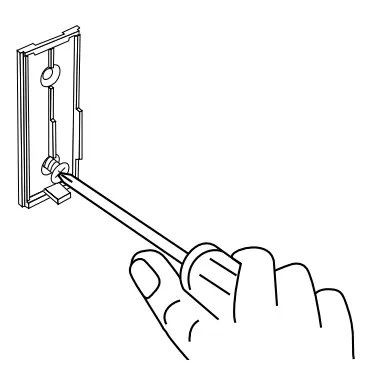
Code and Strobe/Tune Settings
Code Settings
Note: Most installations will not require you to change any jumpers on your chime and push button. WARNING: Disconnect chime unit from power source before opening code access door. Close door and replace screw before reconnecting to power.
The push button and chime communicate by using a code that can be changed by removing and/or adding jumpers on both the push button and chime. The code is factory set; however, there are 128 selectable codes that allow you to expand your system and prevent outside interference. Other wireless products may cause interference and the system may not function properly. Follow the instructions below for setting a new code.
- Unplug wireless chime.
- Open the cases and locate the jumpers on both the push button and chime (See illustration down below).
- Jumper positions 1 through 7 are used for setting the code.
- To change the code, add and/or remove jumpers as needed. It is recommended to only change one jumper at a time and then check to see if system is functioning properly.
Note: Jumpers in positions 1 through 7 must be exactly the same for both the push button and chime for this system to function.
Strobe/Tune Settings
Your wireless chime has different selectable tunes: Ding-Dong (two flashes/two notes/two flashes) or Westminster (eight flashes/eight notes/eight flashes). The factory setting is for the Westminster tune. This tune can be changed by following the instructions below.
- Ding-Dong (Two note tune)
Strobe will flash two times, play the two note tune, then flash two more times. Push button: Add a jumper to location 8. - Westminster (Eight note tune)
Strobe will flash eight times, play the eight note tune, then flash eight more times.
Push button: Remove jumper from location 8.
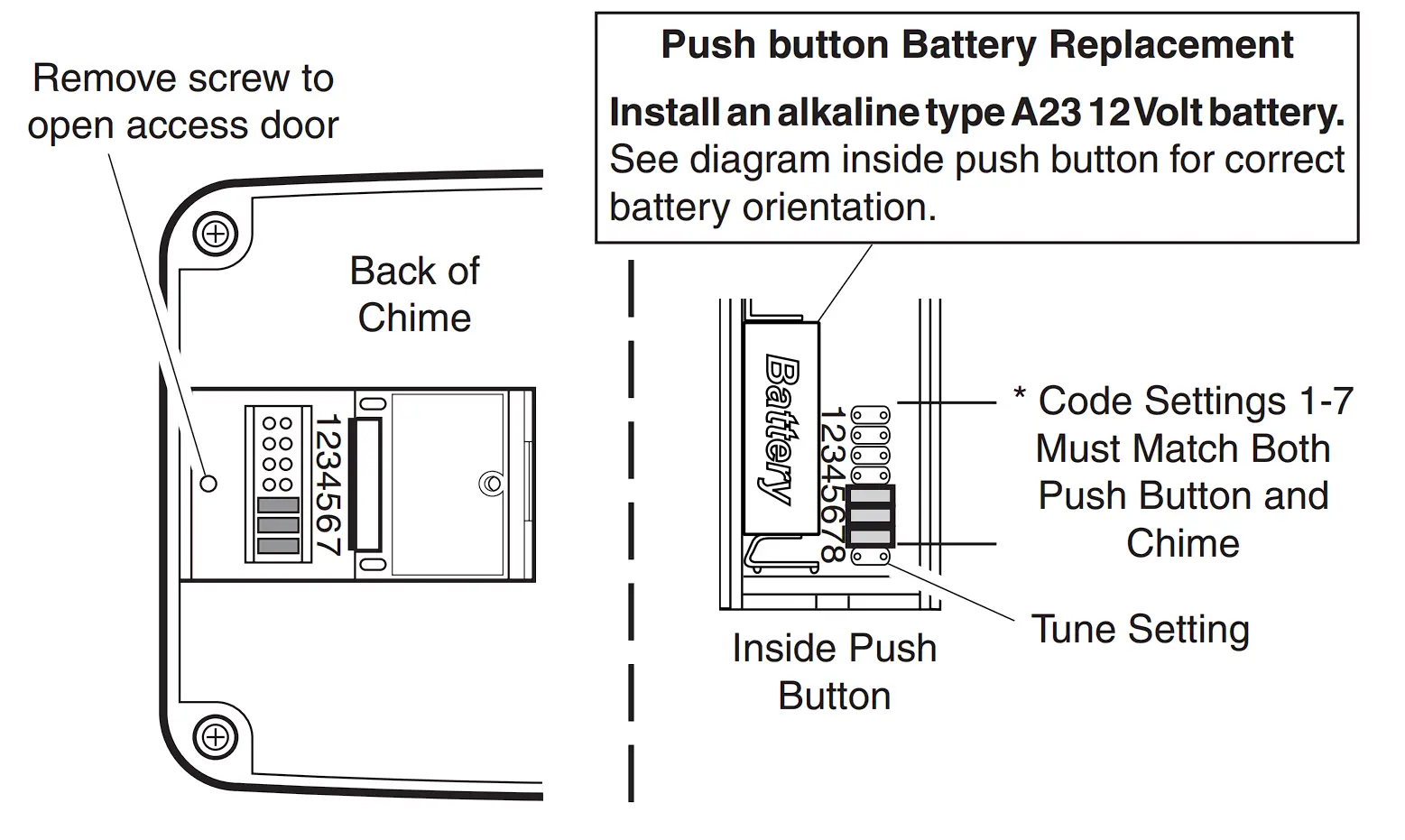
Note: Some models might require the use of tweezers to remove and replace the jumpers.
Troubleshooting
Chime does not sound and strobe does not flash:
- Make sure push button and chime codes are the same (See pages 2 and 3). · Check orientation of push button battery (See page 3).
- Check push button battery charge, replace if necessary.
Batteries seem OK, but the chime and strobe do not work when installed:
- Do not mount chime or push button on metal or near metal studs. This reduces the transmitter range. Use 1/4″ to 1/2″ (6 to 13 mm) wood shims to move chime or push button off metal surface. · Concrete floors may reduce range. Move chime away from floor.
- Try locating chime closer to push button.
The range of the wireless chime can vary with location, temperature and battery condition.
| DANGER: Electric shock hazard. Do not open chime. No serviceable components inside. If strobe fails to flash, replace chime. |
Technical Service
Please call 1-800-858-8501 (English speaking only) for assistance before returning product to store.
If you experience a problem, follow this guide. You may also want to visit our Web site at: www.hzsupport.com. If the problem persists, call* for assistance at 1-800-858-8501, 7:30 AM to 4:30 PM CST (M-F). You may also write* to: HeathCo LLC P.O.
Box 90004, Bowling Green, KY 42102-9004
ATTN: Technical Service
* If contacting Technical Service, please have the following information available: Model Number, Date of Purchase, and Place of Purchase.
No Service Parts Available for this Product
Regulatory Information
This device complies with Part 15 of the FCC Rules and RSS-210 of Industry Canada. Operation is subject to the following two conditions:
(1) this device may not cause harmful interference, and
(2) this device must accept any interference received, including interference that may cause undesired operation.
The user is cautioned that changes or modifications not expressly approved by the party responsible for regulatory compliance could void the user’s authority to operate the equipment.
ONE YEAR LIMITED WARRANTYThis is a “Limited Warranty” which gives you specific legal rights. You may also have other rights which vary from state to state or province to province. For a period of one year from the date of purchase, any malfunction caused by factory defective parts or workmanship will be corrected at no charge to you. |
HeathCo LLC reserves the right to discontinue and to change specifications at any time without notice without incurring any obligation to incorporate new features in previously sold products.

 hzsupport.com