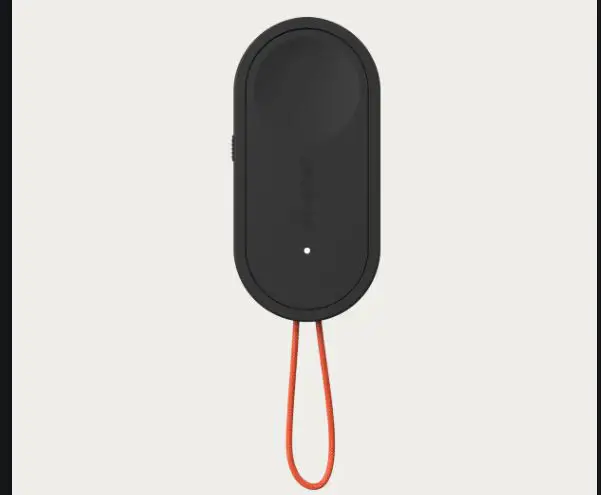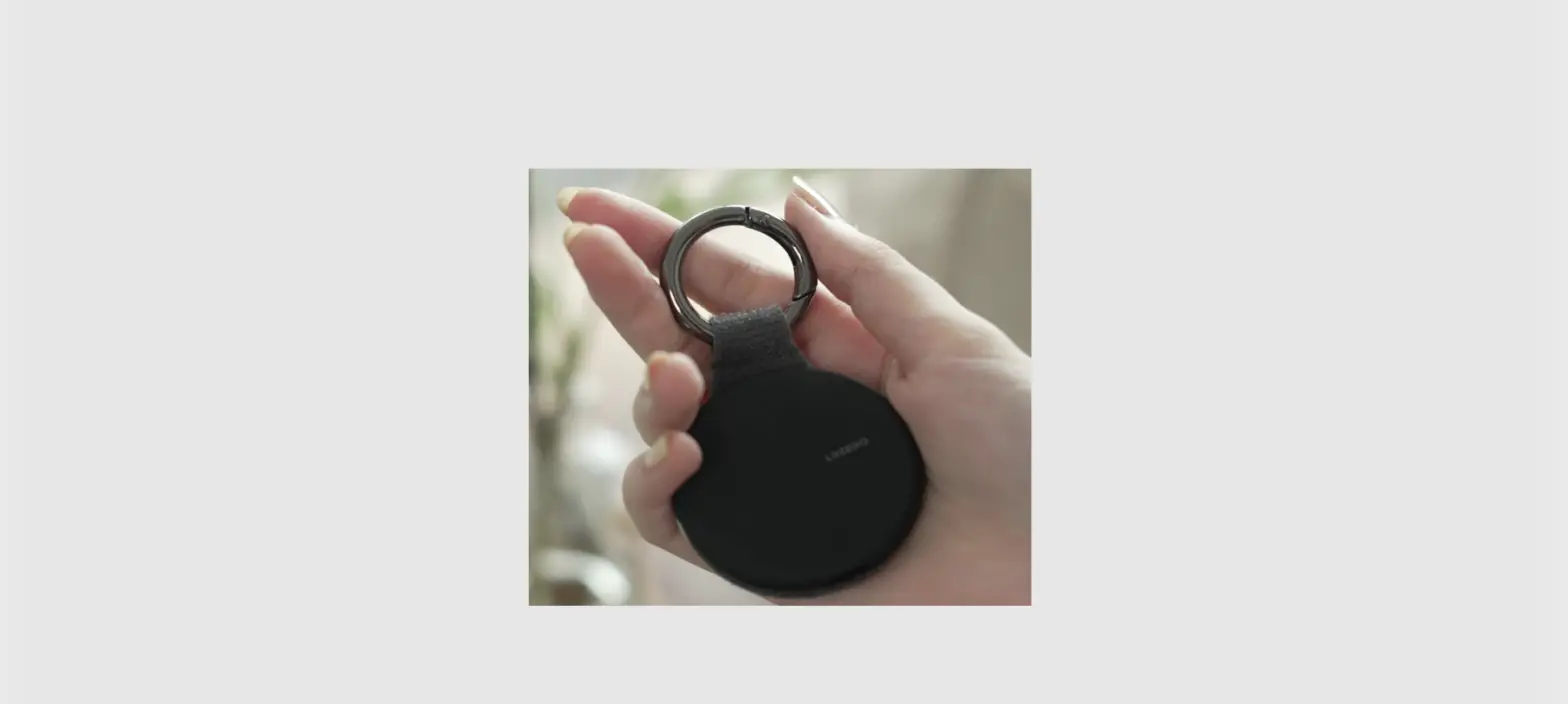

MICRO REMOTE
QUICK REFERENCE GUIDE
Compatible with all Bluetooth® enabled i-Pilot® LinkTM and i-Pilot systems only.
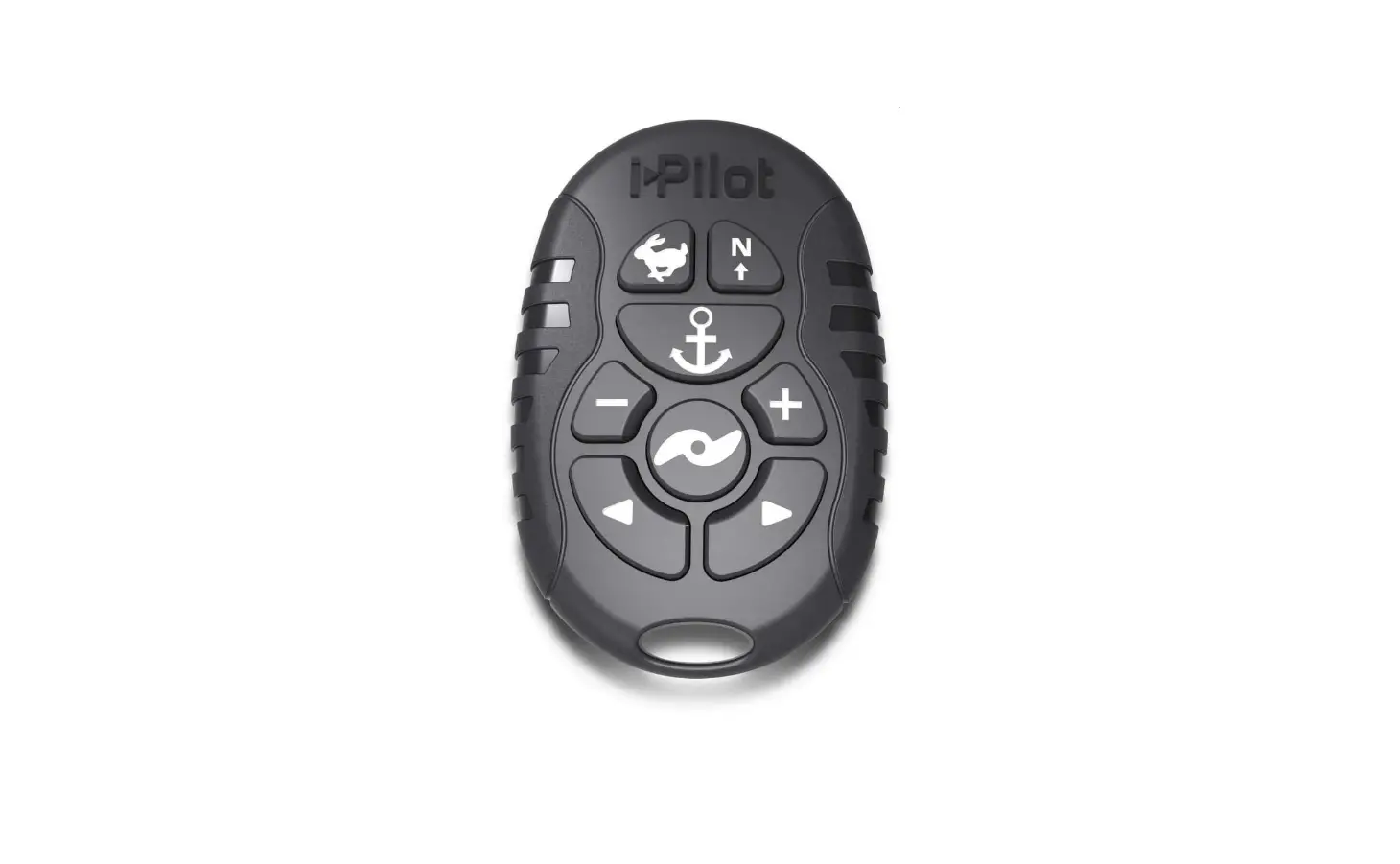
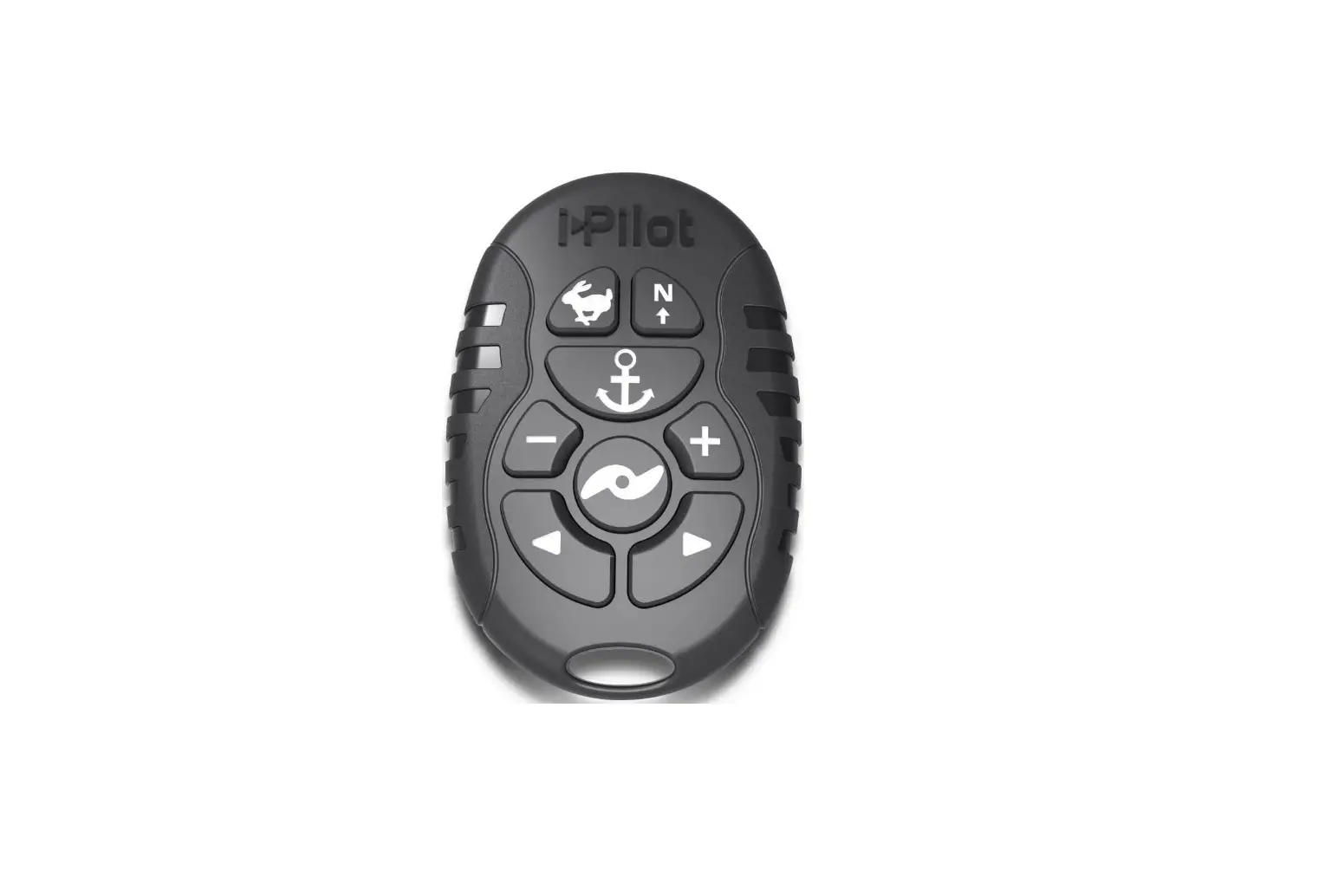
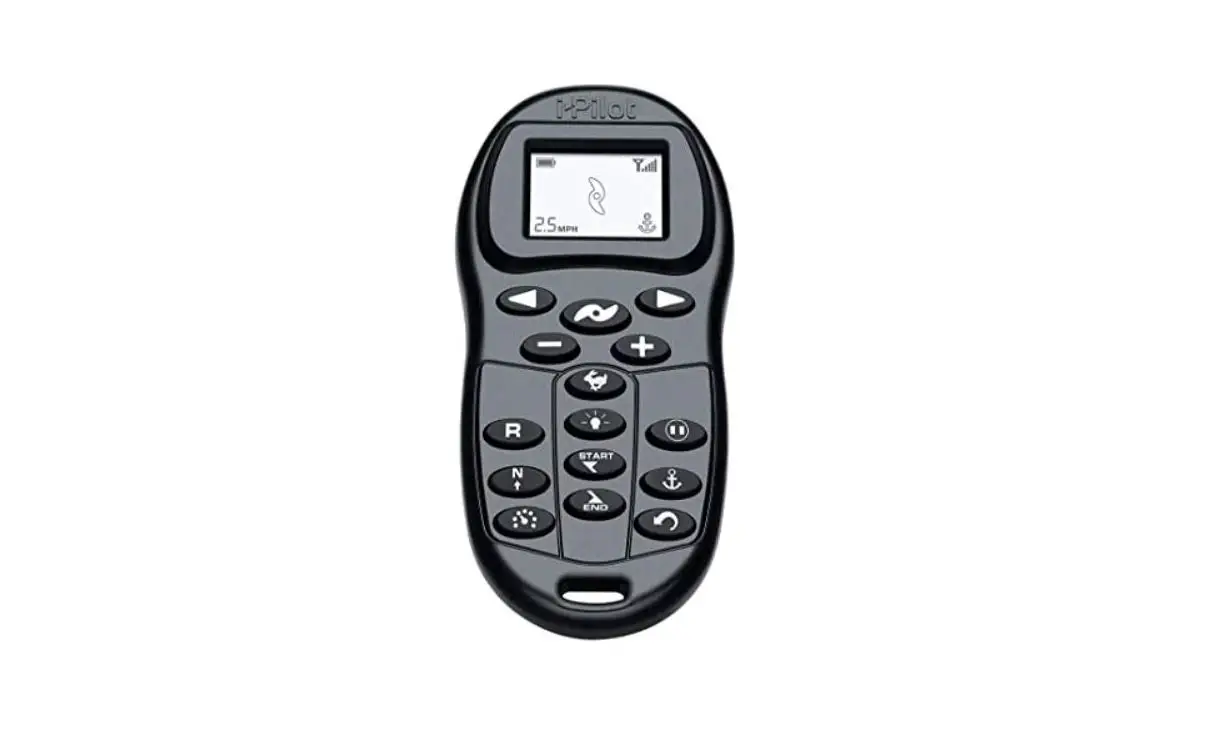
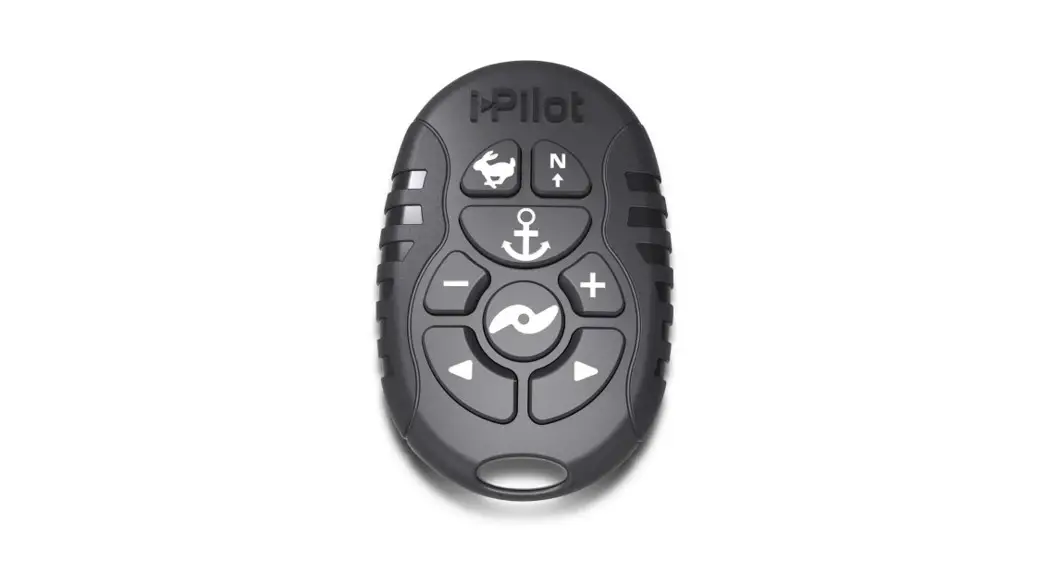
REMOTE
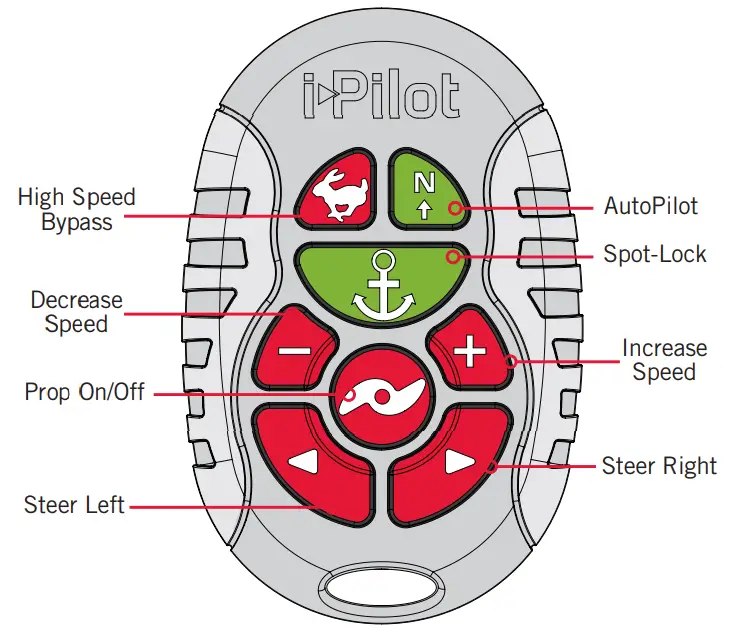
NOTICE: If your motor is connected to a Heading Sensor, the Speed Down  (backwards), Speed Up
  (forward), Steer Right
  and Steer Left
 buttons function change to Jog the boat while in Spot-Lock.
MANUAL CONTROL BUTTONS
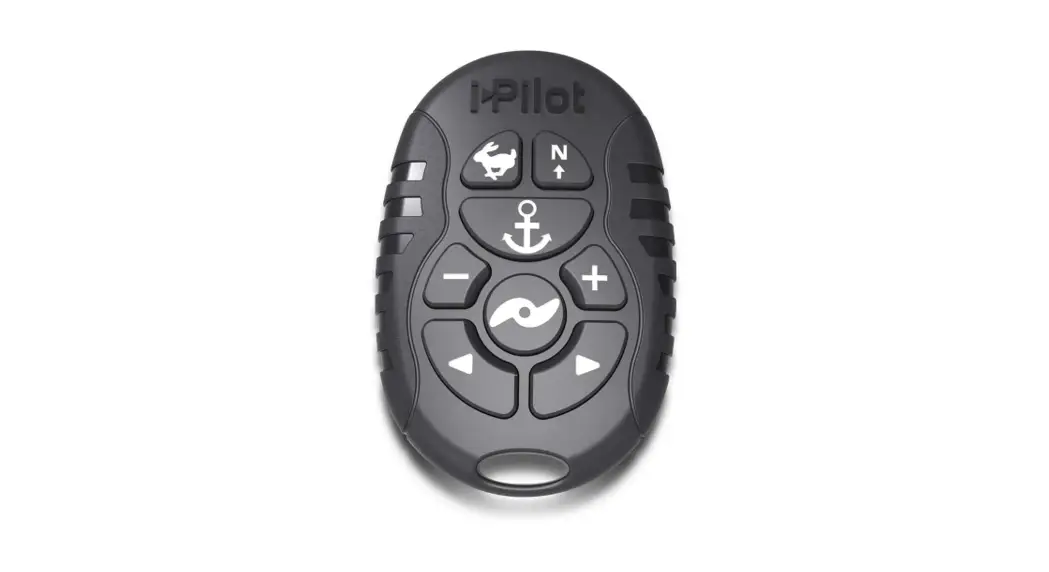
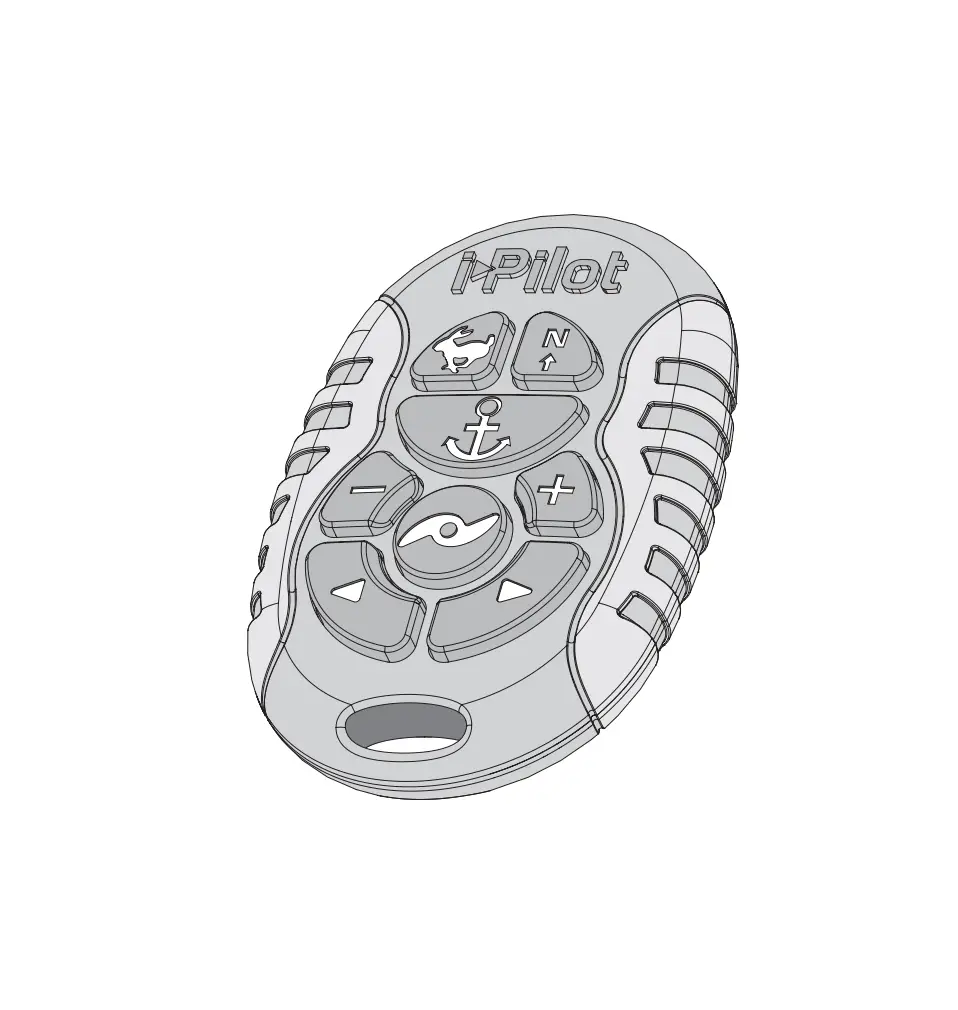
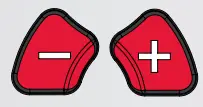 | Speed Down & Speed Up Press to decrease or increase the motor speed. |
 | Prop On/Off Pressing this button will turn the Prop on and off. |
 | Steer Left & Steer Right Press to steer the motor to the left or to the right. |
 | High-Speed Bypass Bypasses the current motor speed to speed 10. Double press to engage. Single press to disengage. |
NAVIGATION BUTTONS Spot-Lock
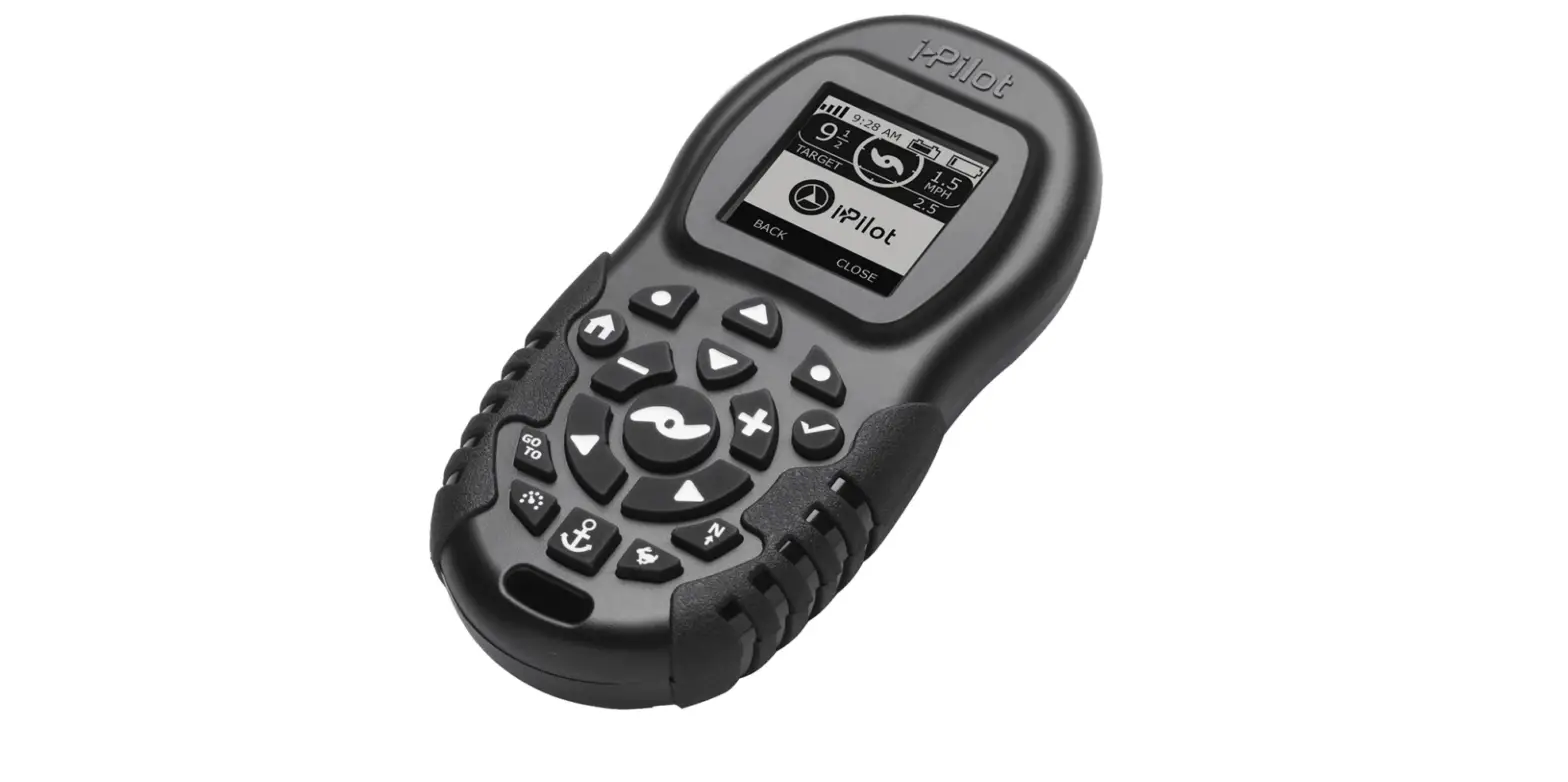
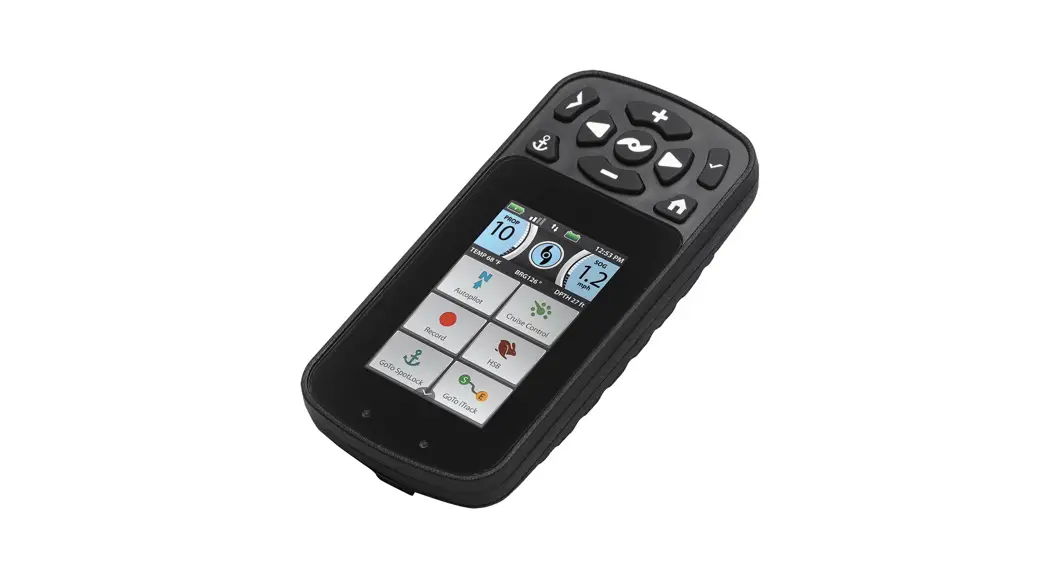
Press to enable Spot-Lock. When Spot-Lock is enabled from the Micro Remote, use either the i-Pilot or i-Pilot Link remote, or the fish finder if you want to save it. AutoPilot
Press to enable AutoPilot. The selection between Legacy AutoPilot and Advanced AutoPilot must be made from either the i-Pilot or i-Pilot Link remote.
PAIRING
Pairing the Micro Remote to your Controller
An i-Pilot controller may pair up to 5 remotes. These five remotes can be a combination of standard i-Pilot remotes and Micro Remotes. Any additional remotes can be paired using the following steps. Once the maximum number of remotes have been paired, the controller will start replacing the oldest paired remote in memory with the new remote.
- Power up the trolling motor.
- Locate the Pair
 button at the top of the Control Head.
 - Push and hold the Pair button down. A consistent tone will be emitted from the Control Head.
NOTICE: Make sure the remote stays within range of the Control Head during the pairing process. - While holding the Pair button on the Control Head, push and hold the High-Speed
 Bypass button and AutoPilot
  button on the remote simultaneously.
NOTICE: When the remote is being paired to the i-Pilot The controller, the High-Speed Bypass button, and the AutoPilot button need to be held down simultaneously. Make sure to also hold the Pairbutton on the Control Head to successfully pair the remote to the controller. - Once successfully paired, 3 longer beeps will be emitted from the Control Head and the remote will be paired.
 button at the top of the Control Head.
 Bypass button and AutoPilot
 NOTICE: A remote can be paired to one controller at a time.
A controller can have multiple remotes paired to it.
Scan to view the complete Micro Remote Owner’s Manual online. The Owner’s Manual is available at minnkotamotors.com and includes information on compatibility, safety considerations, compliance, maintenance, parts and more.
http://HTTP://DELIVR.COM/2S5XT-QR
Part #2394903
ECN 39368
Rev A
minnkotamotors.com
©2018 Johnson Outdoors Marine Electronics, Inc.
 minnkotamotors.com