
MINA KOTA i-Pilot Remote Pairing 
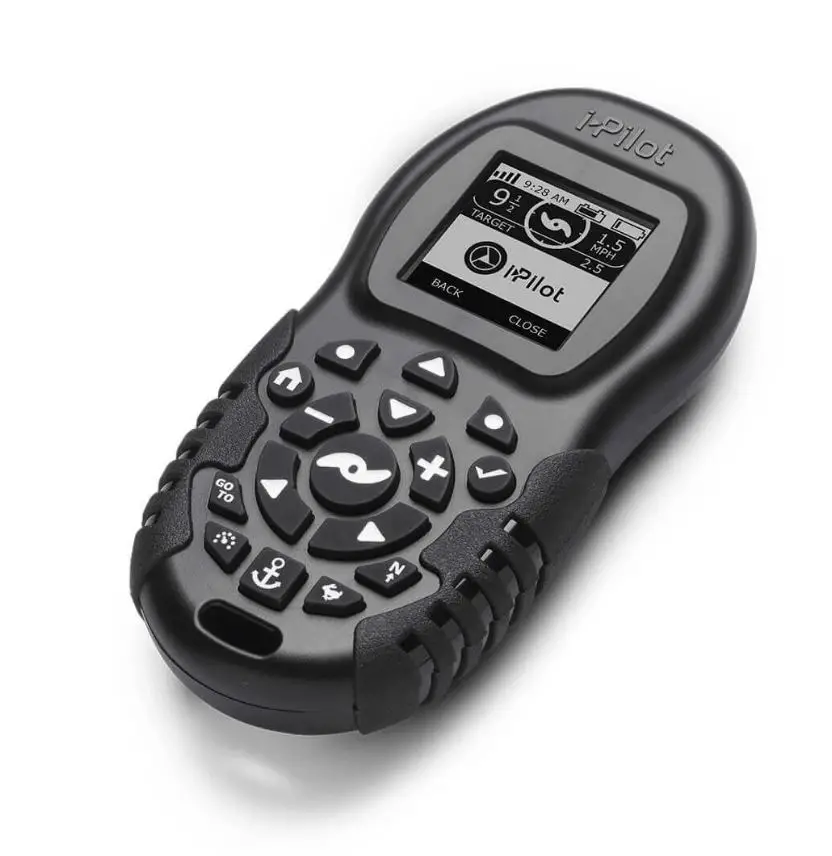
REMOTE PAIRING GUIDE
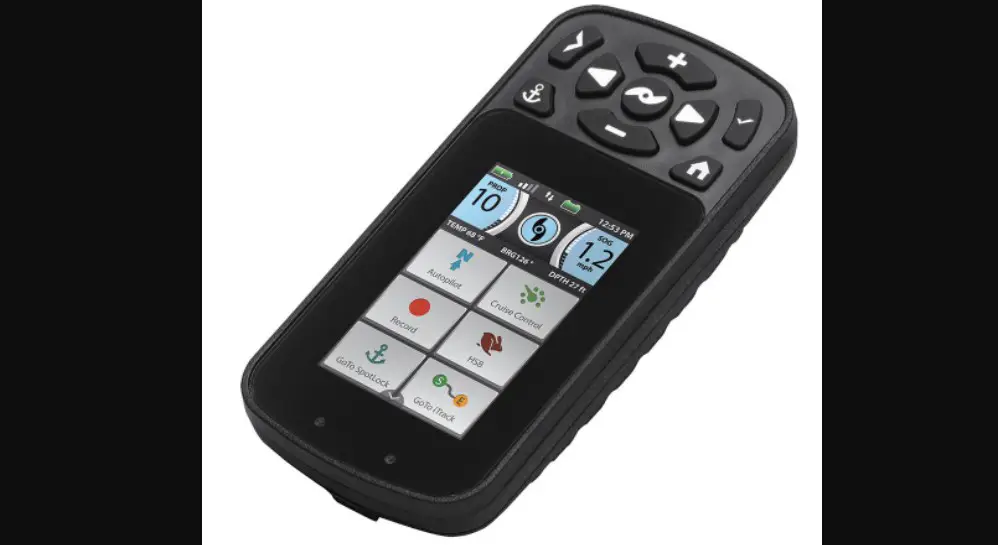
How to pair a Bluetooth i-Pilot Remote (2017 & Newer)PowerDrive, Terrova, Ulterra, Ultrex, Riptide PowerDrive, Riptide Terrova, and Riptide Ulterra
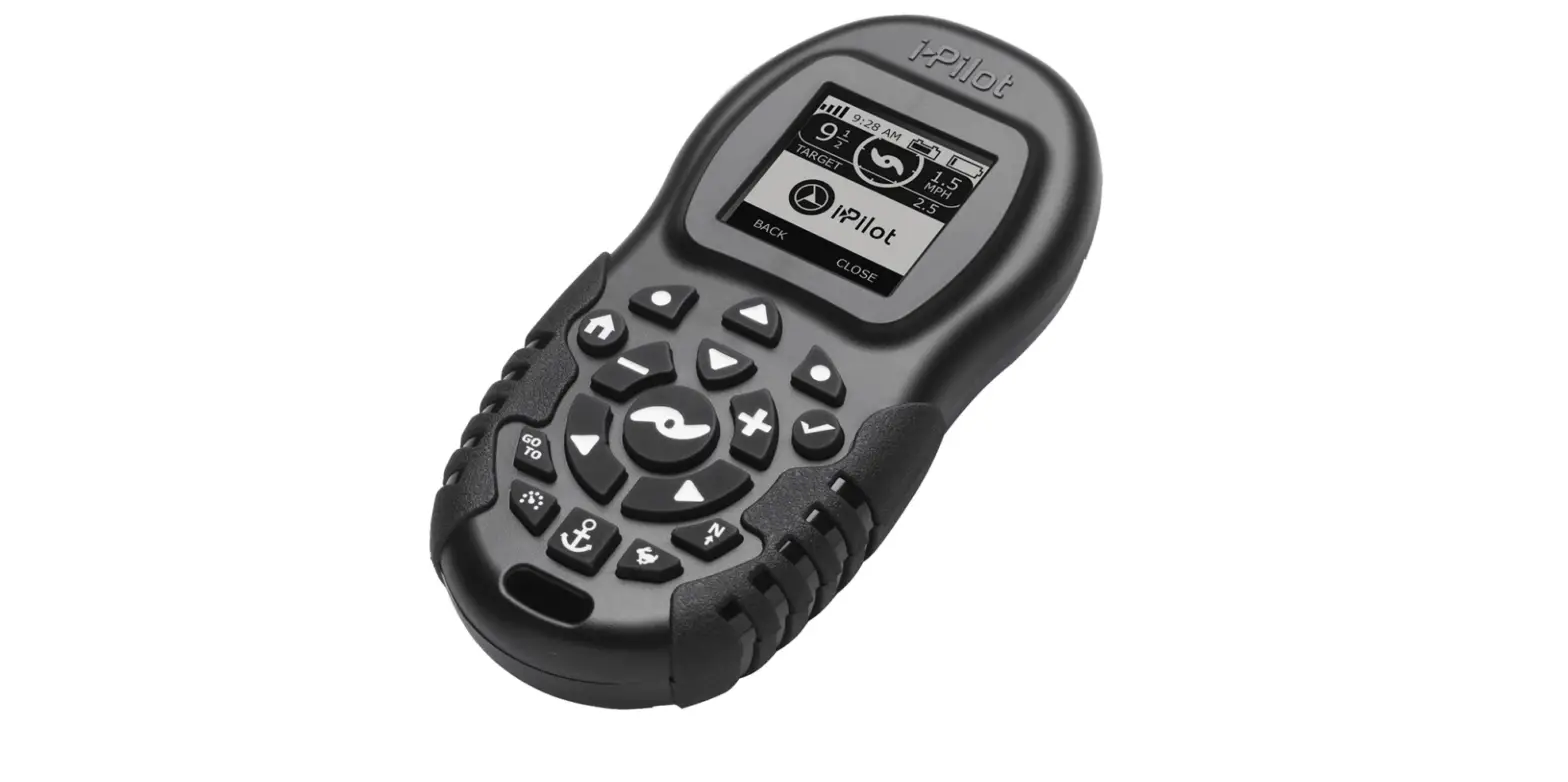
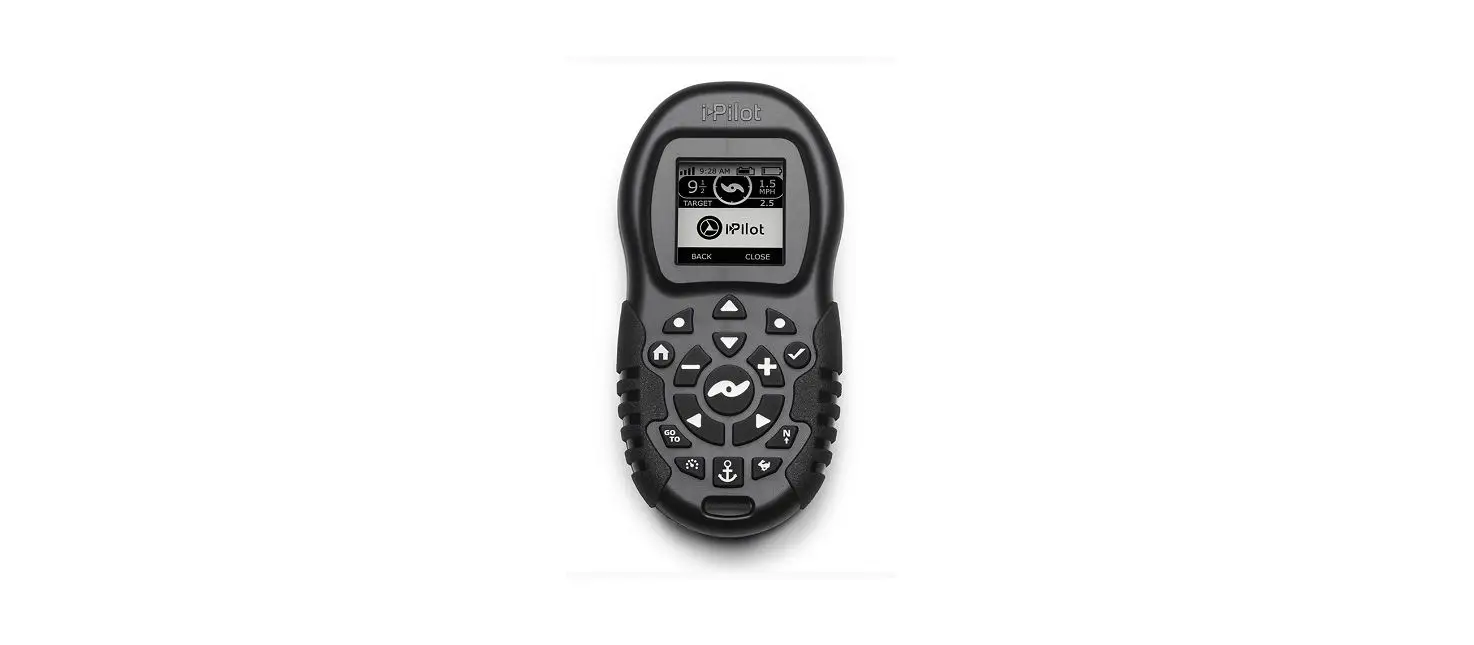
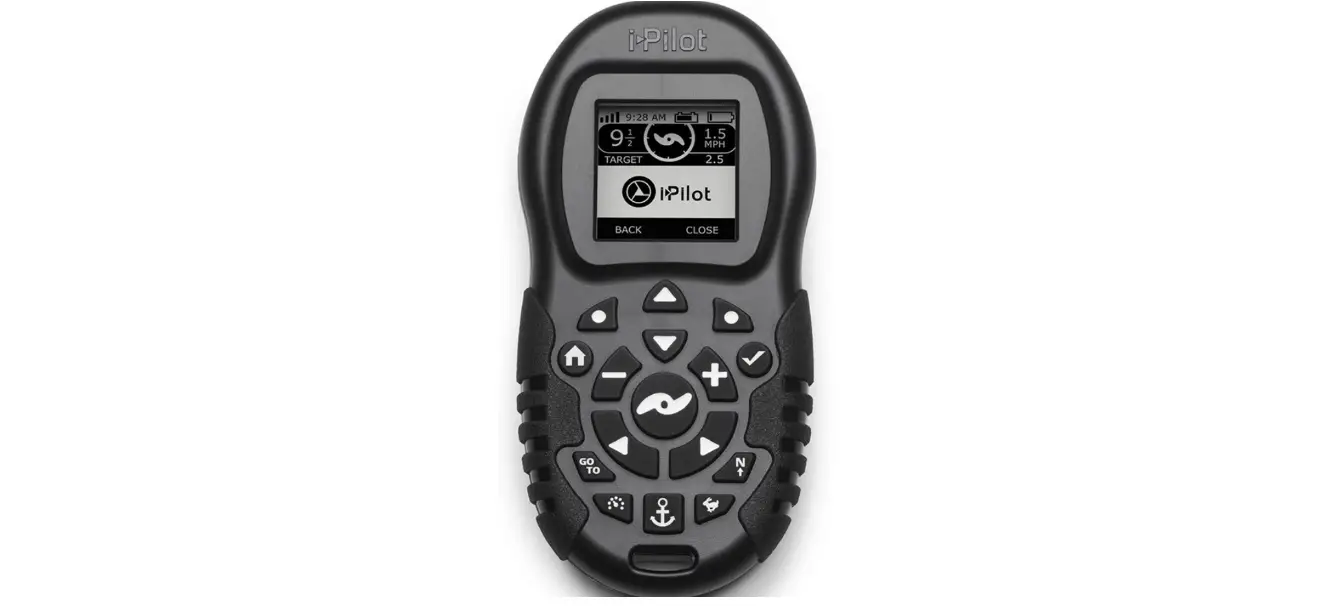
An i-Pilot controller may pair up to 3 remotes. These three remotes can be a combination of standard i-Pilot remotes and Micro remotes. Any additional remotes can be paired using the following steps. Once the maximum number of remotes have been paired, the controller will start replacing a new remote with the oldest paired remote in memory.
- Press the
 Home button.
 - Use the
 Menu Up and
  Menu Down buttons to find the System menu at the bottom of the display.
 - Use the
 Right Softkey to select the System menu.
 - Use the Menu Up and Menu Down buttons to find the Pair option.
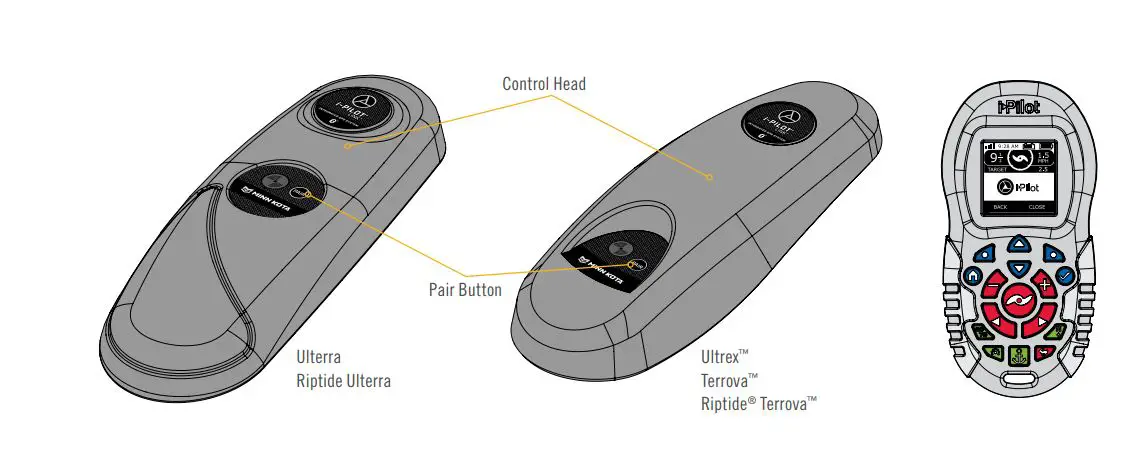
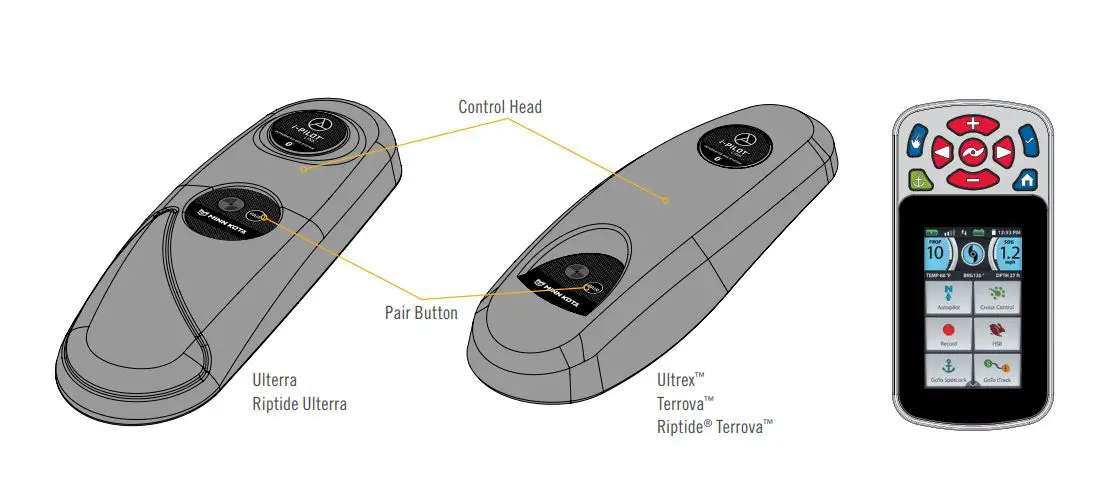
- Before selecting the Pair option, locate the Pair button on the top of the Motor Control Head. Press and hold the Pair button. A consistent tone will be emitted from the Motor Control Head.
- On the remote, use the
 Ok button to select the Pair option from the System menu. The remote will scan for the motor. Once successfully paired, 3 longer beeps will be emitted from the Control Head and the remote will be paired.
 Home button.
 Menu Up and
  Menu Down buttons to find the System menu at the bottom of the display.
 Right Softkey to select the System menu.
 Menu Up and
  Menu Down buttons to find the Pair option.
 Ok button to select the Pair option from the System menu. The remote will scan for the motor. Once successfully paired, 3 longer beeps will be emitted from the Control Head and the remote will be paired.
How to pair an i-Pilot Remote (2016 & Prior) PowerDrive, Terrova, Ulterra, Riptide PowerDrive, Riptide Terrova, and Riptide Ulterra
A remote can only be learned to one Motor Control Head at a time. A Motor Control Head can have an unlimited number of remotes learned to it.
- Power up the trolling motor.
- Push and hold the learn button located on the top of the Motor Control Head. A steady audio tone will be heard while holding this button.
- While continuing to hold the learn button down press and release any button on the remote being programmed. Three beeps will be heard when the remote is successfully learned.

How to pair a Bluetooth i-Pilot Link Remote (2017 & Newer) Terrova, Ulterra, Ultrex, Riptide Terrova, and Riptide Ulterra
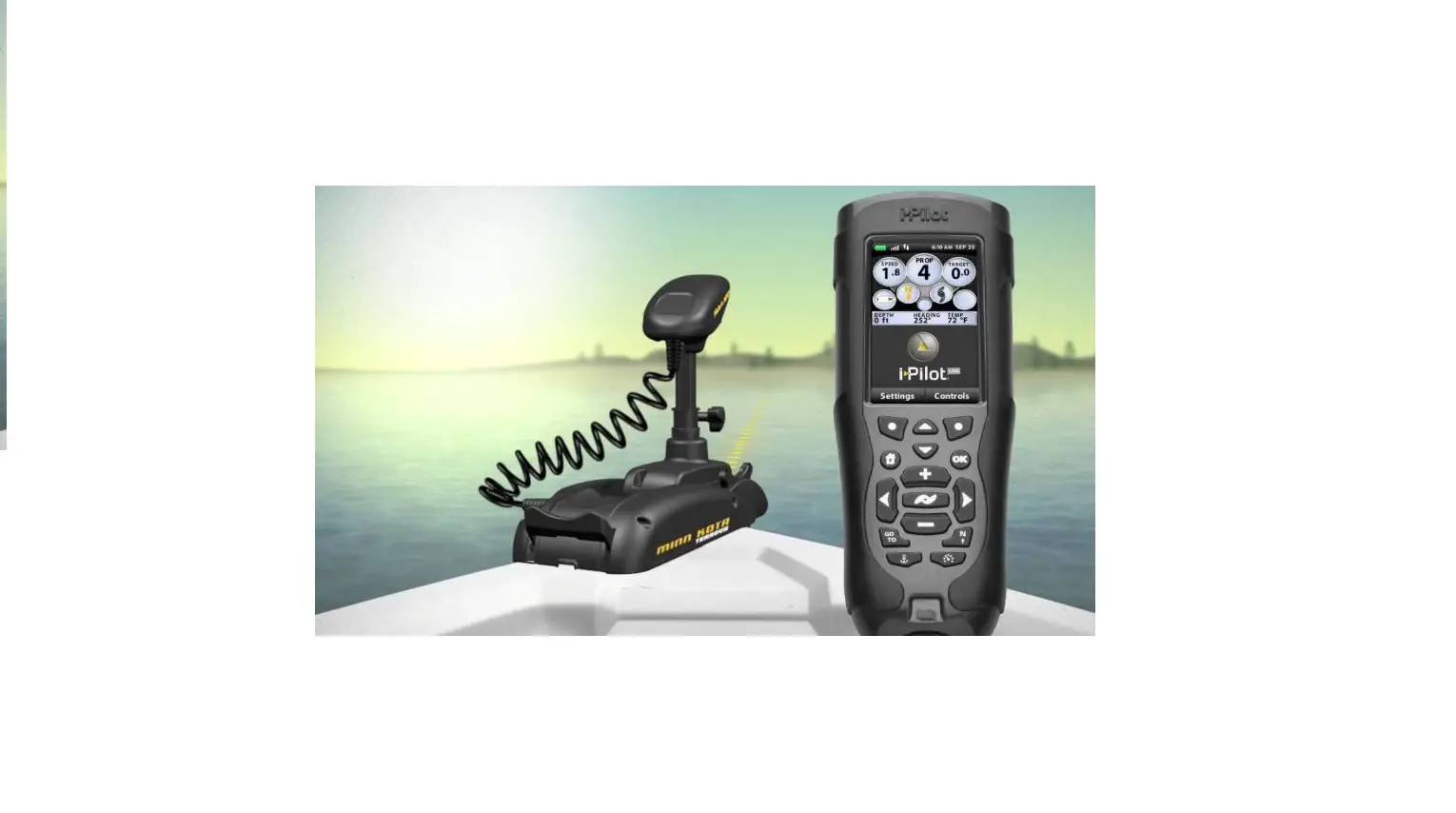
An i-Pilot Link Motor Control Head may pair up to 3 remotes. These three remotes can be a combination of standard i-Pilot Link remotes and Micro remotes. Any additional remotes can be paired using the following steps.
Once the maximum number of remotes have been paired, the controller will start replacing a new remote with the oldest paired remote in memory.
- Press the Home button.
- Scroll through the Content Area using either your finger or the
 Screen Navigation button to find the
  System button.
 - Select the
 Sytem button using either your finger or by pressing the
  Ok button to open the System Menu.
 - Once in the System Menu, scroll through to gind the
 Pairing option. Before selecting the Pair Option, locate the Pair Button on the top of the Motor Control Head. Press and hold the Pair button. A consistent tone will be emitted from the Motor Control Head.
 - On the remote, select the Pairing option. The remote will scan for the motor. Once successfully paired, 3 longer beeps will be emitted from the Motor Control Head and the remote will be paired.
 Screen Navigation button to find the
  System button.
 Sytem button using either your finger or by pressing the
  Ok button to open the System Menu.
 Pairing option. Before selecting the Pair Option, locate the Pair Button on the top of the Motor Control Head. Press and hold the Pair button. A consistent tone will be emitted from the Motor Control Head.
How to pair an i-Pilot Link Remote (2016 & Prior) PowerDrive, Terrova, Ulterra, Riptide PowerDrive, Riptide Terrova, and Riptide Ulterra
A remote can only be learned to one Motor Control Head at a time. A Motor Control Head can have up to 4 remotes learned to it and actively communicating with it.
- Power up the trolling motor.
- Push and hold the learn button down. A steady audio tone will be heard while holding this button.
- While continuing to hold the learn button on the Motor Control Head, from the remote home screen select: Controls > Learn and press the OK key
- If the learning process was successful, the Motor Control Head will respond with four beeps.

How to program and learn a CoPilot remote
The CoPilot kit already has the receiver “learned” to the ID number of the remote it is packaged with. To “learn” the ID number of additional remotes, follow these steps:
- Press and hold the LEARN button located on the side of the receiver (receiver will emit a continuous tone.) Press any button on the remote (receiver will beep 4 times confirming that it has “learned” the ID number of the remote and that the programming is valid and complete.)
- “Re-learning” the ID number of the same remote will not overwrite previously “learned” remotes.
- If the receiver has “learned” the ID number of ten remotes, “learning” an eleventh remote will erase or over write the first “learned” remote.
The CoPilot allows the angler to erase all stored remote ID numbers fro the receiver. To do so, follow these steps
- Remove power from the receiver by unplugging the receiver from the motor.
- Press and hold the LEARN button and power up the receiver by plugging it back into the motor. Hold the learn button down for 10 seconds. During this time the receiver audio will emit a warble sound, slowly transitioning to a constant beep, and then shut off.
- Release the LEARN button and the receiver will reboot. The receiver will chirp 4 times followed by a 1 second long beep indicating memory is empty. This audio pattern will occur each time the receiver powers up until a remote ID number is learned.
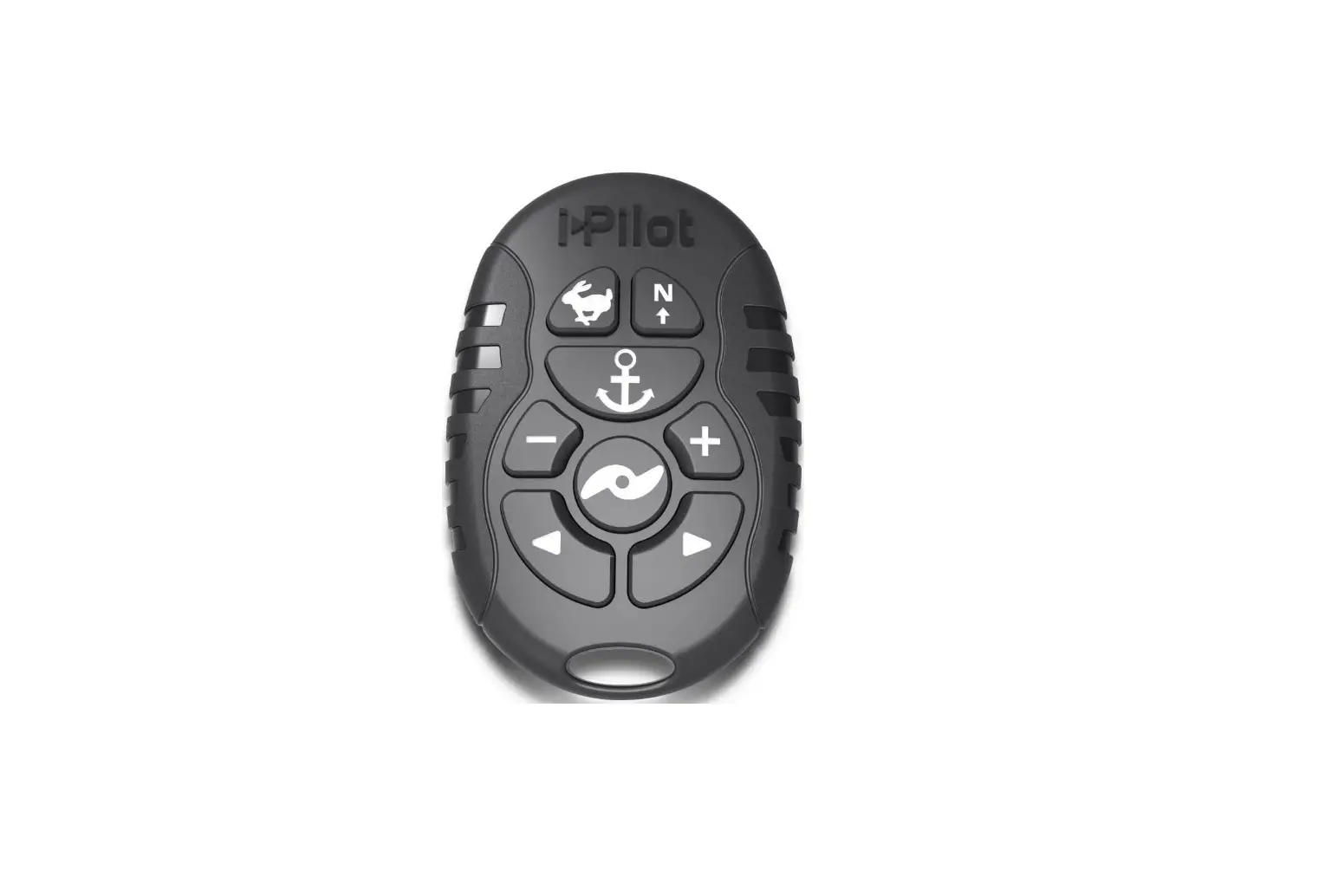
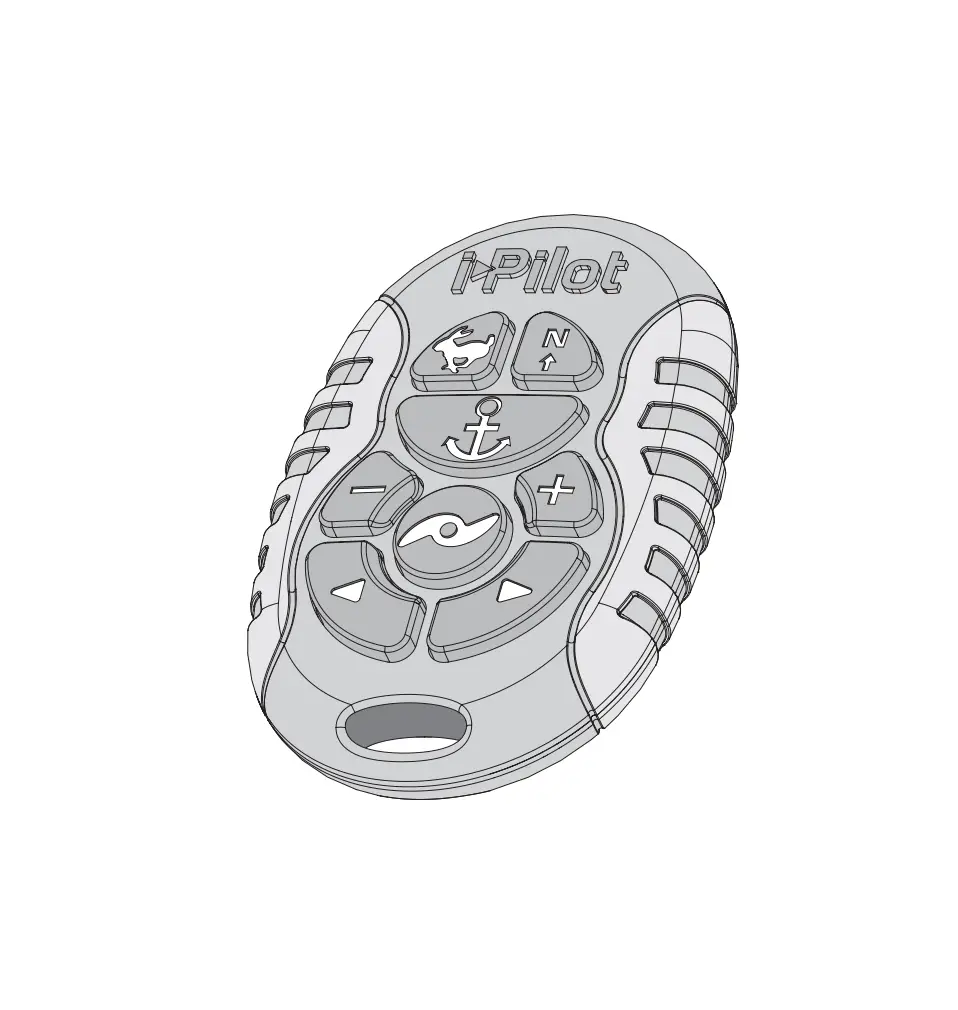
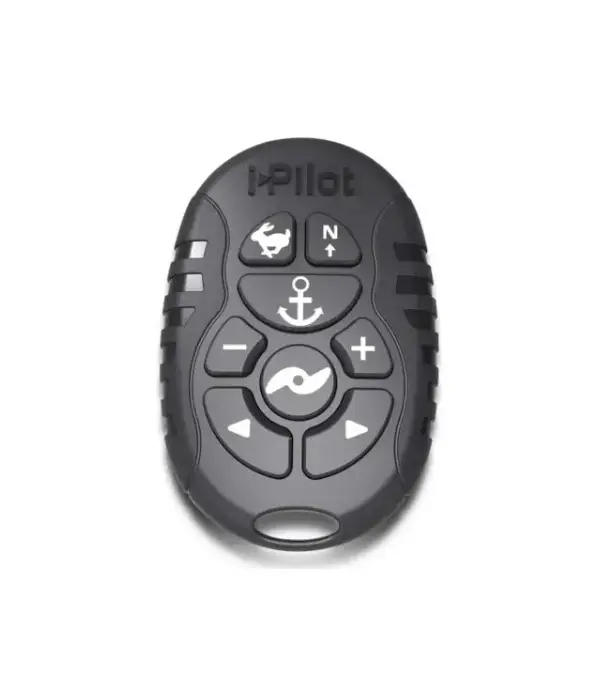
How to learn / pair the Micro Remote to an i-Pilot or i-Pilot Link
To pair your Micro remote, please follow these steps:
- Power up the trolling motor.
- Push and hold the learn or pair button down on trolling motor head. A steady audio tone will be heard while holding this button.
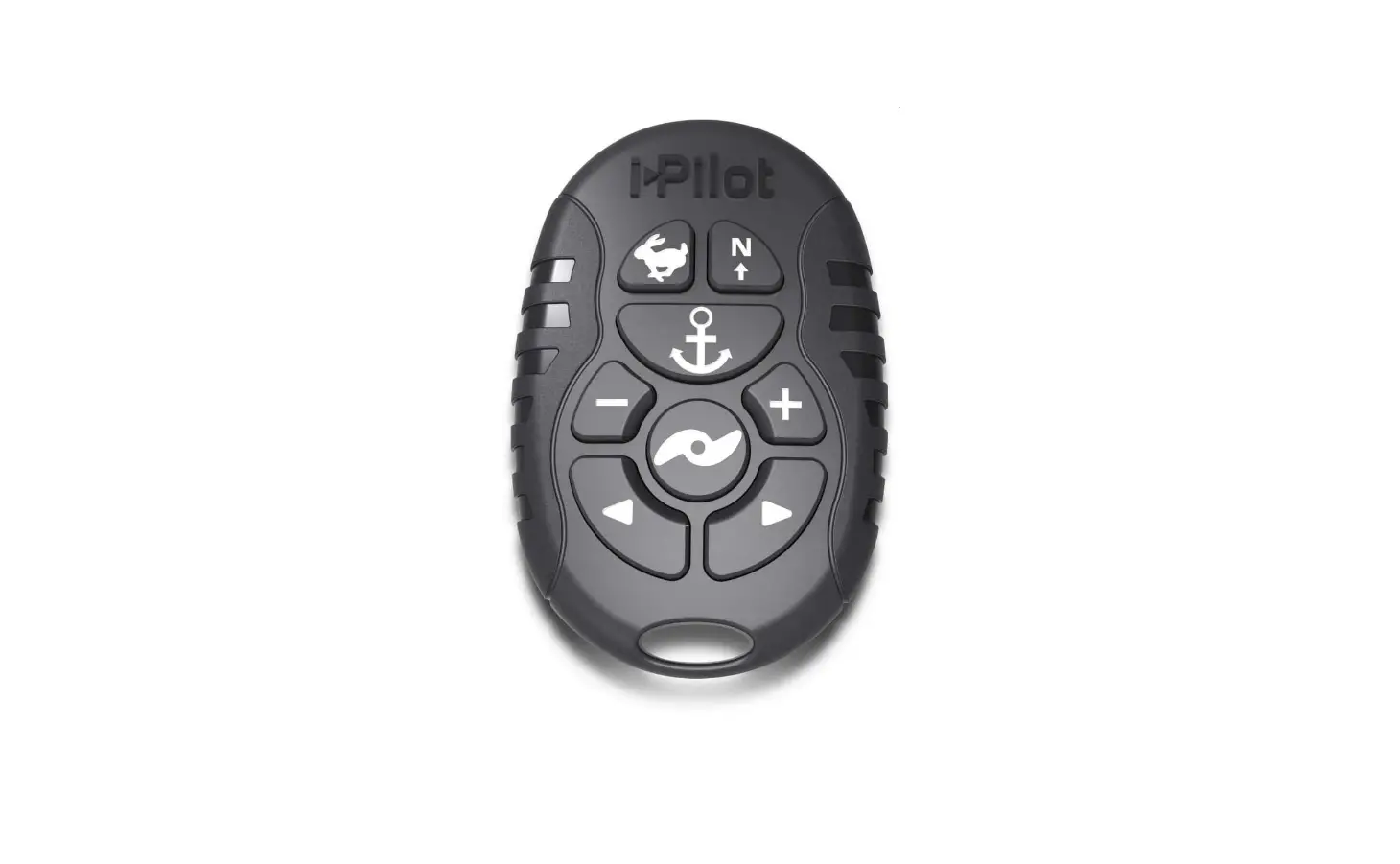
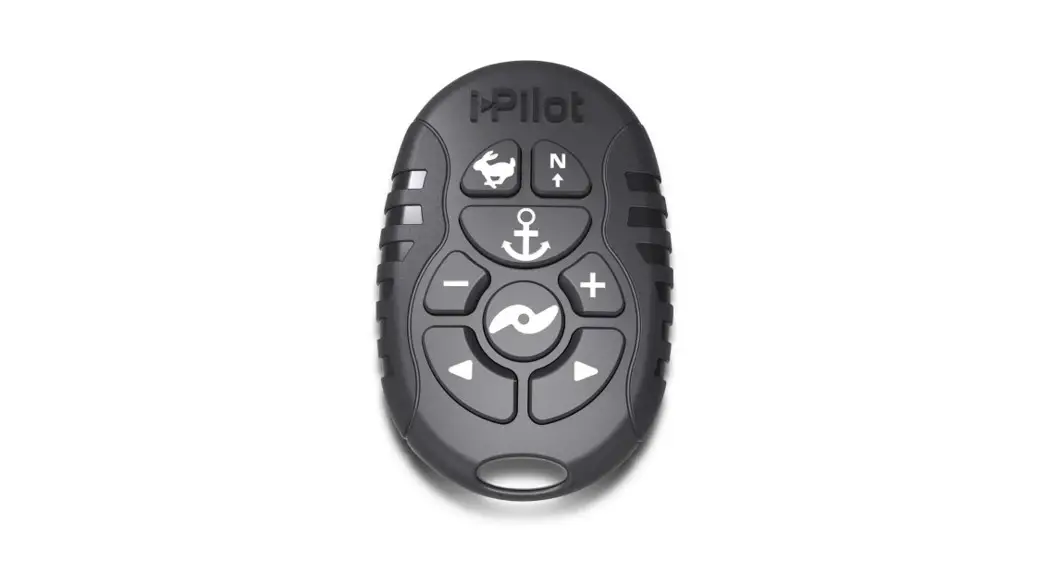
- While continuing to hold the learn or pair button, push and hold the
 High Speed Bypass and
  AutoPilot keys simultaneously on micro remote for up to 3 seconds. Three beeps will be heard from the i-Pilot Motor Control Head when the remote is successfully learned.
 High Speed Bypass and
  AutoPilot keys simultaneously on micro remote for up to 3 seconds. Three beeps will be heard from the i-Pilot Motor Control Head when the remote is successfully learned.
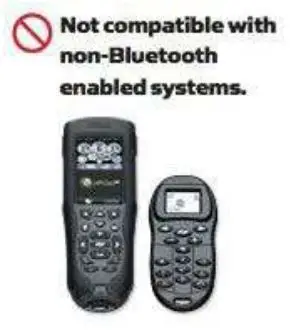
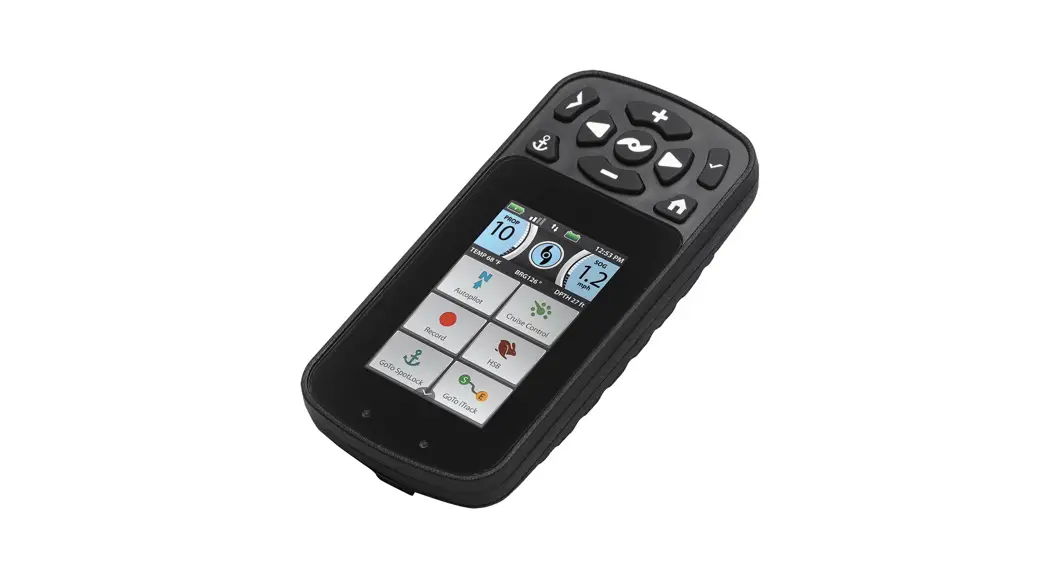
PLEASE NOTE: There are two versions of the Micro Remote – one that works with Bluetooth® compatible i-Pilot and i-Pilot Link systems, and one that is for older systems that are not Bluetooth compatible. A Bluetooth-compatible Micro Remote will not work with a non-Bluetooth compatible i-Pilot or i-Pilot Link system, and vis versa. Please make sure that your Micro Remote is the appropriate version for your i-Pilot or i-Pilot Link system. To confirm, check the Micro Remote packaging for a compatibility statement similar to the following:
COMPATIBLE WITH BLUETOOTH” ENABLED I-PILOT LINK OR I-PILOT SYSTEMS ONLY
This remote will only work with Bluetooth enabled i-Pilot Link or i-Pilot systems. It is NOT compatible with systems that do not use Bluetooth”. Refer to the remote images to ensure system compatibility.
Micro Remote for non-Bluetooth i-Pilot and Link systems is also available (item #1866360).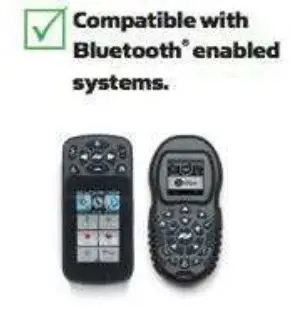
FOR MORE INFORMATION, VISIT MINNKOTAMOTORS.COM
 MINNKOTAMOTORS.COM
 minnkotamotors.com/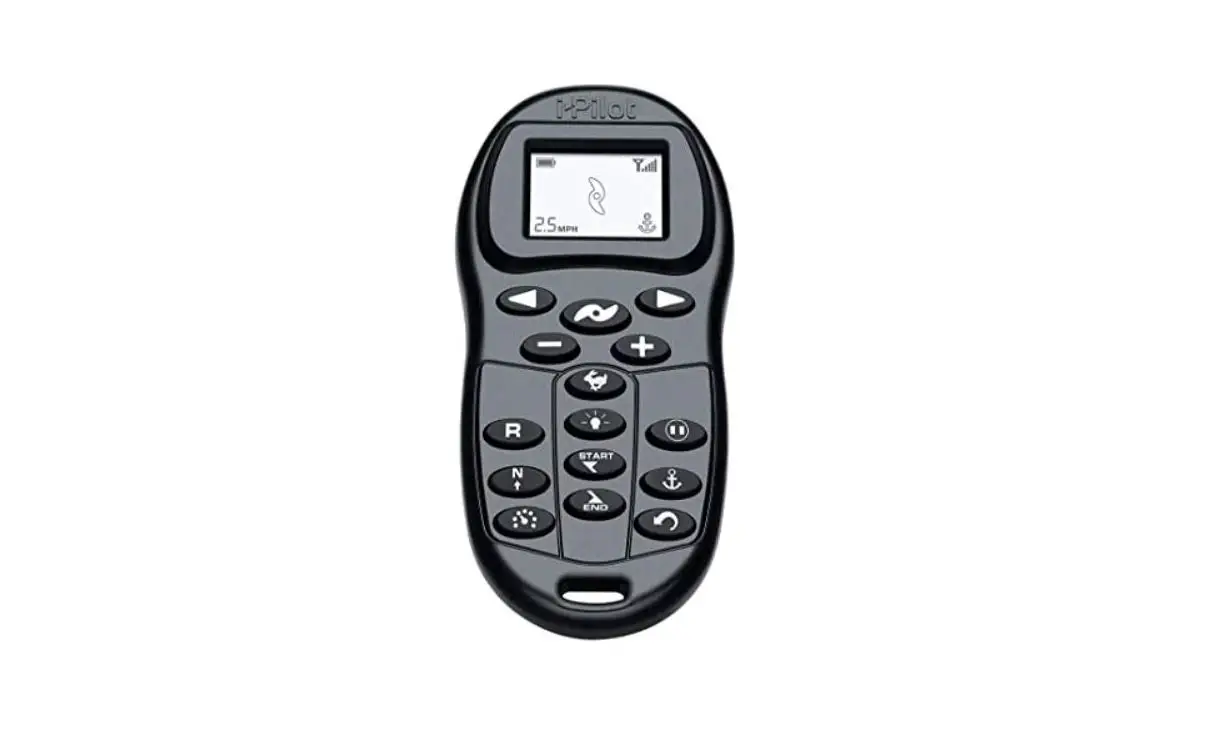

![Harman Jbl Party Xpert User Manual [pairing]](https://static-data1.manualsee.com/1/img/484/4552/2019/05/Harman-JBL-Party-Xpert.png "Harman Jbl Party Xpert User Manual [pairing]")

![Jbl Xtreme User Manual [extreme Pairing Instructions]](https://static-data1.manualsee.com/1/img/239/2490/2018/08/JBL-XTREAM-MANUAL-1.png "Jbl Xtreme User Manual [extreme Pairing Instructions]")