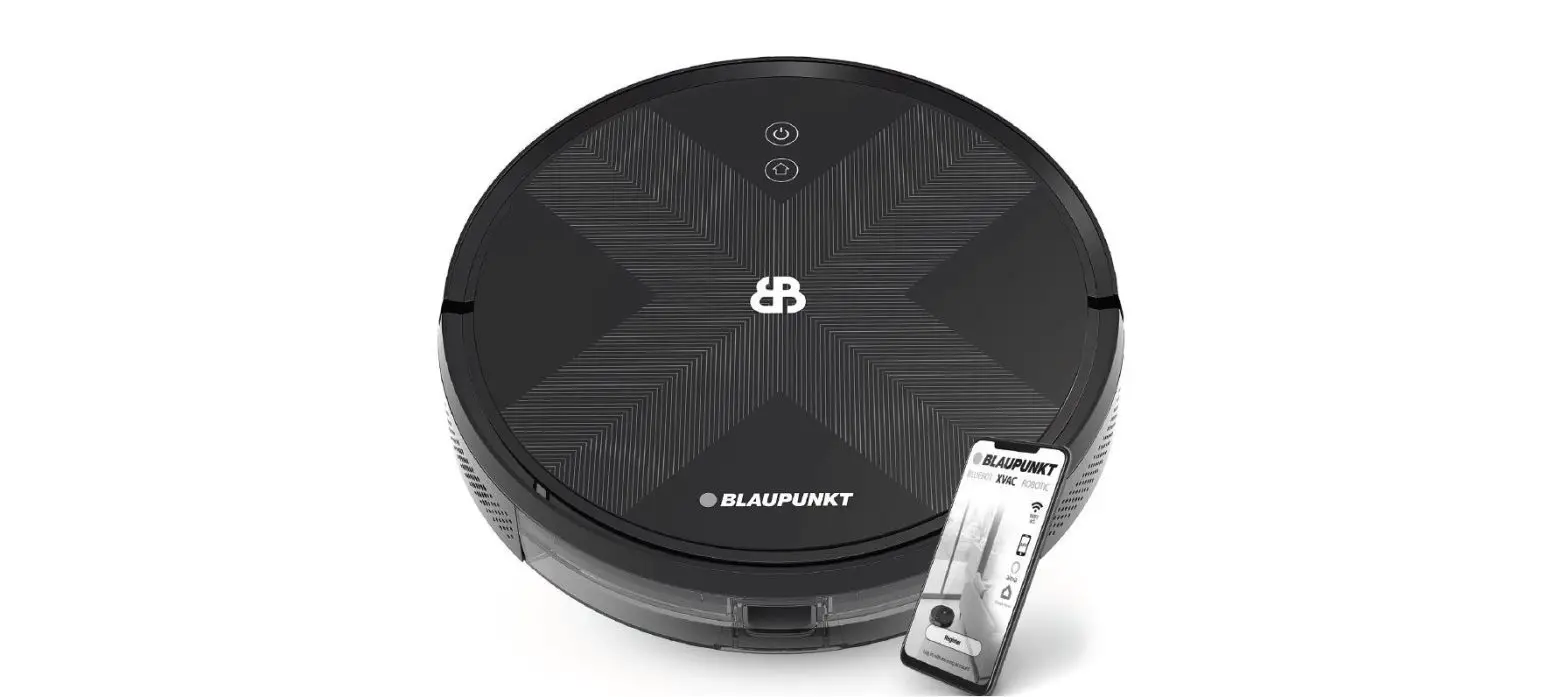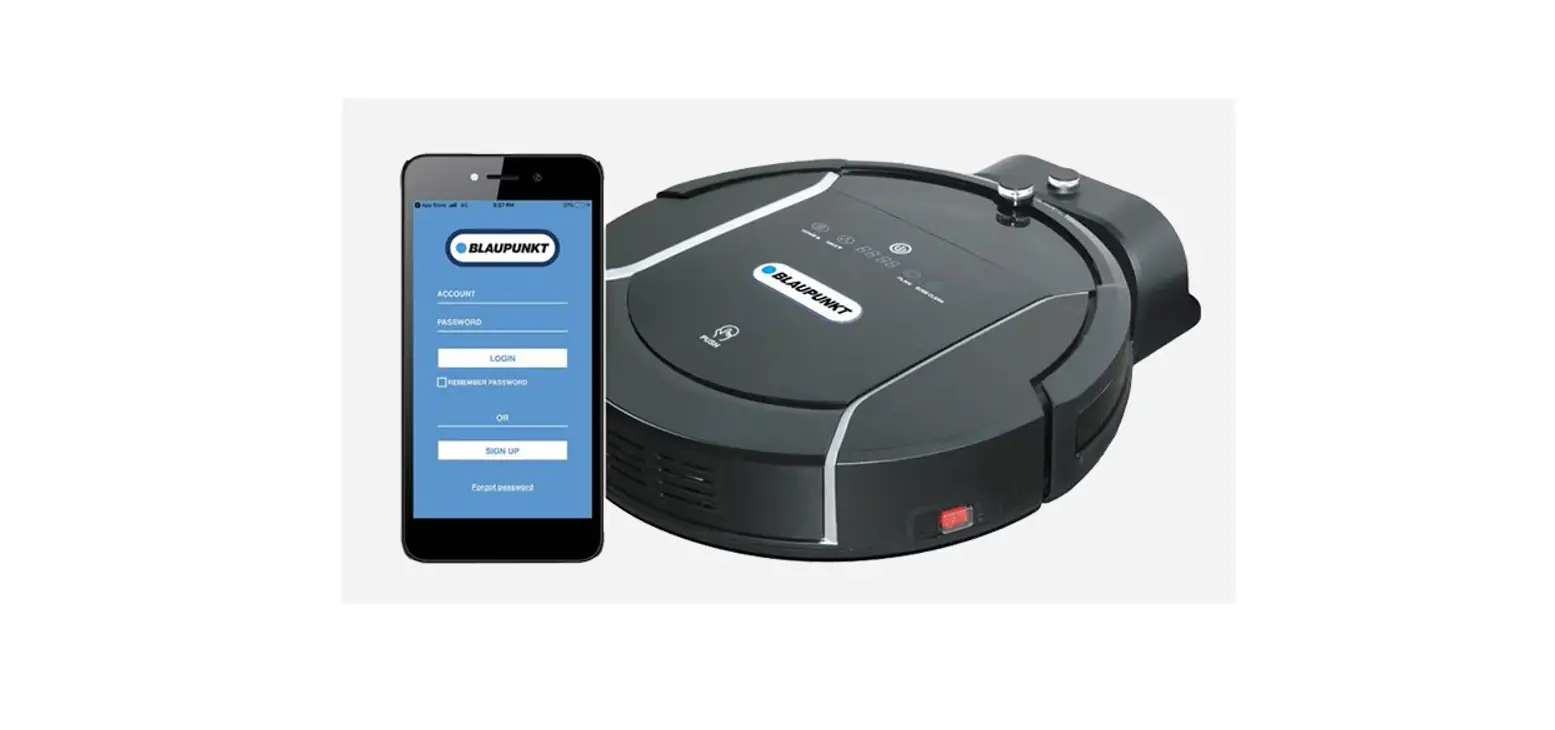

BLAUPUNKT Bluebot App on Google Play Installation
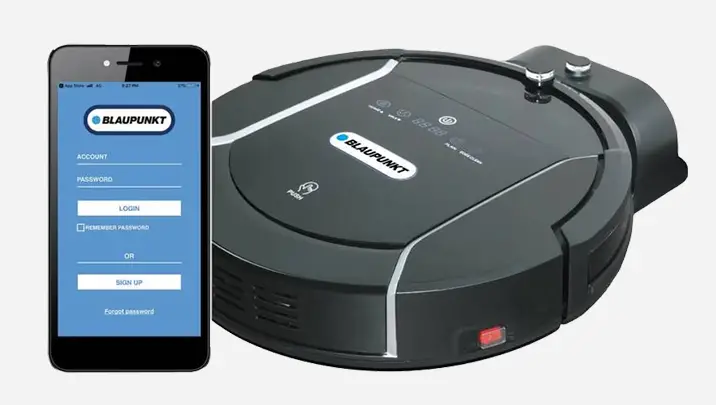
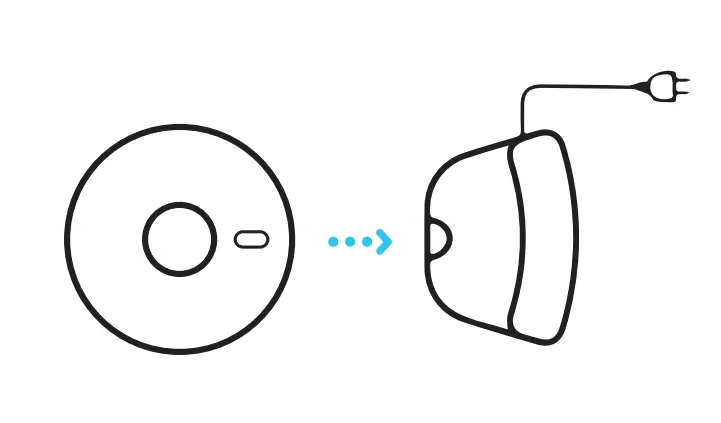
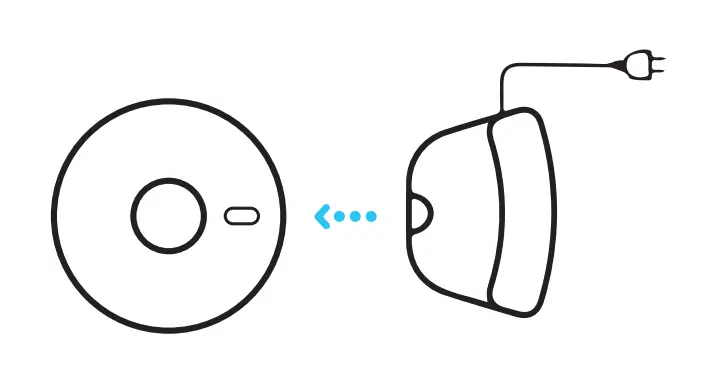
- Place the robot in the charging station to charge and make sure it’s fully charged before use.

- Remove the robot from the charging station.

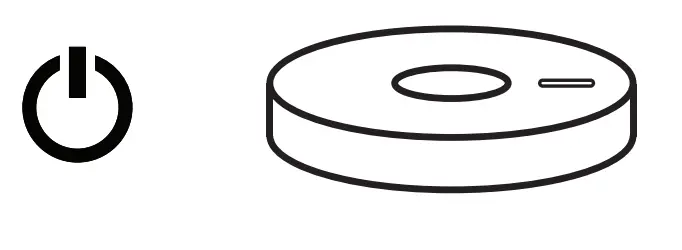
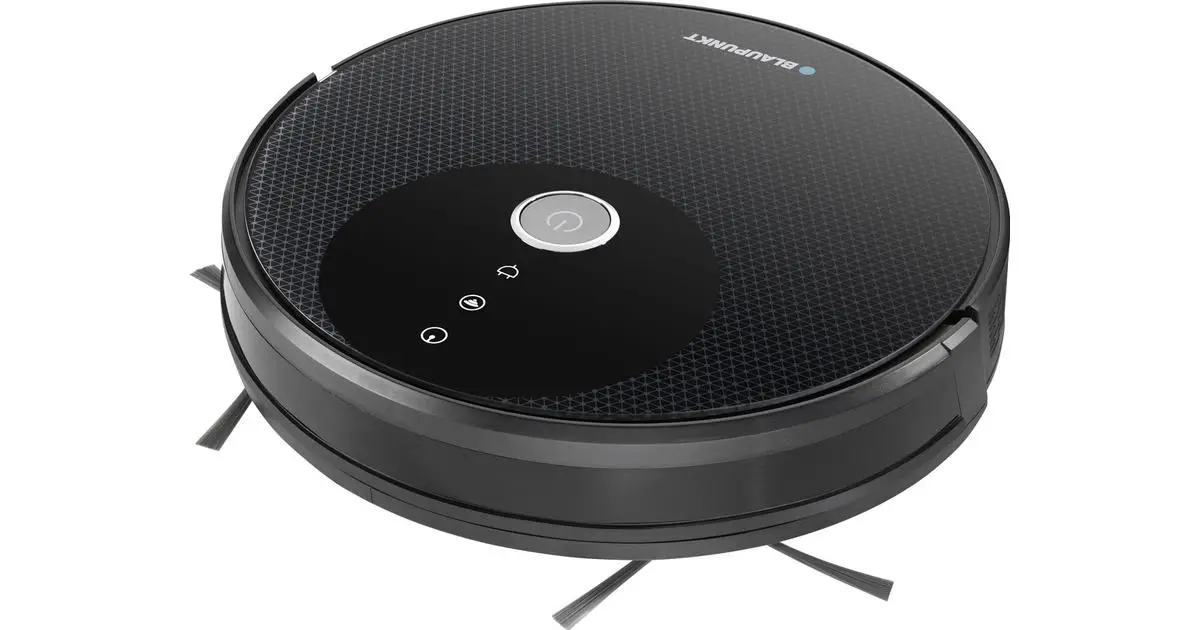
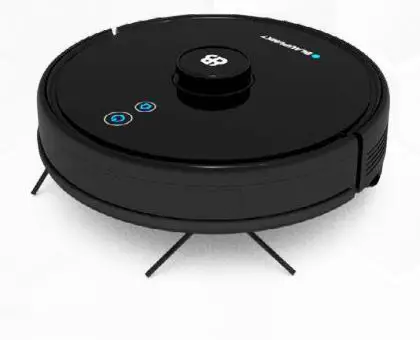
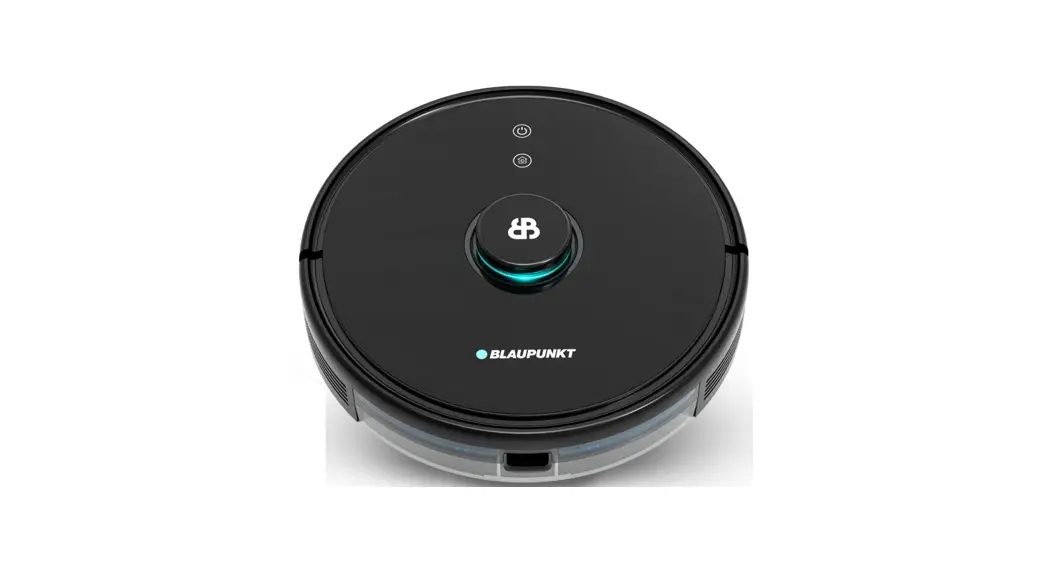
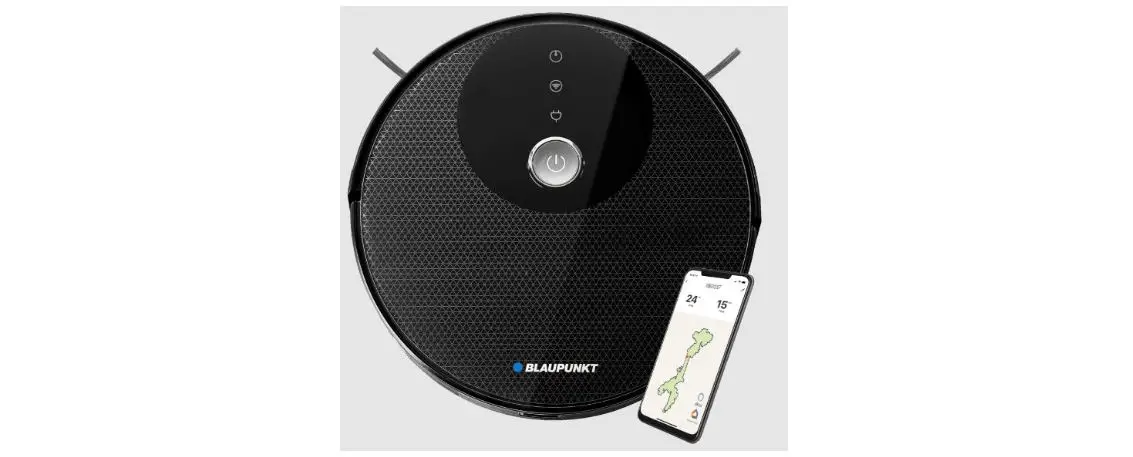
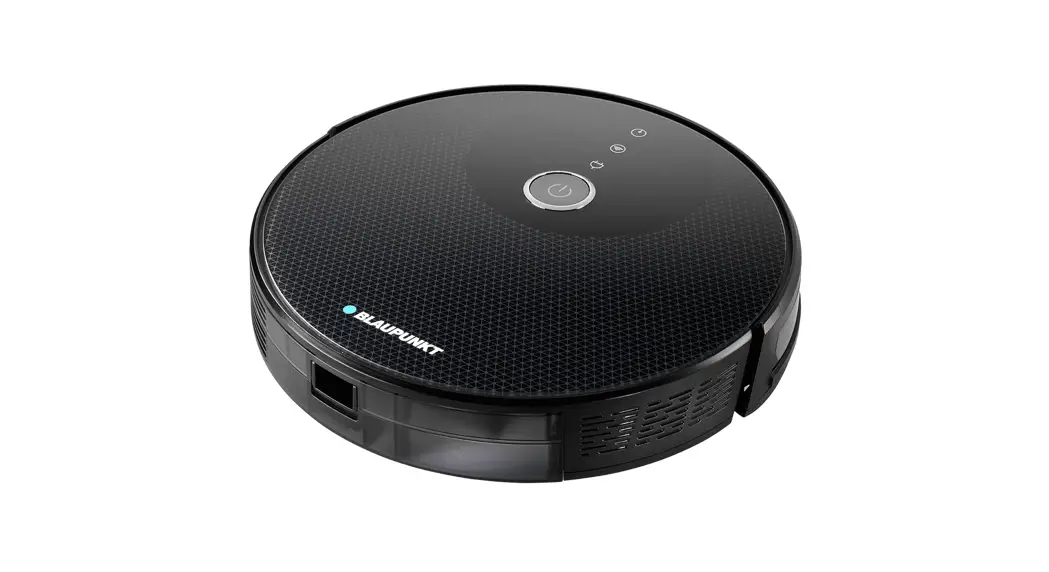
- Make sure the Robot is on, by holding in the ‘On button’ for a few seconds on top of the robot. Wait until the robot has started fully.

- Download the Bleubot app. The app can be found in the Appstore and Google Play.

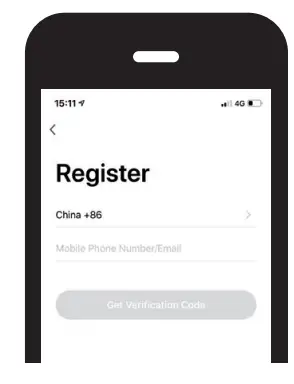
- Register a new account if you are not yet an existing user.

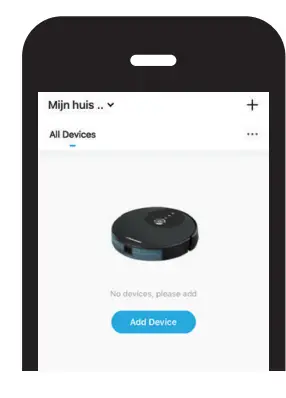
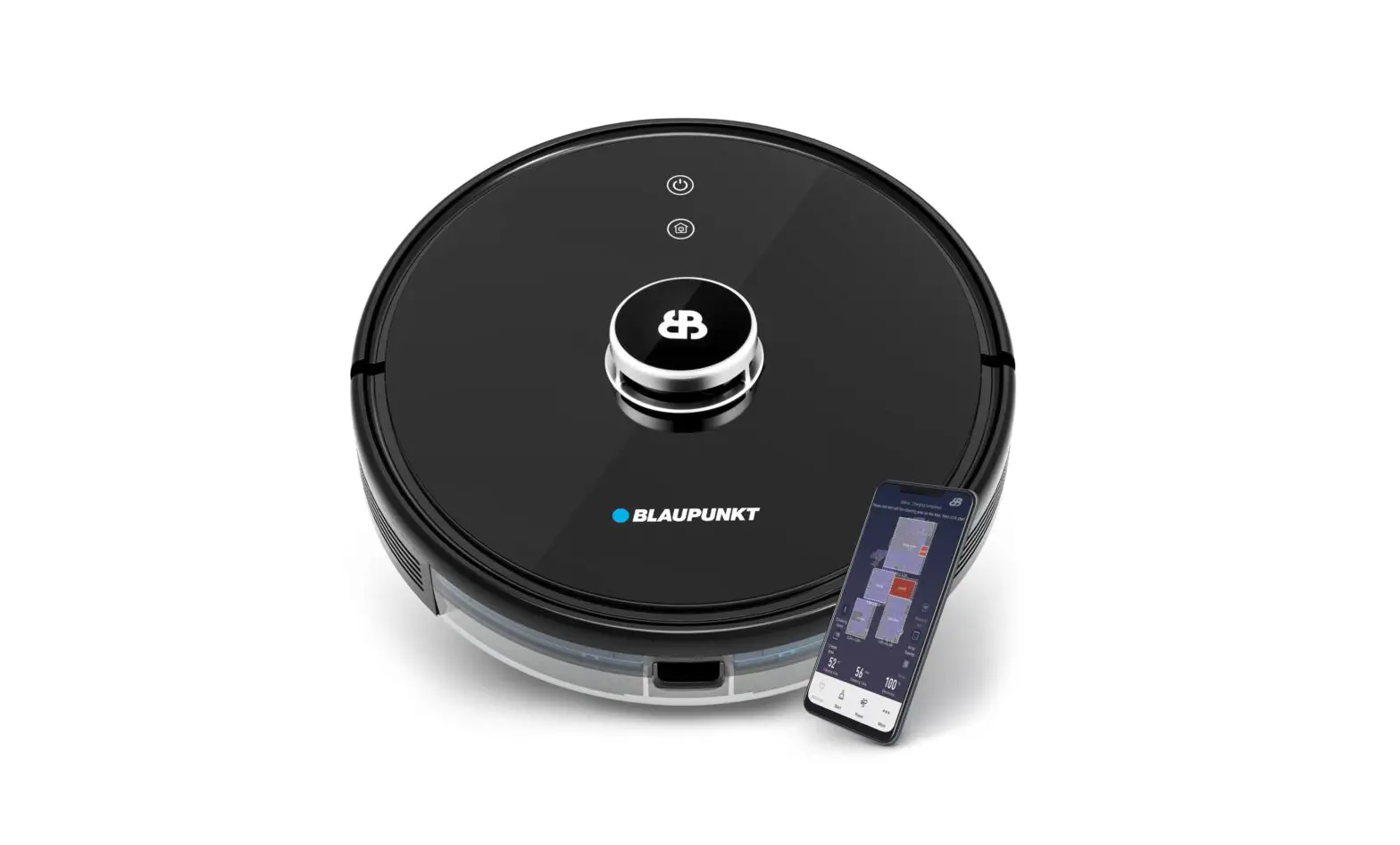
- Open the Bluebot app and press the ‘+ icon’ to add your device.

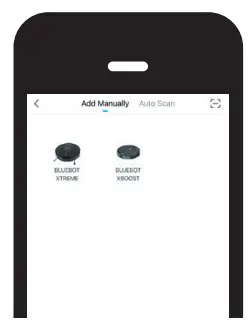
- Select the device you want to add.

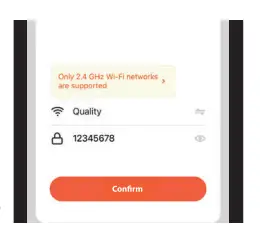
- Select your wifi network enter the password and confirm

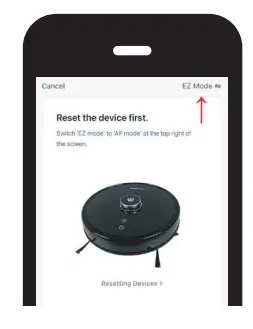
- Select ‘AP mode’ in the upper right.

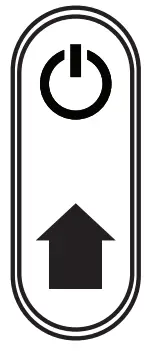
- After your registration, make sure the robot is removed from it’s charging station. Turn on your Robot by pressing the ‘On button’ . After that is done, press both the ‘Home button’ and ‘On button’ simultaneously for more than 3 seconds connection.

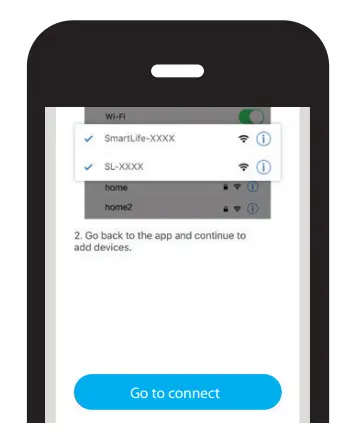
- Press on the ‘Go to connect’ button in the bottom of your screen.

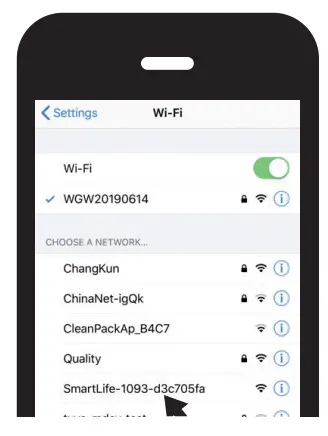
- Select the ‘SmartLife xxx’ network from the list and return to the Bluebot app. Your robot will now connect to the App.