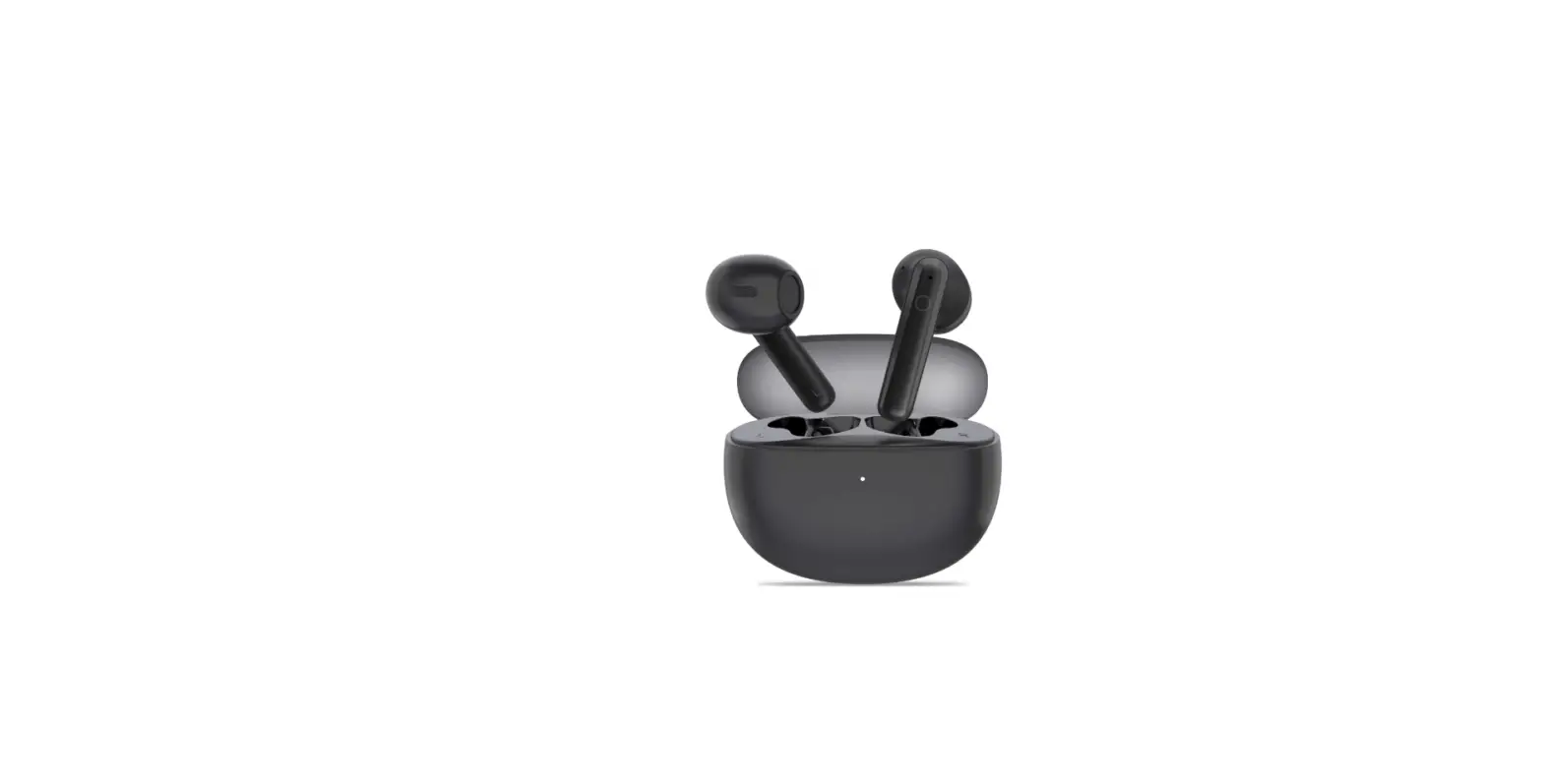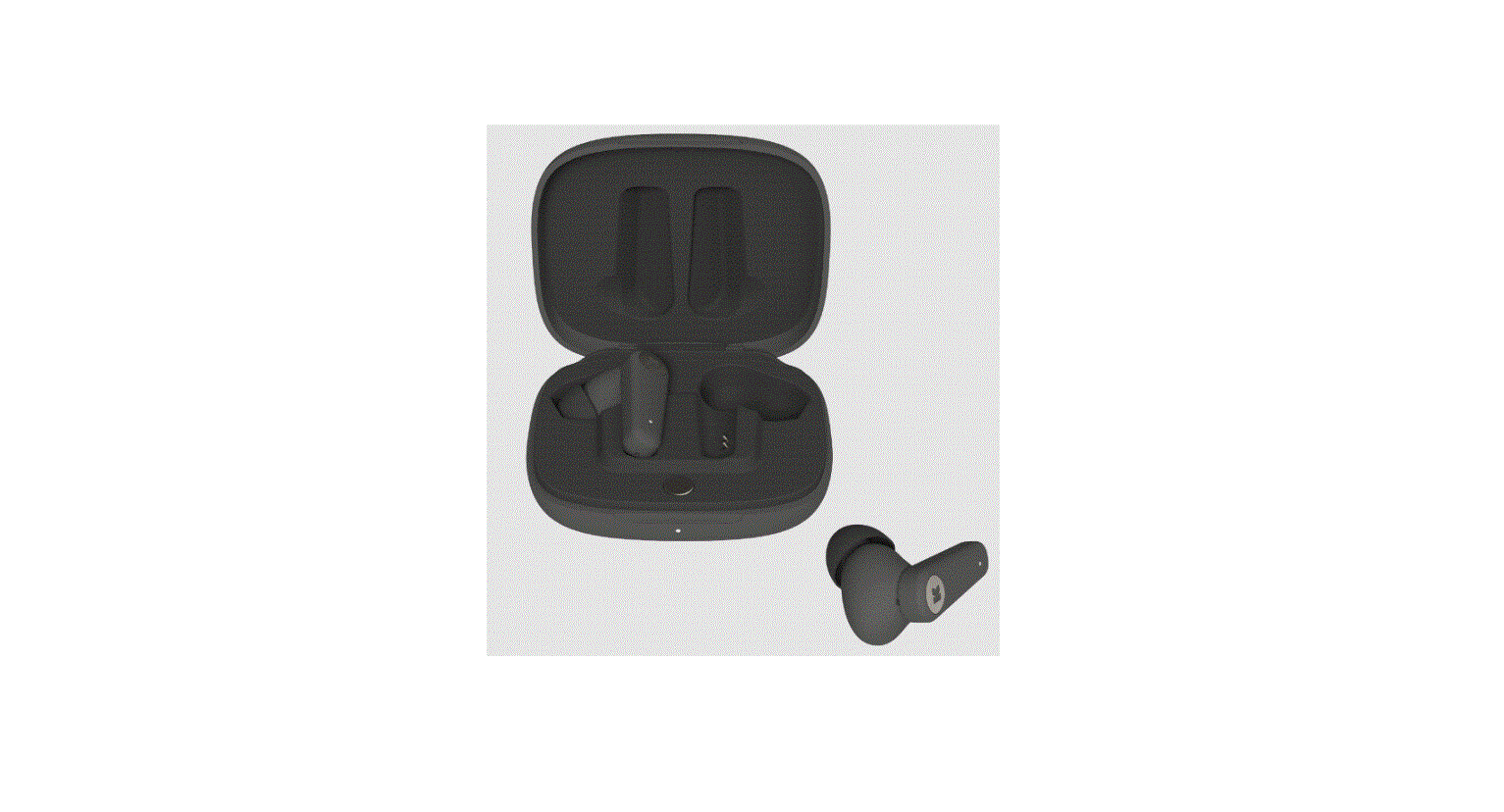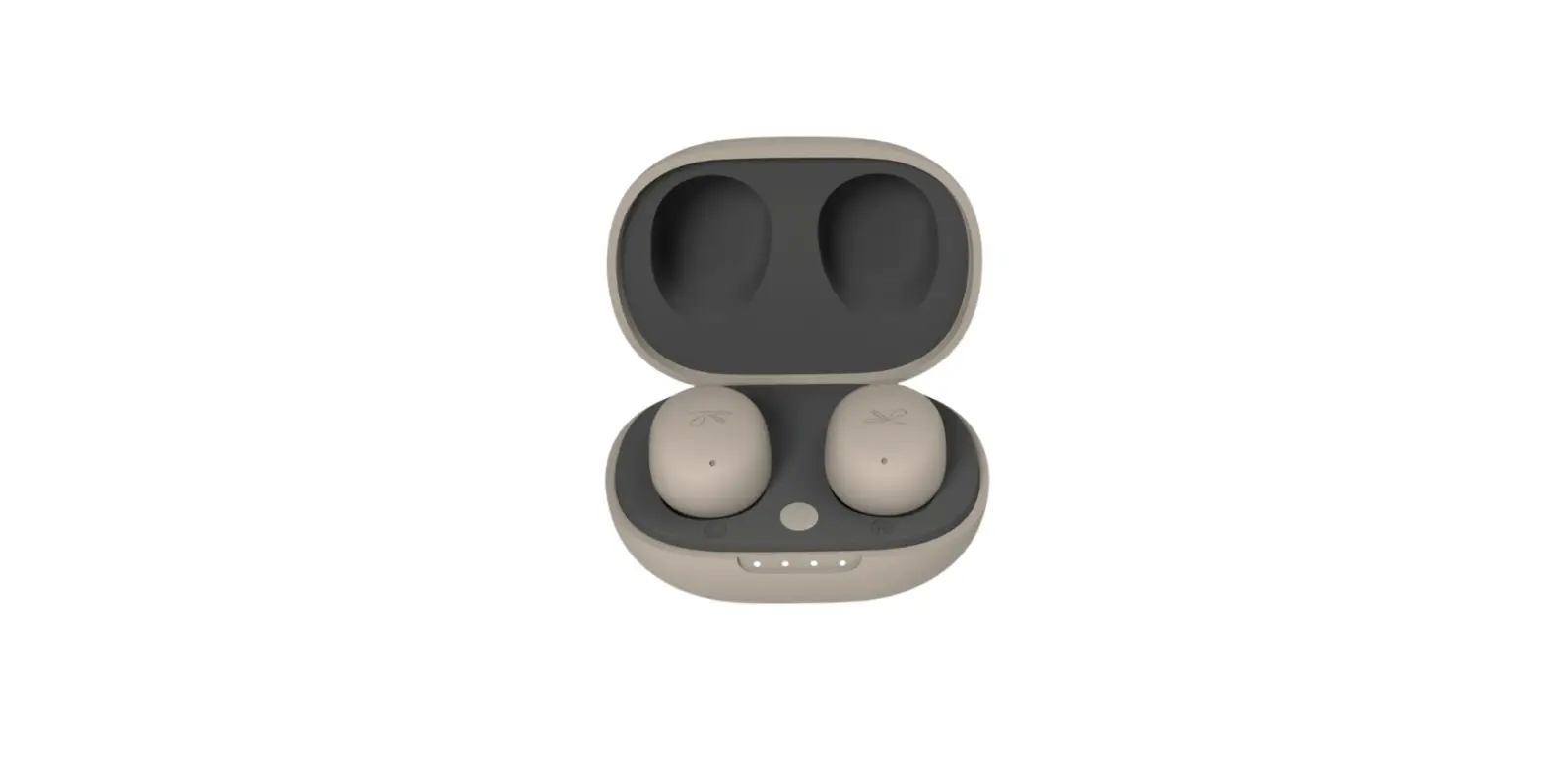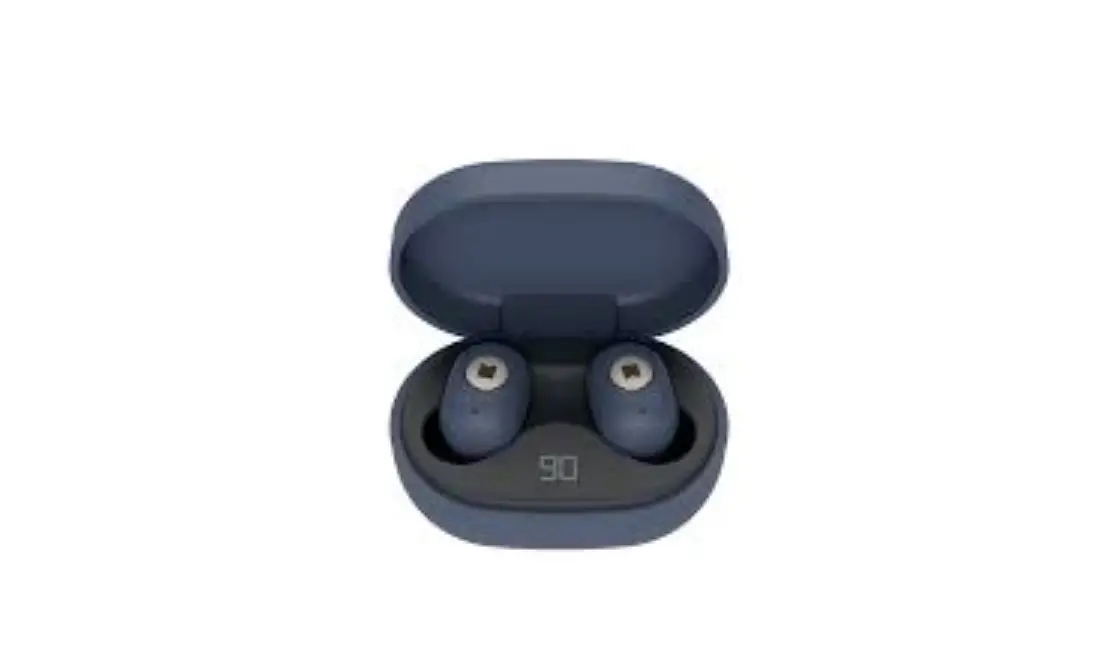
KREAFUNK Reset Abean Earbuds Instruction Manual
Instruction
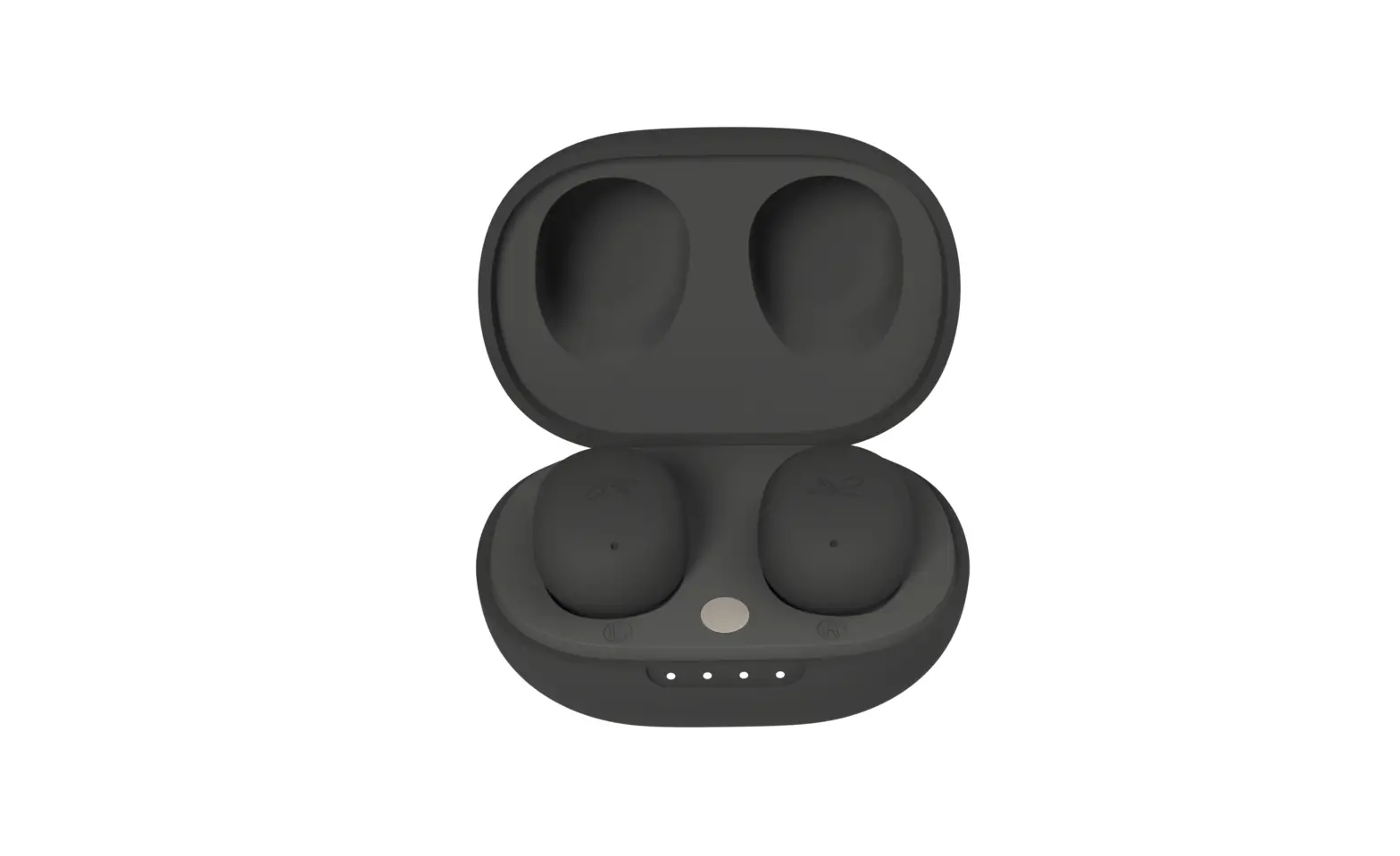
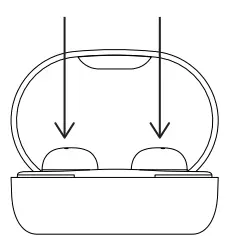
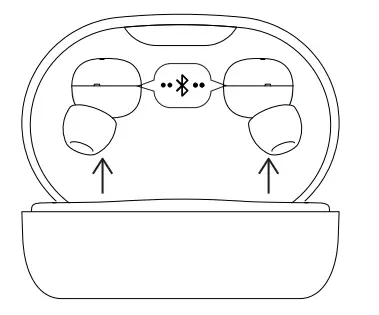
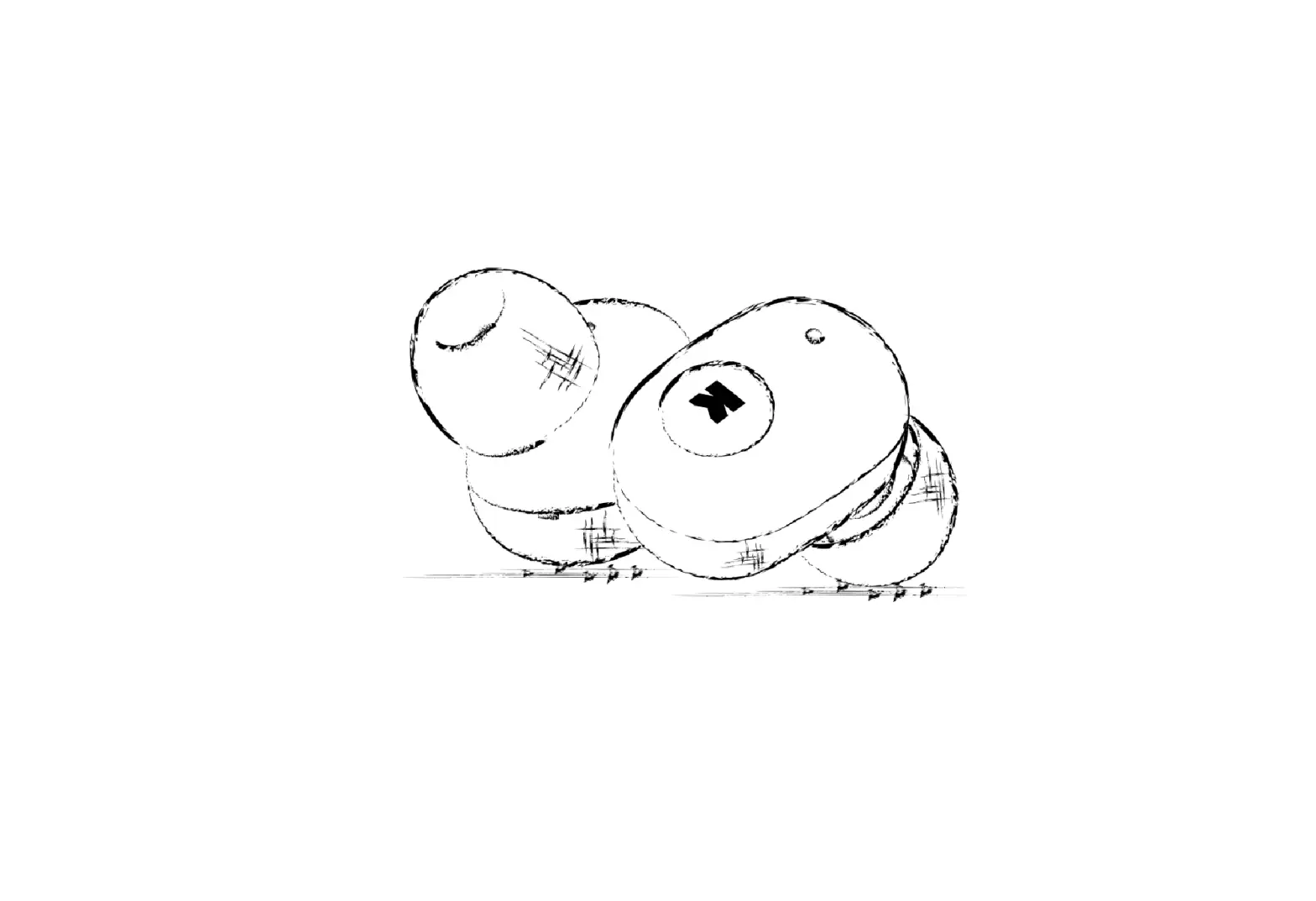
- Place aBEAN in the charging case

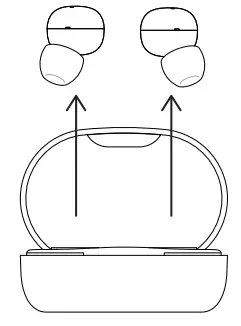
- Remove aBEAN from the charging case

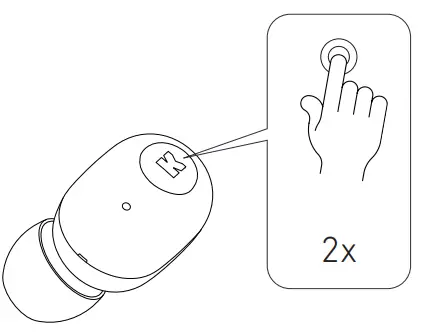
- Tap twice on the earpiece flashing

- Place aBEAN in the charging case
- Remove aBEAN from the charging case and wait for them to connect

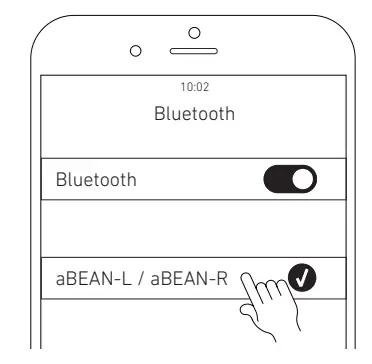
- Once connected, pair your phone with aBEAN. Only left or right should be shown.

![Kogan Tws Earbuds User Manual [katwsipx6ha]](https://static-data1.manualsee.com/1/img/91/71047/2021/02/Kogan-TWS-Earbuds-KATWSIPX6HA.jpg "Kogan Tws Earbuds User Manual [katwsipx6ha]")