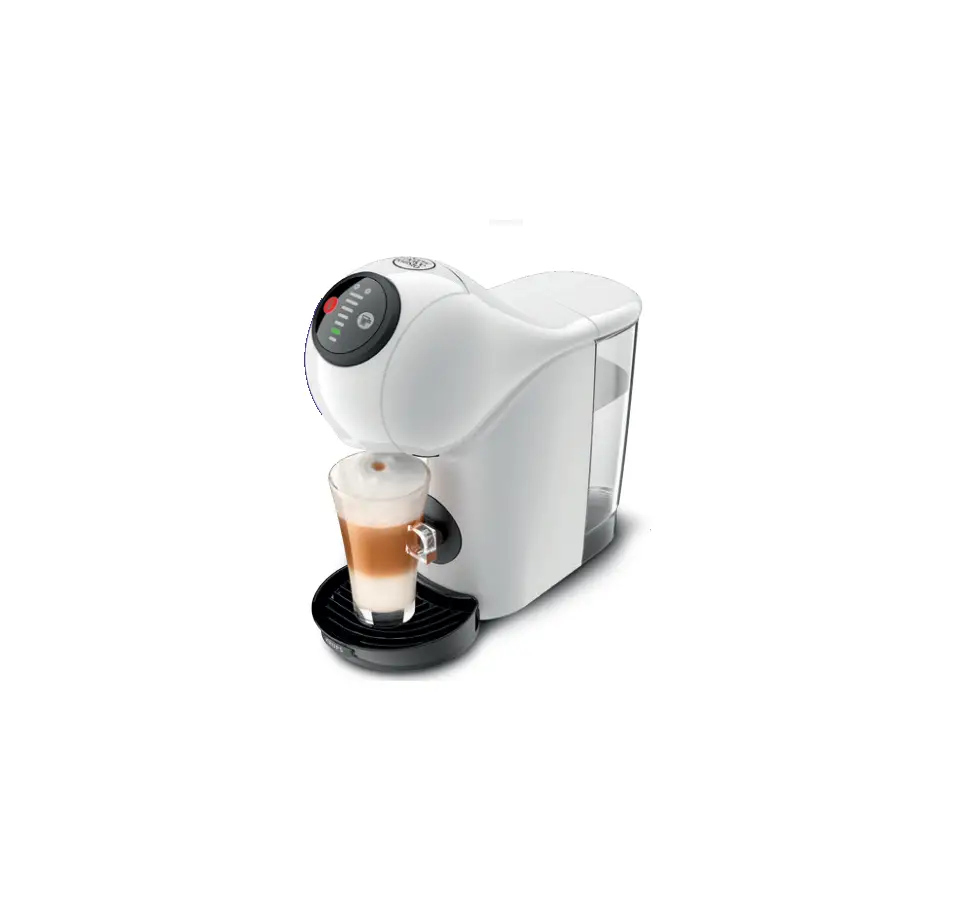
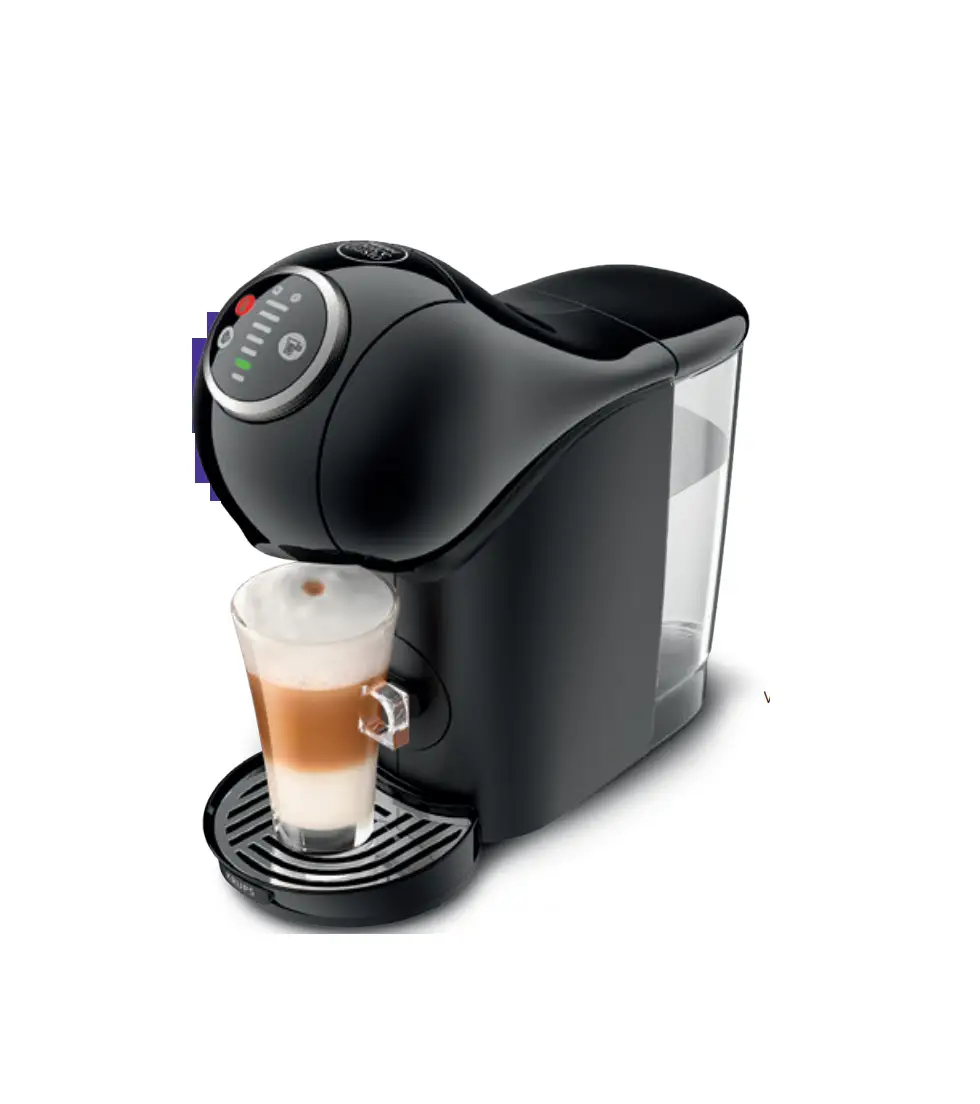
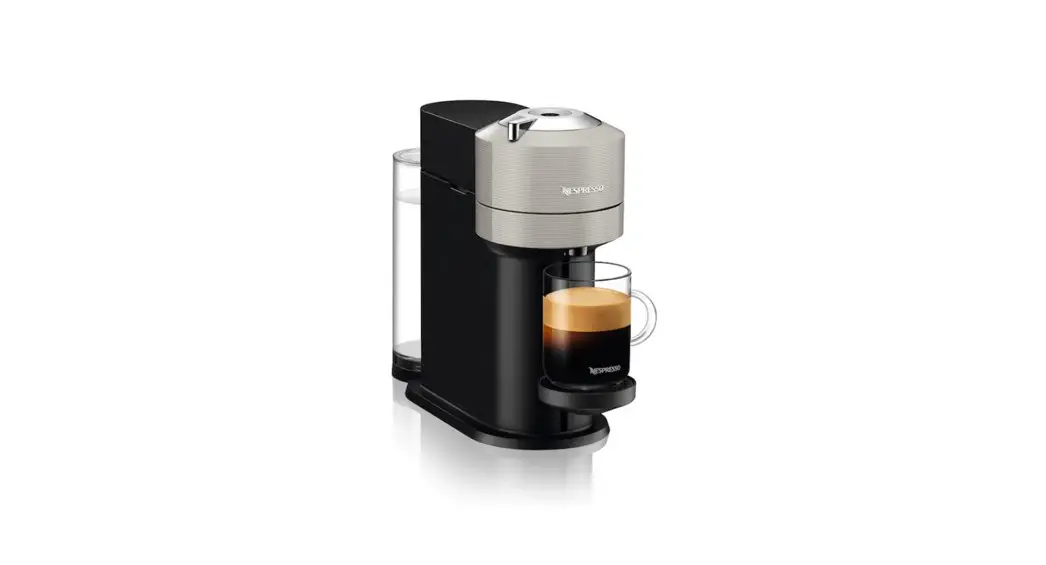
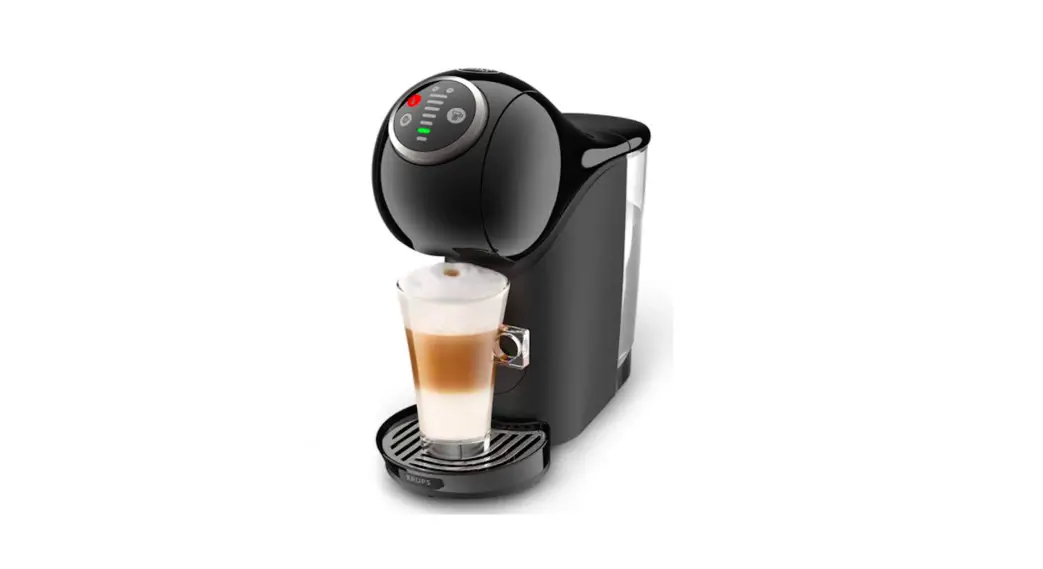
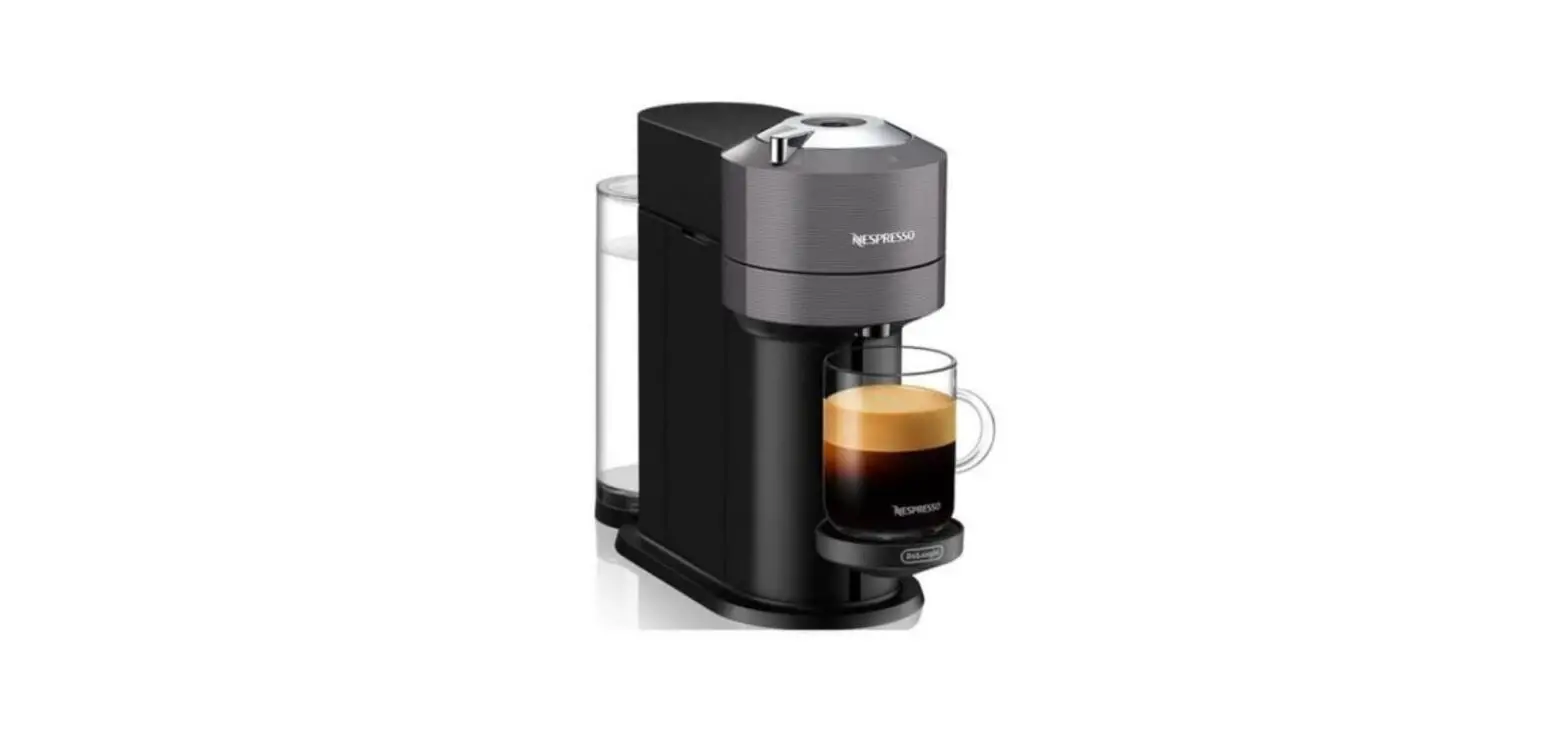
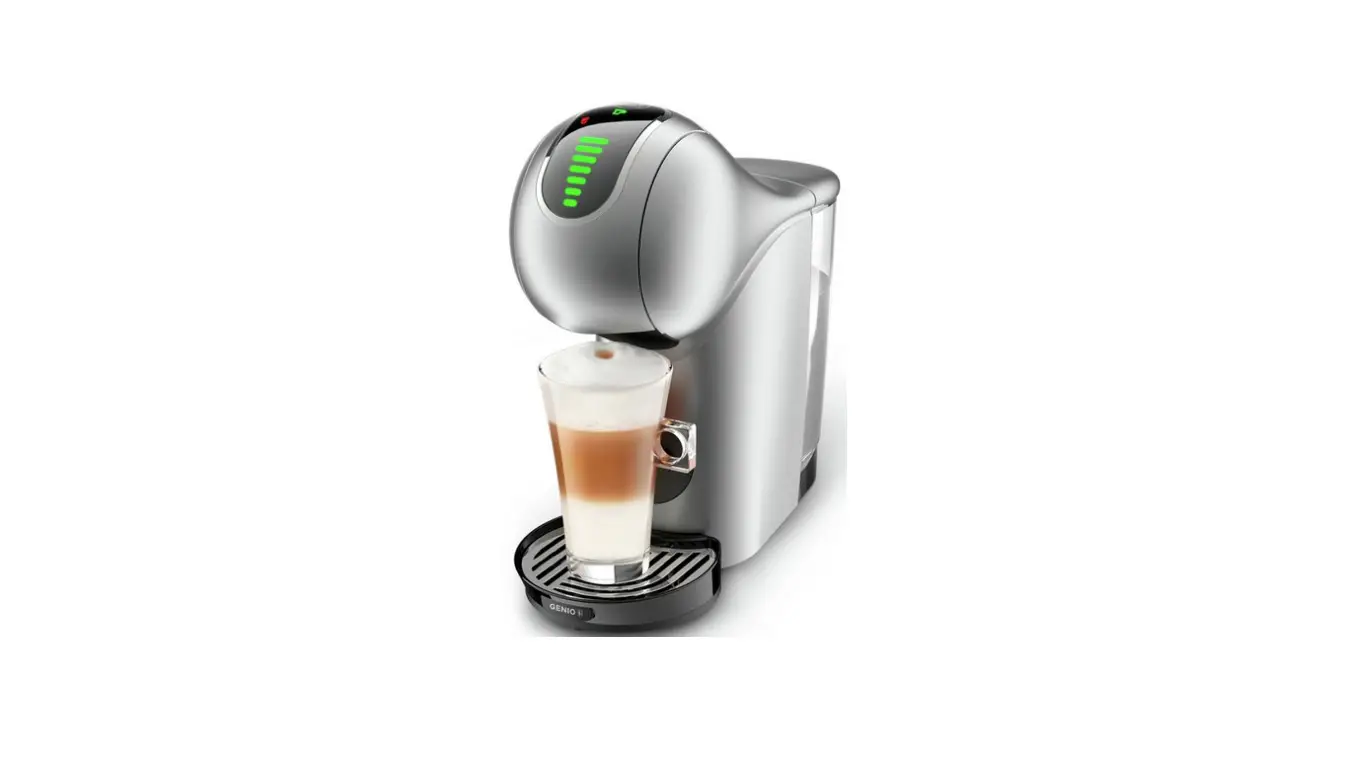
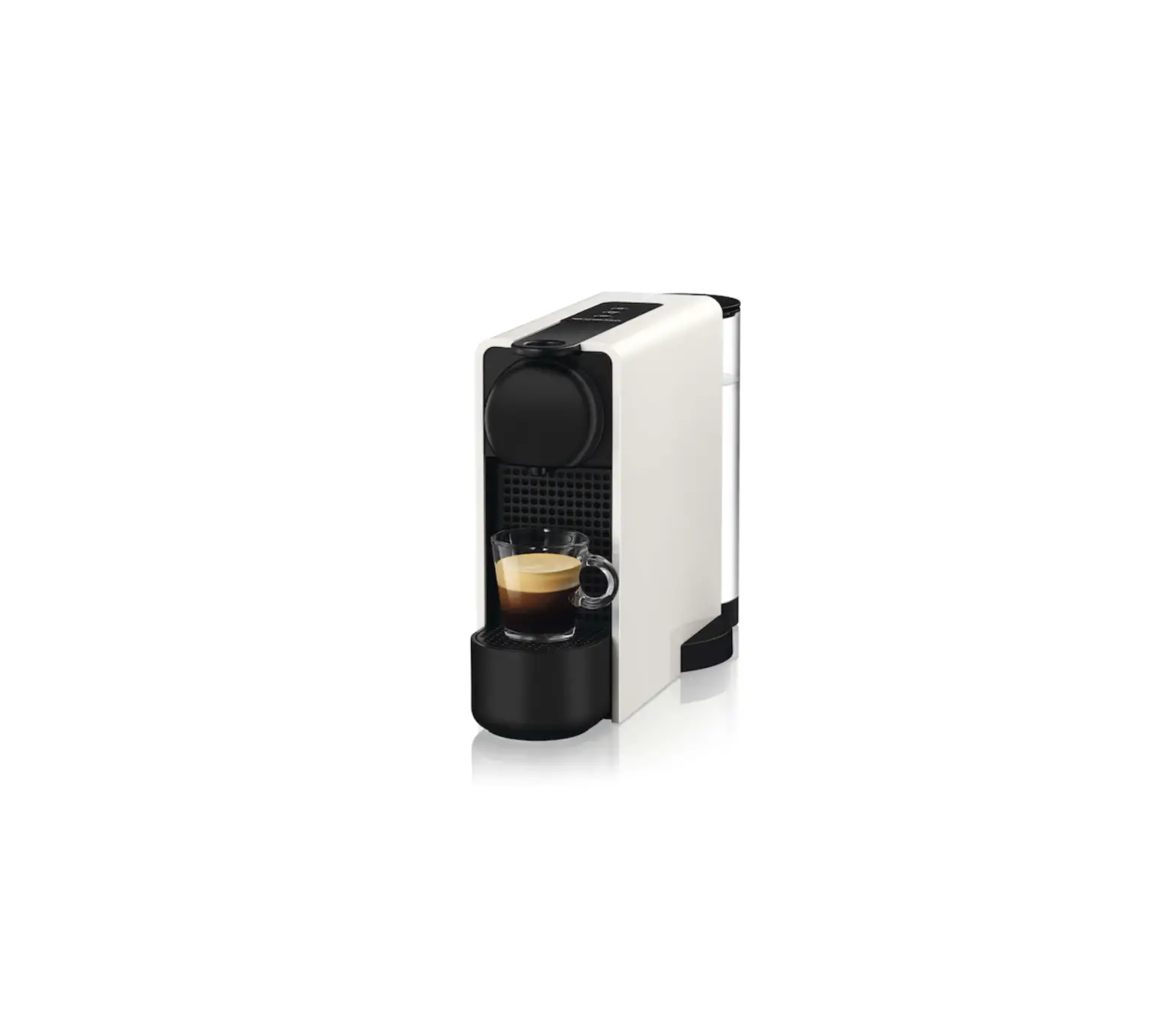
Neo N1 Coffee Maker
Product Information
The product is a coffee machine designed to brew coffee in the
comfort and convenience of your home. The machine has a start
button, a multi-coloured LED ring, and an A++ energy rating. It
also has an automatic switch-off feature that turns the machine off
after 1 minute of inactivity to save energy.
Contents
- Overview
- Rinse
- First Coffee
- Connect Your Machine
- Clean
- Descale
- Help and Support
Usage Instructions
- Read the safety precautions before first use.
- Rinse the machine before making your first coffee.
- Follow the instructions provided to make your first
coffee. - Connect your machine to a power source.
- Clean the machine regularly to maintain its performance.
- Descale the machine periodically to remove any build-up of
limescale. - If you need help or support, refer to the user manual or
contact customer service.
USER MANUAL
SCAN ME
Read the Safety Precautions before first use.
An eco-conscious system from bean to-sip to soil, with technologically advanced machines and biodegradable paper based pods to deliver high quality coffee shop experience
in the comfort and convenience of your home.
1
CONTENTS
OVERVIEW
3
RINSE
4
FIRST COFFEE
6
CONNECT YOUR MACHINE
8
CLEAN
9
DESCALE
11
HELP AND SUPPORT
13
2
OVERVIEW
Slider Pod Inlet / Shutter Bluetooth® and WiFi LED
Start Button Multi Coloured LED Ring
A++
ON/OFF (New) To save energy, the machine automatically switches off after 1 minute (<0.015 W).
Pod Bin
Drip Grid
Drip Tray
GB / IE 220240 V, 50/60 Hz, 13401600 W
Water Tank (1 L)
3.4 kg max. 15 bar
545 °C 41113 °F
3
A B A = 15.37 cm B = 30.10 cm
C C = 31.93 cm
RINSE
1/2
1 Remove the water tank. Push it from the left side toward the right. Always keep the machine upright.
2 Fill the water tank with ambient temperature fresh drinking water. Insert the water tank back into the machine. Remove the drip tray.
3 Place an empty large container (0.5 L) under the coffee outlet. Plug in the machine.
4 Switch ON the machine by pressing the ON/OFF button on the right side. The start button flashes green.
4
RINSE
2/2
~5 s
5 Close the slider (without a pod) and press the start button for 5 seconds. The start button flashes green twice then starts softly dimming green. Rinsing starts.
6 Empty the container and water tank when rinsing stops (the start button goes steady green). Refill and reinsert the water tank, reinsert the drip tray. The machine is now ready to be used.
5
FIRST COFFEE
1/2
*click*
3
2
4
1
1 Adjust the drip tray position to your needs. Place the cup on the drip tray. Ensure there is enough water in the water tank and that the machine is plugged in.
2 Switch ON the machine by pressing the ON/OFF button on the side. Open the slider and insert the pod in the correct direction. Close the slider.
~10 s
3 Press the start button. (The machine automatically recognises the pod and sets the correct volume and extraction parameters.)
4 Once the extraction is finished, the start button flashes green rapidly. For a longer cup, press the start button again while it is flashing. Note: the pod will automatically be ejected 10 seconds after extraction.
6
FIRST COFFEE
2/2
5 Wait until the extraction stops. Your coffee is ready when the start button goes back to steady green.
6 For a shorter cup, manually stop the extraction at anytime by pressing the start button.
NEW
NEW: For a coffee shop experience at home, enjoy authentic Americano. Insert an Americano pod, coffee will be extracted first, then topped up with hot water afterwards.
NEW: To access the hot water function, close the slider (without a pod). Press the start button. The button starts dimming green. Clear hot water is dispensed.
7
CONNECT YOUR MACHINE
DOWNLOAD DOLCE GUSTO APP
Access exclusive services and rewards.
Be rewarded for every cup Cup customisation One Click Re-order Help and support
HOW TO PAIR YOUR MACHINE?
1 Have your phone near your machine
2 Enable Bluetooth® and WiFi on your phone
3 Open the NESCAFÉ® Dolce Gusto® app
OR
4 Follow the pairing instructions
5 You’re connected once the icon is steady white
6 Earn points instantly for each extracted cup
SCAN ME
8
CLEAN
1/2
1 Rinse and clean the water tank (a brush may be used). Fill it with fresh water and insert it back into the machine. Note: the water tank
is not dishwasher proof.
2 Empty the drip tray and rinse it along with the drip grid with tap water.
3 Empty the pod bin and rinse it. We recommend you clean the drip tray and pod bin regularly.
Note: our pods are paper based
and biodegradable.
4 Place an empty large container (0.5 L) under the coffee outlet. Plug the machine. Switch it ON by pressing the ON/OFF button.
9
CLEAN
2/2
~5 s
5 The start button goes steady green. Close the slider and press the start button for 5 seconds until it blinks twice and starts softly dimming green. Rinsing starts.
6 Empty the container and the water tank, once rinsing is finished. Switch off the machine and clean it with a soft damp cloth. Dry it afterwards with a soft dry cloth.
10
DESCALE
1/2
SCAN ME
Descaling helps to keep your machine alive and ensure great in-cup quality.
0.5 L
Do not use vinegar!
X
X Be careful not to spill the descaling liquid on the machine! Do not unplug the
1 Mix 0.5 liter of tap water with the NESCAFÉ® Dolce Gusto® liquid descaler (sold on website). Pour the
machine during descaling!
solution into the empty water tank.
~15 s
2 Insert the water tank into the machine. Remove the drip tray. Place a 0.7 L min container underneath the coffee outlet.
TIP: connect your machine and get an automatic notification when it is time to descale.
3 To enter the descaling mode, switch ON the machine, close the slider and press the start button for 15 seconds until it rapidly flashes orange twice. The button then softly dims orange and descaling starts. Once the button turns blue, wait at least 2 minutes.
11
DESCALE
2/2
4 After the 2 minutes have passed, you can now start the rinsing process. Refill the water tank with tap water and insert it into the machine.
5 Remove the drip tray. Place an empty large container (0.5 L) underneath the coffee outlet.
6 Close the slider and press the start button once. It starts to dim orange softly. Rinsing starts.
7 Empty the container and the water tank once rinsing is finished. Refill and reinsert the water tank, reinsert the drip tray. The machine is now ready to be used.
12
HELP AND SUPPORT
The start button turns steady green.
1 The machine is ready to brew or brewing is completed.
The start button is dimming green.
1 The machine is brewing coffee. 2 The machine is dispensing clear
hot water. 3 The machine is in rinsing mode.
The start button flashes green.
1 The machine is heating up. 2 The pod will be automatically
ejected to the pod bin after 10 seconds. The start button flashes green (rapidly).
13
HELP AND SUPPORT
The start button flashes white rapidly: is the pod bin full?
Wait until the machine ejects the pod automatically into the bin, then empty the bin. Do not unplug the machine!
The start button turns steady blue. The beverage preparation stops part way during the extraction or does not start at all.
The water tank is empty. Refill it and ensure it is properly back in place. Press the start button to continue the extraction.
14
HELP AND SUPPORT
The start button is orange, the machine needs to be descaled!
TIP: connect your machine and get an automatic notification when it is time to descale.
See the Descale section on pages 11, 12. If the start button turns orange, the machine needs to be descaled. Note: you should descale your machine at least once a year.
SCAN ME
The start button turns steady red.
Technical error. Call the NESCAFÉ® Dolce Gusto® hotline.
15
HELP AND SUPPORT
The start button flashes yellow.
1
2
The machine is unable to detect the pod. Take out the pod and re-insert it in a different direction (orientation). If the extraction does not start, use a new pod.
Pod is blocked / trapped inside the machine.
2
1
Open the slider and use a spoon to either pull the pod up or push it into the pod bin. Never put your fingers inside the pod inlet!
16
HELP AND SUPPORT
SCAN ME
?
The machine cannot be switched on.
Check if the power plug is correctly plugged in. If the machine still cannot be switched on, call the NESCAFÉ® Dolce Gusto® hotline.
The beverage comes out slower (even in droplets) or it is cooler than usual.
Descale the machine. See the Descale section on pages 11, 12.
Note: you should descale your
machine every 34 months.
17
HELP AND SUPPORT
If the machine is left unused for more than 2 days, the water tank and the pod bin need to be emptied.
Note: Make sure that no pod remains
in the brewing unit if the machine is
not used for a long period of time.
Empty the water tank, rinse, refill it with fresh drinking water and re-insert it into the machine. Ensure it is properly back in place. Before reuse, rinse the machine (see page 4/5).
In some situations, our hotline might recommend resetting the machine to factory settings.
+
15 s
Press the ON/OFF button and the start button at the same time for 15 seconds, while the machine is on. The start button flashes green 5 times.
18
HELP AND SUPPORT
X
Icon is not lit
The machine is not connected. Redo the Bluetooth® pairing and the WiFi connection steps on page 8.
SCAN ME
Icon is blinking
If the icon is blinking slowly, the machine is trying to re-connect. It might take a few seconds. If the problem persists, check the online FAQ. If the icon is blinking fast, the machine’s firmware is being updated.
19
HOTLINE
0800 707 6066
www.dolce-gusto.com
UM-NEO-N1-EN 2021/12