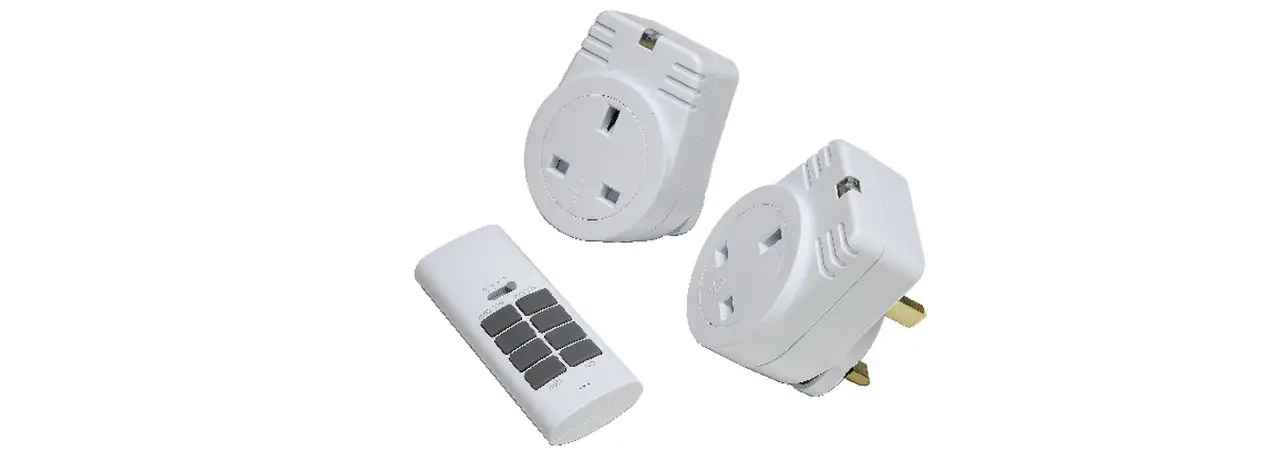
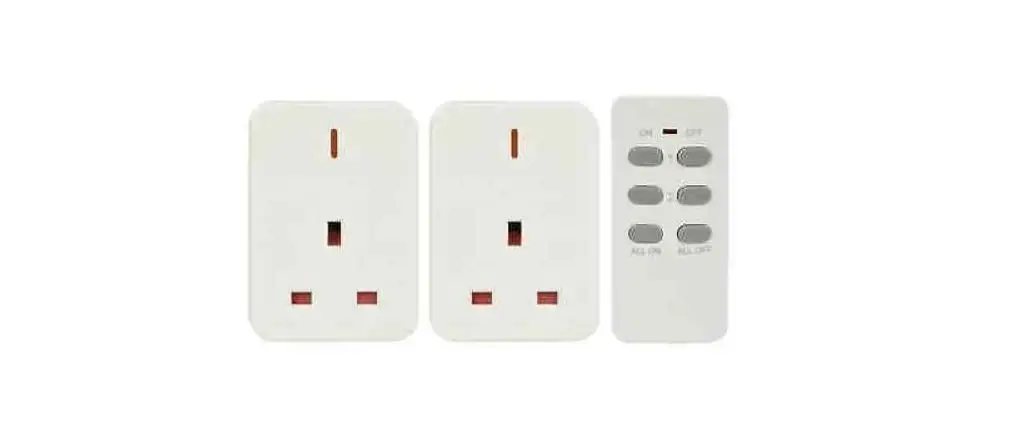
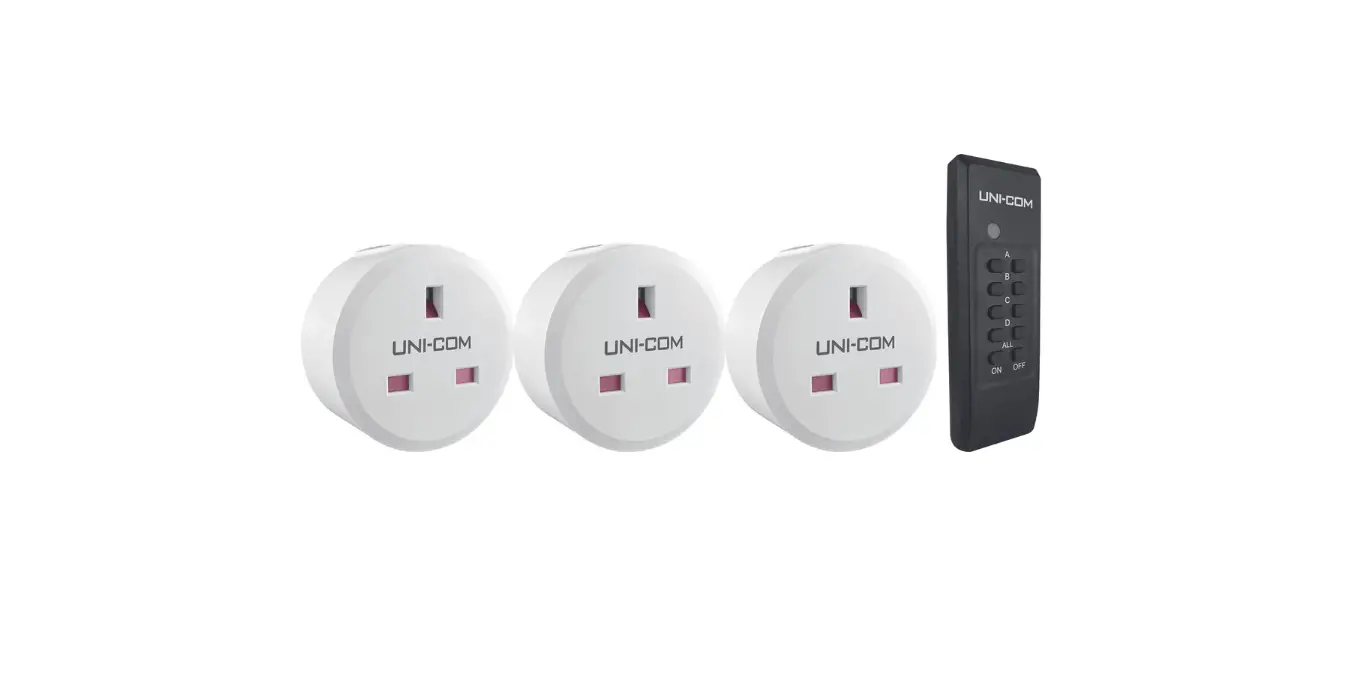
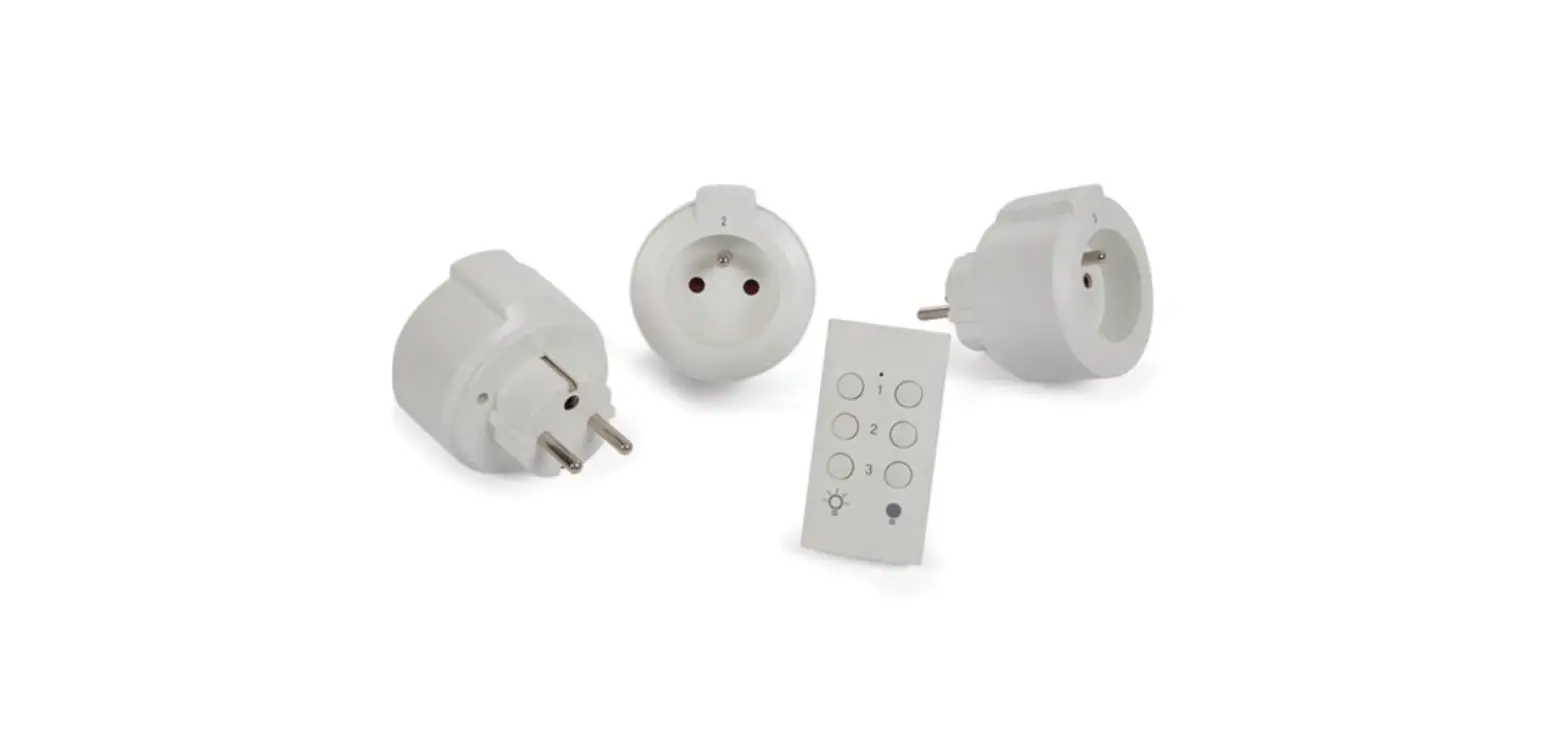
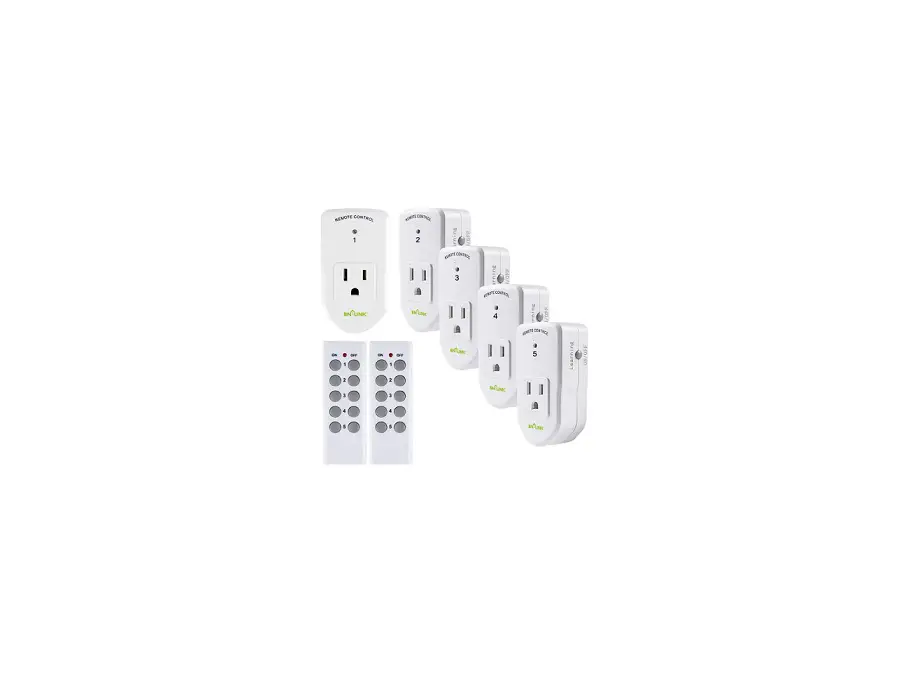
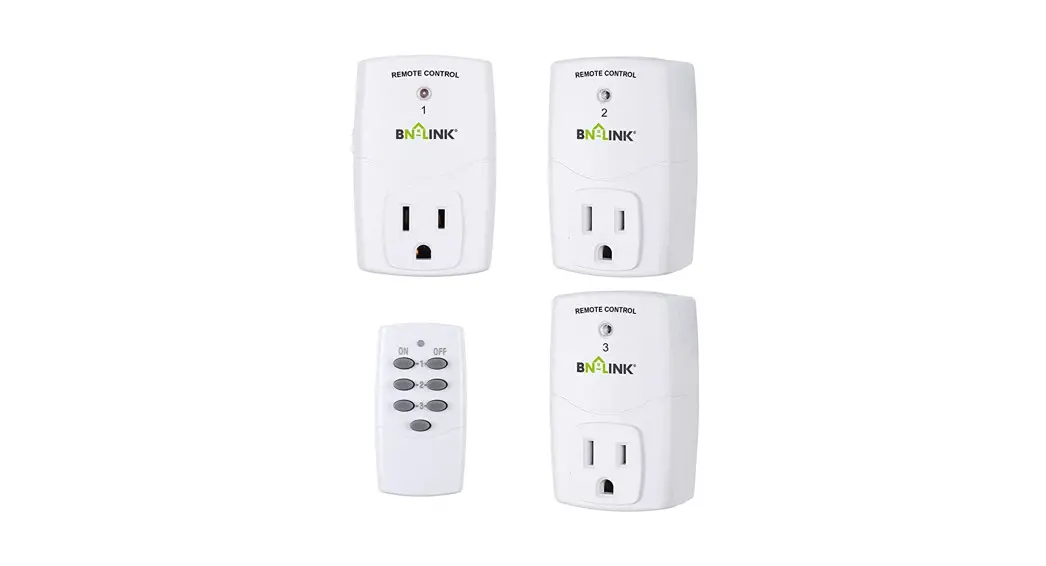
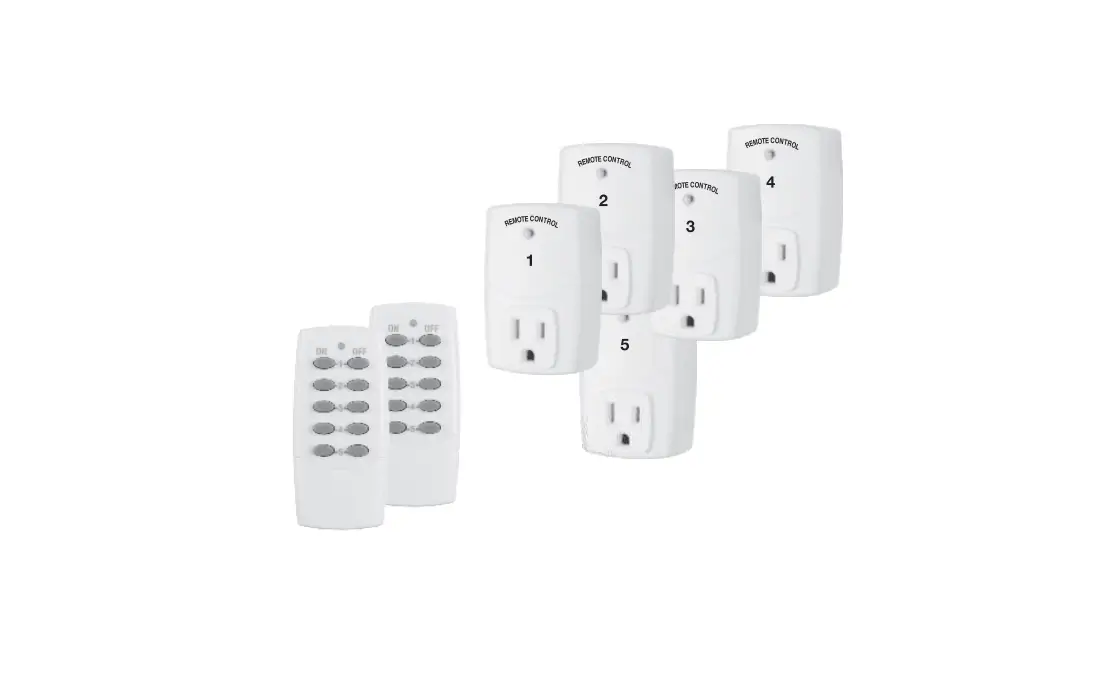
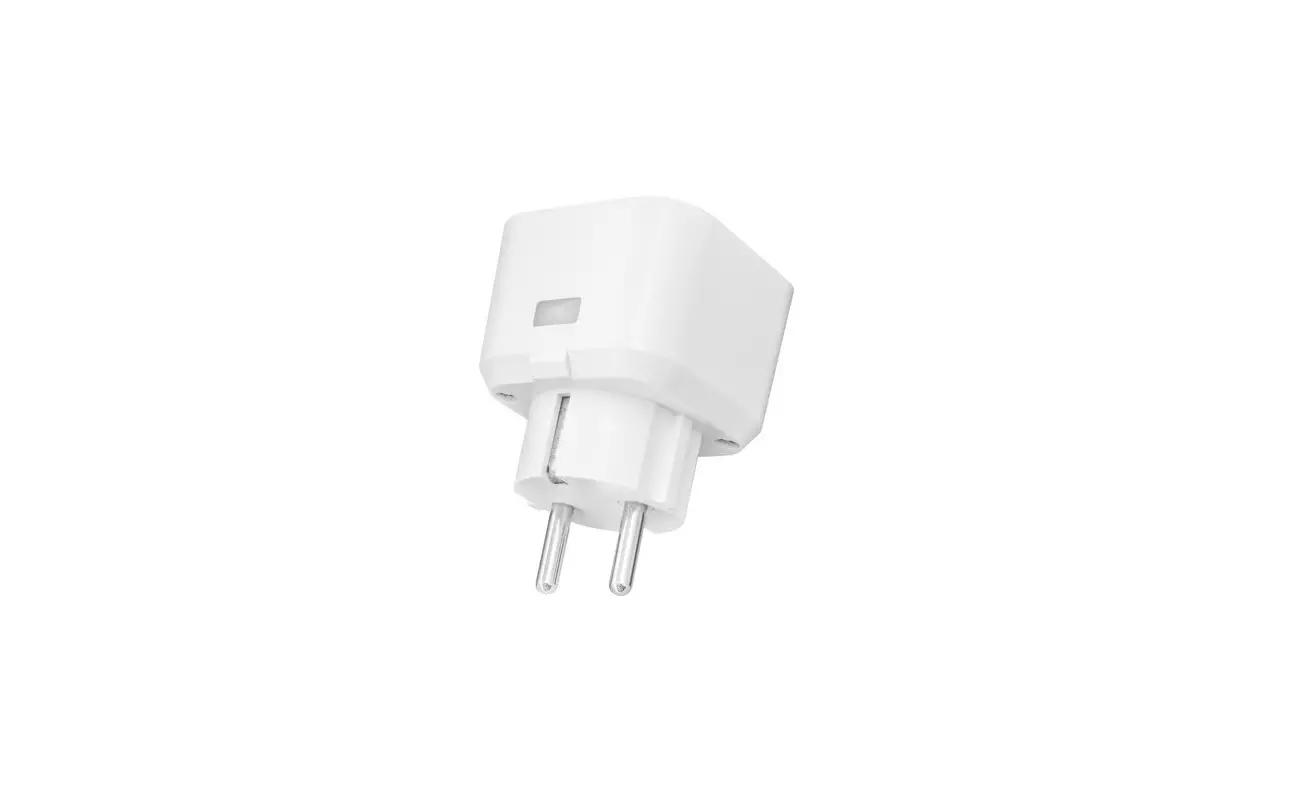
350.113UK Wireless Remote Control Mains Sockets – Set of 3
Product Information:
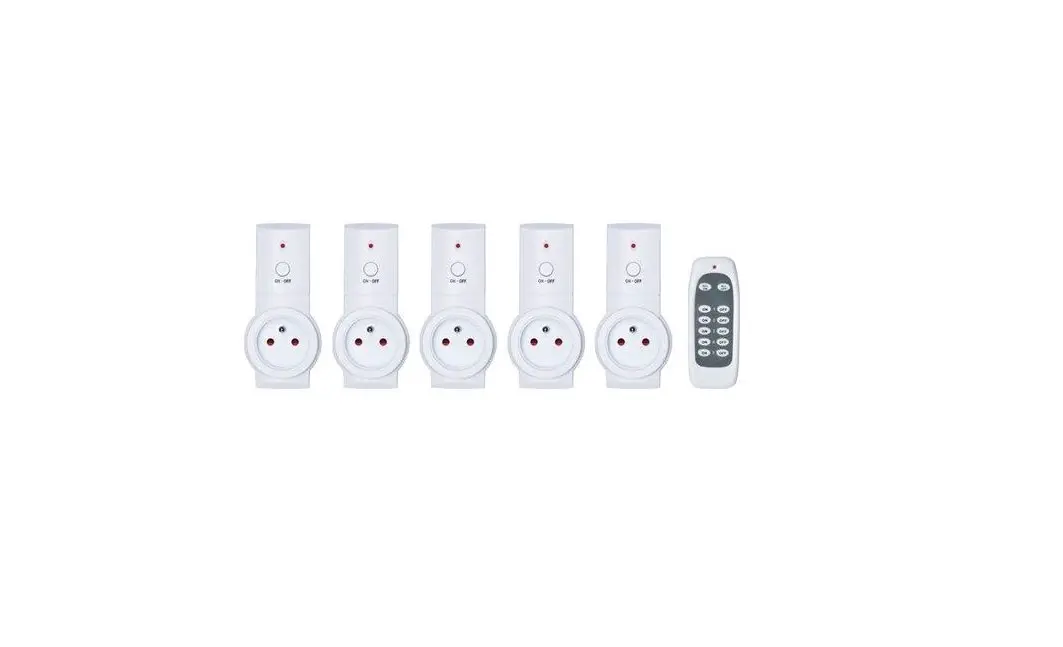
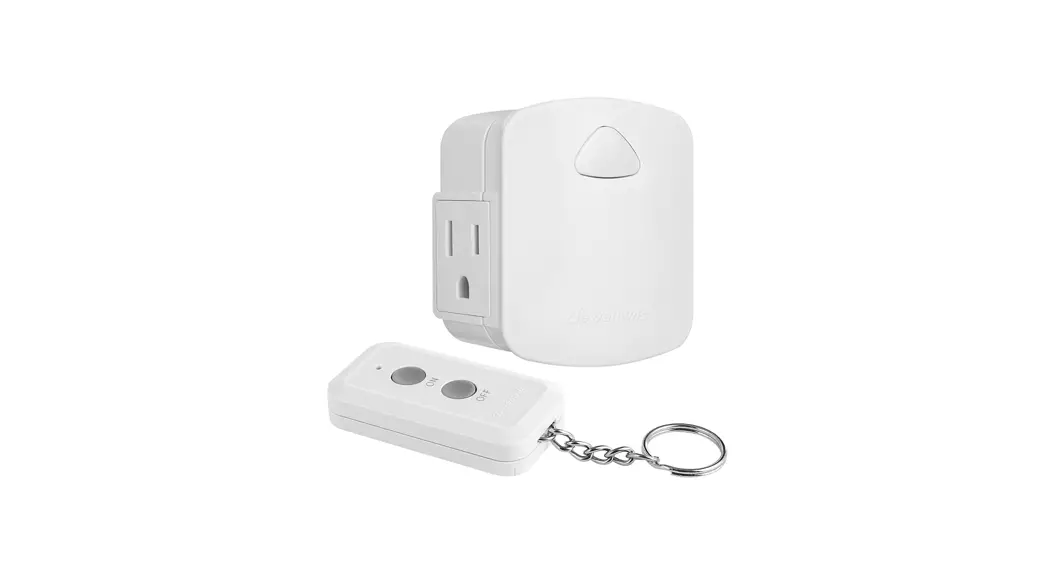
| Product Name | Wireless Remote Control Mains Sockets – Set of 3 |
|---|---|
| Order Reference | 350.113UK |
| User Manual | www.avsl.com |
| Quantity in Set | 3 sockets, 1 remote |
| Voltage | 240Vac, 50Hz |
| Max. Load | 2400W per socket |
| Max. Current | 10A per socket |
| Standby Power | 1W |
| Transmission Frequency | 433.92MHz |
| Remote Range | Up to 30m (clear line of sight) |
| Remote Battery | 12V, A23 |
| Socket Dimensions | 112 x 58 x 65mm |
| Remote Dimensions | 81 x 35 x 15mm |
| Weight | 410g |
Product Usage Instructions:
- Plug the socket in and turn on by pressing the yellow button on
the side of the unit. - Press and hold the yellow button again until the socket turns
off. - Press the desired ON key on the remote.
- The socket should now be synchronized with the desired ON and
OFF key on the remote.
Note: It is also possible to pair multiple sockets to the same
remote or to pair up to 3 remotes to a single socket by following
the same procedure mentioned above.
To unpair a socket from the remote, follow these steps:
- Unplug the socket from the mains.
- Press and hold the yellow button on the side of the socket
while plugging the socket back in. - Keep the button pressed for 5 seconds.
- The socket should be unpaired from all remotes.
If sockets are not responding correctly or the LED indicator on
the remote control becomes dim, replace the battery with a new 12V
(23A) battery. Make sure to dispose of old batteries with
consideration for the environment.
Warning:
Do not dispose of this product with other household or
commercial waste at the end of its useful life. Please follow your
local council guidelines for proper disposal.
For more information, refer to the user manual available at
www.avsl.com.
Manufacturer: AVSL (Europe) Ltd, Unit 3D North Point House,
North Point Bus. Park, New Mallow Road, Cork, Ireland.
Wireless Remote Control Mains Sockets – Set of 3
Order ref: 350.113UK
User Manual
Leaving an appliance in standby can still consume up to 70% of full power and can shorten the life of the appliance by 15%. These adaptors can be controlled individually by the remote supplied. Ideal for a wide variety of electrical appliances and a great solution for controlling appliances in inaccessible places, or for people with limited mobility.
Specification:
Quantity in set Voltage Max. load Max. current Standby power Transmission frequency Remote: range
Remote: battery Socket: dimensions Remote: dimensions Weight
3 sockets, 1 remote 240Vac, 50Hz 2400W per socket 10A per socket 1W 433.92MHz Up to 30m (clear line of sight) 12V, A23 112 x 58 x 65mm 81 x 35 x 15mm 410g
Features:
· Reduces fire risk and protects your appliances · Remote control operates up to 30m away from socket · Sockets are pre-programmed with remote control supplied for instant use · Additional sockets and remotes can be added using self-learning function · Reduces your household energy costs and carbon footprint
Operation:
All socket receivers have been pre-paired to the supplied remote and can be used immediately. To re-pair the remote control with any receiver socket, please follow the instructions below:
1) Plug the socket in and turn on by pressing the yellow button on the side of the unit.
www.avsl.com
350.113UK User Manual
2) Press and hold the yellow button again until the socket turns off. 3) Press the desired “ON” key on the remote. 4) The socket should now be synchronised with the desired “ON” and “OFF” key on the remote.
It is also possible to pair multiple sockets to the same remote or to pair up to 3 remotes to a single socket by using the same procedure above.
Unpairing a socket from the remote is also possible by unplugging the socket from the mains. Press and hold the yellow button on the side of the socket while plugging the socket back in, keep the button pressed for 5 seconds and the socket should be un-paired from all remotes.
If sockets are not responding correctly or the LED indicator on the remote control becomes dim, then the battery should be changed at the earliest possible opportunity. Install the 12V (23A) battery in the battery compartment; making sure the polarity is the correct way around. Always dispose of old batteries with consideration for the environment.
Warning:
· For reasons of electrical safety, this socket must never be immersed in water, exposed to damp conditions or excessive force.
· Do not use this product if you find that it is damaged in any way. · Never exceed the maximum load current. · Do not attempt to repair this product or take it apart under any circumstances, as this will
invalidate your warranty.
This product is classed as Electrical or Electronic equipment and should not be disposed with other household or commercial waste at the end of its useful life. The goods must be disposed of according to your local council guidelines.
Errors and omissions excepted. Copyright© 2021 AVSL Group Ltd, Unit 2 Bridgewater Park, Taylor Road, Trafford Park, Manchester. M41 7JQ.
www.avsl.com
AVSL (Europe) Ltd, Unit 3D North Point House, North Point Bus. Park, New Mallow Road, Cork, Ireland.
350.113UK User Manual