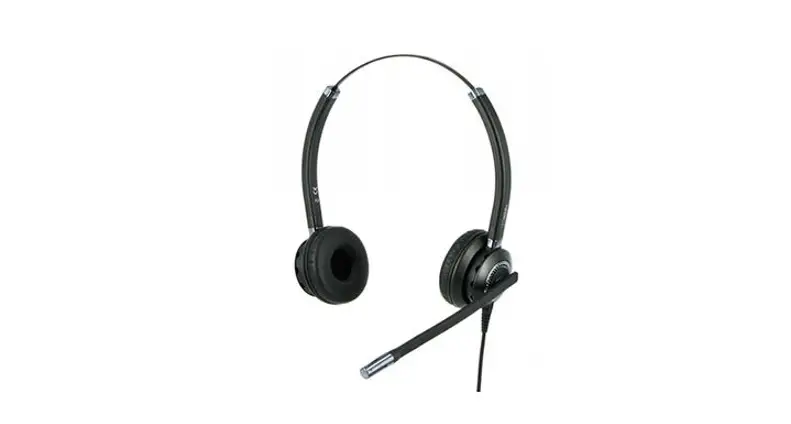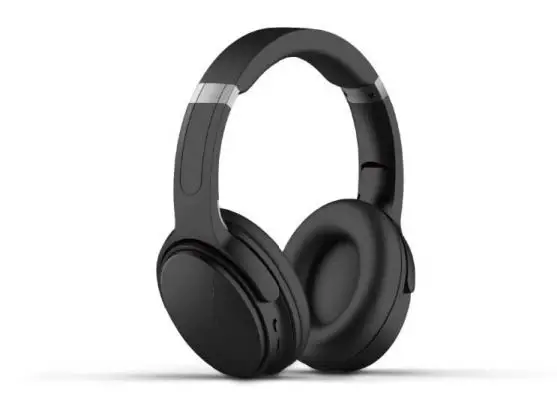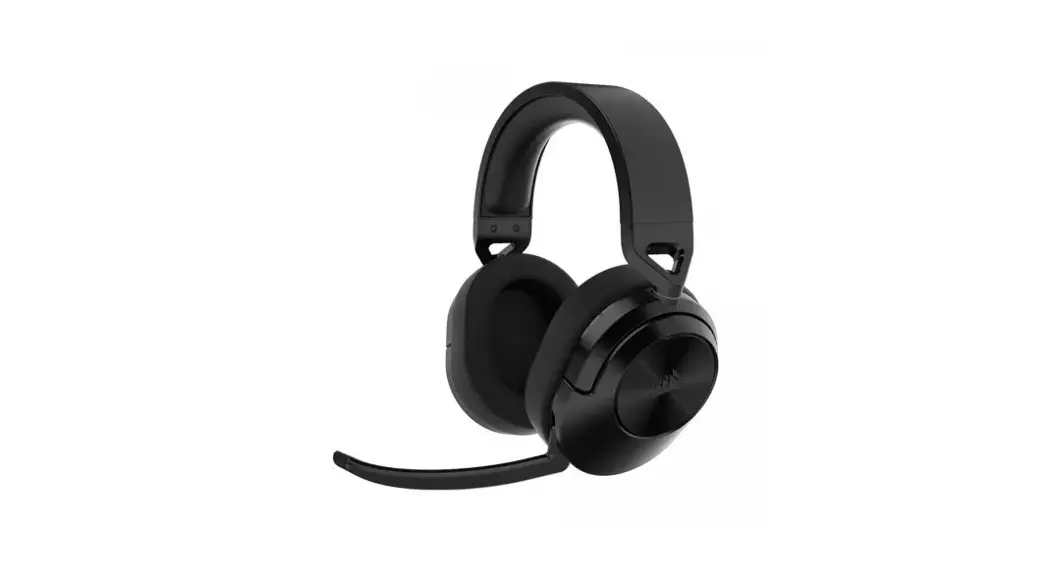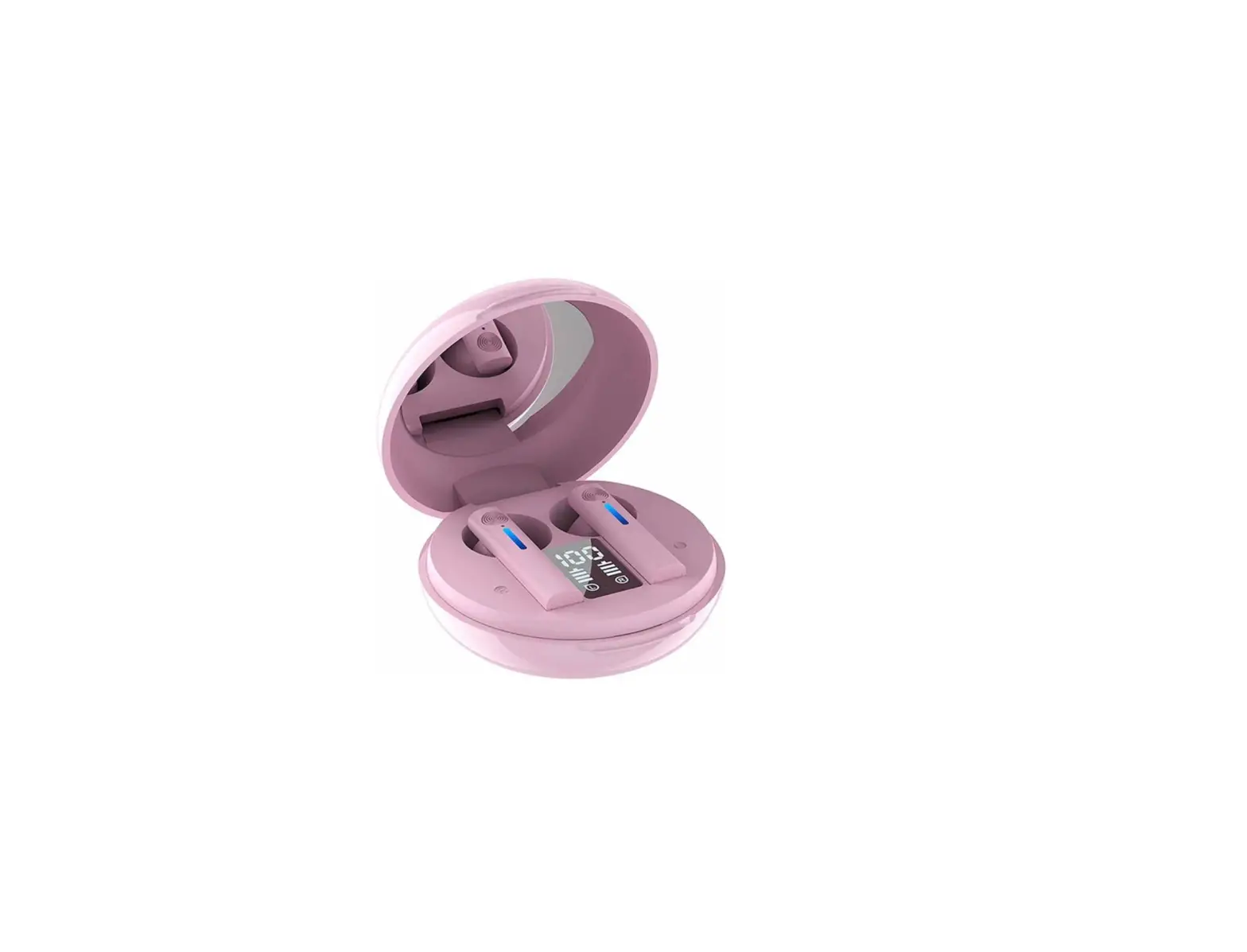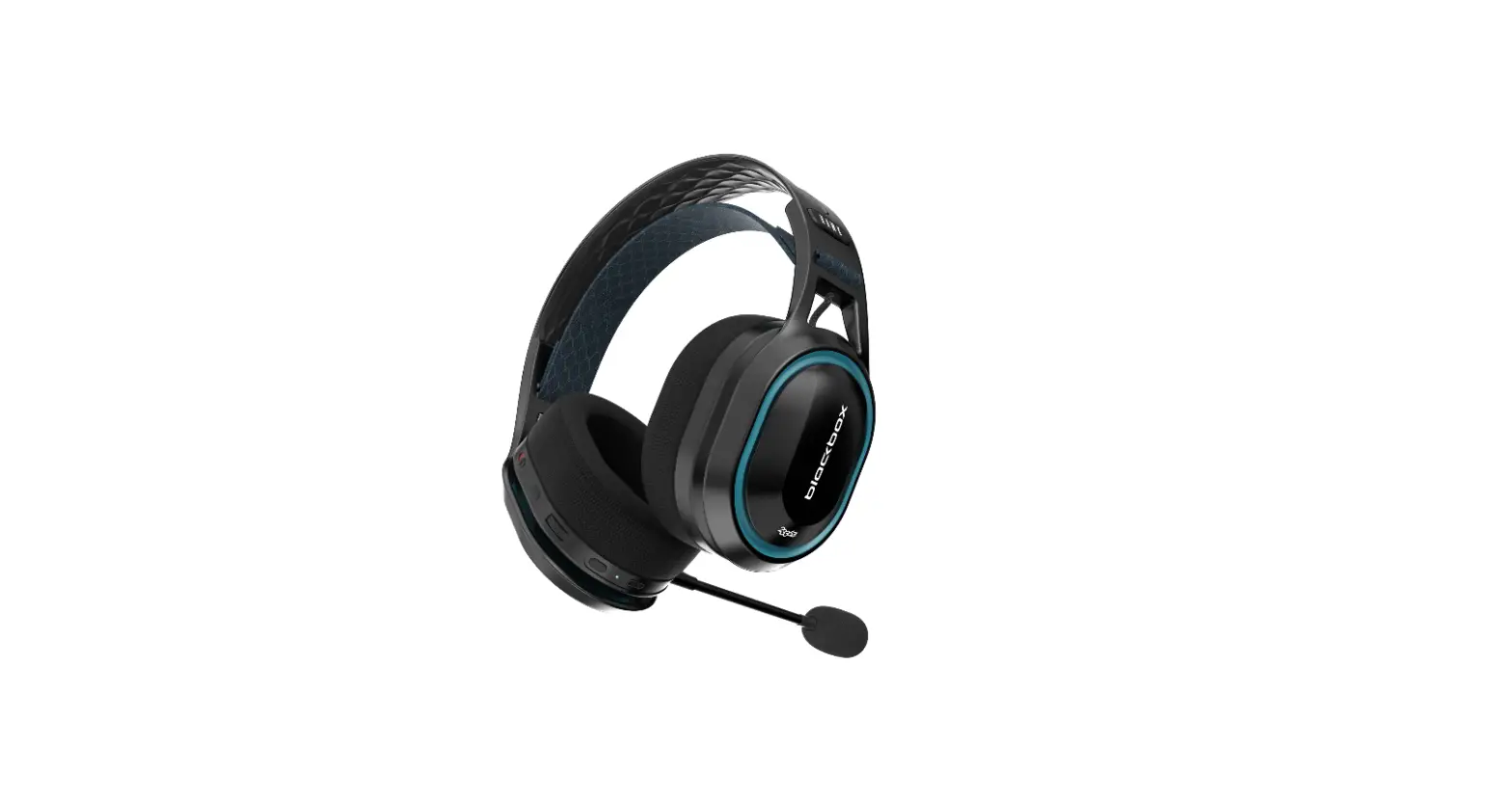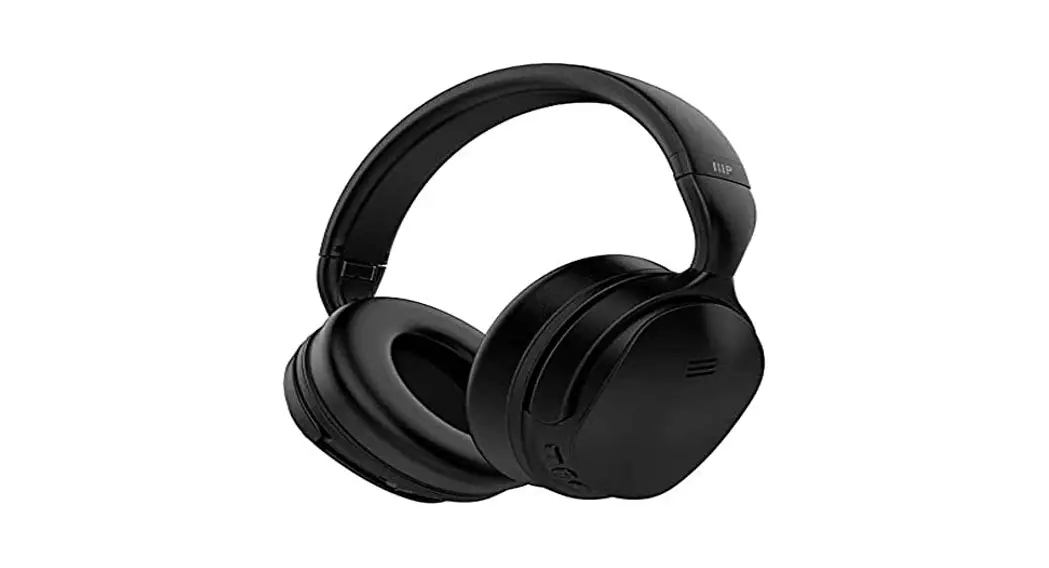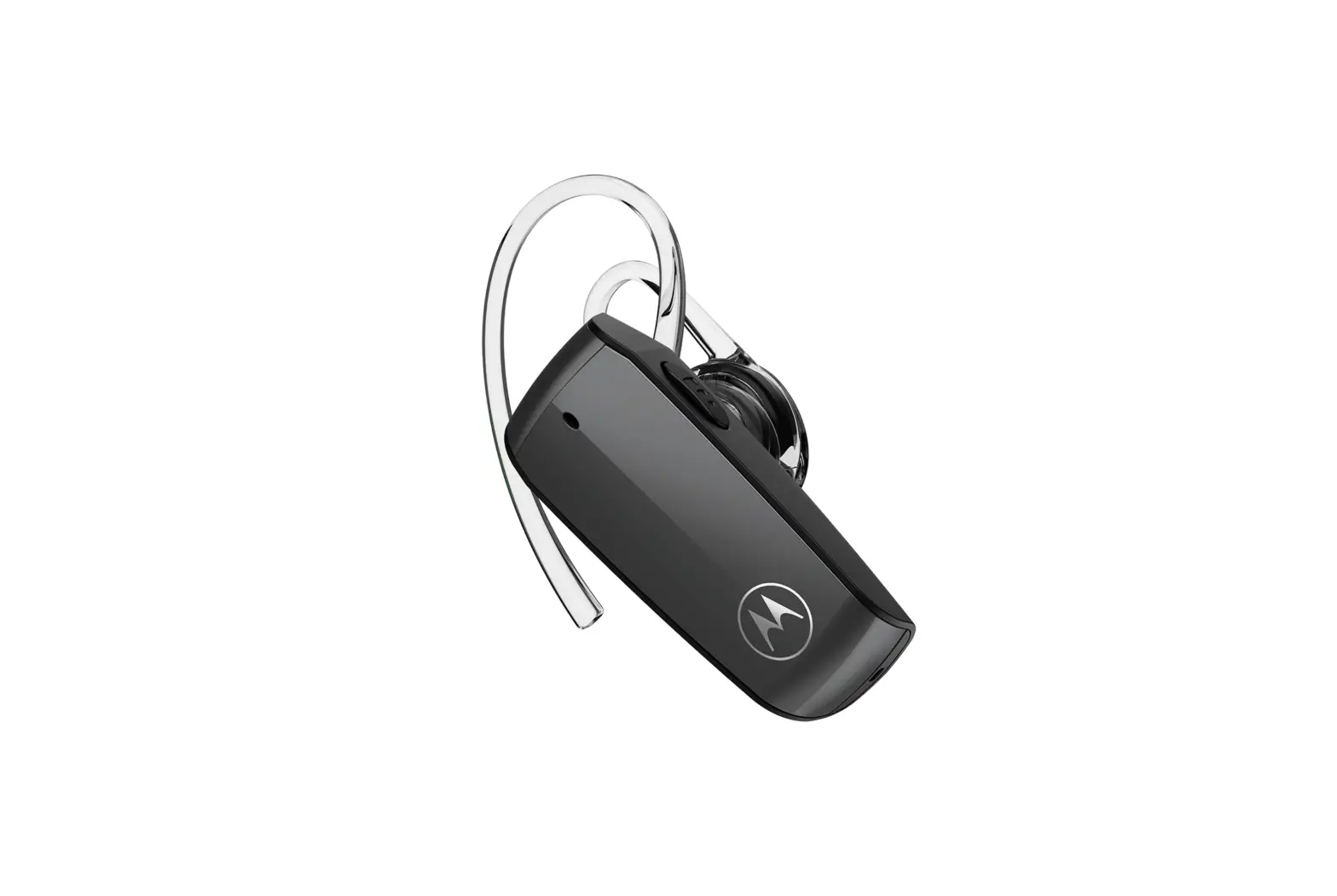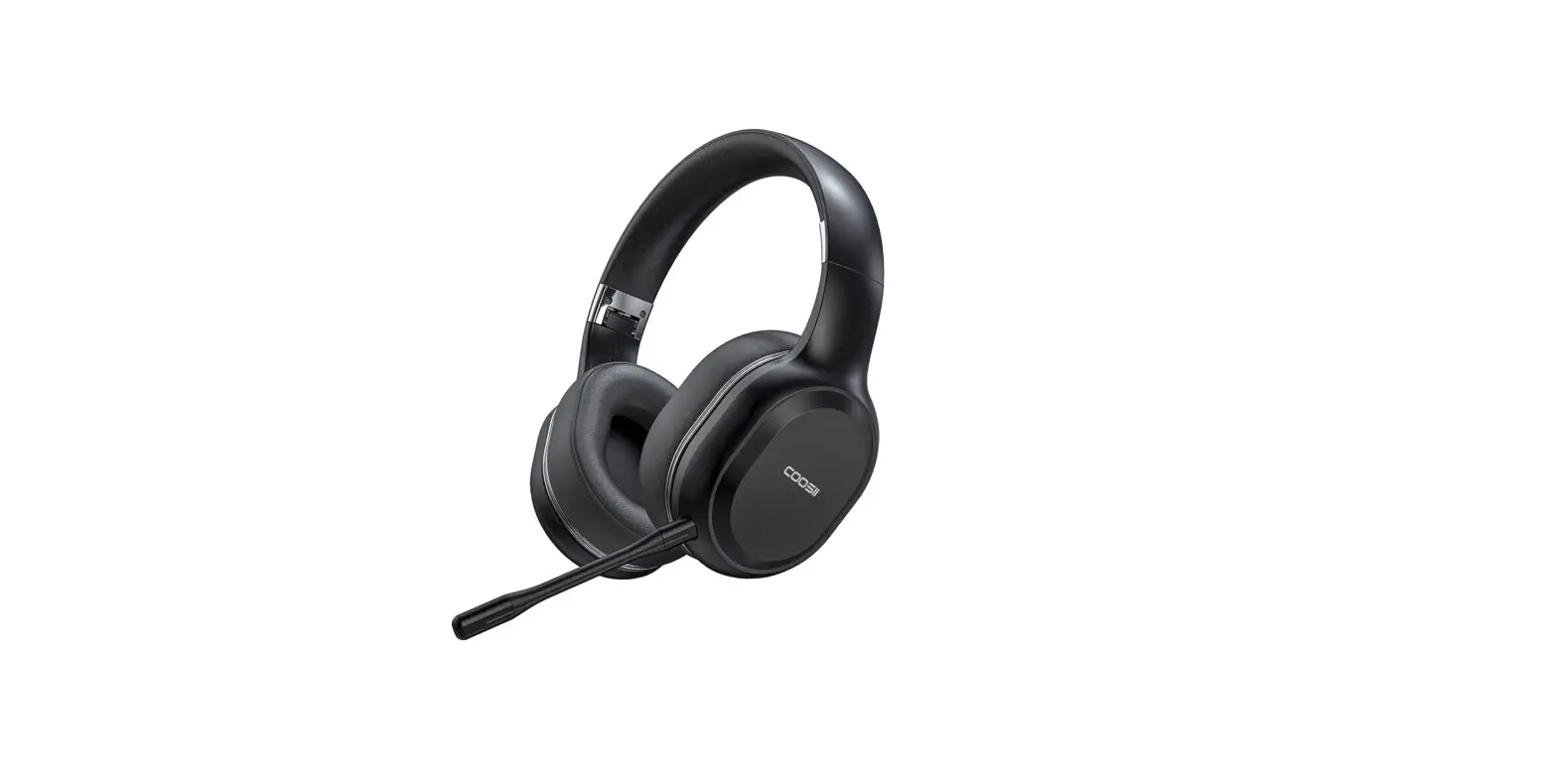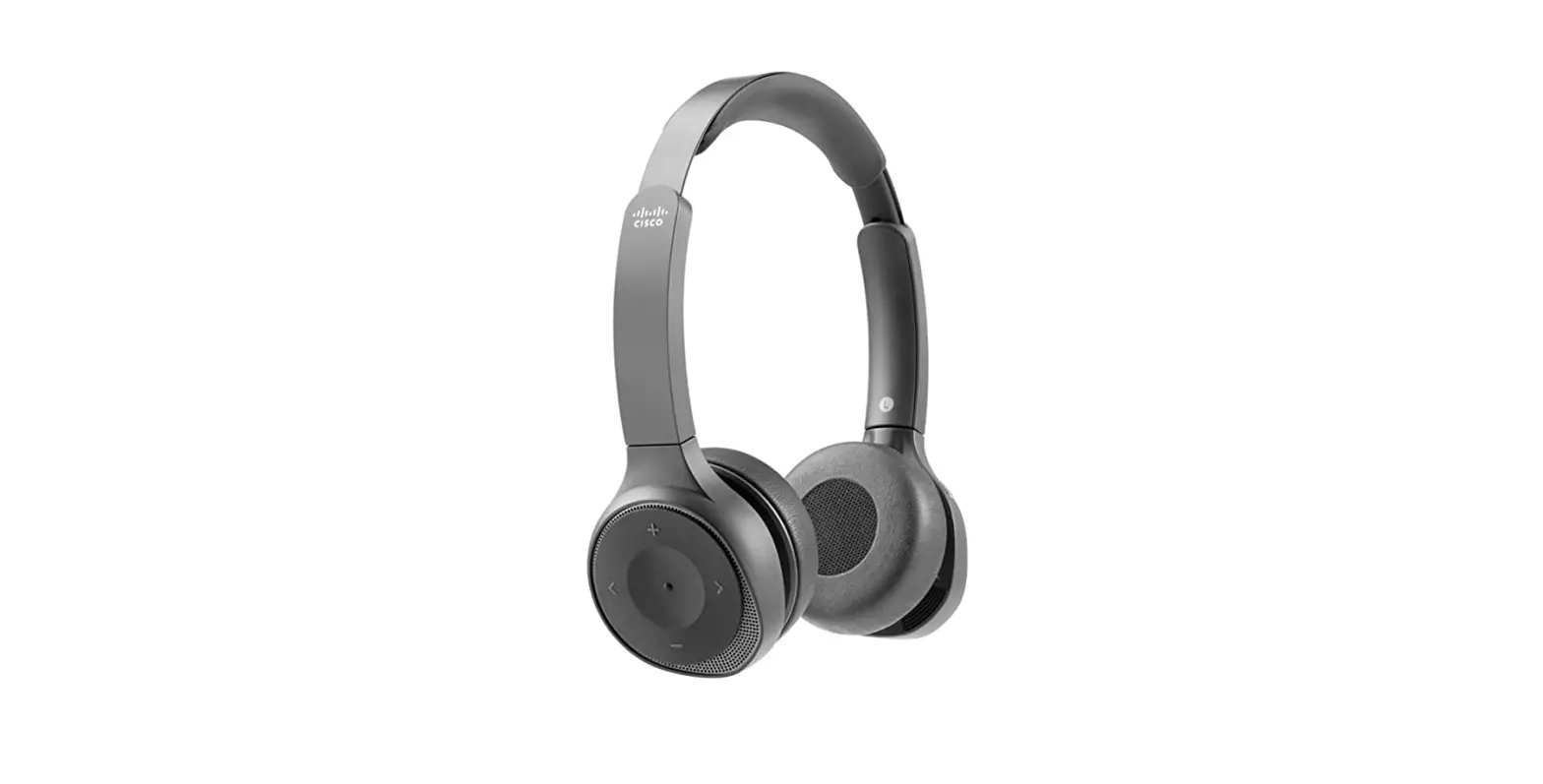

Cisco Hs-wl-980 Wireless Dual On-ear Bluetooth Headset With Case User Guide

Cisco Hs-wl-980 Wireless Dual On-ear Bluetooth Headset With Case User Guide

CISCO HS-WL-980 Wireless Dual On-Ear Bluetooth Headset with Case LOGO
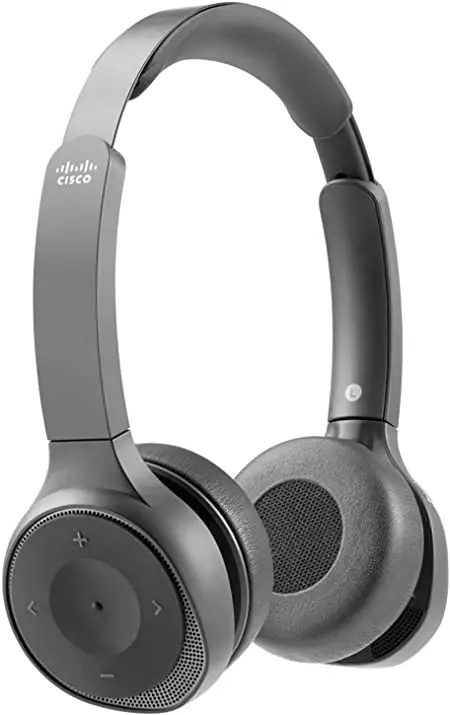
CISCO HS-WL-980 Wireless Dual On-Ear Bluetooth Headset with Case

CISCO HS-WL-980 Wireless Dual On-Ear Bluetooth Headset with Case PRO

INSTRUCTIONS

CISCO HS-WL-980 Wireless Dual On-Ear Bluetooth Headset with Case 1

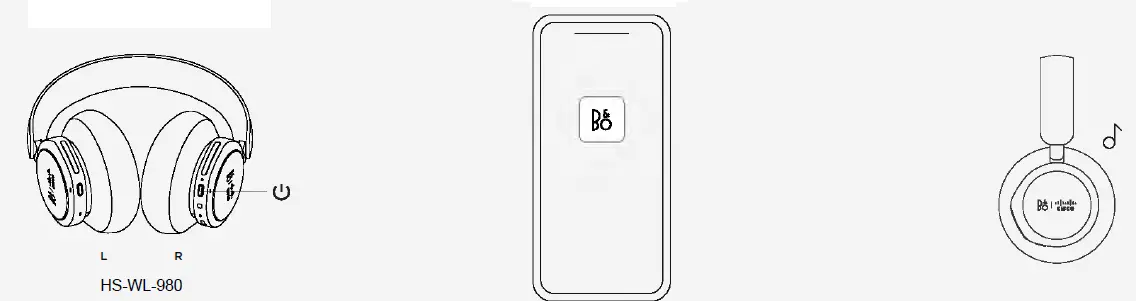
  1. TURN ON YOUR NEW BANG & OLUFSEN CISCO 980
  2. SET UP IN THE BANG & OLUFSEN APP
  3. READY TO WORK

DOWNLOAD THE BANG & OLUFSEN APP

CISCO HS-WL-980 Wireless Dual On-Ear Bluetooth Headset with Case 2

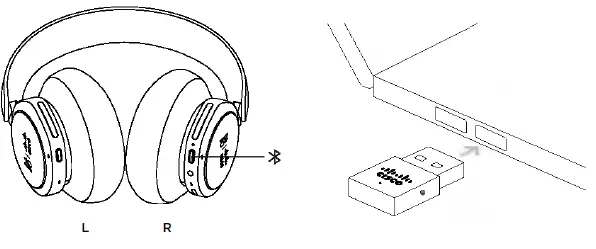
CISCO USB HD ADAPTER

CISCO HS-WL-980 Wireless Dual On-Ear Bluetooth Headset with Case 3

The Cisco USB HD Adapter comes pre-paired to your headset. Use the adapter when you want a quality wireless experience without pairing to a new device
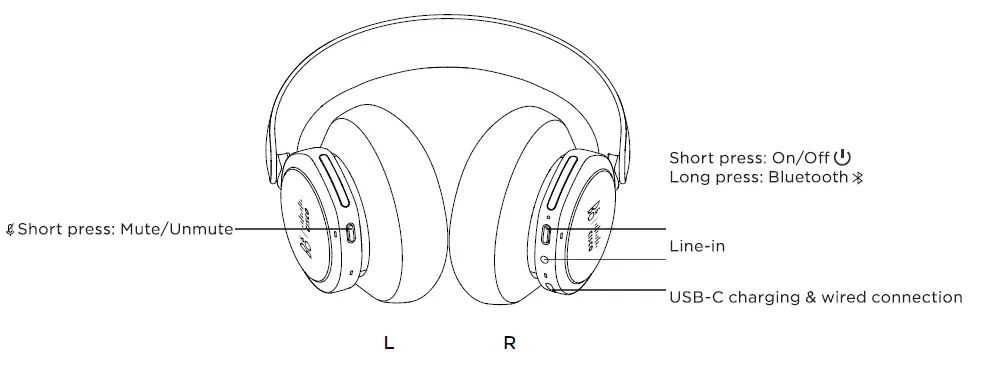
CISCO HS-WL-980 Wireless Dual On-Ear Bluetooth Headset with Case 4

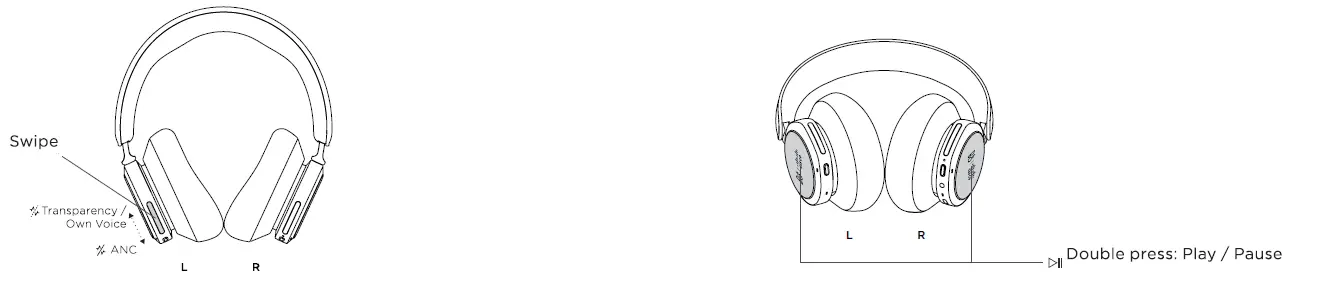
DAILY USE

CISCO HS-WL-980 Wireless Dual On-Ear Bluetooth Headset with Case 5

Active Noise Cancellation, Transparency or Own Voice Music
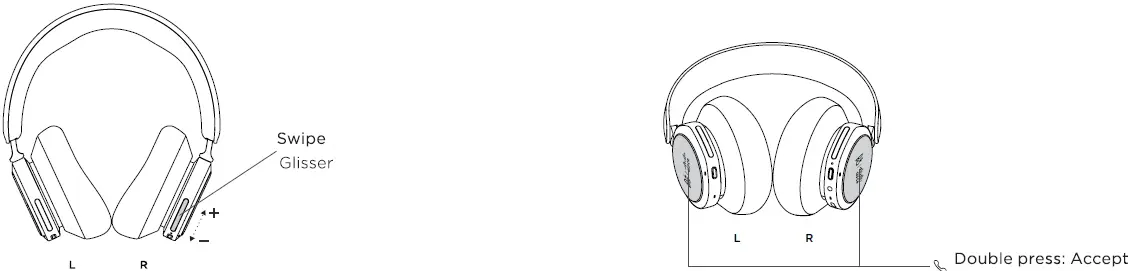
CISCO HS-WL-980 Wireless Dual On-Ear Bluetooth Headset with Case 6

Volume Call

For more information, visit: cisco.com/go/headsetsupport

Documents / Resouces

Download manual
Here you can download full pdf version of manual, it may contain additional safety instructions, warranty information, FCC rules, etc.


Related Manuals