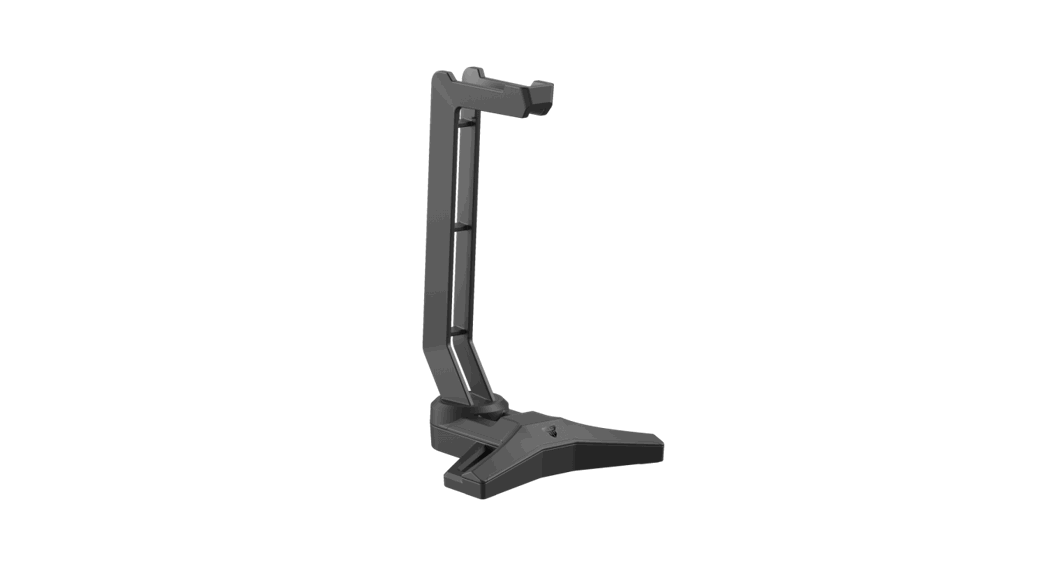
 STELLITE
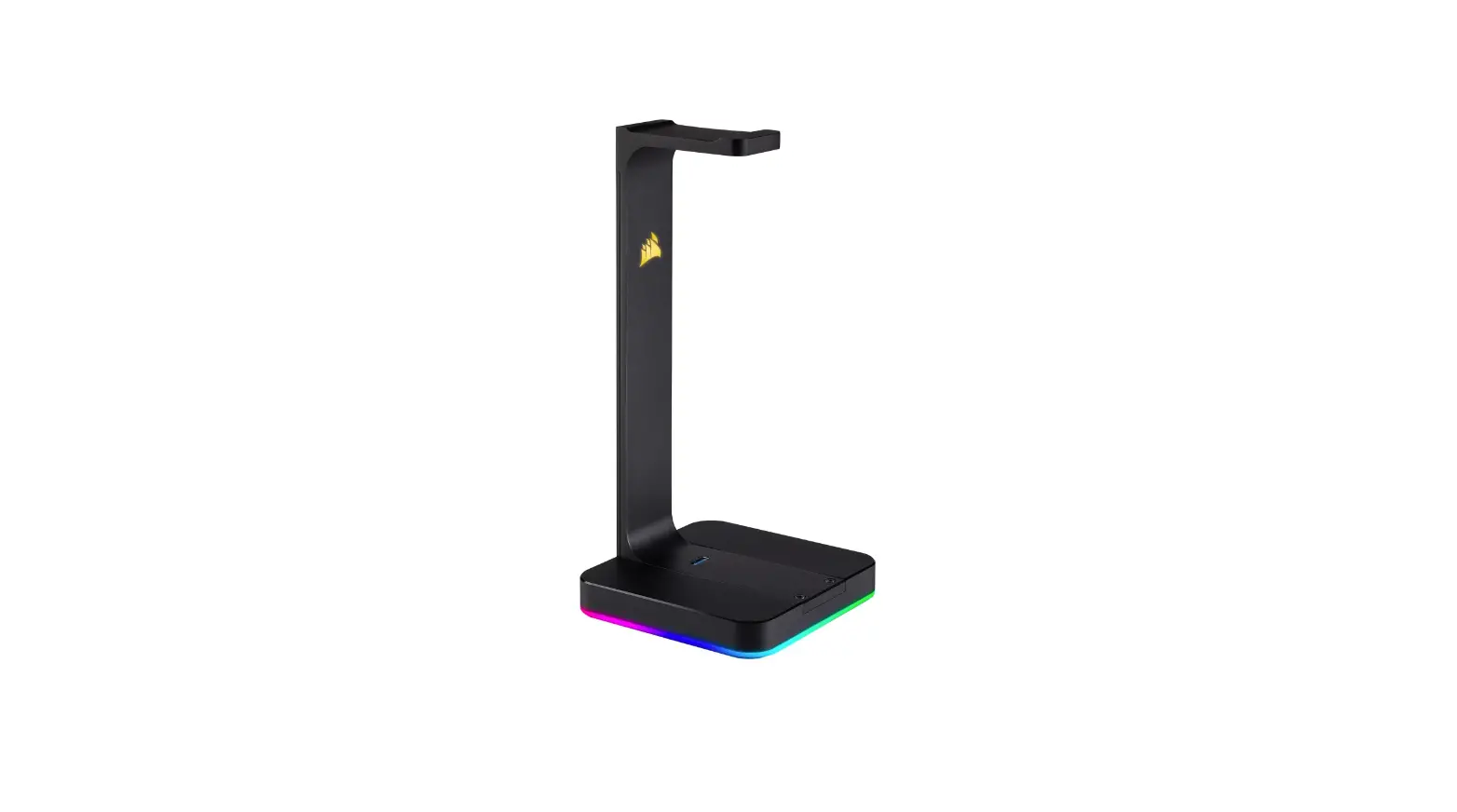
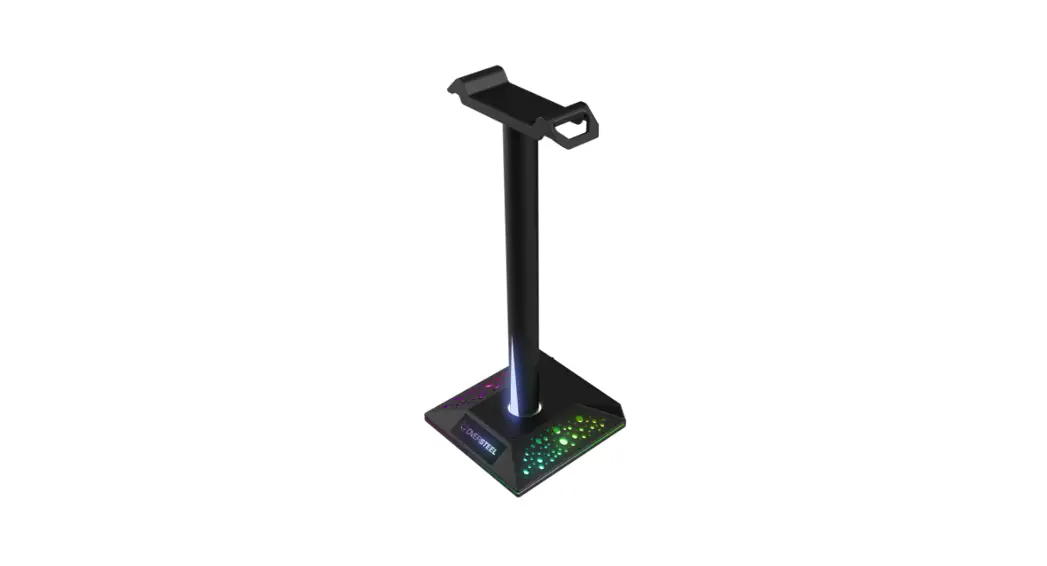
RGB HEADSET HOLDER
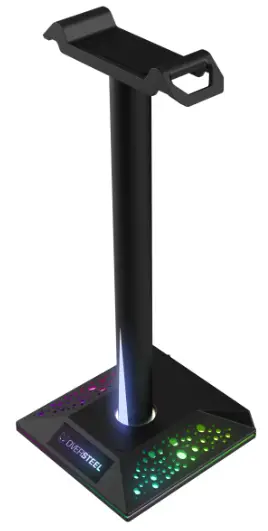
STELLITE RGB Headset Holder
 Warning!
Only trained personnel may replace or repair components or elements of the product.
To avoid damage to property or personal injury, please read the enclosed manual carefully before proper assembly and installation.
QUICK START
USB POWER
Connect the USB cable to computer to get power
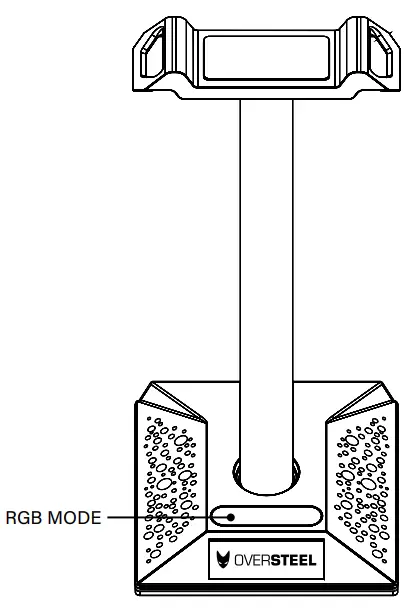
RGB MODES CHANGE
Short press once to change RGB modes by following order: 7 colors breathing lights / white / red / violet / blue / cyan / green / yellow/ fast running light / slow running light Long press 3 seconds to off the light
 ElGaming.com is for sale | HugeDomains