
User manual
What’s included in the box
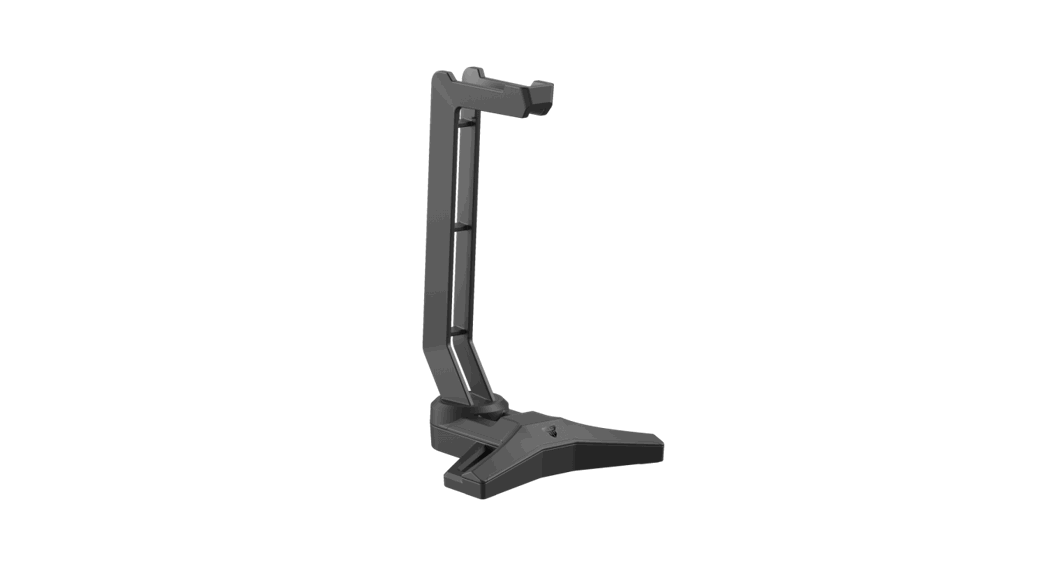
- FANTECH TOWER II AC304 PRO RGB Headset Stand
- User manual
System requirements
- Operating systems: Windows XP/7/8/10. MAC OS
- One free USB 2 0/3 0 port
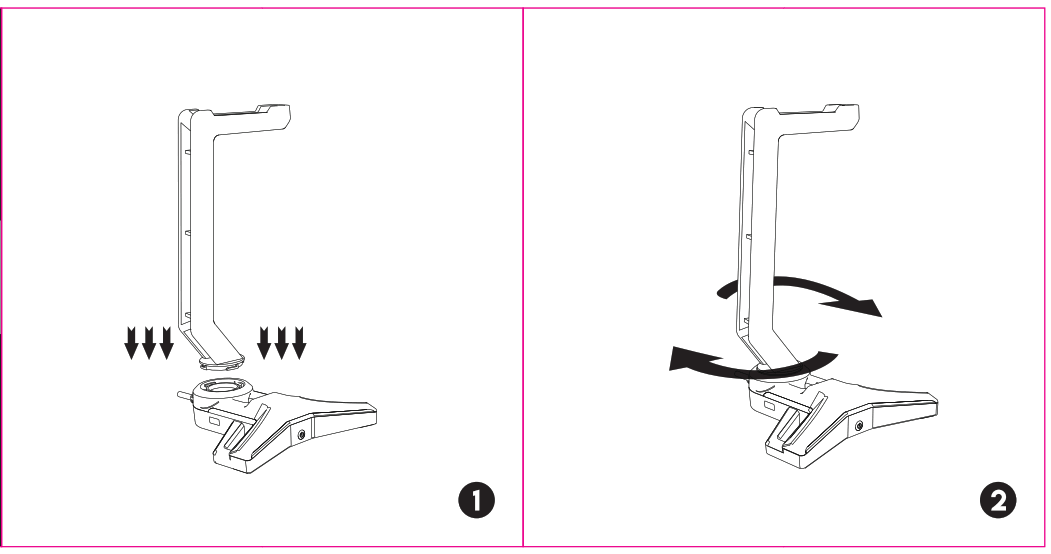
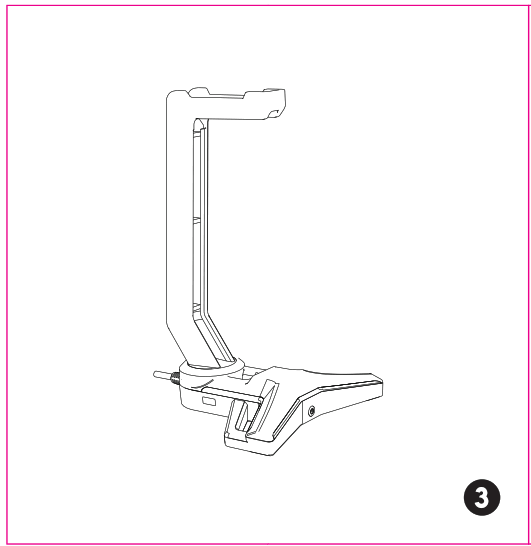
Quick installation
 How to connect
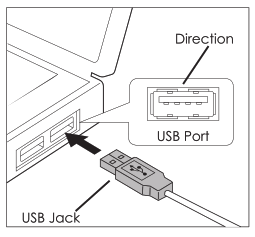
Easily through the convenient plug-and-play design. Connect AC304 to your computer by inserting the USB jack into your computer’s USB port.
 How to use
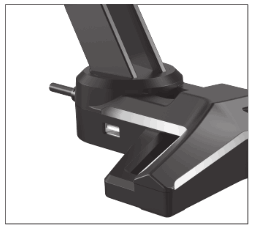
Tower II AC304 PRO features a built-in USB2.0 hub, so you can easily keep your cable management, and not take up any USB ports.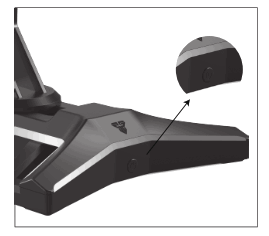 Tower Il AC304 PRO includes built-in RGB. To use it, imply press the button to change the RGB lighting.