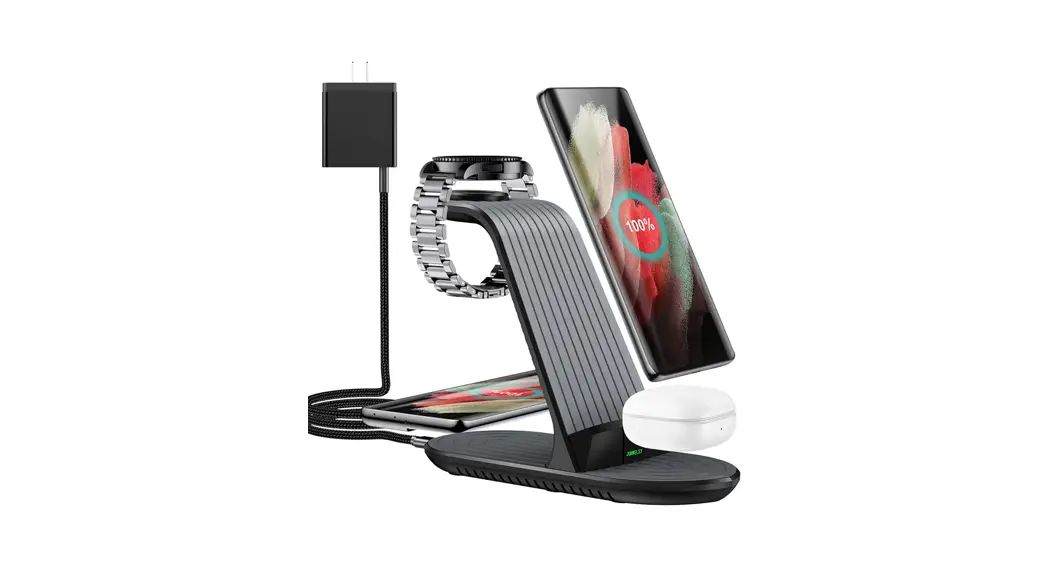
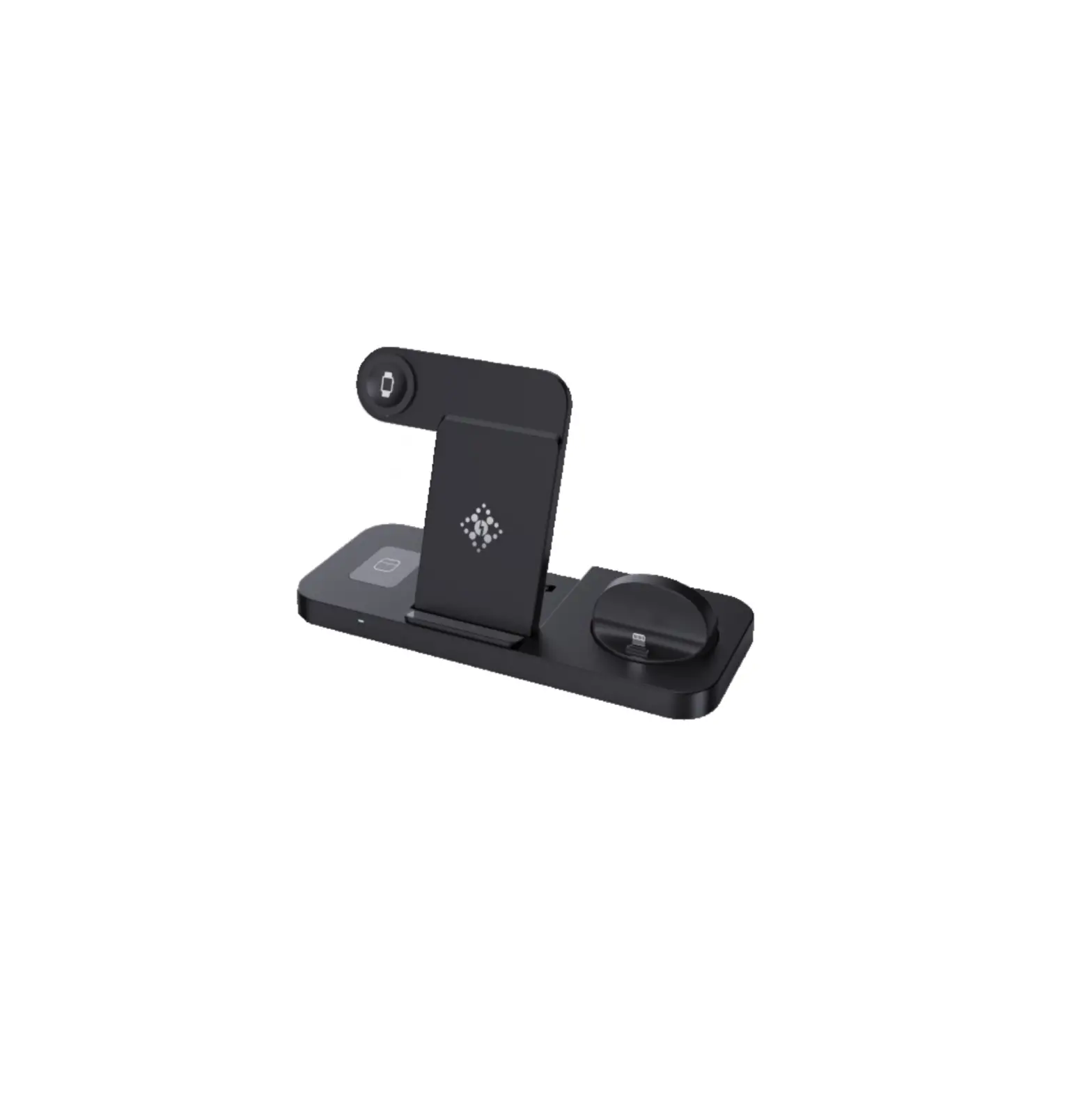
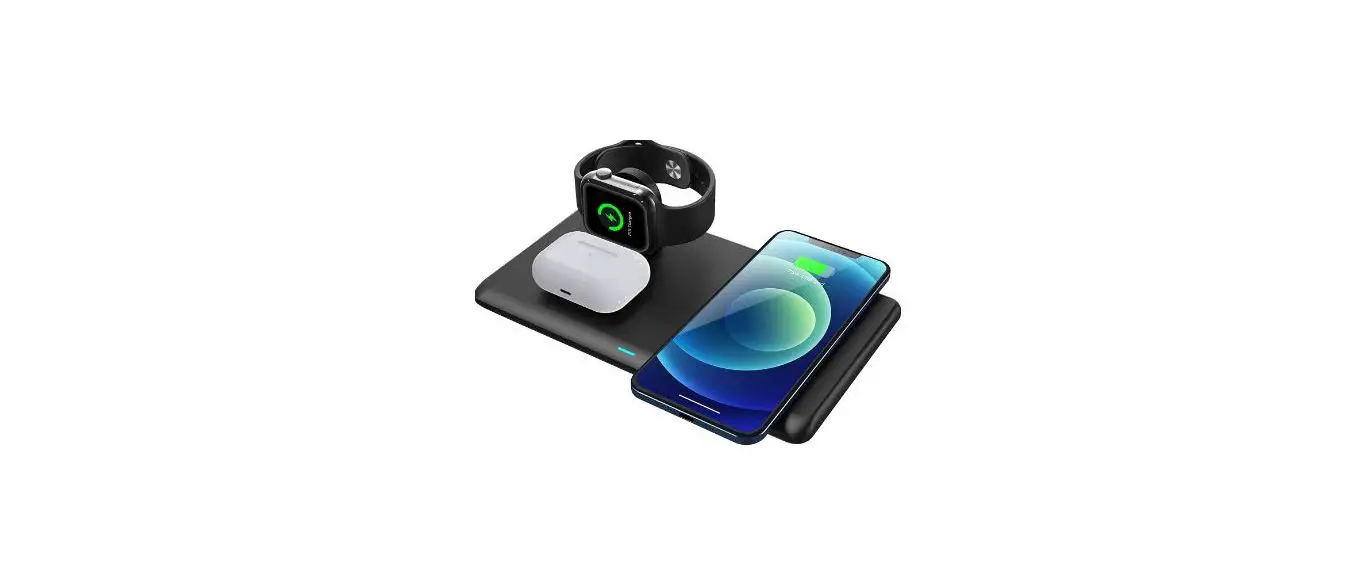
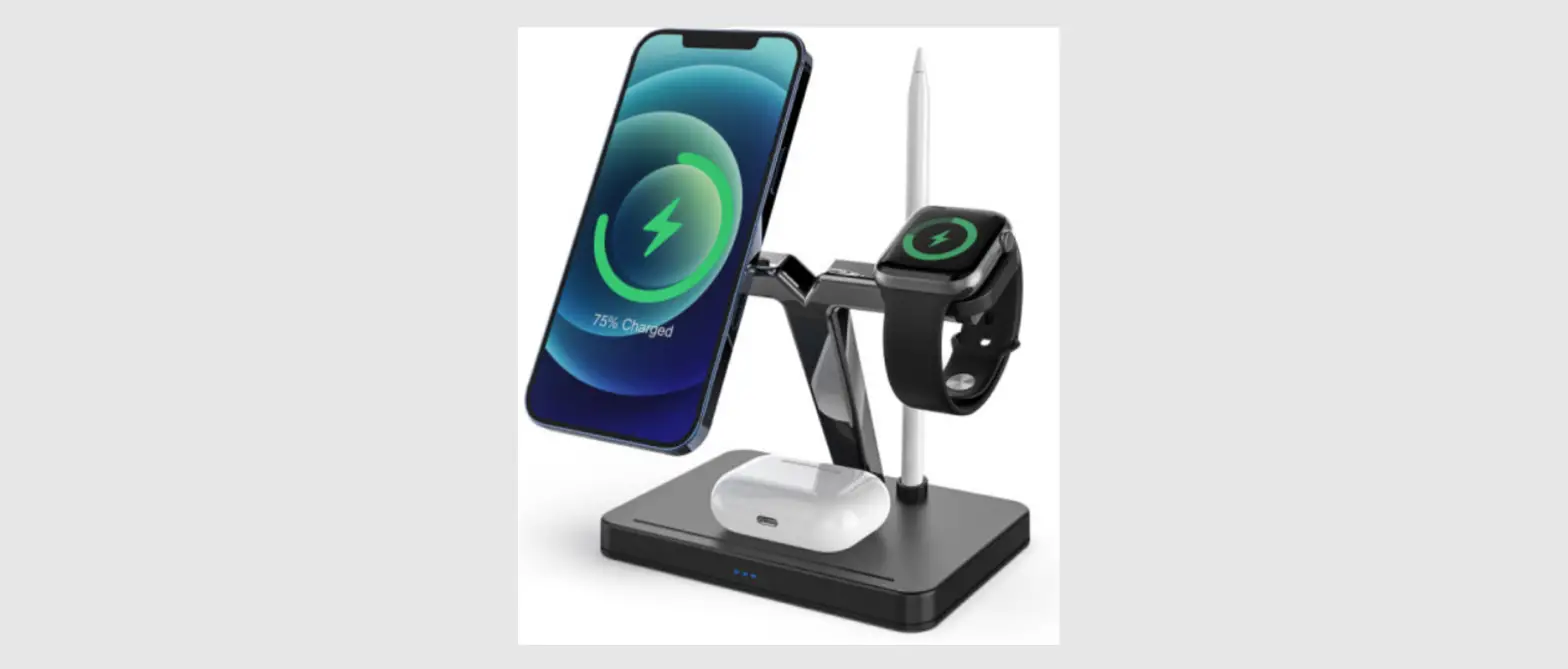
JJT-A80 4 In 1 Fast Wireless Charger
4 in 1 Charging Station JJT-A80
User Manual
1. Product Introduction
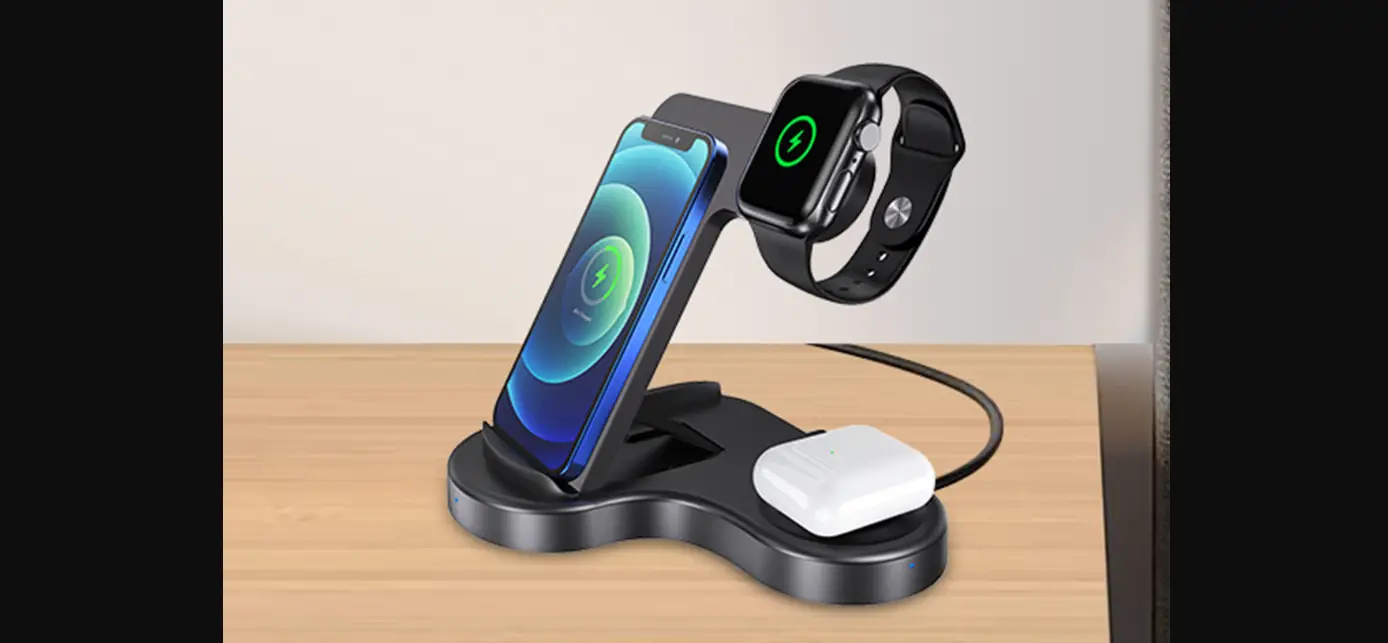
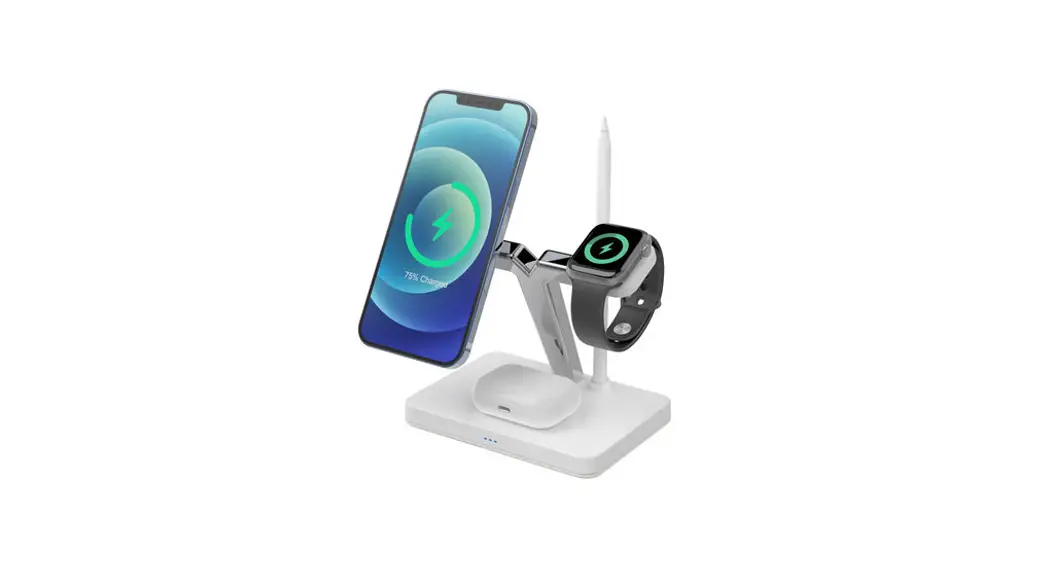
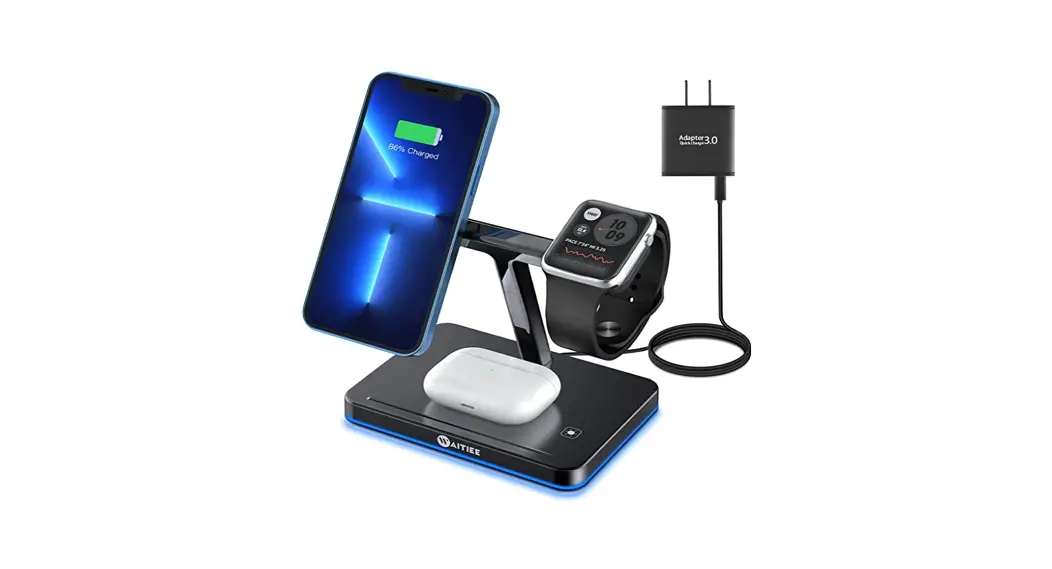
The 4 in 1 Charging Station JJT-A80 is a fast wireless charger
that can simultaneously charge phones, Apple Watch, and TWS
Bluetooth AirPods that support the Ql standard. It has a folding
design, making it easy to store and carry. The charging panel can
charge multiple devices at the same time. You can charge your
device wirelessly by placing it in the charging zone. The product
also features a night atmosphere light design, making it a
convenient and practical intelligent electronic device.
2. Specification Parameters
| Product Name | Mode of Use |
|---|---|
| 4-in-1 Wireless Charger Foldable | Plastic + Acrylic |
| Color | Interface |
| Black | Input: Type-C Power Port 9V-3A |
| Mobile Phone Output | Watch Output |
| 1-3W / 5W | Supports Qi Compliant Mobile Phones, Bluetooth Earbuds, and AirPods, Apple Watches |
| Headphone Output Adapter Dimension Compatibility | Product List |
| N/A | Wireless Charger x1, Charging Cable x1, User Manual x1 |
3. Operation Steps
- When charging other devices wirelessly, please first power the
product through the equipped charging cable. - Press the switch button of atmosphere light to turn on the 1st
level atmosphere light. Press the switch button again to turn on
the second gear of the environment light, and press the switch
button three times to turn off the atmosphere light and repeat the
cycle. - When charging a device such as a phone, iWatch or Bluetooth
headset, place the device flat in the charging area and after 0.1
seconds, it will start charging. When fully charged, you can
directly remove the device. During charging, if the device needs to
terminate charging, it can be removed directly. - When the product is turned over, the mobile phone can be placed
horizontally/vertically to charge.
4. Precautions
- Do not immerse the product in water to avoid short circuit of
the internal circuit. - Do not disassemble or break the product by yourself, so as not
to cause product damage. - Please keep the product away from flammable and explosive
liquids, gases or explosives. - Do not place magnetic cards, magnetic strip media and precision
machinery too close to the product.
This equipment complies with FCC radiation exposure limits set
forth for an uncontrolled environment. This equipment should be
installed and operated with a minimum distance of 20cm between the
radiator & your body. This transmitter must not be co-located
or operating in conjunction with any other antenna or
transmitter.
4 in 1 charging station JJT-A80
User Manual
1. Product Introduction
This product is a 4-in-1 fast wireless charger that simultaneously wirelessly charges phones /Apple Watch/TWS Bluetooth AirPods. that support the Ql standard. This product also adds the night atmosphere light design, is a convenient and practical intelligent electronic device.
This product has a folding design. The folding way of the product makes it easier to store and carry; Open the charging panel state can charge multiple devices at the same time. You can charge your device wirelessly by placing it in the charging zone. You can put the phone vertically or horizontally, without affecting the charging of the phone, while charging, you can video chat or watch your favorite movie or TV.
Mobile phone wireless charging area
iWatch wireless charging area
Type-C power port input:9V-3A,
Two. specification parameters
Product name Mode of use
material color
interface Input Mobile phone output Watch output Headphone output adapter dimension compatibility Product list
4-in-1 wireless charger foldable Plastic + acrylic black
9 V-3A
1-3W 5W
Support Qi compliant mobile phones, Bluetooth Earbuds and AirPods, Apple Watches Wireless charger x1, Charging cable x1, User Manual x1
Night environment
Bluetooth headset wireless charging area Environmental light switch button
Three. operation steps
1. When wireless charging other devices, please first power the product through the equipped charging cable. 2. Press the switch button of atmosphere light to turn on the 1st level atmosphere light; Press the switch button again to turn on the second gear of the environment light, and press the switch button three times to turn off the atmosphere light and repeat the cycle. T IT Ax Aligned word
3. When charging a device such as a phone, iWatch or Bluetooth headset, place the phone, iWatch or Bluetooth headset flat in the charging area and after 0.1 seconds, start charging the device; When fully charged, you can directly remove the device; During charging, if the device needs to terminate charging, it can be removed directly.
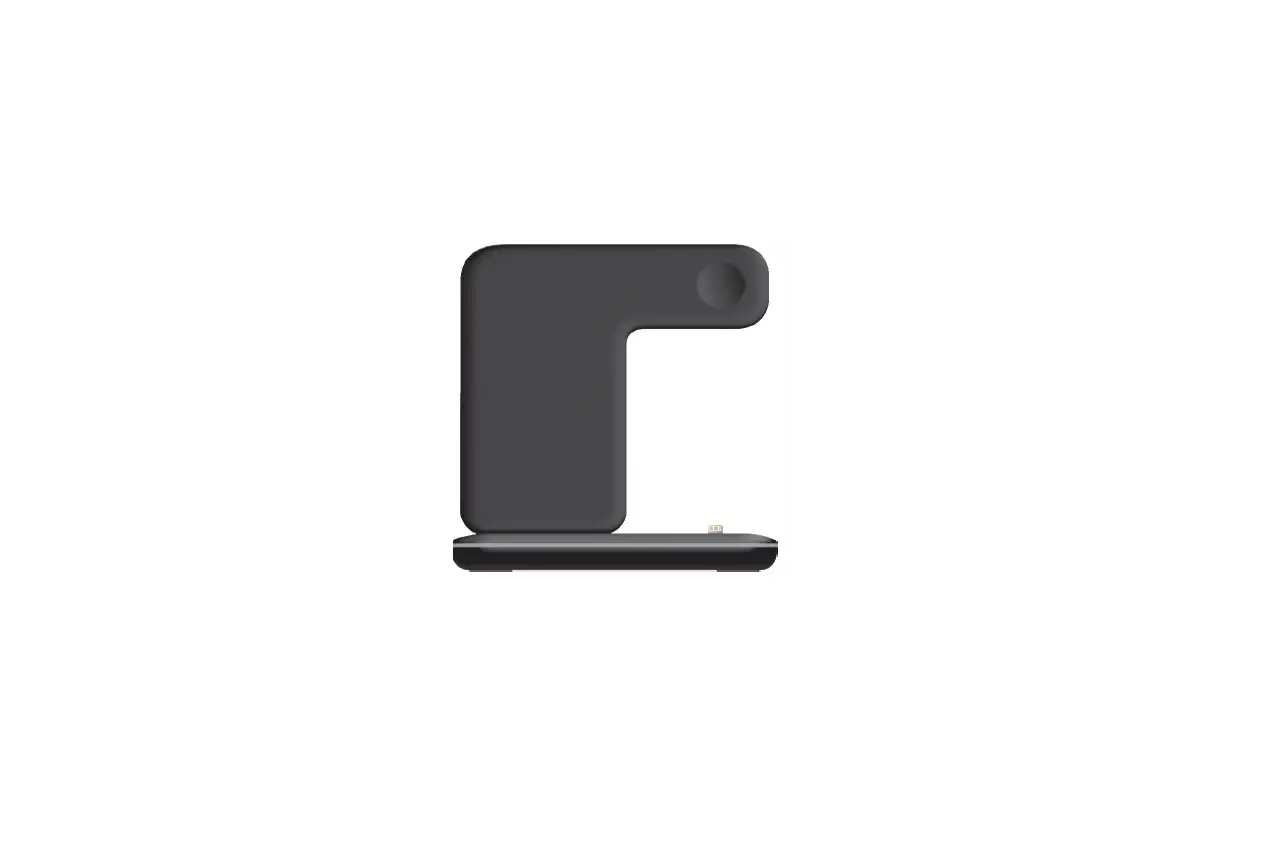
5· The product can be folded for easy storage and portability.
..
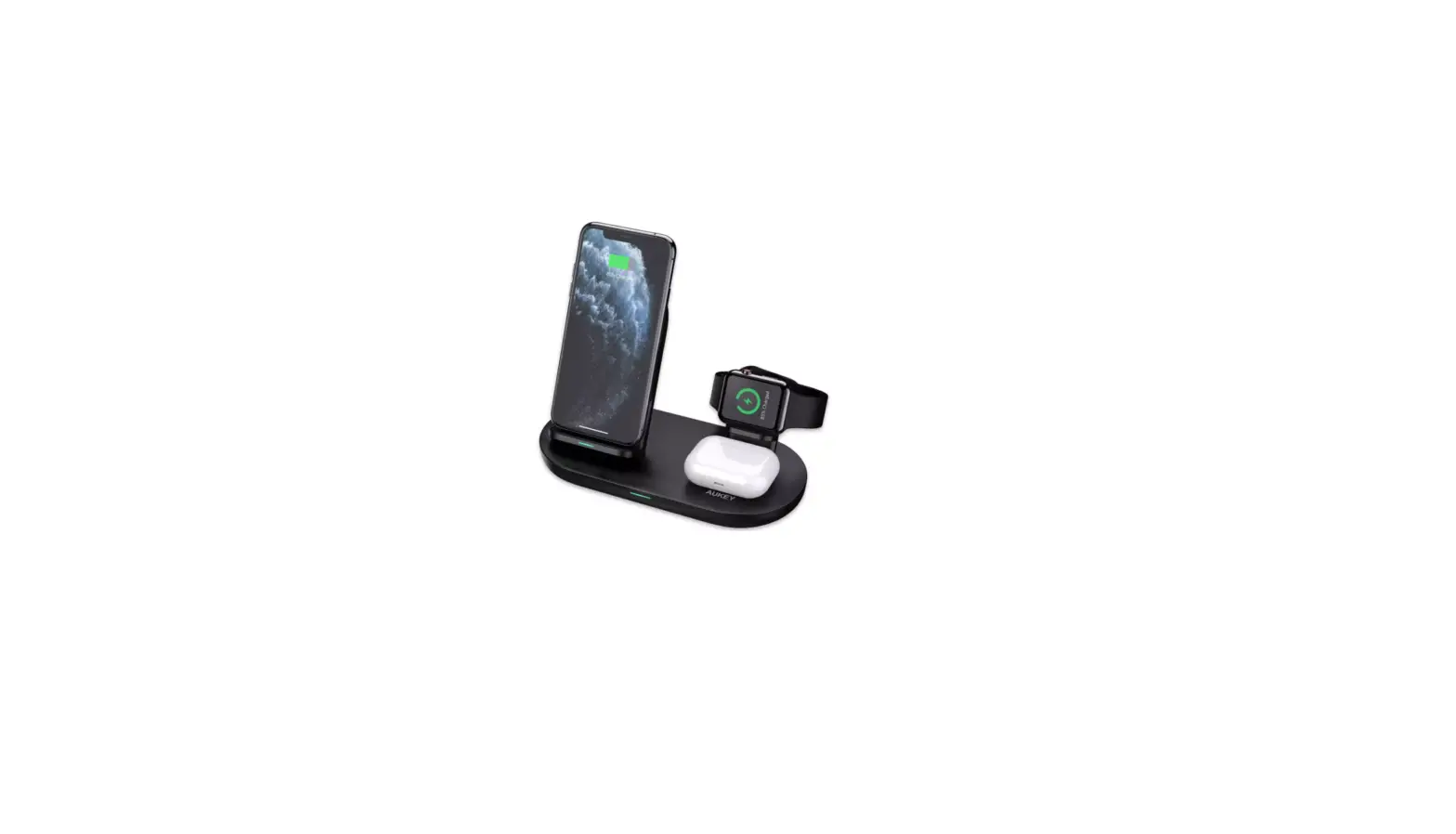
After the product is connected to the power supply, the phone, iWatch and Bluetooth headset can be charged after being put down
4. When the product is turned over, the mobile phone can be placed horizontally/vertically to charge.
Four. precautions
1. Do not immerse the product in water to avoid short circuit of the internal circuit. 2. Do not disassemble or break the product by yourself, so as not to cause product damage. 3. Please keep the product away from flammable and explosive liquids, gases or explosives. 4. Do not place magnetic cards, magnetic strip media and precision machinery too close to the product.
This equipment complies with FCC radiation exposure limits set forth for an uncontrolled
environment. This equipment should be installed and operated with a minimum distance of 20cm
between the radiator & your body. This transmitter must not be co-located or operating in
conjunction with any other antenna or transmitter.
..