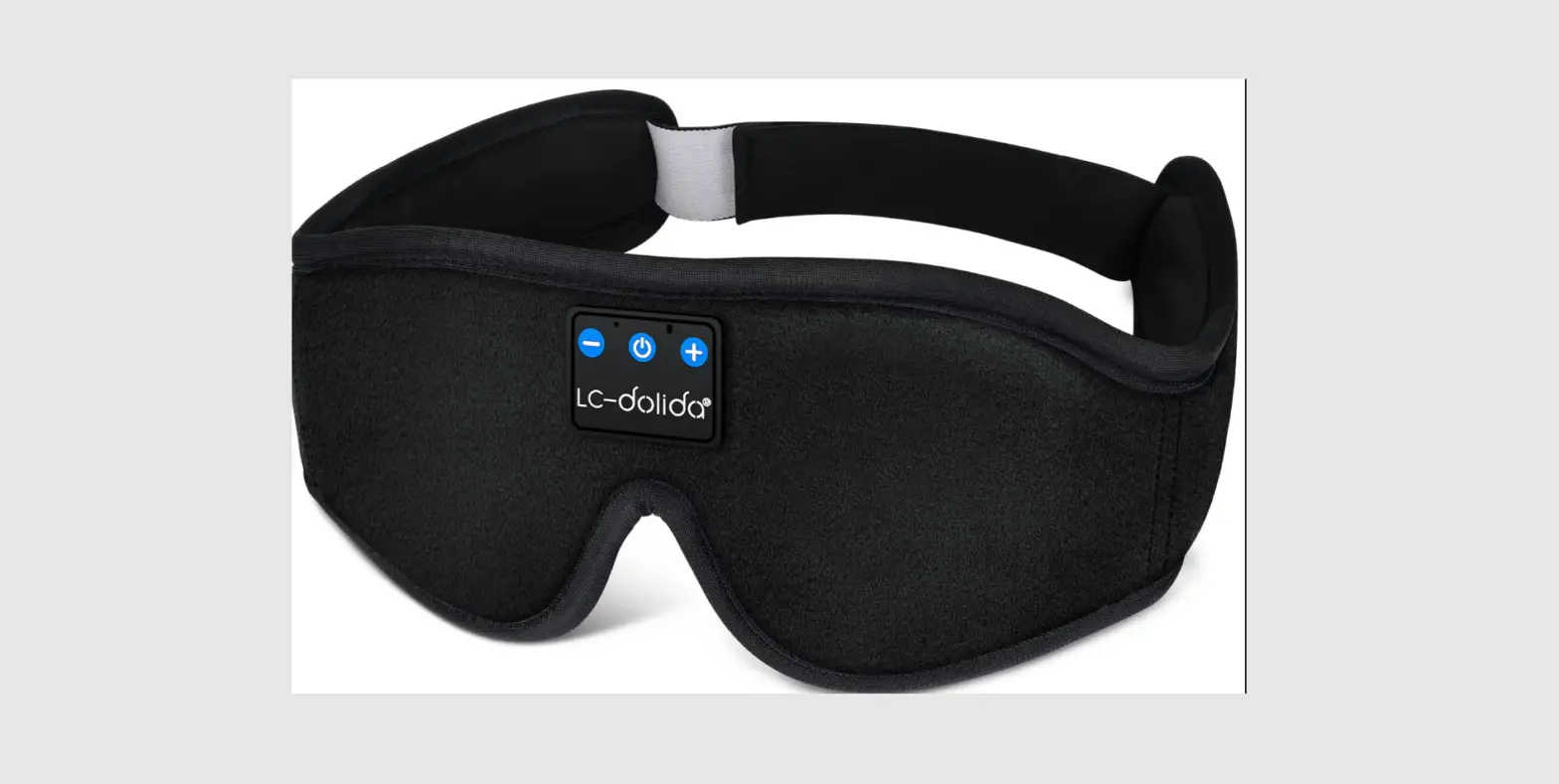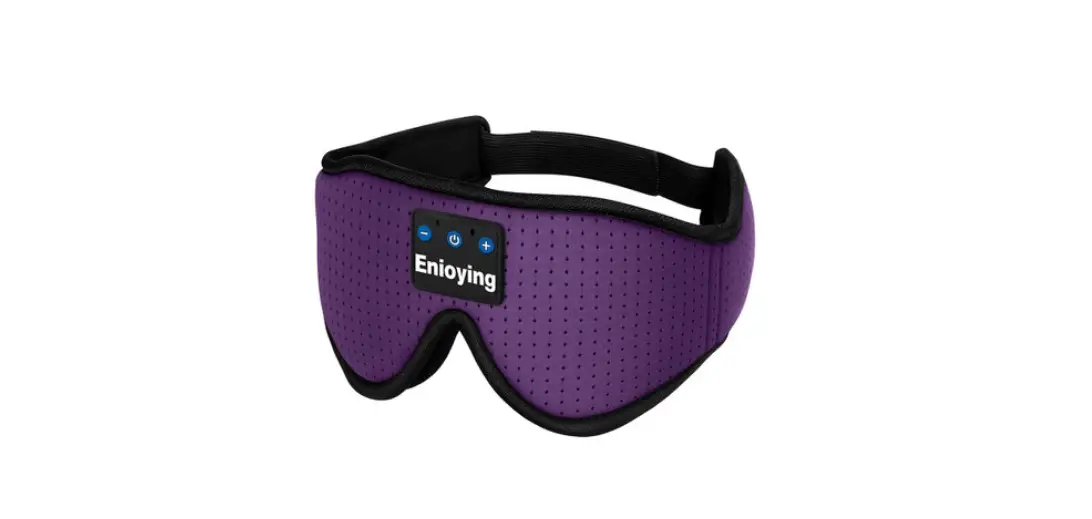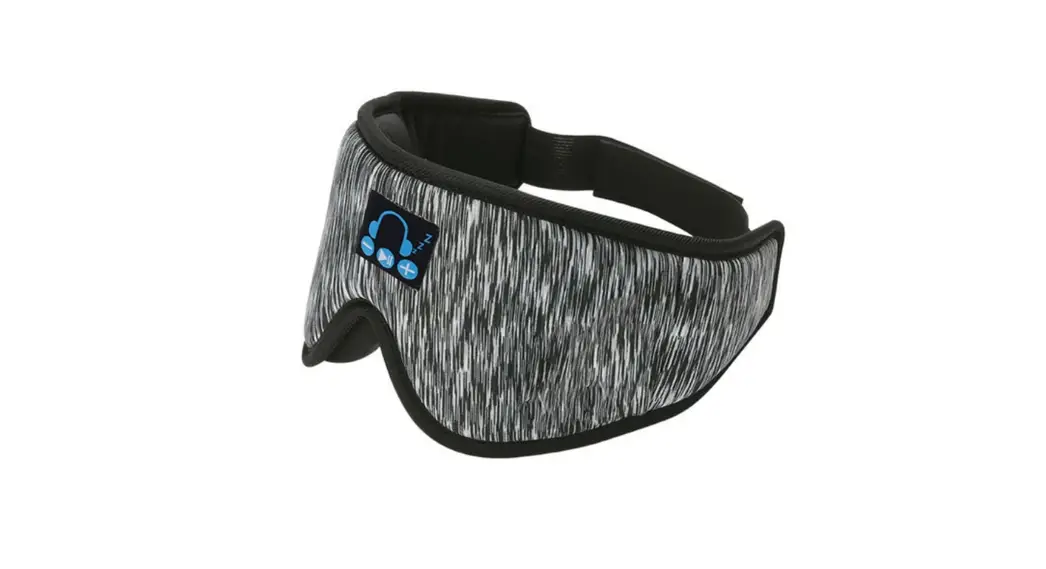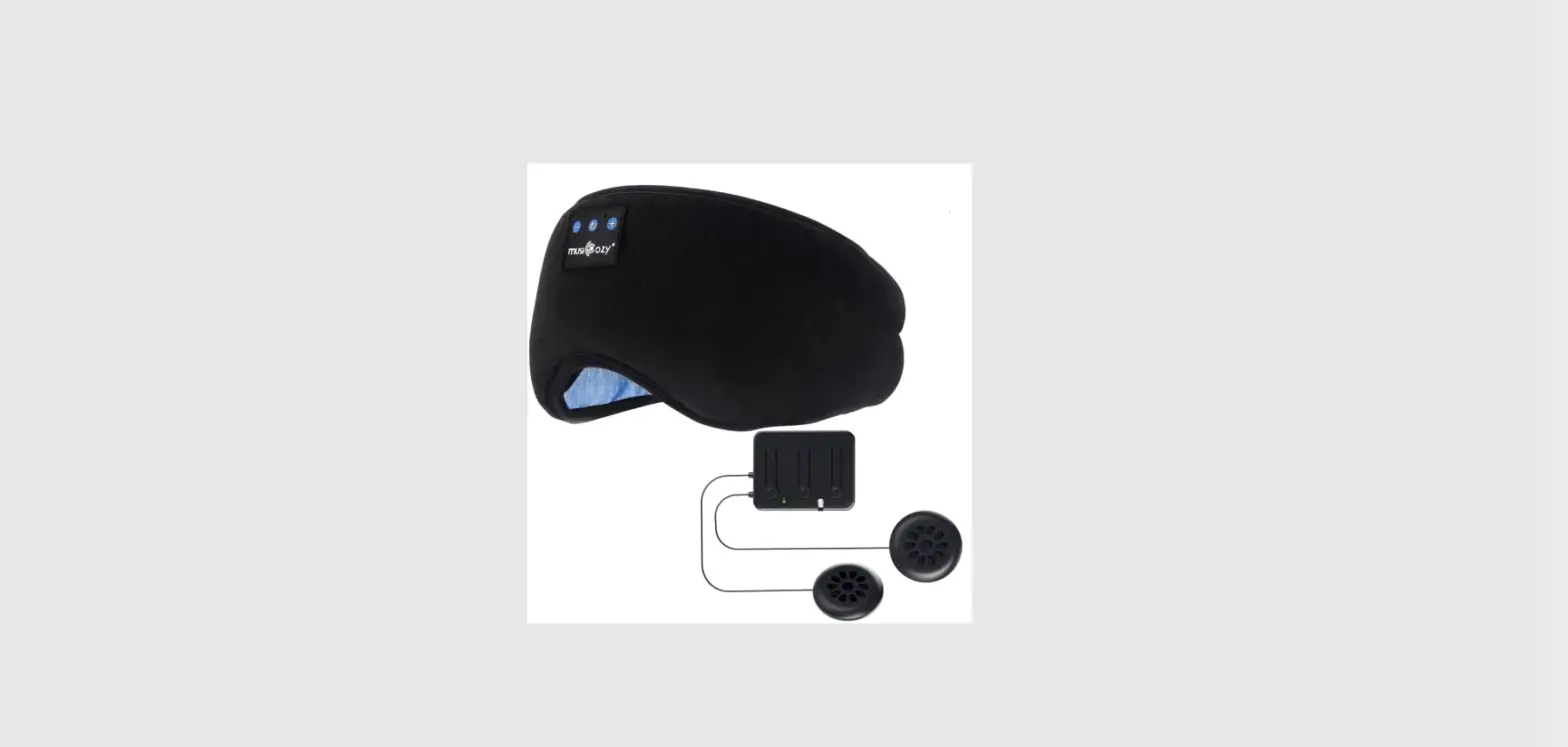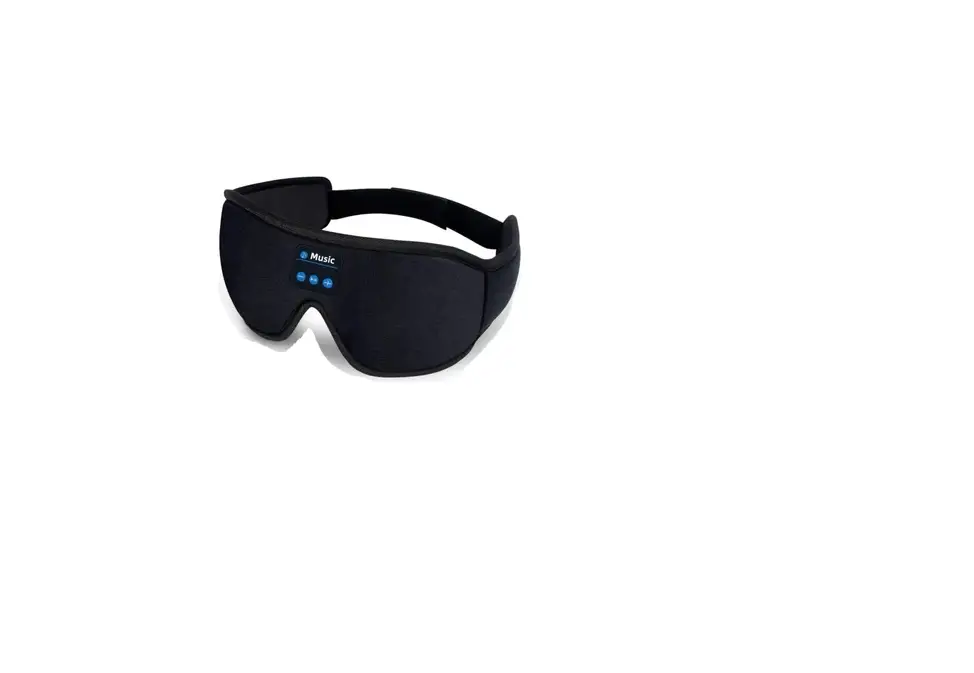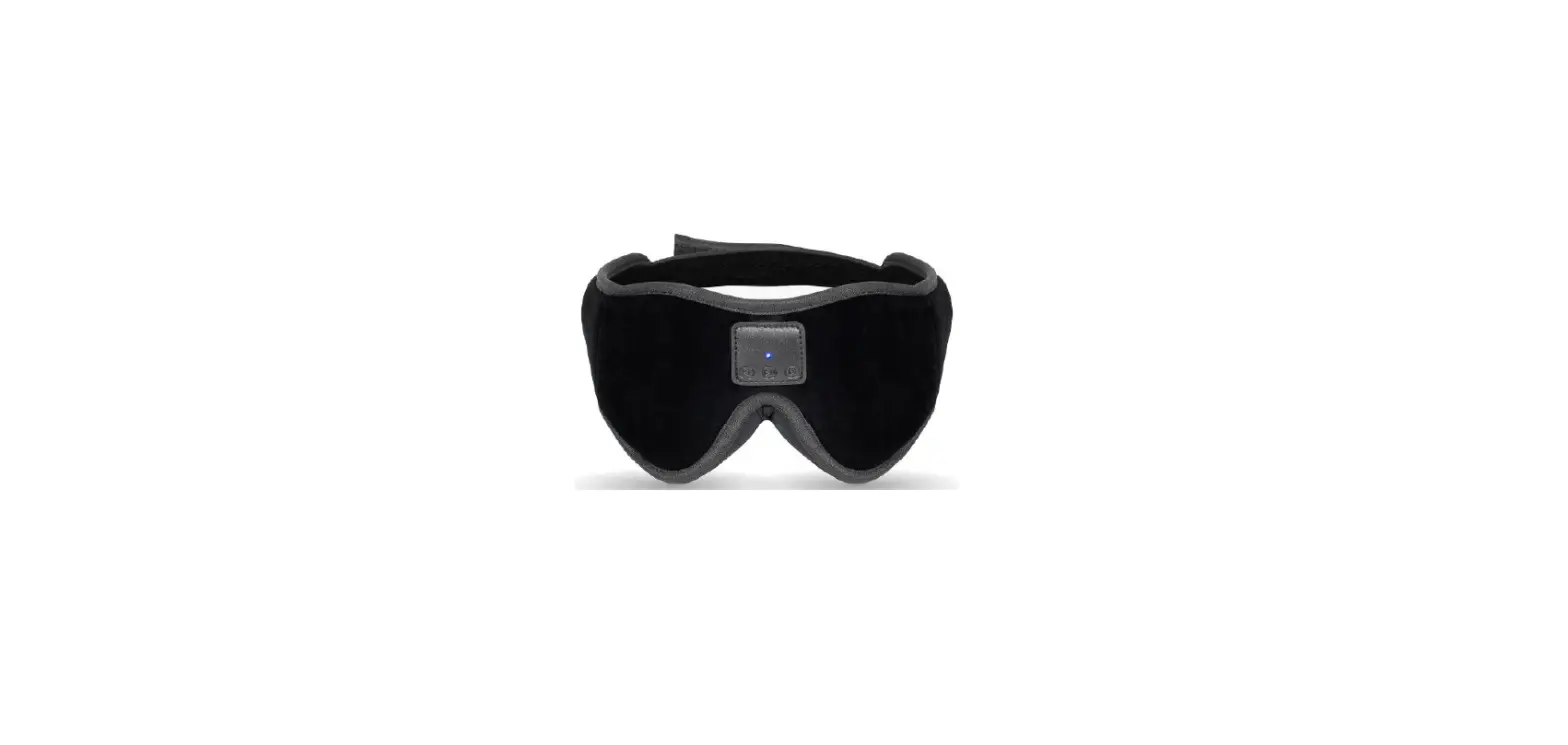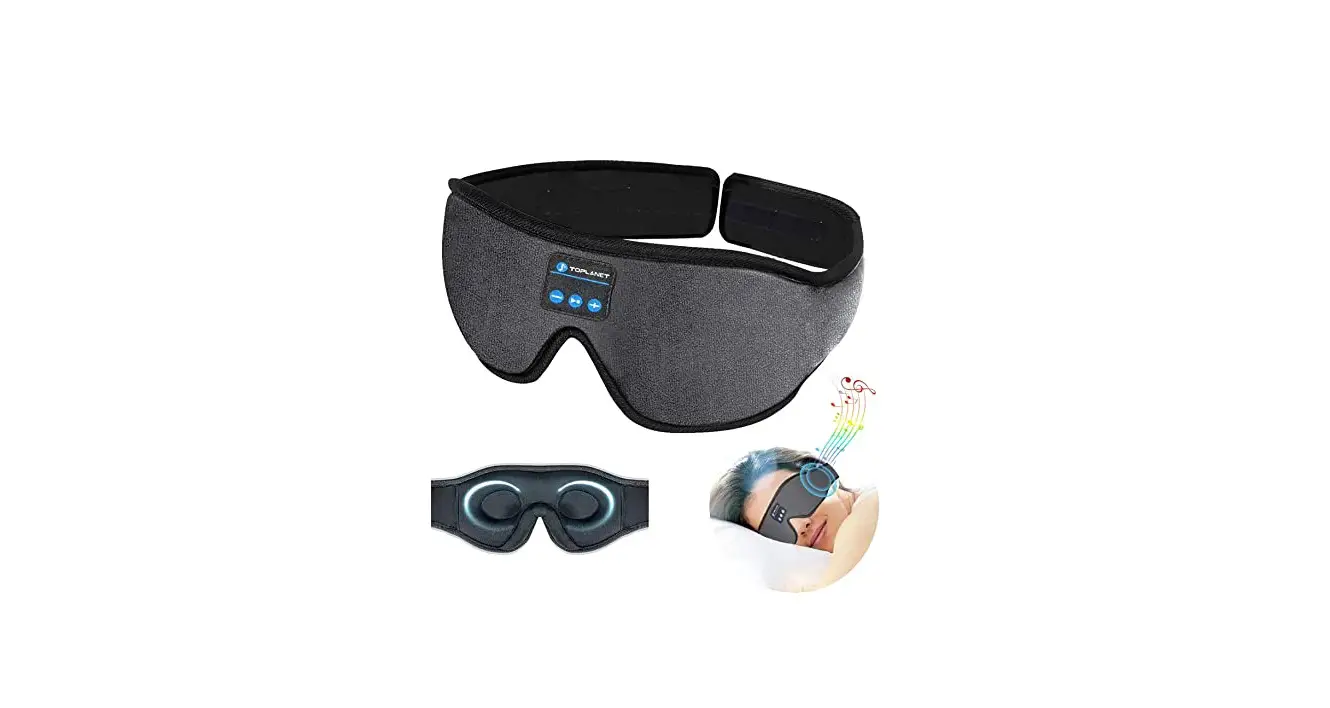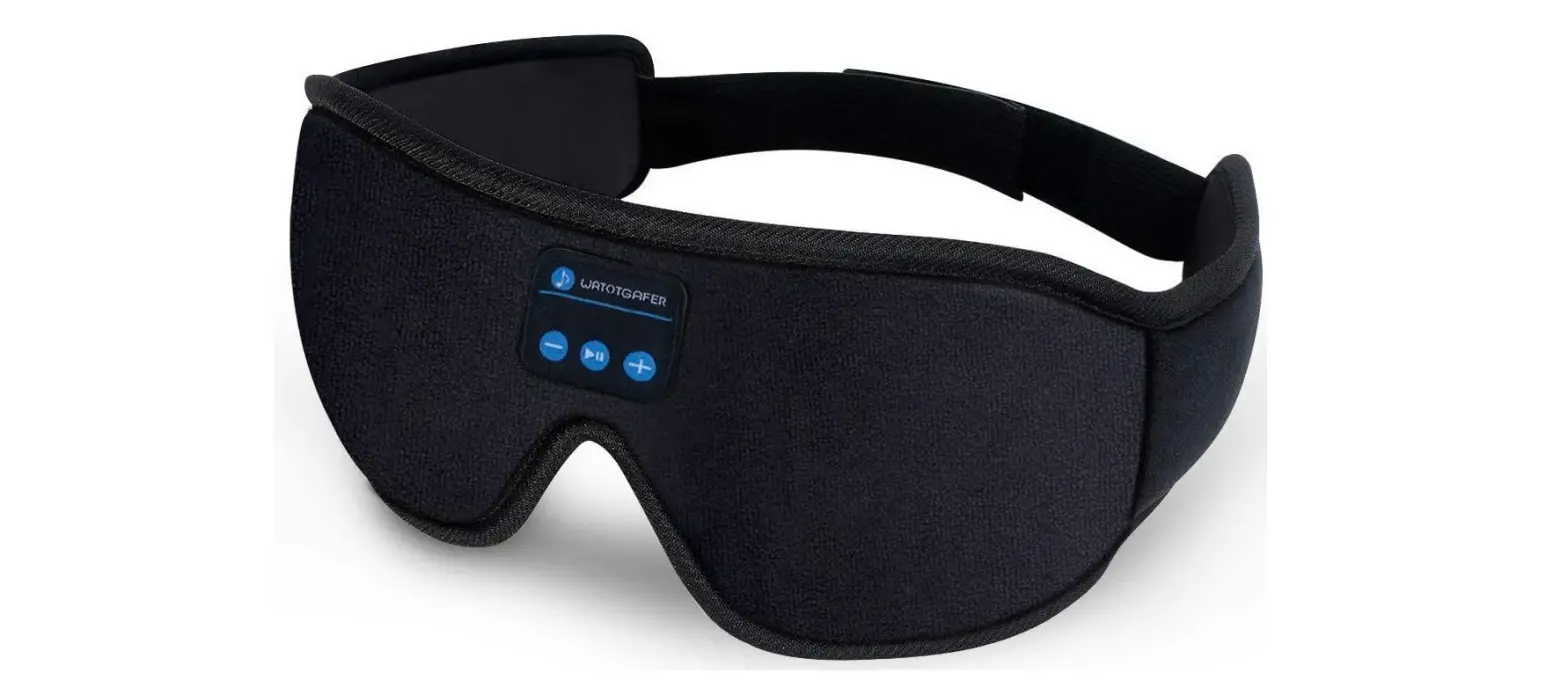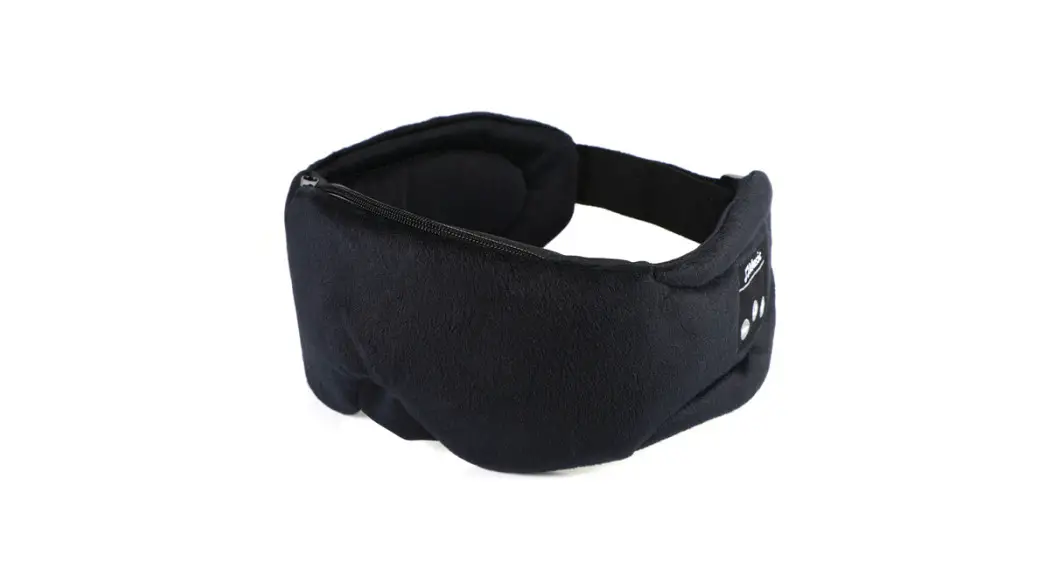
 SK-60 Bluetooth Musical Sleeping Eye Mask
User Manual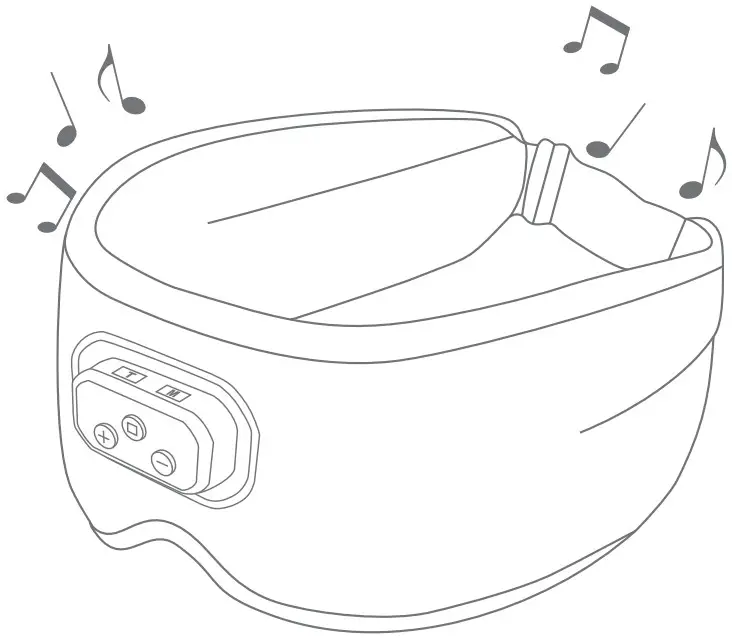

SK-60 Bluetooth Musical Sleeping Eye Mask
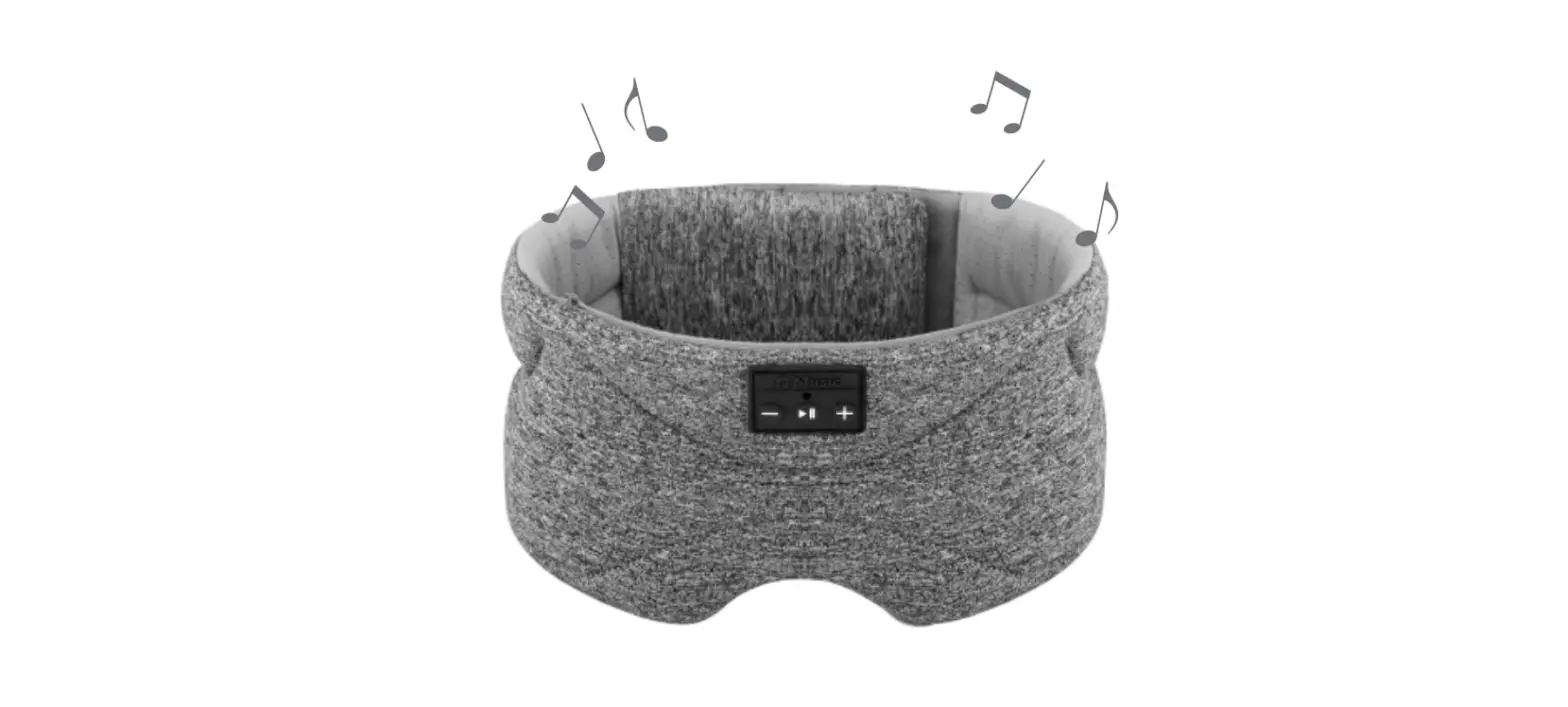
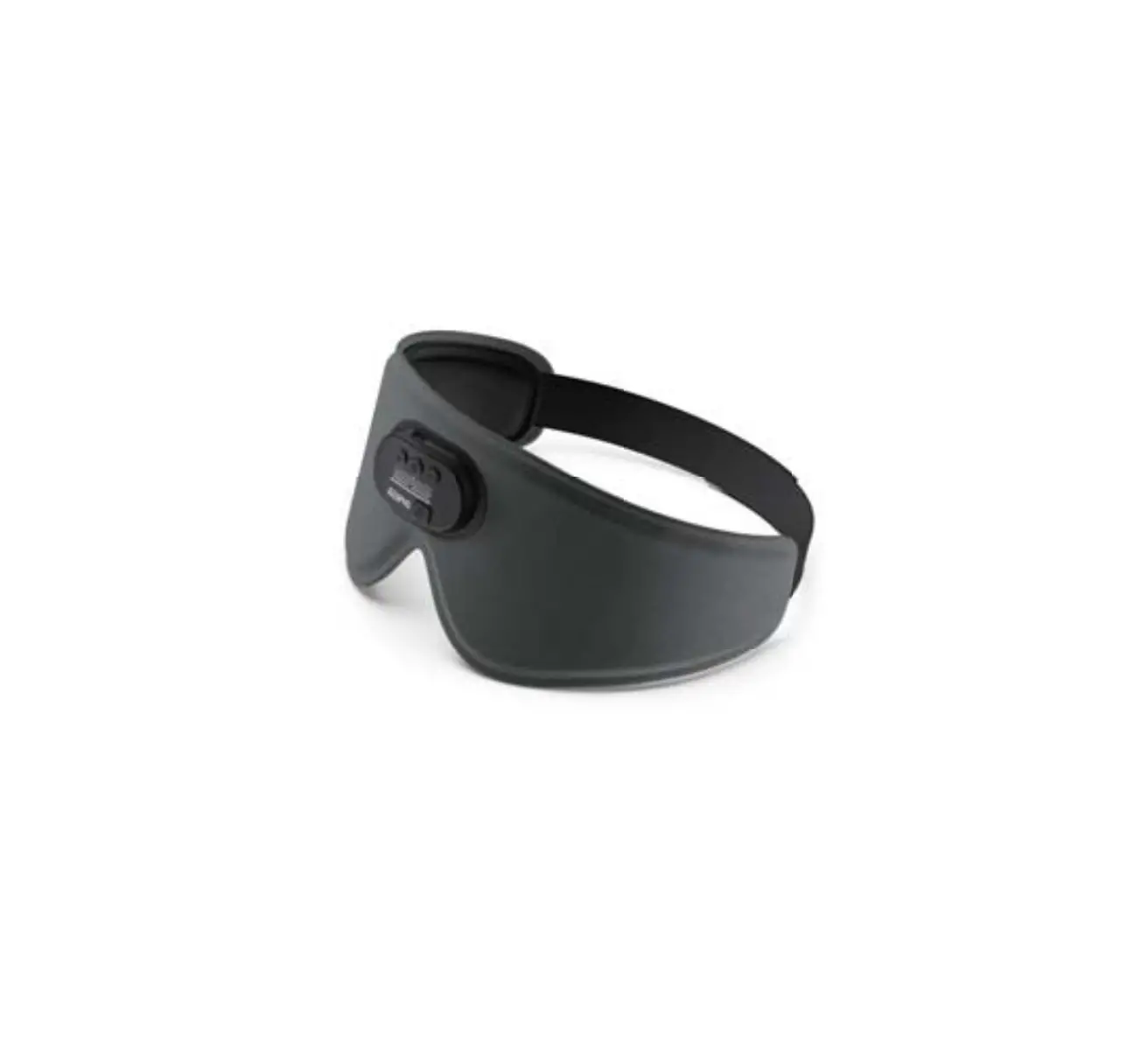
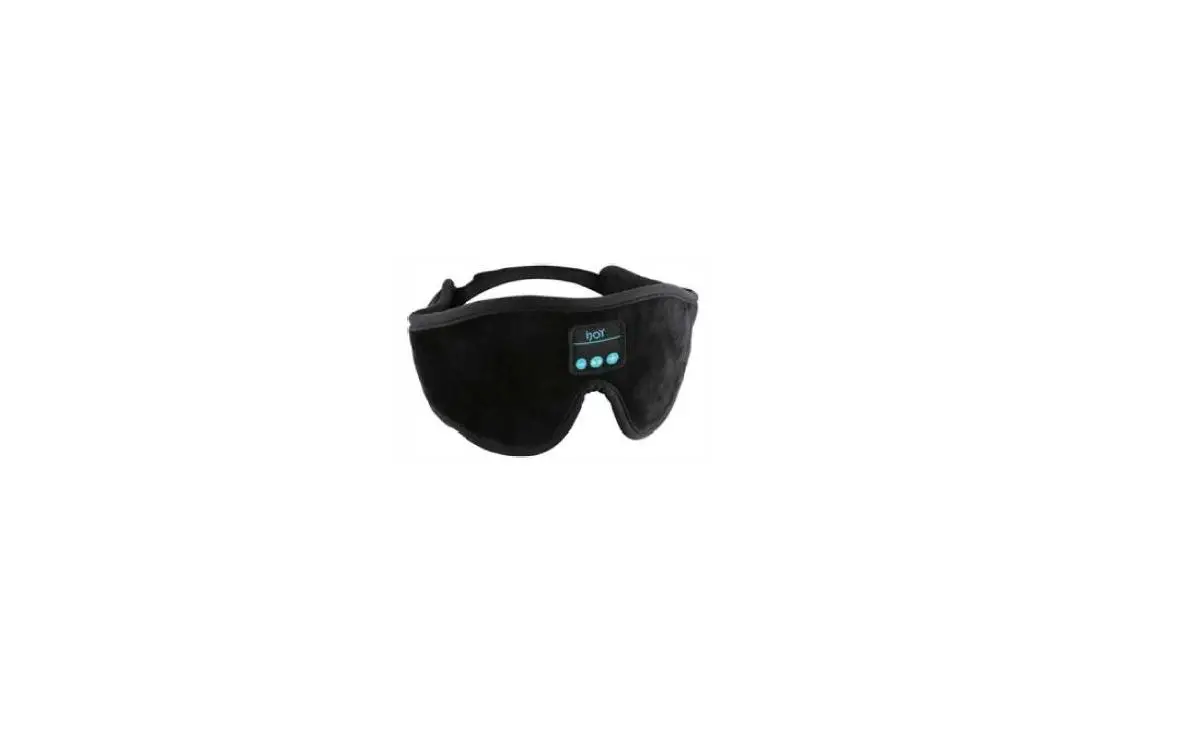
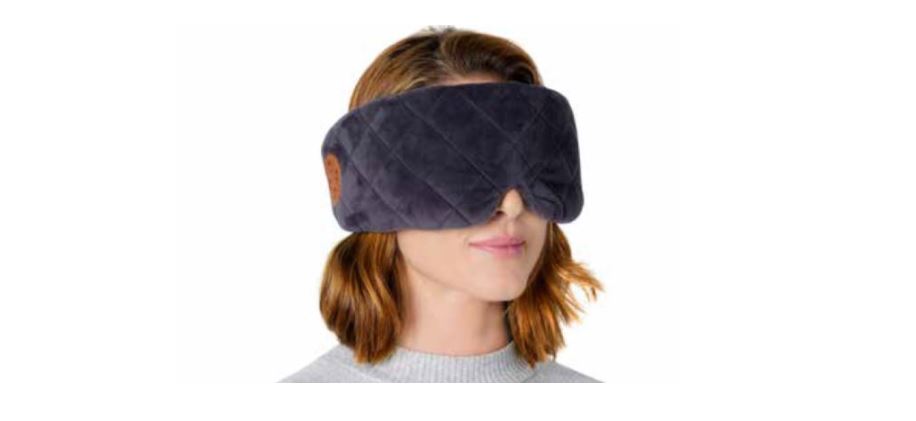
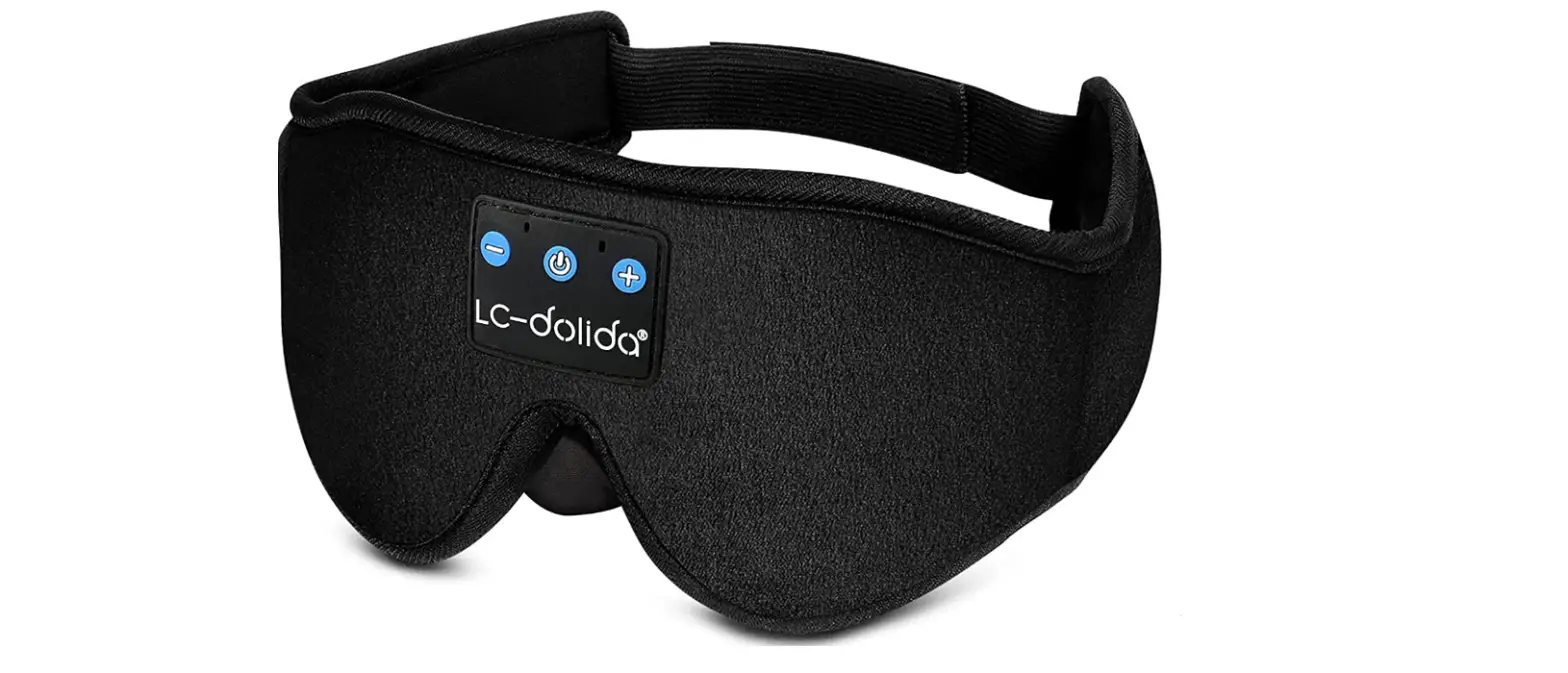
WIRELESS MUSICAL 3D SLEEP EYE MASK built-in 20 soothing sounds and relaxing music with 30-240 minutes timer setting function
Thank you for purchasing this Wireless Musical Sleep Eye Mask. Please read these instructions carefully before use.
Intended Use
- The Wireless Musical Sleep Eye Mask is suitable for Bluetooth compatible device like mobile phones. Users can listen to music and conduct phone calls hands free.
- The product is for personal use only and is not intended for commercial applications.
 Dangers of Injury
- Keep the product and the package away from children and animals, as they can swallow small parts.
- Supervise children using the product. It is not a toy.
- Always maintain a gap of at least 10 cm between the headphones and a pacemarker or an implantable cardioverter defibrillator (ICD) as the product generates magnetic fields.
Dangers of Fire and Explosion
- Caution! Do not expose the headphones to any high temperatures over 70 ( like hair dryer, heating, prolonged sunlight etc.,) The battery inside of the headphones may overheat and explode as a result.
- Only charge up the headphones in an ambient temperature of from 10 to 40
- Do not crush or pierce the battery! Do not expose the battery to high pressure, as this may cause an internal short-circuit and overheating.
- The headphones and the battery must not be taken apart, thrown into a fire, immersed in liquids or short circuited. If the headphones are not used for a prolonged period of time, recharge it regularly (roughly every 3 months).
Interface
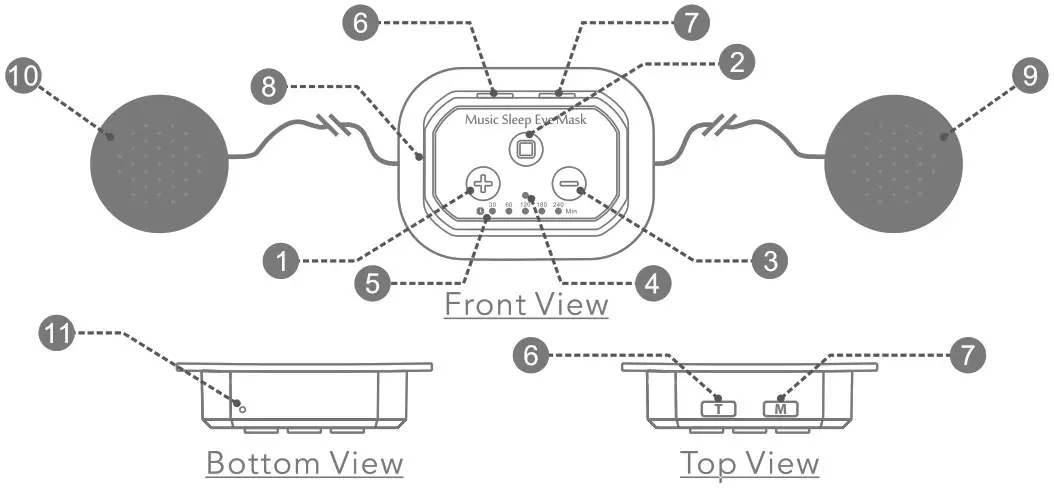
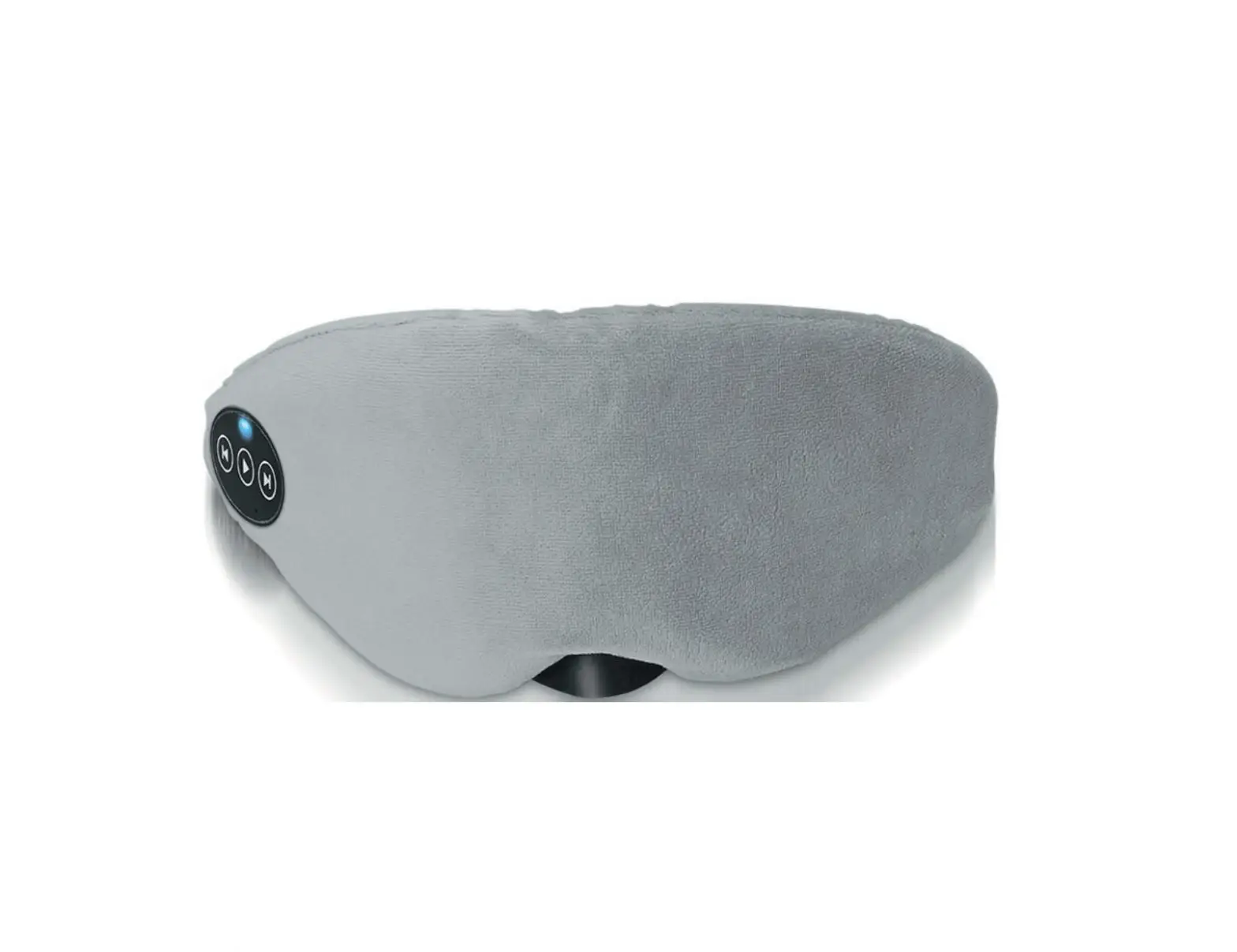
- Volume Up/Next Song/Voice Assistant
- Play/Pause/Answer/Hang Off/Redial
- Volume Down/Previous Song
- LED Status Light
- Timer LED Indicator
- Timer Button
- Mode Button
- Type-C USB Charging Port
- Left Speakers
- Right Speakers
- Microphone
How to Use Bluetooth
Pair with a Bluetooth Device
Before you can use this product through Bluetooth, it needs to be paired with your Bluetooth enabled device.
- Long Press the button for
 seconds until the LED Status Light [4] starts to flash red and blue alternately.
 - Switch on Bluetooth on your mobile phone or other Bluetooth enabled device.
- Search and select “Musical Eye Mask” from the list of found devices.
- If a pass code is asked, enter “0000”.
- After paired successfully, only the blue light flashes slowly.
- When the product powered on next time, it will automatically search for and attempt to reconnect with the last paired device.
 seconds until the LED Status Light [4] starts to flash red and blue alternately.
Pair with a New Bluetooth Device
Follow below steps to pair with a new Bluetooth enabled device:
- Make sure the product is disconnected from the previous paired device.
- Follow “How to Pair with a Bluetooth Device” instructions from step 1.
NOTE: To save power, the product will switch off automatically if there’s no Bluetooth connection for 3 minutes.
Playing Music
- Play/Pause: Short Press the button to play or pause music.
- Adjust volume: Short Press the
 button or button to increase or decrease volume.
 - Music selection: Long Press the button or button to select next songs or previous songs.
 button or
 button to increase or decrease volume.
NOTE: Play/Pause and Music Selection functions will only work on devices which support Bluetooth profile AVRCP.
Call-Handling
- Answer a call: When a call coming, it will play a ring tone. Short Press the button to answer. During the call, you can increase or decrease the volume by Long Press or button.
- Reject a call: When a call coming, it will play a ring tone. Long Press the button for 1 second to reject a call.
- End a call: During a call, Short Press the button to end a call.
- Re-dial: Double Press the button in quick succession to redial the last called phone number.
How to Set Timer
There has 30, 60, 120, 180 and 240 min for timer setting.
- Press the Timer Button
 to set music time of 30, 60, 120, 180 or 240 min. The white LED light will indicate the selected time. 30 min, 60 min, 120 min, 180min, 240min, clear timer setting, 30 min, 60min …it repeats this cycle.
 - The white LED light will be on for 10 seconds to indicate the selected time.
- The white LED light will flash twice when the timer setting is cleared.
 to set music time of 30, 60, 120, 180 or 240 min. The white LED light will indicate the selected time. 30 min, 60 min, 120 min, 180min, 240min, clear timer setting, 30 min, 60min …it repeats this cycle.
NOTE: In Bluetooth mode, the timer function will not work if there’s no device connected. In White Noise mode, the timer function always works.
How to Use White Noise
It comes with 20 soothing sounds and 4 relaxing music. They are Birds, Brook, Ocean Waves, Wind, Thunder, Rain Drops, Summer Night, Frogs, Crickets, Bonfire, Coffee House, Fan, Train, Keyboard, Clock, Wind Chimes, White Noise, Pink Noise, Brown Noise, Piano, Relaxing Piano.
- Long Press the e button for seconds until the LED Status Light [4] starts to flash red and blue alternately, the product is powered on now.
- Press the Mode Button
 to enter White Noise mode.
 - Short Press the button to play or pause soothing sounds.
- Long Press the button to select next soothing sound. Long Press the button to select previous soothing sound.
- Short Press the button to increase volume, Short Press the button to decrease volume.
NOTE:
1. Press the Mode Button to switch between White Noise mode and Bluetooth mode.
2. In White Noise mode, the Bluetooth will be disconnected.
How to Charge
Please follow below steps to charge the product:
- Connect the Type-C USB Charging cable to the Charging Port [8] and the other end to a power source like PC or mains charger.
- The LED Status Light [4] will turn to solid red whilst charging. It will turn to solid blue as soon as the battery is fully charged.
NOTE:
- 1t will take approx. 2-3 hours to be fully charged.
- If the product is under using, it will stop working when charging.
LED Indicators
| STATUS | LED INDICATOR |
| Bluetooth Pairing | Red and blue light flash alternately |
| Bluetooth Connected | Blue light flashes slowly |
| White Noise Mode | Blue light flashes twice slowly |
| Timer Setting | Solid white light for 10 seconds |
| Timer Cleared | White light flashes twice |
| Charging | Solid red light |
| Charging Complete | Solid blue light |
Troubleshooting
If you can not connect the product with your device, please try the following:
- Make sure the product is charged, switched on and connected with your device.
- Check if the product is in the effective range from your device and there’s no obstructions like walls or other electronics devices between the product and the device.
- Only one device can be connected with the product at a time, make sure there’s no other Bluetooth device already connected with the product.
- If you receive an intermittent signal, please make sure the product is in the effective range from your device.
Washing Guidelines
Please remove the electronics from the Eye Mask before washing. Hand wash only.
 | Wash with cold water |  | DO NOT dry clean |
 | Hand wash ONLY |  | DO NOT bleach |
 | DO NOT tumble dry |  | DO NOT iron |
Specifications
BT Version: V5.2
Frequency: 2.402 Ghz – 2.480Ghz
Transmission Range: 20M / 66FT
Rated Power: RMS 10mW X 2
Speaker Unit: 320 / 20mm
Battery: 3.7V 400mAh Rechargeable Li-Polymer Battery
Charge Time: 2-3 Hours
Package Contents
1 x Sleep Eye Mask with Headphones
1 x Type-C USB Charging Cable
1 x User Manual
WARNING: Avoid excessive volumes, particularly over extended periods or in the case of frequent use. Listening to music at maximum volume for prolonged periods can lead to hearing damage. Its best to avoid extreme volume when using this product, especially for extended periods. For your own safety, please be aware of your surroundings when using this product.
FCC Warning Statement: Changes or modifications to this unit not expressly approved by the party responsible for compliance could void the user’s authority to operate the equipment. This equipment has been tested and found to comply with the limits for a Class B digital device, pursuant to Part 15 of the FCC Rules. These limits are designed to provide reasonable protection against harmful interference in a residential installation. This equipment generates, uses and can radiate radio frequency energy and, if not installed and used in accordance with the instructions, may cause harmful interference to radio communications.
However, there is no guarantee that interference will not occur in a particular installation. If this equipment does cause harmful interference to radio or television reception, which can be determined by turning the equipment off and on, the user is encouraged to try to correct the interference by one or more of the following measures:
- Reorient or relocate the receiving antenna.
- Increase the separation between the equipment and receiver.
- Connect the equipment into an outlet on a circuit different from that to which the receiver is connected.
- Consult the dealer or an experienced radio/TV technician for help.
This device complies with Part 15 of the FCC Rules. Operation is subject to the following two conditions: (1) this device may not cause harmful interference, and (2) this device must accept any interference received, including interference that may cause undesired operation.
FCC Radiation Exposure Statement
The device has been evaluated to meet general RF exposure requirement. The device can be used in portable exposure condition without restriction.
 Made in Chaina