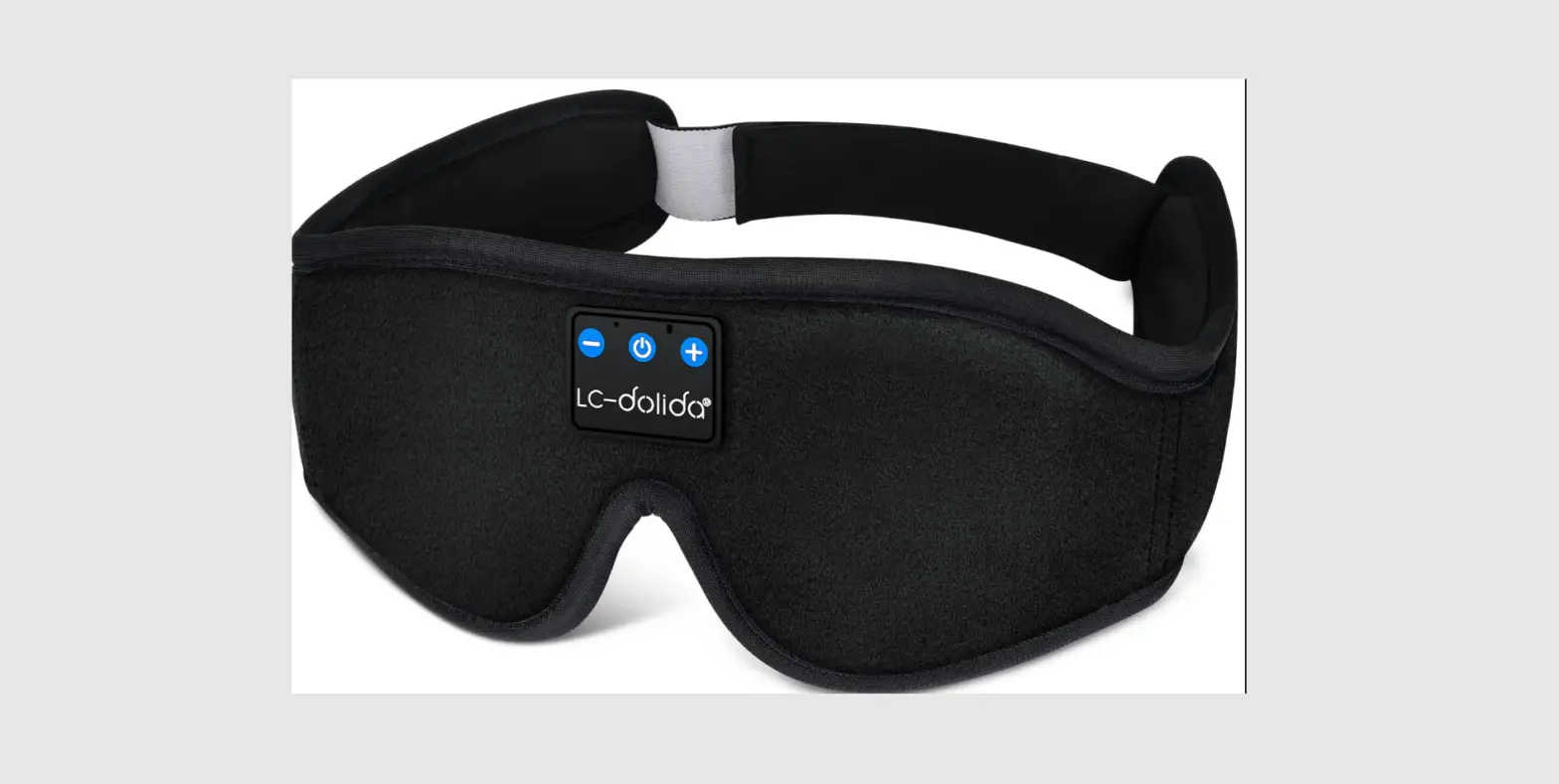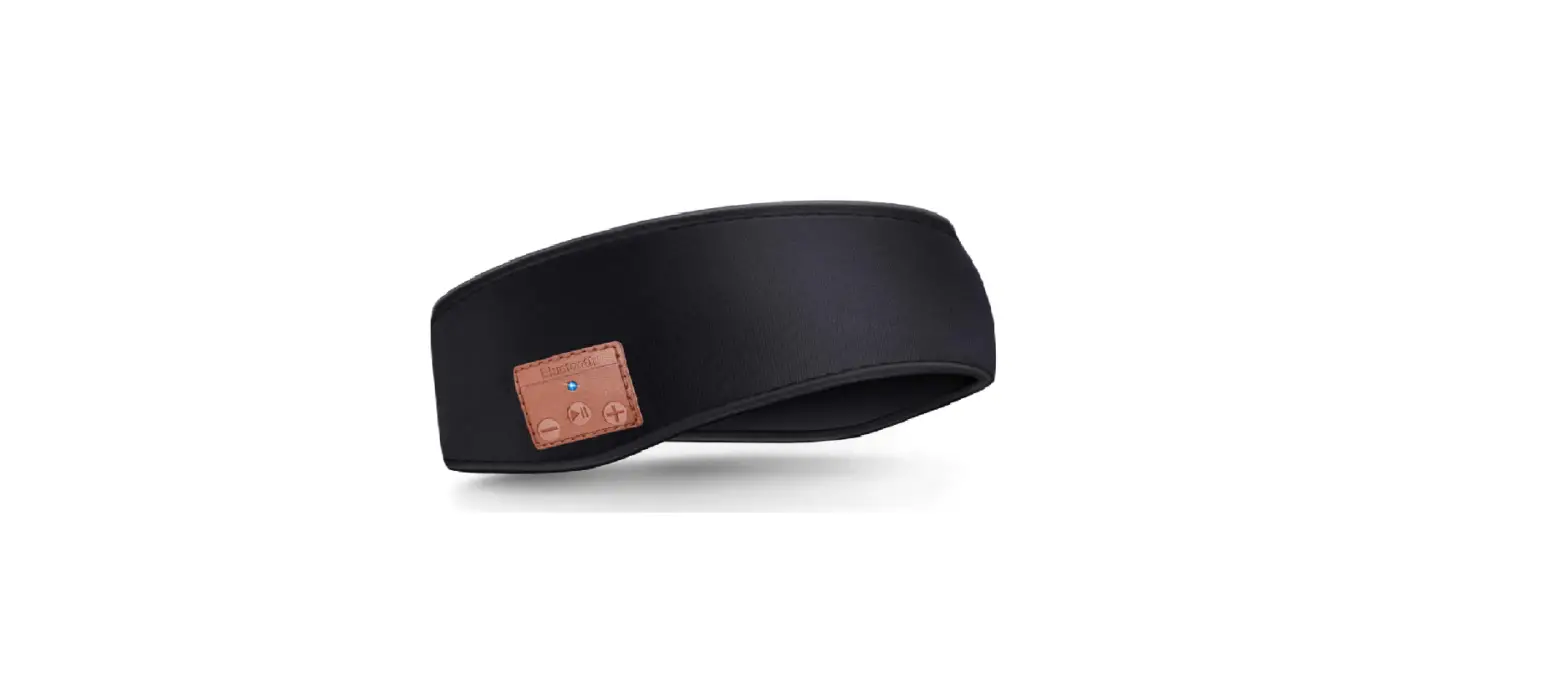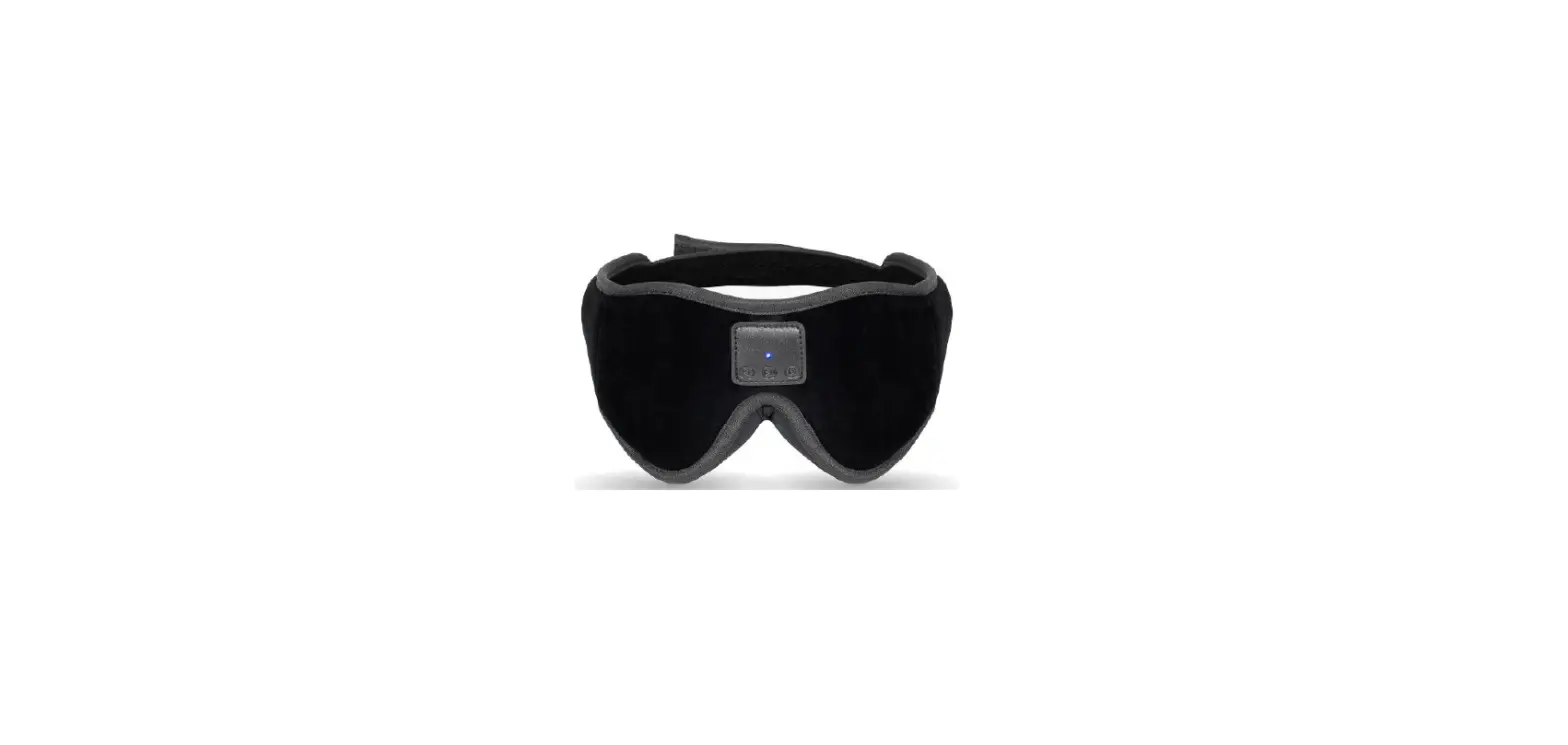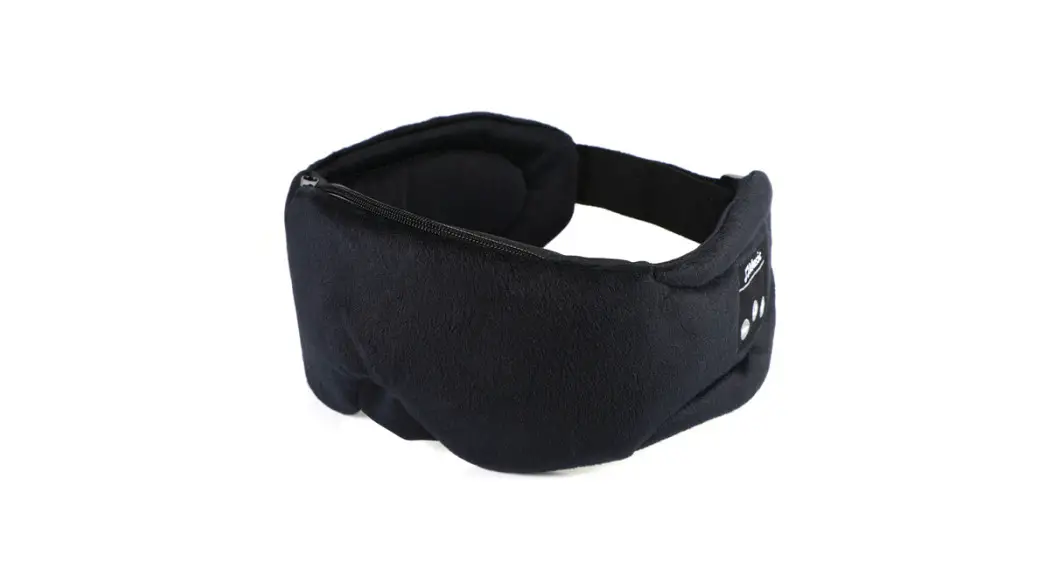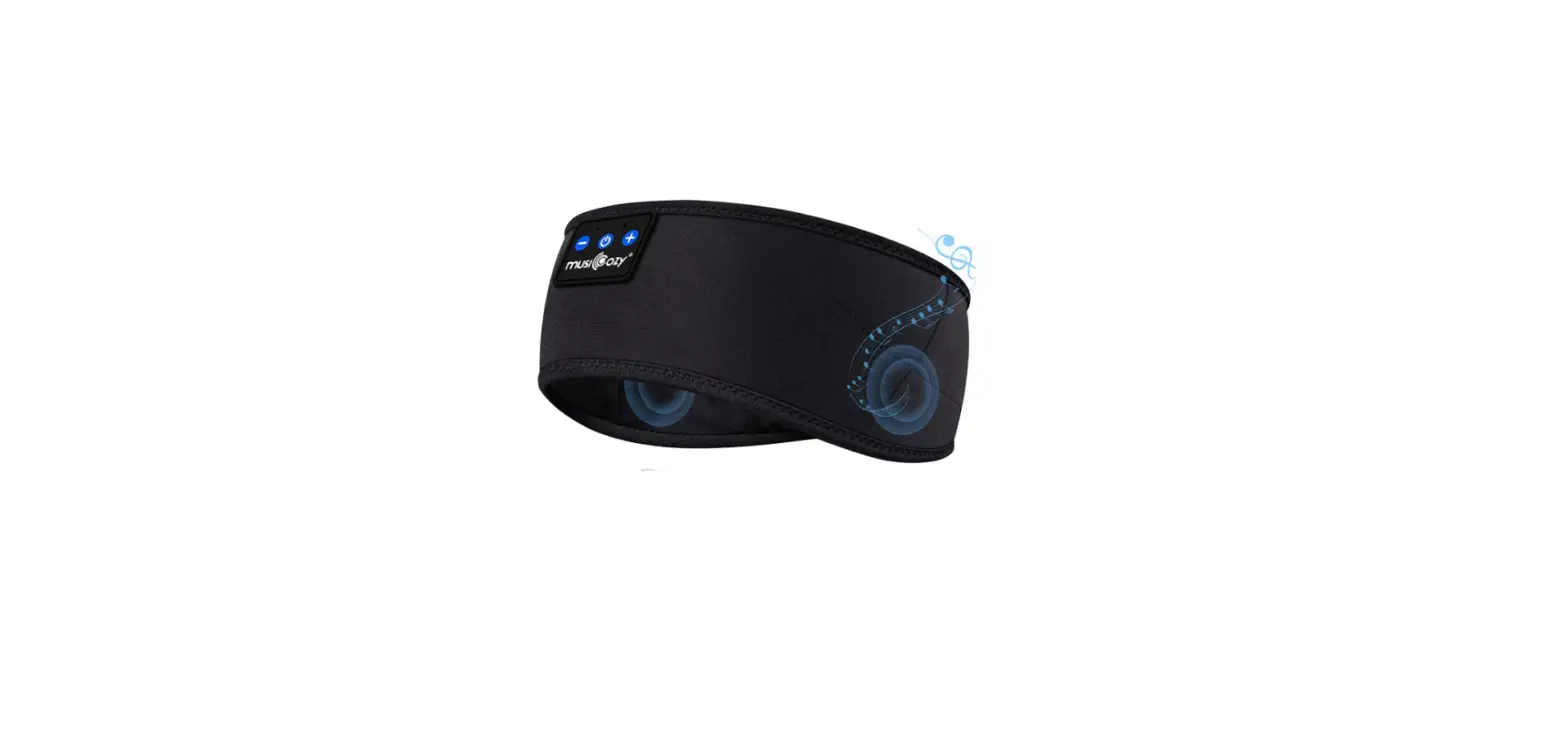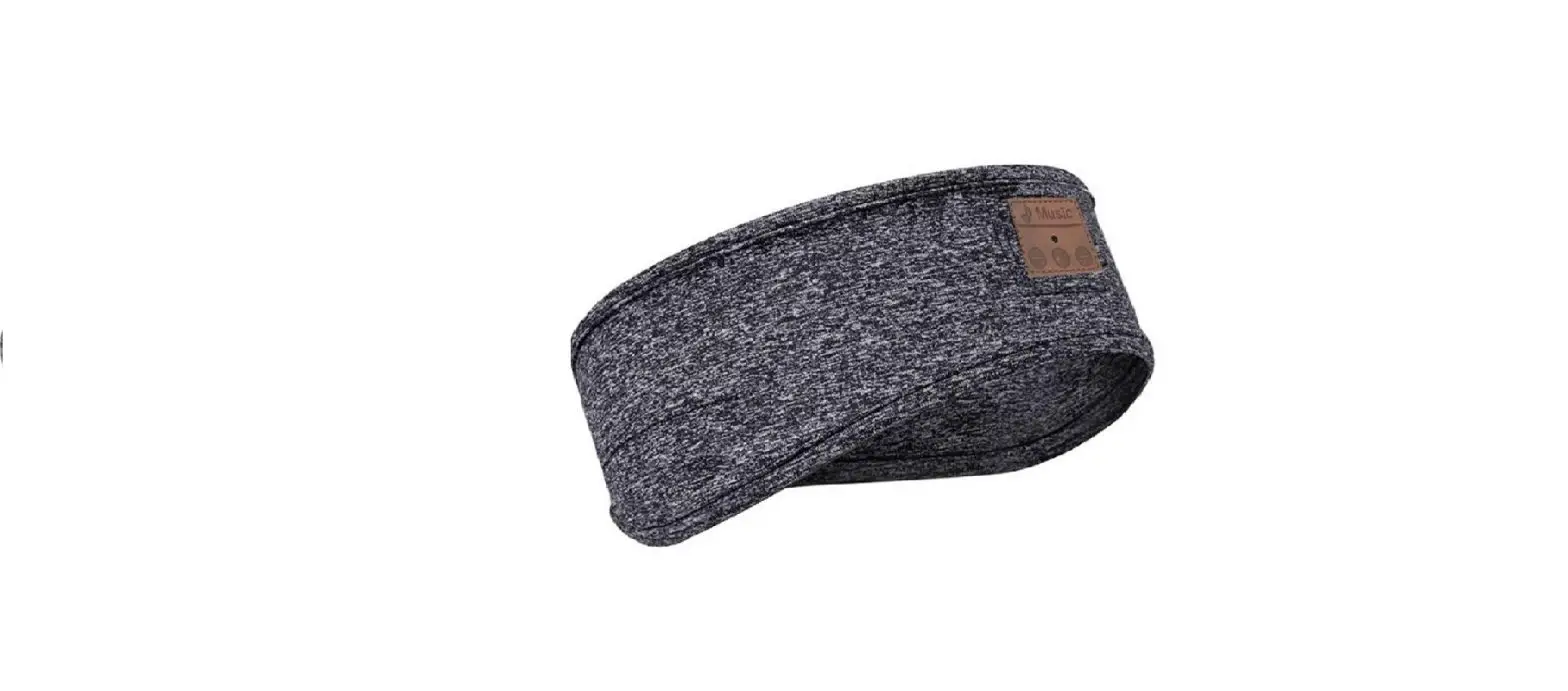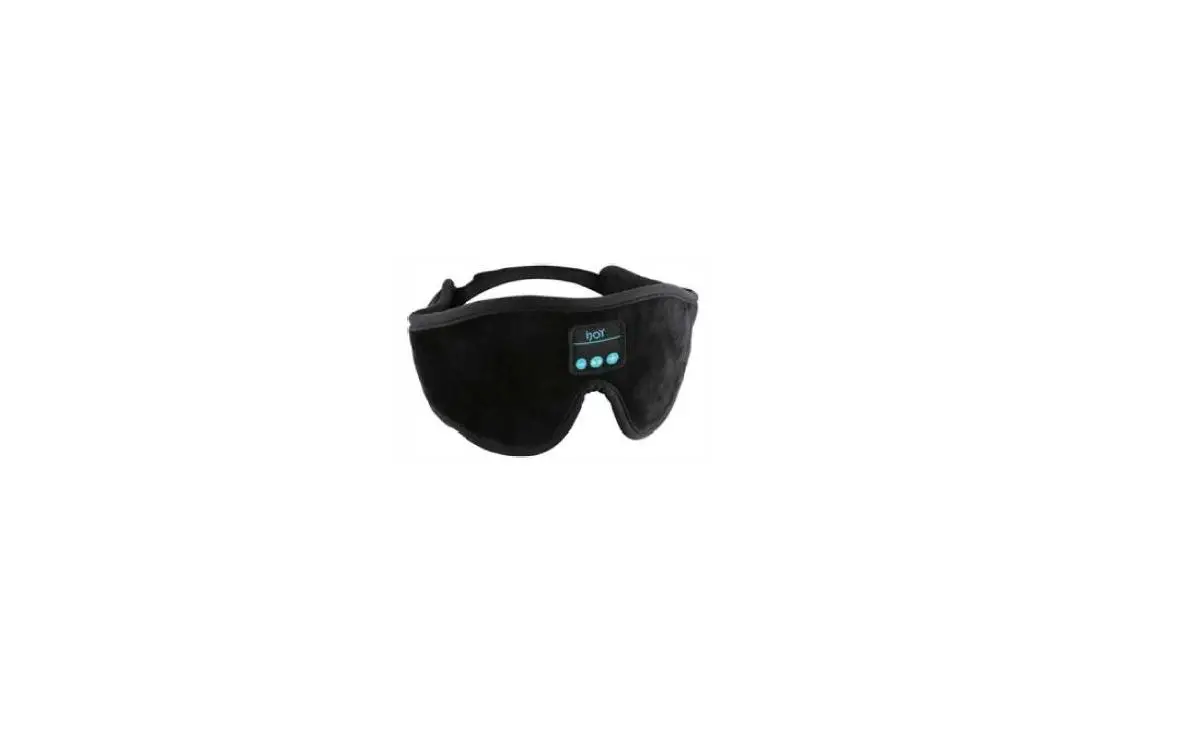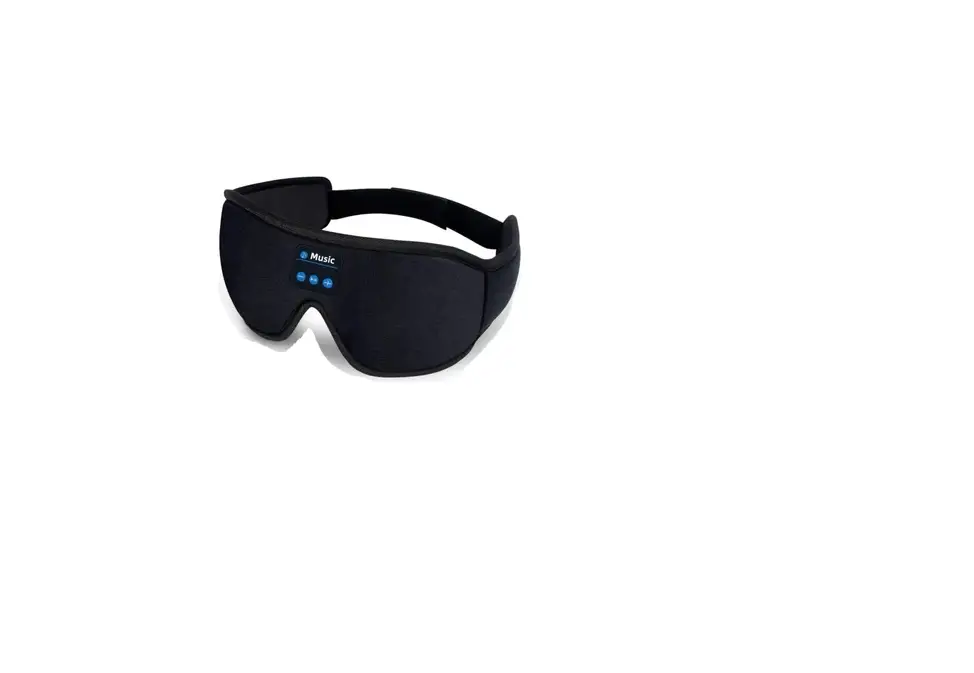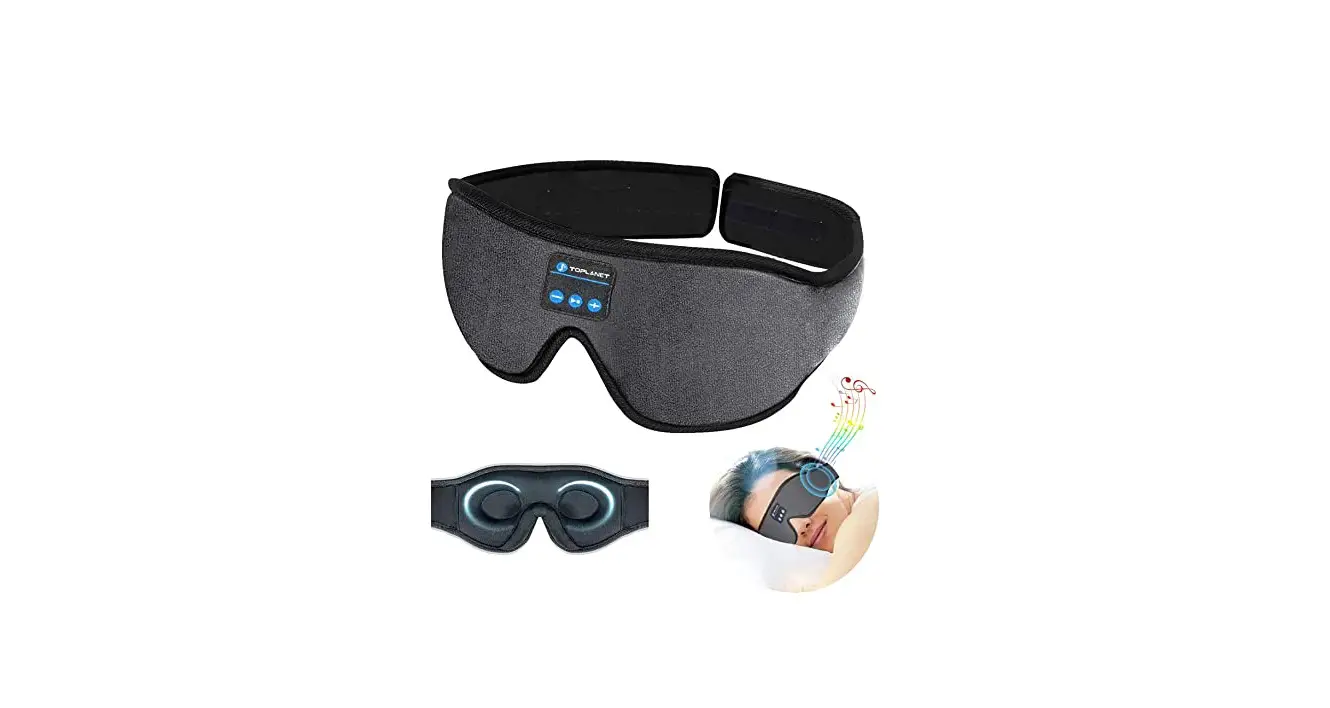
 SLEEP HEADPHONES
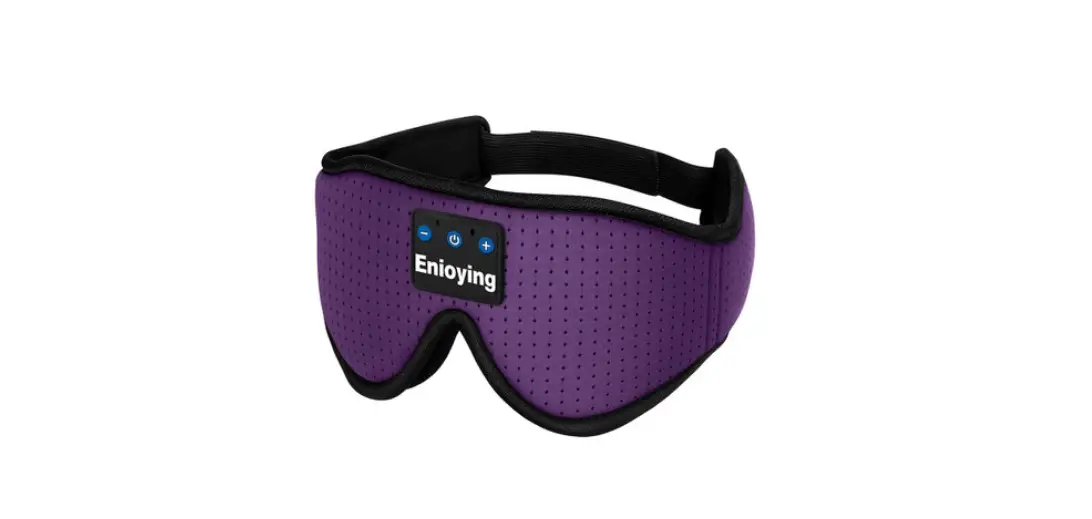
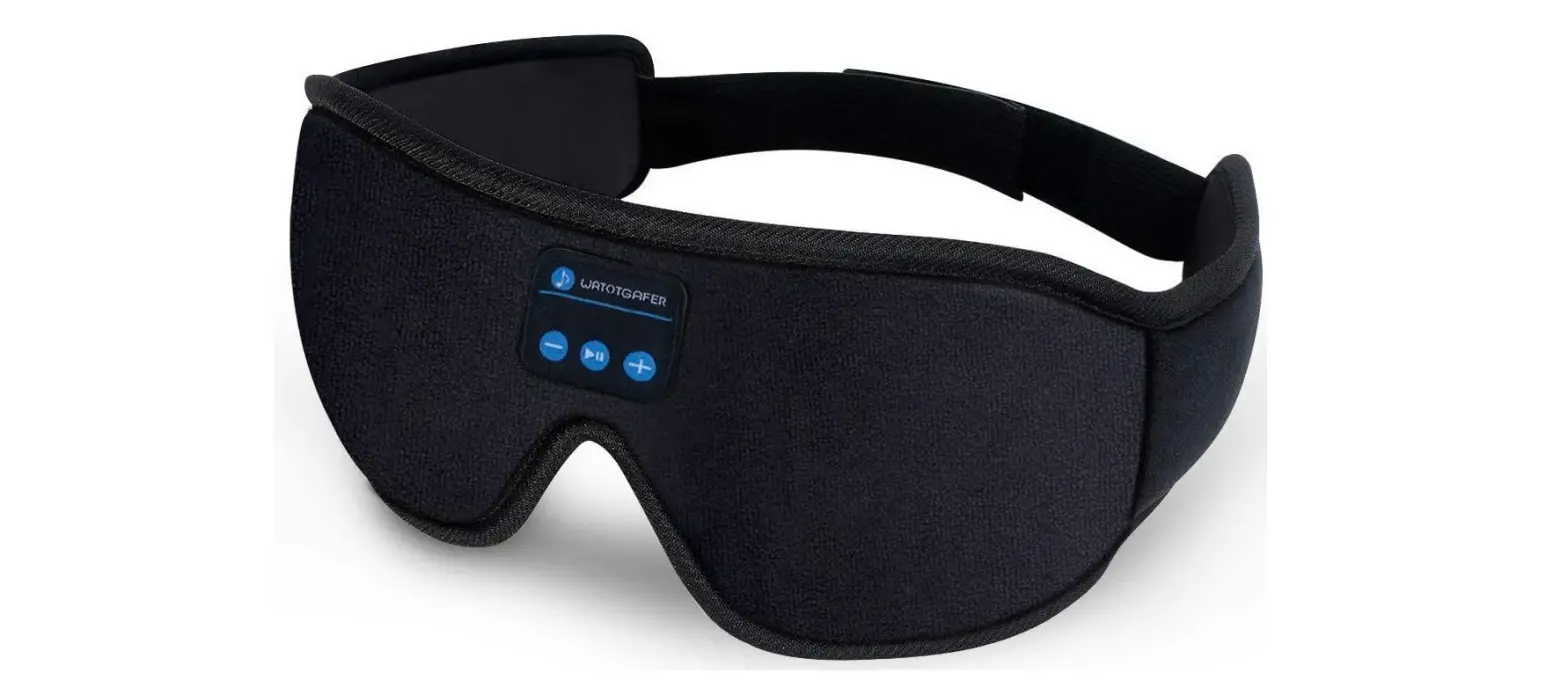
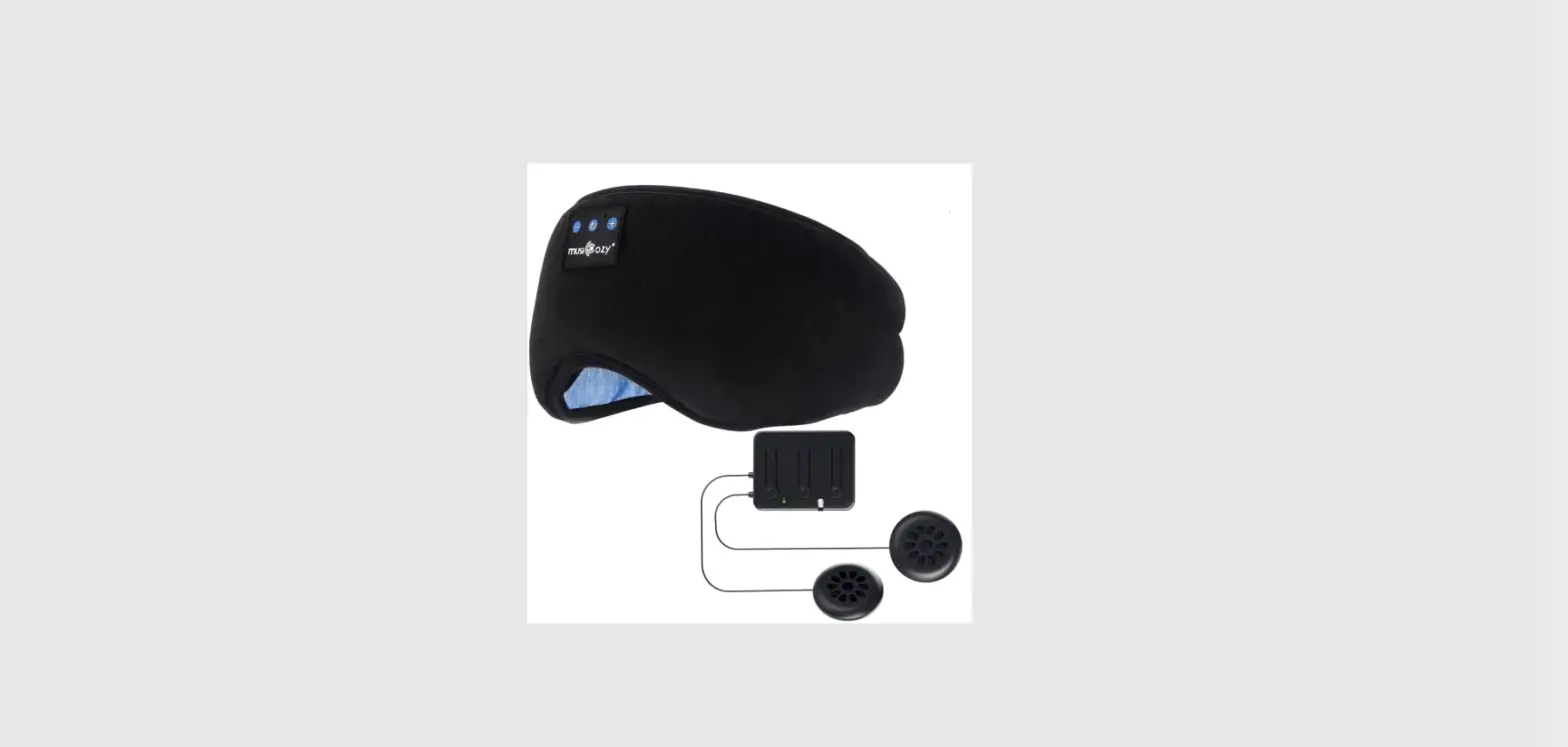
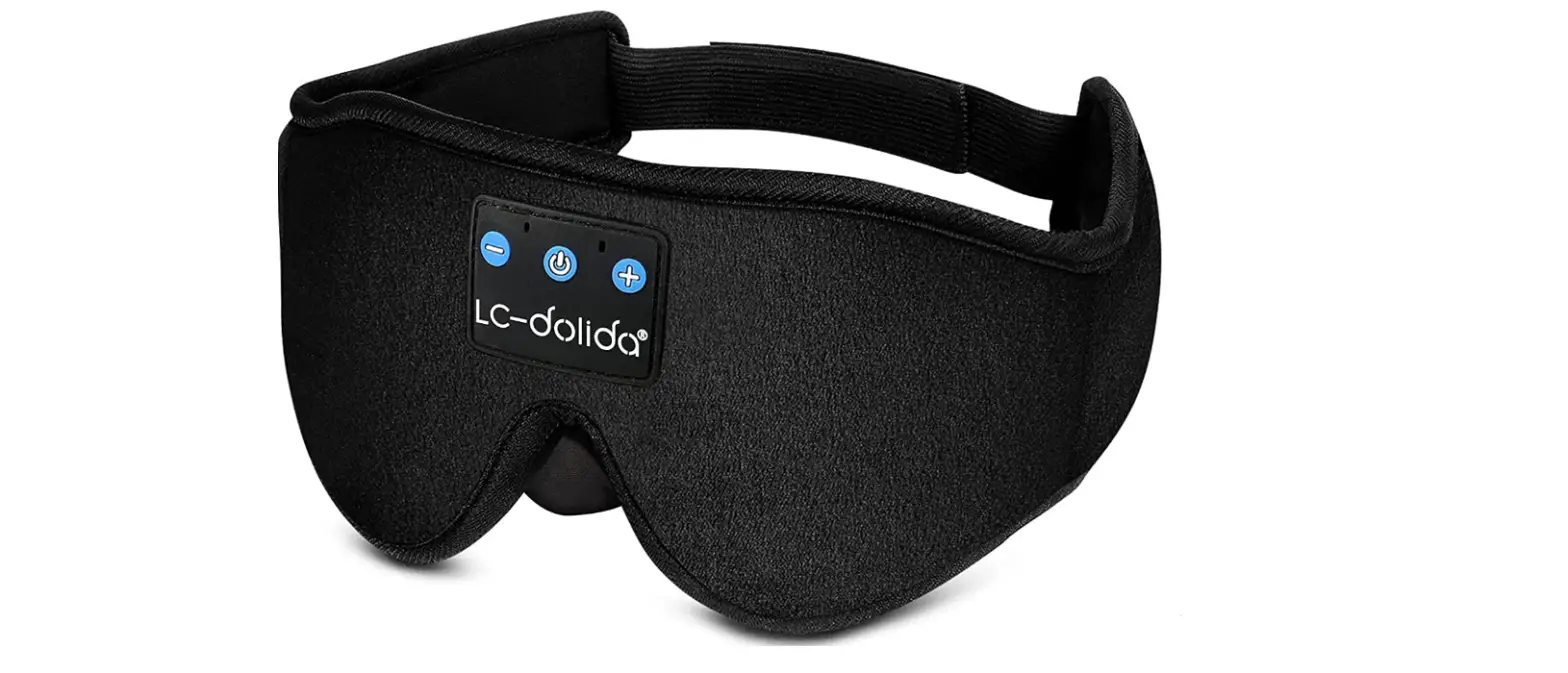
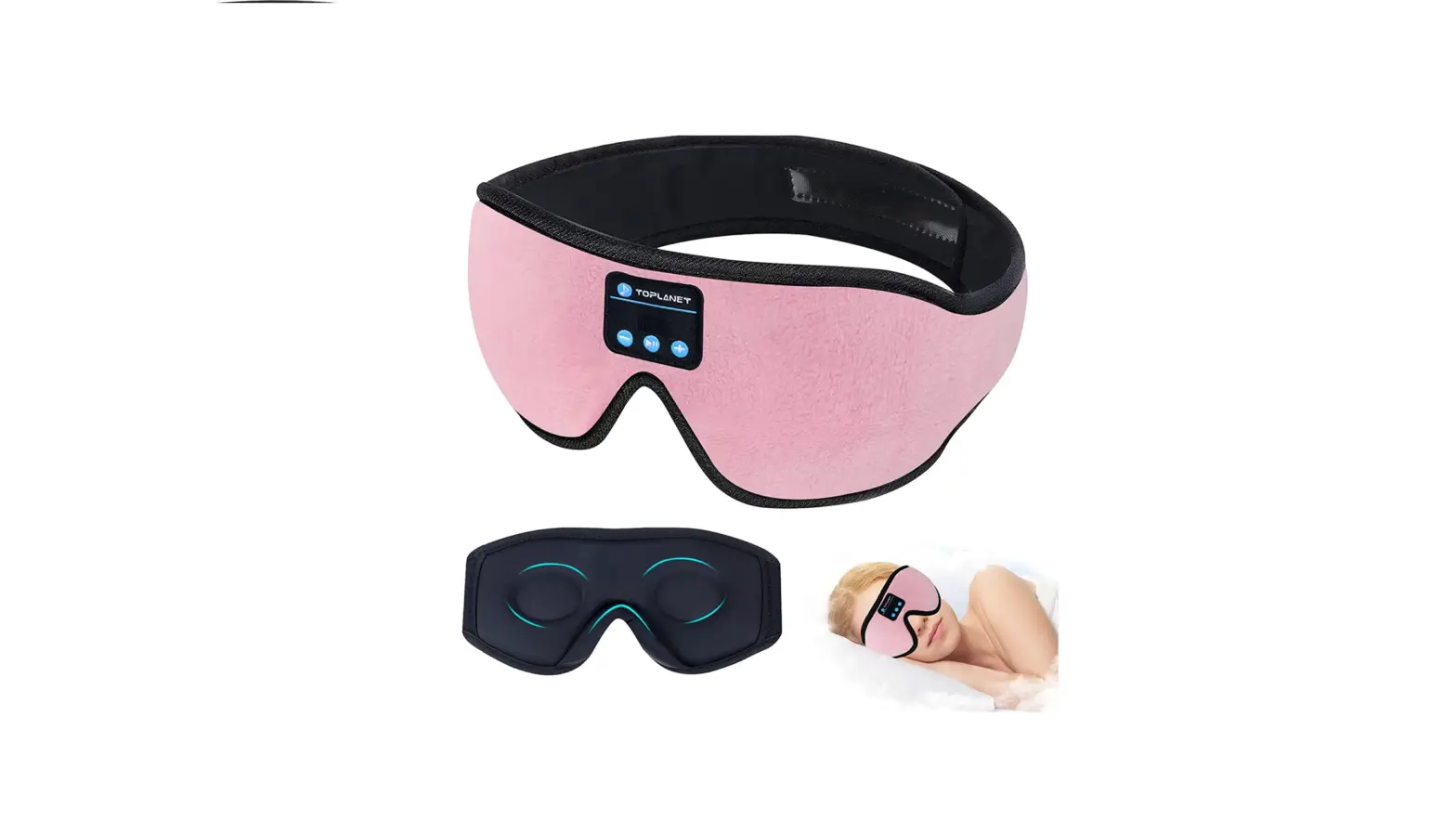
BLUETOOTH 3D EYE MASK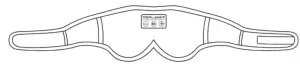
PACKING LIST
- Sleep headphone Bluetooth eye mask*1
- User manual*1
- USB charging cable*1
- Portable travel bag*1
PRODUCT SPECIFICATION
 | Charging time 2-2.5 hours ( please charge it before use ) |
 | Playing time: more than 12 Hours |
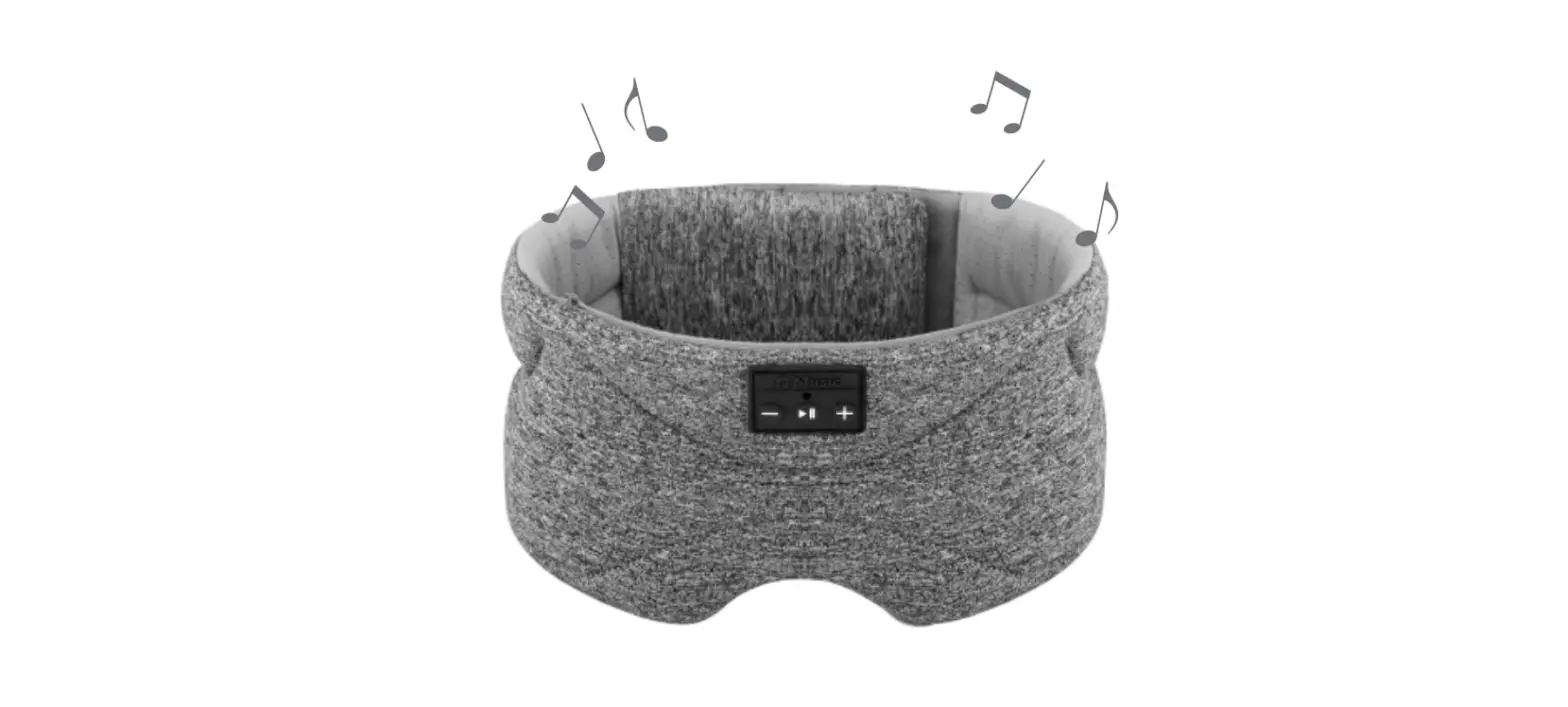
 | Power/Hands-free Calling / Stop / Play |
 | Vol Up/Next/1 or 2 Hours Auto Shutdown |
 | Vol Down/Previous |
HOW TO CONNECT BLUETOOTH
- Turn Bluetooth off when you’re not using it.
- Long press the “on/off”
 button until red/blue light flash.
 - Turn on Bluetooth with your phone, find device name “BT-FAAH” then connect.
- You can enjoy music after a Bluetooth connection.
Note: Bluetooth devices can only be paired on a one-to-one basis, make sure disconnected with the previous Bluetooth device when connecting a new device.
WASHABLE SLEEP MASK
Music sleep masks can be washable. ( hidden headphones can be taken out from the sleep mask)
Hand washing in warm water is recommended.
OPERATING INSTRUCTION
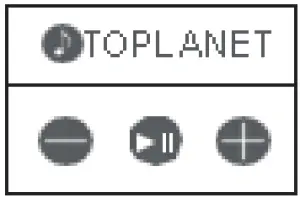
- Press once PLAY / STOP button to start playing, press once again to stop playing.
- Press Vol-
 for the previous song.
 - Press Vol+
 for the next song.
 - Long press Vol – will constantly reduce the volume to the minimum.
- Long press Vol+ will constantly increase volume to the max.
Note: The headphone defaults to Long Play Mode when power on.
Timer & Automatic Shutdown
- Double click the Vol+ button for the first time, the voice prompt says “power off one hour later”. Then after one hour of work, the machine will turn off automatically.
- Double click the Vol+ button for the second time, the voice prompt says “power off two hours later”. Then after two hours of work, the machine will turn off automatically.
- Double click the Vol+ button for the third time, the voice prompt says“long play” and the machine will not shut down automatically.
- The above three timing modes cycle in turn.
- Each time the machine is turned on, the default is not automatically to turn off the machine.
BLUETOOTH HANDS-FREE CALLING
You can press the PLAY/STOP button to answer the phone for an incoming call.
You can press the PLAY/STOP button for 3 seconds to reject the phone for incoming calls.
During the phone call, you can press the PLAY / STOP button for 3 seconds to switch back to earphones.
CHARGING FUNCTION
Use a USB cable to connect the headphone to a USB charger or your computer USB port (Micro USB to USB Cable included). There is a notification LED light in our device, constant RED light shows that device is charging, Red light change into blue light mean fully charged. ( Note: There is a hidden charging port in the sleeping headphone that you can use conveniently )
NOTE:
- Make sure the Bluetooth is opening in your phone and find device name“BT-FAAH” and connect.
- Please take out the Bluetooth headphone before you wash them.
- Bluetooth speakers could be adjustable for all head sizes.
- Please check the USB cable if the headphone can’t be charged.
- Please adjust the volume from your mobile or long-press Vol+ if you can’t hear any sound.
- The sound may have a bit of noise if there’s environmental interference.
- 18-month warranty and quick response & friendly customer service. if you have any questions when using, feel free to contact us via Amazon email or our service email: [email protected].