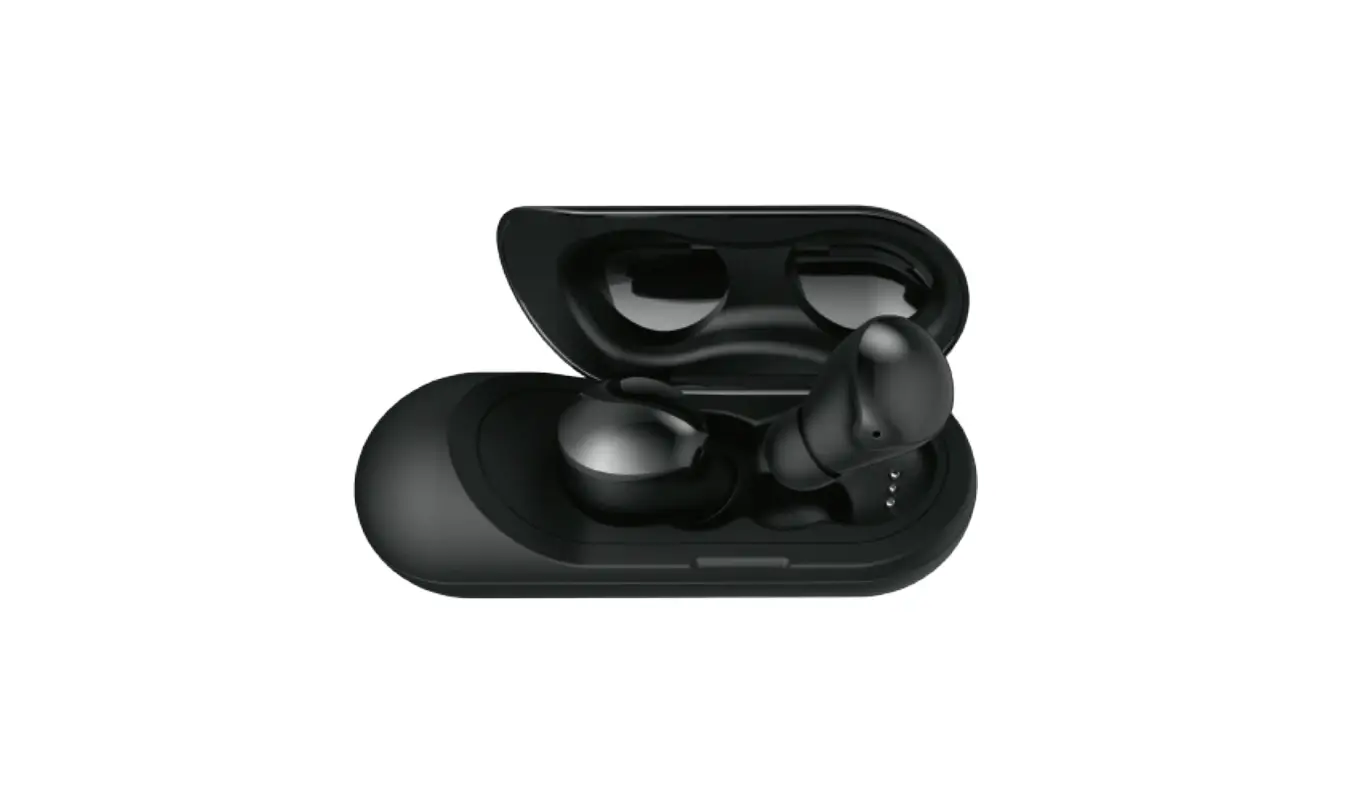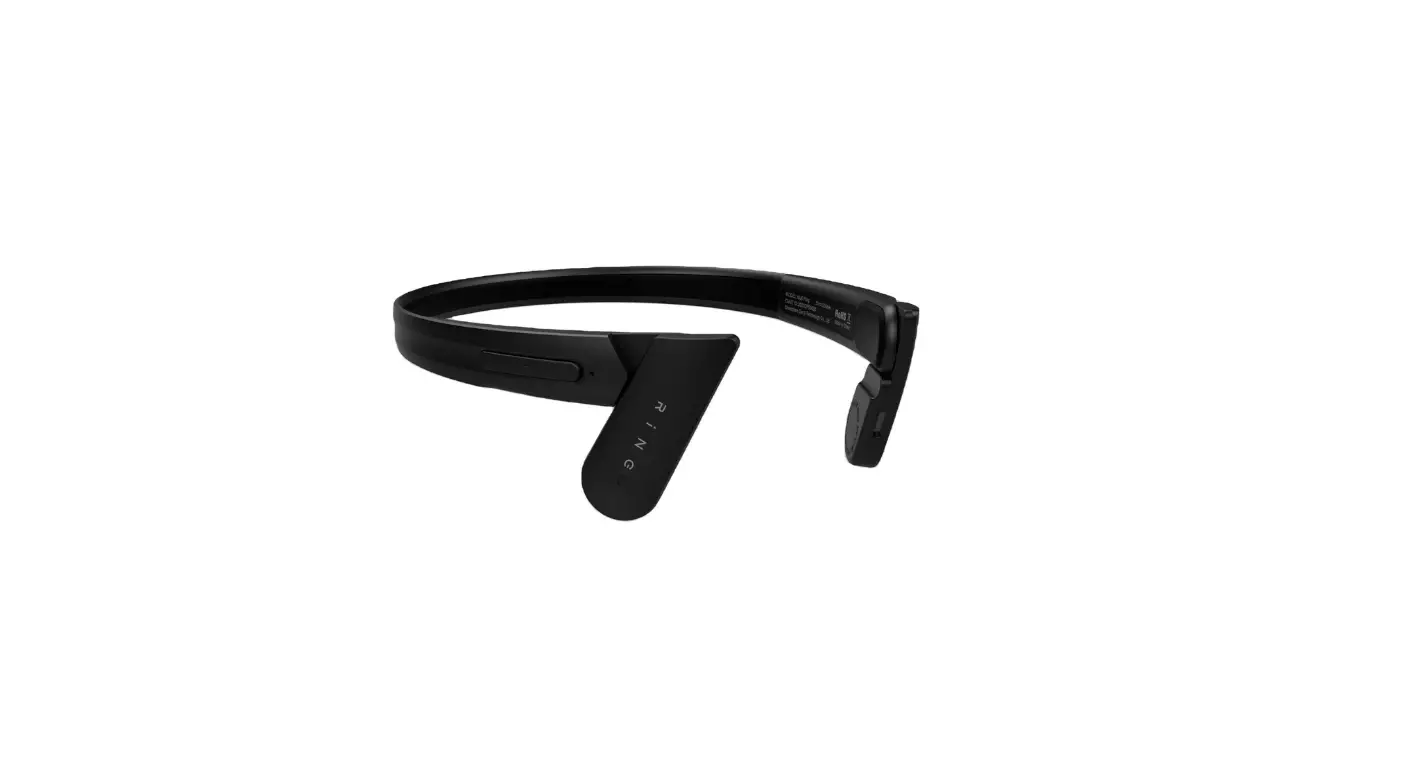

Mu6 RiNG Surreal Open Ear Wireless Bluetooth Headphone
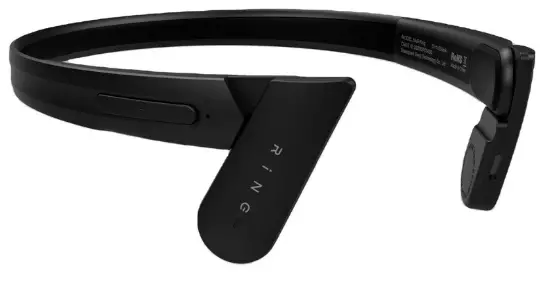
Overview
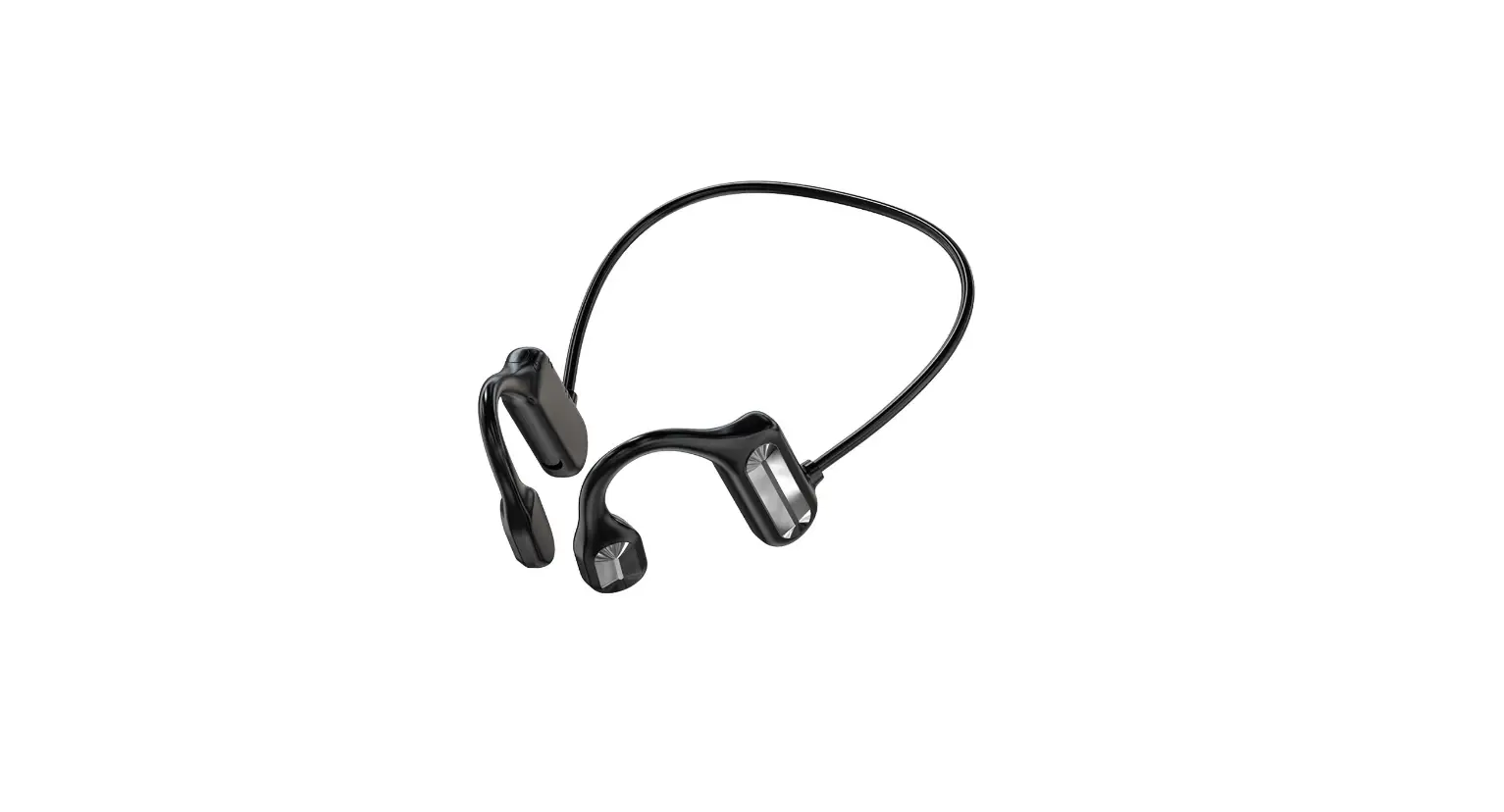
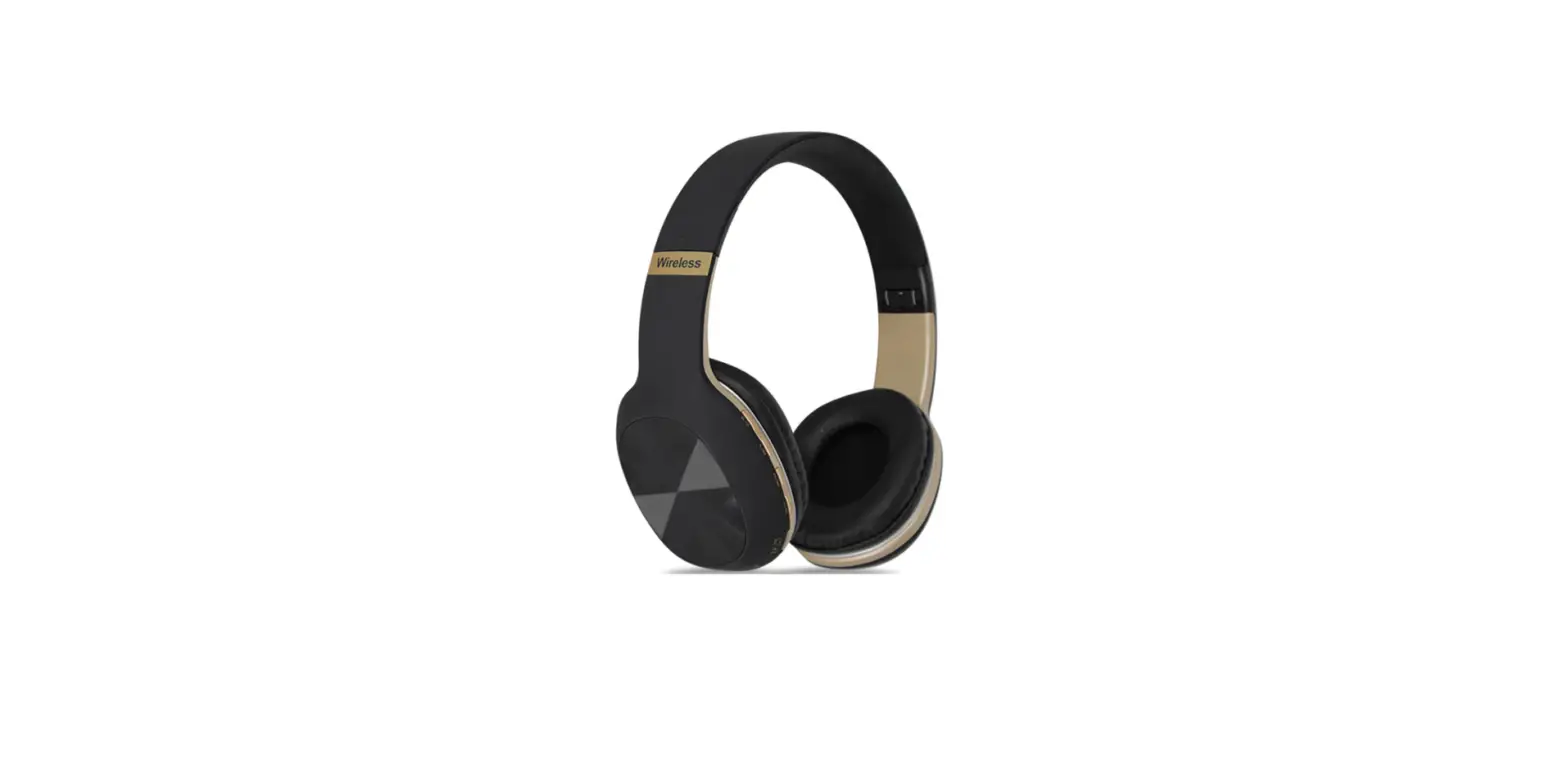
- Multi-function key
- Auxiliary function key
- Type-C charging port
- Micro speakers
- Microphone
On/off
Press and hold the Multi-function key for 2 seconds and then turn it on. After turning on the Bluetooth, it will enter the pairing mode. Press and hold the Multi-function key for 3 seconds and then turn it off.
- Bluetooth pairing
- Mu6 Ring Surreal
Pairing for the first time:
Pairing a connected device for the first time, press and hold the 5S Multi-function key alternately flashing red and blue to enter the pairing state. Turn on the device’s Bluetooth, find the available device Mu6 Ring Surreal, if pairing connection is successful, the headset blue light will flash 3s once
Automatic connection back:
Long press 3S to start automatic connection back to the last connected Bluetooth device (automatic connection failure, enter Bluetooth pairing).
Over distance automatic connection:
After the headset over distance from the device, the headset prompts Disconnected, and enters the over distance back to connect the state waiting to return to the distance range can be connected, if more than 10 minutes did not connect, the headset automatically shut down
Cancelling Connection:
Actively close the device’s Bluetooth plug-in connection, and then the headset automatically enters the pairing mode
Multi-function key
When playing, tap once to pause the music, tap again to resume playback, double click on the previous song.
When the phone comes in, tap once to answer, then tap again to hang up; when the phone comes in, double click to reject the call;
Auxiliary function key
Tap once to enter the voice assistant.When playing, double-click on the next song
- Mu6 Ring Surreal is not paired after power on, no operation, 10 minutes
- Auto power off after earphone.
- After Mu6 Ring Surreal connects to the phone, disconnect the Bluetooth connection for 10 minutes
- After that, the headset will automatically power off.
Precautions:
- After the Mu6 Ring Surreal is turned on, it is not paired and has no operation. The headset will automatically turn off after 10 minutes.
- After Mu6 Ring Surreal is connected to the mobile phone, the Bluetooth connection is disconnected and the headset will automatically turn off after 10 minutes.
Charge Recharge
- Open the Type-C port cover of Mu6 Ring Surreal, use the provided Type-C charging cable
- Connect it to a standard (5V-1A) charger, or connect it to a PC standard USB port on the
- When charging, the LED indicator of Mu6 Ring Surreal connected to the mobile phone
- The red light is always on.
- When charging is complete, the LED indicator light is solid blue.
- Open the Type-C port cover of Mu6 Ring Surreal and use the provided Type-C charging cable to connect it to a standard (5V-1A) charger, or connect it to a standard USB port on the PC.
- When charging, the Red LED indicator of Mu6 Ring Surreal is always on.
- When charging is complete, the blue LED indicator light is always on.
Operation overview
| Action | Control | LED Led Indicator | Voice Notification |
| Turn on | Hold the Multi-function key 3S | Blue light flashes 3 times | Exist |
| Turn off | Hold the Multi-function key 3S | Red light flashes 3 times | Exist |
| Searching the bluetooth device | Red and blue flashing alternately | Exist | |
| Blue tooth | 3
| Exist |
| connection device | The blue light flashes every 3 seconds | ||
| Play music status | The blue light flashes every 5 seconds | N/A | |
| Previous playing | double-click Multi-function key | N/A | N/A |
| Next playing | double-click | N/A | N/A |
| Auxiliary function key | |||
| Answer the phone | Tap the Multi-function key | Red and blue lights flash 2 times in 3 seconds | Exist |
| Hang up the phone | Tap the Multi-function key | N/A | N/A |
| Reject the call | double-click Multi-function key when calling | N/A | N/A |
| Connect to voice assistant | Tap the Multi-function key | N/A | N/A |
| Low power | When the battery voltage is less than equal to 3.2v, it will automatically shut down after a beep (batterylow) | N/A | Exist |
| Bluetooth pairing | N/A | Exist |
| timeout | Without any operation, Bluetooth will automatically shut down in 10 minutes | ||
| Bluetooth headset disconnected | Without any operation, Bluetooth will automatically shut down in 10 minutes | N/A | Exist |
| Hard reset | Connect Type-C and long press the Auxiliary | Red and blue lights flash three times at the same | N/A |
| function key | time | ||
| Exist | |||
| Enter the pairing state | Power on Long press the | Red and blue flashing | |
| Multi-function | alternately | ||
| key for 5S | |||
Parameter Parameter
- Product model Product model: Mu6 Ring Surreal
- Voltage input Power input: 5V-150mAH
- Drive Drive: 16mm
- Battery capacityBattery capacity: 180mAH
- Impedance: 18Ω
- Talk time Talk time: 9 hours 9hours
- Sensitivity: 118±3db
- Audio playback Audio playback: 9 hours 9hours
- Frequency response range Frequency response range: 20Hz-20000Hz
- Standby time: 200 hours 200 hours
- Bluetooth version Bluetooth version: Bluetooth 5.0
- Charging port Charging port: Type-C
- Bluetooth operating frequency Bluetooth operating frequency: 2400-2483MHZ
- Headphone size Headphone size: g About 23g
- Bluetooth range Bluetooth range: ≥10m
- Headphone weight Headphone weight: About 23 g About 23g
- Bluetooth protocol Bluetooth protocol: A2DP; HFP; HSP; AVRCP
Packaging list
- Headphone
- Manual
- Charging cable
Storage and Maintenance
- Store Mu6 Ring Surreal in a cool, dry place without Expose it to extreme temperatures (below -20°C or above 55°C). Only Handle the product at temperatures between -3°C and 40°C.
- Store Mu6 Ring Surreal in a cool and dry place, and do not expose it to extreme temperatures (below -20°C or above 55°C). Only operate the product between -3°C and 40°C.
- Do not charge with a power adapter exceeding 5V.
- Do not charge with a power adapter exceeding 5V.
- Working in cold/hot or wet/humid environment will reduce the life of the product, do not Expose product to dust, oil or fumes. Do not throw, hit or sharpen Item scratches the product.
- Working in a cold/hot or humid/moist environment will reduce the life of the product. Do not expose the product to dust, oil or smoke. Do not throw, hit or scratch the product with sharp objects
- If you will not use it for a long time, please charge the Mu6 Ring Surreal before using it again. electricity.
- After not using it for a long time, please charge Mu6 Ring Surreal before using it again.
- Please use dry soft cloth instead of abrasive cloth or detergent, alcohol or based
- Chemical cleaning products Wipe carefully to clean the earphones
- Carefully wipe clean the earphones by using a dry soft cloth instead of emery cloth or detergent, alcohol or chemical-based cleaning products.
- Mu6 Ring Surreal Headphones Warranty Description
- Mu6 Ring Surreal Earphone Warranty Description
- One Year Limited Warranty
One-year limited warranty
- During the one-year warranty period starting from the date of purchase, if the headset is damaged or malfunctions, the company’s technicians have confirmed that it occurred under normal use, and the company will provide free repairs and replacement parts. Any damaged parts after replacement will belong to our company.
- If the product has been changed or repaired by non-company personnel; or has been damaged due to incorrect operation, negligent use, accidents, natural disasters, or malfunction of the machine due to abnormal voltage, or the user has been changed or the user’s relocation address has been changed If you fail to notify the company’s service center in time, this warranty will automatically become invalid. Mu6 will continue to repair products for customers, but the maintenance costs are borne by customers.
- The free replacement parts in this warranty does not cover the earphone under incorrect power supply or other human factors.
- In addition to this warranty, any related warranty issued by any firm or person is not recognized by the company.
- Please keep this certificate and the official purchase receipt, and present it to the technician for inspection when repairing.
- If the parts requiring service need to be returned to the factory for repair, the customer is responsible for mailing the parts to the repair service centers of our company.
- After the parts are repaired, the service center will mail the products back to the customer.
FCC
This equipment has been tested and found to comply with the limits for a Class B digital device, pursuan t to part 15 of the FCC Rules. These limits are designed to provide reasonable protection against harmful interference in a residential installation. This equipment generates, uses and can radiate radio frequency energy and, if not installed and used in accordance with the instructions, may cause harmful interference to radio communications. However, there is no guarantee that interference will not occur in a particular installation. If this equipment does cause harmful interference to radio or television reception, which can be determined by turning the equipment off and on, the user is encouraged to try to correct the interference by one or more of the following measures:
- Reorient or reloca te the receiving antenna.
- Increase the separation between the equipment and receiver.
- Connect the equipment into an outlet on a circuit different f rom that to which the receiver is connected.
- Consult the dealer or an experienced radio/TV technician for help.
Caution: Any changes or modifications to this device not explicitly approved by manufacturer could void your authority to operate this equipment.
This device complies with part 15 of the FCC Rules. Operation is subject to the following two conditions:
(1)This device may not cause harmful interference, and (2) this device must accept any interference received, including interference that may cause undesired operation.
This equipment complies with FCC radiation exposure limits set forth for an uncontrolled environment. This equipment should be installed and operated with minimum distance 0cm between the radiator and your body.