Cool Gear Usbg-4net 4 Port Usb 2.0 Over Ip Network Device Sharing Hub User Guide

Cool Gear Usbg-4net 4 Port Usb 2.0 Over Ip Network Device Sharing Hub User Guide

cool-gear-logo

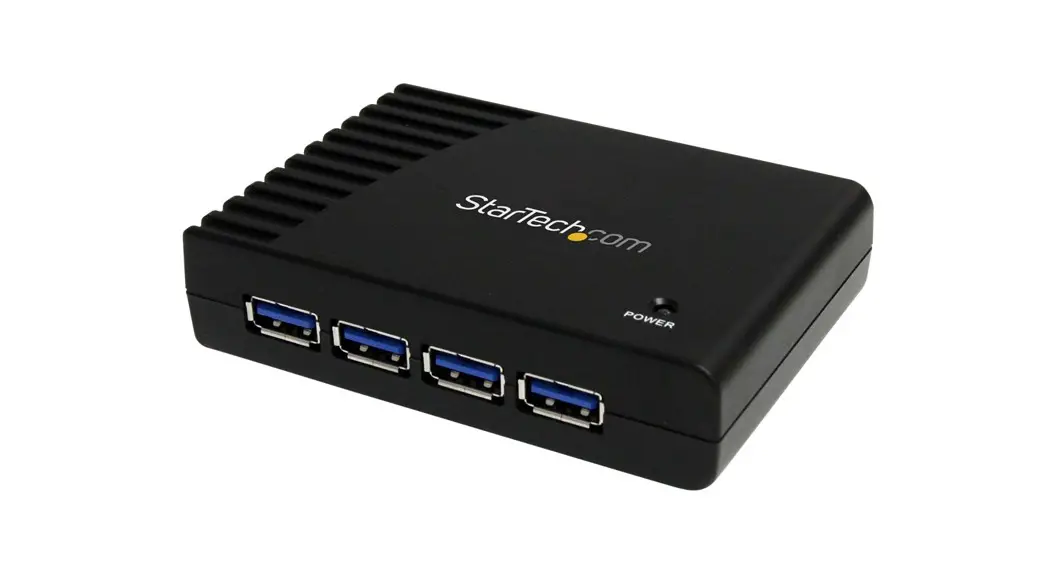
cool gear USBG-4NET 4 Port USB 2.0 Over IP Network Device Sharing Hub
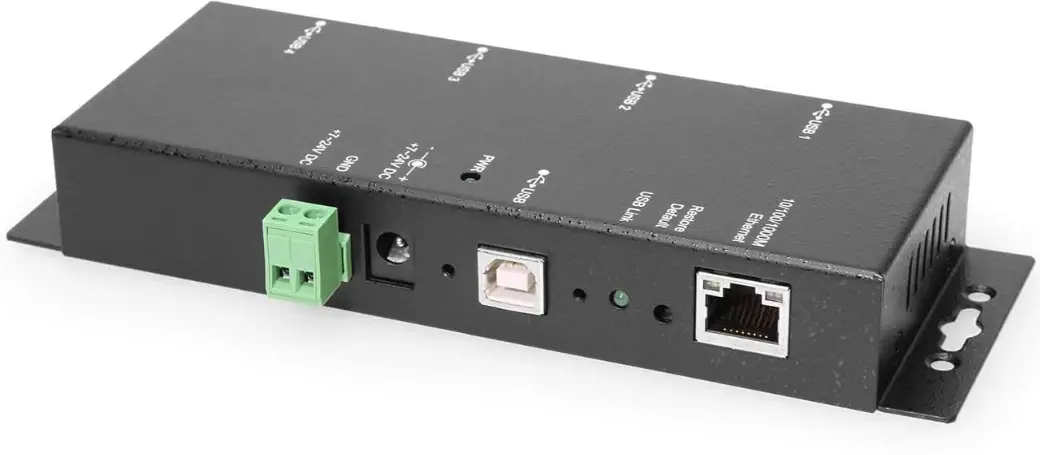
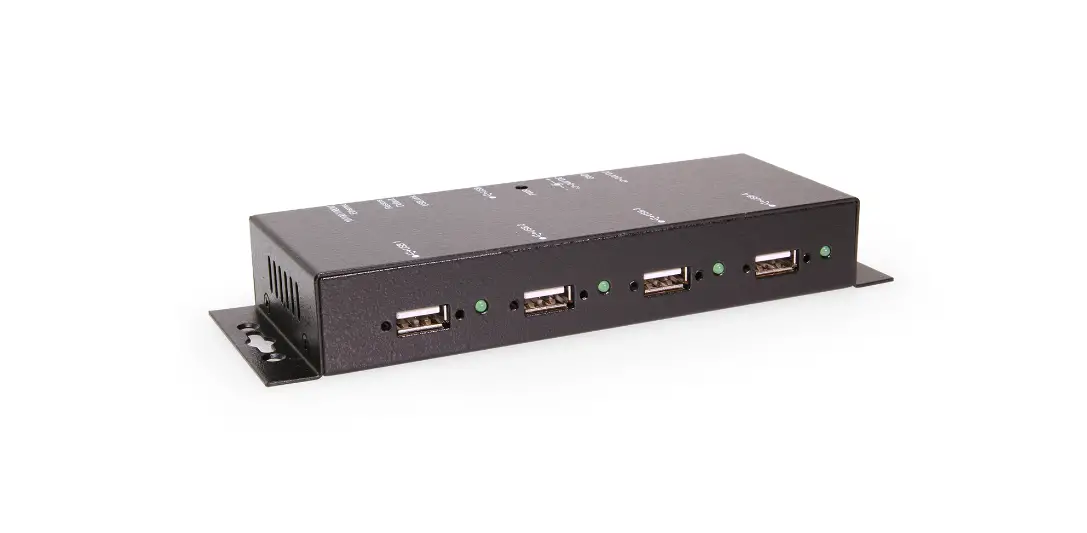
cool-gear-USBG-4NET-4-Port-USB-2.0-Over-IP-Network-Device-Sharing-Hub-product-image

USBG-4NET Windows 10 & 11

Blue Screen error fix
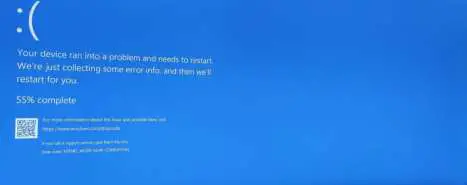
cool-gear-USBG-4NET-4-Port-USB-2.0-Over-IP-Network-Device-Sharing-Hub-01

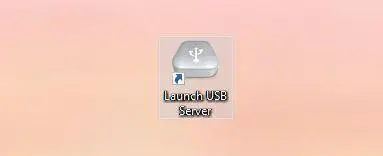
  1. Find the shortcut for the USB Server program, it should like what is pictured below.
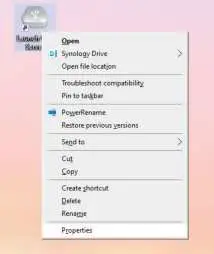
  2. Right click the shortcut and options will appear, click the “Properties” option. cool-gear-USBG-4NET-4-Port-USB-2.0-Over-IP-Network-Device-Sharing-Hub-03
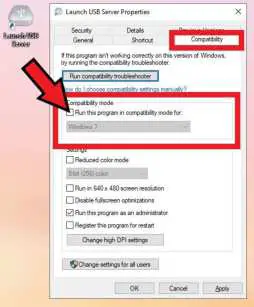
  3. Click the “Compatibility” tab that is in the window that pops up and click the box next to “Run this program in compatibility mode for:” and select “Windows 7”. cool-gear-USBG-4NET-4-Port-USB-2.0-Over-IP-Network-Device-Sharing-Hub-04
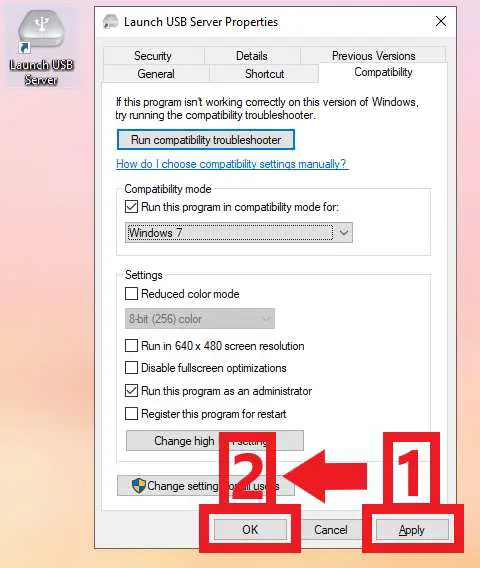
  4. Click the “Apply” button at the bottom right of the window and then click the “OK” button to ensure your changes are saved. cool-gear-USBG-4NET-4-Port-USB-2.0-Over-IP-Network-Device-Sharing-Hub-05

Documents / Resouces

Download manual
Here you can download full pdf version of manual, it may contain additional safety instructions, warranty information, FCC rules, etc.


Related Manuals