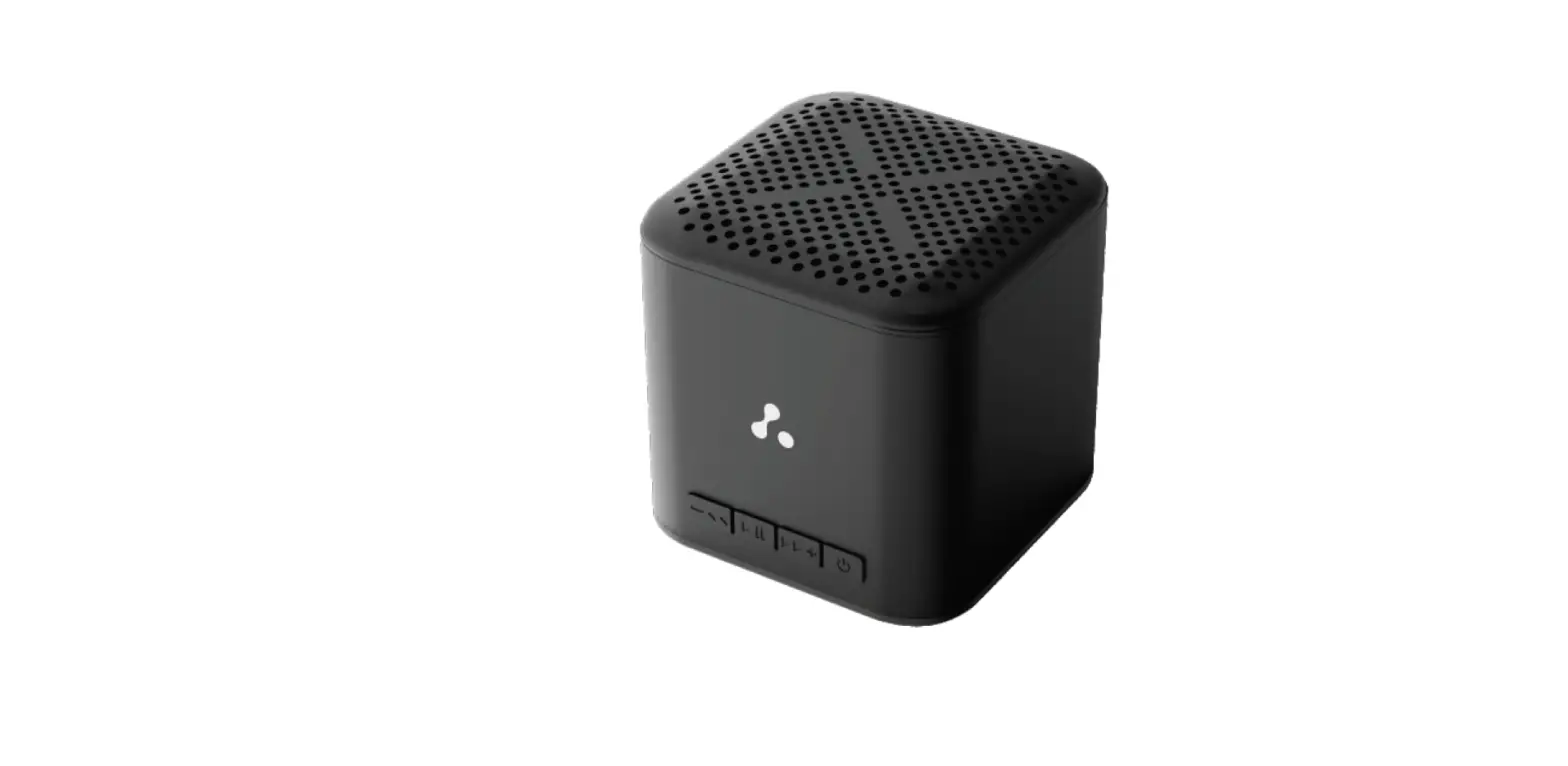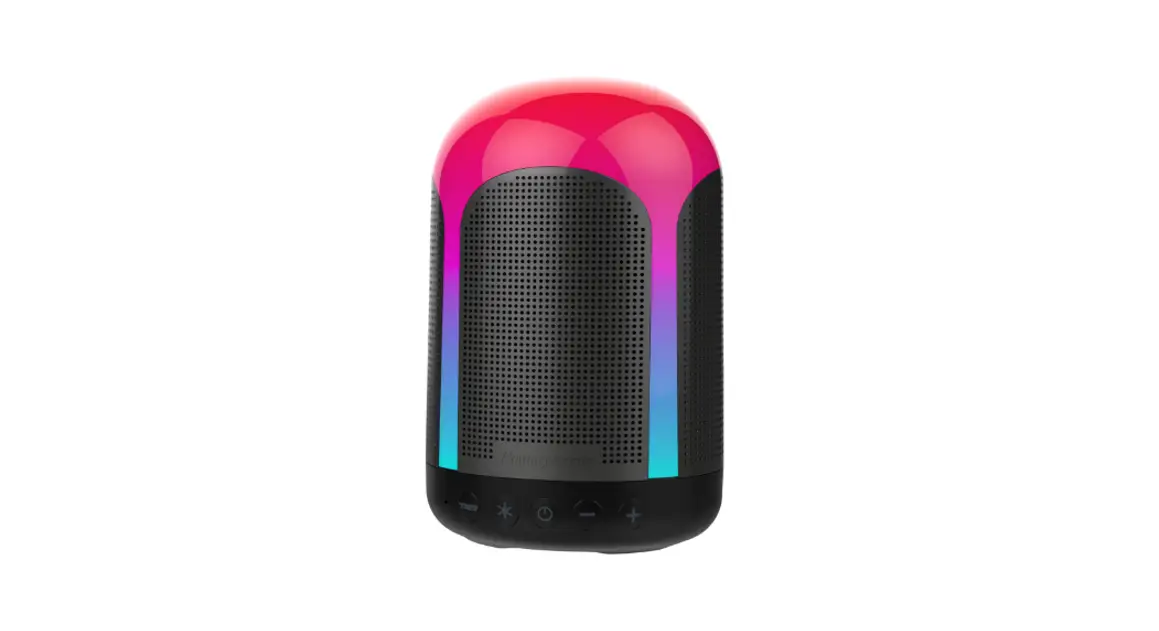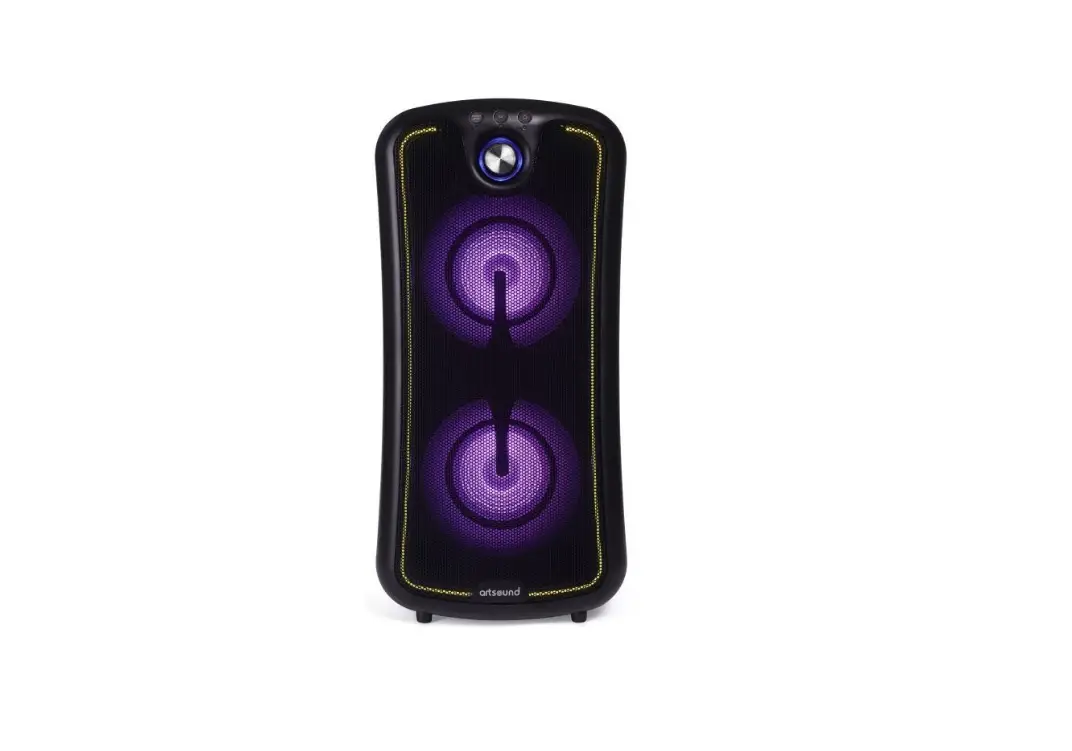

ambrane EVOKE Thunder Bass Bluetooth Speaker
Welcome
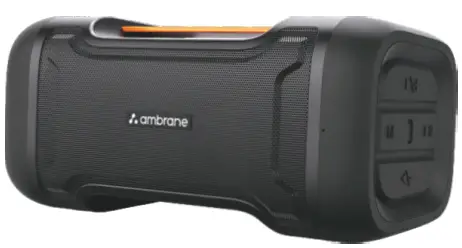
Thank you for purchasing the Ambrane Evoke Thunder Wireless Speaker. we recommend you to read the instruction manual carefully before using the product.
Package Contents
- 1 N Evoke Thunder Wireless Speaker
- 1 N Charging Cable
- I N user Manual Scan Card
- I N Welcome Note
Product overview
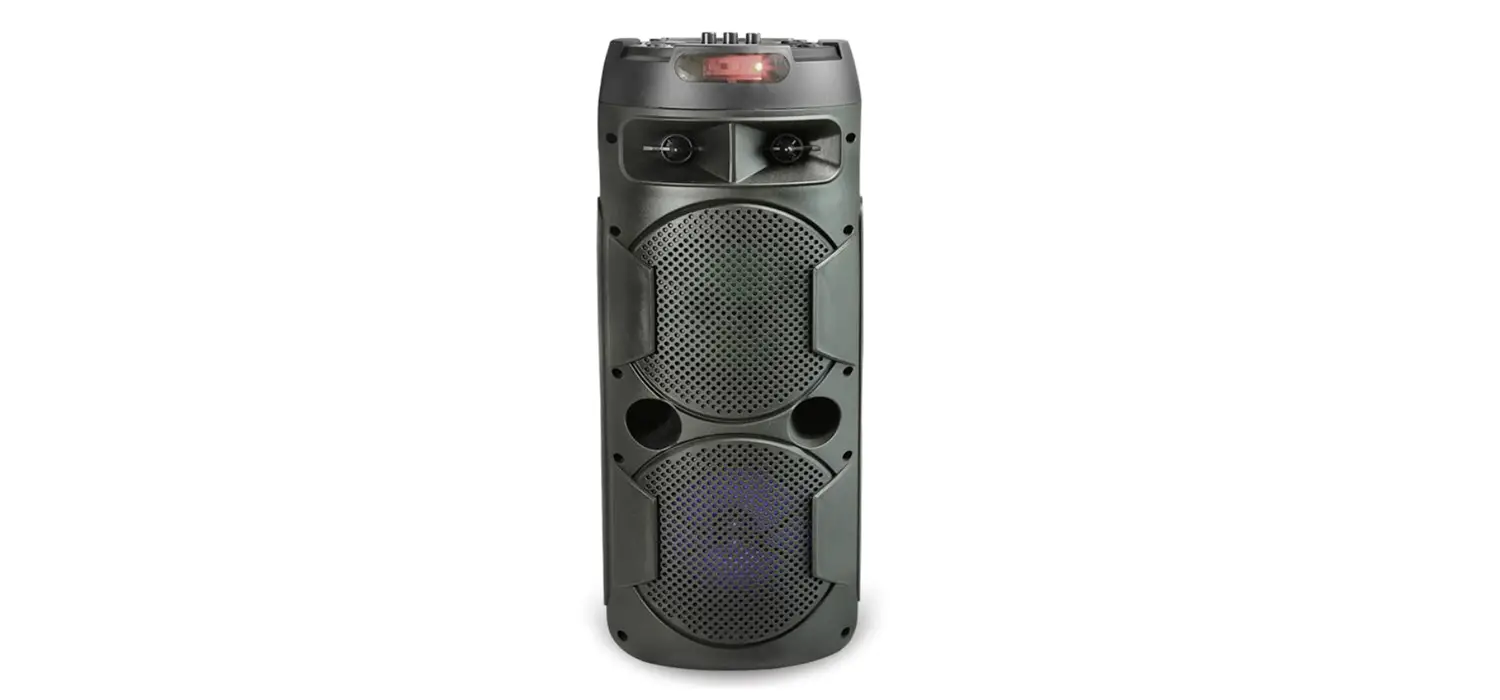
Experience the thunderous sound on the Ambrane Evoke Thunder wireless speaker with a 16W speaker output. Rock any party with a playtime of up to 8 hours. Equipped with 76MM speaker drivers and Bluetooth V5.1, enhance your audio experience.
Operating Instructions
Power ON and Pairing
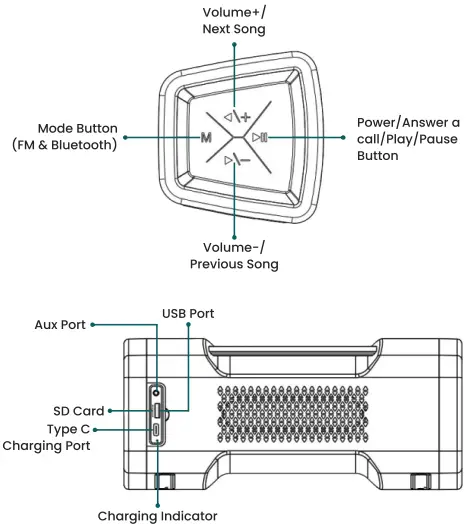
- Long-press the ►II button for 5 seconds to turn on the speaker, it will turn on and enter into pairing mode.
- Search for Ambrane Evoke Thunder on your device’s Bluetooth list and select to connect.
- Note: Upon second use and thereafter, the speaker will automatically connect if the Bluetooth of the device is turned on. To disconnect from the existing device, press the (M) button for 2 to 3 seconds to forget the existing connected device. Now, follow the pairing instructions to pair again. PowerOFF
- Long-press the ►II button for 5 seconds to turn off the speaker.
How to Reset?
- Long-press the (M) button for 2 seconds.
- The speaker will successfully reset.
Charging Instructions
- Plug the small end of the USB cable into the Type C port of the charging case.
- Plug the other end into a USB wall charger or computer (DC 5V) that is powered on.
Operating Instructions
| FUNCTION | OPERATION |
| •Play/Pause | Single press the ►II button. |
| Music | |
| • Previous Song | Long-press the (-) button for about 2 |
| seconds. | |
| • Next Song | Long-press the (+) button for about 2 |
| seconds. | |
| • Increase Volume | Single press the ( +) button. |
| • Decrease Volume | Single press the ( – ) button. |
| •Answer/Hang- | Single press the ►II button. |
| up Phone Call | |
| • Reject Call | Long-press the ►II button for1 second. |
| • Activate Voice | Double press the ►II button. |
| Assistance |
How to switch to FM Mode
- Single press the (M) button to switch to the FM Mode.
- Channel Search – Long press the (M) button for about 3-4 seconds, the speaker will start searching for other channels. Single press the (M) button once again to select the channel.
- Note: Single press (M) button to switch back to the bluetooth version.
How to switch to use/so Card/ AUX Mode
Simply insert USB/SD Card/ AUX into their respective port and the speaker will automatically switch its mode.
Product Specifications
- Bluetooth Version :5.1
- Transmission Range : 10 Meters
- Speaker Frequency : 20Hz-20kHz
- Output : 16W
- Battery Capacity : 3000mAh
- Charging Time : Up to 3 Hrs
- Music Playback Time : Up to 8 Hrs (at 70 volume)
- Speaker Drivers : 76mm
- Waterproof Level : IPX4
- Charging Input : TypeC
- Integrated Multi functional
Support - In-Built Mic
Safety Hazards
WARNING
Please read these safety warnings carefully to ensure your personal safety and to prevent product damage: Fire and Electric Shock Hazard
- Do not expose your Evoke Thunder to extremely high or low temperatures.
- Do not leave your Evoke Thunder in direct sunlight for extended periods of time.
- Do not block any ventilation openings.
Battery/Charger Hazard - Do not dispose of your Evoke Thunder in the fire. The battery could explode causing severe injuries.
- Only charge the battery in accordance with the user instructions supplied with the product.
- Do not attempt to disassemble the Evoke Thunder charger or force open the built-in battery because this may result in electric shock causing injury.
- Do not clean the Evoke Thunder when it is being charged. Always unplug the charger first before cleaning.
Automobile Accident Hazard - Do not leave or store the Evoke Thunder or any of its accessories near or over your automobile’s airbag area because a serious injury may result when an airbag deploys. CAUTION
- Do not use abrasive cleaners to clean your Evoke Thunder because this could cause scratches and damage.
- Do not attempt to repair, modify, or disassemble your Evoke Thunder yourself, it does not contain any user-serviceable components.
- Observe all signs and displays that require an electrical device or RF radio product to be switched in the designated area.
- Dispose of the Evoke Thunder and the Evoke Thunder’s battery in accordance with local regulations. Do not dispose of the battery with regular household waste.
warranty card and Terms & conditions
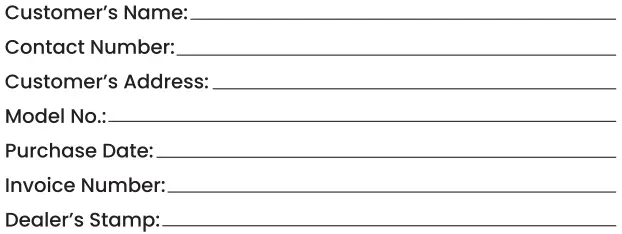
- NOTE: For valid warranty claim, all information on the warranty certificate has to be completed and presented along with the original invoice.
- All warranty information, product features and specifications are subject to change without prior notice.
- All matters are subject to Delhi Jurisdiction.

Ambrane Evoke Thunder Wireless Speaker comes with 365 days warranty from the date of purchase. - Warranty can not be claimed if the product is damaged by wrong operation or force majeure.
- Accessories supplied with Ambrane Evoke Thunder Wireless Speaker are not covered under the warranty.
CUSTOMER CARE
220, Second Floor, D-Mall,
Netaji Subhash Place, Delhi, India -110034
Contact No.: +91 11459lllll,
E-mail: [email protected], Web: www.ambraneindia.com
“Listening at a high volume for a long time may damage your hearing.”
Join the Ambrane Ally!
@ambraneindia