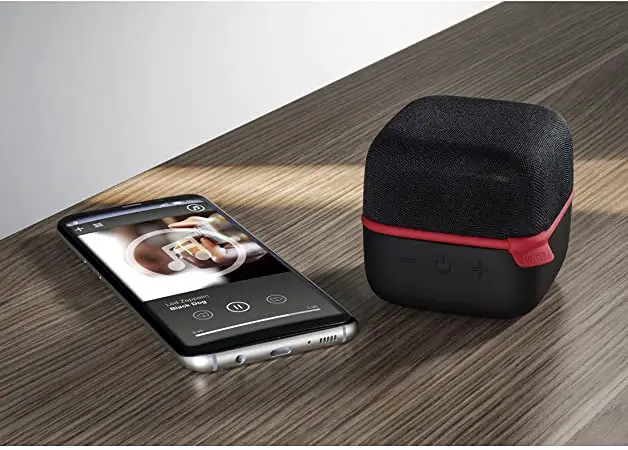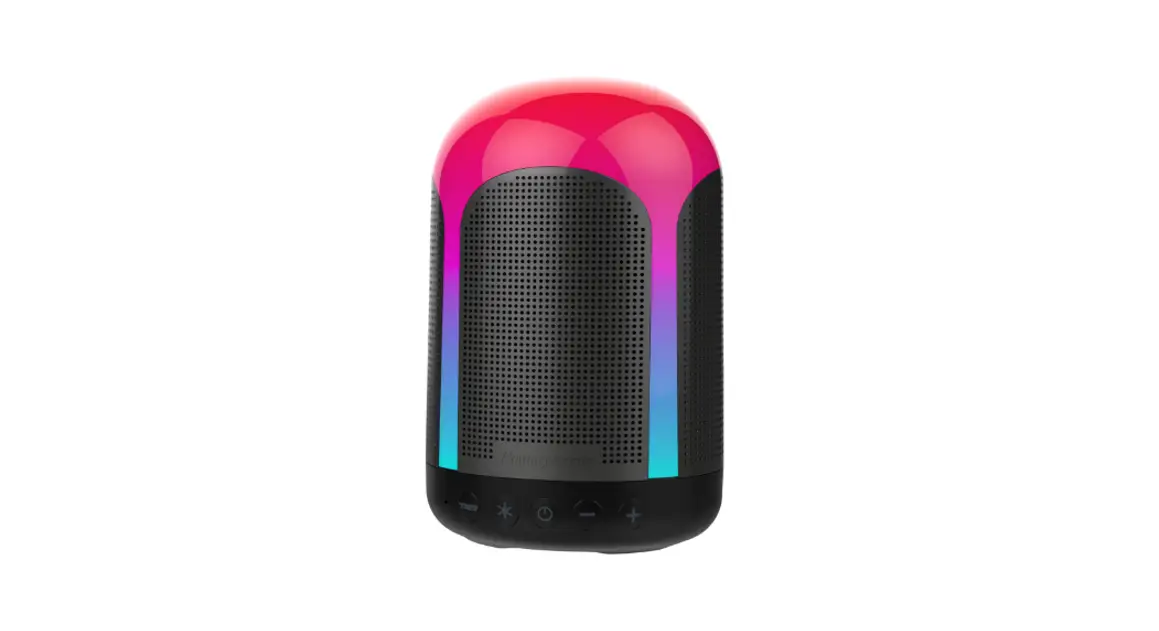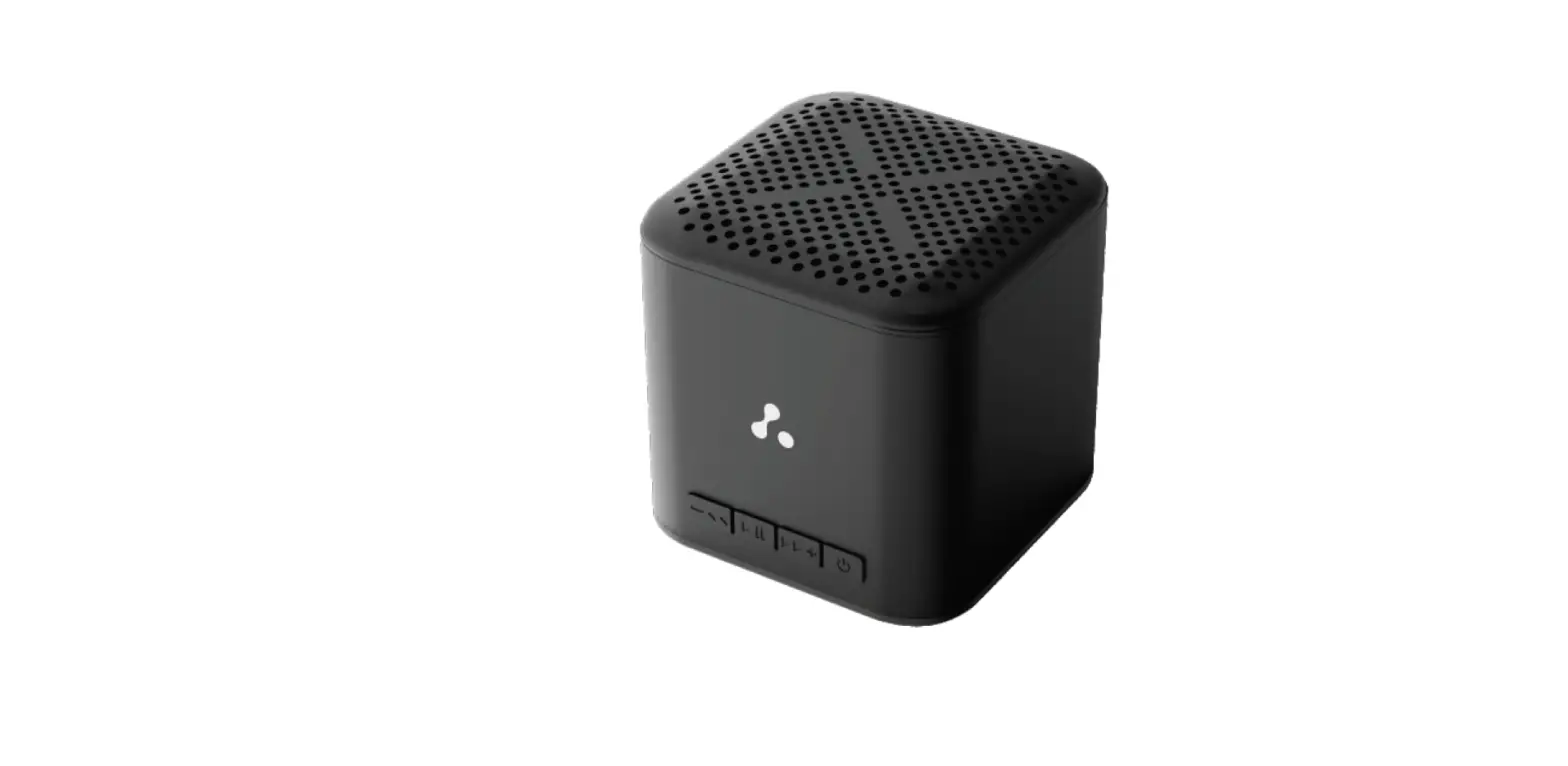

ambrane Evoke Cube Plus 5W Bluetooth Speaker
Welcome
Thank you for purchasing the Ambrane Evoke Cube+ Bluetooth Speaker. We recommend you to read the Instruction manual carefully before using the product.
Package Contents
- 1 N Evoke Cube· Bluetooth Speaker
- 1 N Charging Cable
- 1 N User Manual Scan Card
- 1 N Rating Card
Product overview
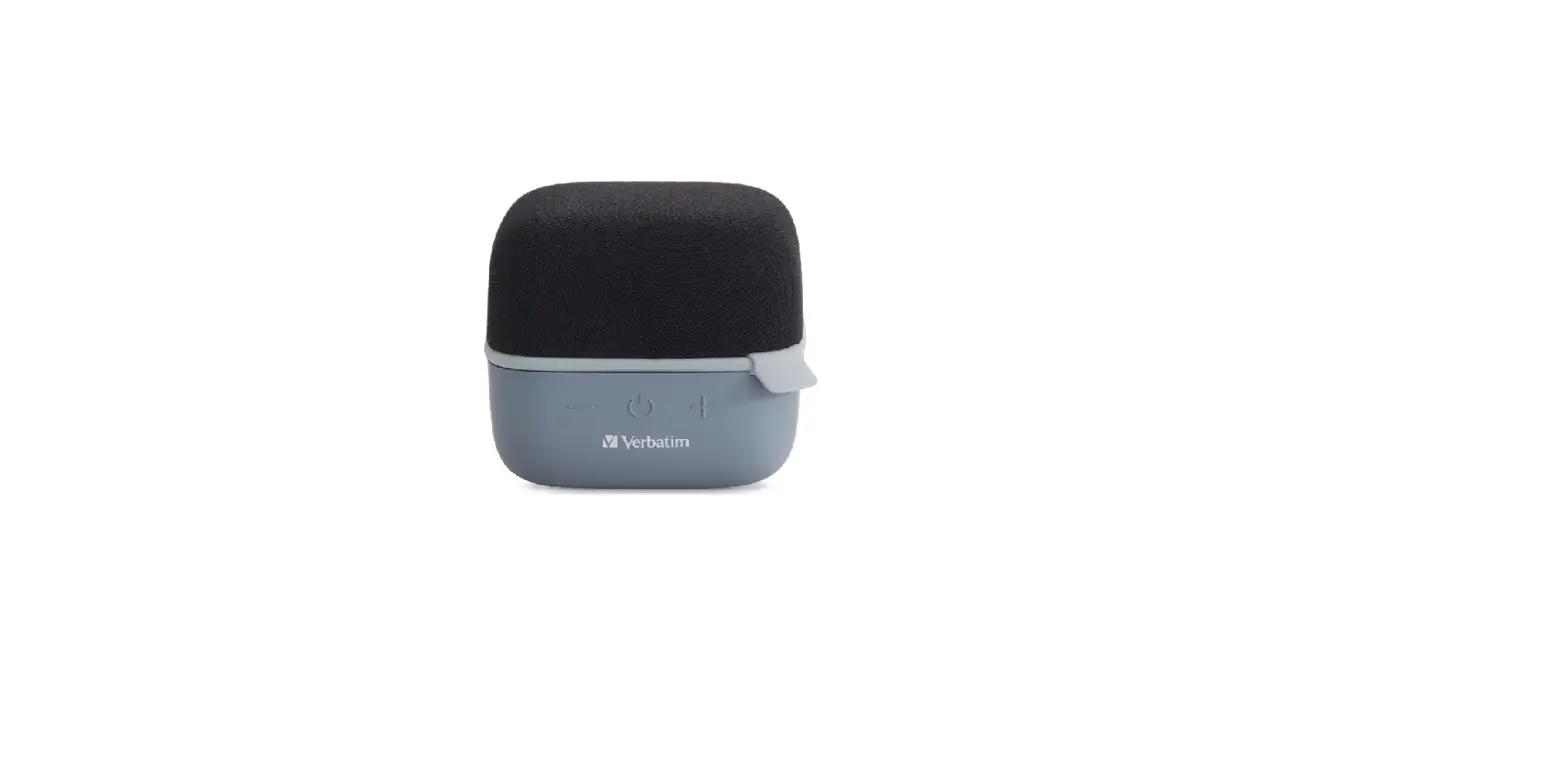
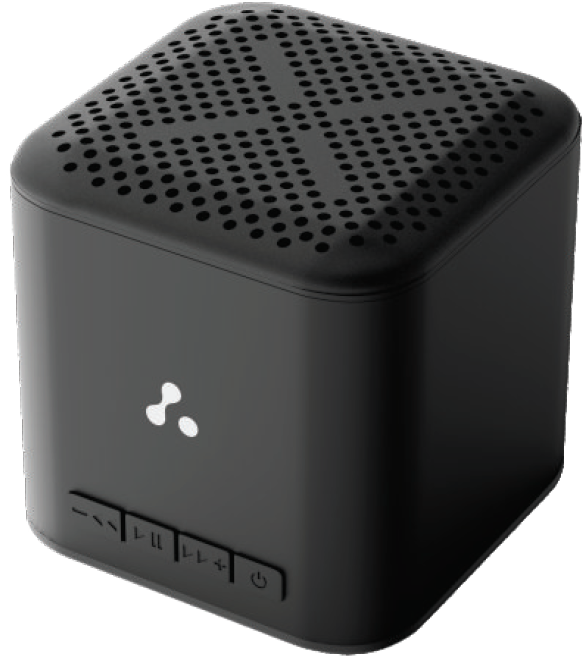
Experience max bass In mini size with the Ambrane Evoke Cube• Bluetooth speaker. Have a party anywhere, anytime with a playtime of up to 12 hours. Equipped with 40mm speaker drivers, an inbuilt mic and Bluetooth V5.1, it is time to enhance your audio and call experience.
- Short Press: Volume Increase Long Prass: Next Song
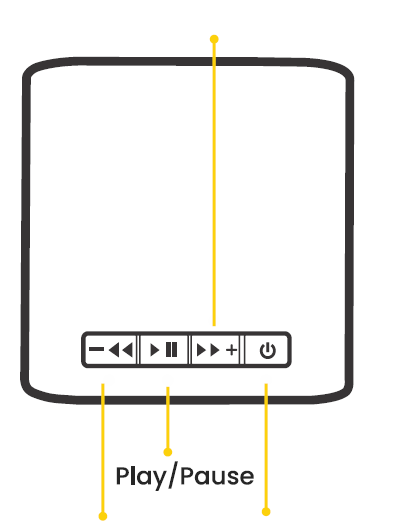
- Short Preas: Volume Decrease PoWer ON/OFF
- Long Preas: Previous Song
Operating Instructions
Power ON and Pairing
- Long-press the power button for 5 seconds and the LED Indicator wlll start flashing blue. The speaker will turn on and enter into pairing mode.
- Search for •Ambrane Evoke Cube+• on your device’s Bluetooth list and select to connect.
Note: Upon second use and thereafter, the speaker will automatically connect if the Bluetooth of the tradable is turned on. PowerOFF Long-press the power button for 5 seconds to turn off the speaker.
Charging Instructions
- Before using it for the first time, fully charge the device.
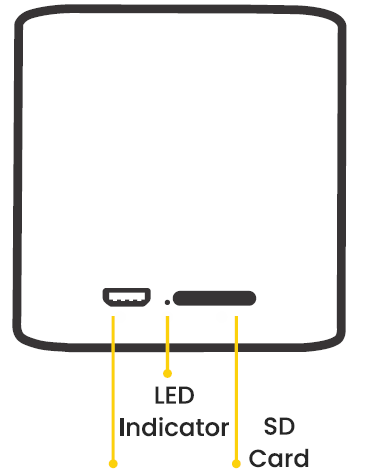
- Connect the provided use cable to the Micro use port on the speaker and the use port on a computer ora use adapter.
- The red LED lndlcatorwlll turn on whlle charging.
Basic Key Operation
| FUNCTION | OPERATION | ||
| Play/ Pause Music Previous Song
Next Song | Single press the ►II button Long-press the(-) button for about 2 seconds
Long-press the (+) button for | ||
| about 2 seconds | |||
| Increase Volume | Single press the ( + ) button | ||
| Decrease Volume | Single press the ( – ) button | ||
| Answer/ Hang-up | Single press the ►II button | ||
| Phone Call | |||
| Reject Coll | Double press the ►II button | ||
How to switch to SD Card Mode
- To switch to SD Card Mode, single press the power button whlletheSDcard Is Inserted Inside the slot
- Note: Single press the power button to switch back to Bluetooth mode.
Product Specifications
• Bluetooth Version: 5.1
• Working Distance:  10m
10m
• Frequency Response: 60Hz-201<Hz
•Output: 5W
• Driver Impedance: 4
• BatteryCapaclty: 550mAh
• Playtime: Upto 12 Hrs (at70%volume)
• Charging Time: 1 Hour 30 Minutes
• Speaker Driver: 40mm
• Multifunctional Control Buttons
• In-Built Mic
• Charging Type: Micro use
• SD Card Support
Safety Hazards
WARNING
- Please read these safety warnings carefully to ensure your personal safety and to prevent product damage:
Fire and ElectrlcShock: Hazard
- Do not expose your Evoke Cube· to extremely high or low temperatures.
- Do not leave your Evoke Cube+ in direct sunlight for extended periods of time.
- Do not leave your Evoke Cube+ near open flames such as cooking burners, candles, or fireplaces.
- Do not block anyven tllatlon openings.
Battery/Charger Hazard
- Do not dispose of your Evoke Cube+ In the flre. The battery could explode causing severe Injuries.
- Only charge the battery In accordance with the user instructions supplied with the product.
- Do not attempt to disassemble the Evoke Cube+ charger or force open the bullt-ln battery because this may result In electric shock causing injury.
- Do not clean the Evoke Cube+ when It Is being charged.
- Always unplug the charger first before cleaning. Automobile Accident Hazard Do not leave or store the Evoke Cube+ or any of its accessories near or over your automobile’s airbag area because a serious Injury may result when an airbag deploys.
CAUTION
- Do not use abrasive cleaners to clean your Evoke Cube+ because this could cause scratches and damage.
- Do not bring your Evoke Cube+ into contact with any sharp objects because this could cause scratches and damage.
- Do not Insert anything Into your Evoke Cube+ unless otherwise specified In the user Instructions. This may damage the internal components.
- Do not attempt to repair, modify, or disassemble your Evoke Cube+ yourself, it does not contain any user-serviceable
Components
- Do not attempt to replace your Evoke Cube+ battery, It Is builtin and is not changeable.
- Observe all signs and displays that require an electrical device or RF radio product to be switched In the designated area.
Turnoff your Evoke Cube+ prior to boarding an aircraft Do not use Evoke Cube+ inside an aircraft unless allowed by your airlines. - Dispose of the Evoke Cube+ and the Evoke Cube+ battery in accordance with local regulations. Do not dispose of the battery with regular household waste.
Warranty Card and Terms & Conditions
- NOTE: For valid warranty claim, all Information on the warranty certificate has to be completed and presented along with the original invoice.
- All warranty information, product features and specifications are subJecttochangewlthout prior notice.
- All mattersaresubJectto DelhlJurlsdlctlon.
Customer’s Name: _____________ _
Contact Number: ______________ _
Customer’s Address: _____________ _
Model No_· _______________ _
Purchase Date: ______________ _
Invoice Number·_______________Dealer’s
Stam,. ______________
- Ambrane Evoke Cube+ Wireless Speaker comes with 365 days warranty from the date of purchase.
- Warranty can not be claimed If the product Is damaged by wrong operation or force majeure.
- Accessories supplied with Ambrane Evoke Cube+ Wireless Speakerarenotcoveredunderthewarranty.
CUSTOMER CARE
- 224, Second Floor, D-Mall,
- Netaji Subhash Place, Delhi, India – 110034
- Contact No.: +911145911111,
- E-mall: [email protected]
- Web: www.ambraneindia.com
listening at a high volume for a long time may damage your hearing.