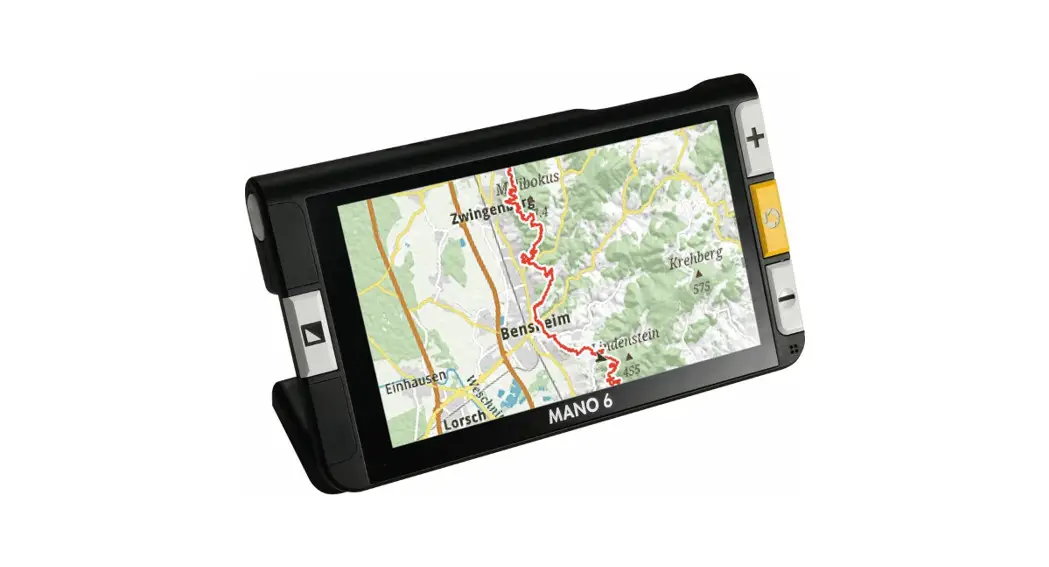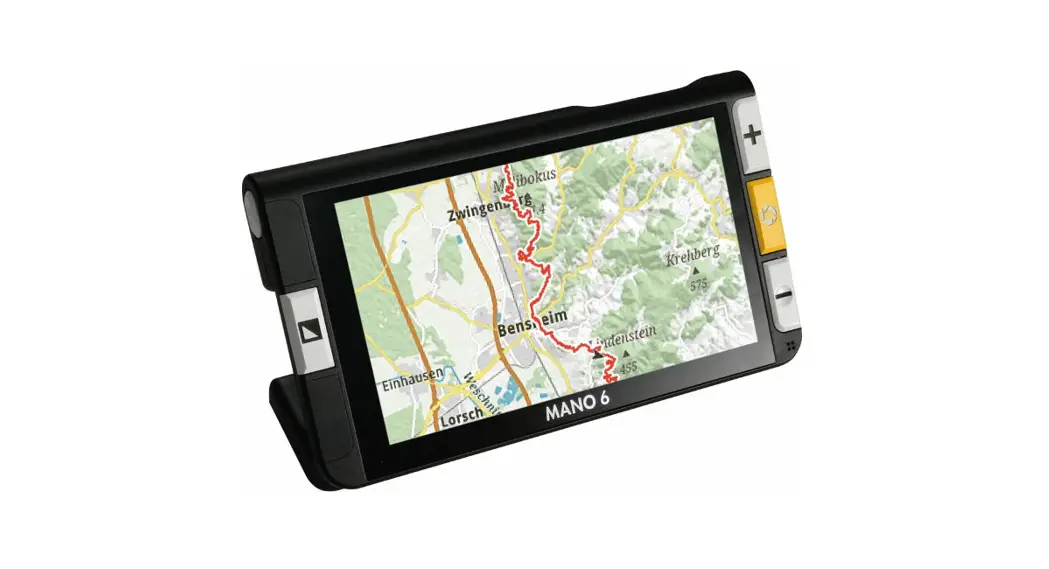
 Quick reference guide MANO 6
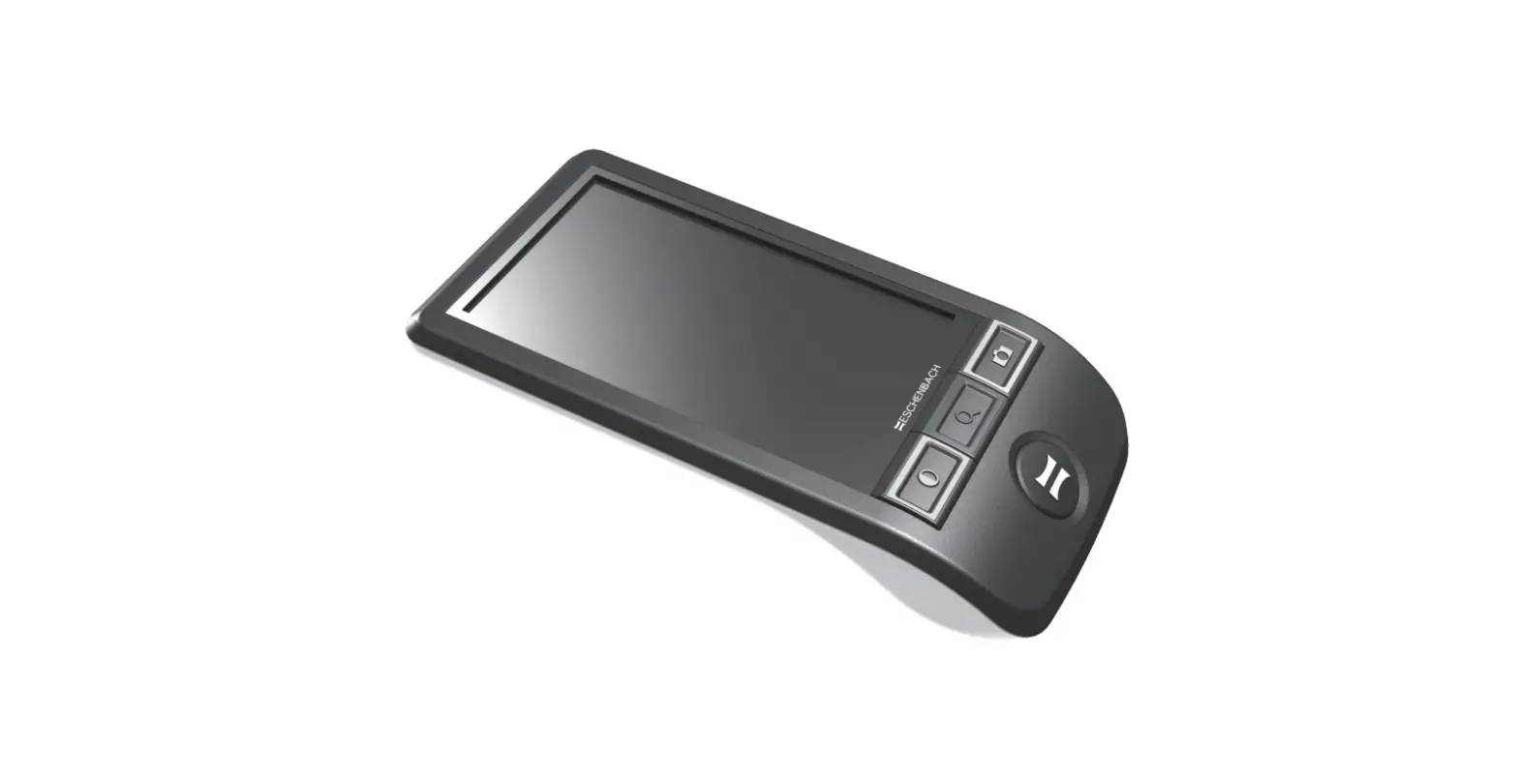
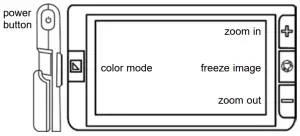
Operation by using but-
| short press button | long press button | |
 | open/close menu | switch ON/switch OFF/ standby mode |
 | change color mode | artificial color settings |
 | freeze image | save image |
 | zoom in steps | zoom in continuously |
 | zoom out in steps | zoom out continuously |
 | short press: increase/decrease screen brightness | |
 | short press: LED lighting 50% – 100% – OFF | |
 | short press in artificial color mode: switch to true color mode | |
 | zoom in, zoom out, and move the magnified image with multi-touch gestures | |
Quick reference guide MANO 6 Touch screen operation
 | volume control bar | ||
 | brightness control bar | ||
 | switch between line marker and mask |  | vibration ON/OFF |
 | autofocus ON/OFF |  | energy saving mode ON/OFF |
 | LED lighting 50% – 100% – OFF |  | open gallery |
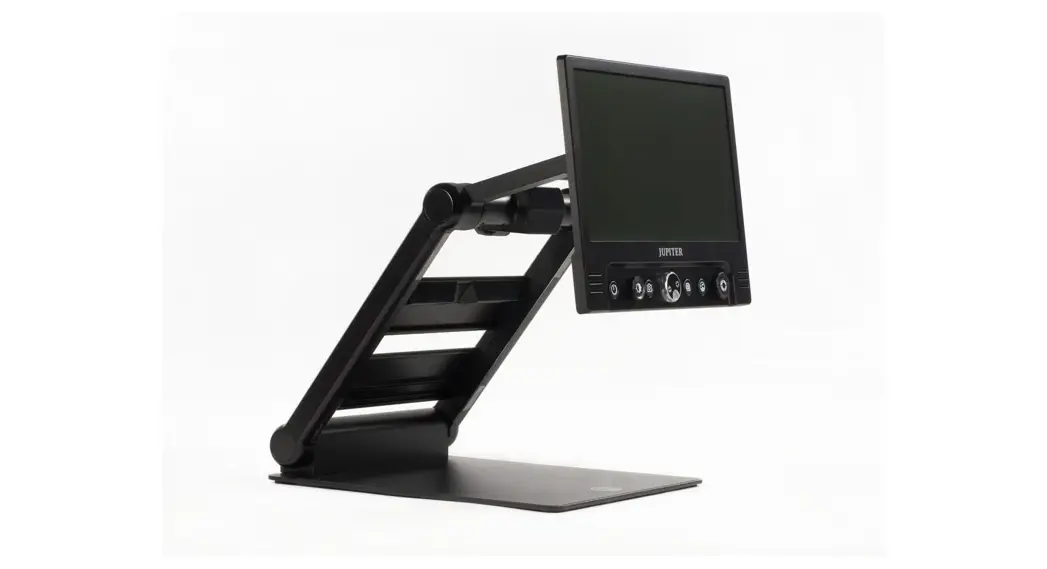
Folding stand and handle
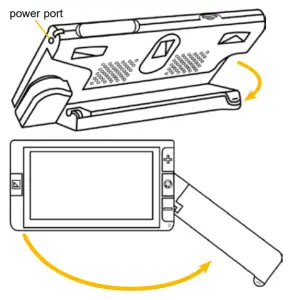
FBM 752-012 Stand 08/20, Version 1.0
 Reinecker Vision GmbH | Home