745 Compact Switch
Product Information: New & Improved Compact Switch #745
(Set of 3)
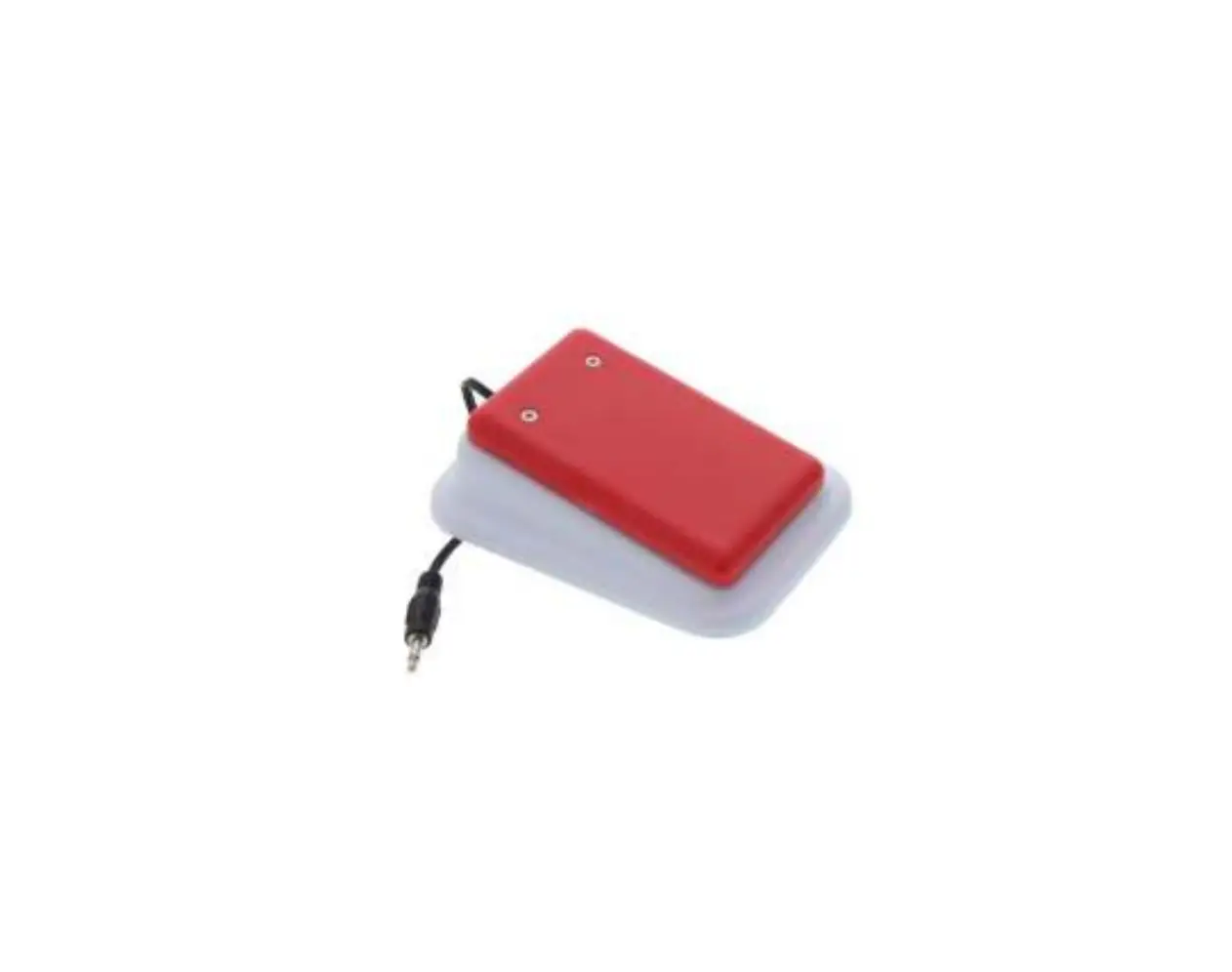
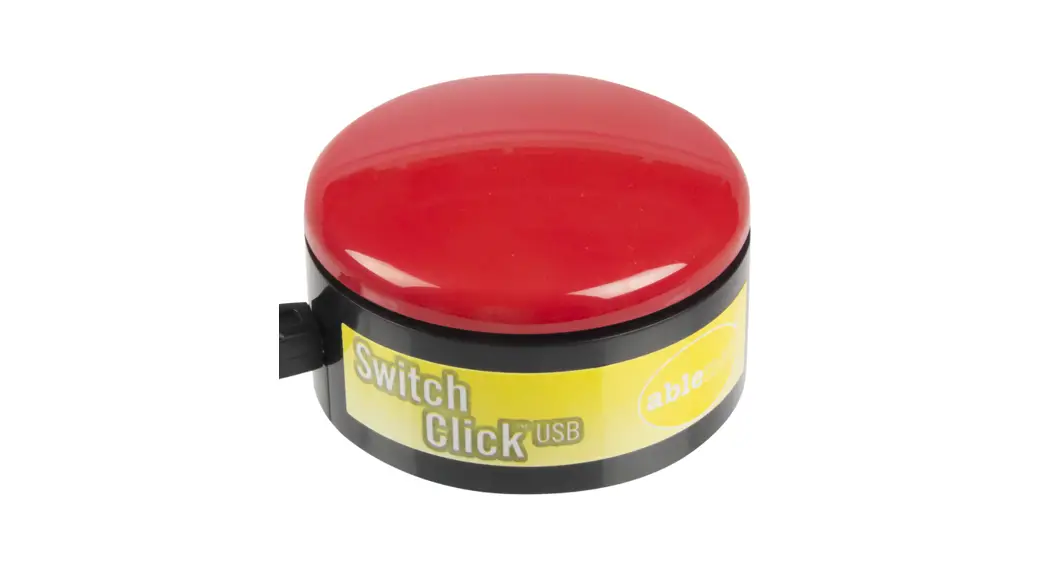
The New & Improved Compact Switch #745 is a user-friendly
switch designed to activate switch-adapted devices. It is a compact
and portable device that does not require any batteries to operate.
The switch can be easily connected to your switch-adapted device by
plugging it into the device’s jack.
Key Features:
- Compact and portable design
- No battery required
- Compatible with switch-adapted devices
| Product Name | Model | Manufacturer | Contact Information |
|---|---|---|---|
| New & Improved Compact Switch #745 (Set of 3) | #745 | Enabling Devices | Technical Support: Monday – Friday, 9 a.m. to 5 p.m. (EST) Phone: 1-800-832-8697 Email: [email protected] Address: 50 Broadway Hawthorne, NY 10532 Tel: 914.747.3070 / Fax: 914.747.3480 Toll-Free: 800.832.8697 Website: www.enablingdevices.com |
Product Usage Instructions:
- Plug the Compact Switch into the jack on your switch-adapted
device. - If you need to use an adapter, ensure that you use a MONO
adapter, not a STEREO adapter. - Make sure the connection between the Compact Switch and your
device is secure with no gaps. - There are three ways to actuate the Compact Switch:
- Mount it on a gooseneck mounting system for head-activated
switch use. - Place it on a table or lap tray and use single finger pressure
for activation. - Pinch the switch between two fingers (usually the thumb and
index finger) to work on prehension skills.
- Mount it on a gooseneck mounting system for head-activated
- The switch will only remain activated while the Compact Switch
is being actuated. Releasing the switch will turn off the
device.
Troubleshooting:
If the Compact Switch does not activate your toy/device, follow
these steps:
- Make sure the connection between the Compact Switch and your
device is secure with no gaps. - If you are using an adapter, ensure that it is a MONO adapter,
not a STEREO adapter. - Try a different switch with your toy/device to rule out the
toy/device as the source of the problem.
Care Instructions:
To clean the Compact Switch, follow these guidelines:
- Use any household multi-purpose cleaner and disinfectant to
wipe the switch clean. - We recommend using Simple Green, a non-toxic biodegradable
all-purpose cleaner. - Do not submerge the unit, as it may damage the electrical
components. - Avoid using abrasive cleaners, as they can scratch the surface
of the unit. - The switch is not waterproof, so do not place it in a location
where fluids may spill into the mechanism (e.g., drooling).
Revision Date: 2/14/17
New & Improved Compact Switch #745 (Set of 3)
USER’S GUIDE
For Technical Support: Call our Technical Service Department Monday through Friday, 9 a.m. to 5 p.m. (EST)
1-800-832-8697 [email protected]
50 Broadway Hawthorne, NY 10532 Tel. 914.747.3070 / Fax 914.747.3480 Toll Free 800.832.8697 www.enablingdevices.com
Improved! Tiny, sensitive and affordable, these capability switches are ideal because you can mount them anywhere. They are great to group together to allow the user to activate 3 different devices. Includes Velcro for mounting. Size: 1 ¼ “D x “H. Weight: ¼ lb.
Operation:
1. The Compact Switch does not require any batteries to operate.
2. Plug the Compact Switch into the jack on your switch-adapted device.
3. If it is necessary for you to use an adapter, make sure that you use a MONO adapter, not a STEREO adapter
4. Make sure that the connection between the Compact Switch and your device is tight. There should be no gaps.
5. Actuate the Compact Switch by either (1) mounting it on a gooseneck mounting system (e.g. using it as a head activated switch). (2) Place it on a table or lap tray and using single finger pressure for activation, or (3) pinching the switch between two fingers, usually the thumb and index finger, to work on prehension skills.
6. The device will only remain activated while the Compact Switch continues to be actuated. Once you release the switch, the device will turn off.
Troubleshooting:
Problem: The Compact Switch does not activate your toy/device.
Action #1: Make sure that the connection between the Compact Switch and your device is tight. There should be no gaps. This is a common error and an easy fix.
Action #2: If you are using an adapter, make sure that it is a MONO adapter, not a STEREO adapter.
Action #3: Try a different switch with your toy/device to rule out the toy/device as the source of the problem.
Care of Unit: The Compact Switch can be wiped clean with any household multi-purpose cleaner and disinfectant. We recommend Simple Green, which is a non toxic biodegradable all-purpose cleaner. Do not submerge the unit, as it will damage the electrical components.
Do not use abrasive cleaners, as they will scratch the surface of the unit.
The switch is not waterproof. Please do not place in a location where fluids will spill into the mechanism (drooling, etc.).
Rev 2/14/17
 Products For People With Special Needs | Enabling Devices