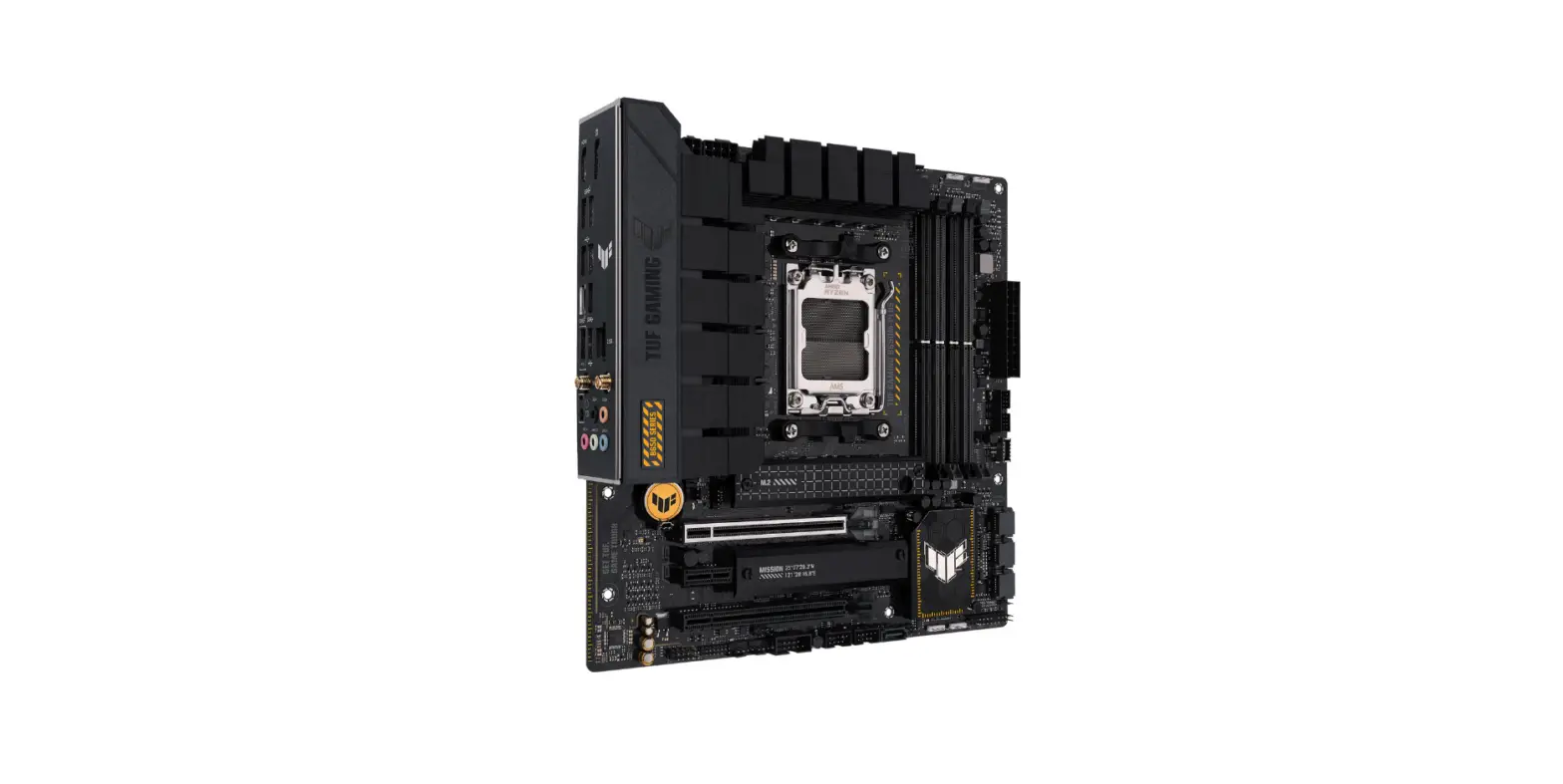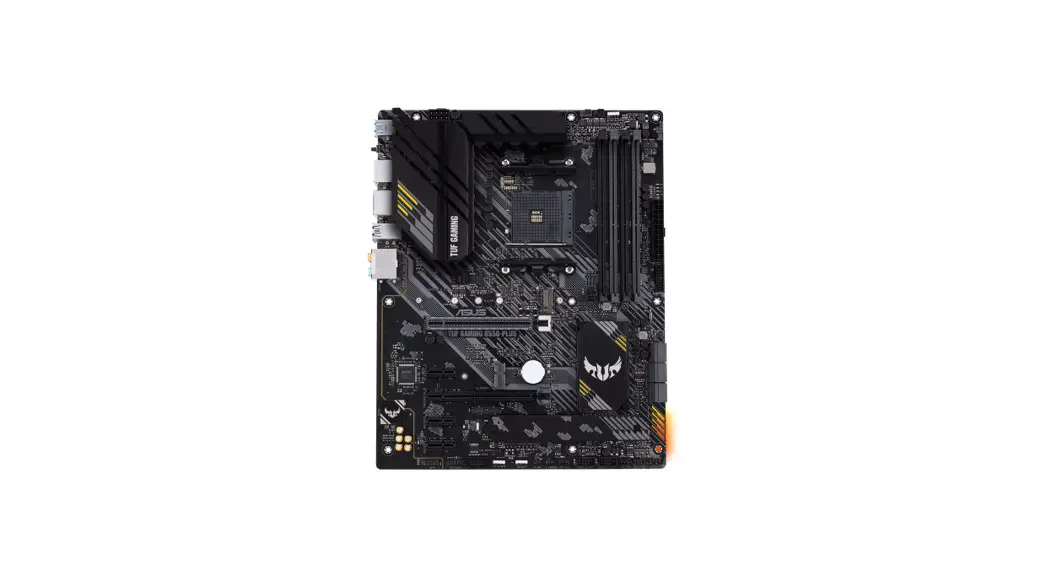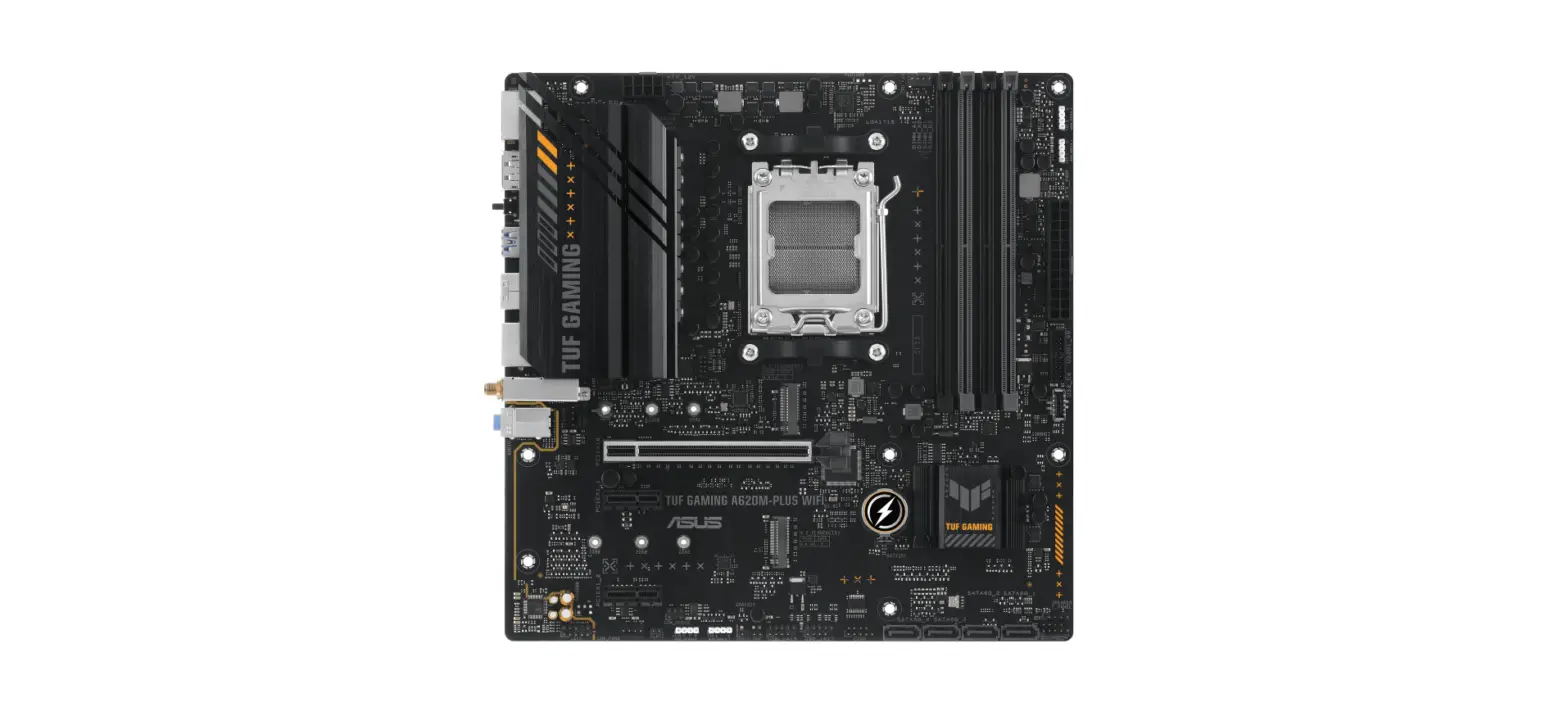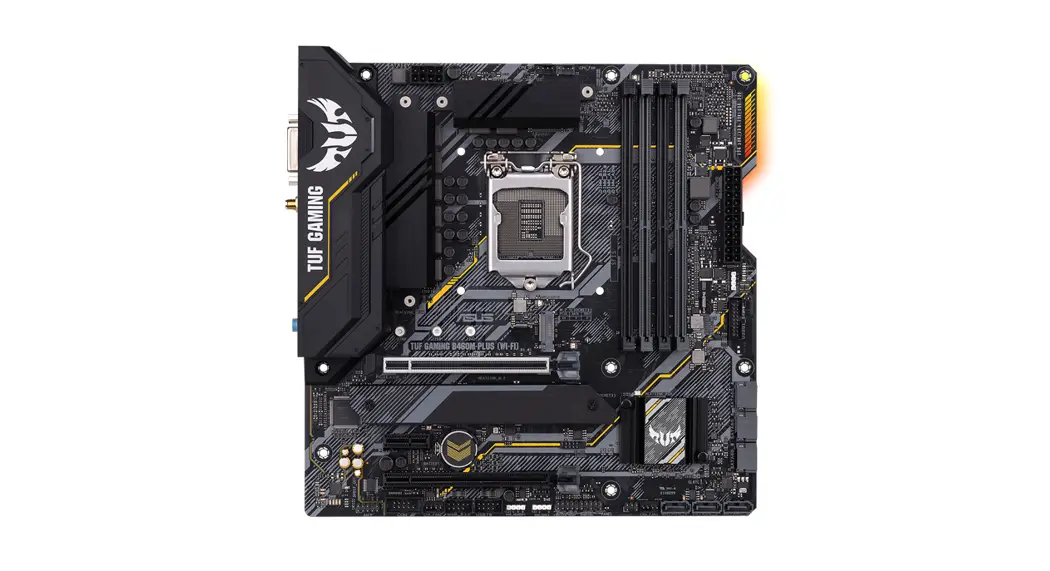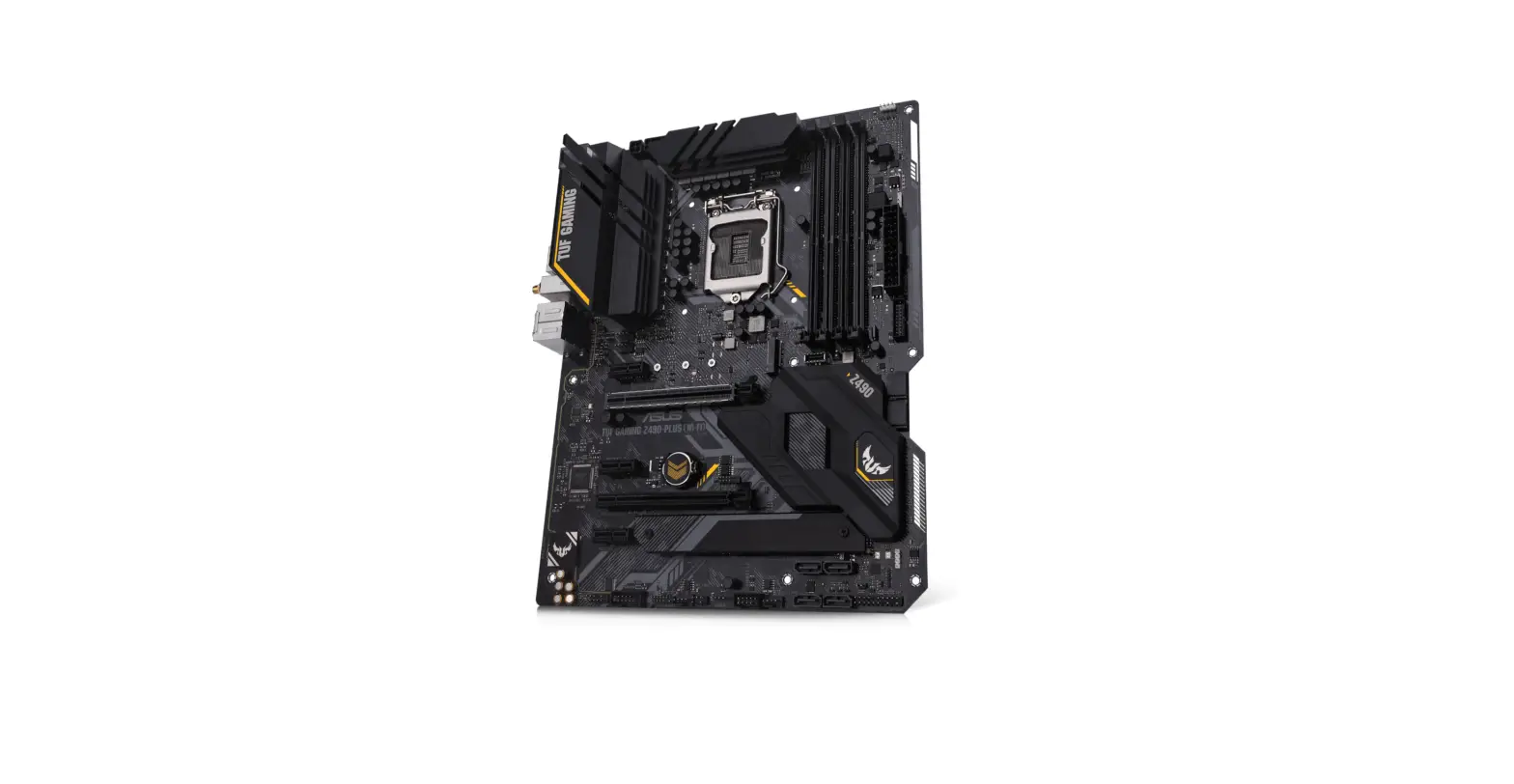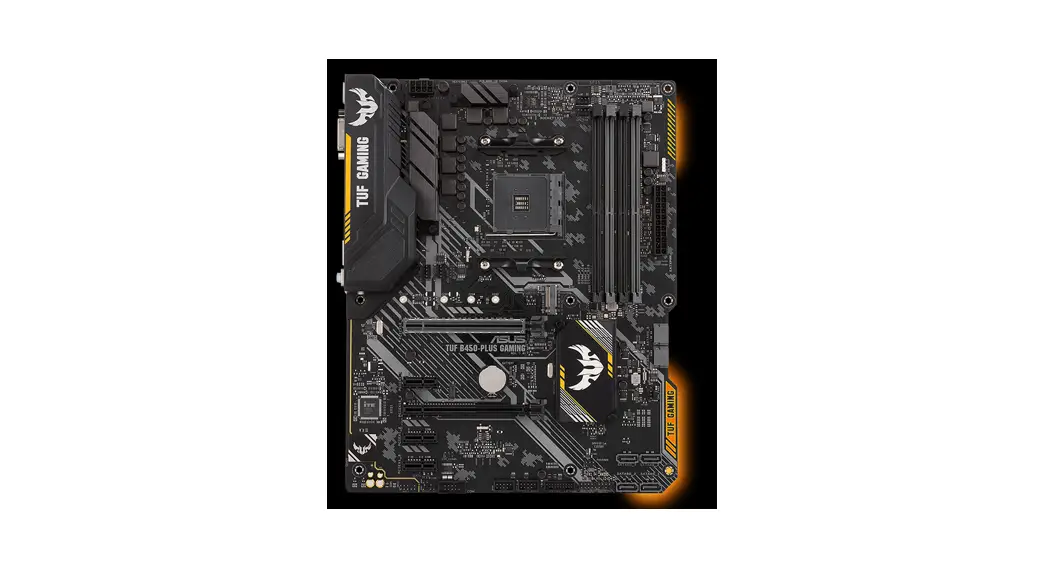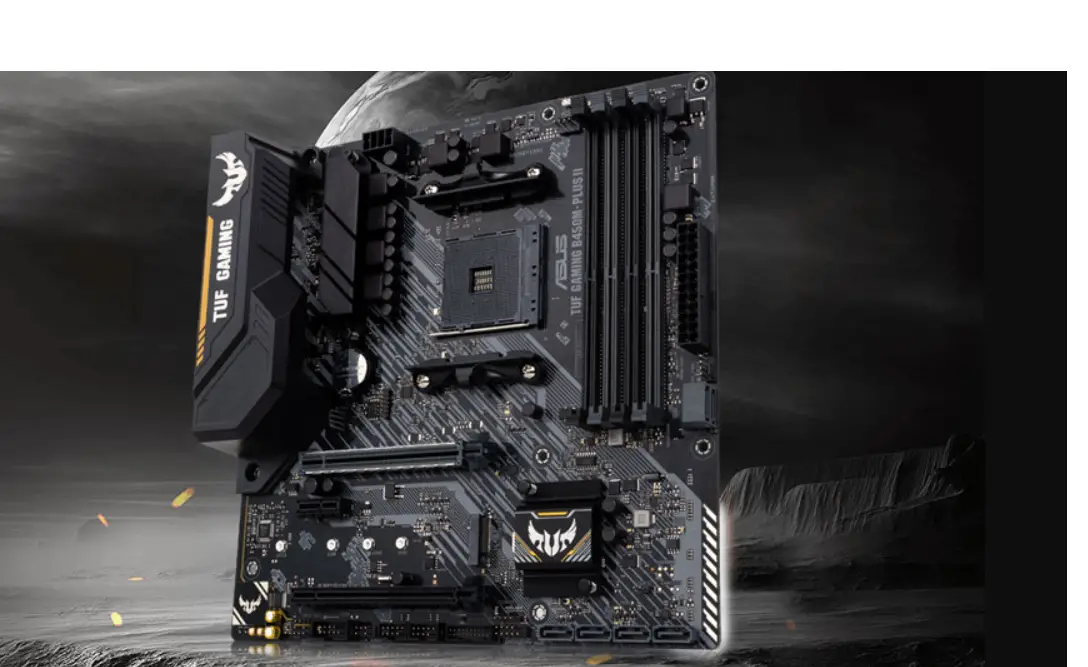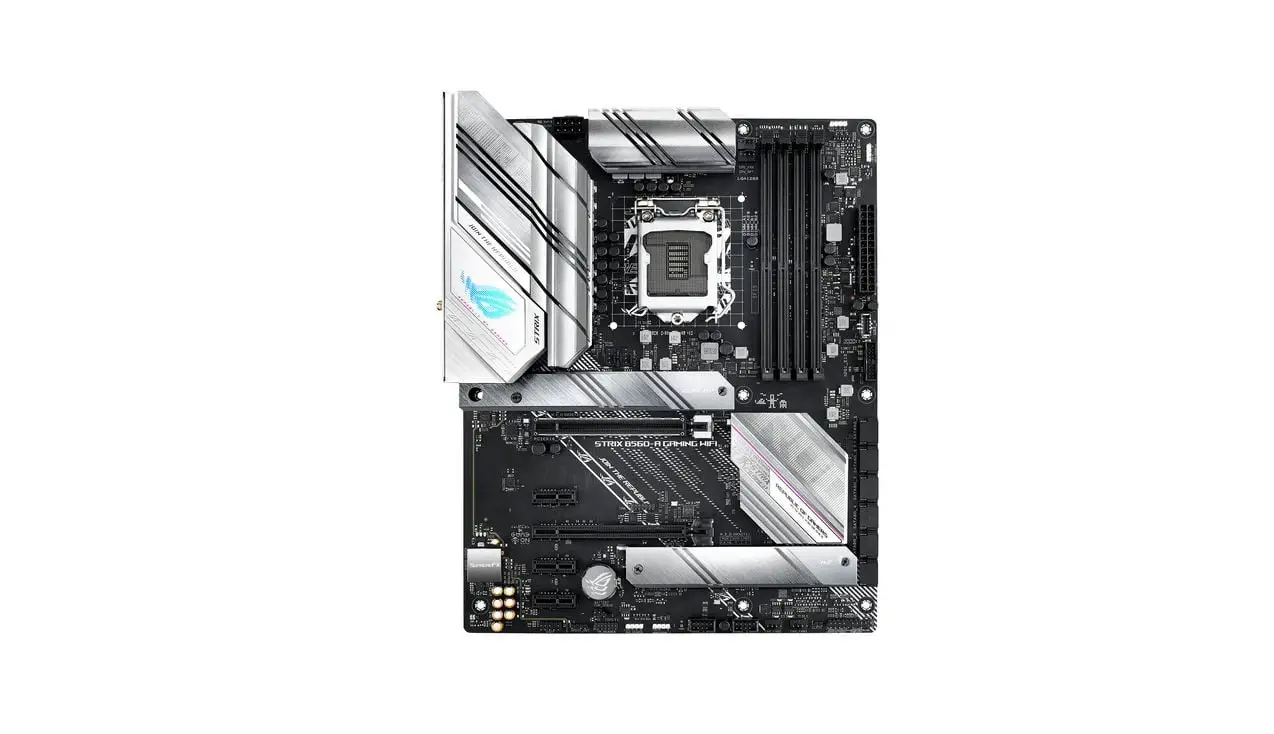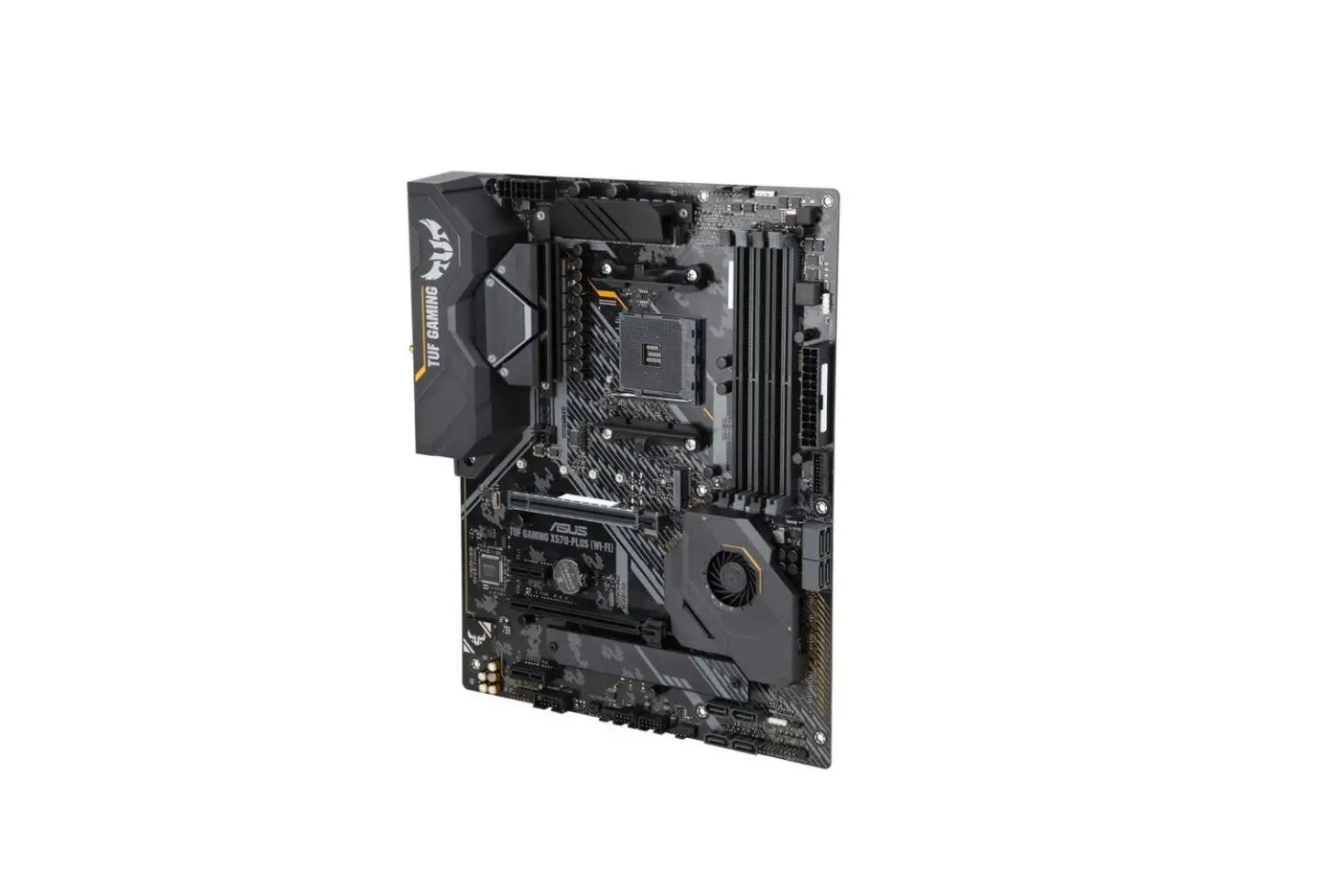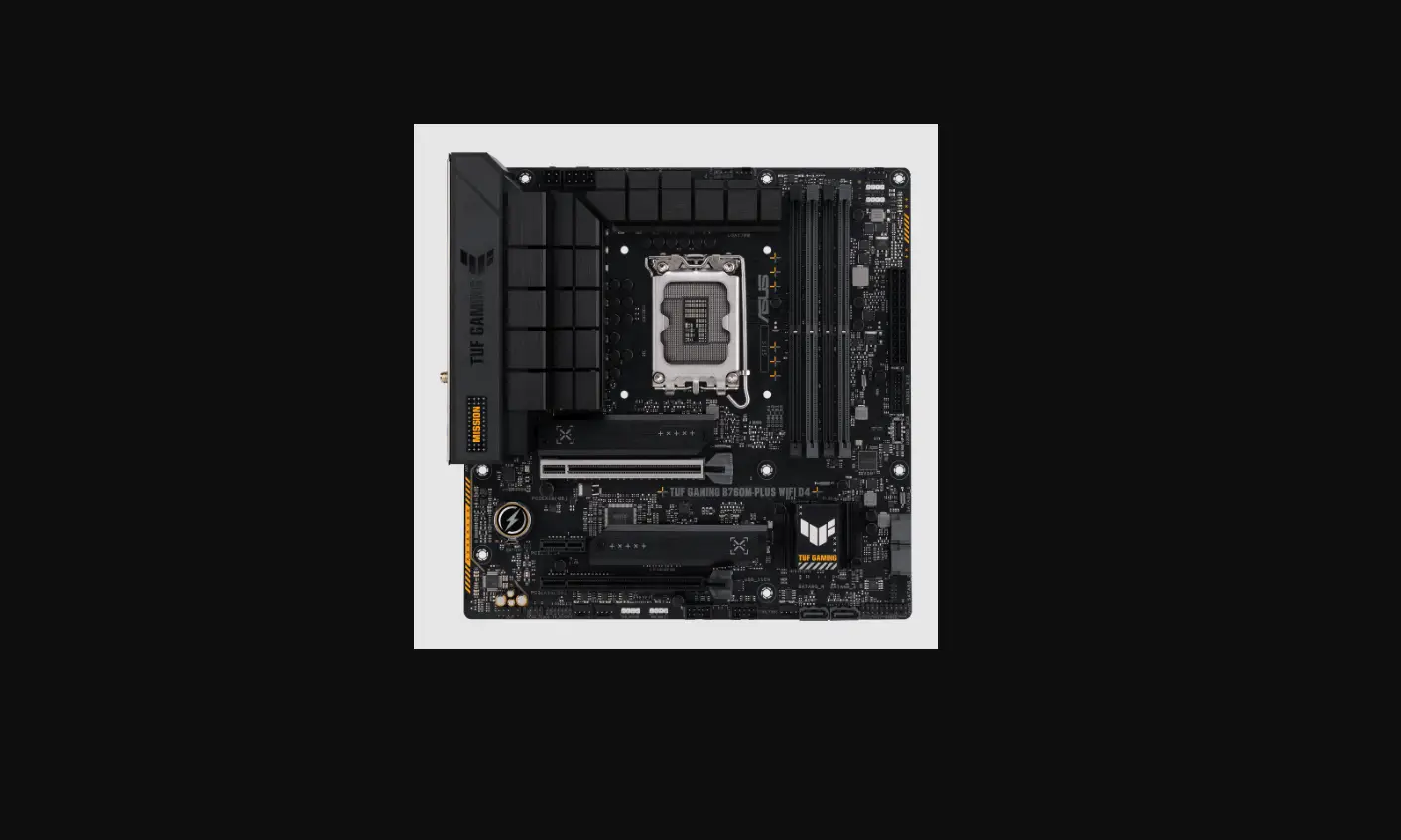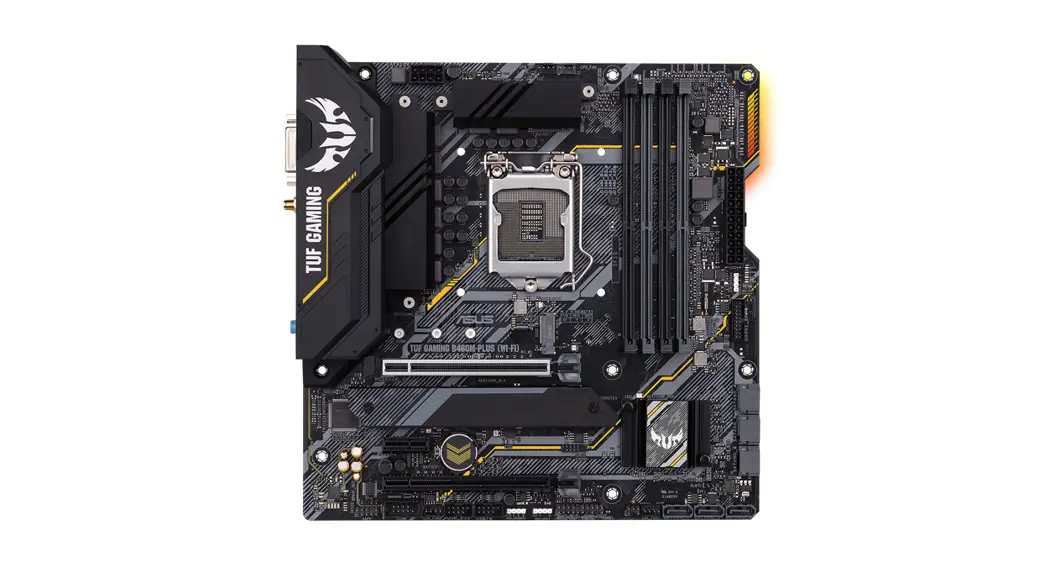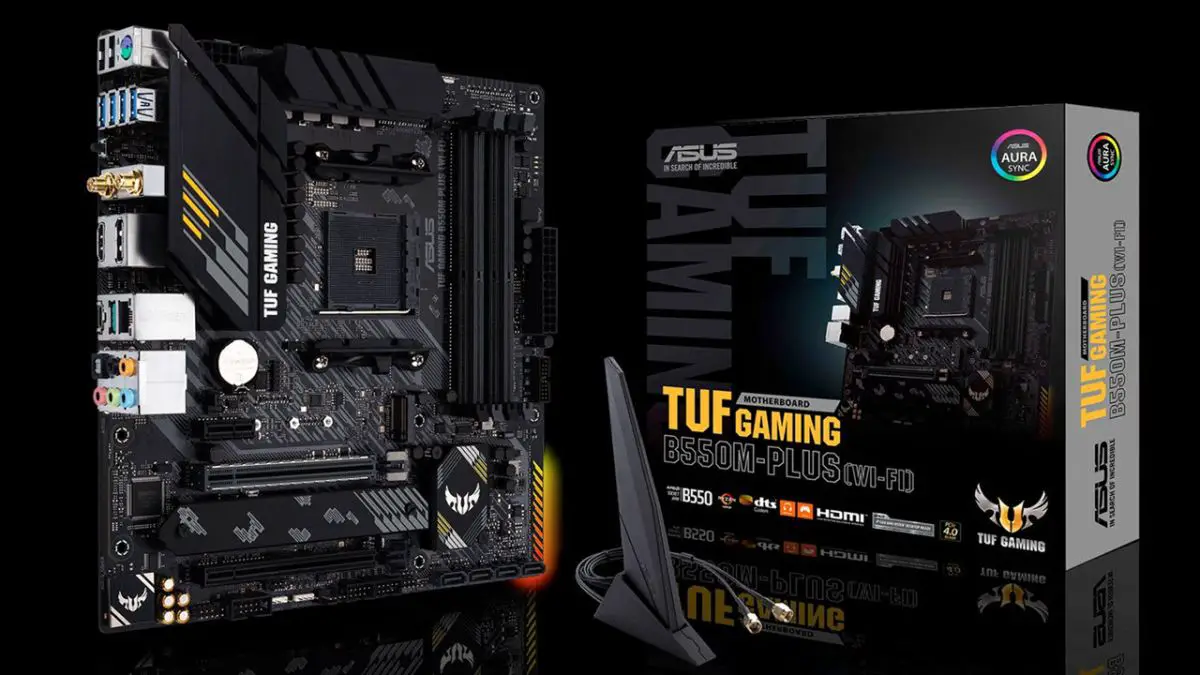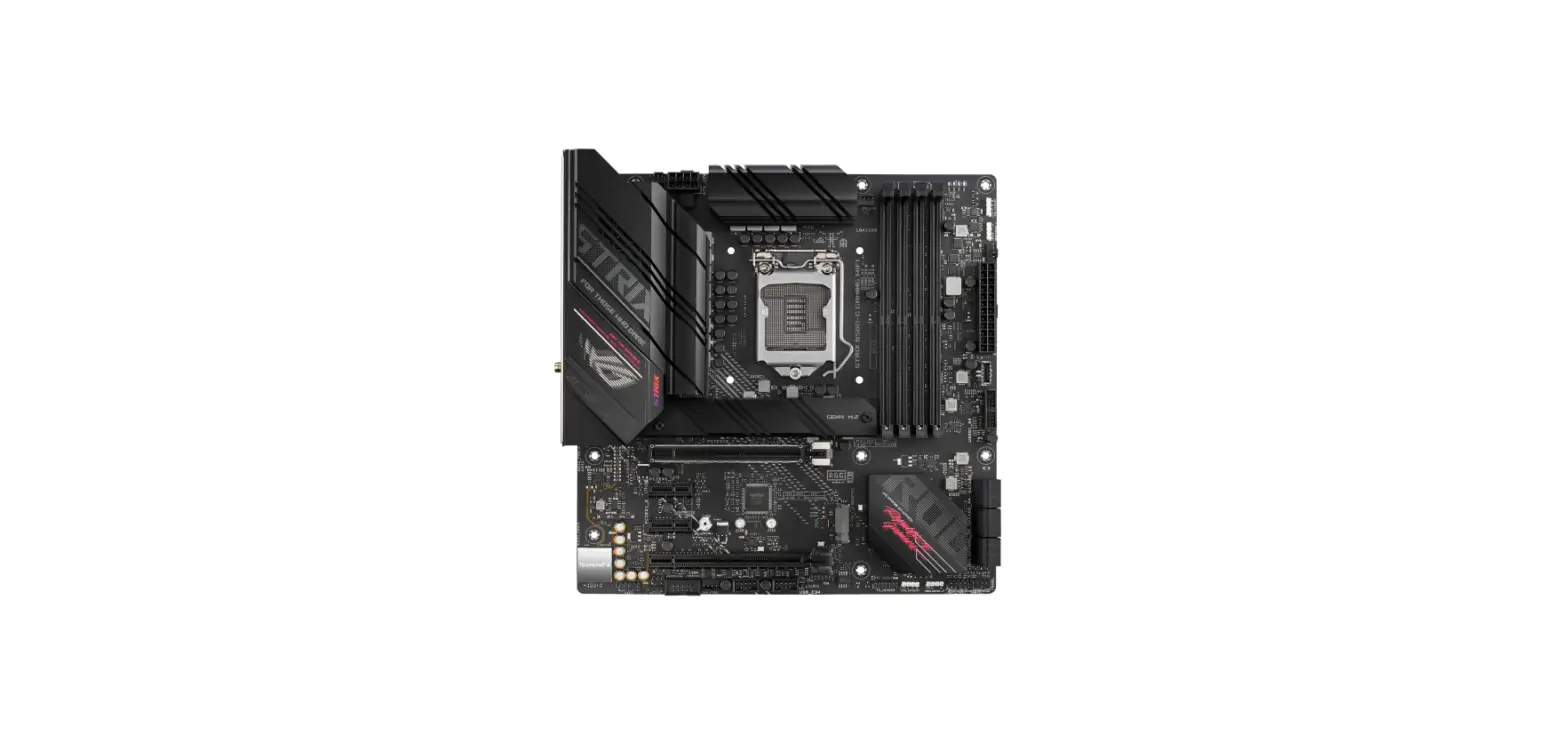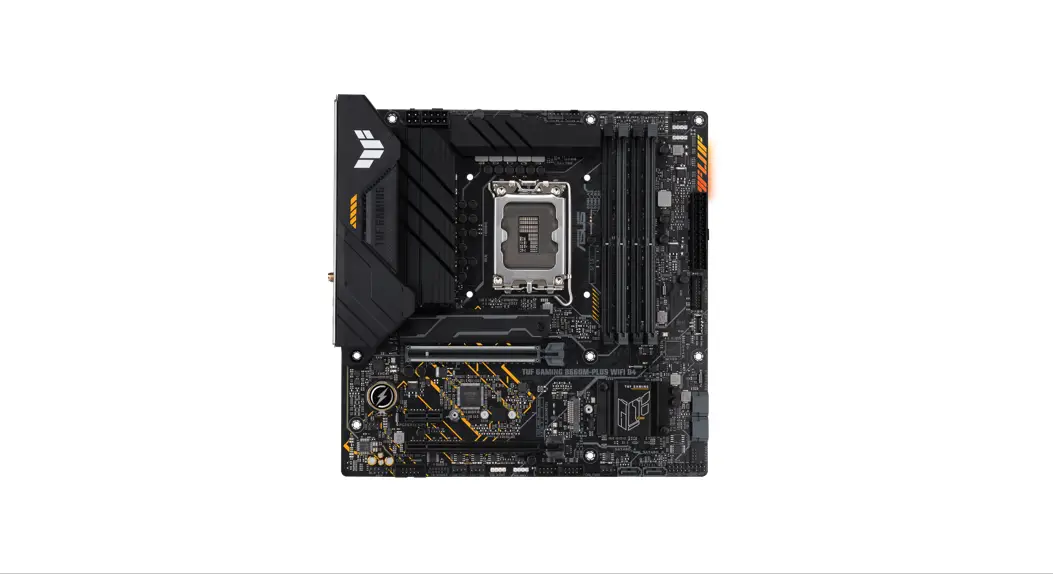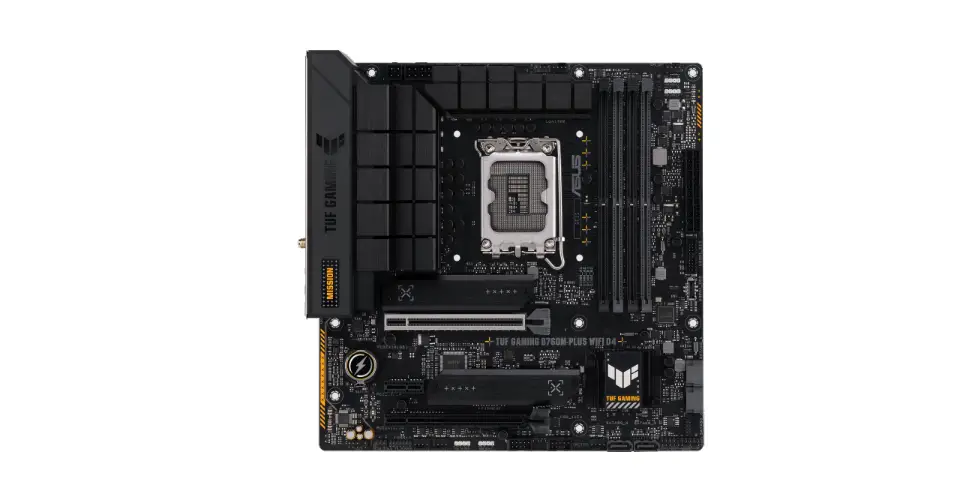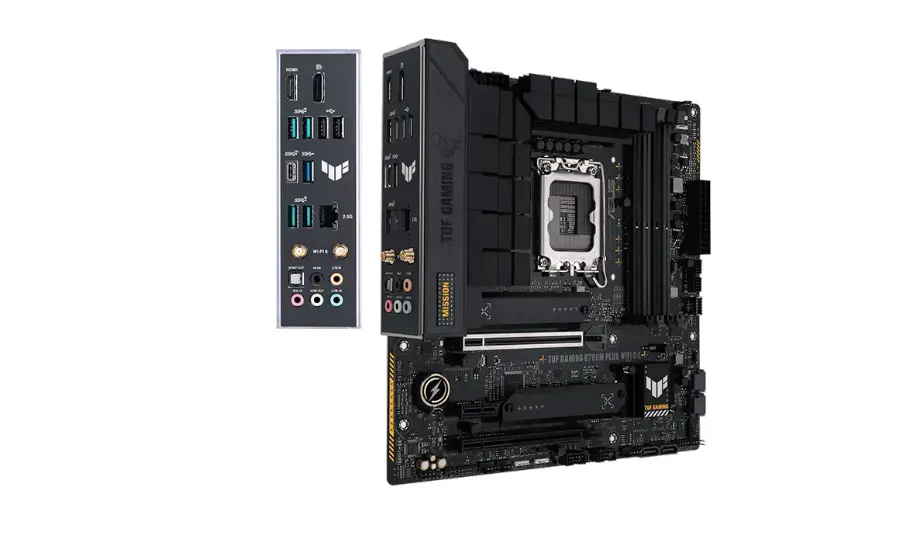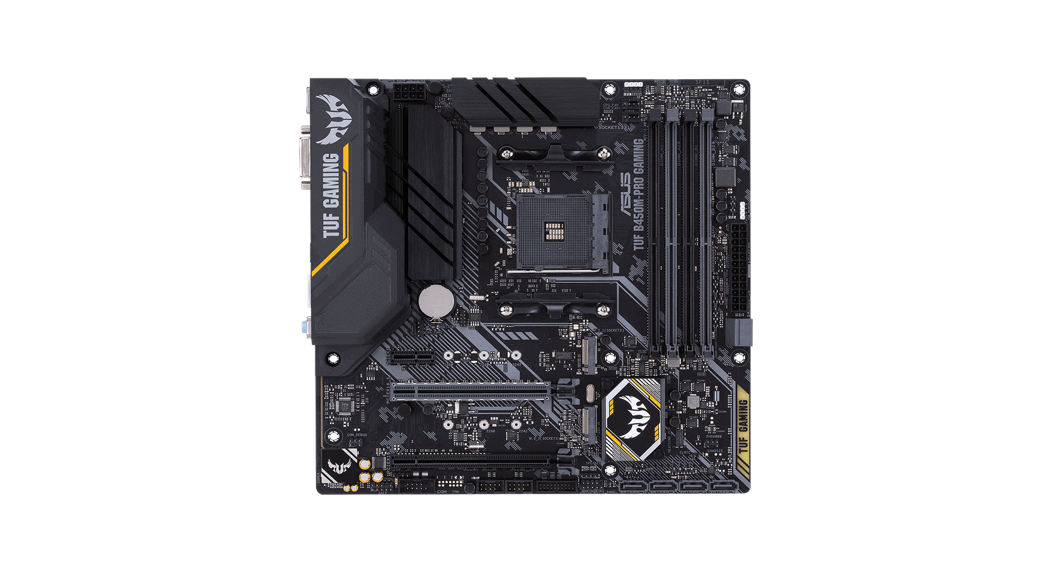

ASUS B560M-PLUS TUF Gaming Motherboard
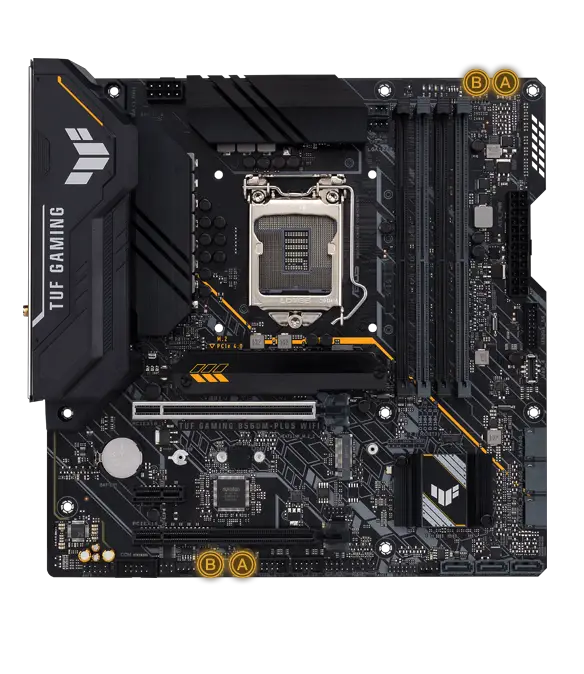
TUF GAMING B560M-PLUS
Quick start guide
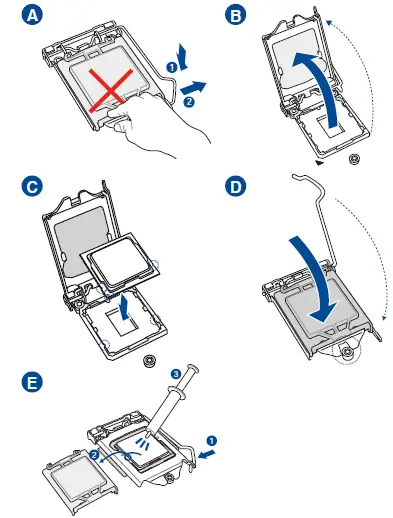
- Step 1
Install the CPU Installer (CPU)
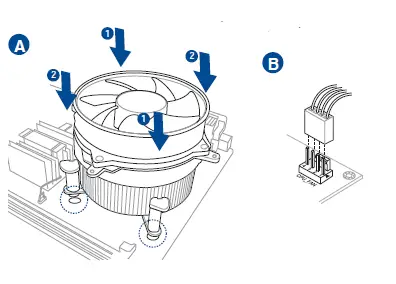
- Step 2
Install the CPU fan
Motherboard Layout
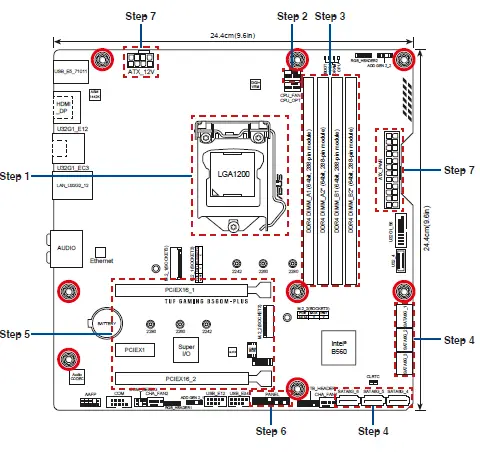
- Step 3
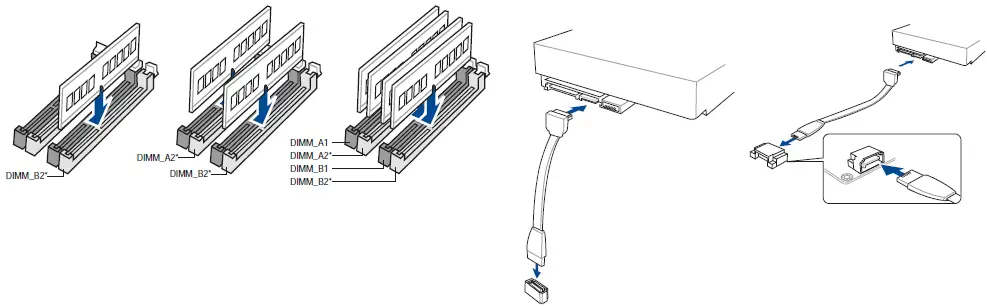
Install memory modules Installer - Step 4
Install storage devices
Australia statement notice
From 1 January 2012 updated warranties apply to all ASUS products, consistent with the Australian Consumer Law. For the latest product warranty details please visit http://www.asus.com/support/. Our goods come with guarantees that cannot be excluded under the Australian Consumer Law. You are entitled to a replacement or refund for a major failure and compensation for any other reasonably foreseeable loss or damage. You are also entitled to have the goods repaired or replaced if the goods fail to be of acceptable quality and the failure does not amount to a major failure.
If you require assistance please call ASUS Customer Service 1300 2787 88 or visit us at http://www.asus.com/support/
India E-waste (Management) Rule 2016
This product complies with the “India E-Waste (Management) Rules, 2016” and prohibits use of lead, mercury, hexavalent chromium, polybrominated biphenyls
(PBBs) and polybrominated diphenyl ethers (PBDEs) in concentrations exceeding 0.1% by weight in homogenous materials and 0.01 % by weight in homogenous materials for cadmium, except for the exemptions listed in Schedule II of the Rule.
Regional notice for Turkey
AEEE
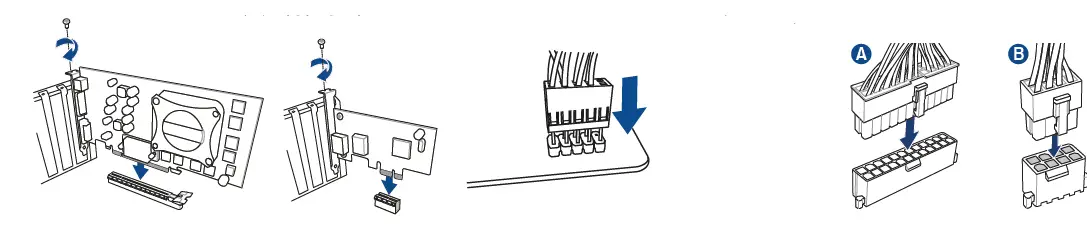
- Step 5
Install expansion card(s) - Step 6
Install the system panel connector - Step 7
Install ATX power connectors
- Step 8
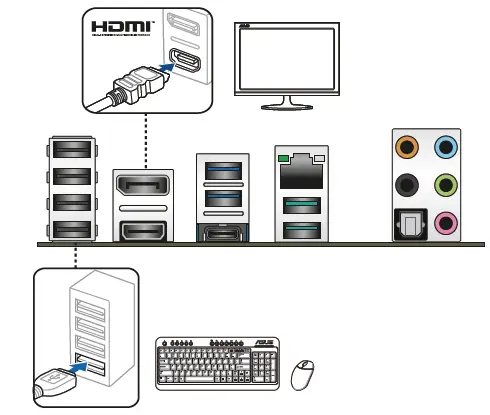
Connect input/output devices
- Step 9
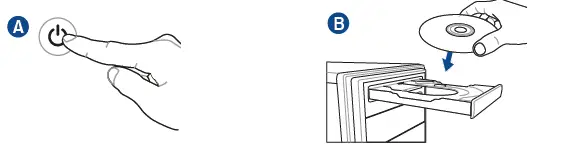
Power on the system and install operating system and drivers
 Official Support | ASUS Global