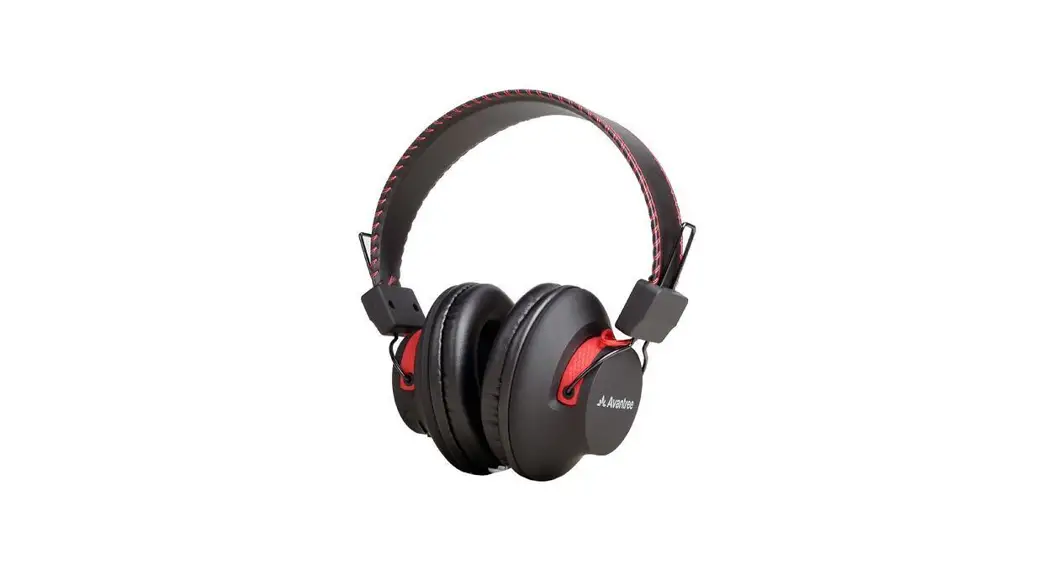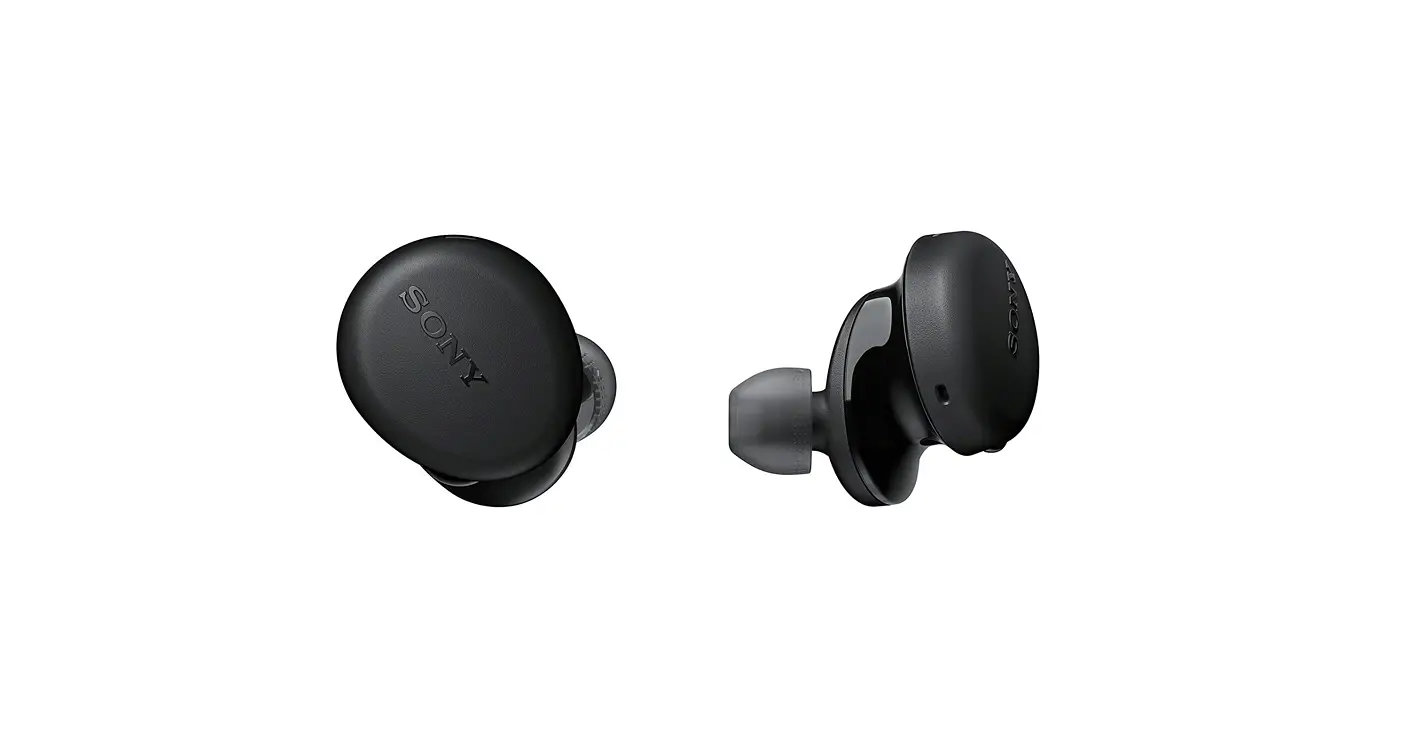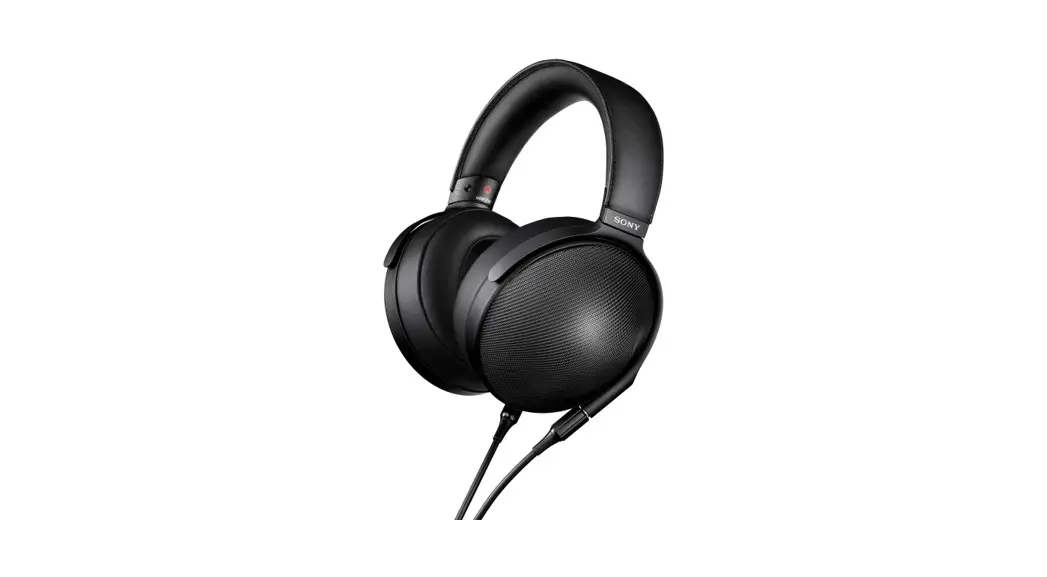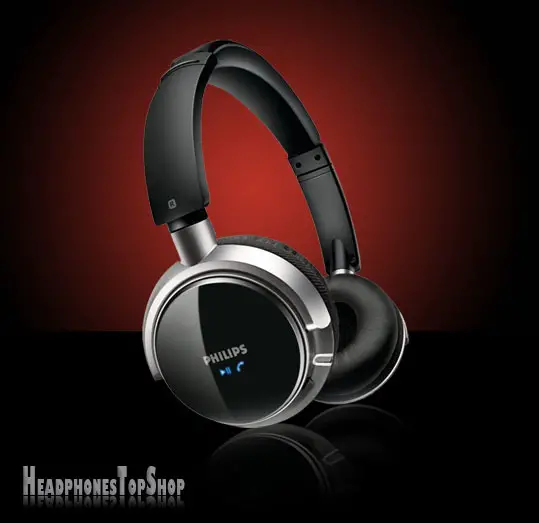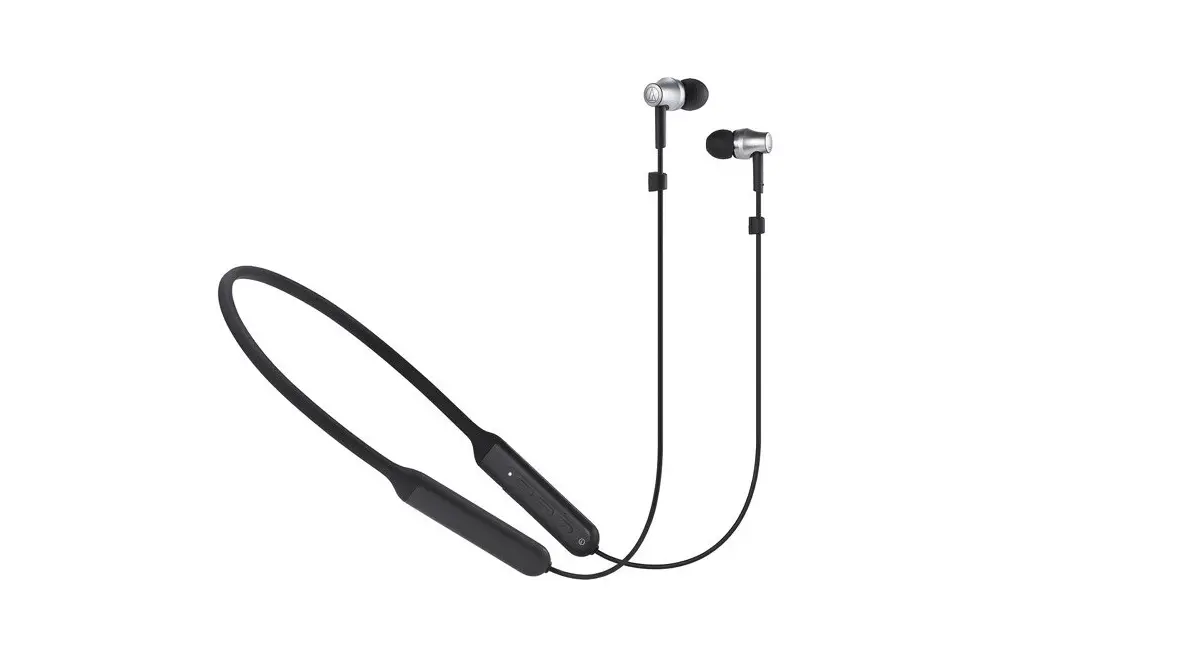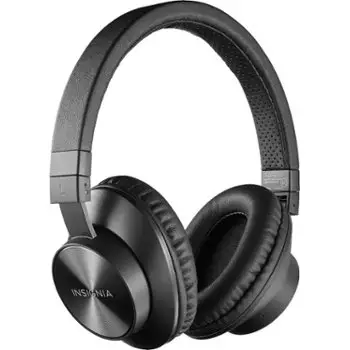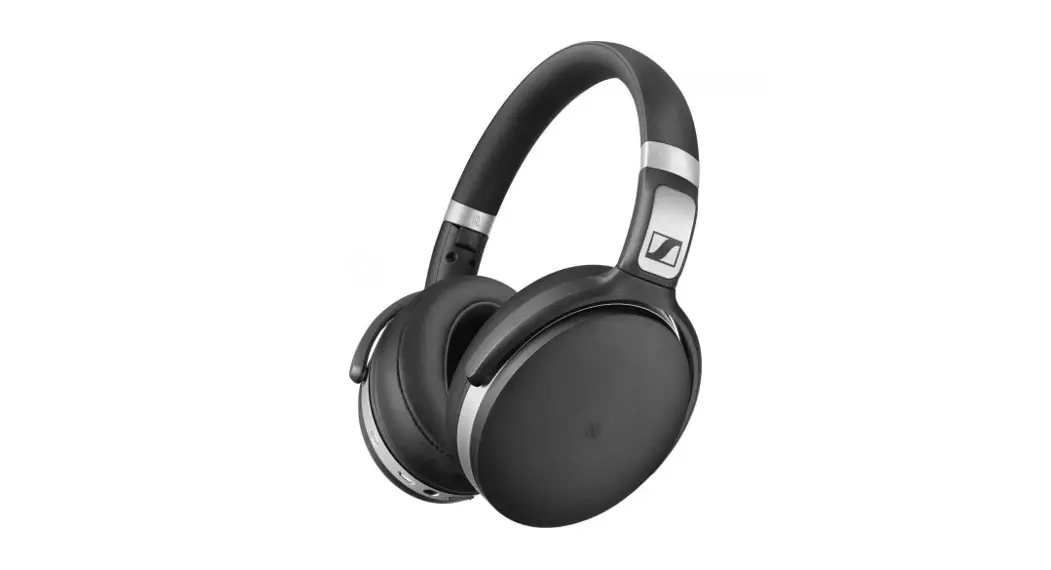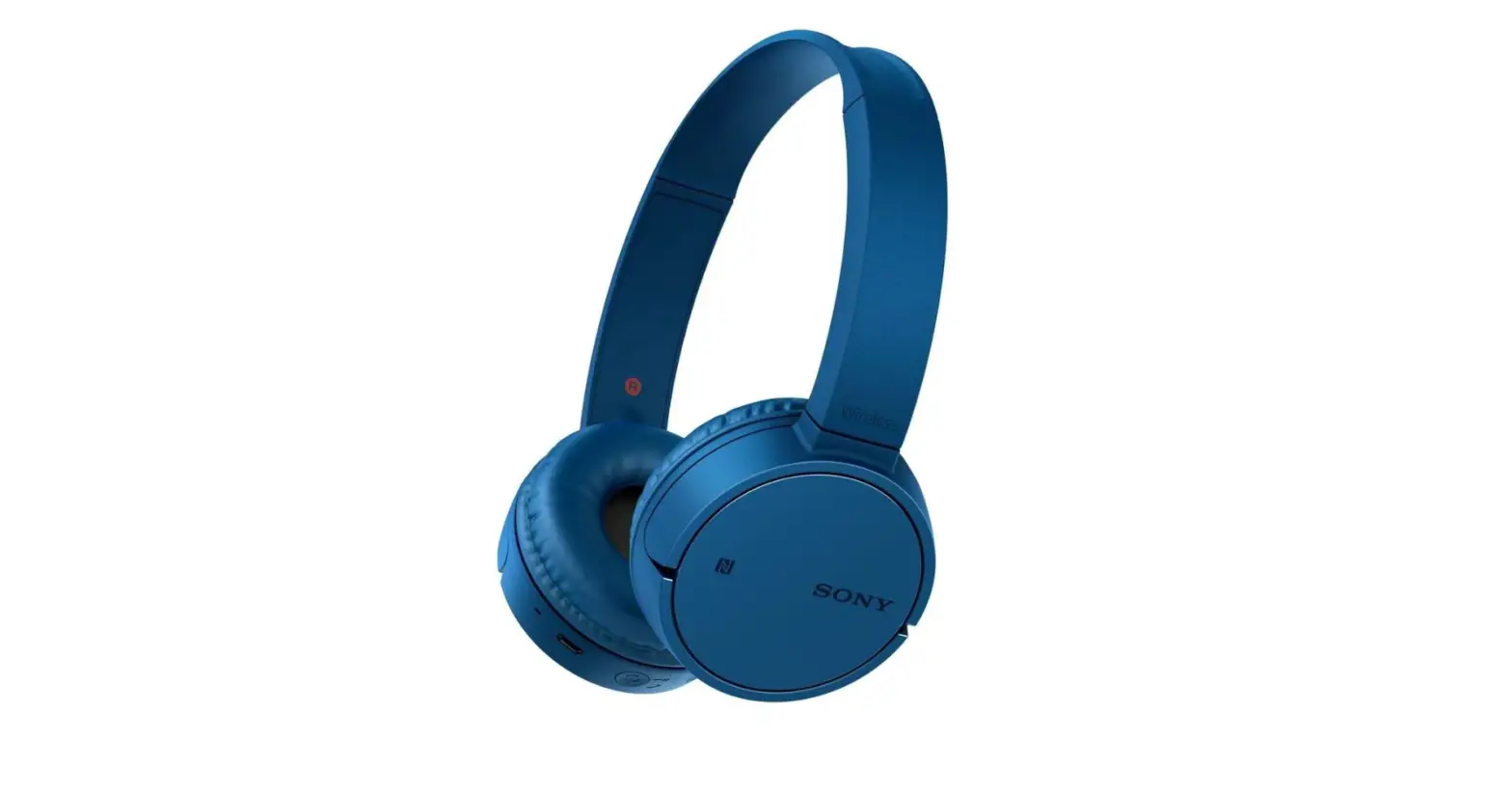

Sony MDRZX220BTL.CE7 Bluetooth NFC Headphones
Specifications
- DIMENSIONS: 39 x 0.39 x 0.39 inches
- WEIGHT: 9 ounces
- HEADPHONE TYPE: On-Ear
- IMPEDANCE: 24 ohms
- SENSITIVITY: 100dB / 1mW
- CONNECTIVITY: Bluetooth
Introduction
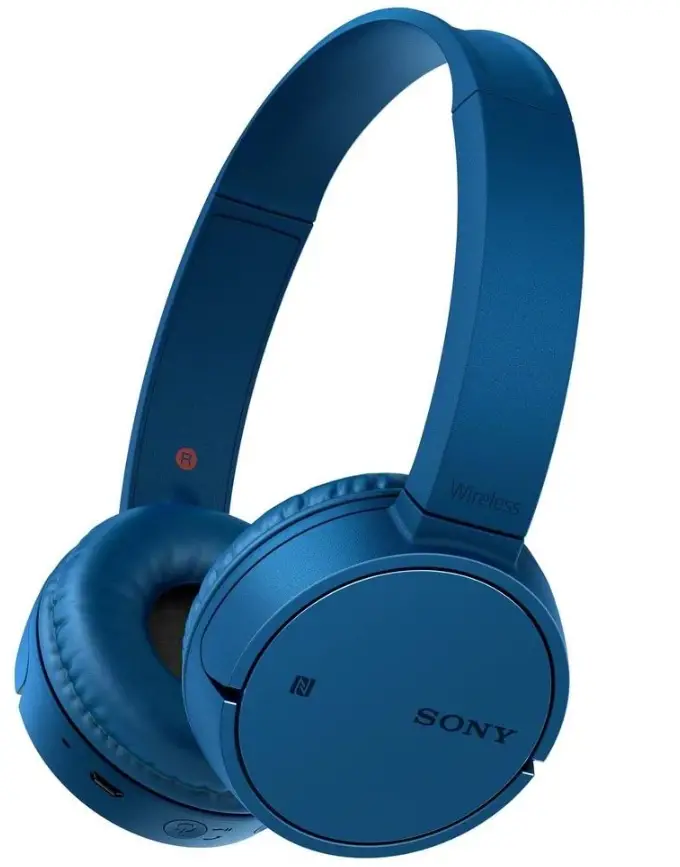
Black Sony ZX220BT Wireless On-Ear Bluetooth Headphones with 30mm Drivers, Swivel Earcups, and NFC One-touch.
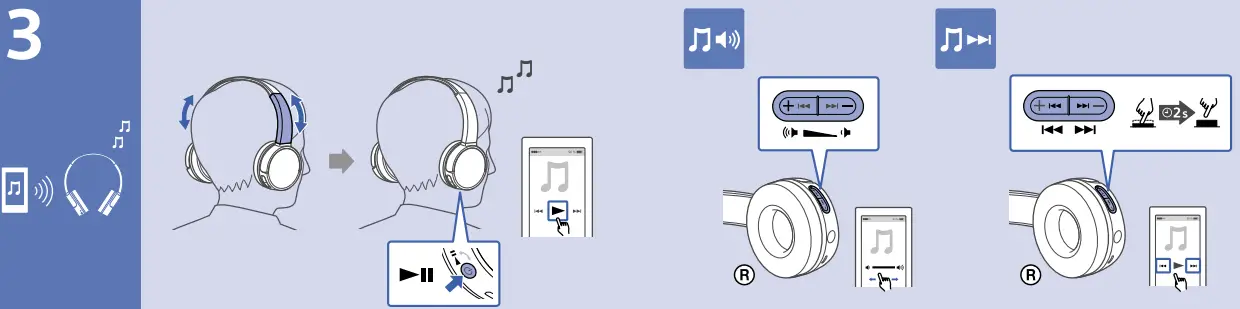
Neodymium magnets, 30mm speakers, and a built-in microphone allow the black ZX220BT Bluetooth Headphones from Sony to be used for hands-free calls. They can be used with smartphones or tablets to answer calls and stream music over Bluetooth, and their frequency response ranges from 20 Hz to 20 kHz. You may use the built-in controls to change the volume and use your device to listen to playlists.
When not in use or while traveling, they may be conveniently folded and stored thanks to their swivel design. The headphones’ integrated lithium-ion battery provides 8 hours of wireless playback so you can listen to music all day long. They can be recharged via micro-USB, and the process takes roughly 2.5 hours.
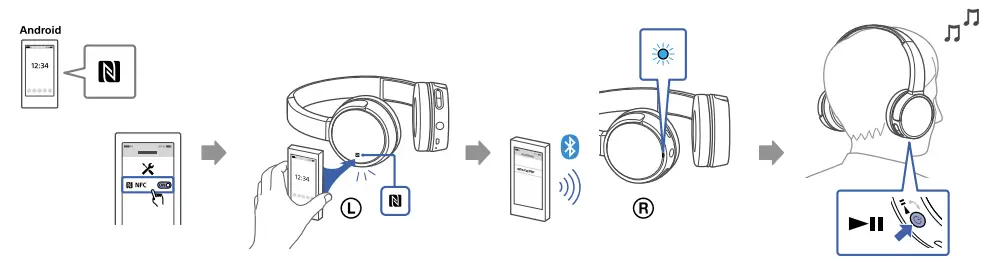
Bluetooth Wireless StreamingUse Bluetooth to broadcast your favorite music wirelessly. Built-in Microphone for Hands-Free CallsThese headphones have a built-in microphone for hands-free calls, so you can take calls and provide voice instructions even with your phone safely tucked away in your pocket or bag when you pair your smartphone or tablet with them through Bluetooth. You may make and take calls from your smartphone with ease if it has a good inline microphone as well. NFC One-touch for Instant ConnectivityNear Field Communication (NFC) technology eliminates the need for laborious setup procedures. To start streaming content over Bluetooth, merely touch a few NFC-enabled devices to the on-body N-mark for a rapid, smooth connection.
No NFC? No issue. Listen Longer with 8-Hour Wireless PlaybackThese headphones allow you to listen to music all day long. You can still manually connect to Bluetooth using the settings menu on your device. Hear It All with 1.18″ DriversHear more of the detail in all your favorite songs thanks to 1.18″ dome drivers, which deliver dynamic sound from small, lightweight units. Listen Longer with 1.18″ Drivers Depending on your music preferences, a built-in lithium-ion battery provides roughly eight hours of power and is rechargeable via micro-USB.
What included
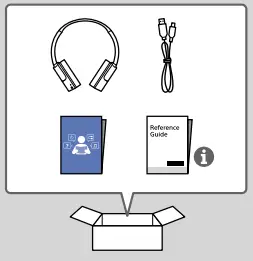
- Sony MDR-ZX220BT Bluetooth NFC Headphones x 1
- Charging cable x 1
- User manual
- Reference Guide
User Guide


Frequently Asked Questions
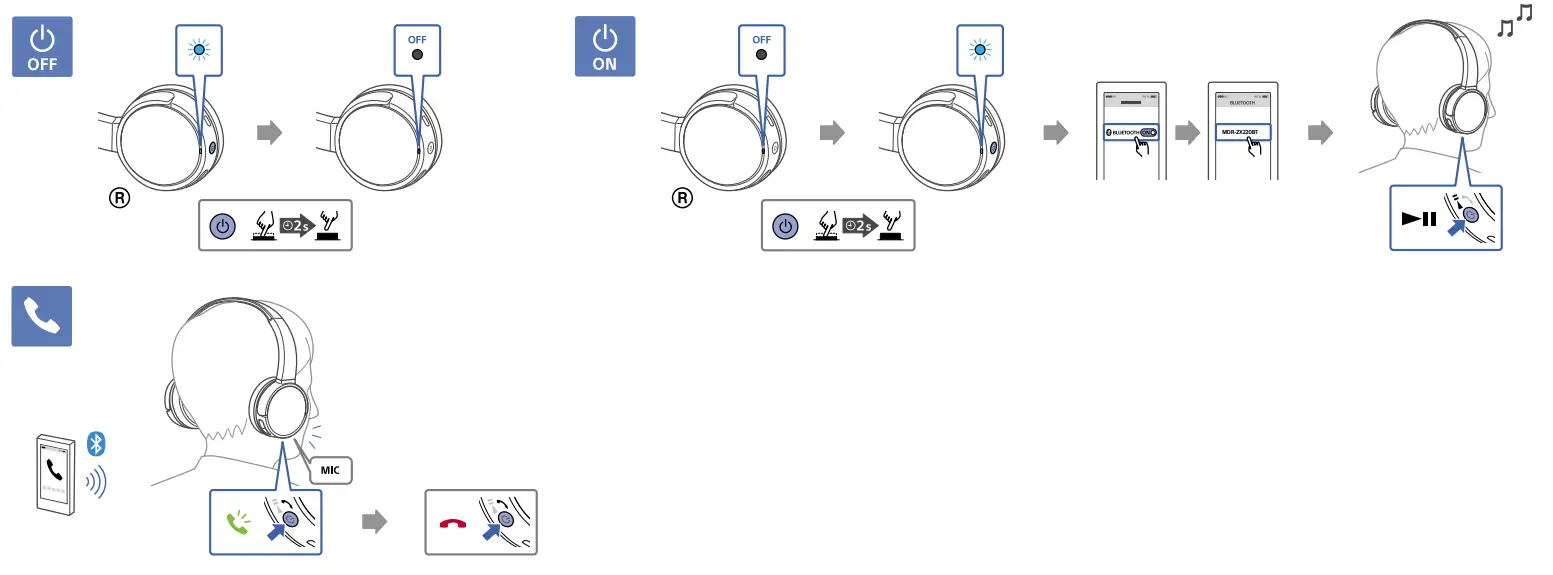
Switch this headset into pairing mode. Press and hold the button when the headset is off for roughly 2 seconds when you first pair it with a device after purchasing it or after initializing it (the headset has no pairing information). The headset instantly enters pairing mode.
Press and hold the POWER and / buttons simultaneously for longer than 7 seconds after turning off the headset. The headset is returned to its factory settings once the indicator (blue) flashes four times. All pairing data has been erased.
Place the connected Bluetooth device within three feet (one meter) of this device and turn it on. /POWER button (for the headphones) while the Bluetooth headphones are off for more than 7 seconds. Release the button once the indicator begins to blink swiftly. The Bluetooth earbuds switch to pairing mode.
Black Sony ZX220BT Wireless On-Ear Bluetooth Headphones with Swivel Earcups, 30mm Drivers, NFC One-Touch, and Built-In Microphone
Make that Bluetooth is turned on for both the headset and the mobile device. Bring the smartphone and headset to a 1-meter distance (3.3 feet). The Bluetooth connections for devices other than the one you want to connect with should be removed. There may already be a device connected to the headset (such as a smartphone).
In order to establish a link between BLUETOOTH devices and enable wireless connectivity, pairing is necessary. To establish a BLUETOOTH connection for the first time, a device must be paired with the headset.
Open Settings -> Connected devices -> Connection preferences on Android and enable NFC. Both the left AND right earphones should be taken out of the charging case. Touch the N-mark on the charging case’s bottom with the back of your smartphone. To finish the pairing process, adhere to the instructions on your smartphone.
NFC is mostly utilized for wireless payments and access cards since it is excellent for delivering little amounts of data over extremely short distances. Bluetooth enables a wider range of connectivity, and is frequently used by gadgets like headphones, speakers, and telephones.
While users must be close to one another in order to utilize NFC technology, it is faster and easier to set up than Bluetooth connection. NFC technology is simple to use and connects instantly in a fraction of a second, making it speedier.
Because NFC hacking have advanced so far, an Android handset can now be used to compromise an ATM. Some hackers can use NFC to hack ATMs by waving a phone through specific contactless ATMs to cause them to distribute money.
Micro Dynamic Receiver, or MDR, is the abbreviation for the tiny dynamic speaker driver that generates sounds inside the headphones.
The wide headband of the MDR-7506 evenly distributes weight, making it easy to wear for extended periods of time. The earcups are removable, and the cable’s coiling prevents damage from snagging.
How well you maintain your Sony headphones will determine how long they last. The typical lifespan of Sony headphones, which many people have used over the years, is six years. Before the battery in wireless Sony headphones starts to deplete more quickly, you should expect to get about two years of use out of them.
The Sony MDR-7506 are uncomplicated, closed-back headphones with recording and critical listening capabilities. They provide a well-balanced sound with decent bass but also a harsher treble spike that could sound a little harsh with tunes that are already very bright. They are among the top studio headphones that we have used.